
Instructional, step-by-step articles.
Content Type: How-To
-

Grow a Chicken Fighter: How to Get the 404 x Cycle of Ash Fusion
Farm Cursed Eggs and Royal Eggs, then lock the skill during fusion to carry Cycle of Ash onto the 404 Chick.
-

Grow a Chicken Fighter: How to Get Blazing Eggs
Win the Hot Egg event by holding the orange egg when the three-minute timer ends, then hatch it for the game’s rarest chickens.
-

Grow a Chicken Fighter: How to Get Void Eggs
The Astro Chick route, every chicken that lays the egg, and the full hatch pool with drop odds.
-

Disney Dreamlight Valley: How to Vote in a Dreamy Contest in the Valleyverse
The Week 5 routine duty asks for a Dreamy Contest, and it points to DreamSnaps voting you can finish solo.
-
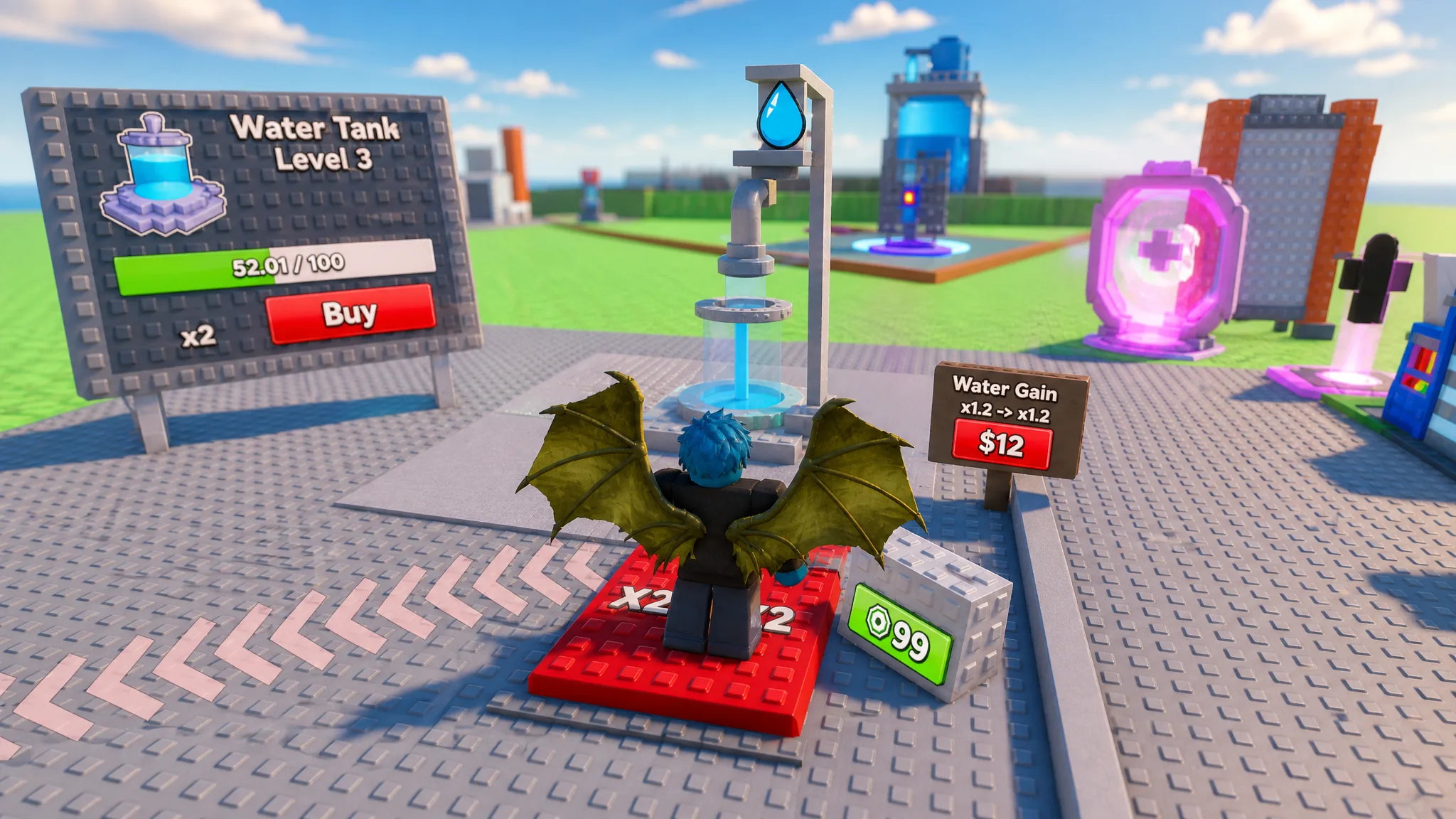
How to Play Fill Water Tanks in Roblox (Beginner Guide)
Fill the tank, sell water for cash, and upgrade capacity, pipes, and staff to raise your income.
-

How to Use the Sacrificial Heart in Path of Exile 2 for Passive Points
Sacrifice the heart at the Sacrificial Dais in Aggorat with the Sacrificial Dagger to claim four permanent skill points.
-
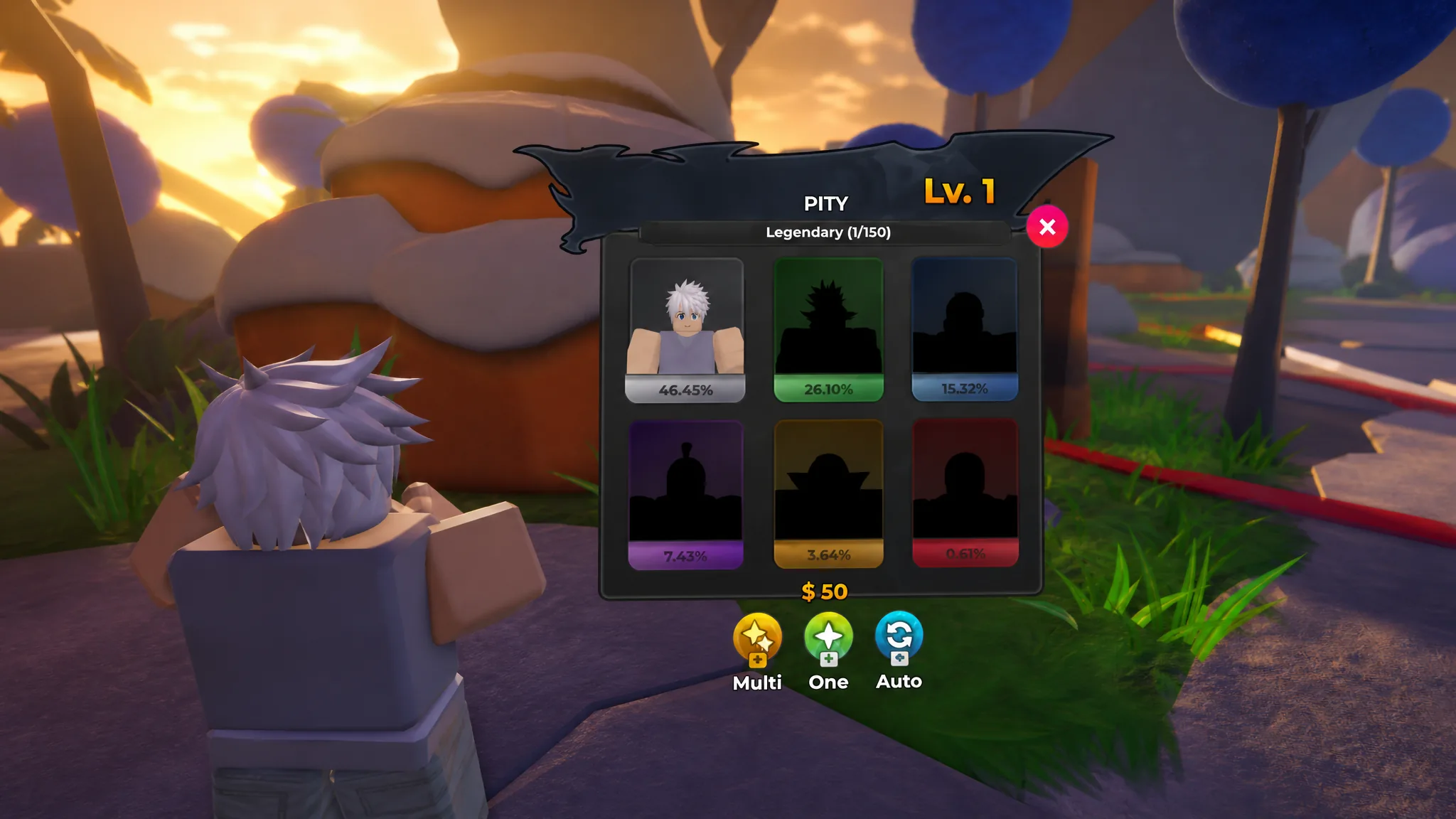
How to Play Anime Stars on Roblox: Core Loop and Progression
Learn how combat, currencies, rank ups, Champion summons, and essences fit together to grow your heroes.
-
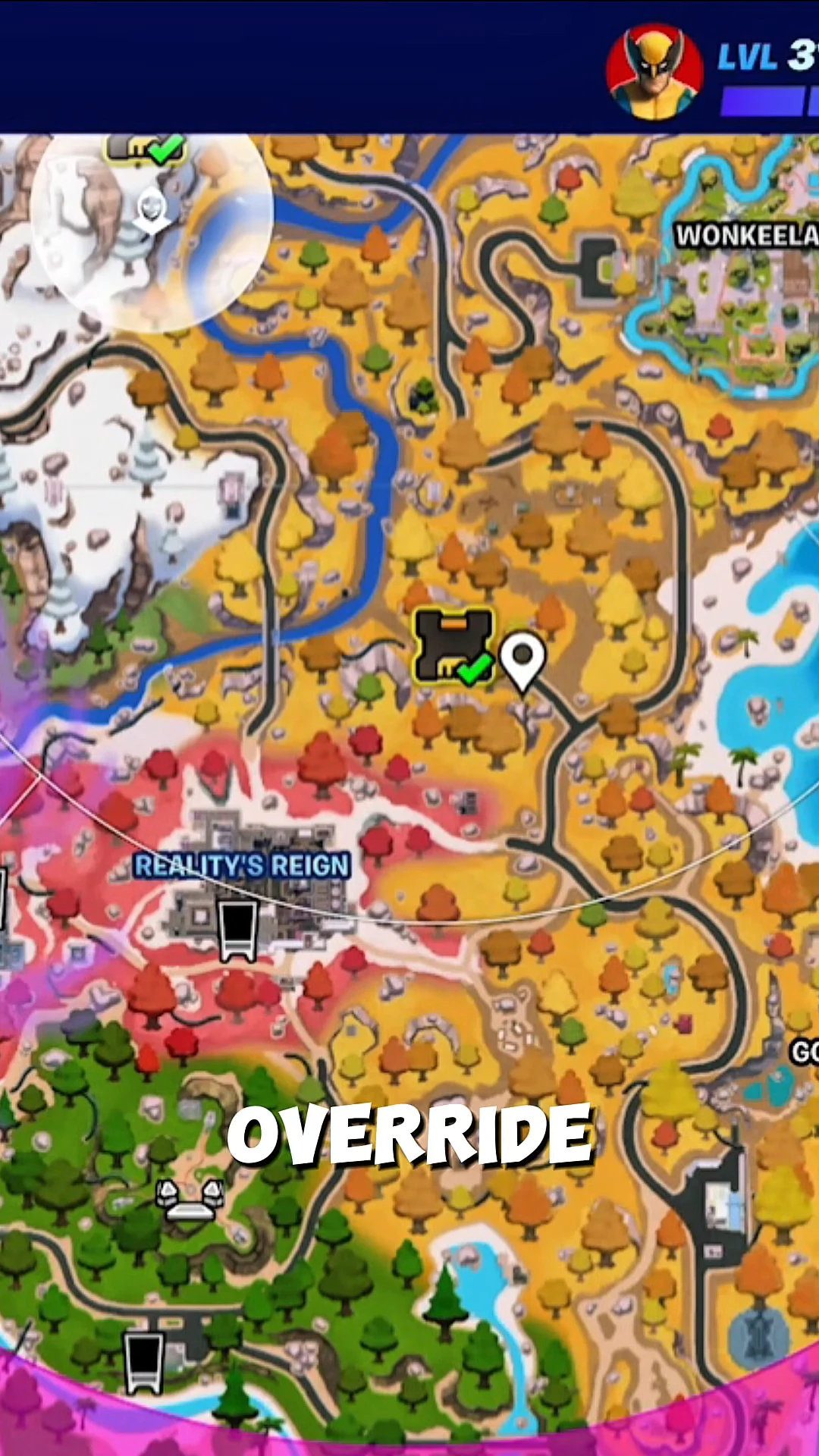
How to Get 400 HP in Fortnite (Zero Build)
Stack Zero Build’s shield bonus, Green Hill Zone rings, and an Override Console upgrade to hit the full 400 total.
-

Grounded 2: How to Reach The Abyss in Into the Abyss
The deep gate under Skunk Pond only opens once you equip the full three-piece Diving Suit and clear the SCAB 2.0 scanner.
-

Fisch: How to Get the Stellarwave Melody Rod
The rod’s mastery passives lifted a 13-minute money run by roughly 27 percent, along with every quest and reward involved.