
Instructional, step-by-step articles.
Content Type: How-To
-
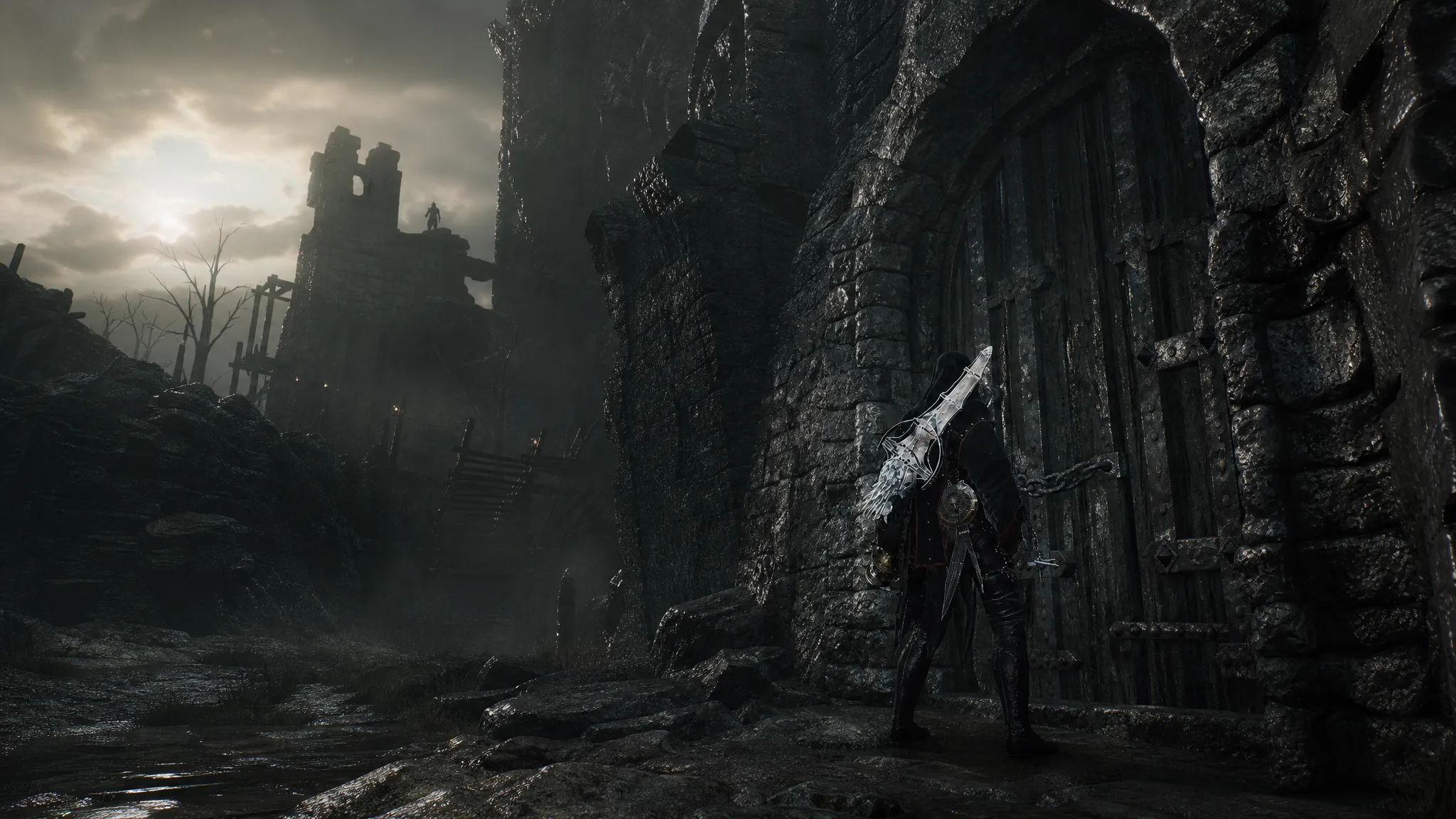
Mortal Shell 2: How to Get and Use the Crypt Key
Grab the key at Desolate Peak in western Fainweald, then open the Hall of Echoes across the map to claim its loot.
-
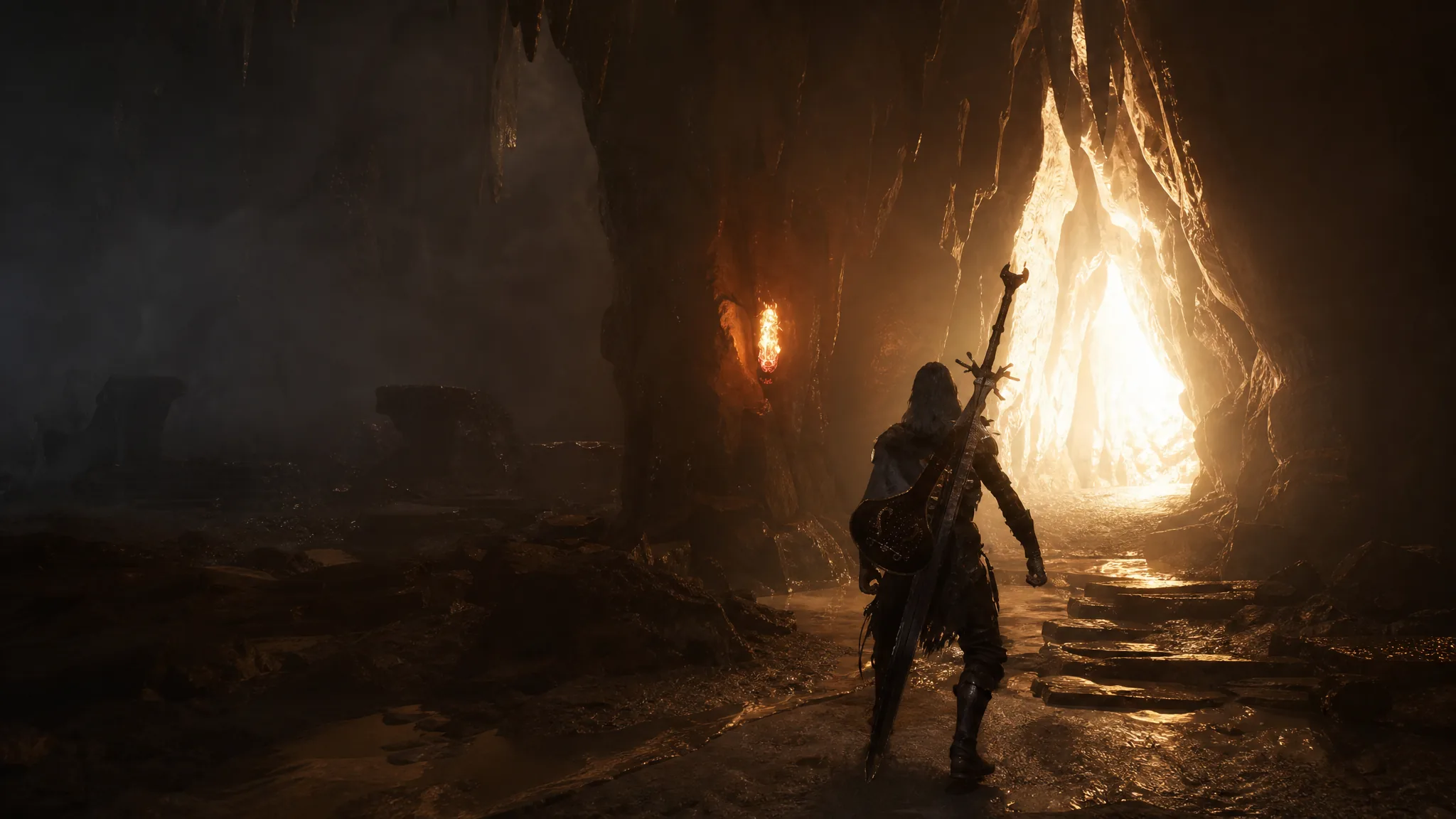
Mortal Shell 2: How to Cleanse the Slumwater Drain Beacon in the Central Sewers
Clear the false walls, drop through the sewers, and collect the Ovum to finish the Central Sewers dungeon in Fainweald.
-
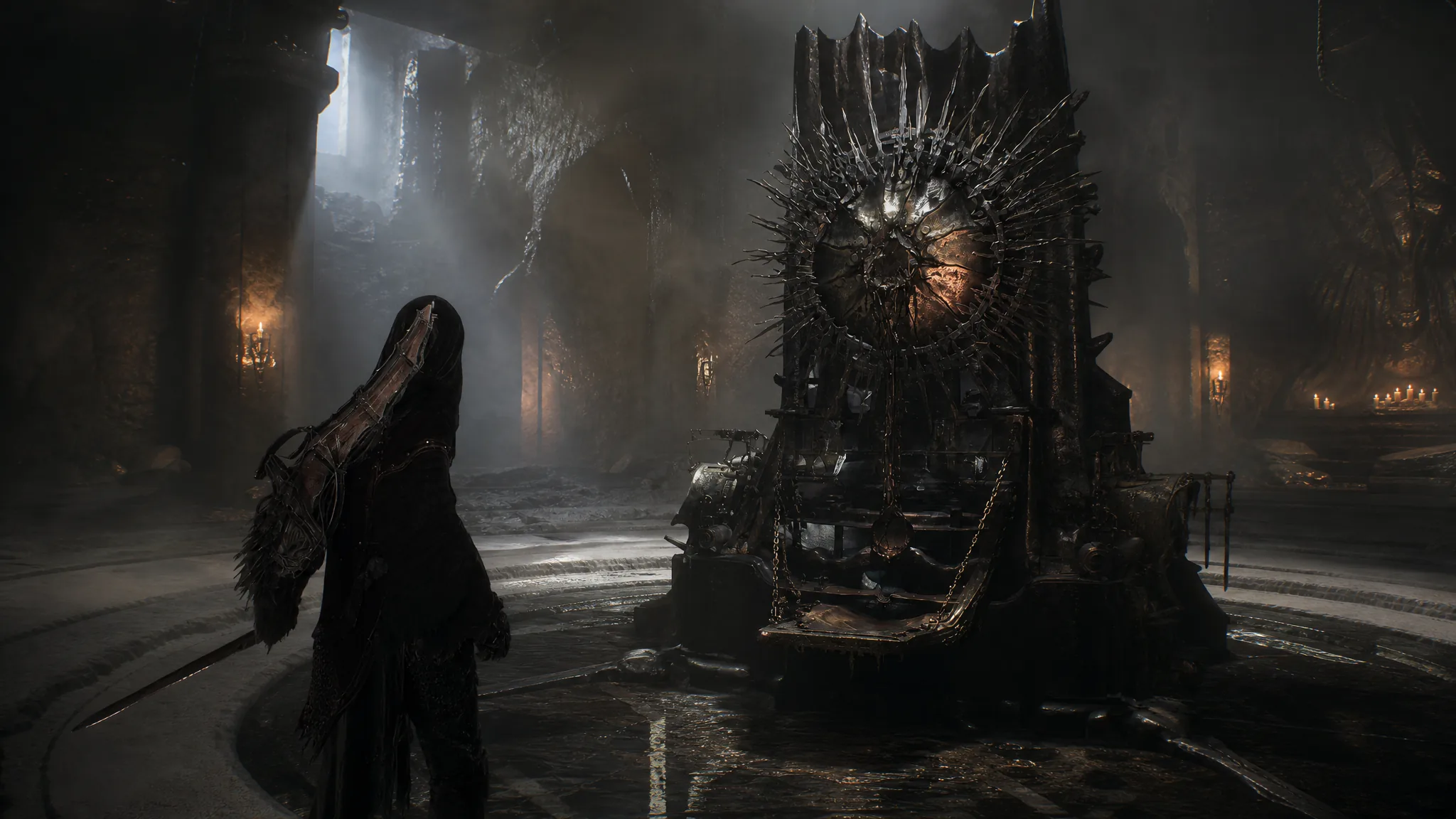
Mortal Shell 2: How to Upgrade Weapons Beyond Max Level With the Endless Core
The Endless Core lifts the level cap on every weapon and sidearm once you install it at the Tarforge.
-
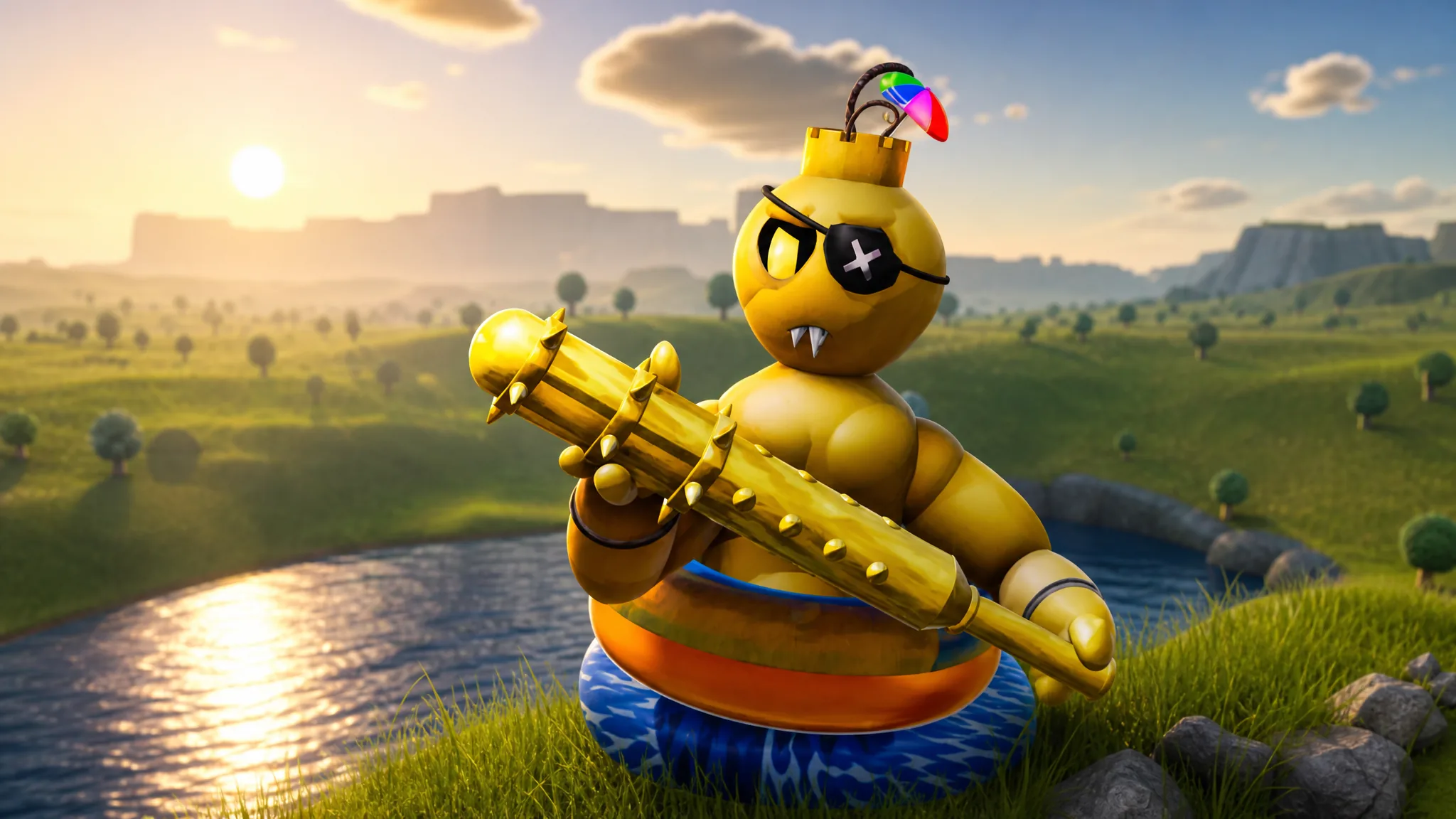
Tiny Universe Roleplay: How to Get the Captain Oni Badge and Morph
Reach the yellow figure on the lake beach, touch it, then equip the Captain Oni morph in the badge room.
-
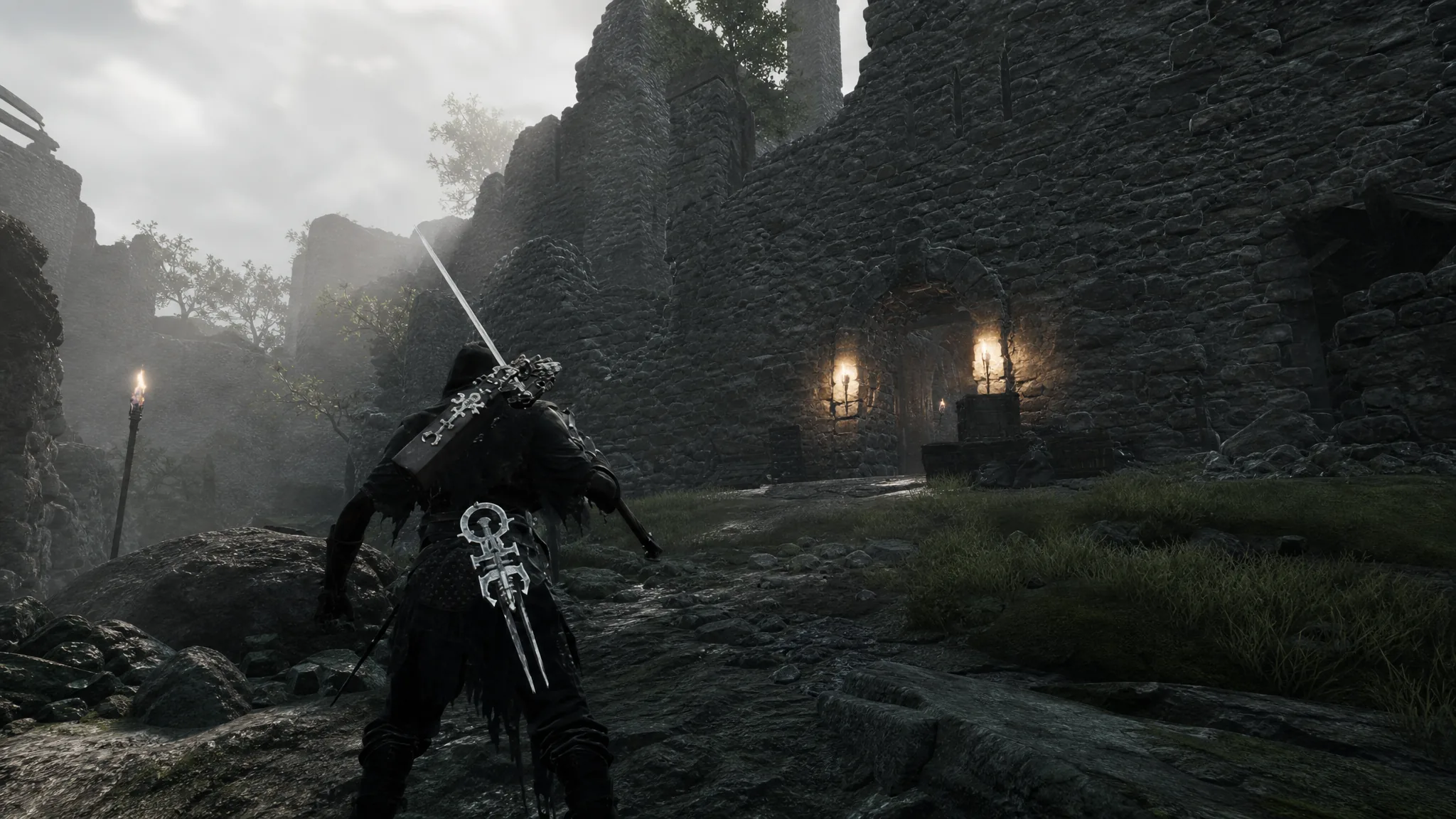
Mortal Shell 2: How to Get the Forgotten Crossbow in the Flooded Village
The exact route from Blackridge Pass through the illusion gate, plus the Damp Key needed to unlock the sidearm.
-
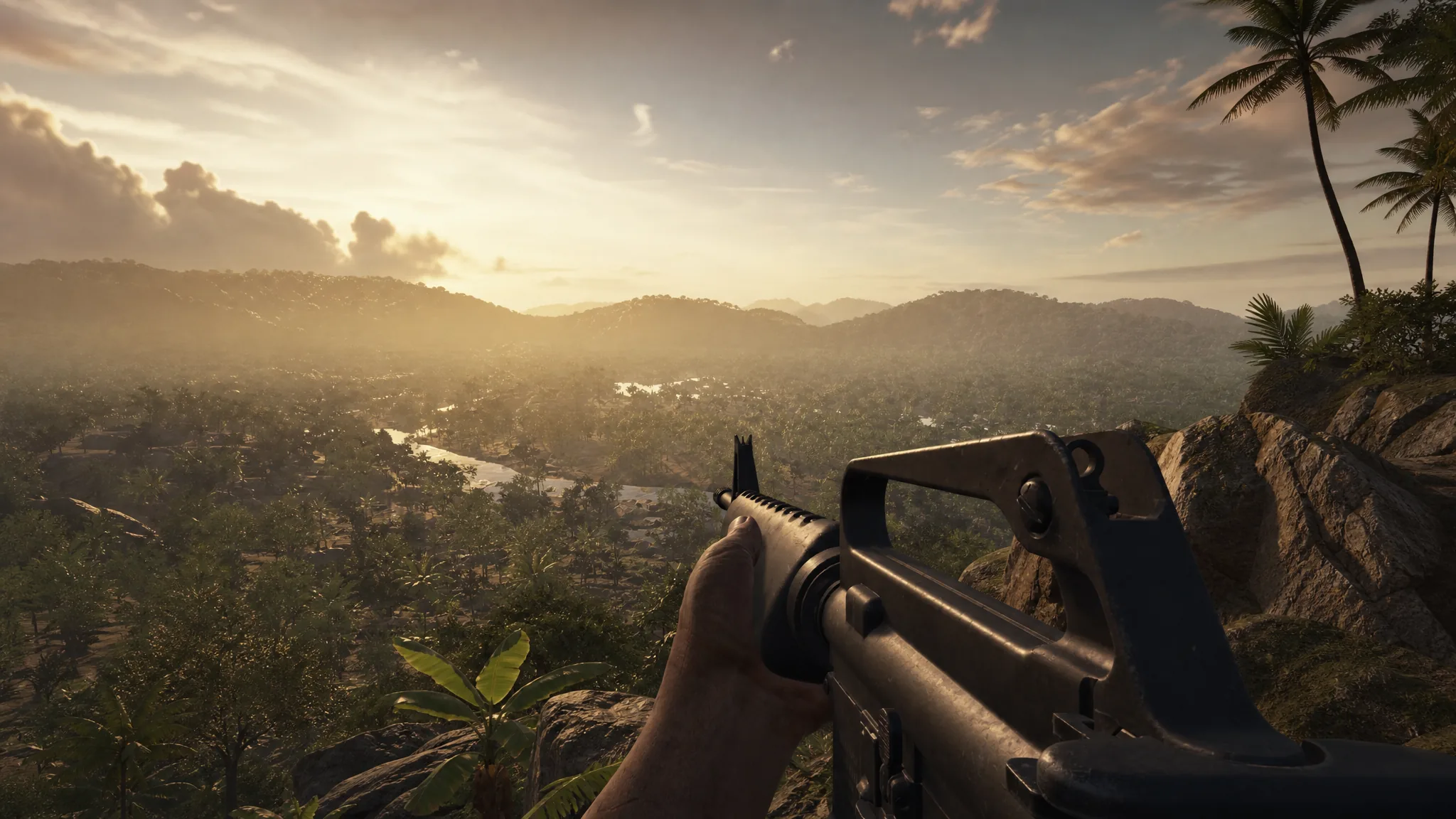
How to Turn Off Crossplay in Hell Let Loose: Vietnam
Two menu paths that limit your matches to a single platform, plus what changing the setting does and doesn’t do.
-
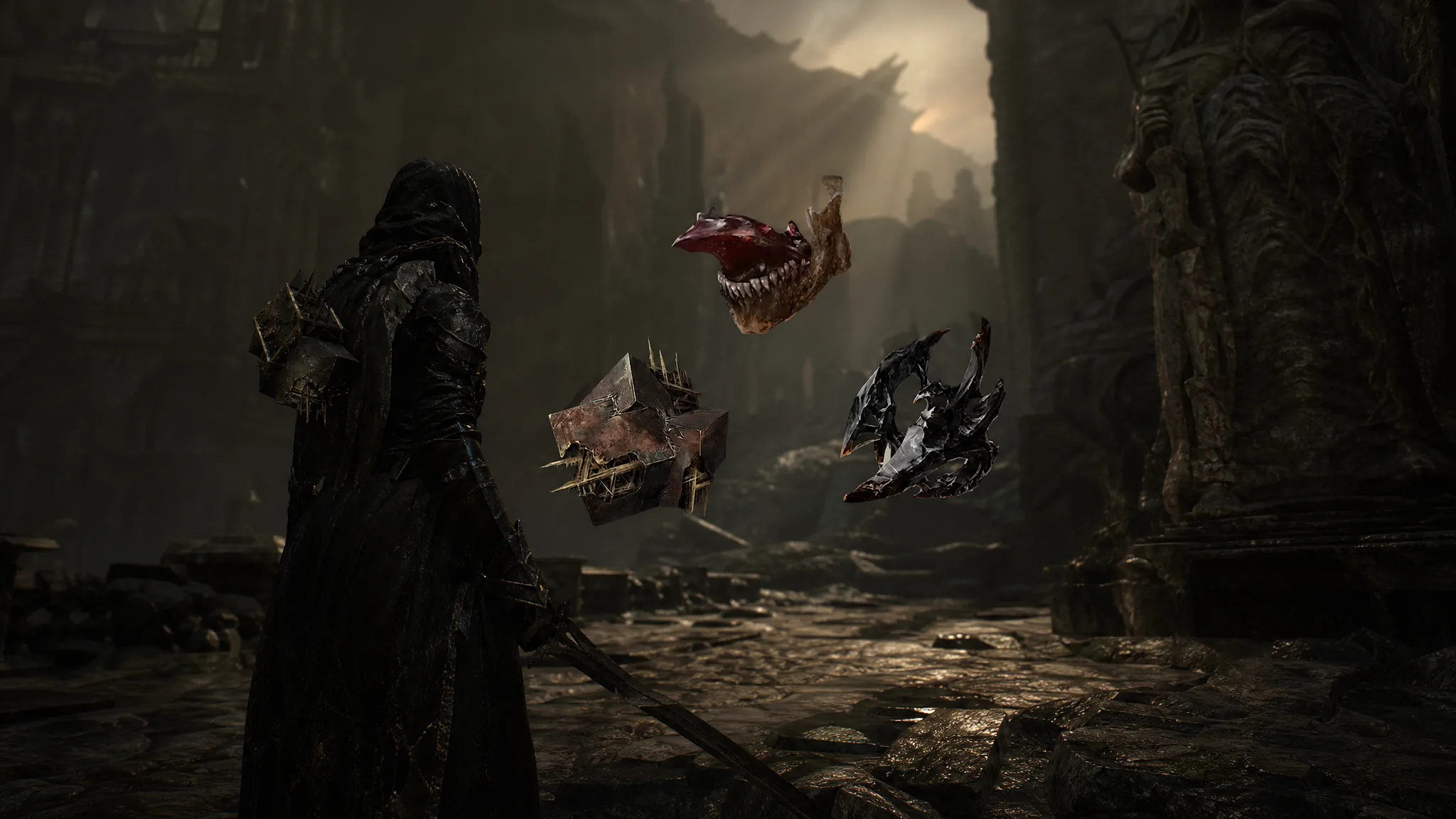
Mortal Shell 2: How to Level Up Tarstones and Earn Tarcore
Grab the Etching Needles, farm XP with stones equipped, and spend Coins at the Tarforge to raise every tier.
-
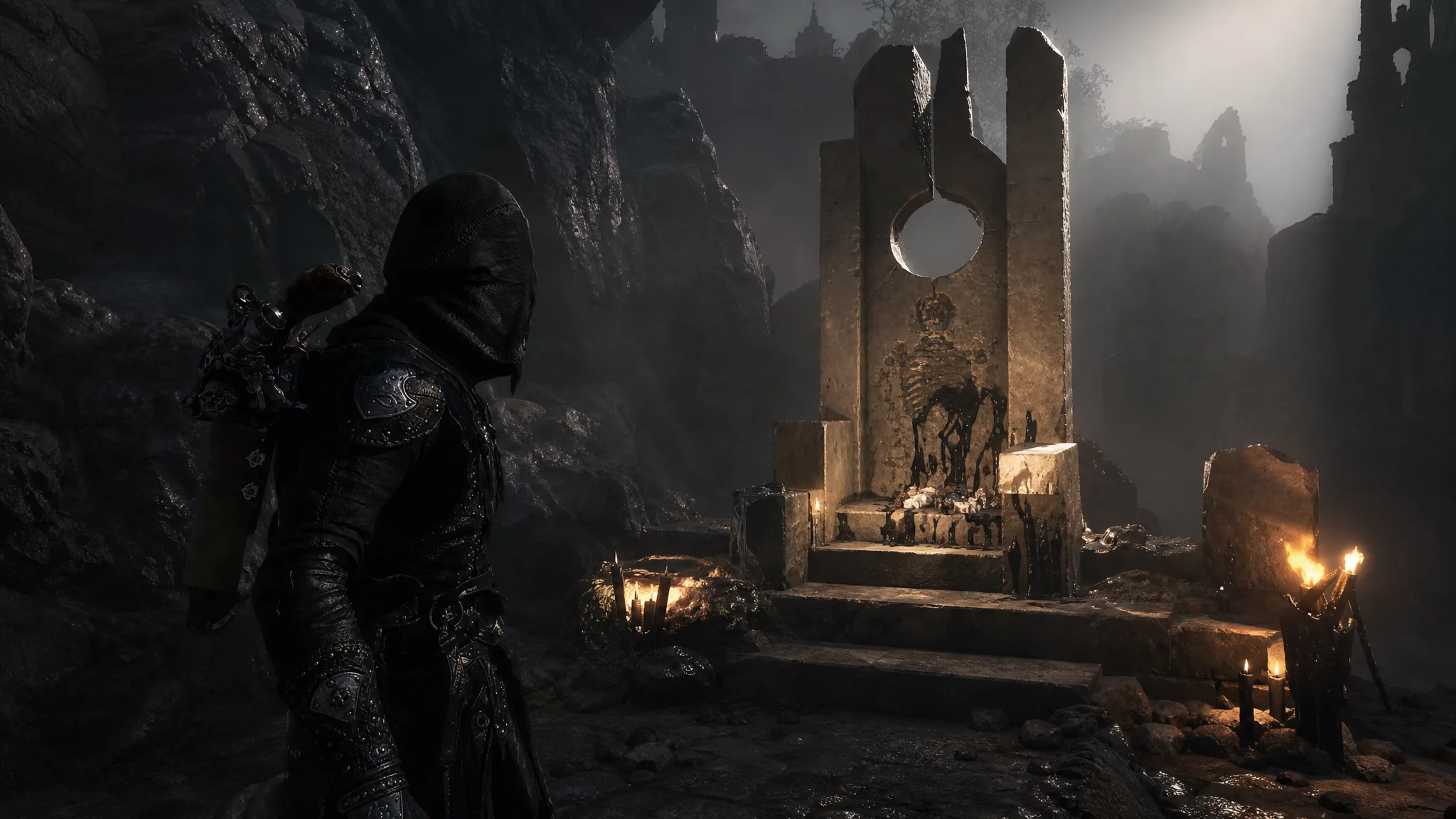
Mortal Shell 2: How to Get the Slayer Seal in Marrow Keep
Grab the Slayer Seal from a cliffside throne, learn what it does, and know the achievement trade-off before you equip it.
-
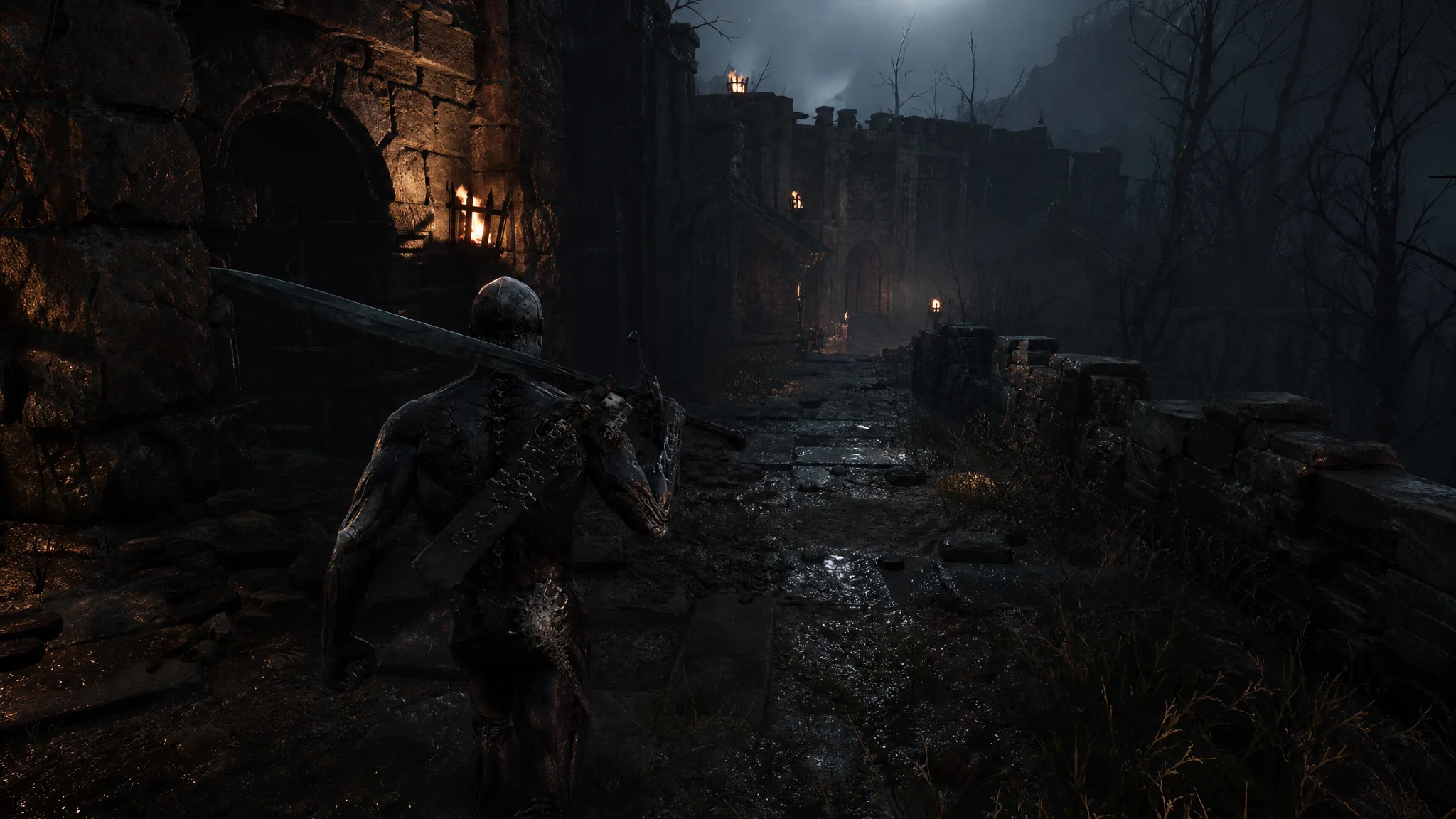
Mortal Shell 2: How to Clear Martyr’s Tomb and Escape
Raise the portcullis, grab the Obsidian Lathe and Parasitic Stone, then shoot the exit plate to get out.
-
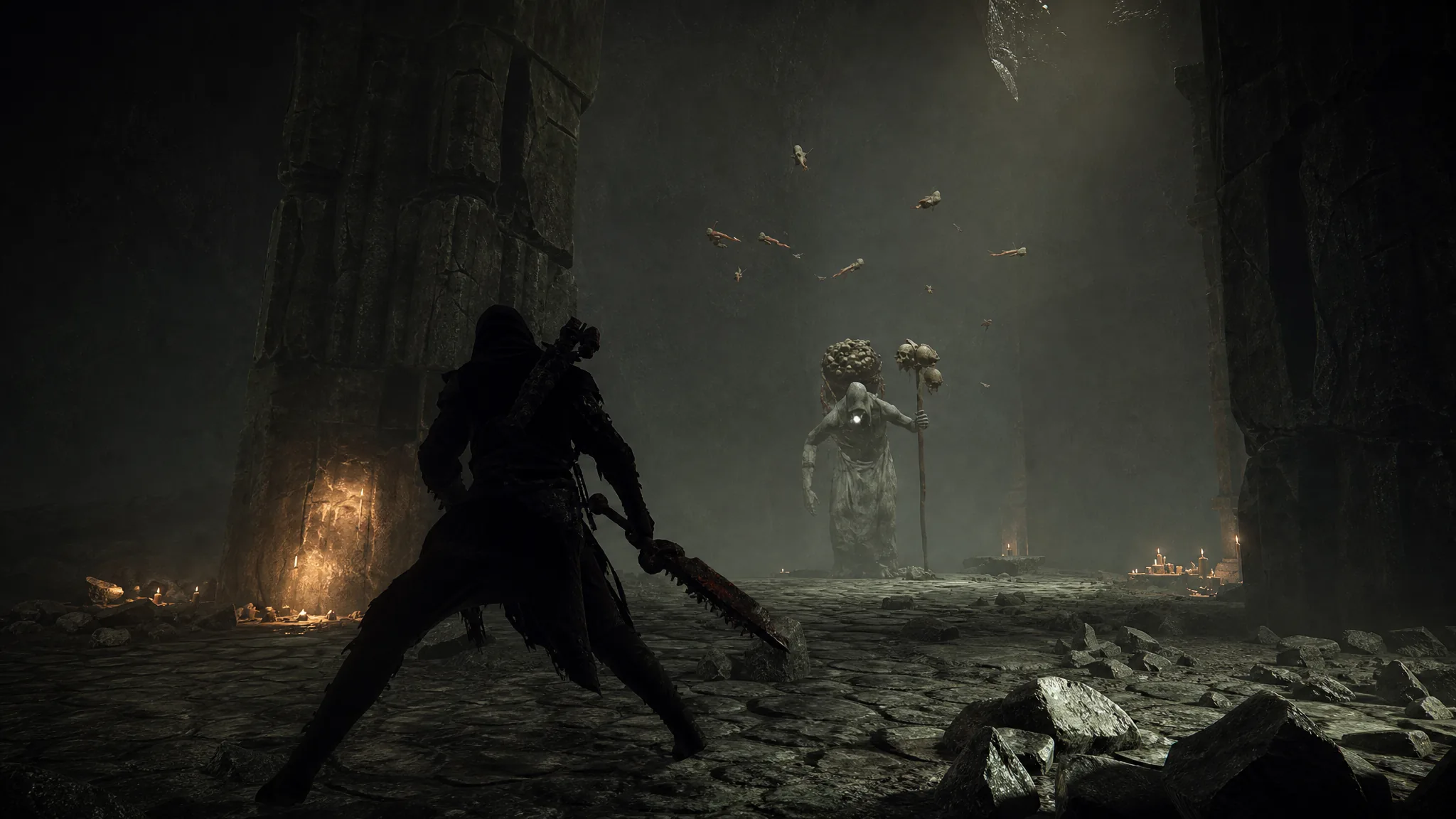
Mortal Shell 2: How to Complete the Hall of Illusions
Clear the portal puzzles, beat Vrannic the Grand Illusionist, and claim the Volatile Fragment Tarstone.