
Instructional, step-by-step articles.
Content Type: How-To
-
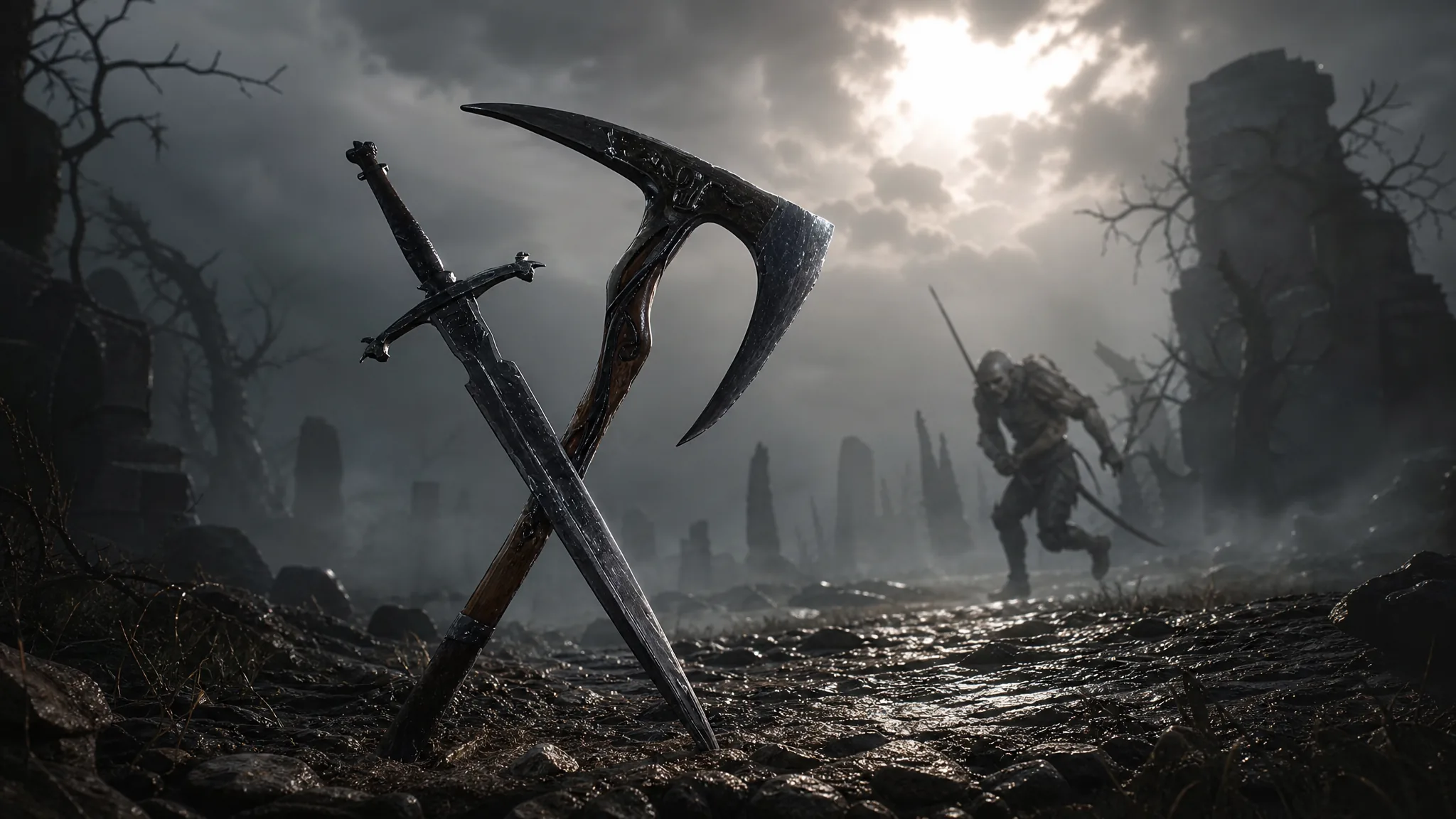
Mortal Shell 2: How to Get the Axe and Dagger, Your First New Weapon
Grab the Chapel Key near Mushroom Village, clear the Shrine of Trials puzzles, and beat the Knight to claim the fast dual weapon.
-

Mortal Shell 2: How to Get the Troubadour’s Lute
Reach the One-Legged Wolf Tavern in eastern Fainweald to claim the sidearm that turns enemies against each other.
-

Mortal Shell 2: How to Turn On Night Mode with the Gloombound Flame
Find the Gloombound Flame, summon Thestus at Marrow Keep, and flip the game into its high-risk difficulty.
-

Animal Hospital: How to Get Dr. Harlow’s Secret Interaction
Survive to Shift 16 or 17, carry the confidential boxes into the Restricted office, and stay to hear Harlow and Ron talk about Ratthew.
-
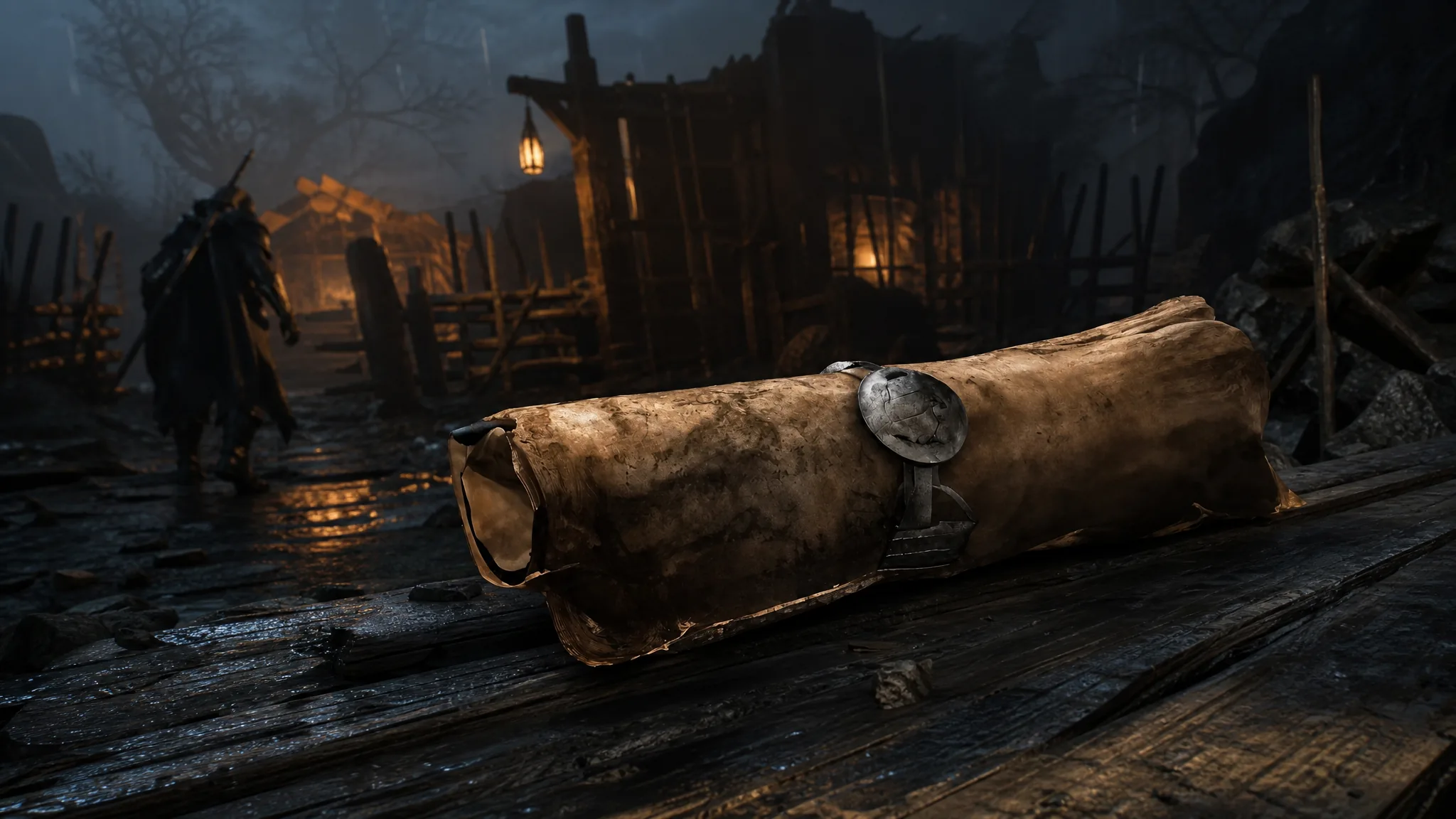
Mortal Shell 2: How to Get Your First Map in Fainweald
Follow the crow markers from Widow’s Overlook Beacon to reach Ruk and claim the Map of Fainweald.
-

Dig and Clean: How to Get Anomaly Items
Stack detector Luck, grab a high-Power shovel, and watch for the dark green beam to dig up the game’s rarest treasures.
-

How to Get Candini Fluffini in Steal a Brainrot
The Update 62 Secret lamb costs $14 billion from the RNG Machine and pays out $57.5 million per second.
-

Haze Seas: How to Get Gear 5 (Gum Fruit Awakening)
The exact requirements, the Drums of Liberation grind, and every move you unlock for the Gum Fruit’s final form.
-
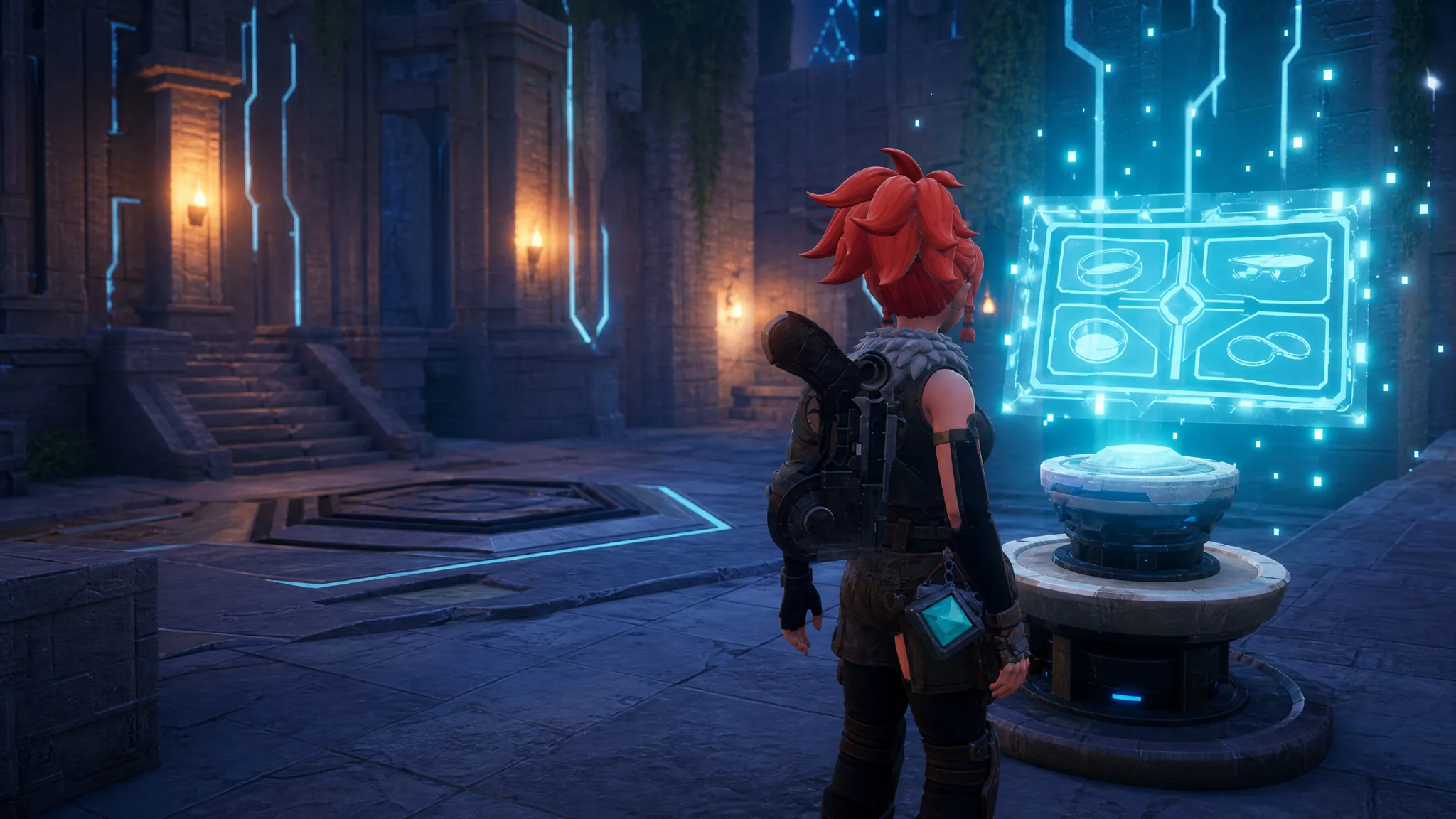
Palworld: How to Get All Accessory Schematics and Craft Accessories
Every Accessory Schematic, where it comes from, and the exact way to turn it into equippable gear.
-

Anime Origins: How to Get the Secret Unit Valcrad (Alucard)
The exact level requirement, summon odds, and title reward for landing the Hellsing-inspired secret unit.