
Instructional, step-by-step articles.
Content Type: How-To
-
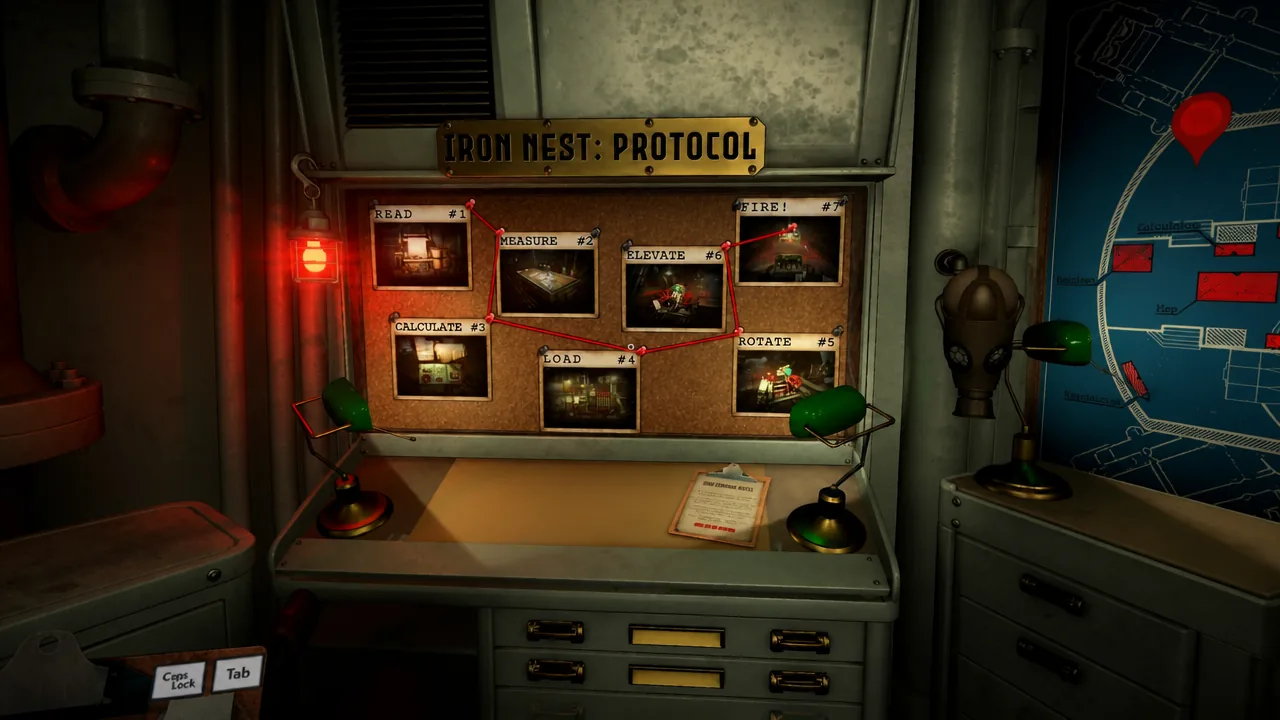
Iron Nest: Heavy Turret Simulator — How to Operate and Fire the Turret
The full firing loop, from reading your orders to landing the round and adjusting for the next shot.
-
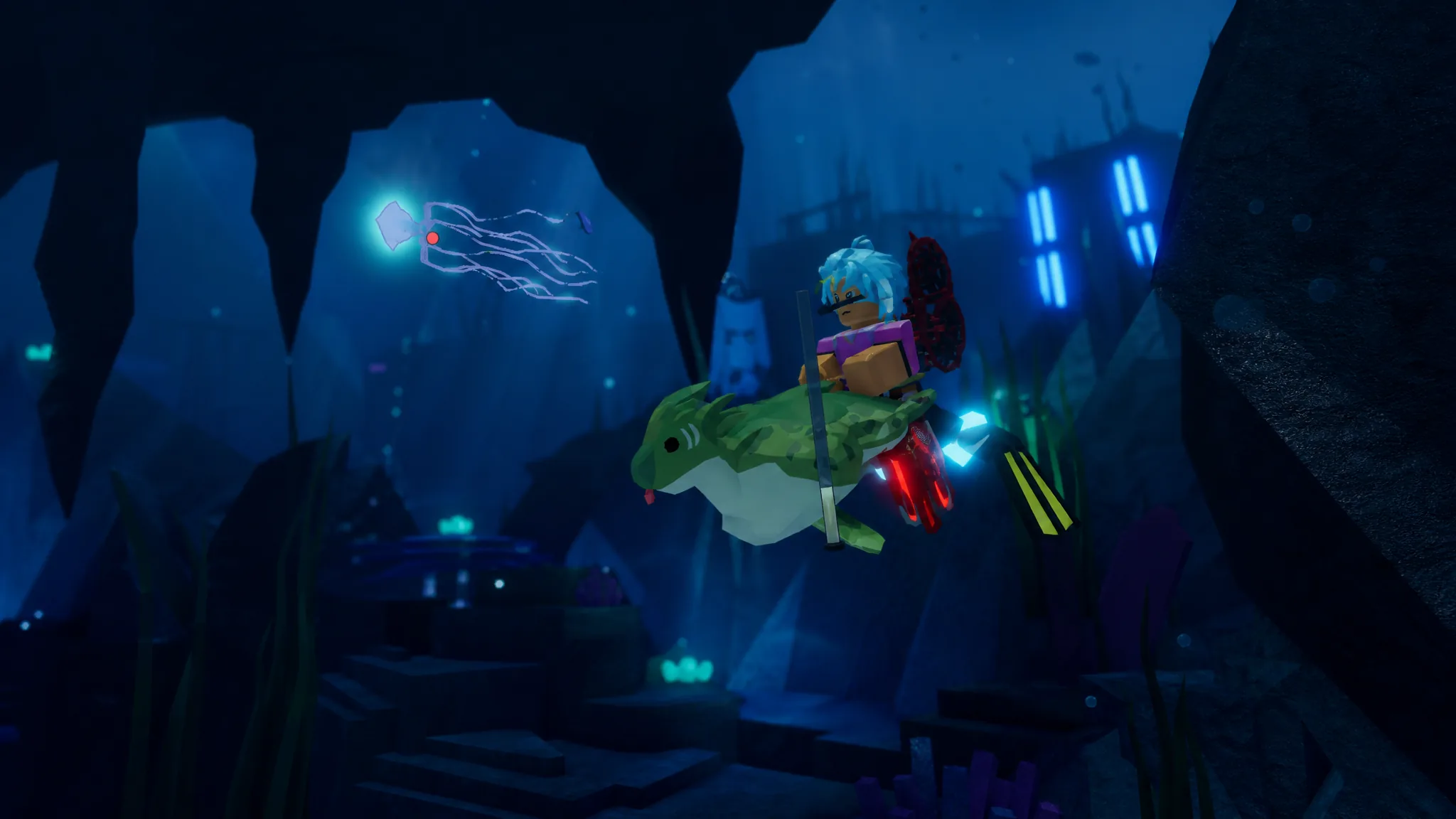
Fisch Lower Deep Bestiary: How to Catch All 22 Fish
The exact bait, weather, time of day, and season for every fish in the Lower Deep, plus the coordinates and gear you need to…
-
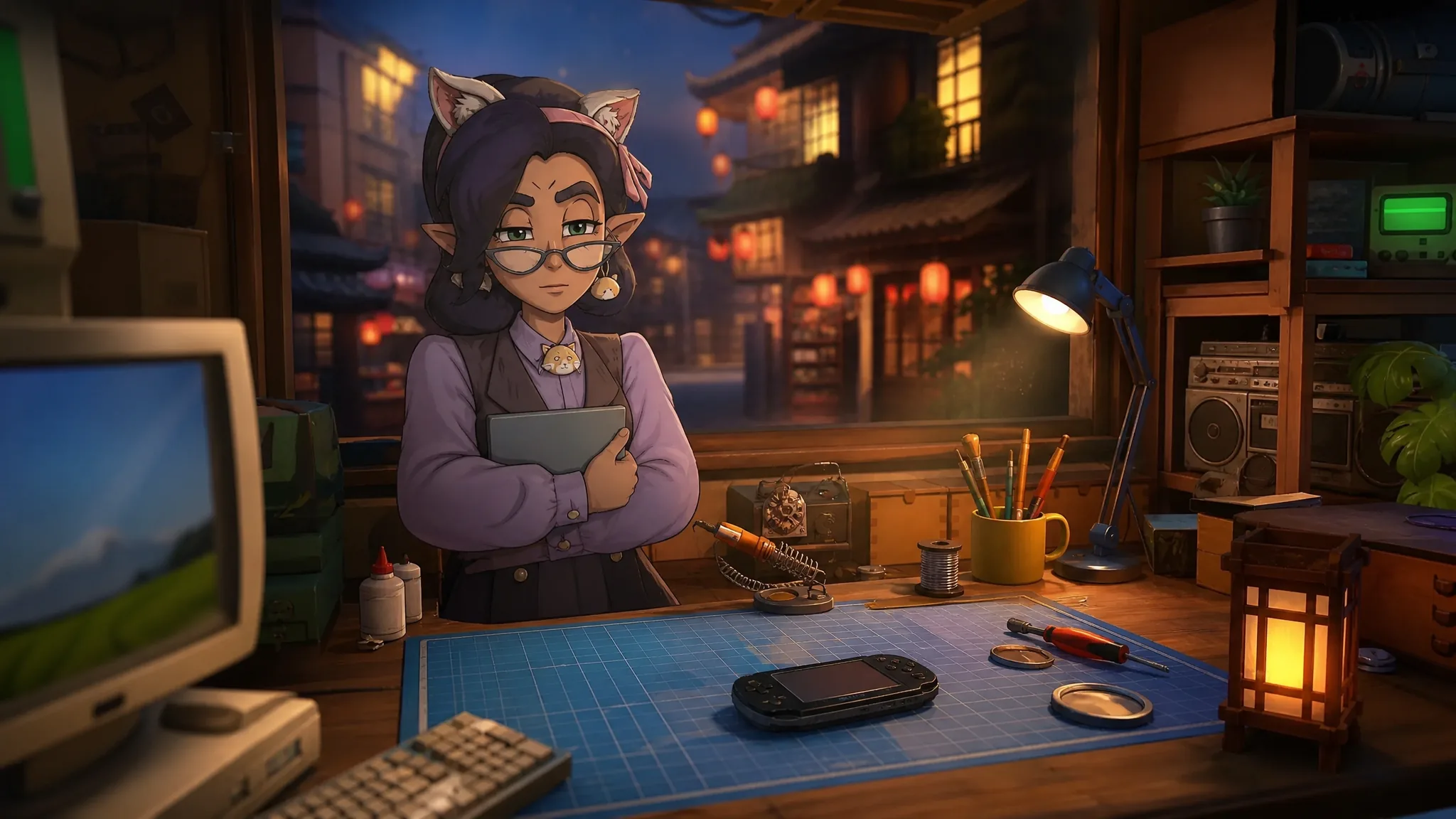
ReStory: Chill Electronics Repairs – How to Get All Four Endings
The four customer arcs that decide whether you land the default, good, secret, or bad ending.
-
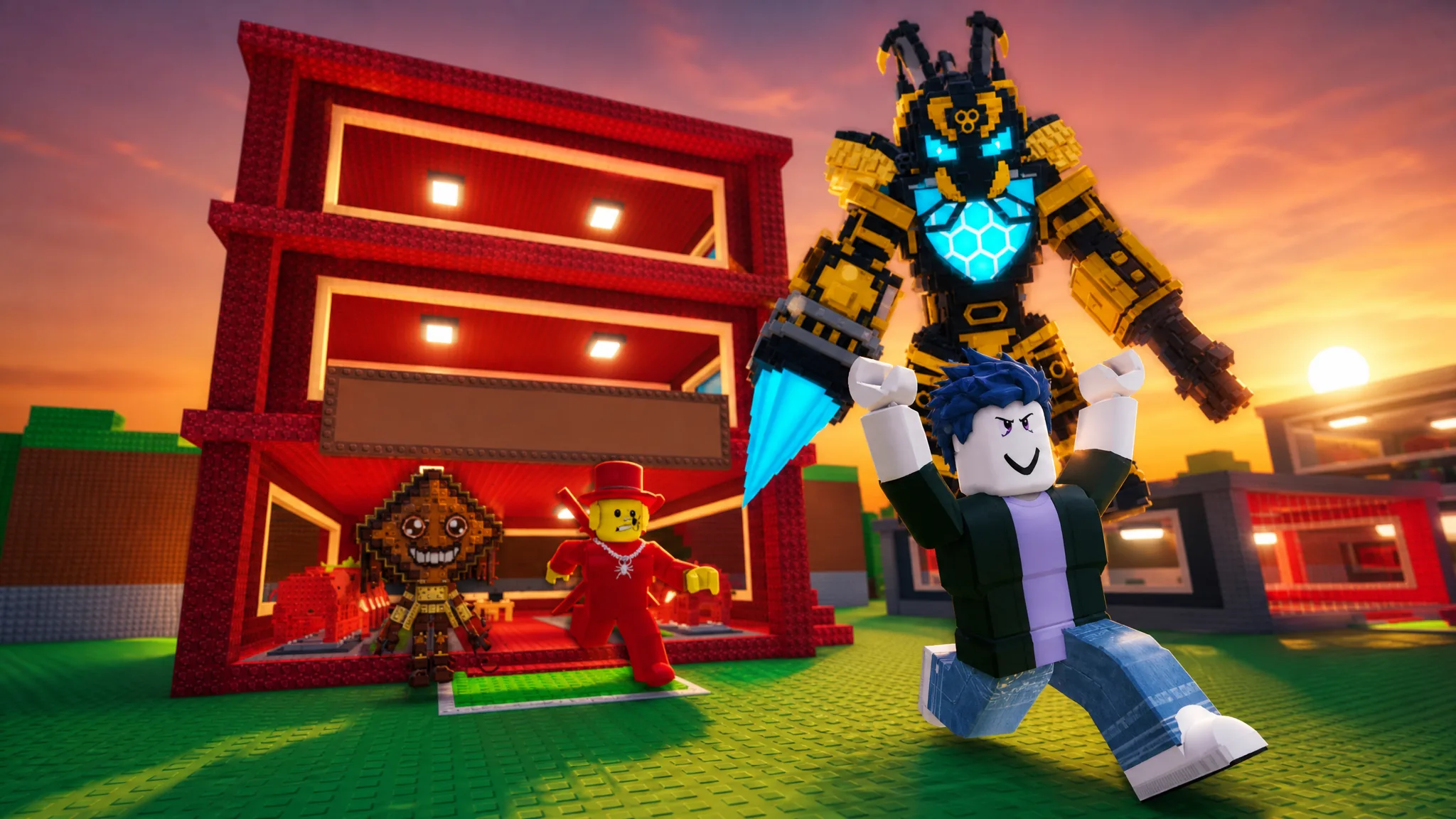
Steal a Brainrot: How to Get Bumbatron From the Bee Shop
The Secret-tier robot costs 200 Honey or 9,999 Robux and pays out $172.5M per second.
-
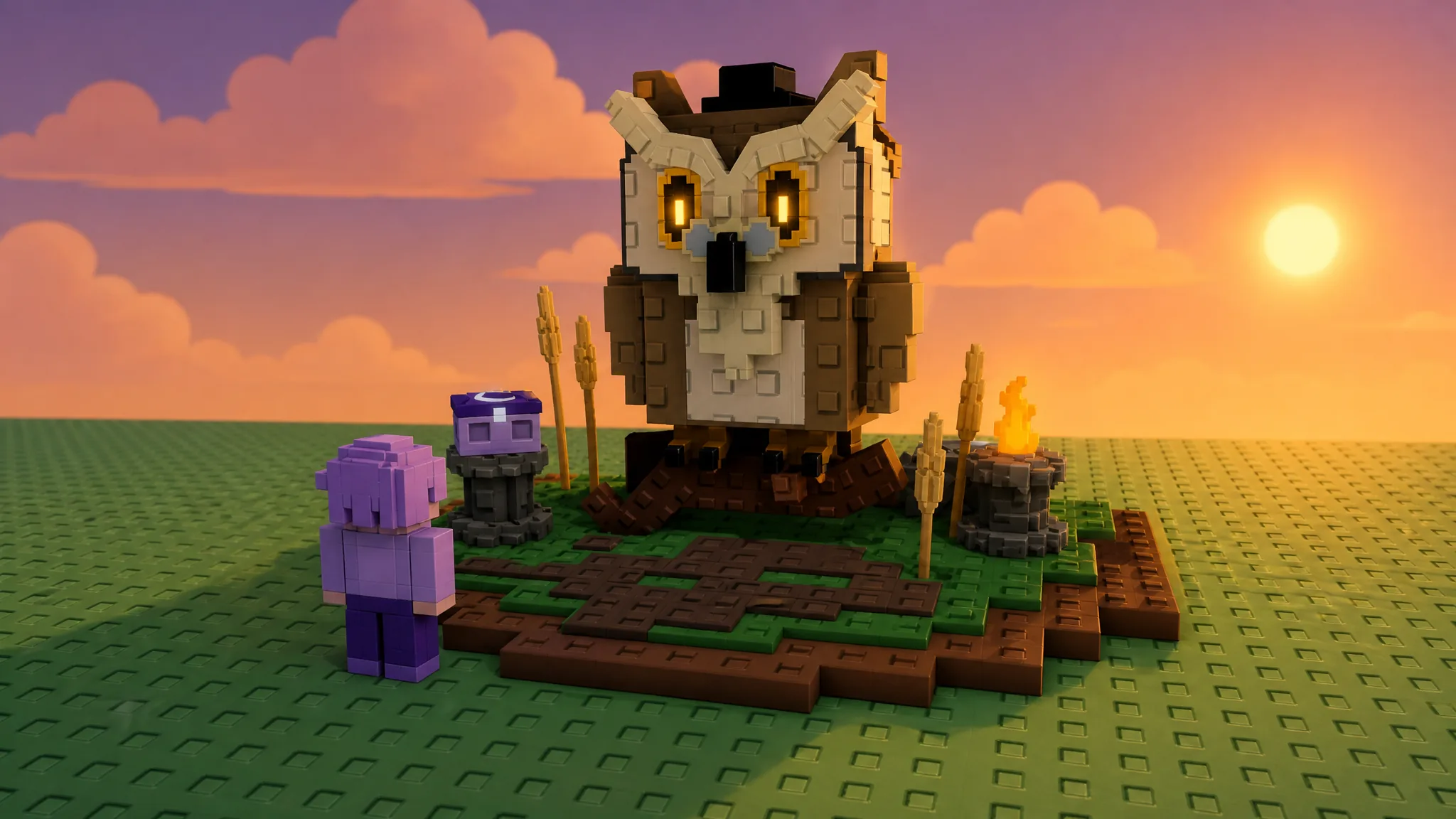
Grow a Garden: How to Get the Emberpear in Season Pass 7
The Divine-rarity Emberpear unlocks at Season Pass 7 Level 50 or drops from the Season 7 Seed Pack.
-
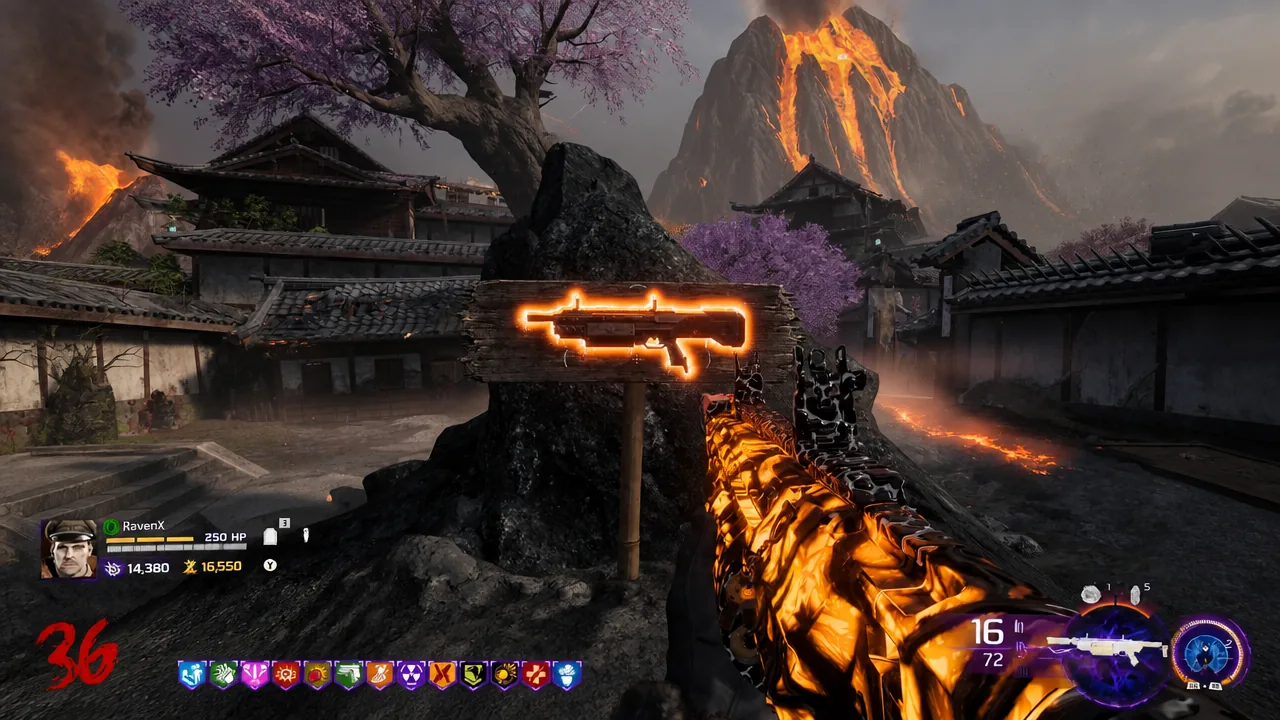
BO7 Zombies: How to Manage Essence and Salvage for High Rounds
Spend points in the right order, lean on Salvage and Vulture Aid for armor, and skip the Mystery Box to push past Round 100.
-
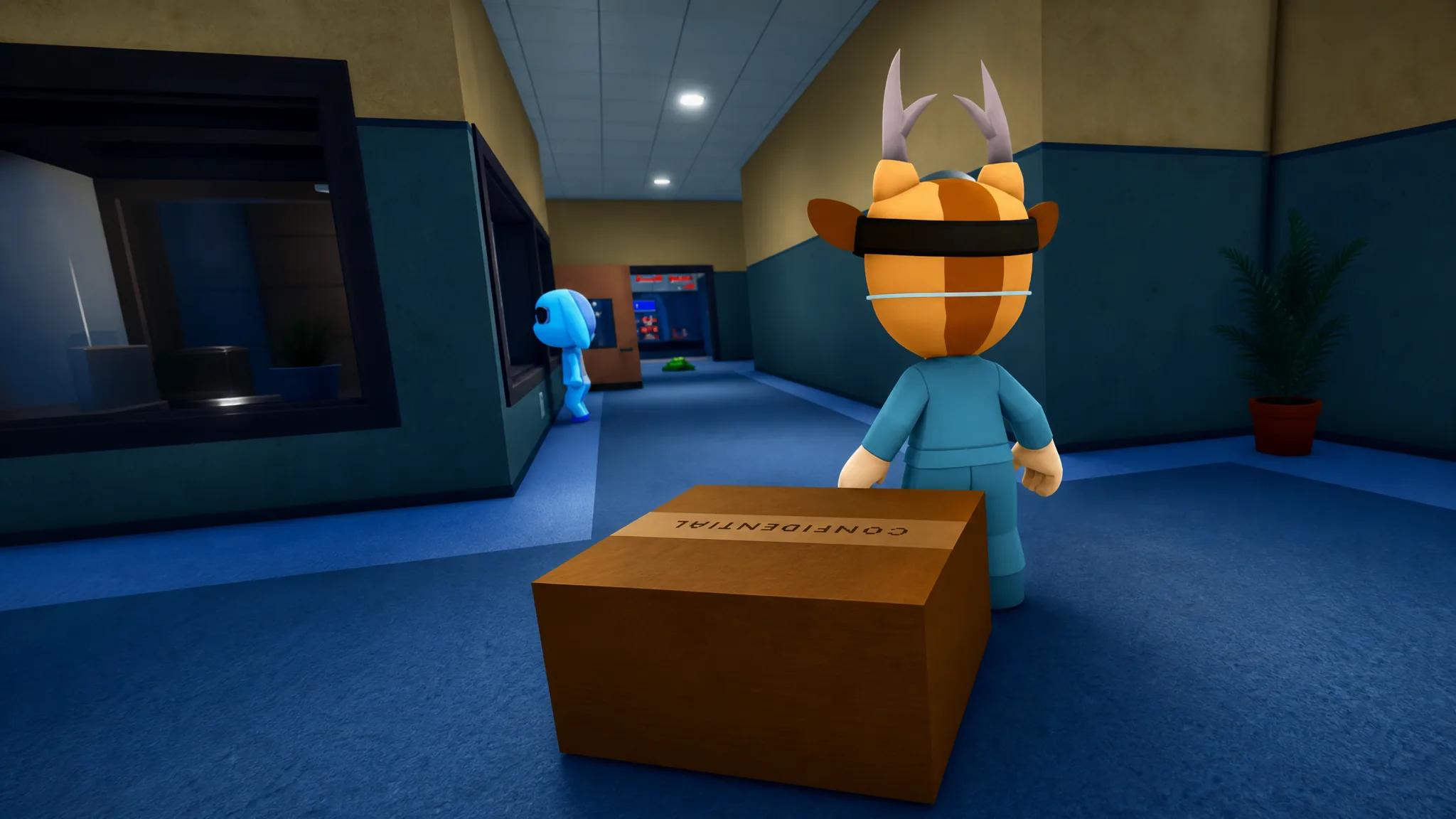
Animal Hospital: How to Enter Dr. Harlow’s Office on Shift 16
Deliver the confidential box on Shift 16 to unlock the office and read every lore document inside.
-
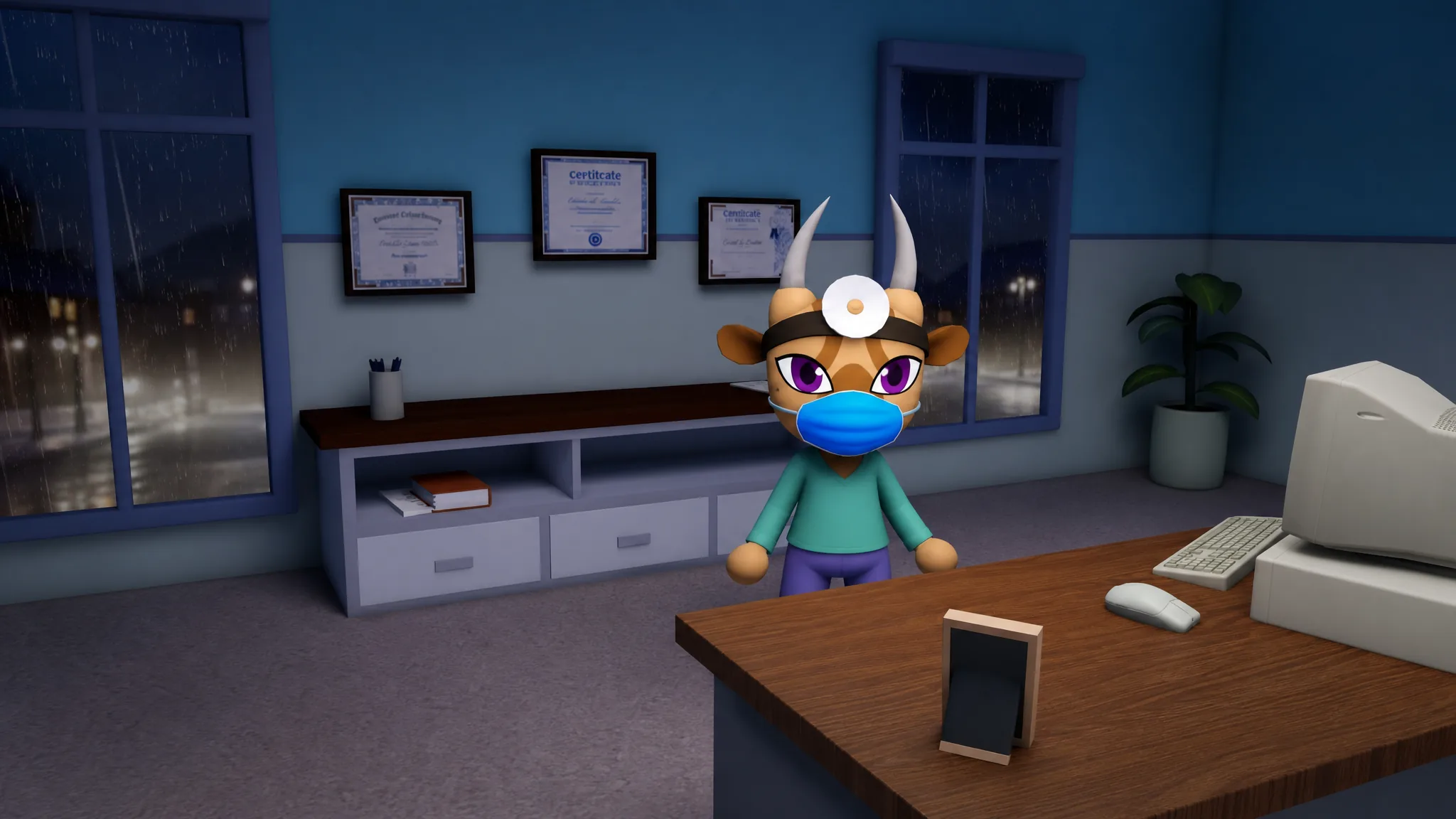
Animal Hospital: How to Trigger the Dr. Harlow Secret Interaction
Unlock Dr. Harlow’s office first, then hand over Ratthew’s Golden Key to start the hidden conversation added in the Lore Expansion Update.
-
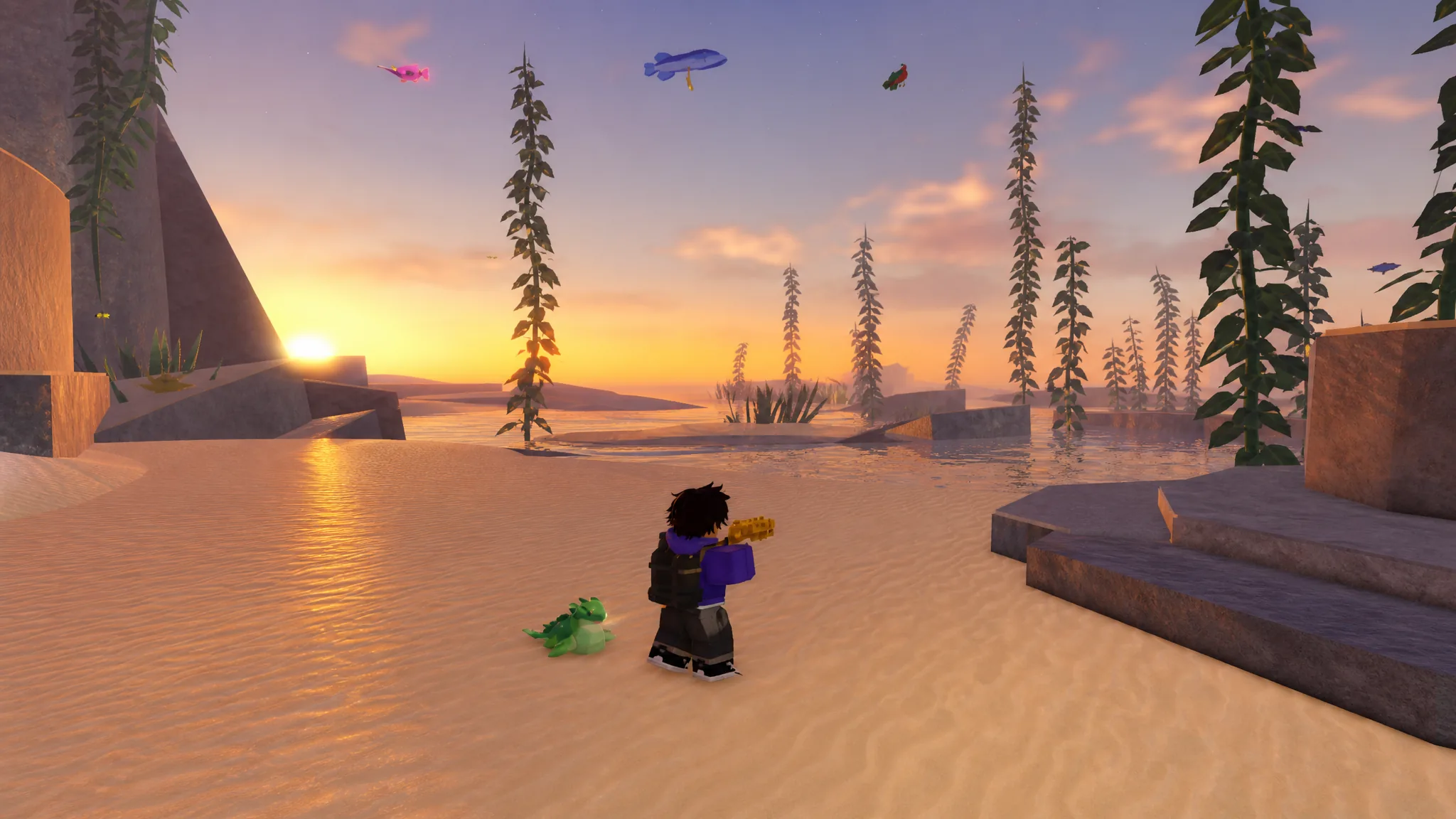
Fisch: How to Complete the Outer Deep Bestiary (All 21 Fish)
Location coordinates, the harpoon gun you need, and the confirmed bait, weather, time, and season for each catch.
-
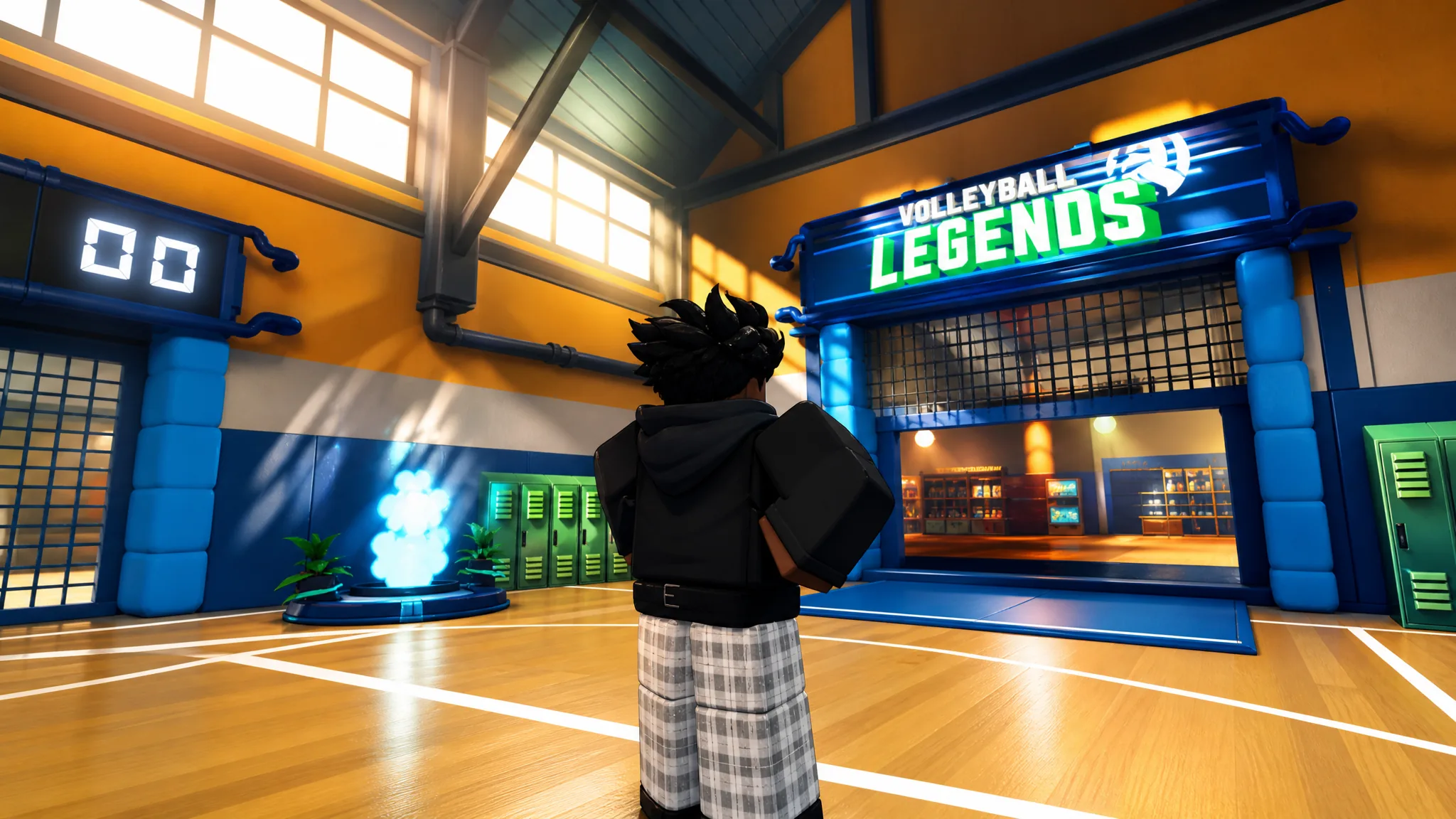
Volleyball Legends: How to Get the Roketto Style
The jetpack-equipped Secret style has a 0.01% spin rate and disappears on August 21, 2026, so plan your pulls around the pity system.