
Instructional, step-by-step articles.
Content Type: How-To
-
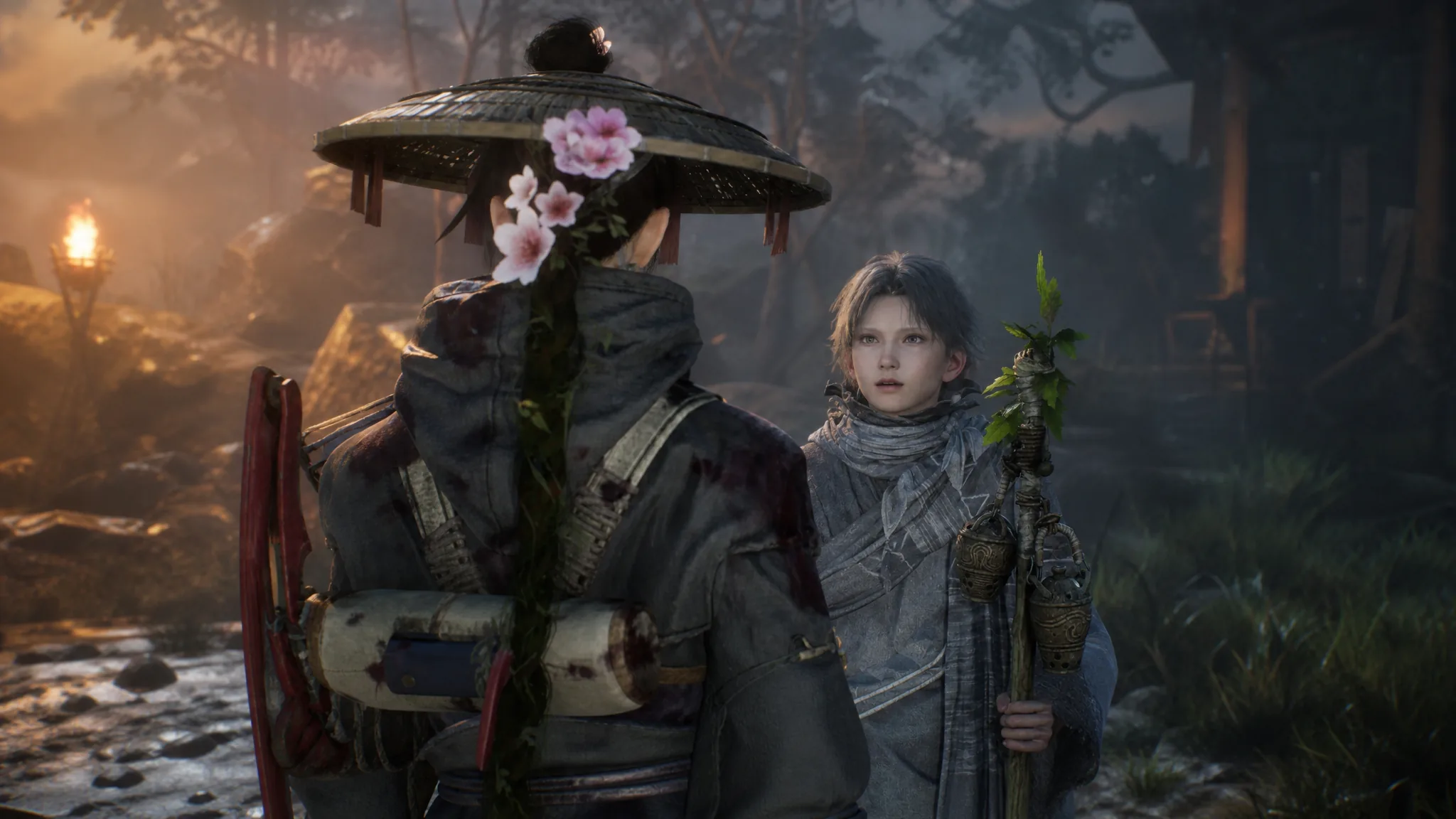
Beast of Reincarnation: How to Respec Attributes and Skills
Meet Mikoto near the end of Chapter 2, then reset Emma and Koo’s points from the Cleanse Walker for Amber.
-
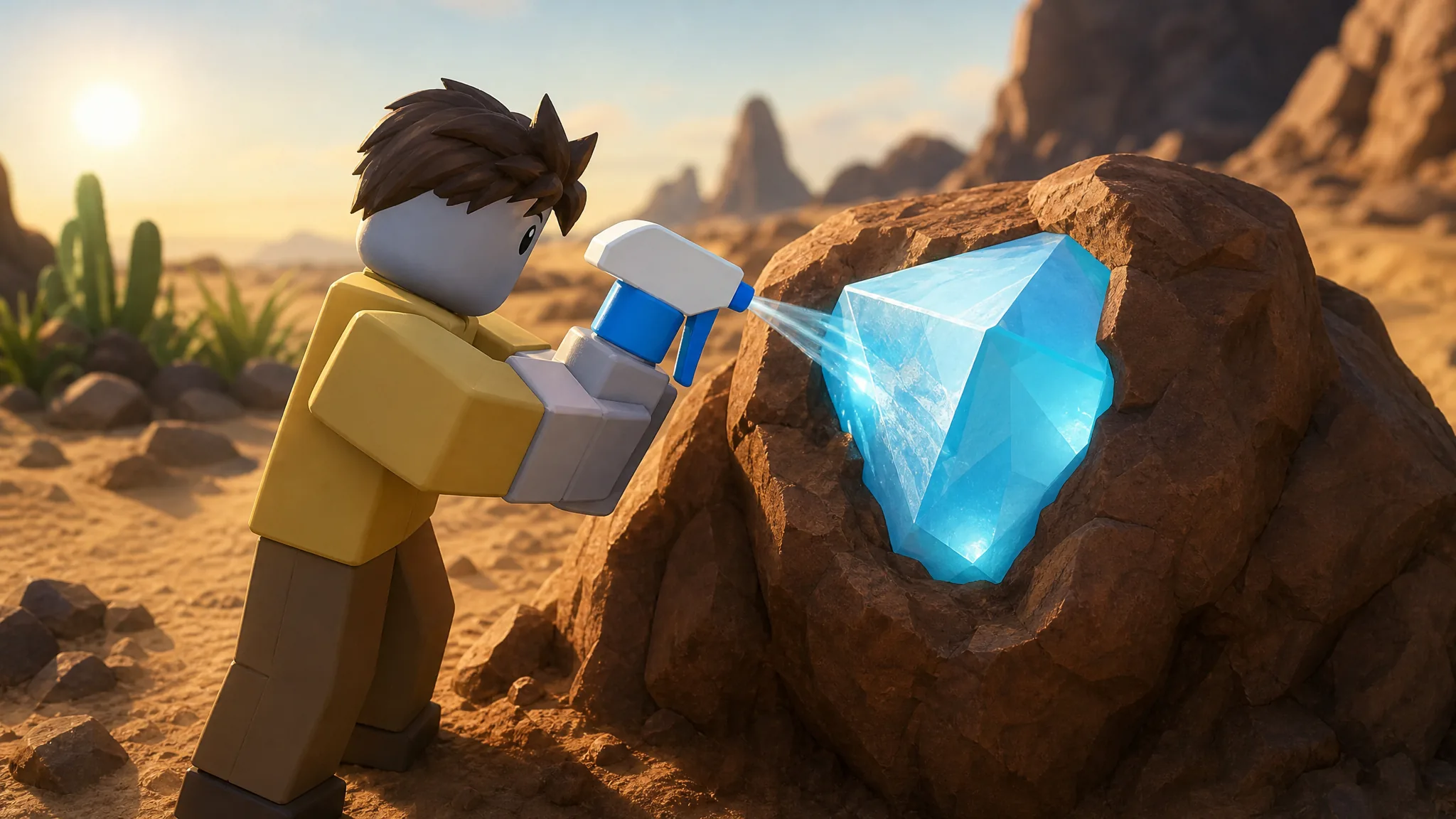
How to Play Dig & Clean on Roblox (Beginner’s Guide)
Master the dig, spray, and display loop, read rarity colors, and spend Cash on the gear that actually speeds up your museum.
-
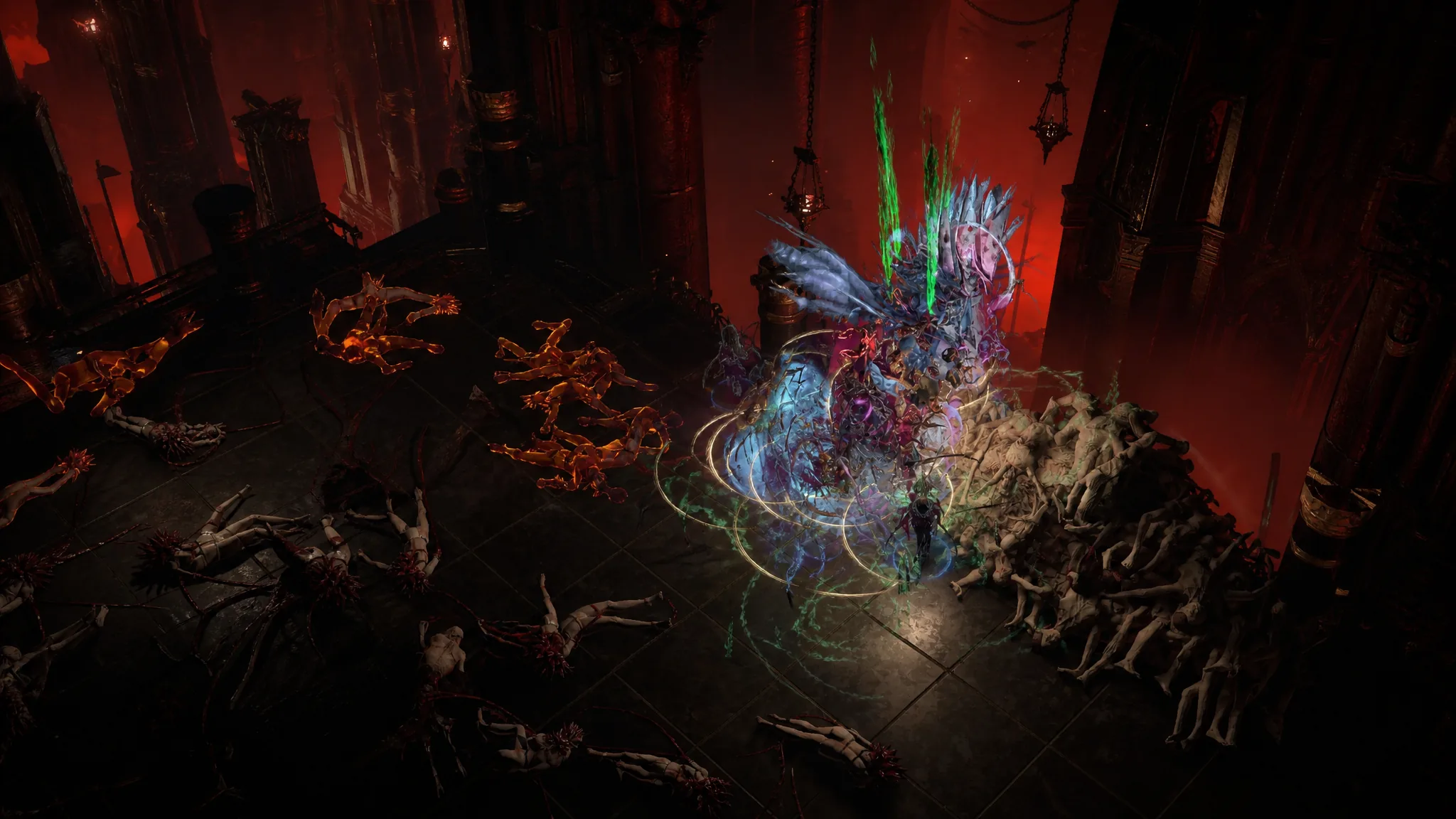
How to Farm Jewels and Unique Jewels in Path of Exile
The fastest routes to regular, Cluster, Abyss, and randomly dropping Unique Jewels, plus what to avoid on the Atlas tree.
-
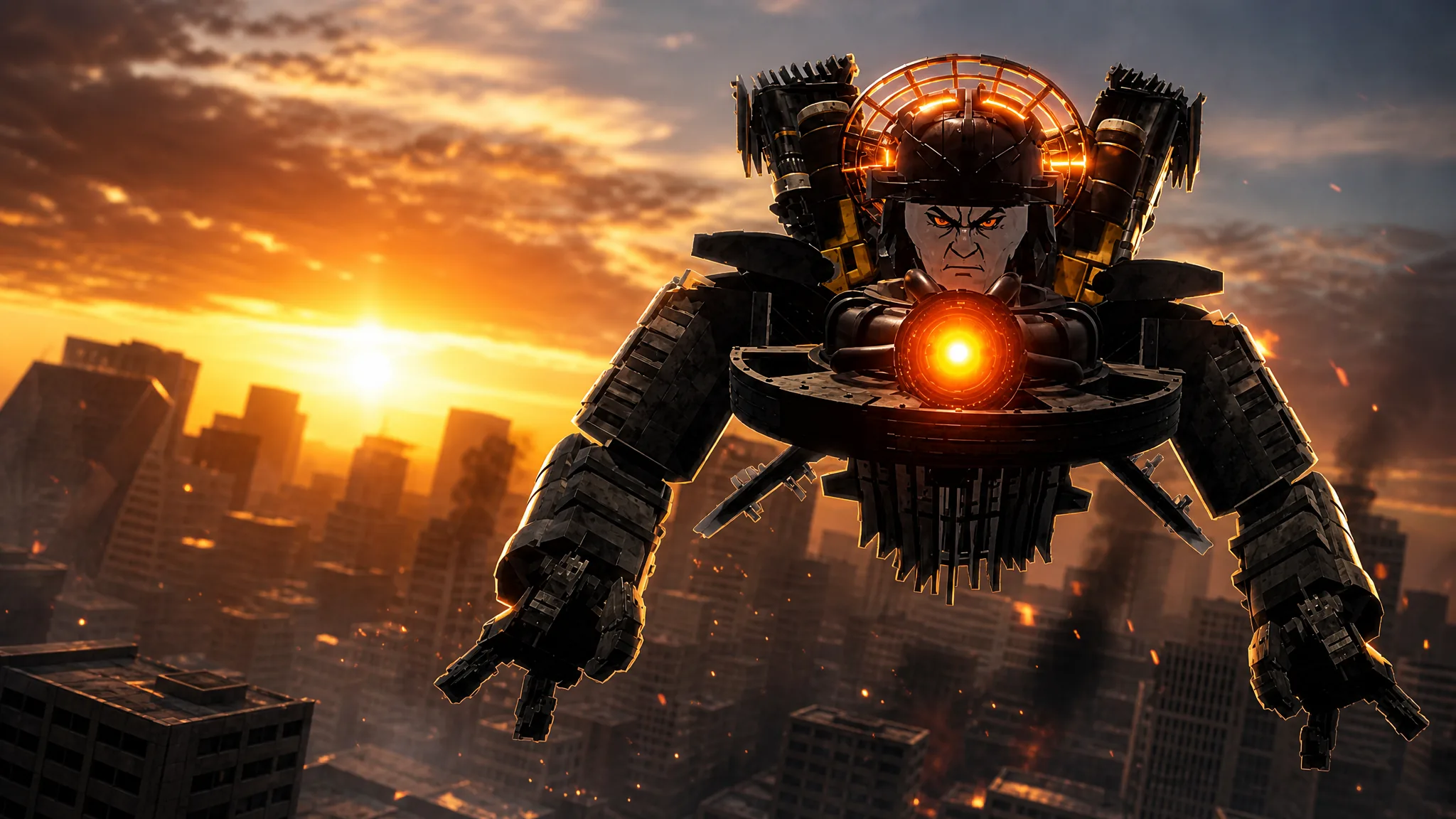
Battle of Alliance: How to Get G-Toilet: Zero Age and the Blast From the Past Badge
Unlock the hidden skin by clearing the Assemble badge, farming 40,000 batteries, and reaching the giant toilet in Alpha Hills.
-
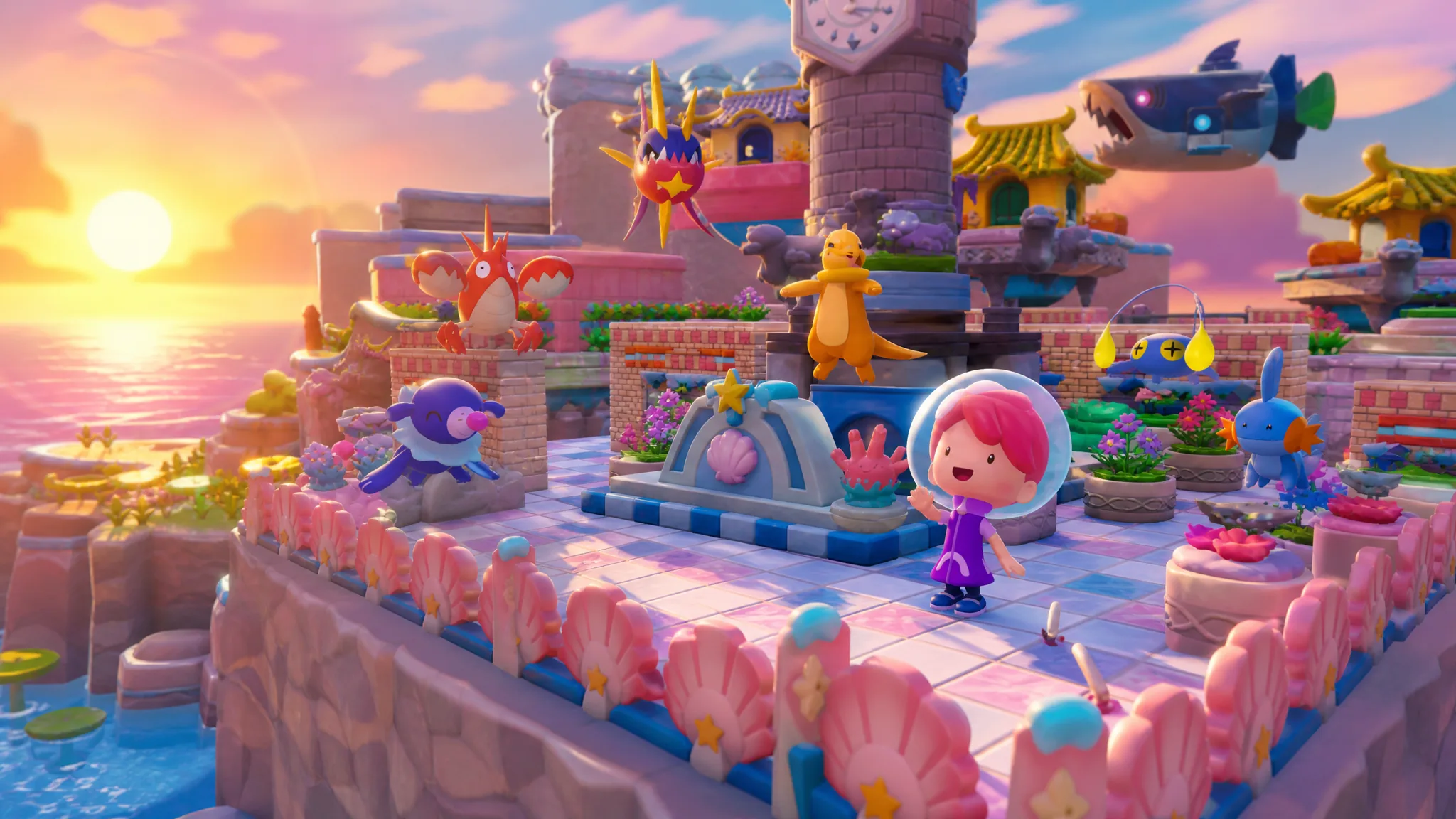
Pokopia: How to Get Seashell Fencing
The recipe unlocks at the PC for 500 Life Coins and turns one Star-spotted Rock and one Shiny Pearl into ten fences.
-
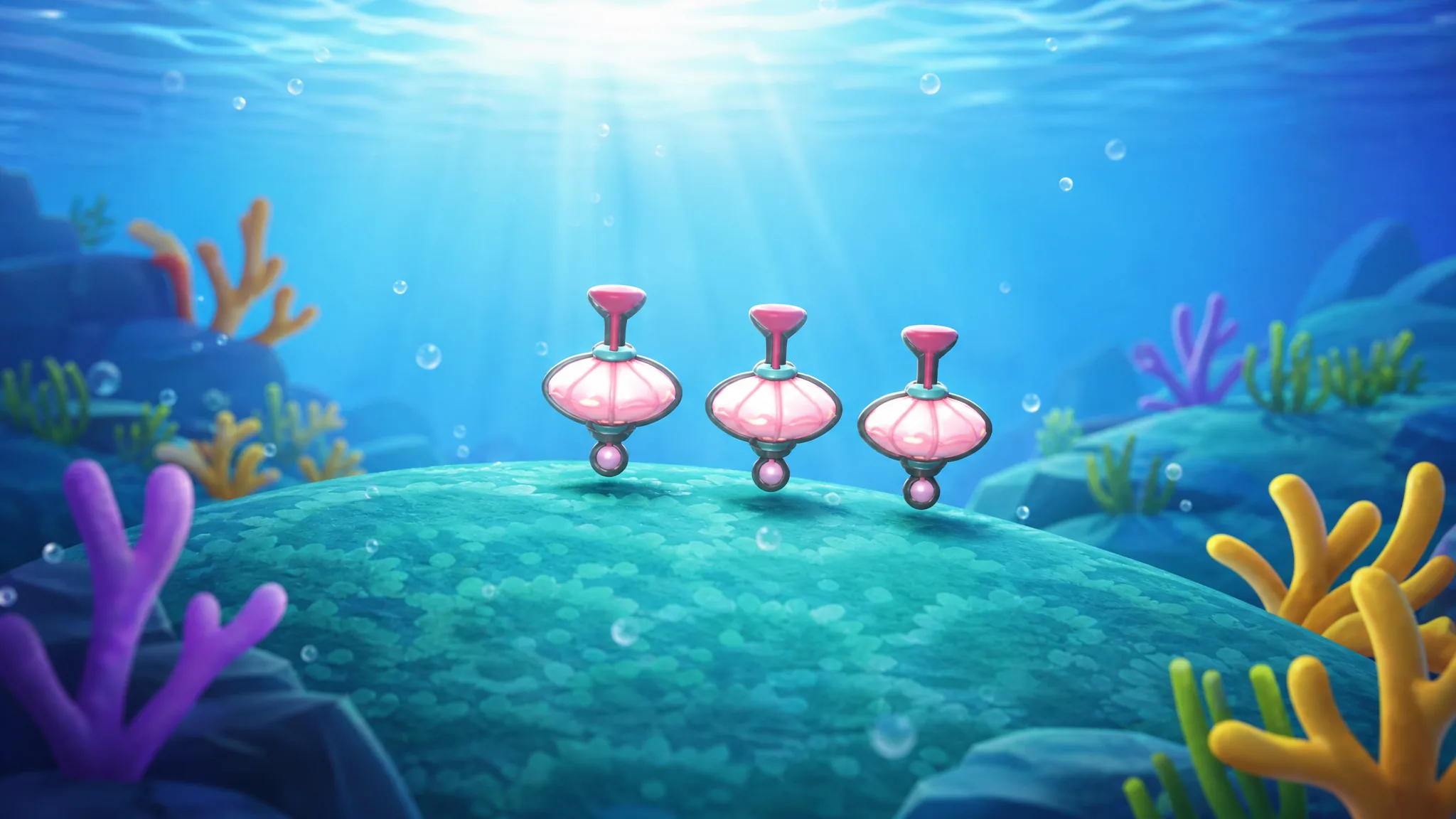
Pokopia: How to Restore the Topsy-turvy Habitat with Three Lampions
Everything you need to unlock habitat No. 027 in Bobbly Basin, from where Lampions hang to how the restore confirms.
-
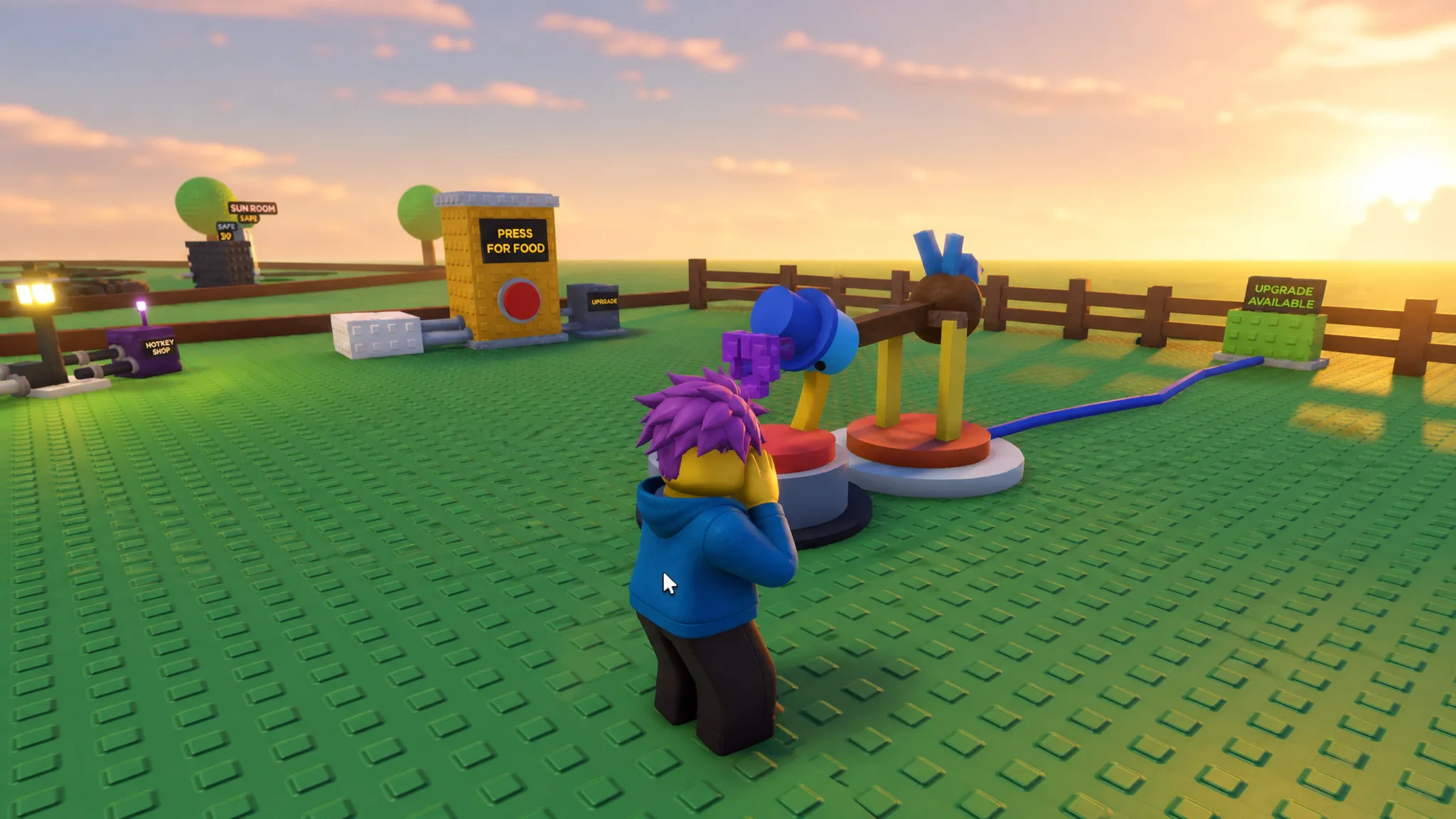
Peck for Profit: How to Make Money and Upgrade Your Bird
The exact loop for feeding, evolving, and automating your bird to raise coin income in the Roblox game.
-
Haze Seas: How to Max Observation Haki Dodges in One Day
Two dodge-farming routines plus the accessories and race that push your evasion count to the cap.
-
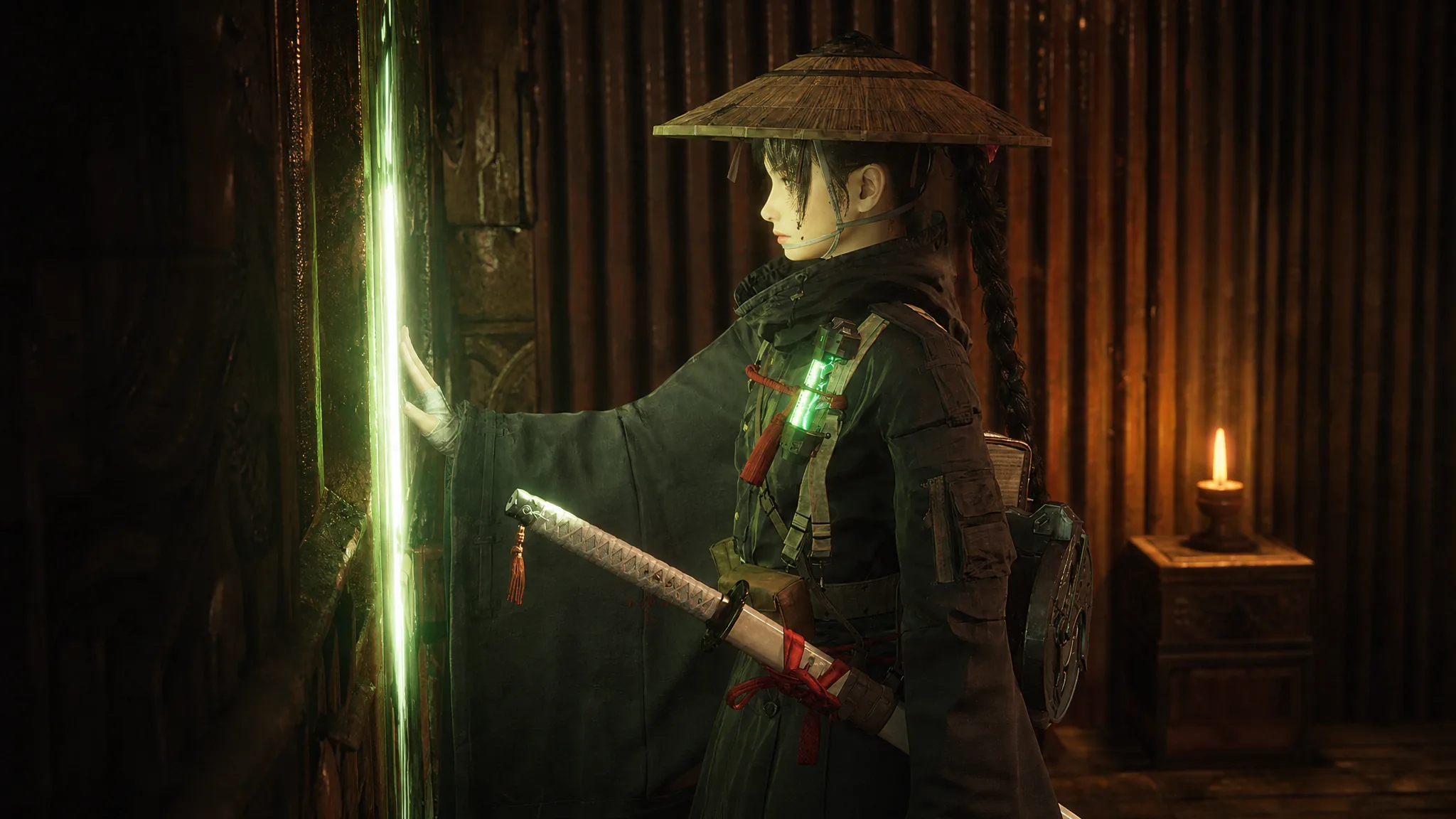
Beast of Reincarnation First Patch Targets Camera and Text Size Fixes
Game Freak and Fictions have laid out the first round of post-launch changes, with a patch aimed to land within a week.
-
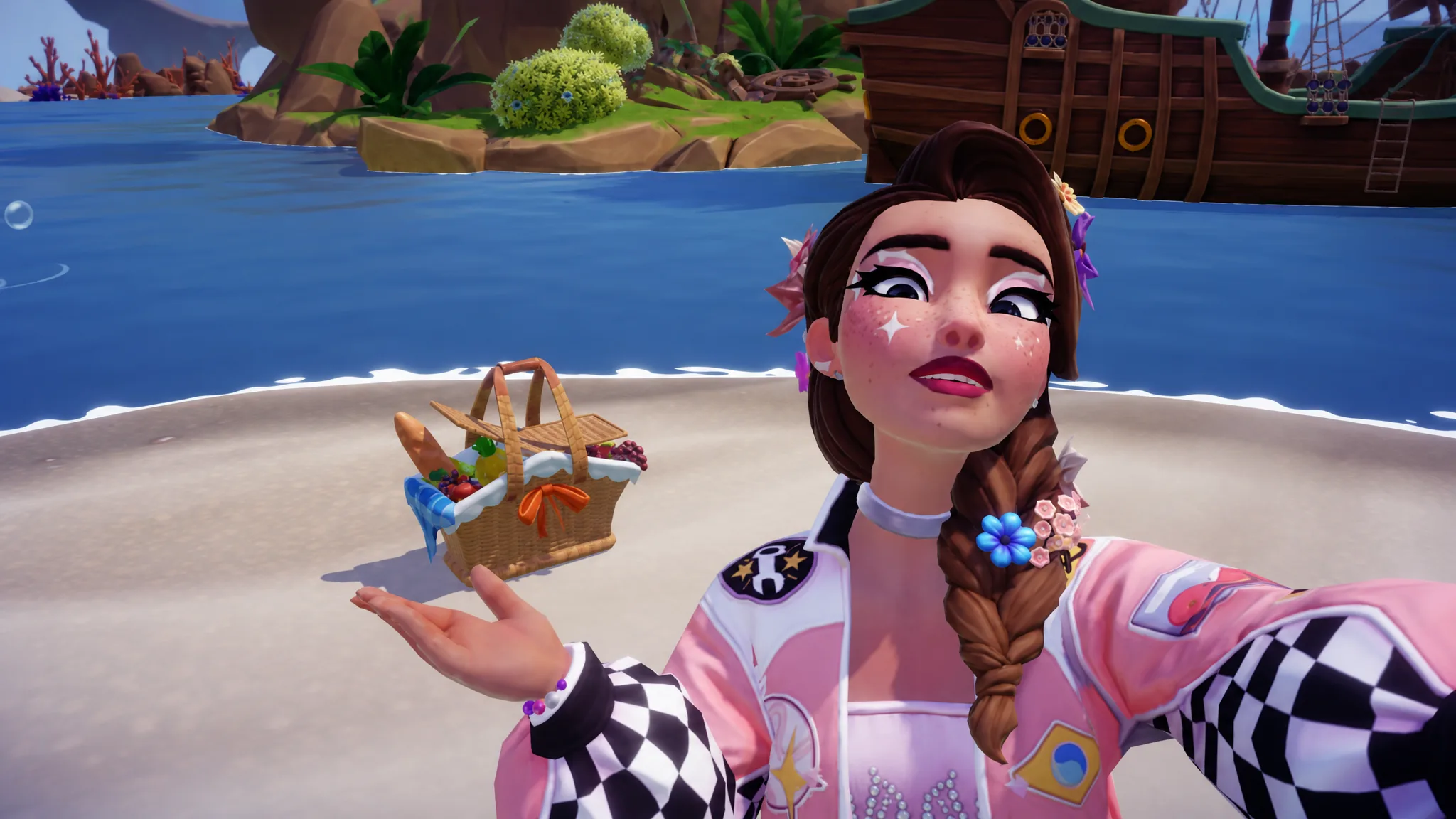
Disney Dreamlight Valley: How to Complete Deliver Some Sweetness
Finish six Summer Sizzle daily quests from Goofy, Remy, or Ursula to unlock the Summer Picnic Basket and Lake Dock set.