
Instructional, step-by-step articles.
Content Type: How-To
-
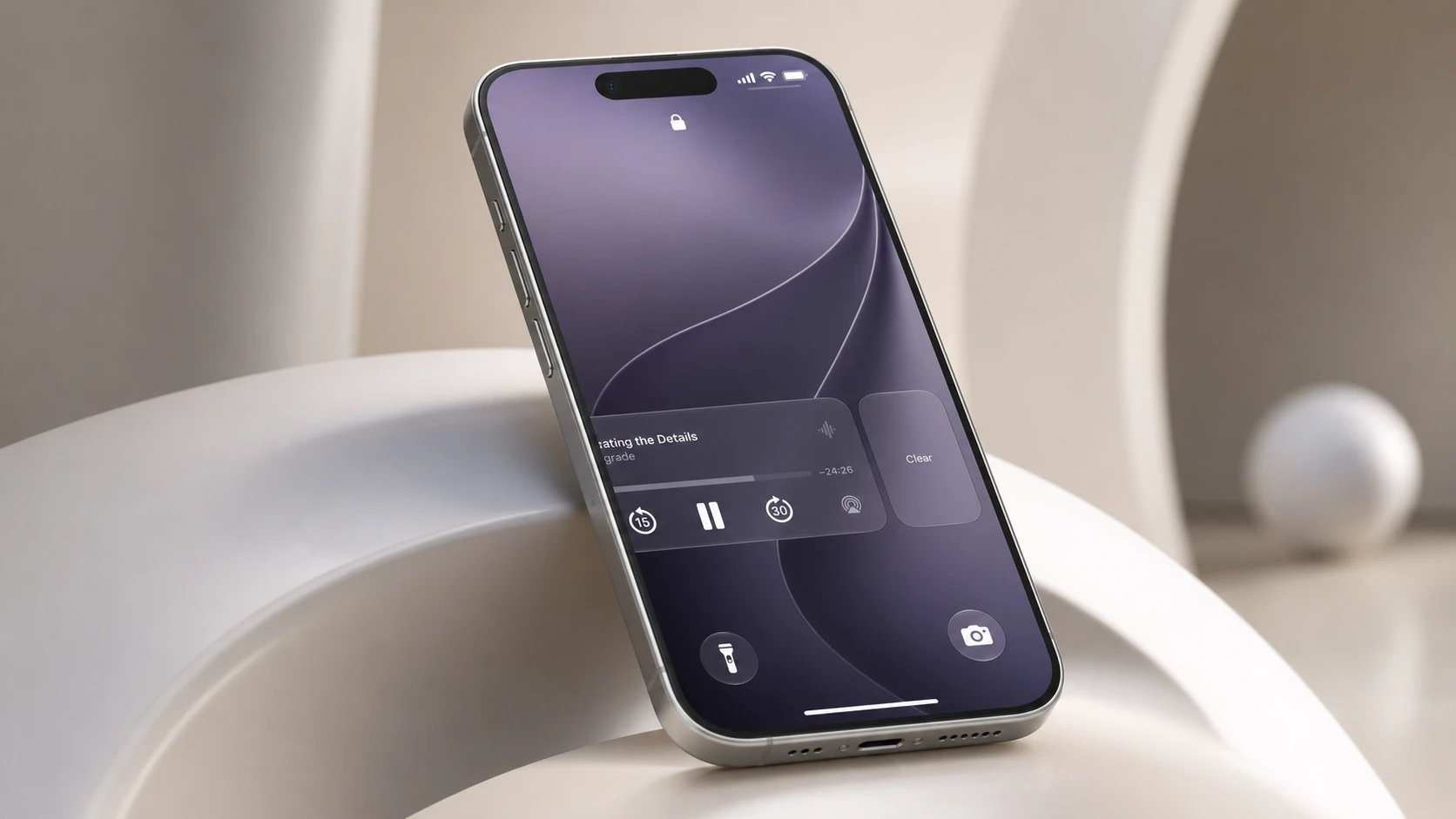
iOS 27 Now Playing Widget: How to Swipe It Off the Lock Screen
The first developer beta finally lets you dismiss the media controls, and doing so also clears the Dynamic Island.
-

Where Winds Meet: How to Import Character Customization Data
Apply shared appearance and outfit codes in the creator, plus what it costs to edit your look later.
-
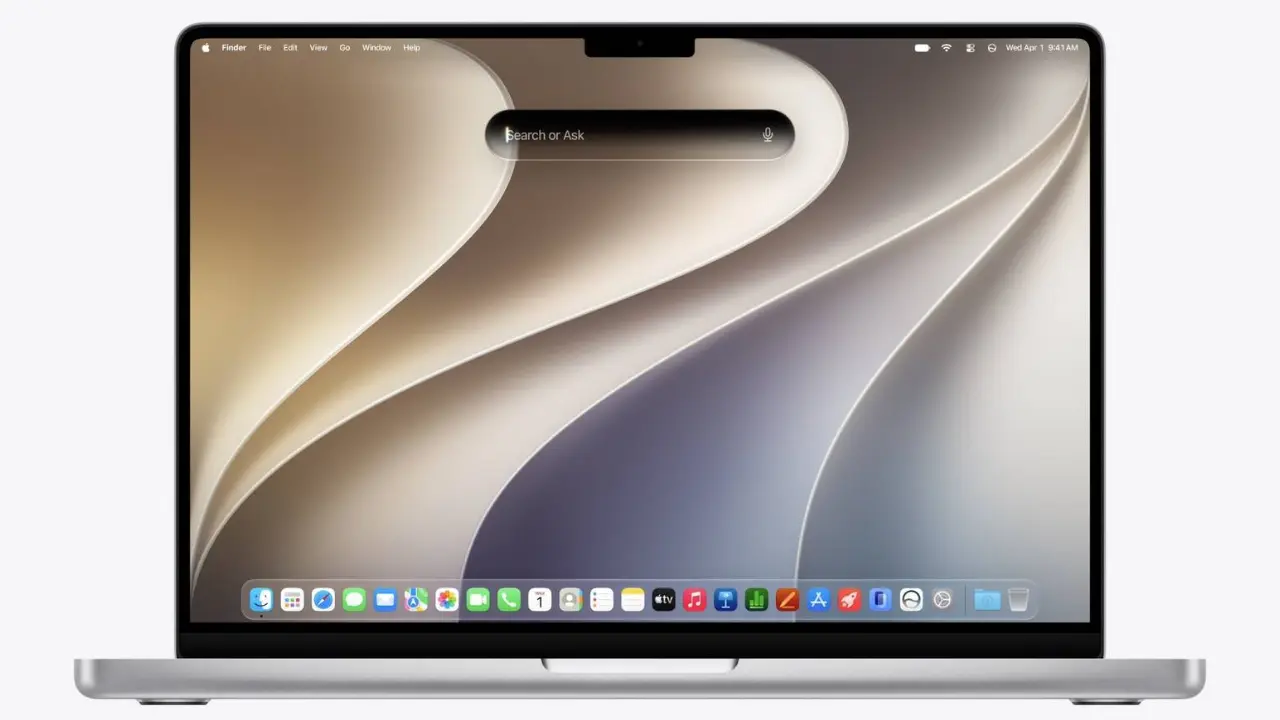
macOS 27 Golden Gate Wallpaper: How to Download and Apply It
Get the new Golden Gate desktop background in its native 4480 x 3088 resolution, plus a 4K version and the dark variant.
-
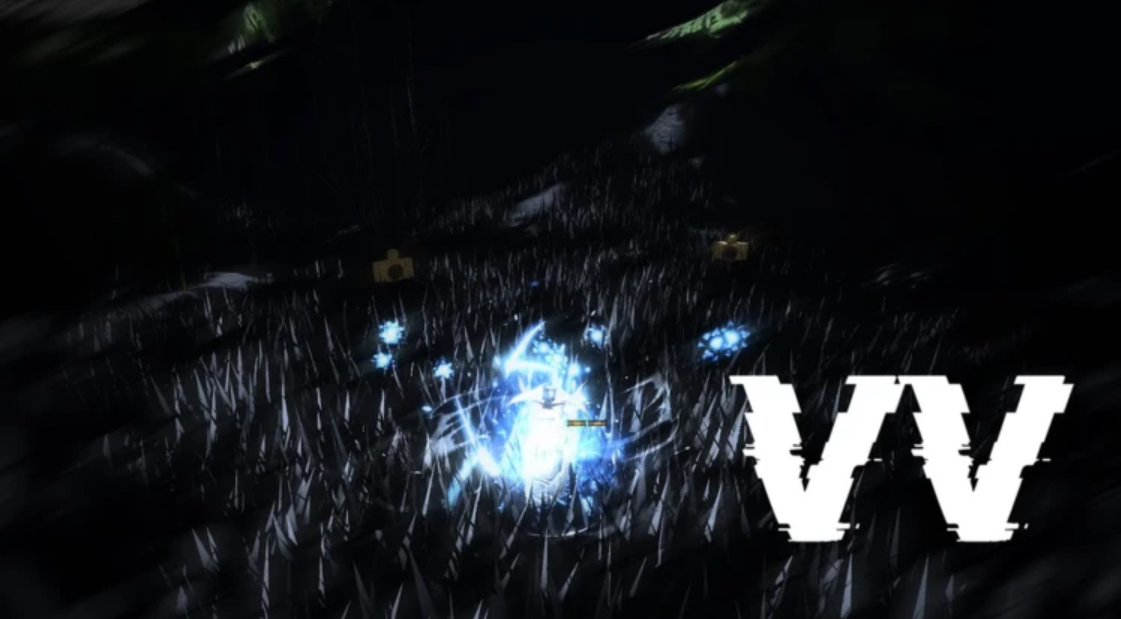
How to Z-Step in VV: Ultimatum (Movement Tech)
The exact input order to cancel a skill into a flash step and reposition instantly in PvP.
-
How to Reset the Skill Tree in VV: Ultimatum
Every way to refund skill points, from the free pre-level 20 wipe to crafted resets and Hogyoku wishes.
-
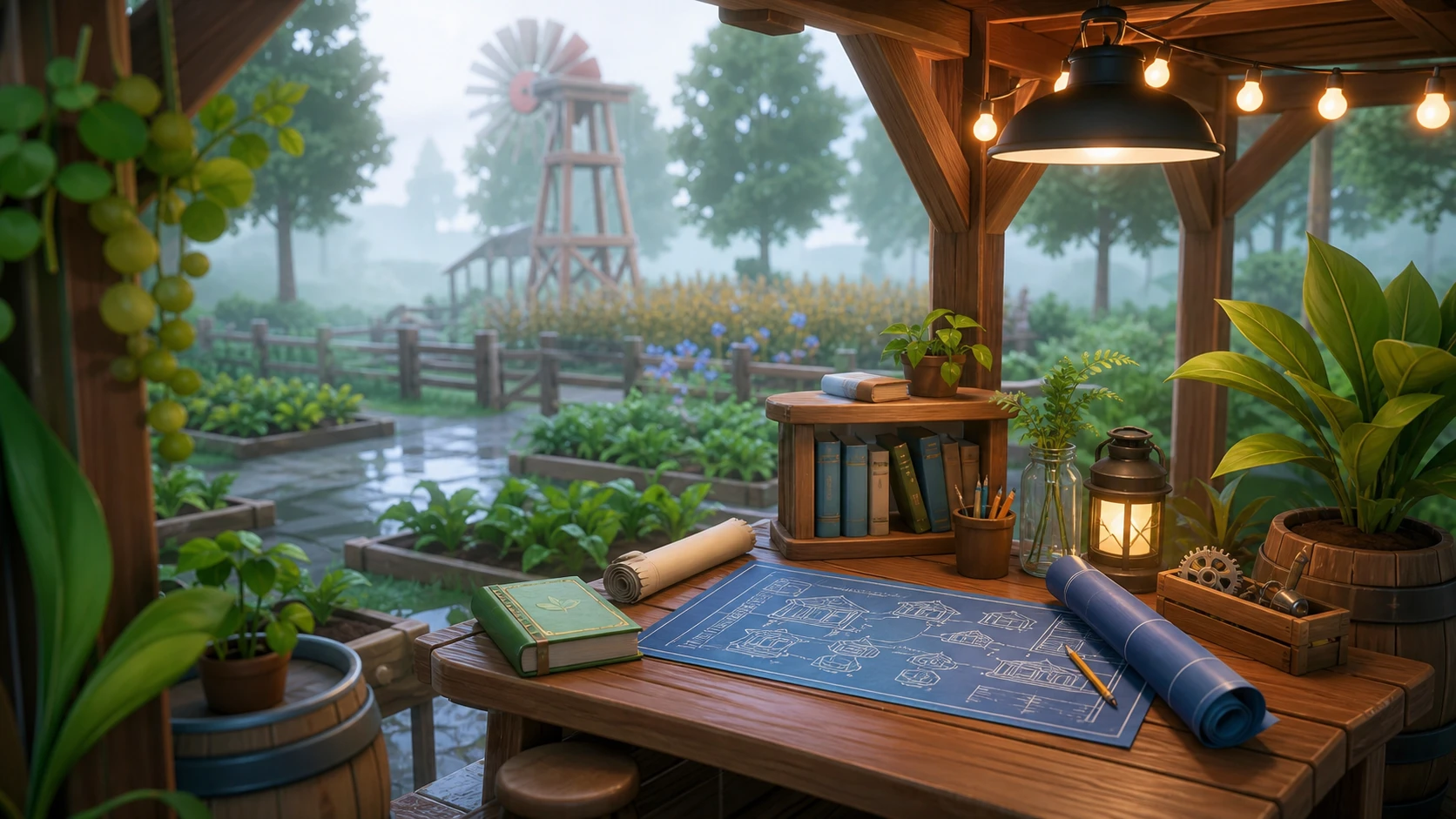
Solarpunk Research Table and Blueprint Unlocks Explained
Every Research Table tier, tier-up cost, and Tradebot blueprint you can unlock in Solarpunk, with exact material requirements.
-
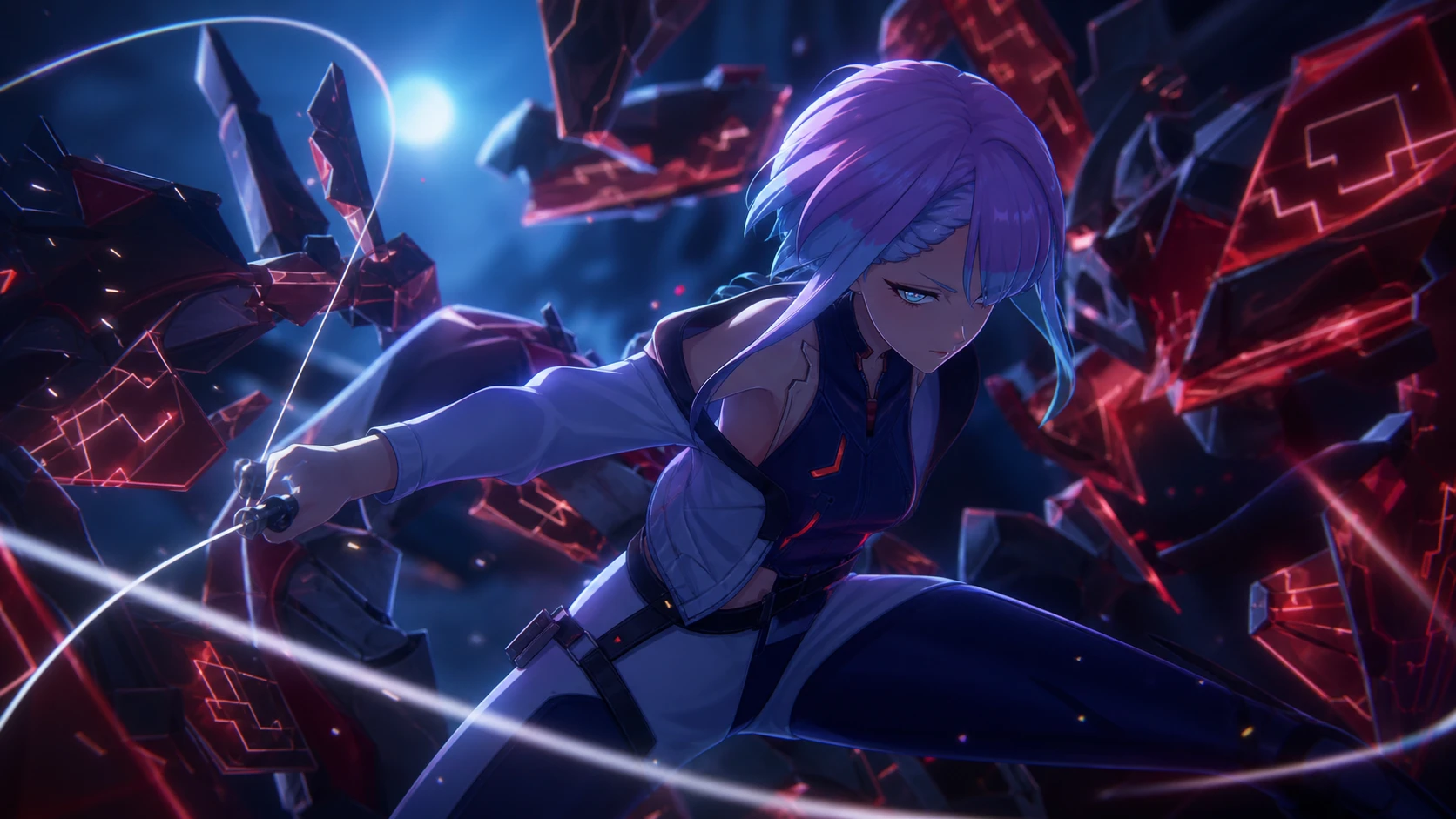
How to Build Lucy in Wuthering Waves (Version 3.4)
The best weapon, Echo sets, stats, and teams for the Spectro netrunner from the Cyberpunk Edgerunners collab.
-
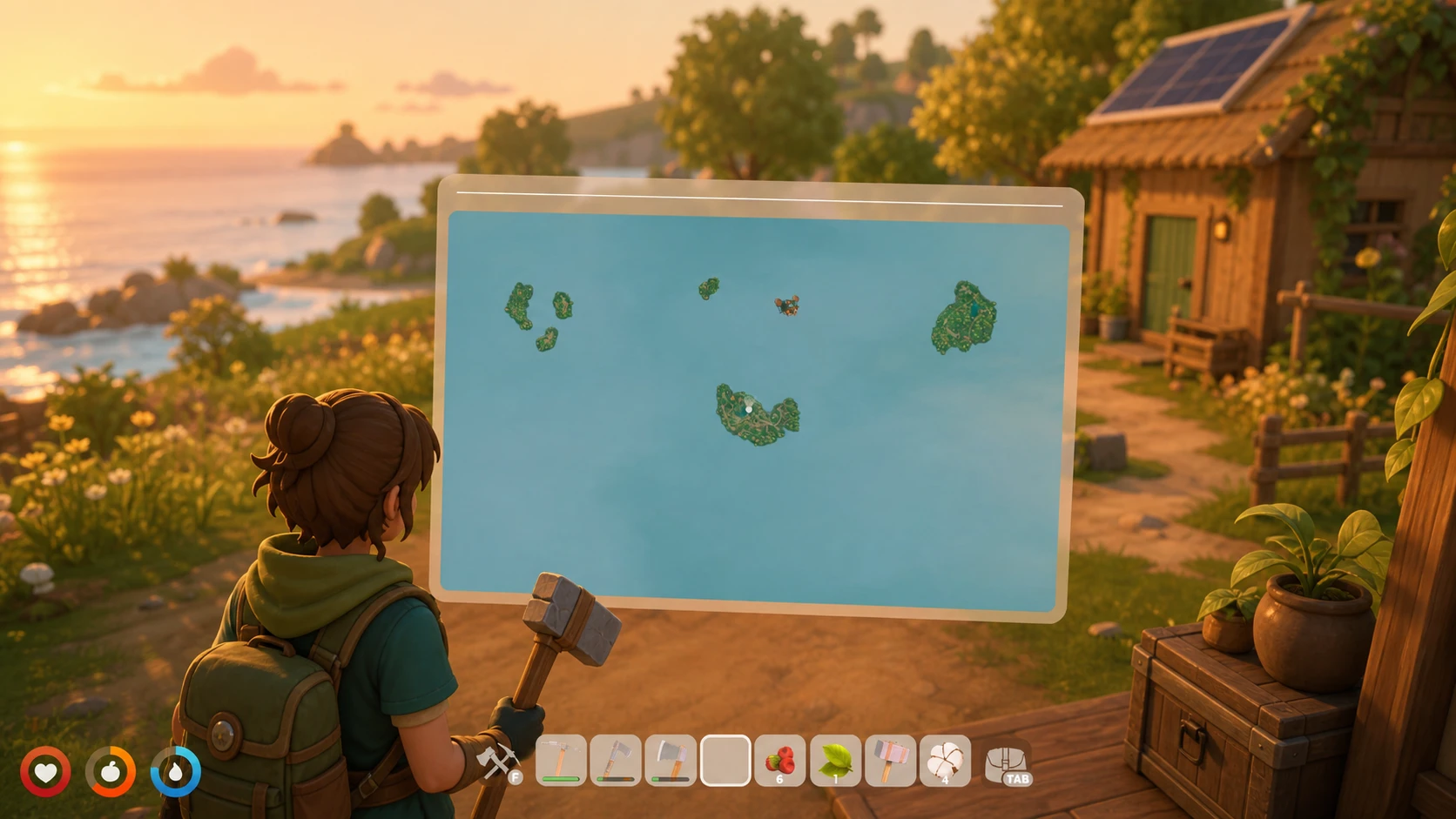
How to Unlock the Map in Solarpunk (Tier 2 Research)
Reach Tier 2 at the Research Table, then craft the map with cloth made from cotton.
-

macOS Golden Gate 27: Liquid Glass Fixes, Siri AI, and Apple Silicon Only
Apple’s next Mac release refines Liquid Glass, rebuilds search, adds a Gemini-powered Siri, and drops Intel support.
-
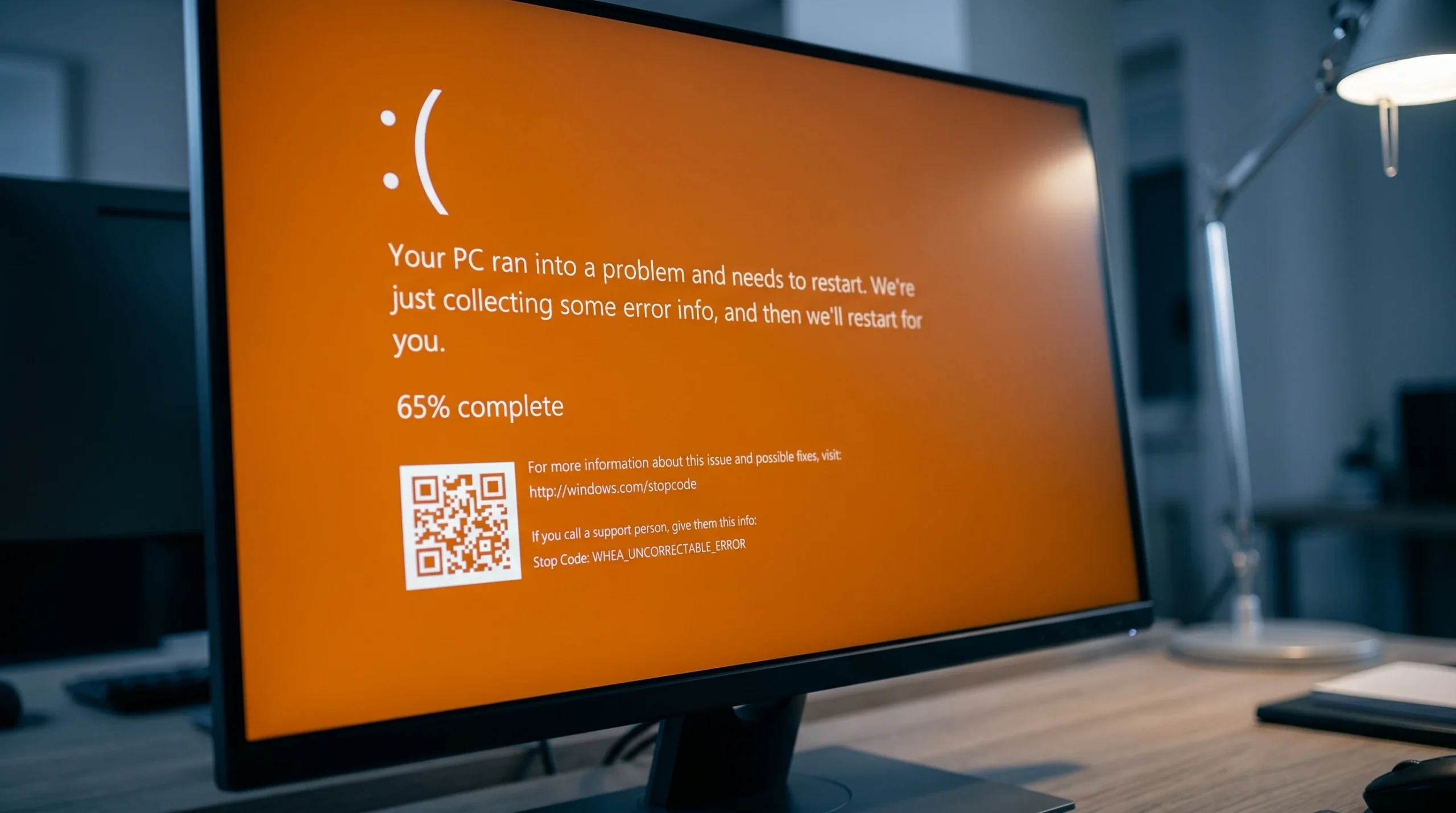
Fixing the Orange Screen of Death on Windows 11 (GPU and Driver Errors)
What triggers the rare orange crash screen and the exact steps that clear it on Windows 11 and 10.