
Instructional, step-by-step articles.
Content Type: How-To
-

Fortnite “Pak Is Invalid” Error: Causes and Fixes (PC)
Why Fortnite blocks launch over a damaged .pak file, and the exact steps to repair it.
-
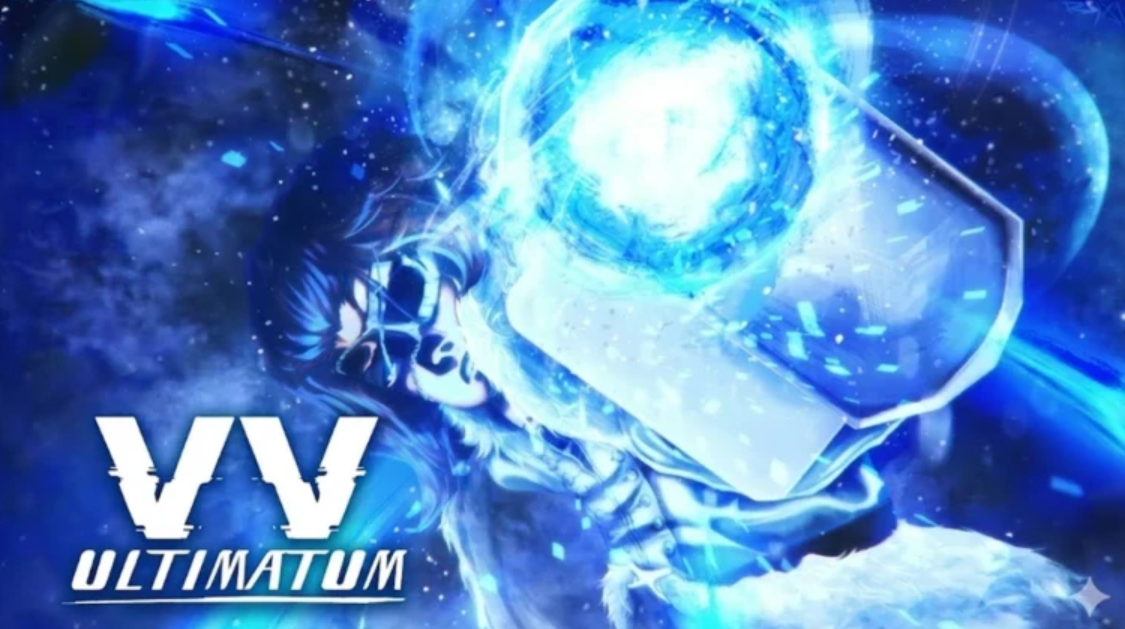
How to Beat the Gelid Dweller in VV: ULTIMATUM
What the Gelid Dweller is, how it was activated, and the simplest way to bring it down.
-
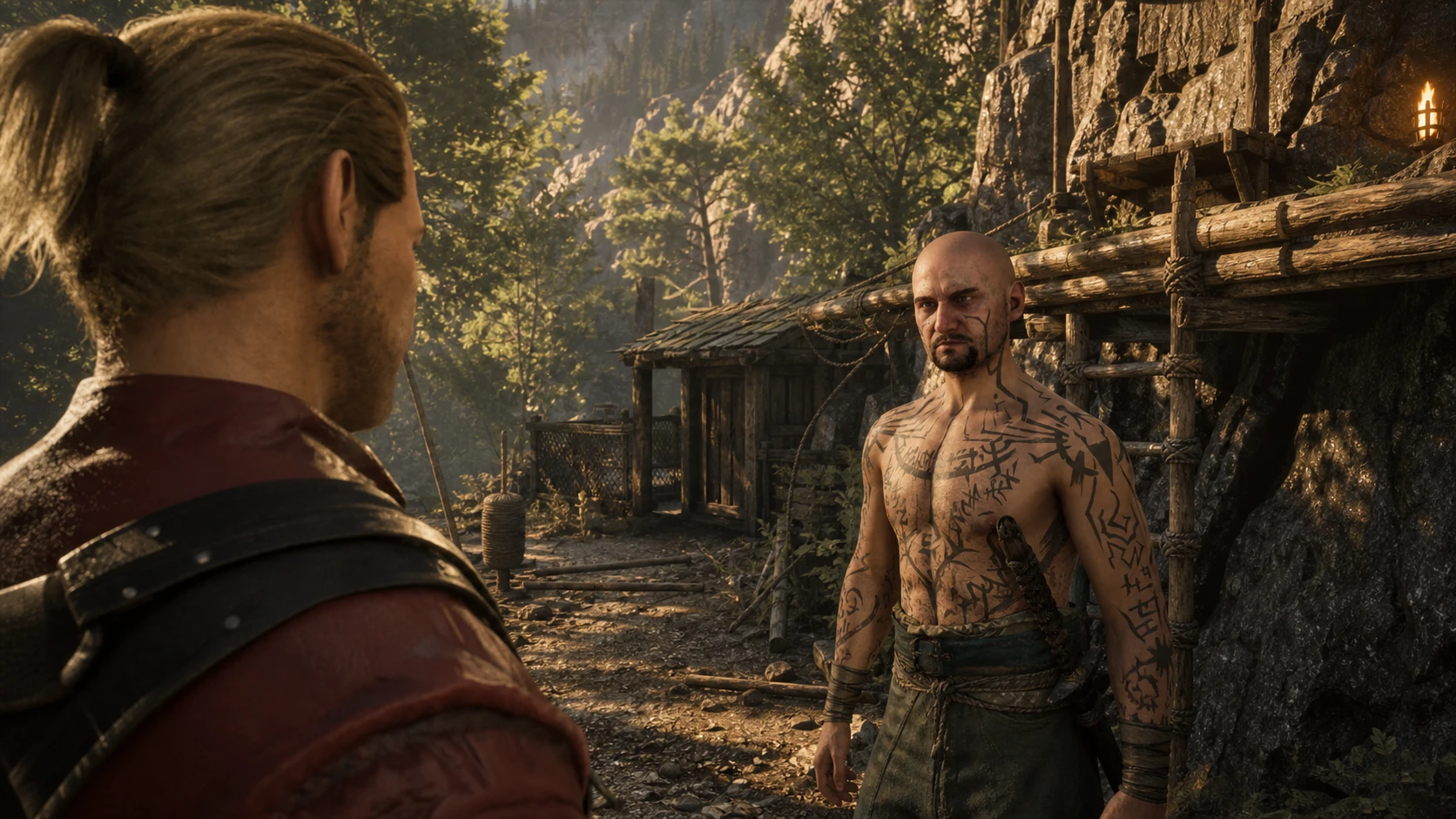
Gothic 1 Remake Climbing: How to Learn It From Theron in Swamp Camp
Find the Climbing trainer, hand over Northern Dark Rolls, and spend Learning Points to unlock the skill.
-
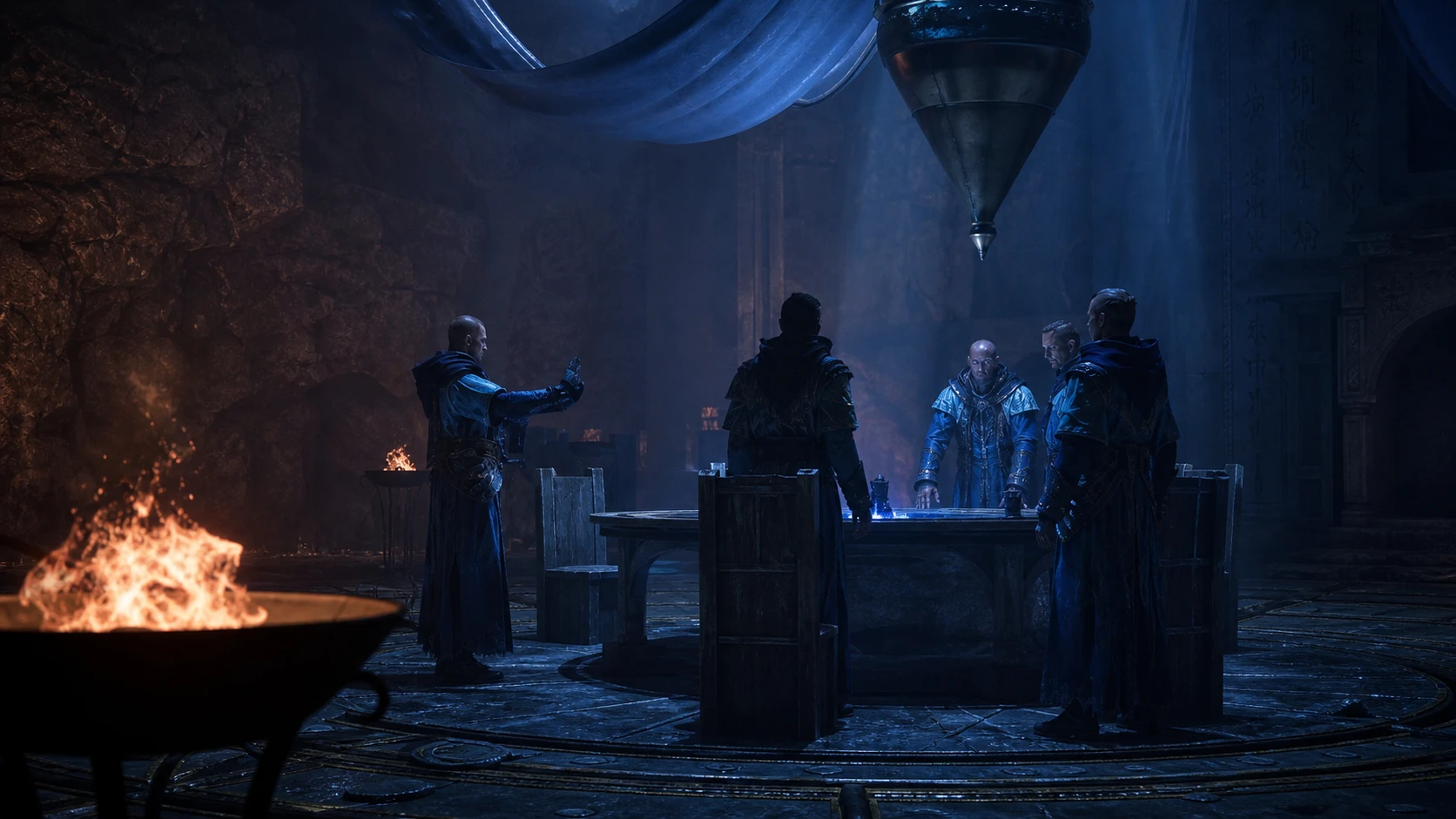
How to Become a Water Mage in Gothic 1 Remake (New Camp)
The full New Camp path to the Circle of Water, including the prerequisites and the focus stone test.
-

How to Complete the Squirrel! Duty in Disney Dreamlight Valley
Craft the Dug Pupcorn Bucket with the exact button counts to clear the duty and claim its reward.
-
How to play Minecraft 26.2 snapshots before Chaos Cubed launches
Install the latest 26.2 snapshot through the launcher to try sulfur caves, the friends list, and peer-to-peer worlds early.
-

Where Winds Meet: How to Befriend Lie Buxi in AI Chat
Rescue her brothers, grab Lie Yan’s Final Words, and present the letter to push her affection to Revered.
-
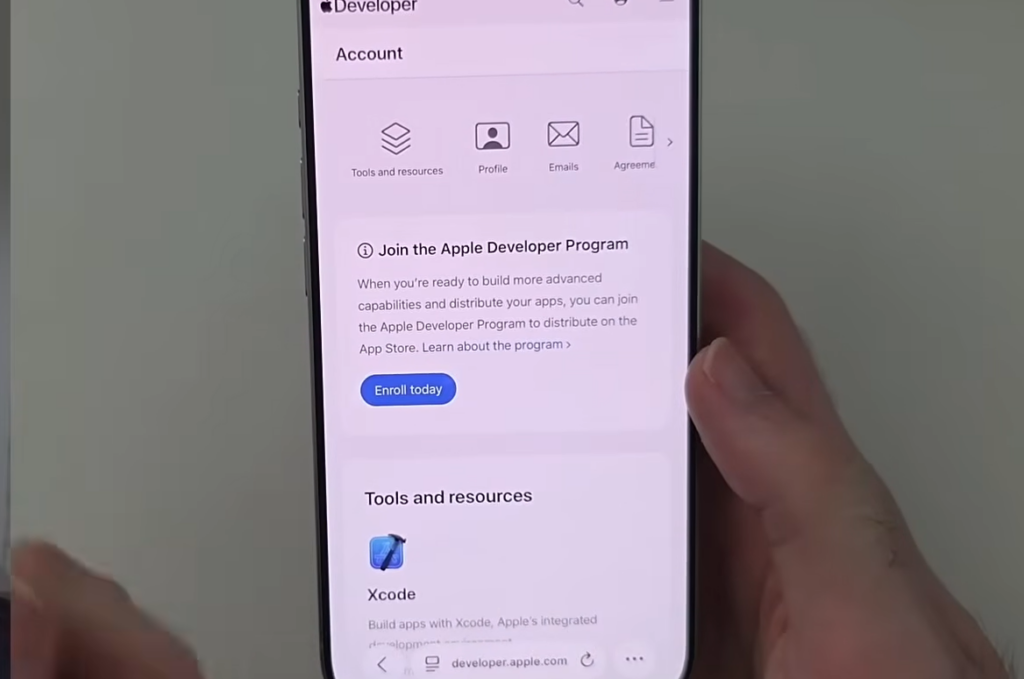
How to Join the Siri AI Waitlist in iOS 27 Beta
What you need to join Apple’s Siri AI queue, how long it takes, and why EU iPhones are blocked.
-

The Division 2 Reanimated: All Day 1 Challenges and How to Clear Them
Every Day 1 task in the Reanimated global event, the exact conditions that trigger each one, and the fastest farm to finish them.
-

Gothic 1 Remake: How to Get Baal Tyon’s Favor
Earn the Swamp Camp Guru’s approval by delivering the Dreamcall (Prepared) roll from the New Camp.