
Instructional, step-by-step articles.
Content Type: How-To
-
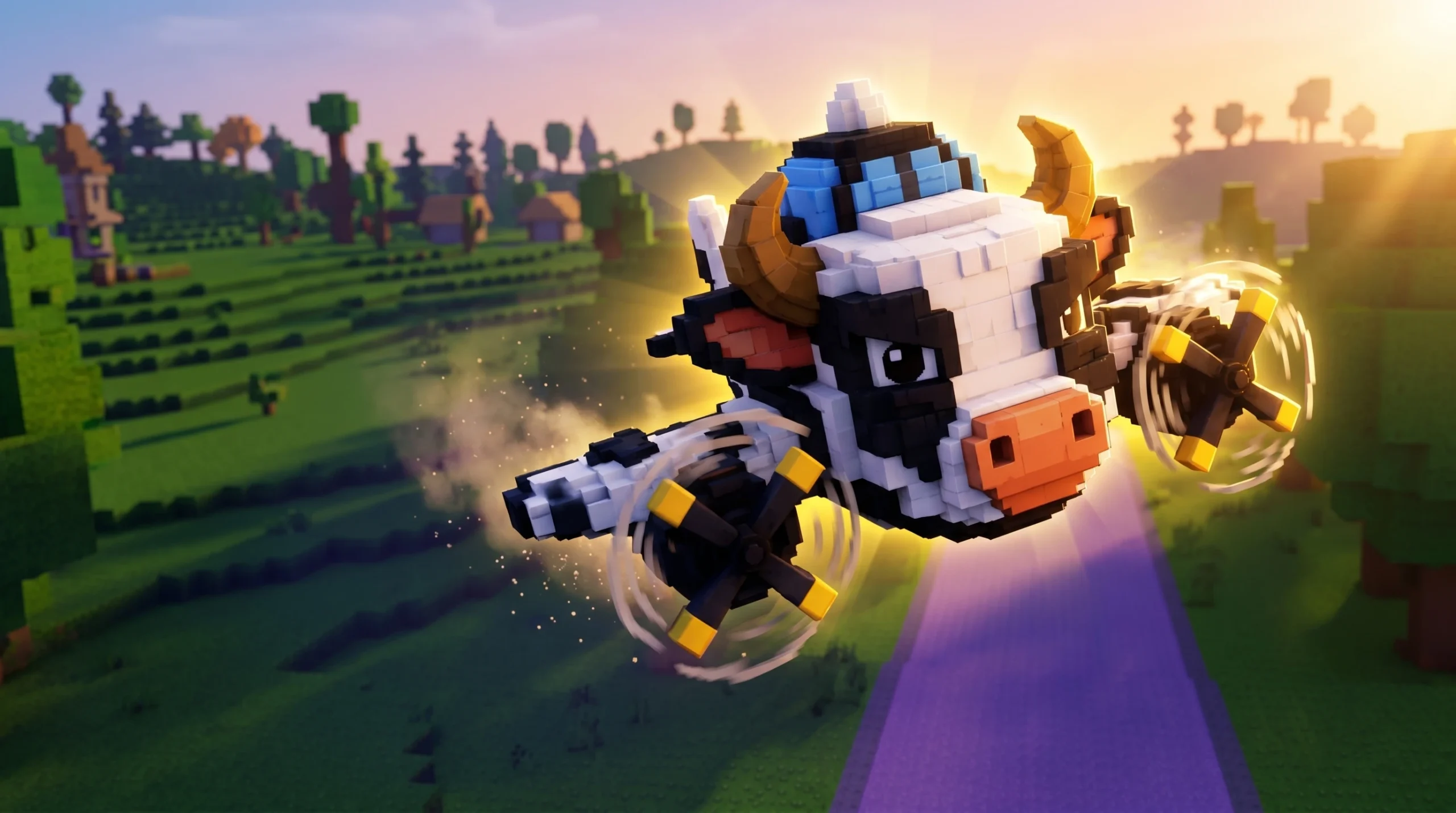
How to Get Bombardiro Vaccariro in Steal a Brainrot (Roblox)
The two obtainment paths for this Secret-tier Brainrot, plus its income, cost, and what makes it worth chasing.
-
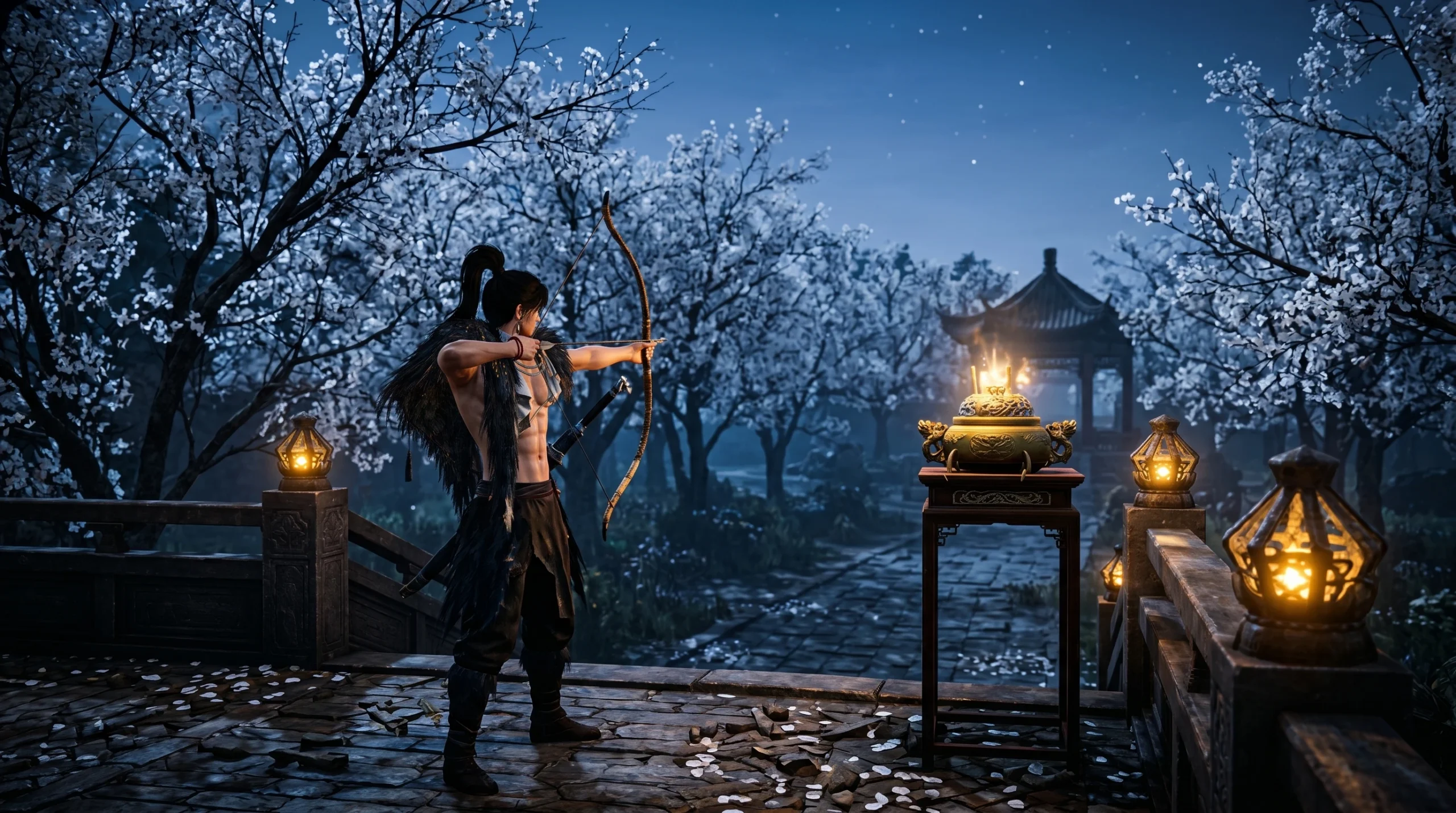
Where Winds Meet Rear Garden: How to Collect All 8 Oddities
The collection order and nearby landmarks for every Oddity in the Kaifeng Imperial Palace Rear Garden.
-
How to Z-Step in VV: Ultimatum (Movement Tech Guide)
Learn what the Z-Step movement cancel does in VV: Ultimatum and the exact input order to pull it off in PvP.
-
How to Get the Zero Point Sprite in Fortnite Runners
The rarest Mythic Sprite hides in Sprite Chests at a 0.03% drop rate, and you still have to extract it to keep it.
-
Valley of Screams in VV: Ultimatum: How to Remove Spirit Charms
The random purple portal is the only way to unbind equipped Spirit Charms and reclaim your notch budget.
-
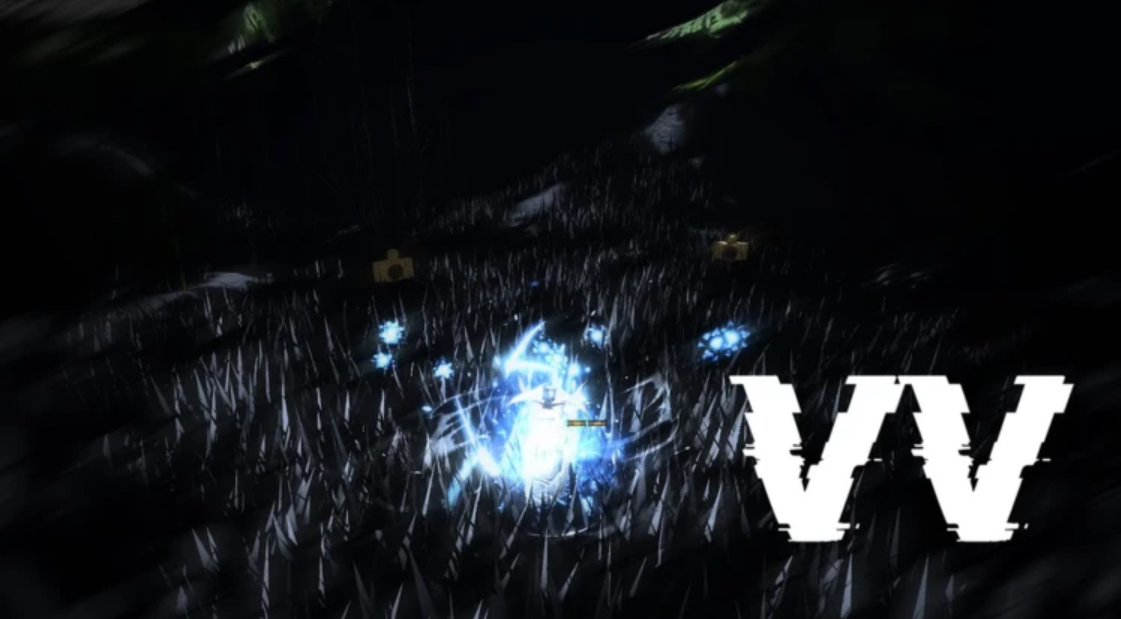
How to Play With Friends in VV Ultimatum (Co-op Missions)
How to team up with other players, find a group through the official Discord, and farm missions together.
-
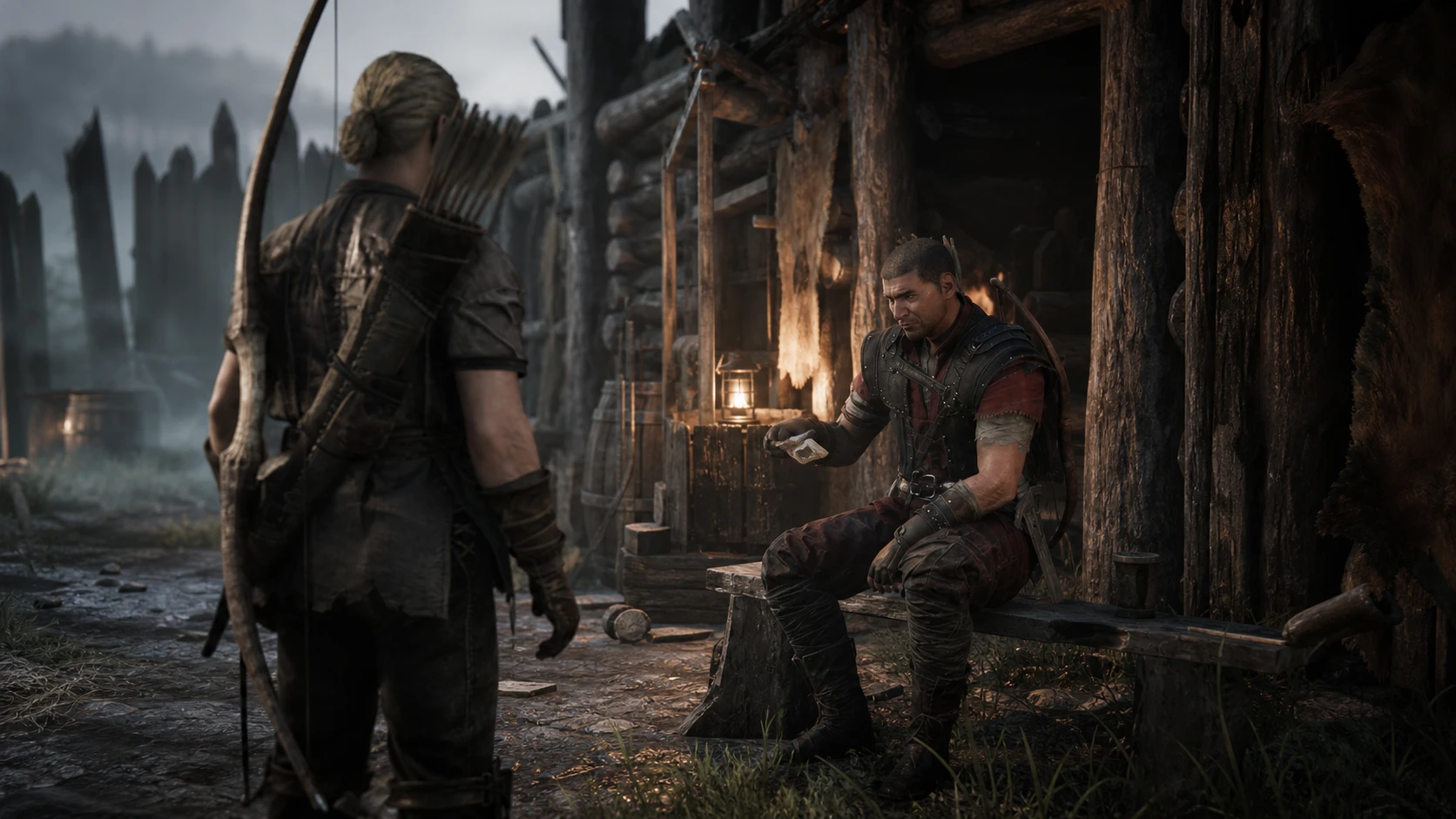
Gothic 1 Remake: How to Complete A New Fence for Fisk
Recruit Sharky from the New Camp to replace Mordrag and lock in Fisk’s vote for the Old Camp.
-
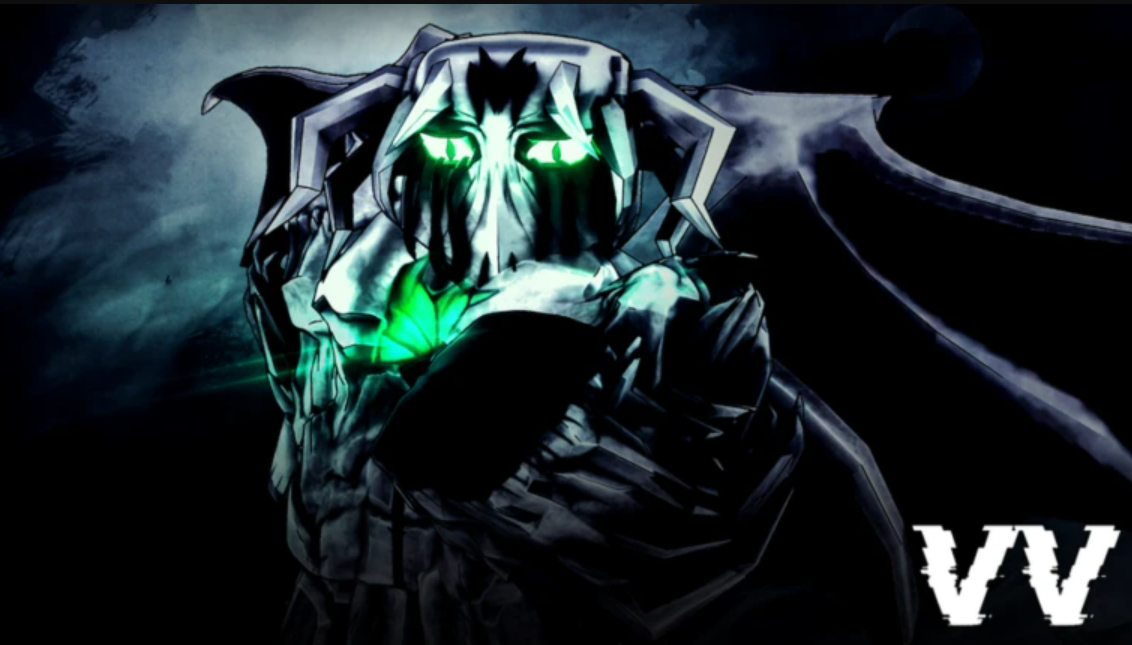
How to Become a Hollow in VV: Ultimatum (Full Progression)
Pick a Hollow variant, evolve through Menos and Vasto Lorde, and lock in the traits that shape your final Arrancar.
-
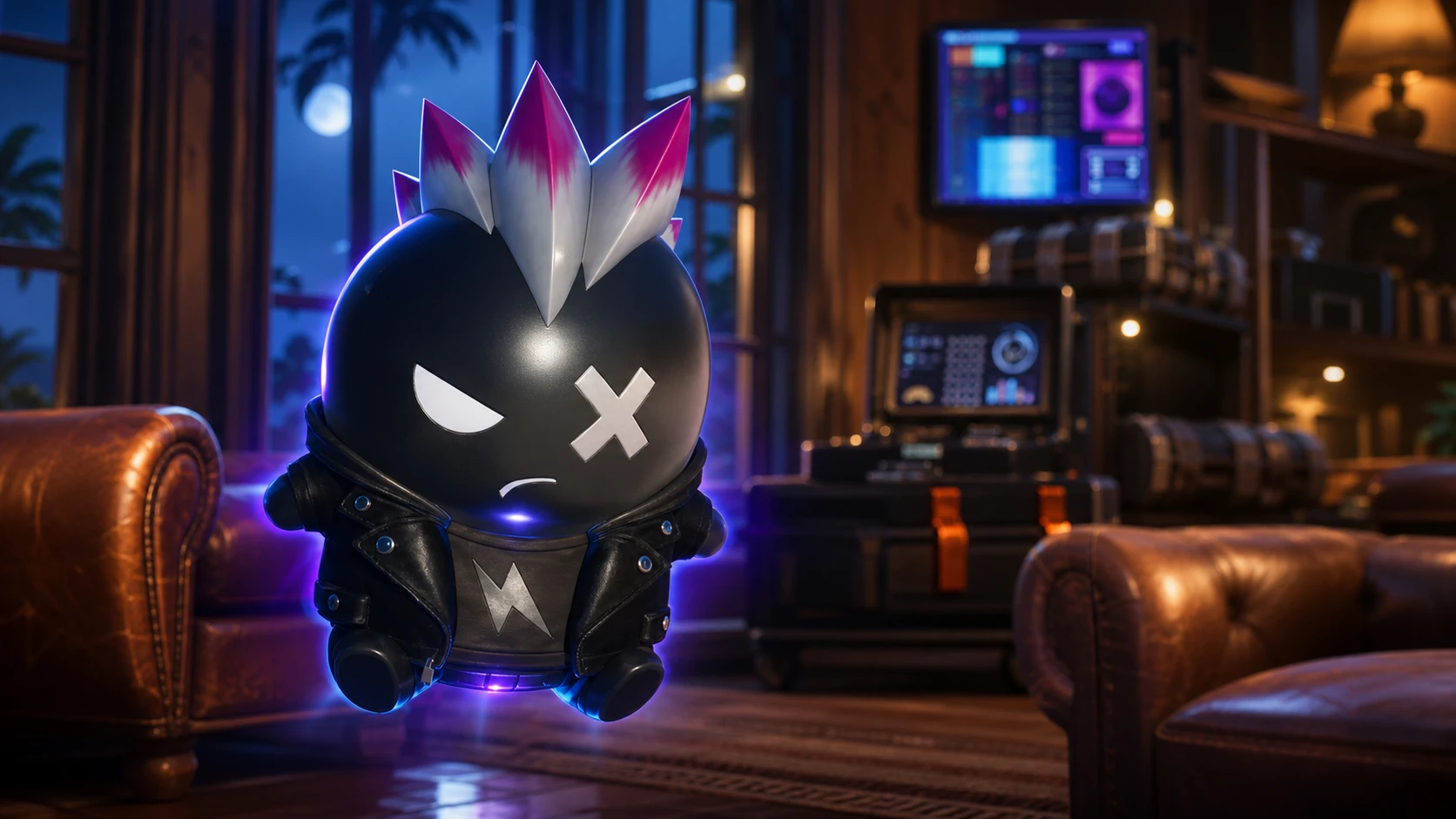
How to Get the Punk Sprite in Fortnite Chapter 7 Season 3
The Punk Sprite drops from rare Sprite Chests at a 3.5% rate, and its only reliable buff is a chance at infinite ammo.
-
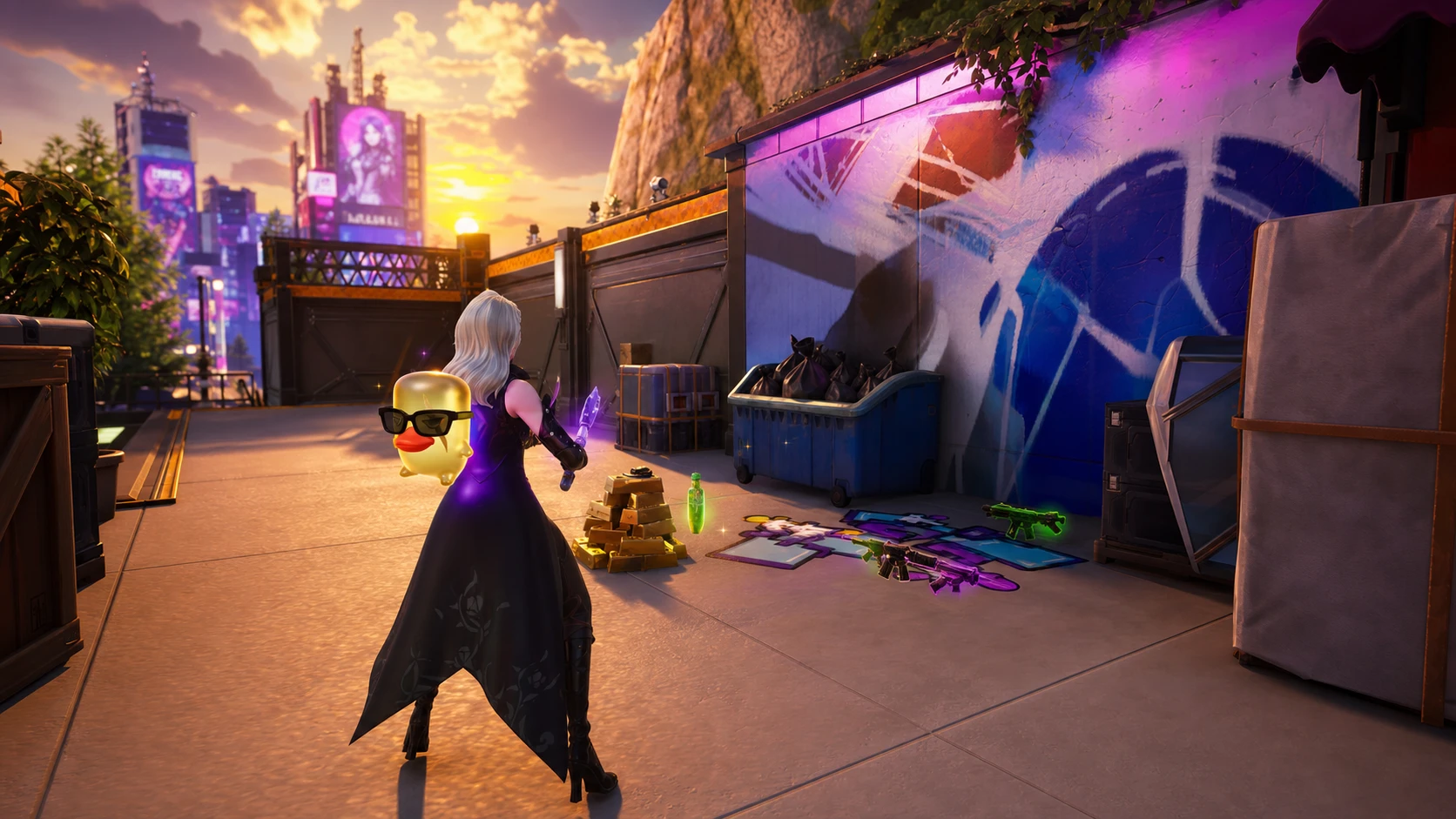
How to Re-summon Sprites You Lost in Fortnite Chapter 7 Season 3
Only banked Sprites come back, and the cost in Sprite Dust depends entirely on rarity.