
Instructional, step-by-step articles.
Content Type: How-To
-
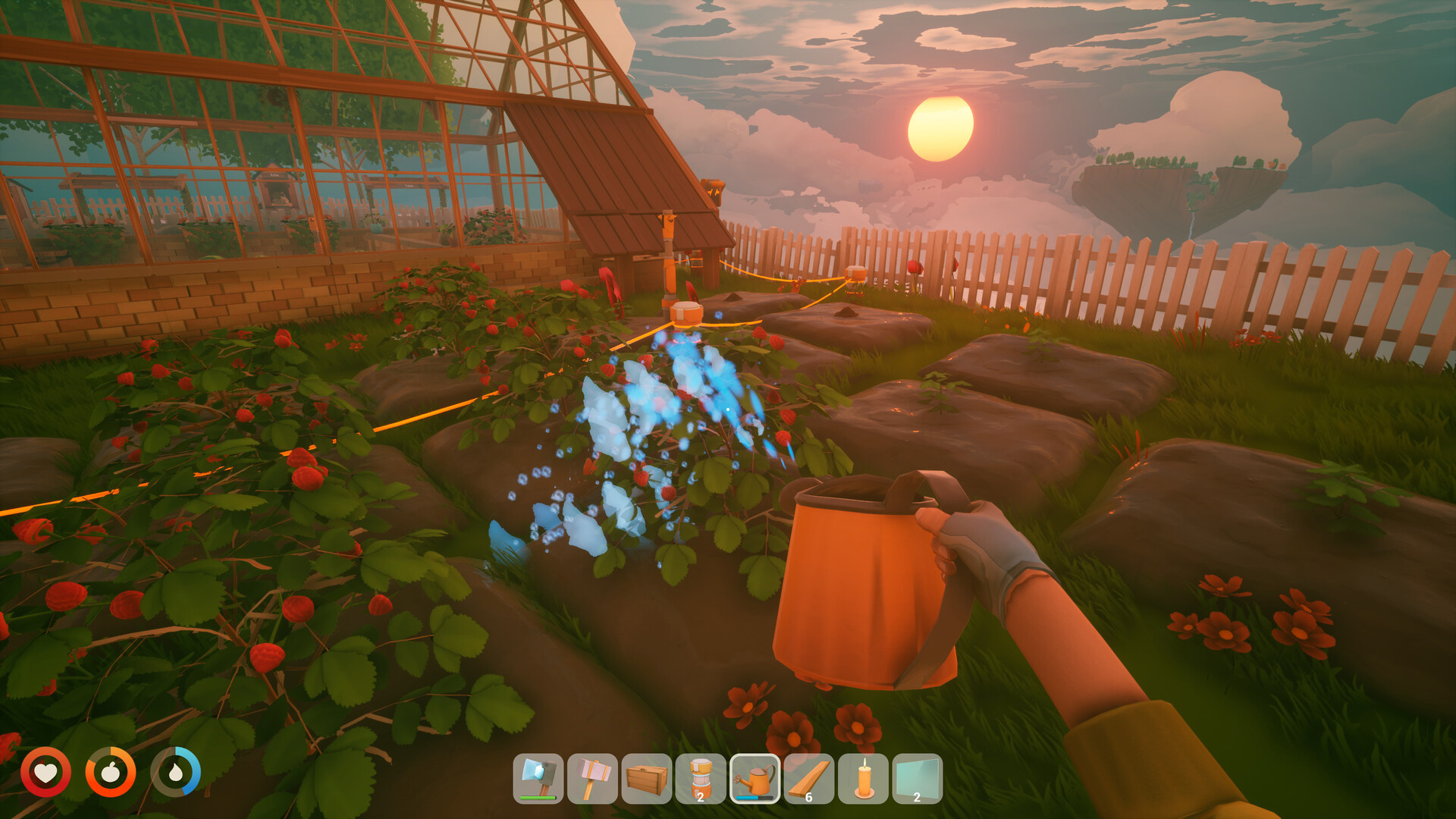
How to Get Wheat in Solarpunk (Airship Level 2 and Beyond)
Wheat sits behind the Level 2 airship upgrade, so save your first harvest for trades and Bread before feeding chickens.
-

How to Build the Airship in Solarpunk (Dock, Components, Upgrades)
Collect the crashed component, research the dock, and craft your first airship to open up the floating islands.
-

How to Turn Off Background Apps in Windows 11
Control which Microsoft Store apps run in the background using Settings, Battery usage, or Group Policy.
-

USB Drive Not Showing Up in Windows 11: How to Fix It
Work through power settings, drive letters, drivers, and security software to get a hidden flash drive back.
-
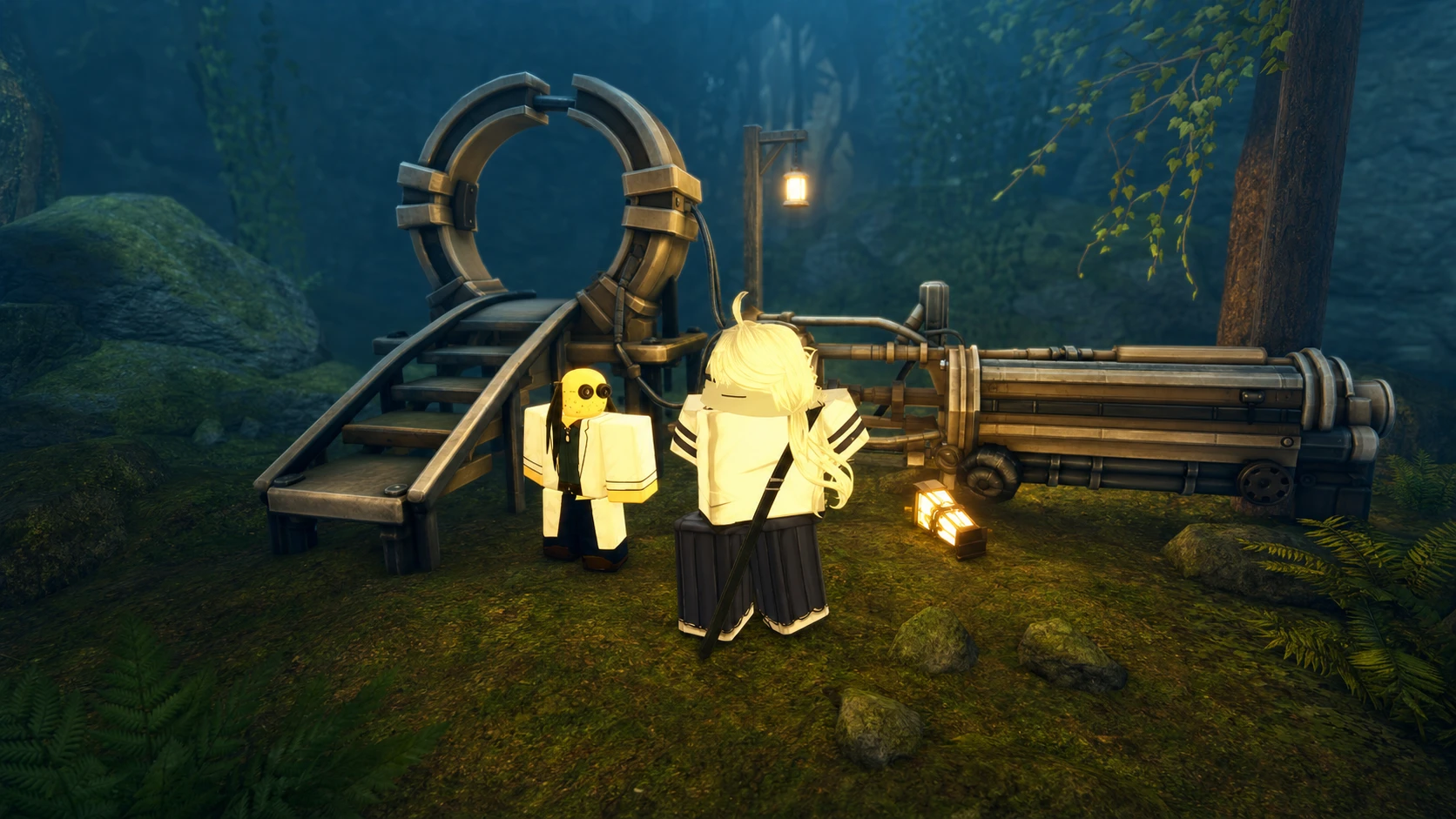
How to Enter the Valley of Screams in VV Ultimatum
Find the random purple portal that lets you unbind Spirit Charms and reclaim your notch budget.
-
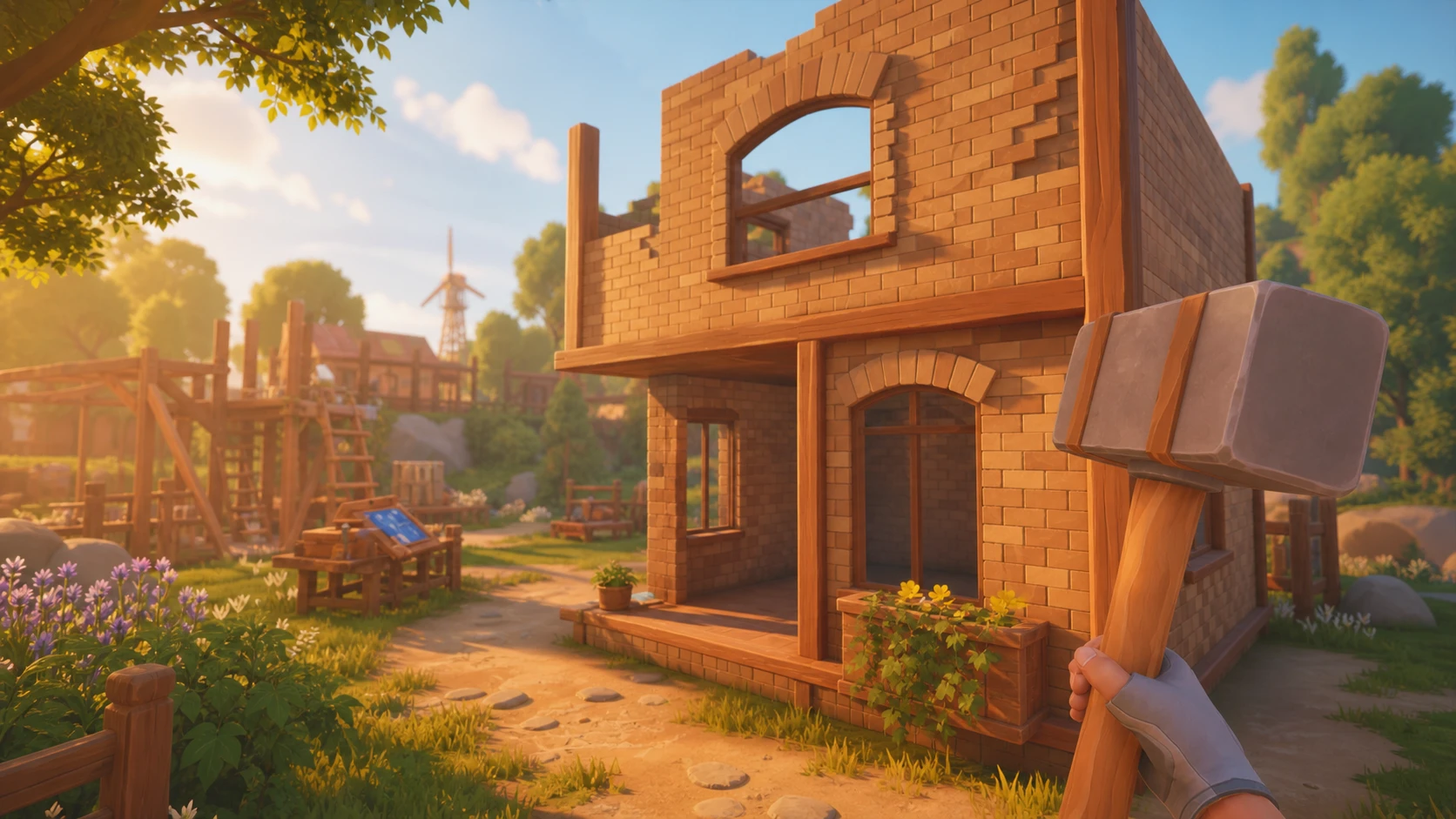
How to Build Your First House in Solarpunk
Craft the Build-Hammer, lay a foundation, then raise wood walls, a roof, and a bed for your first home.
-
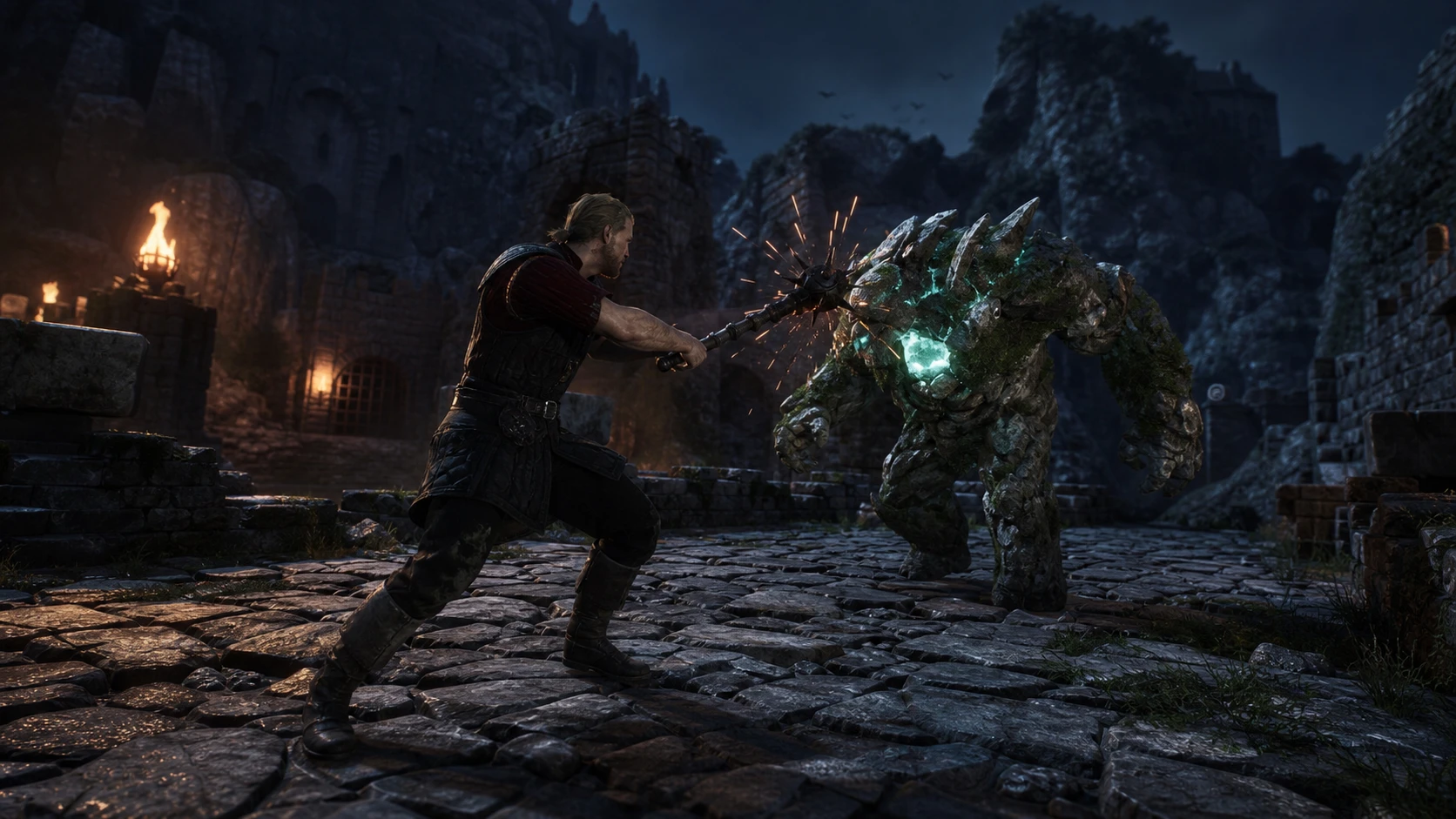
How to Parry in Gothic 1 Remake (and Land the Riposte)
Wait for the enemy’s strike to travel, deflect at the last moment, then counter into a riposte.
-
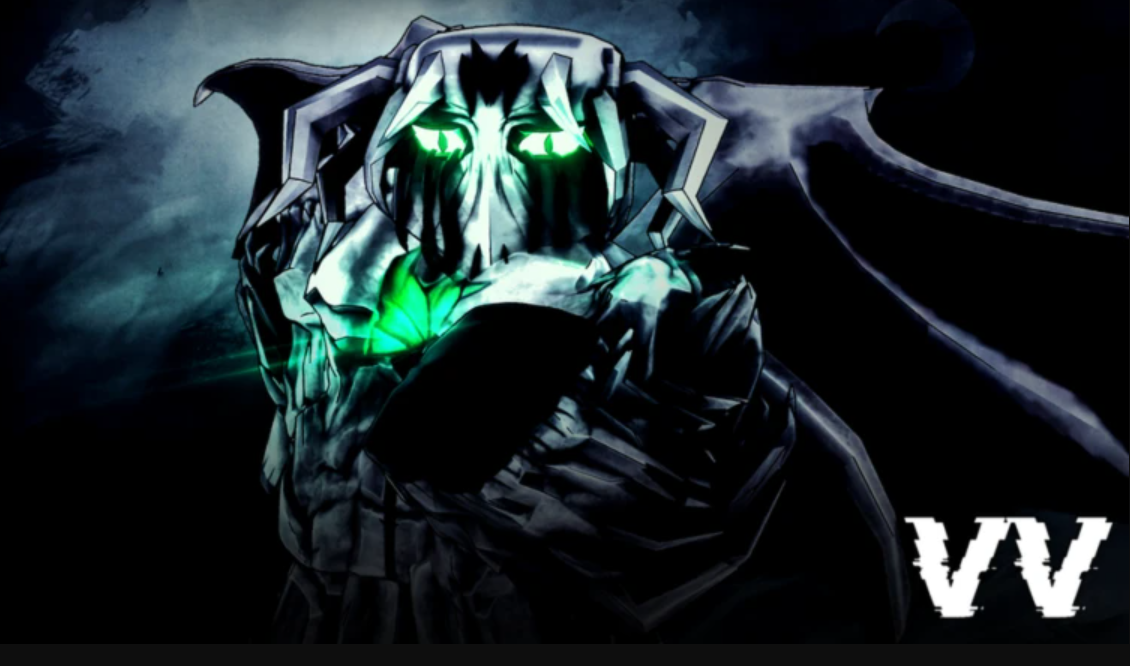
How to Become a Hollow in VV: Ultimatum (Full Progression)
Pick a Hollow type, farm traits, push to Vasto Lorde, then evolve into an Arrancar and unlock Resurrección.
-

How to Get the Green Aura in VV Ultimatum (Shinigami)
The green aura confirms your Soul Reaper has started the path to Shikai, and reaching it comes down to one level threshold.
-
How to Group Up in VV: ULTIMATUM (Factions, Clans, Portals)
VV: ULTIMATUM has no standalone party menu, so teaming up runs through factions, clans, and the faction portal key.