
Instructional, step-by-step articles.
Content Type: How-To
-

How to Start All Beauty Fades in Where Winds Meet
Learn the exact prerequisites, item links, and timing quirks that unlock the All Beauty Fades Wandering Tale.
-
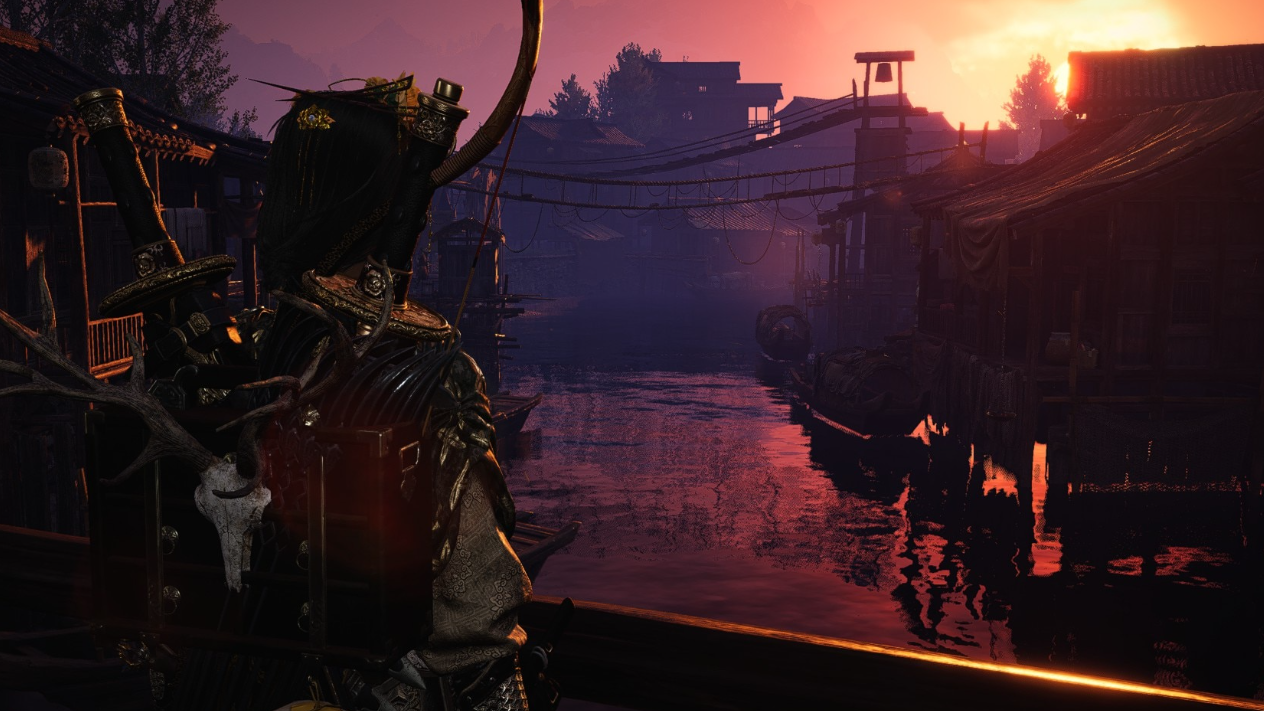
Night Flash’s Shadow in Where Winds Meet: How to Trigger and Finish the Quest
How to unlock Night Flash’s Shadow, avoid the hidden trigger pitfalls, and follow the horse’s trail to the end.
-
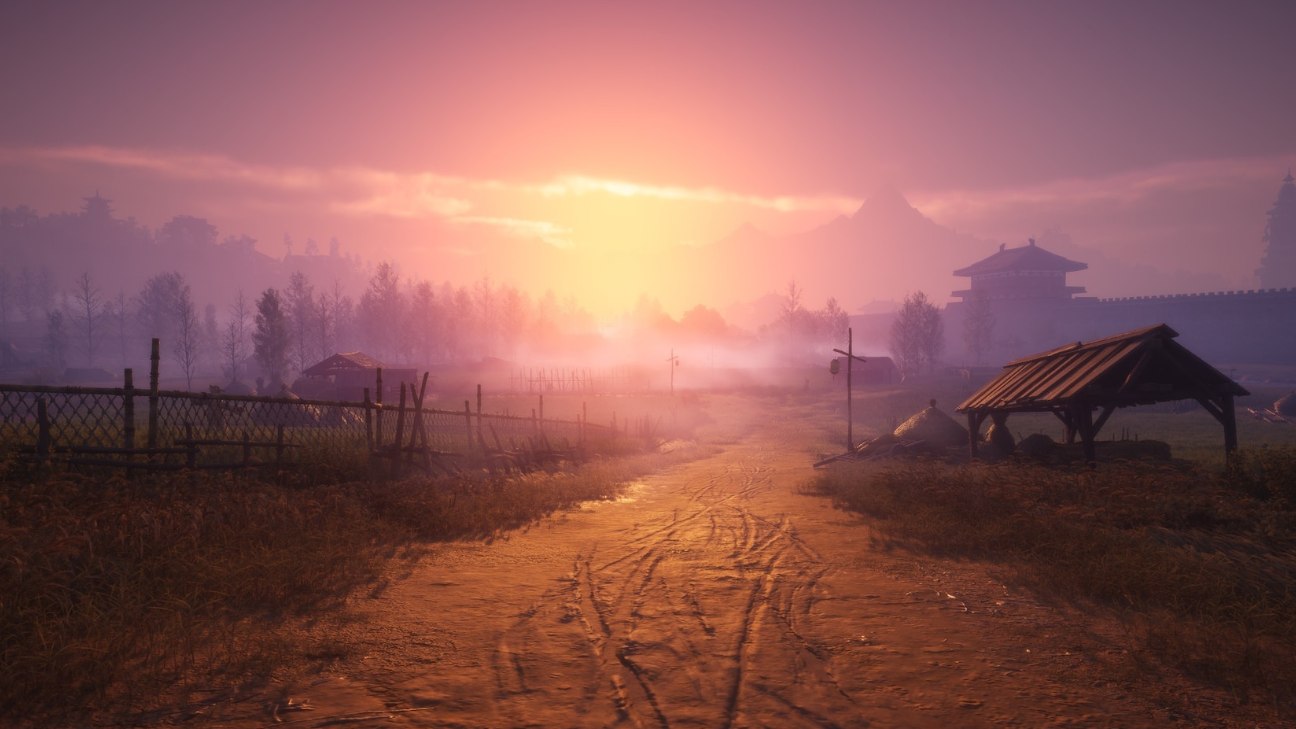
Where Winds Meet Long Wu quest: How to complete The Silent Assassin
Track down Long Wu, survive his age check, and finish The Silent Assassin Lost Chapter from General’s Shrine to Jadebrook Mountain.
-

Miaojue in Where Winds Meet – How to Befriend the Halo Peak Monk
Learn where to find Miaojue, what he cares about, and how to steer AI Chat so he reaches Revered friendship.
-
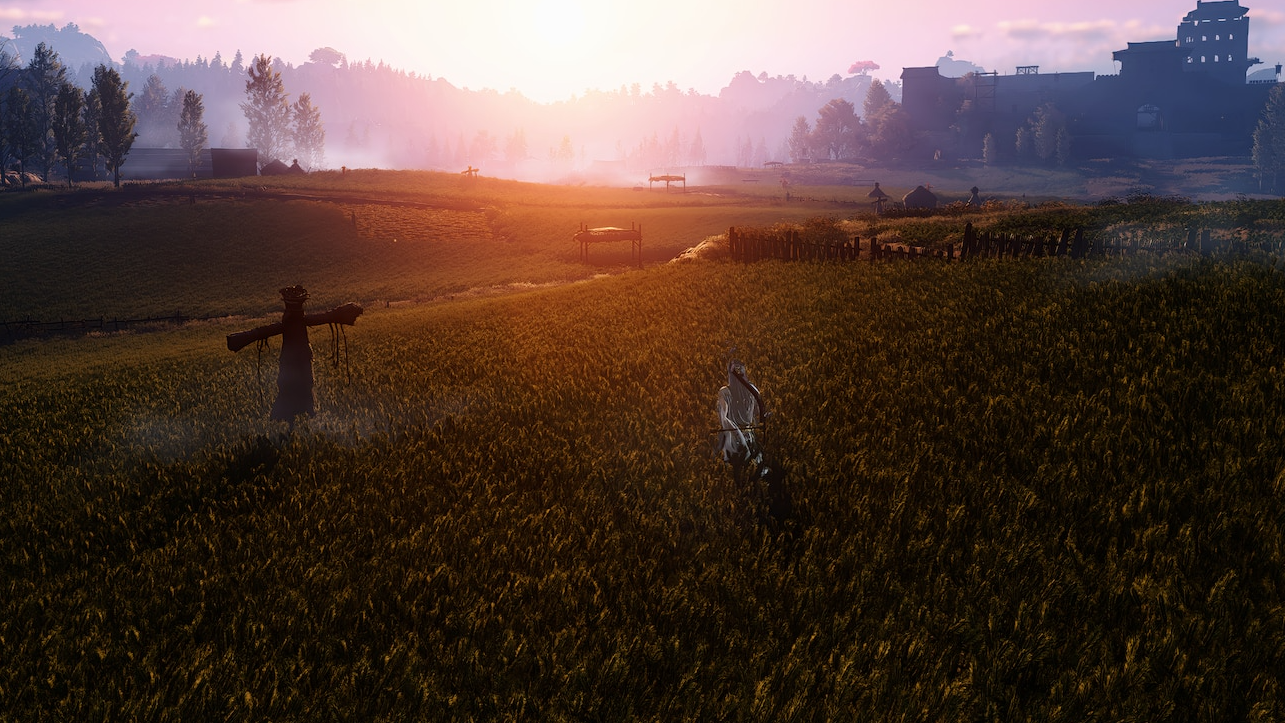
How to Get Morale Chant in Where Winds Meet
Find Tang Bao, buy all ten Morale Chant tomes with Echo Jade, then unlock a powerful stacking damage and healing Inner Way.
-

Ward 11 in GHOUL://RE — How to unlock Hell Gate and survive it
Learn the full Ward 11 unlock quest, how its permadeath rules work, and how to move safely between Ward 20 and Hell Gate.
-

How to unlock and forge the Hell Slayer sword in The Forge’s Winter update
Learn how the Hell Slayer blueprint works, how to earn Xmas Tickets for it, and what to expect when you finally craft the sword.
-

How to befriend Shen Weiqing in Where Winds Meet’s AI chat
Walk through Shen Weiqing’s sect dilemma, trigger the AI chat, and secure a Revered bond for your Jianghu Friends roster.
-
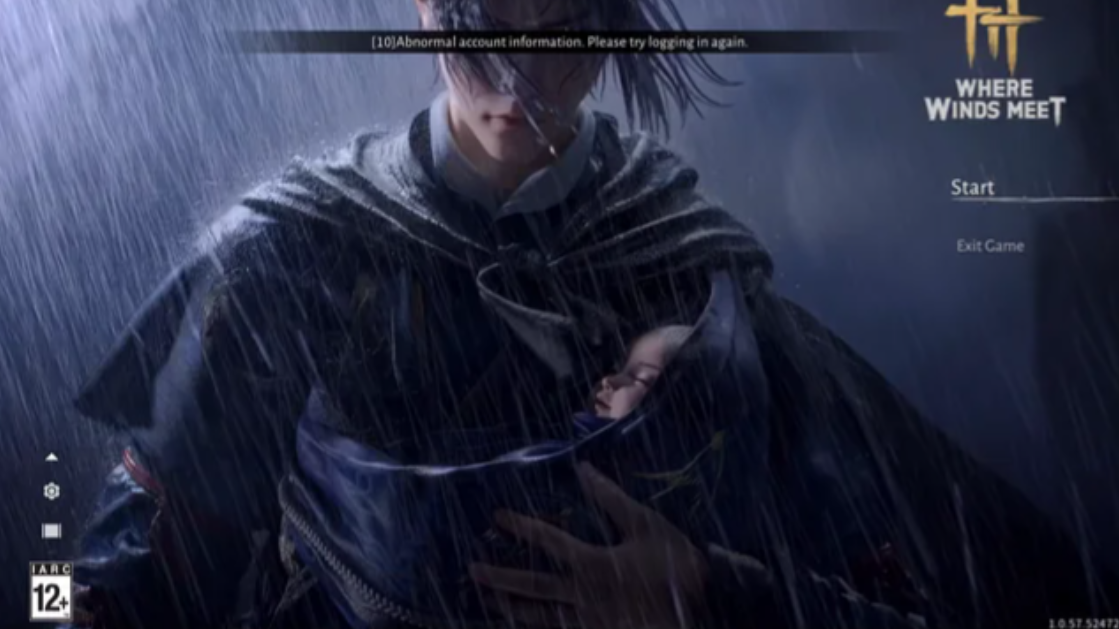
How to fix “abnormal account information” errors in Where Winds Meet
What the error usually means, how it relates to bans and login outages, and the practical fixes that actually help.
-
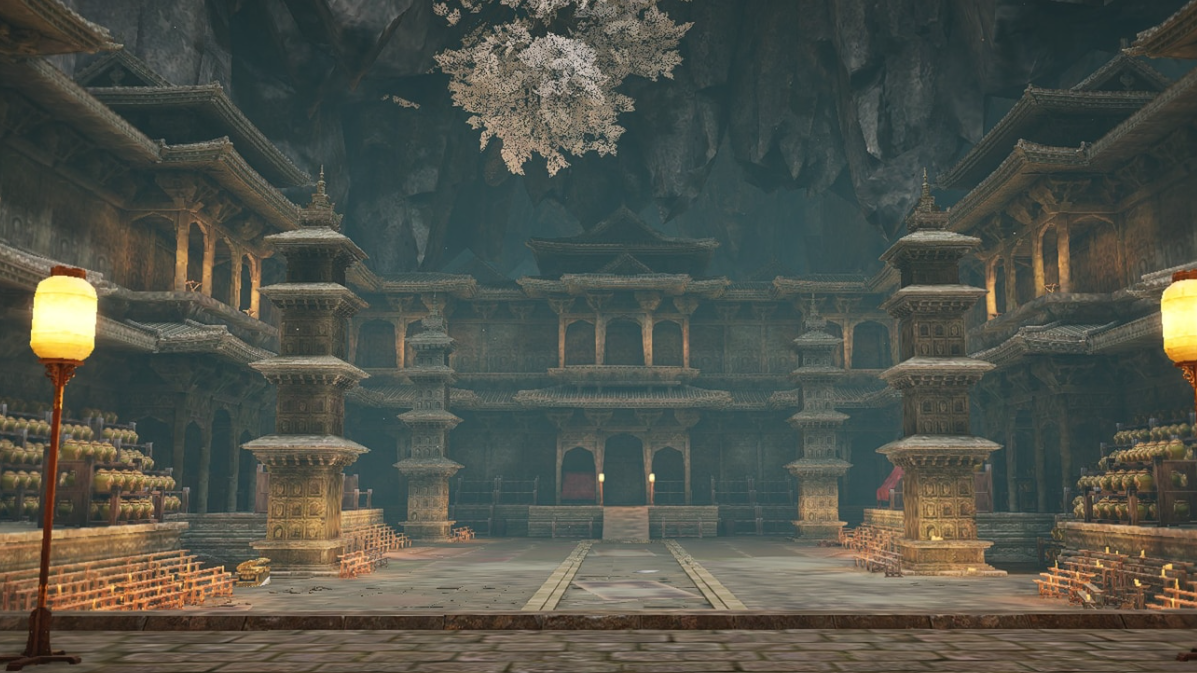
How to Befriend Wang Duolu in Where Winds Meet’s AI Chat
Learn where to find Wang Duolu, how his fishing contest works, and which AI Chat approaches reliably turn him into a Jianghu Friend.