
Instructional, step-by-step articles.
Content Type: How-To
-
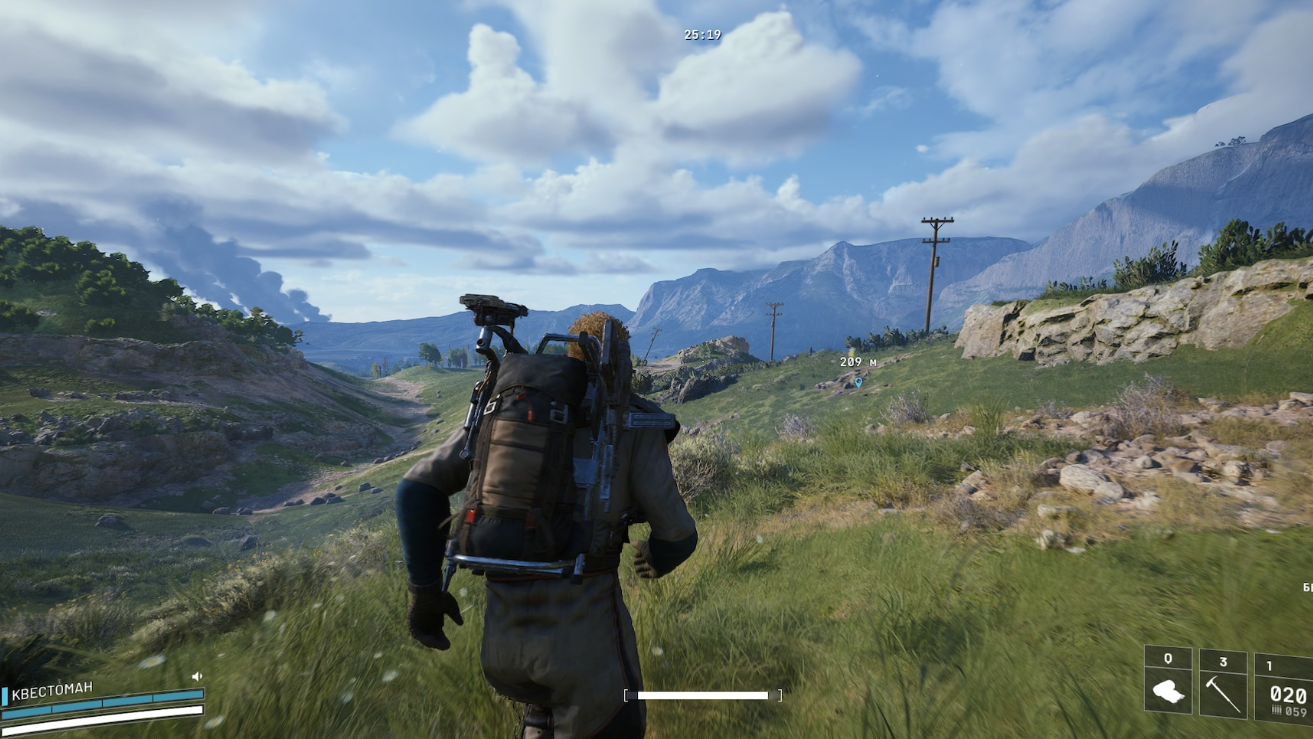
Arc Raiders A Warm Place To Rest quest: How to follow the red markers
Learn exactly where to get on the highway, how to track every red flag, and where the grave is hidden in the Buried City.
-

Shi Yimo and Wildfire Spark in Where Winds Meet — How to Trigger Deerforage’s Remedy
How to make Shi Yimo spawn, follow her encounter chain, and unlock the Wildfire Spark Inner Way.
-
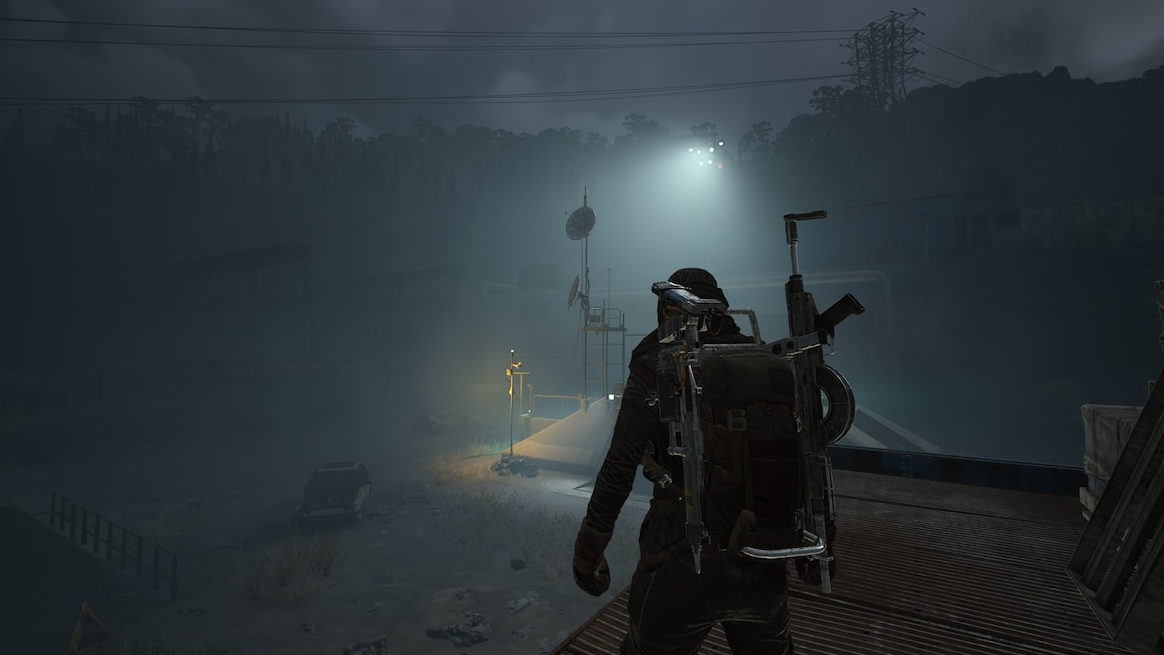
How to farm Shredder Gyros in ARC Raiders without wasting runs
Where Shredder Gyros drop, how to kill Shredders efficiently, and what to do with the parts once you have them.
-

How Trigger ‘Nades Detonate In Arc Raiders (And How To Use Them)
Learn how Trigger ‘Nades arm, trigger, and behave in PvE and extractions so you stop eating invisible grenades at the button.
-
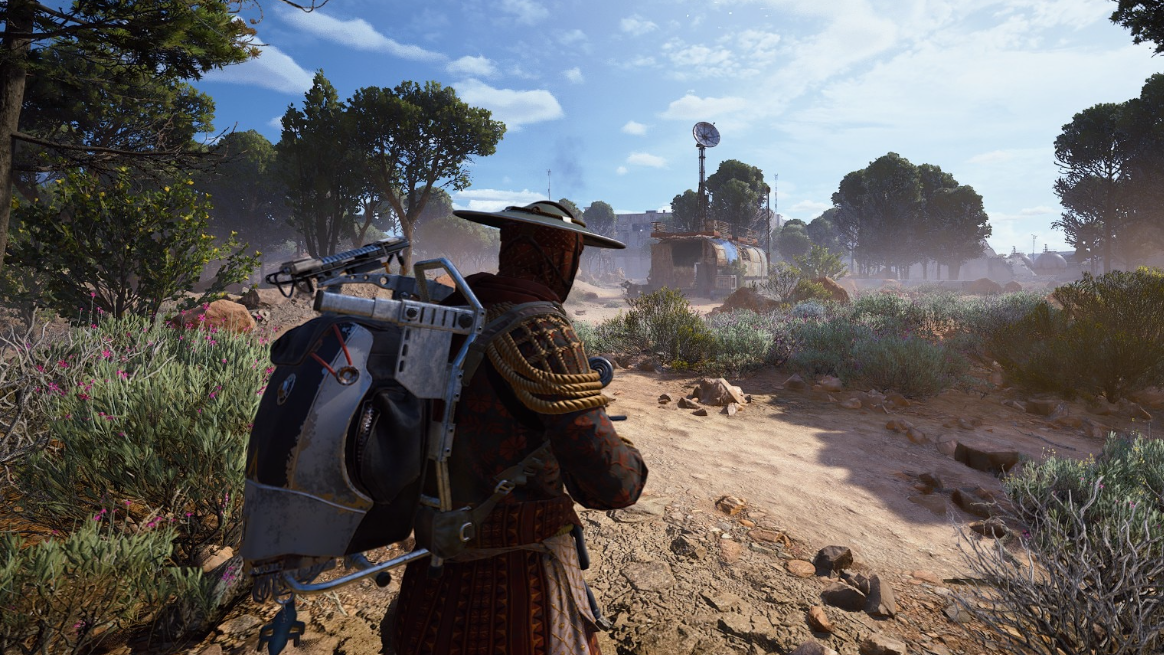
How to get the Vulcano blueprint in ARC Raiders
Where the Vulcano shotgun blueprint drops, how the Hidden Bunker event works, and what to do to increase your odds.
-

How to Get Domain Fragment in Jujutsu Zero
Learn the exact requirements, best farming methods, and how Domain Fragment unlocks Domain Expansion in Jujutsu Zero.
-

How to claim free Zhao in Zenless Zone Zero (v2.5–2.6)
Learn the event window, account requirements, and in‑game menus you need to navigate to unlock the free S‑Rank agent Zhao.
-

How to complete Route Network Crisis in Wuthering Waves
Unlock both parts of Route Network Crisis in Lahai-Roi, clear the Outcast ambushes, and secure every Supply Chest reward.
-

How to unlock and finish the WavesLine Insider quest in Wuthering Waves
Learn every prerequisite, where to go, and what you earn from this hidden Lahai-Roi side quest.
-

Taming wolves in Icarus (Laika update)
How to set snares, feed carcasses, and manage threat so wild wolves convert into permanent companions.