
Instructional, step-by-step articles.
Content Type: How-To
-

Little Nightmares 3 co‑op — no split‑screen, how to play online
Couch co‑op isn’t supported; co‑op is online‑only with a two‑player cap and a free Friend Pass for your partner.
-

Borderlands 4 and Golden Keys — what’s new and how to claim loot
The seamless open world, new Vault Hunters, and the SHiFT rewards you can grab right now.
-
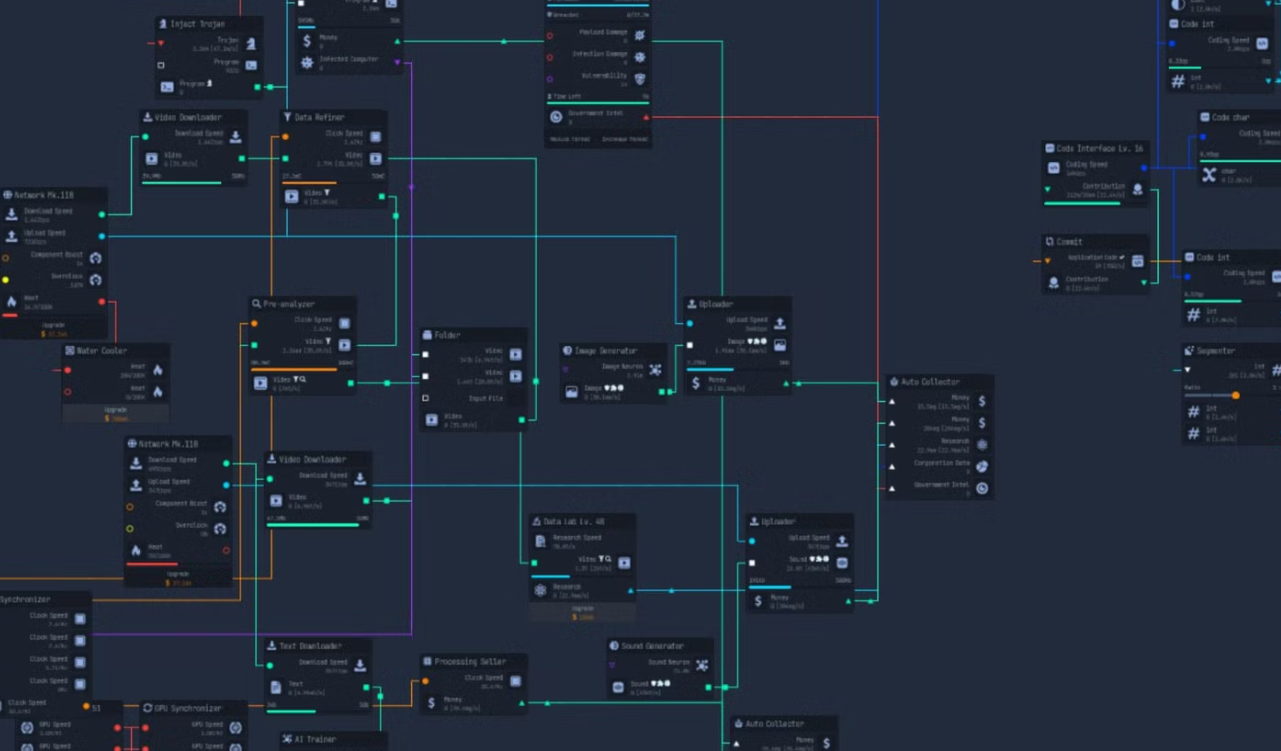
Upload Labs tokens — the best ways to get more (free and paid)
Map drops, requests, bank breaches, mining, and an official DLC that adds a daily drip.
-
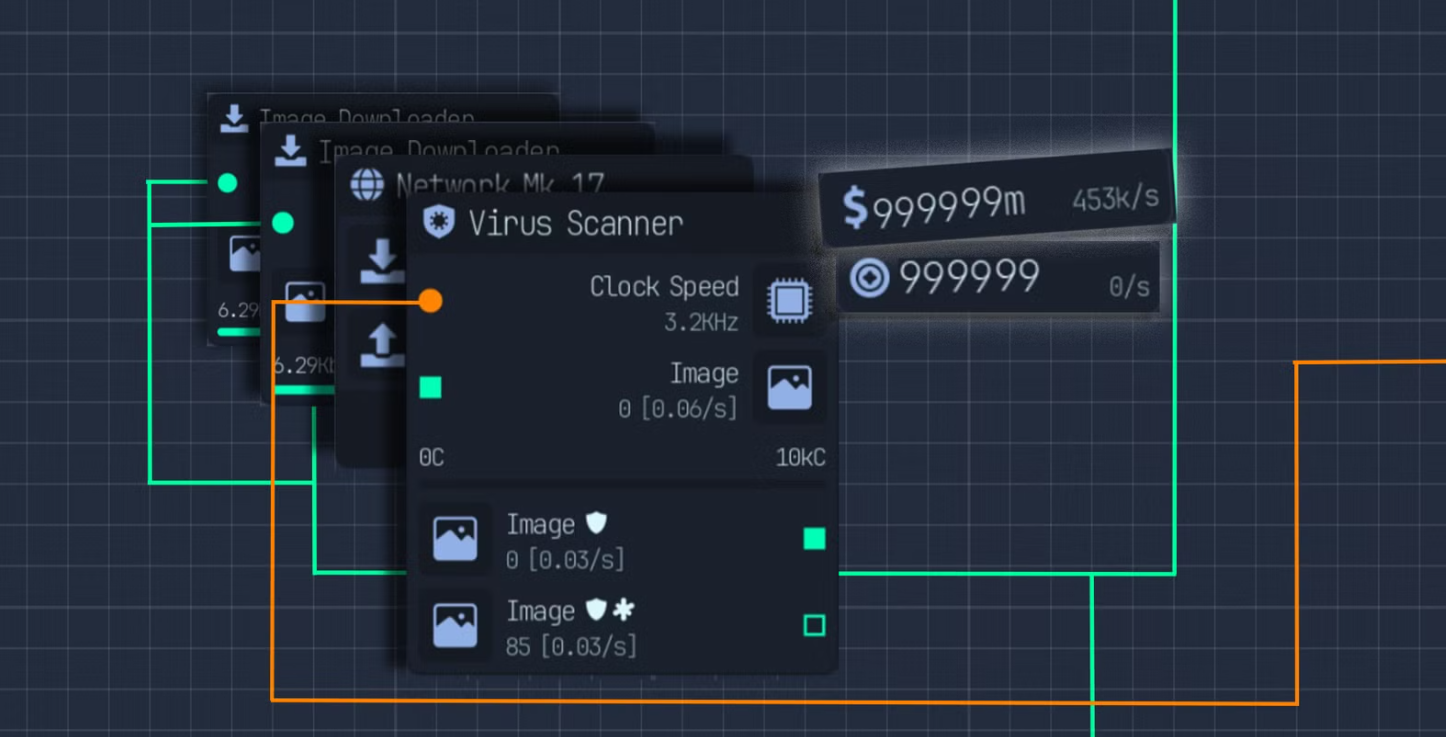
Upload Labs crypto mining — GPUs, coin choices, and when to sell
Set up GPU miners, pick the right coin, and time sales for bigger cash bursts.
-

How to play 1v1 in 2XKO — local Versus and online duels
Set up solo matches in Versus mode or challenge players in lobbies, plus smart duo picks and common pitfalls.
-
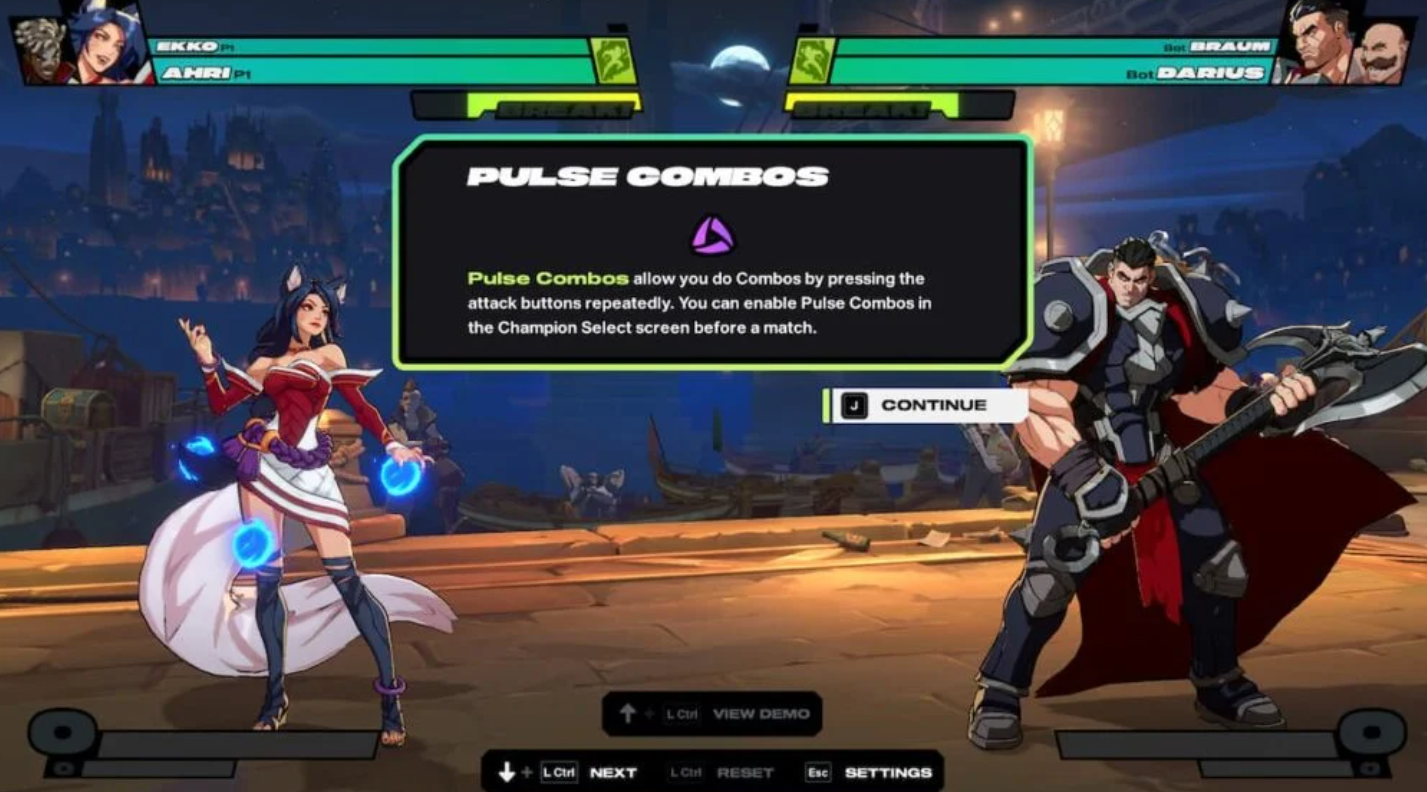
2XKO Pulse Combo — how to toggle it on or off, and why
A quick path to disable Pulse Combo and when to leave it off for better meter and combo control.
-

2XKO voice acting — what’s confirmed and how to follow updates
Here’s the current status of 2XKO’s voice cast, the roster in Early Access, and the cleanest way to hear the performances now.
-
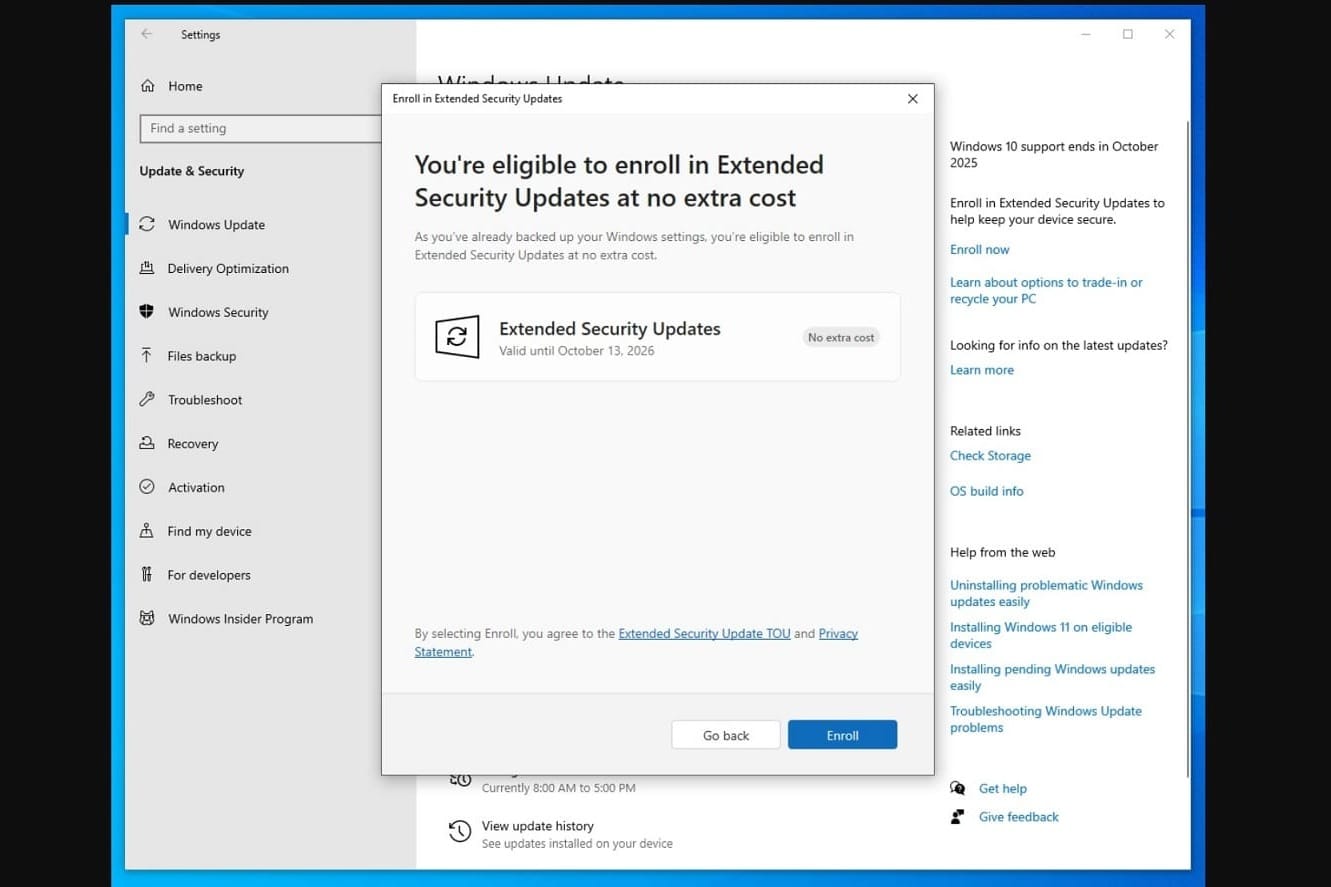
Windows 10 ESU or Windows 11: How to choose before support ends
Security updates continue for a year via ESU, but upgrading to Windows 11 is the longer-term fix.
-

Absolum character unlocks — how to recruit Cider and Brome
You begin with Galandra and Karl; short quest steps in Grandery and Jaroba add Cider and Brome to your roster.
-
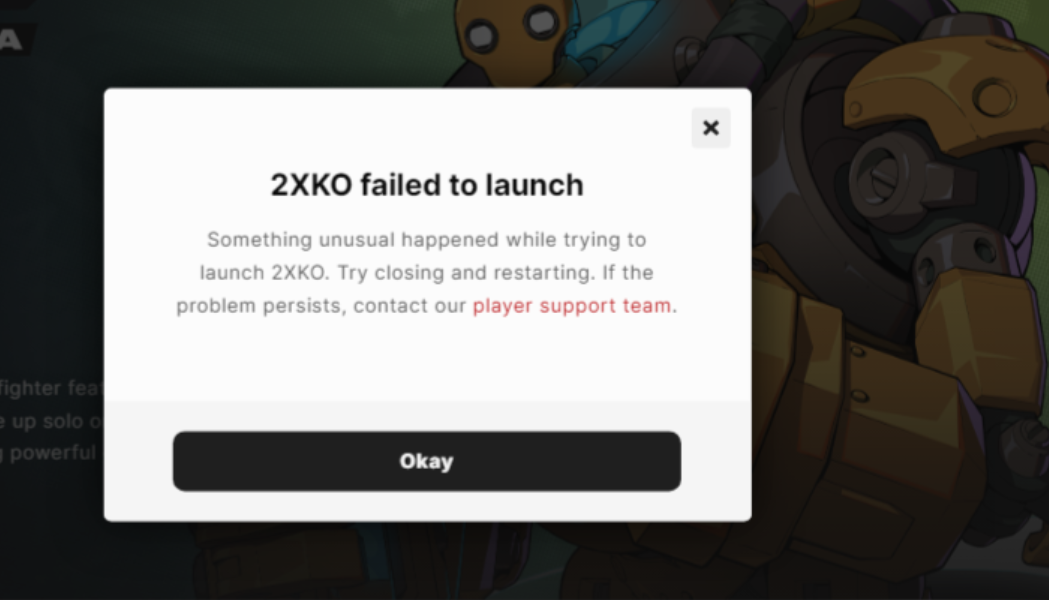
2XKO won’t open on PC — reliable fixes for launch and login errors
Clear actions to resolve “Failed to Launch”, 2001 login errors, and black screens.