
Instructional, step-by-step articles.
Content Type: How-To
-
How to solve the Sarufutsu Lighthouse puzzle in Ghost of Yotei
Detailed walkthrough for Encounters of the Wild, from Shipwreck Shoal to the Sanctuary Grove.
-
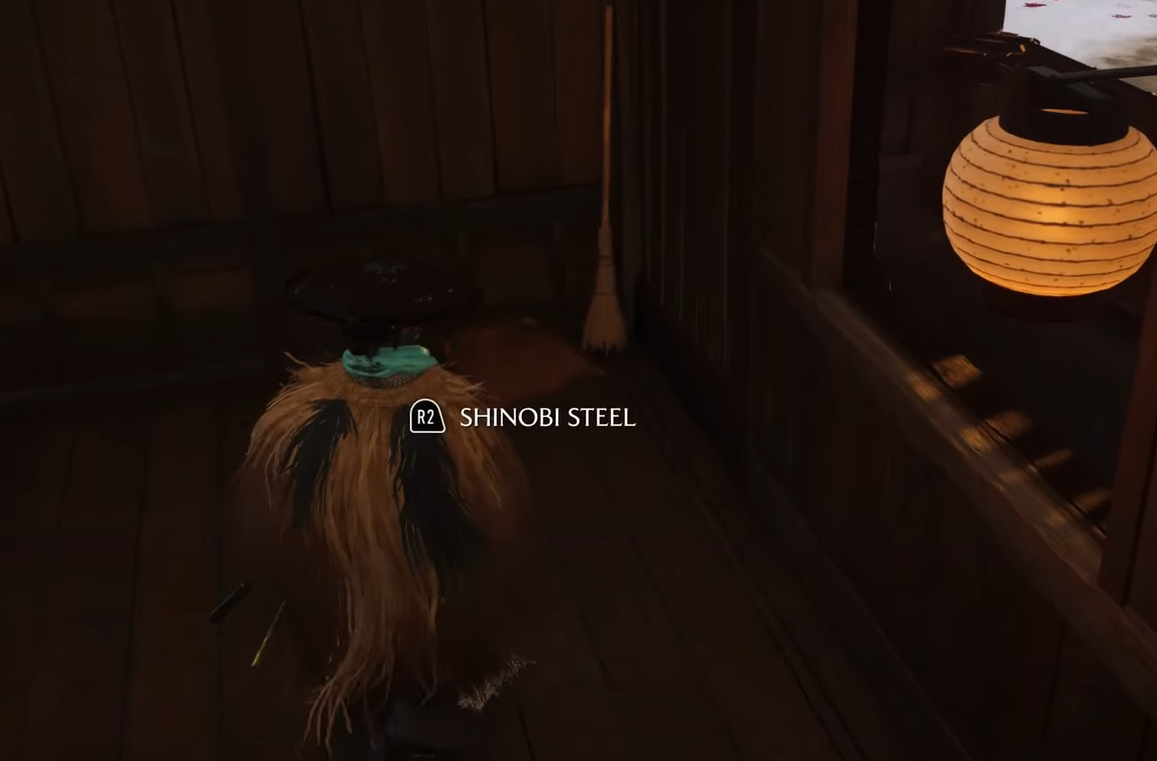
Shinobi Steel in Ghost of Yotei — reliable farms, uses, and a glitch
Teshio Ridge is the hotspot: shinobi drops, building loot, quest rewards, and a reload glitch.
-
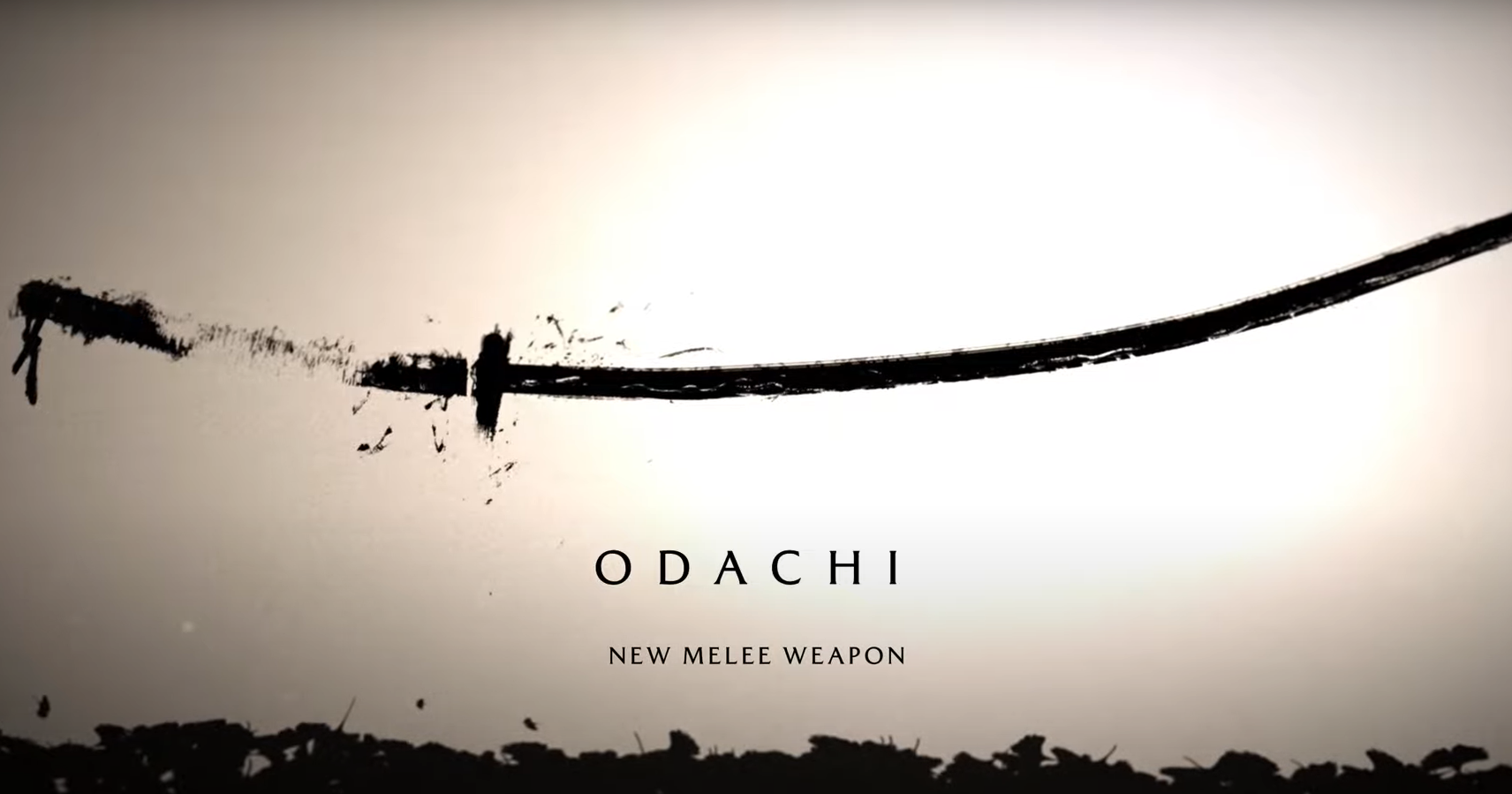
Ghost of Yotei Odachi — How to unlock and master the heavy sword
Start Saito Brothers, clear Way of the Odachi in Tokachi Range, then train under Master Yoshida to wield it.
-
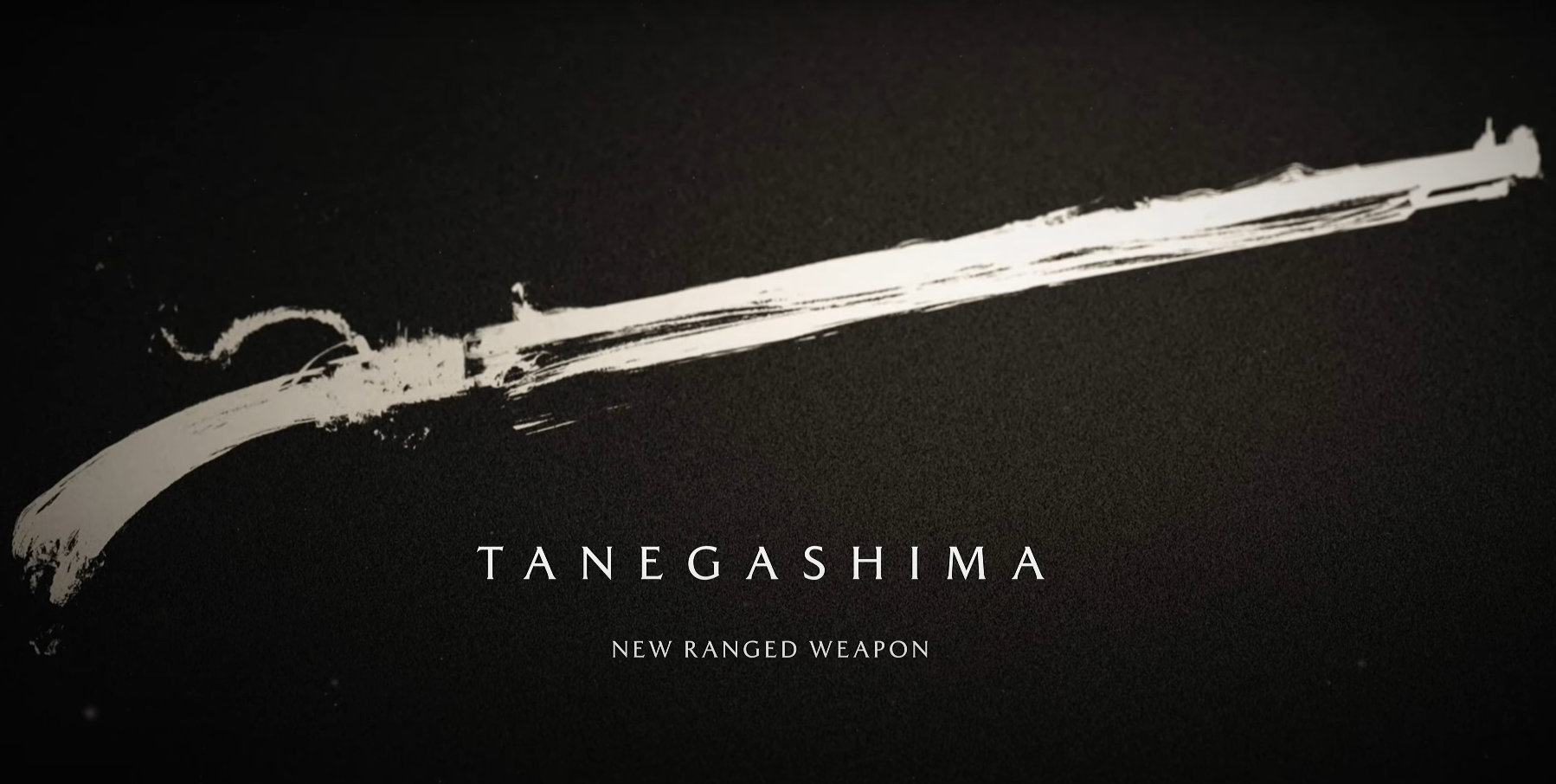
Ghost of Yotei musket: how to unlock the Tanegashima rifle
The matchlock rifle arrives during The Saito Brothers arc, specifically on “The Storm Breaks,” and it’s unmissable.
-
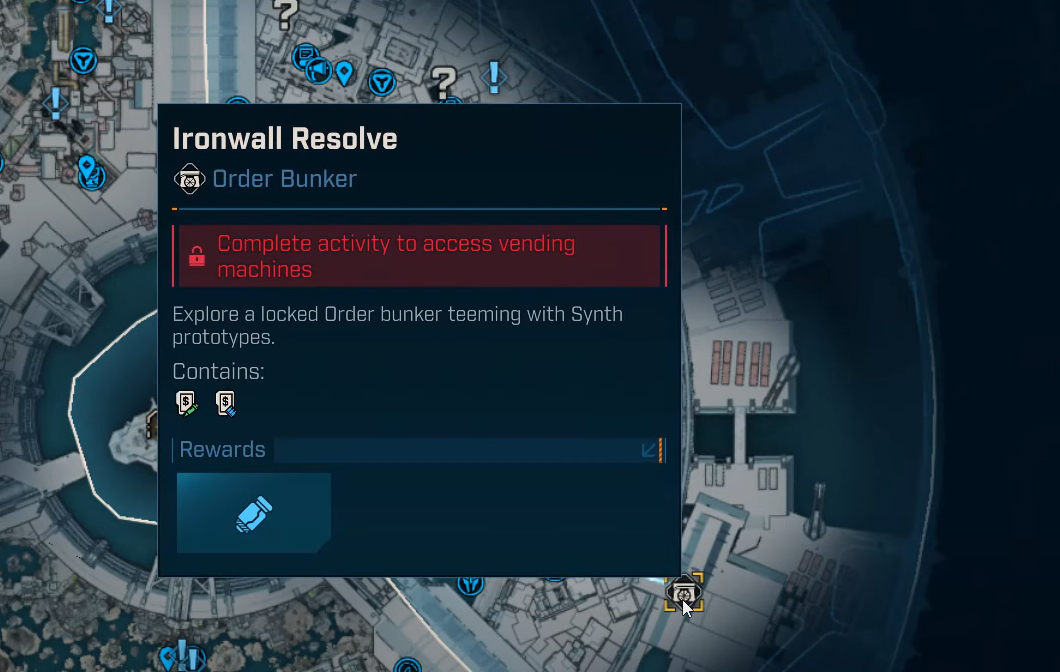
Borderlands 4 Ironwall Resolve — How to unlock the bunker
Where to find the bunker, how to open it, navigate its puzzles, and farm the boss.
-
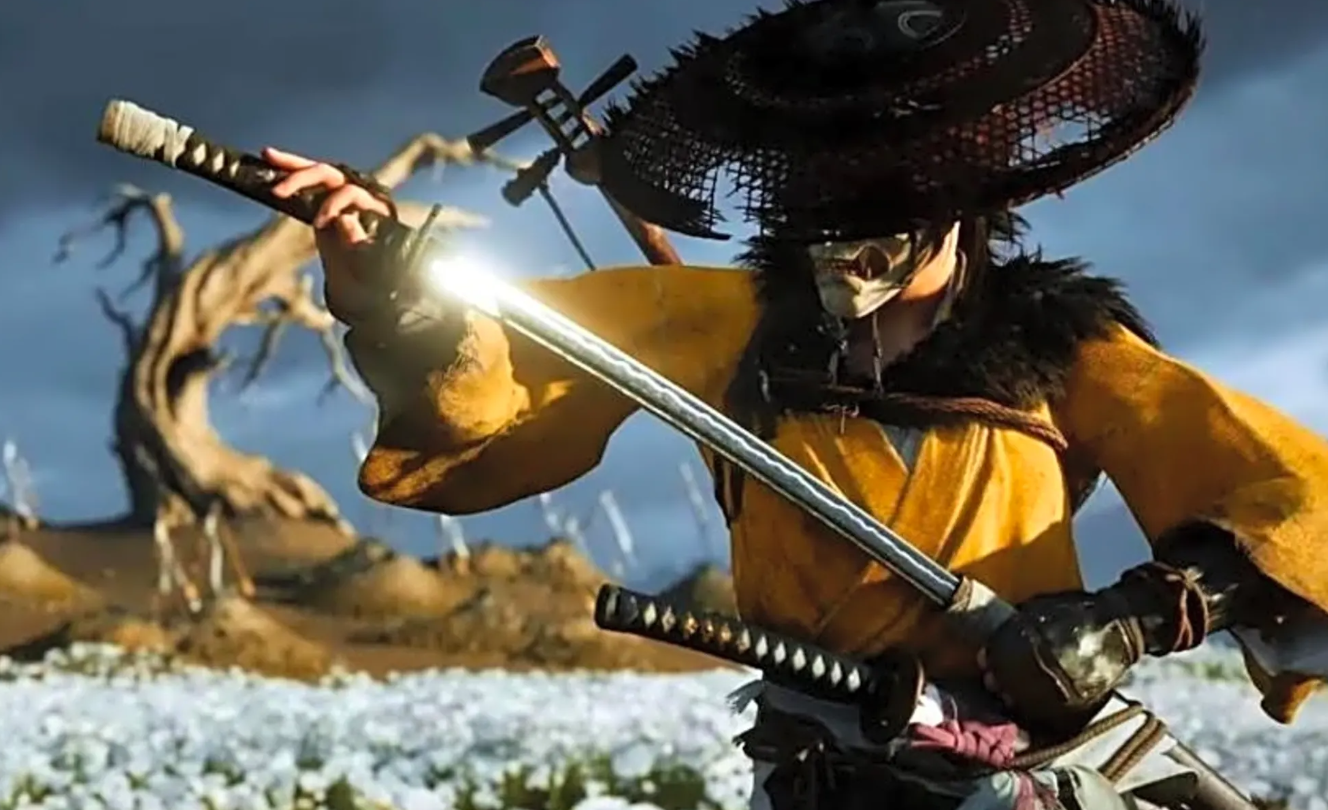
Weapon alignment in Ghost of Yotei — What it is and How to use it
What “weapon aligned” means, the exact matchups, and why it powers the Armor of the Undying.
-
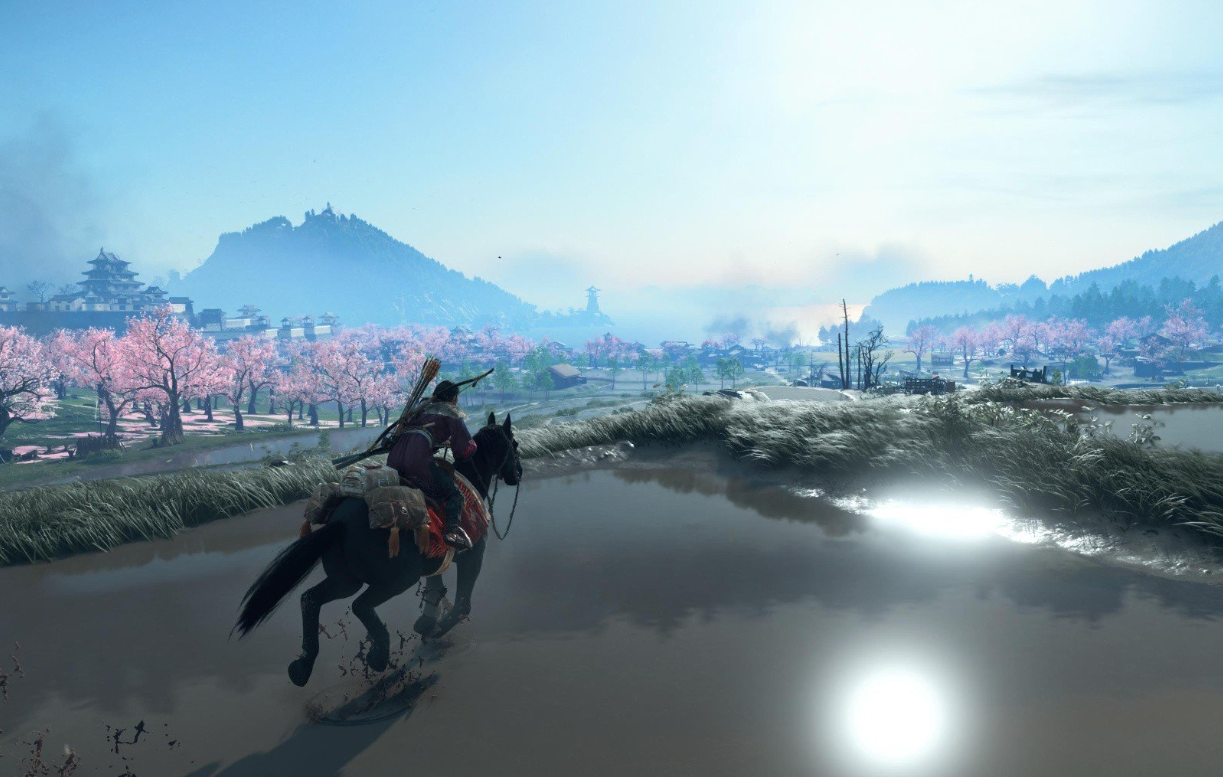
Ghost of Yotei — How to reach Oshima Coast and 100% the region
Oshima Coast opens later in the story; here’s how access works and what to tackle first once you arrive.
-
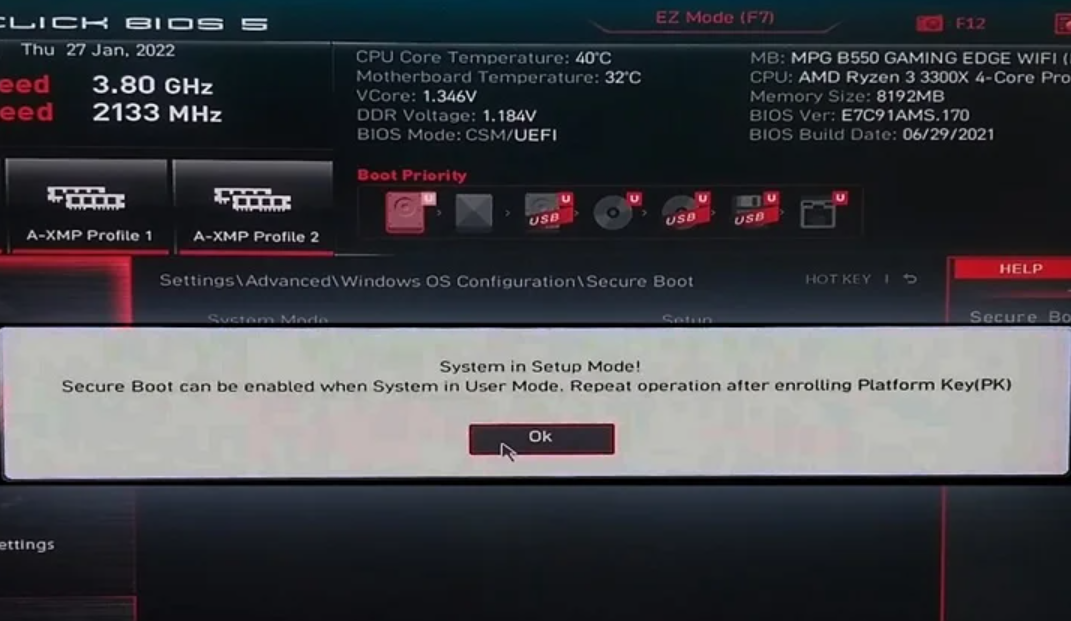
Fix “Secure Boot can be enabled when system in User Mode”
What the message means, and the exact steps to enroll the Platform Key and turn it on.
-
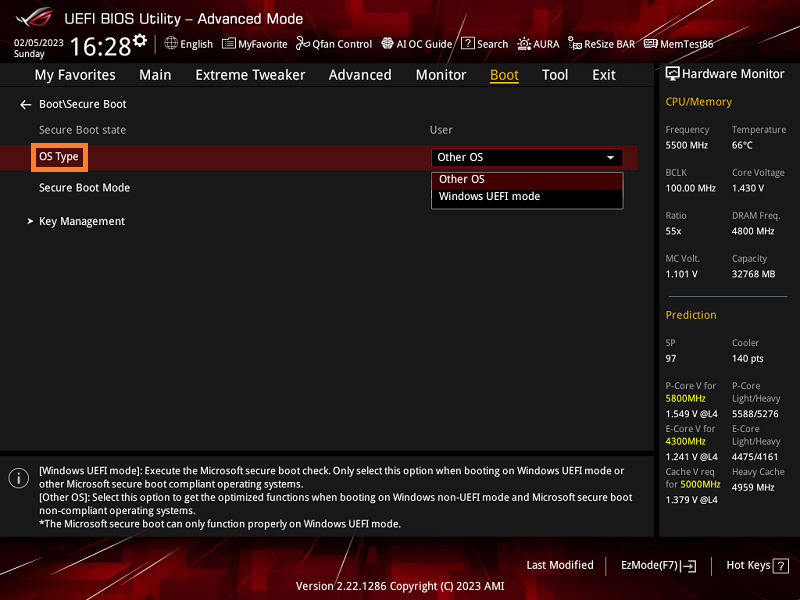
Enable Secure Boot on ASUS motherboards and laptops (UEFI)
Turn on Secure Boot in BIOS, verify it in Windows, and resolve greyed‑out options.
-
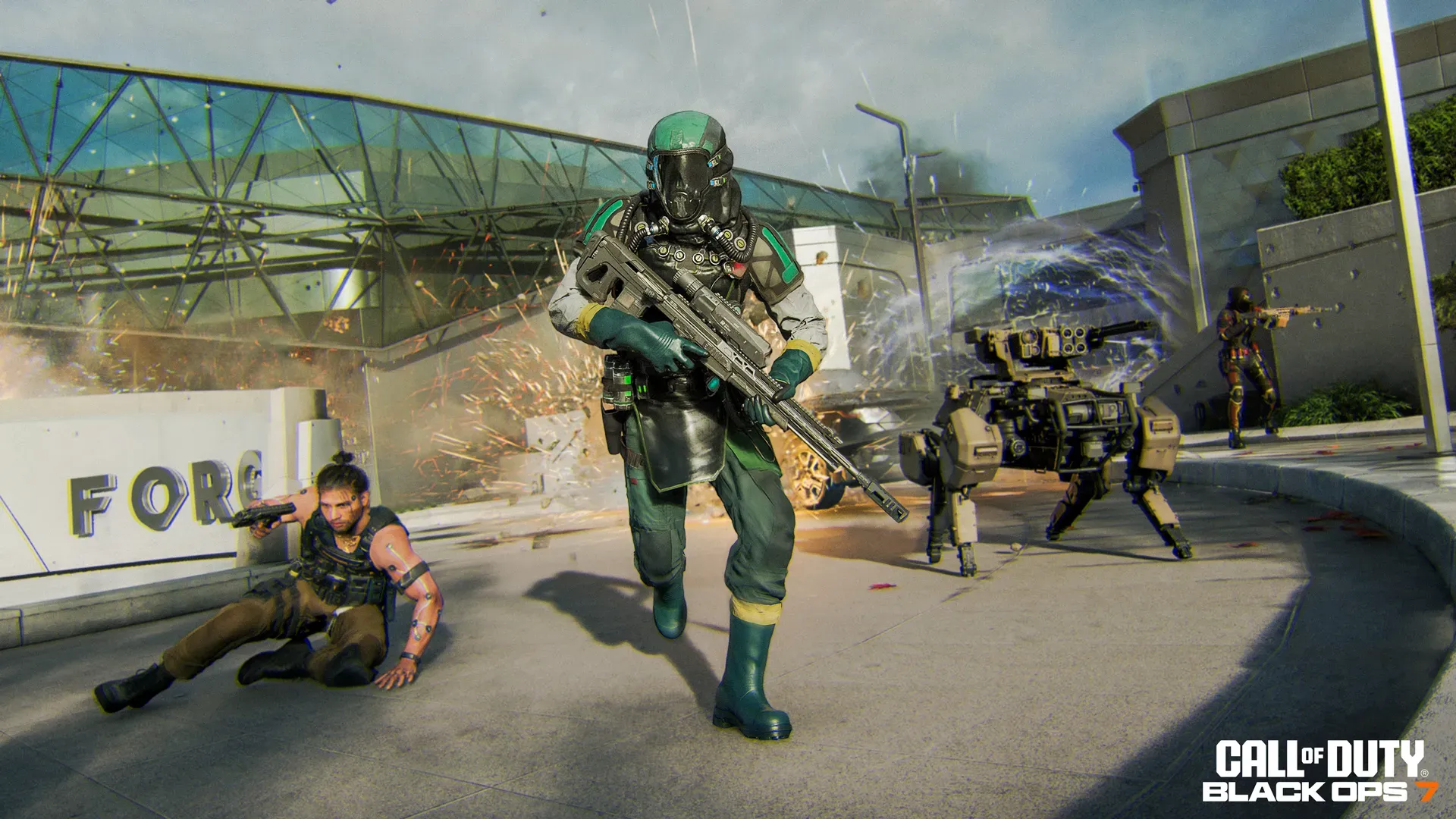
Black Ops 7 beta (PC) — fixes for crashes and freezes
A practical checklist for lobby, map‑load, and menu crashes, plus workarounds to keep you in matches.