
Instructional, step-by-step articles.
Content Type: How-To
-
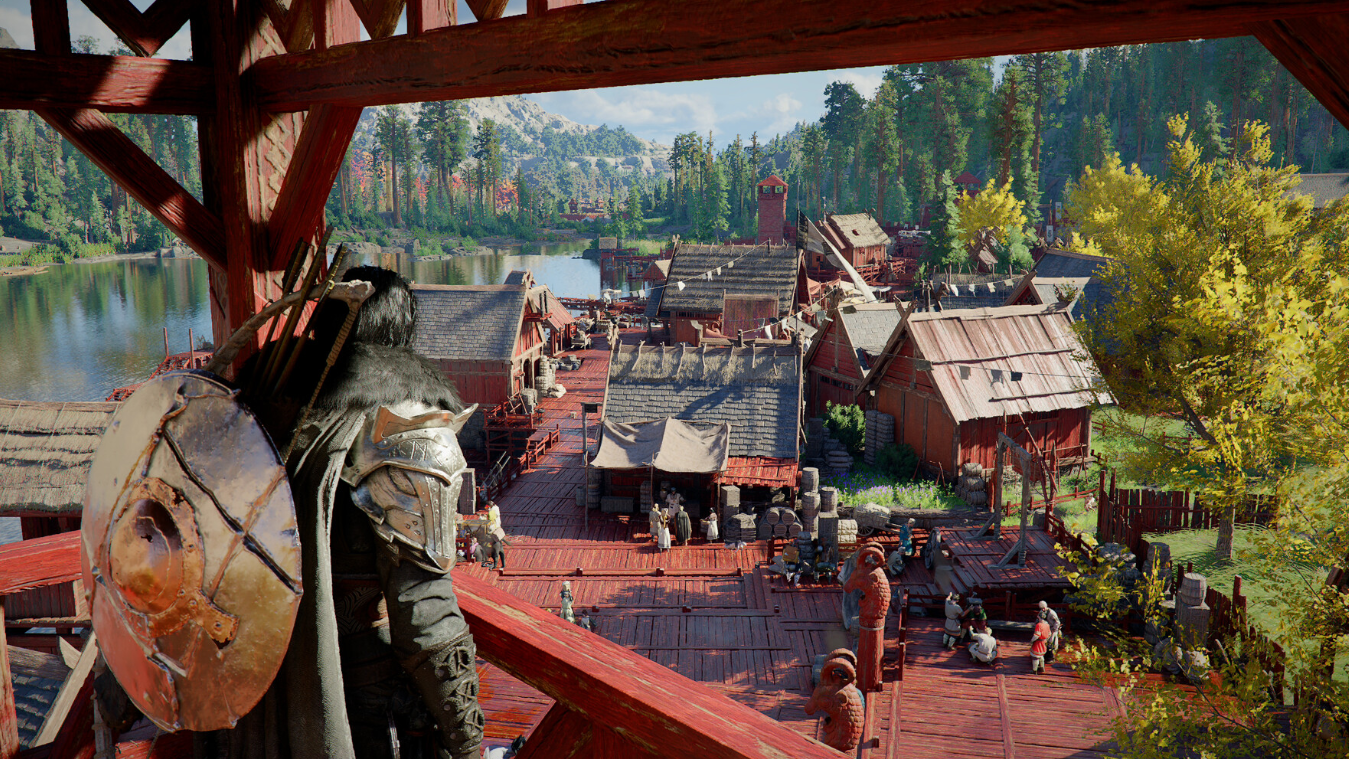
Crimson Desert’s Master Trainer’s Touch — How to Win the Race and Boost Horse XP
These leather gloves are a one-time quest reward that passively speeds up horse leveling and may ease taming.
-

How to Solve “Unravel the Secret of the Song” in Where Winds Meet
This moon-alignment puzzle in the A Bitter Draught of Home quest has a simple trick most players miss.
-
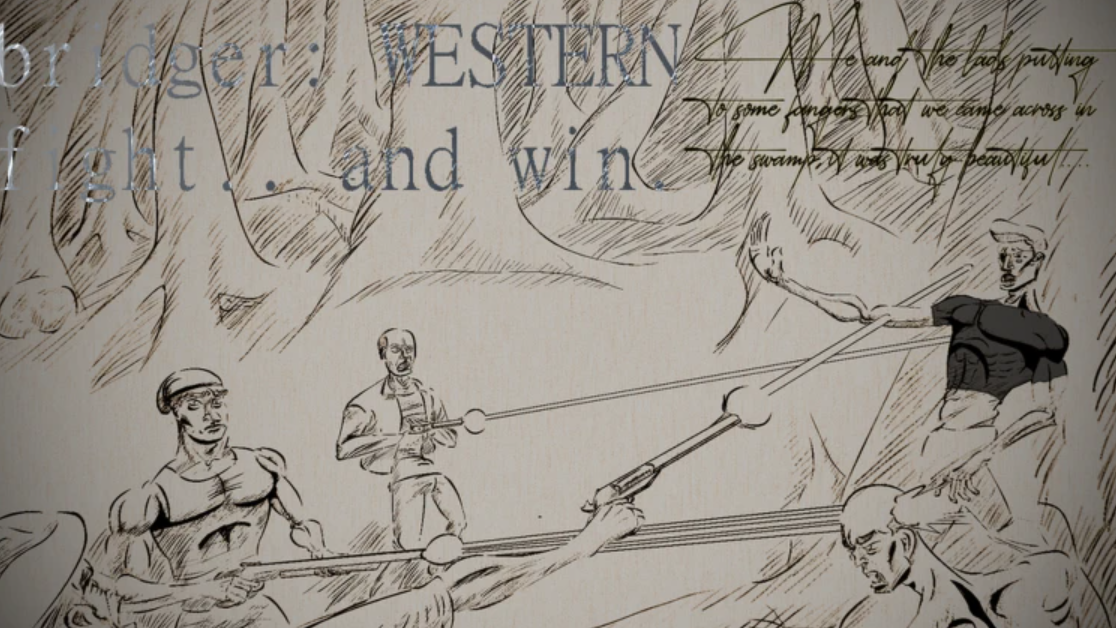
Bridger Western Gangs — How to Set One Up and What You Need First
Gangs in Bridger Western are tied to Roblox Groups, and the setup has a few easy-to-miss requirements.
-
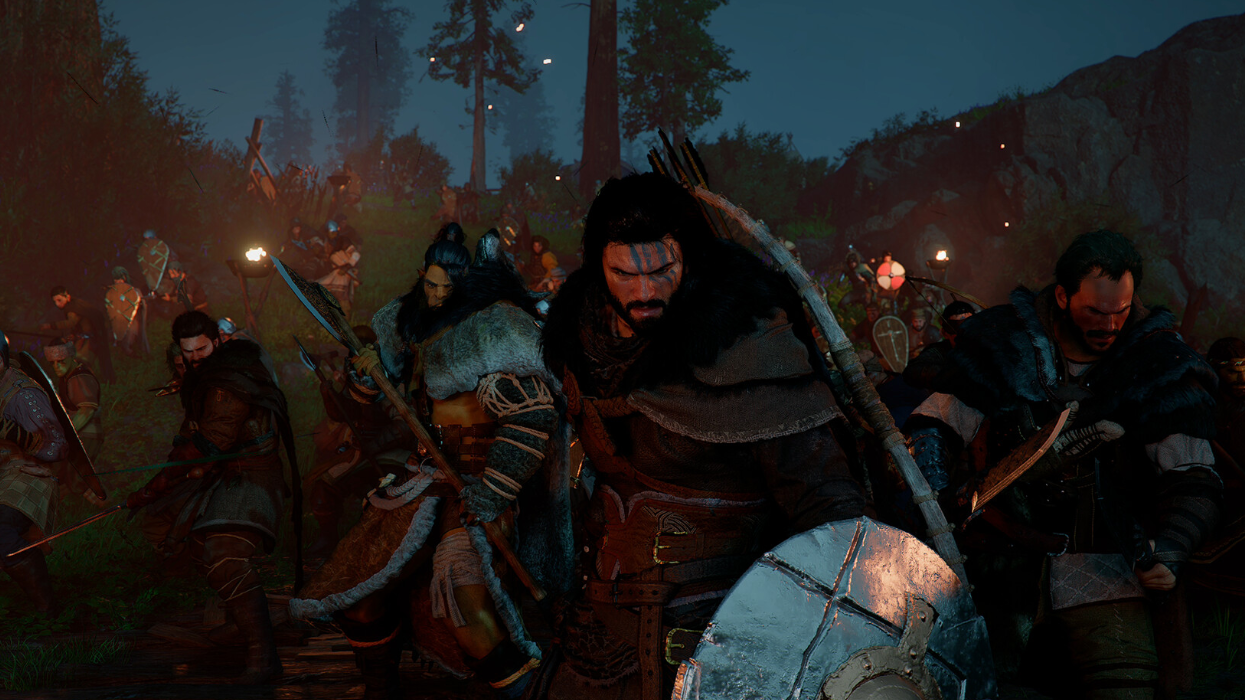
Alabaster Curved Sword in Crimson Desert — Where to Buy It and How to Refine It
This standard one-handed weapon costs 348 Copper from three different NPC vendors and can be refined to +10.
-
How to Farm Moola and XP Fast in Bridger Western
Fishing, quests, and PvP all pay differently — here’s what actually works in the early game.
-
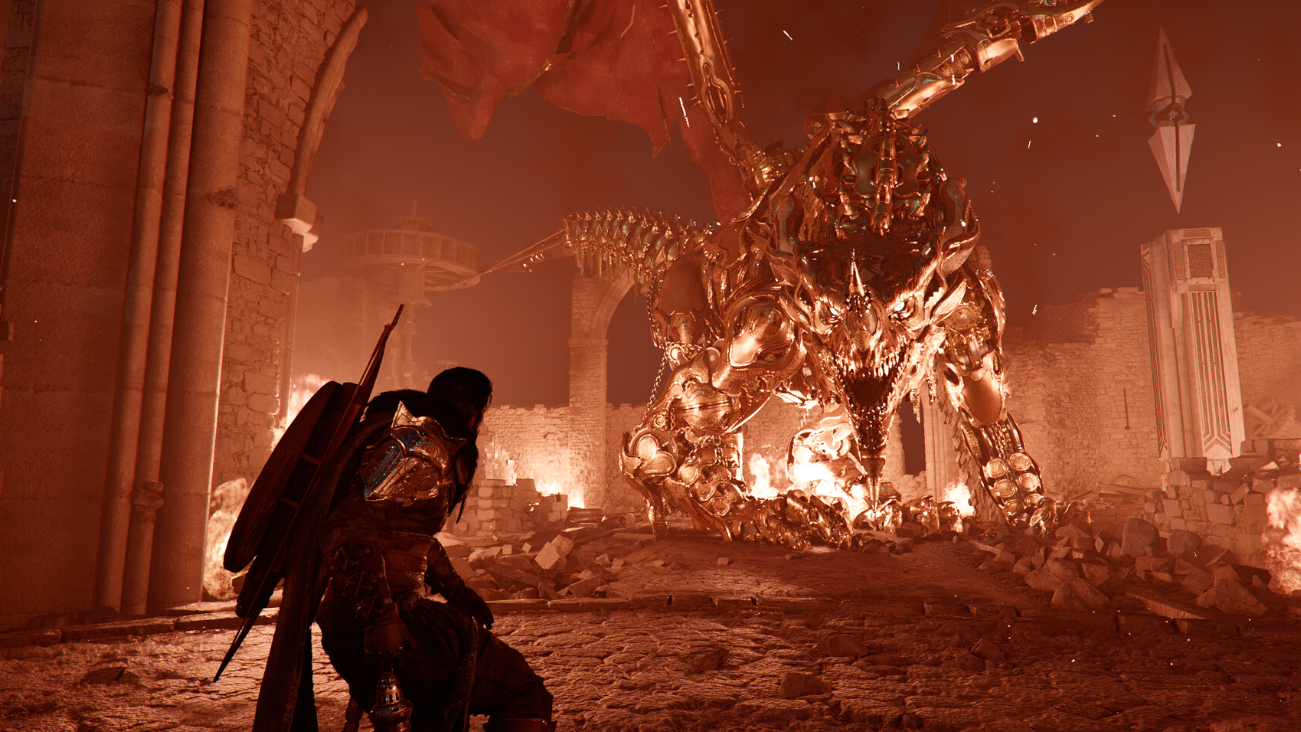
How to Find and Complete “End of the Shadow” in Crimson Desert
This stealth-focused Sealed Abyss Artifact challenge rewards you with Destruction II and a Faded Abyss Artifact.
-
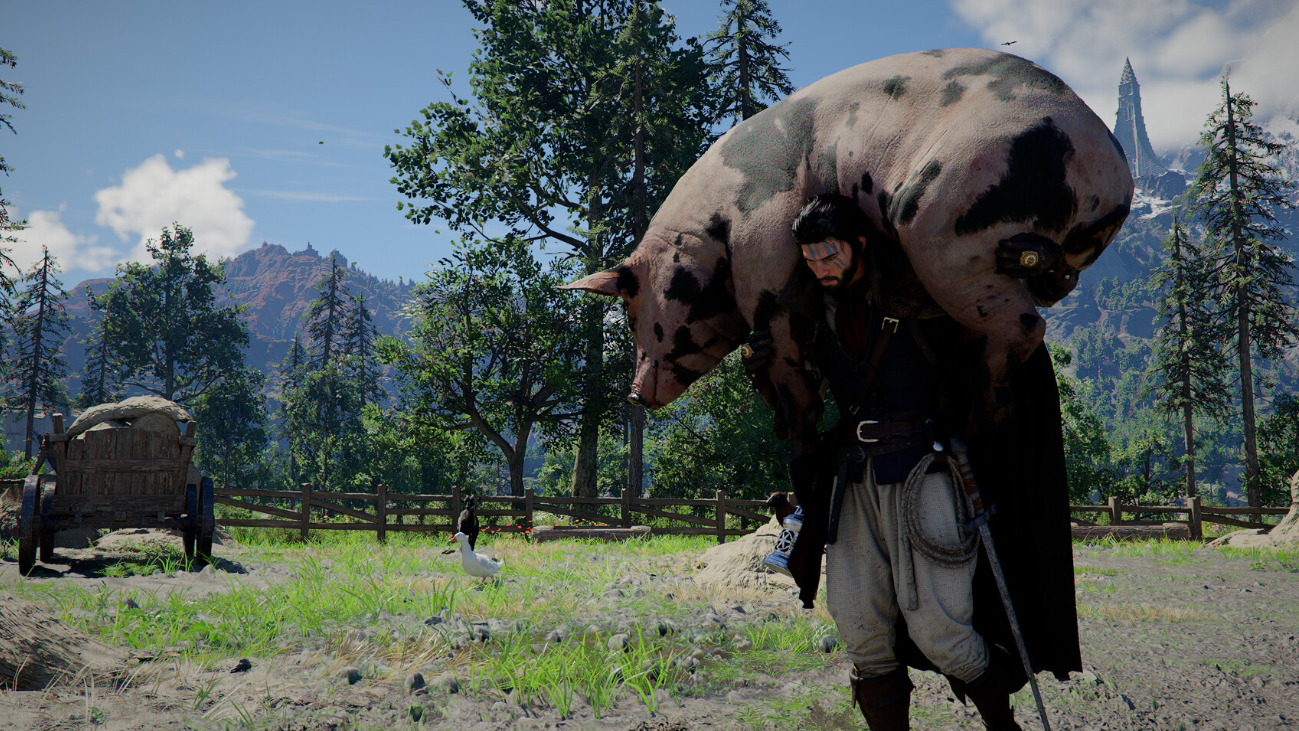
How to Find and Complete “The Vanished Wagon” Sealed Artifact in Crimson Desert
This Northern Hernand artifact requires you to sell five stolen wagons to a fence.
-

Boppin Bunny in Steal a Brainrot — How to Get It and What to Know
This Easter-themed brainrot can be obtained through merch DLC or the game’s stealing mechanic.
-

Firefly Egg and Easter Bunny’s Egg in 99 Nights in the Forest — How to Complete Both
Two Part 2 Easter eggs require unique charging and chase mechanics before you can turn them in.
-
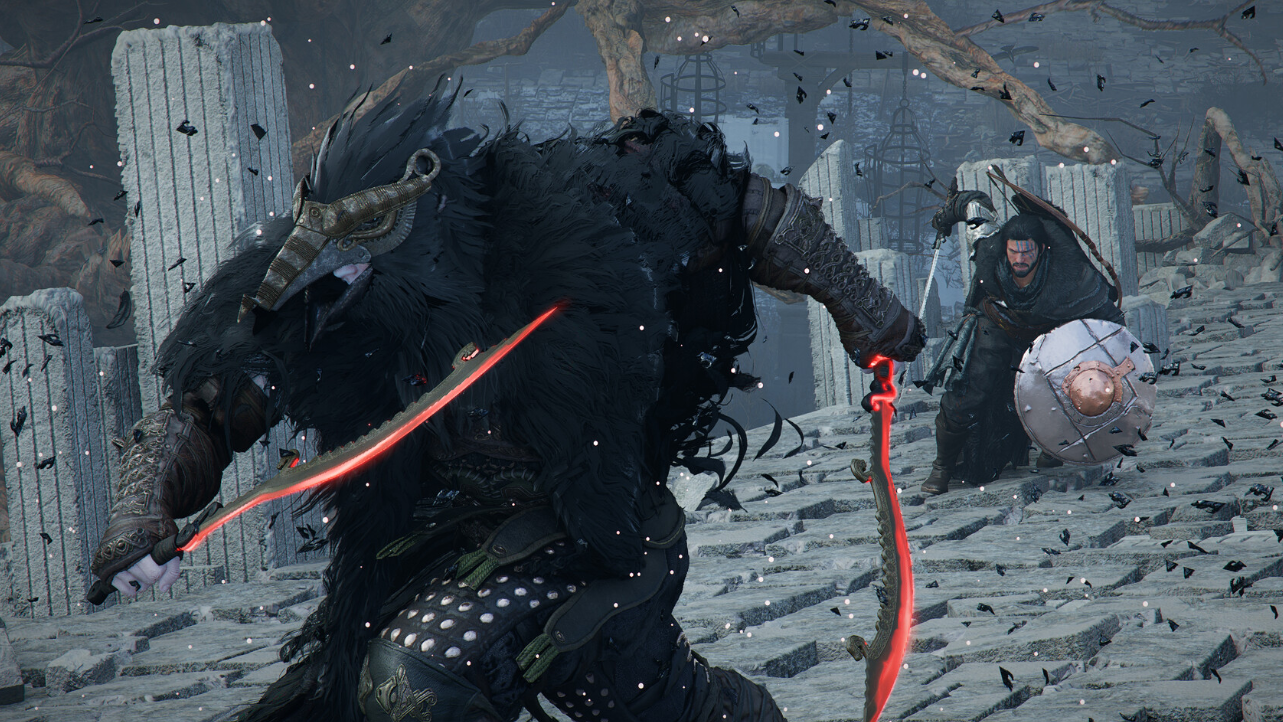
Crimson Desert Witch Locations — How to Find All Six and Unlock Their Services
Each witch hides behind a disguise you must see through before gaining access to Abyss Gear crafting and socketing.