
Instructional, step-by-step articles.
Content Type: How-To
-
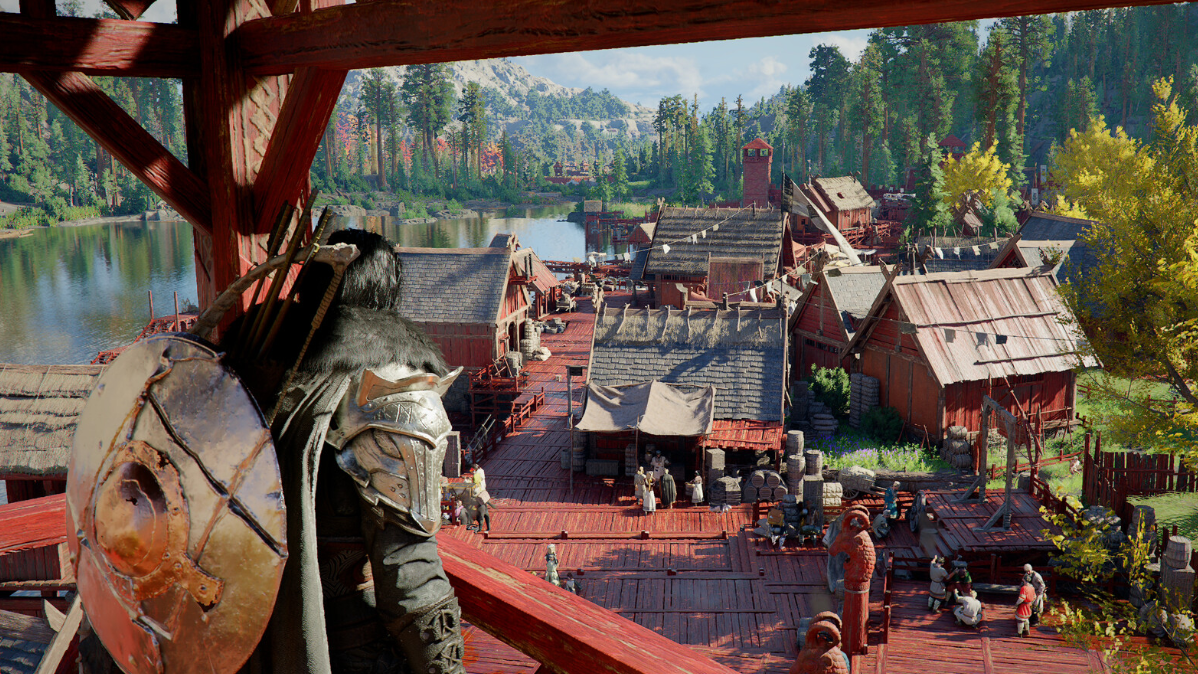
Crimson Desert’s Hidden Reindeer Cloak — Where to Find It and How to Break In
This free armor piece grants Level 5 Ice Resistance and hides behind a destructible rock near Kharanso.
-
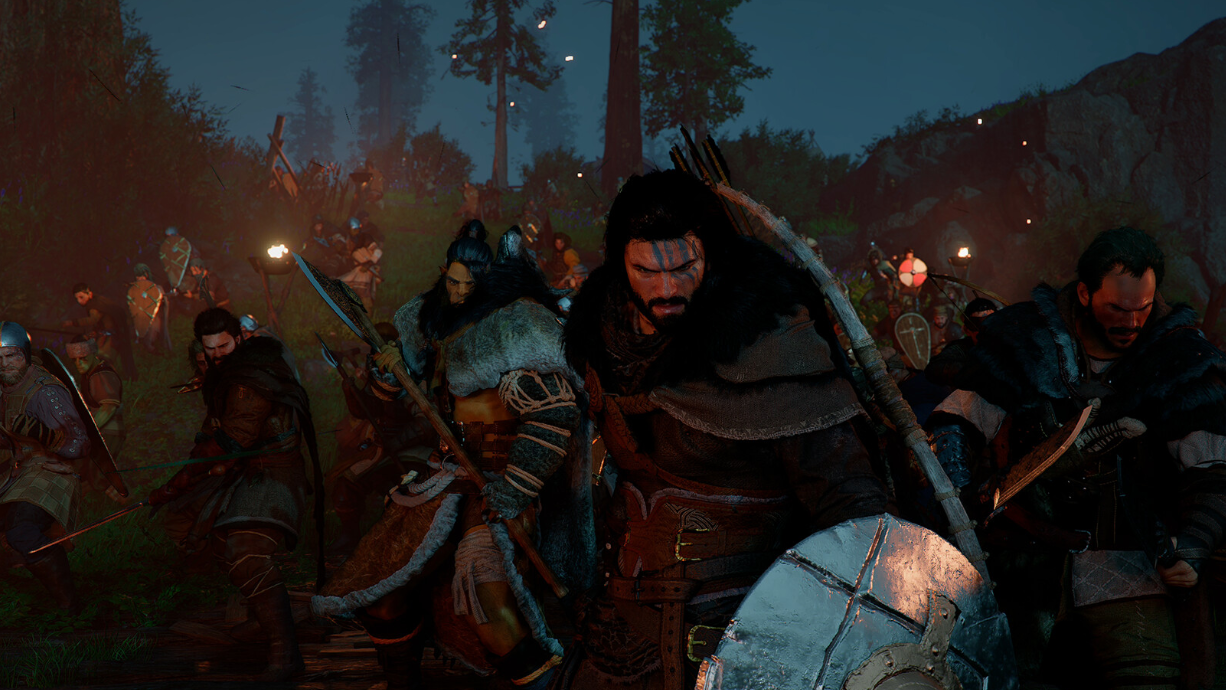
How to Find Missing NPCs in Crimson Desert Camp
Retrieve companions who are unavailable by checking and canceling active dispatch missions.
-
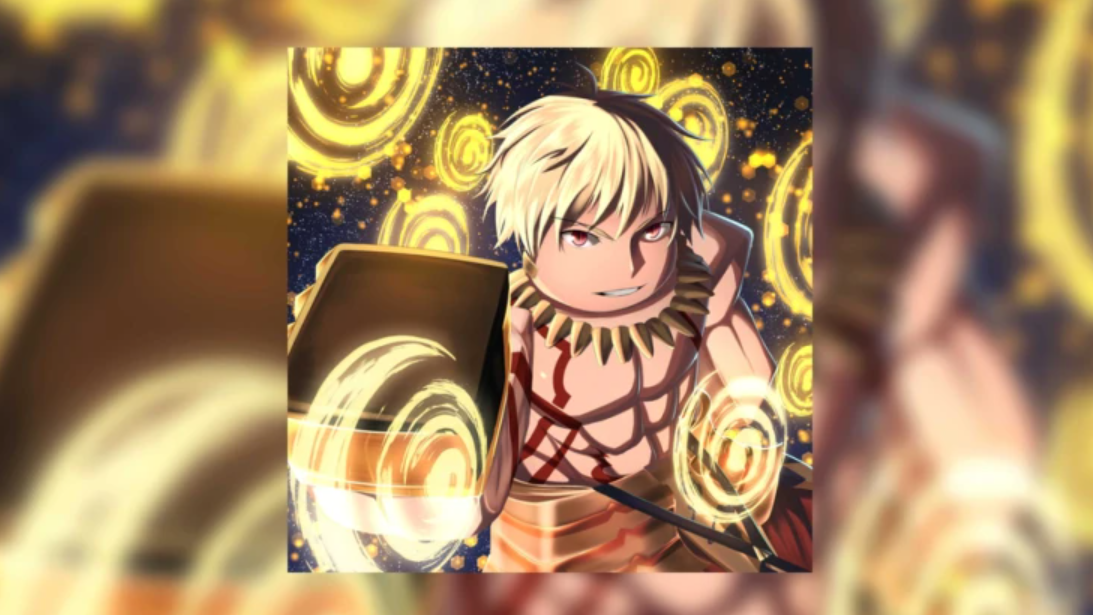
How to Unlock and Upgrade Artifacts in Sailor Piece
Everything you need to farm, equip, and level up Artifacts for massive late-game stat boosts.
-

How to Build the Ultimate PvE Setup in Bizarre Lineage
Maximize damage and minimize grind time with the right Stand, stats, perks, and gear for PvE content.
-
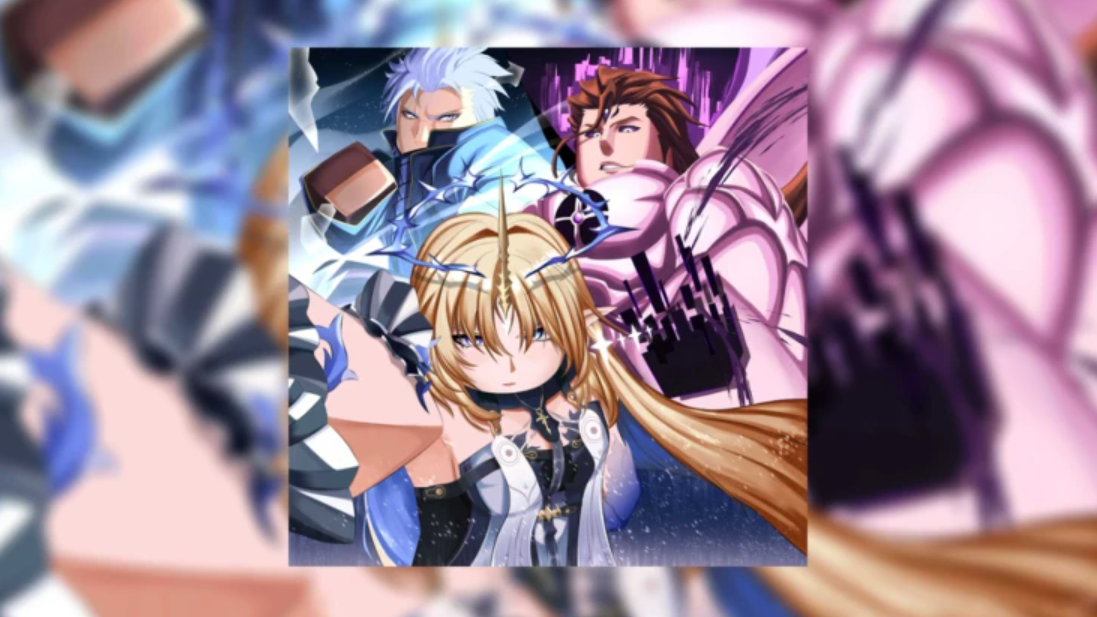
How to Unlock Atomic and CID V2 in Sailor Piece on Roblox
Everything you need to obtain Shadow CID Atomic, the Atomic Sword, and the upgraded CID V2 fighting style.
-
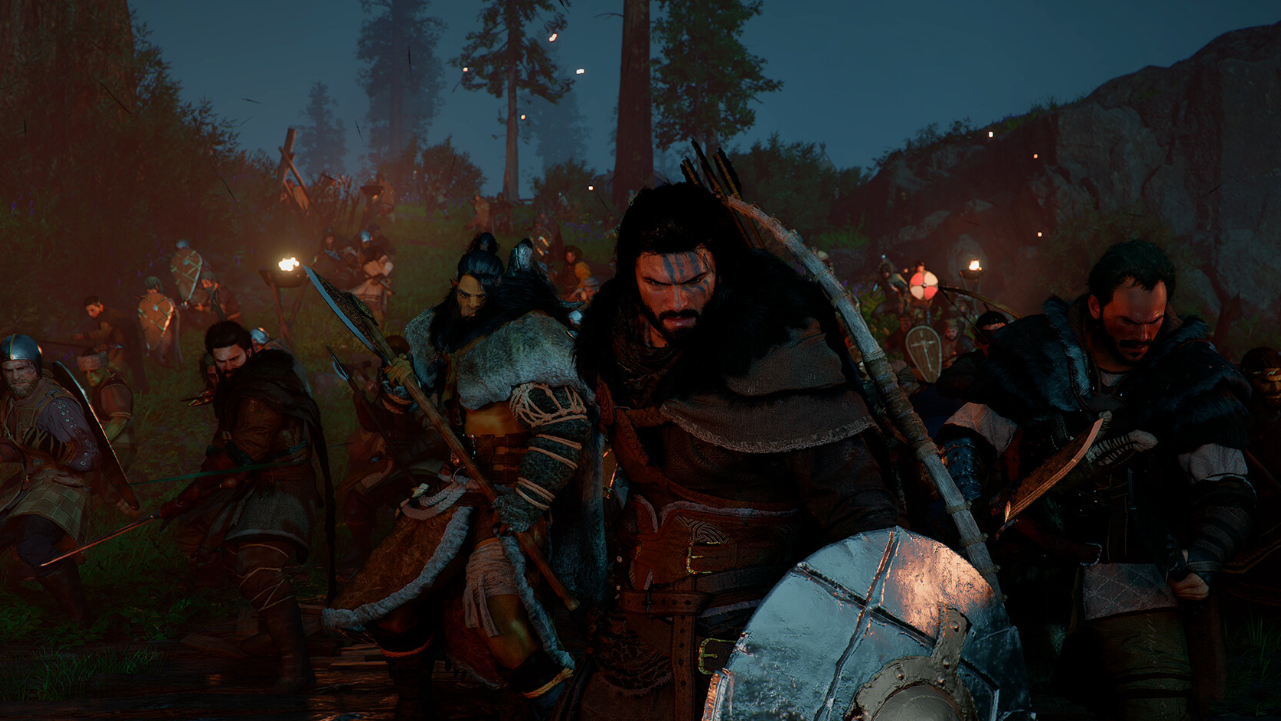
Contribution Points in Crimson Desert — How to Earn, Spend, and Avoid Losing Them
Every faction has its own Contribution currency, and knowing where to spend it unlocks some of the best early gear.
-
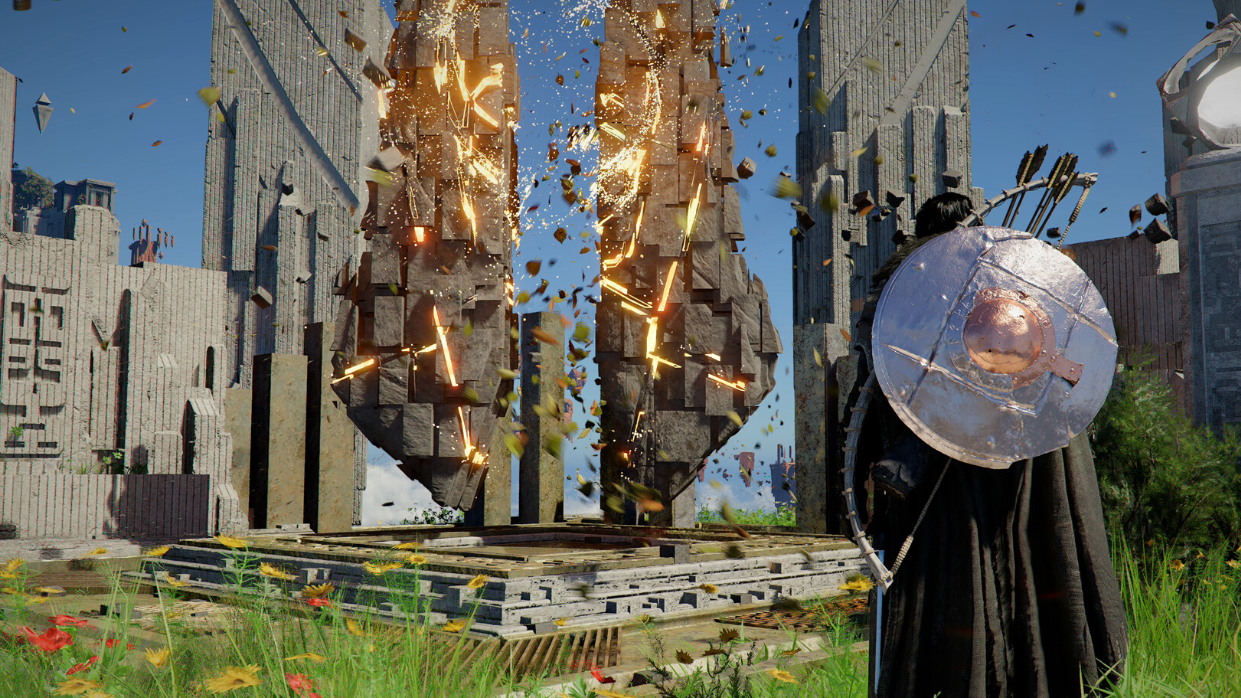
How to Finish the Young Monk’s Request in Crimson Desert
The Mystical Pine Mushroom is locked behind a hidden prerequisite quest — here’s how to get past it.
-
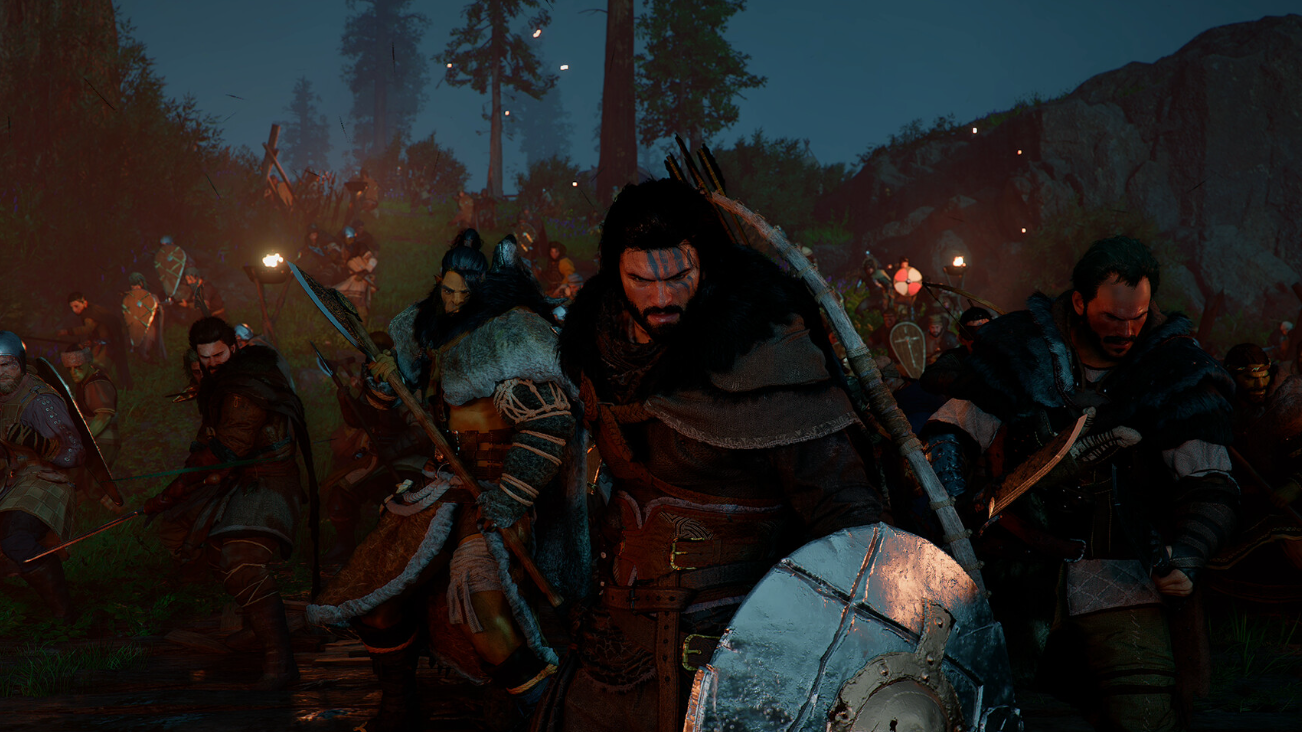
Alec’s Request Quest Guide: How to Get Leopard Perch in Crimson Desert
Catch the fish by hand in shallow water and complete this early Greymane camp quest.
-
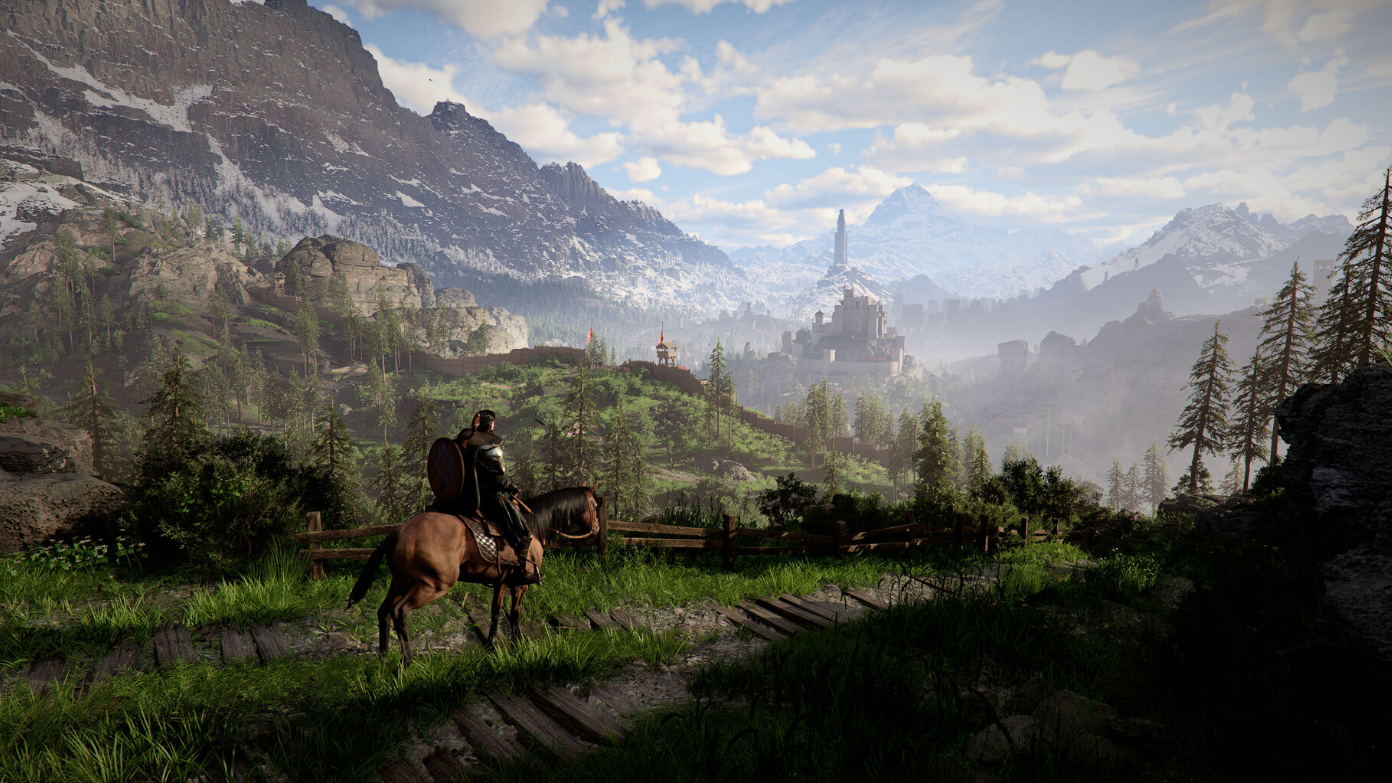
How to Complete Sharpened Spear III Challenge in Crimson Desert
Defeat five enemies in 15 seconds using Stab attacks to unlock an Abyss Artifact reward.
-
How to Get Started in Anime Overload on Roblox — Currencies, Units, and Traits
Everything you need to farm gems, build a strong team, and land the rarest traits in Anime Overload.