
Instructional, step-by-step articles.
Content Type: How-To
-
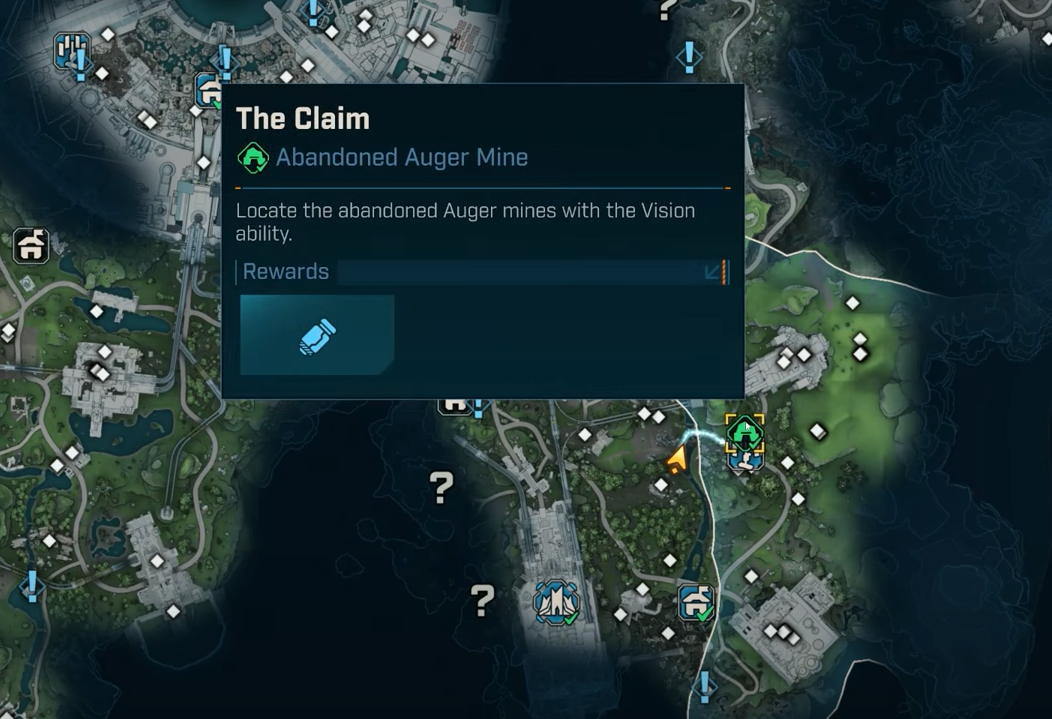
Borderlands 4 Abandoned Auger Mines — How to find and unlock rewards
Find all seven hidden dungeons, unlock their glowing walls, and claim the 40 SDU first‑clear bonus.
-
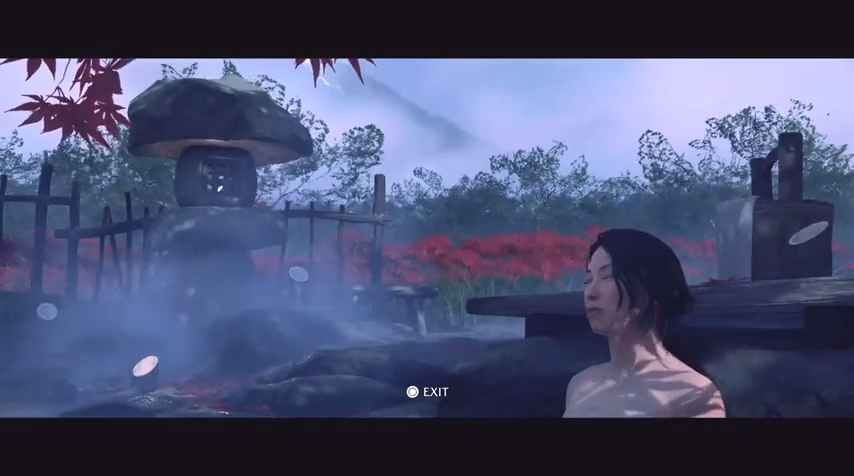
Ghost of Yotei Hot Springs — Benefits and how to find all 16
Max health gains, fast discovery methods, and the Body, Mind, and Spirit trophy.
-
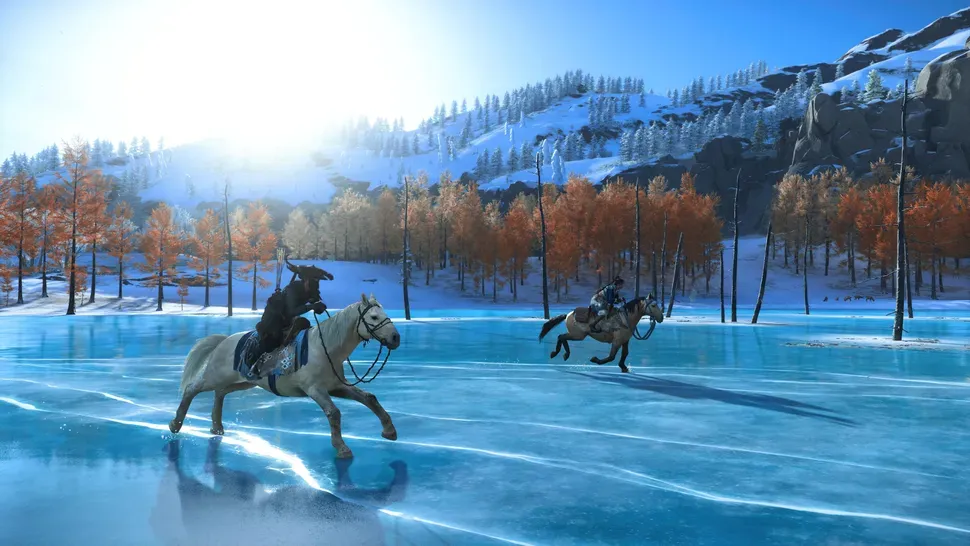
How to Remove the Black Bars While Riding Horse in Ghost of Yotei
Riding in Ghost of Yotei triggers a cinematic letterbox effect, but you can turn it off instantly
-
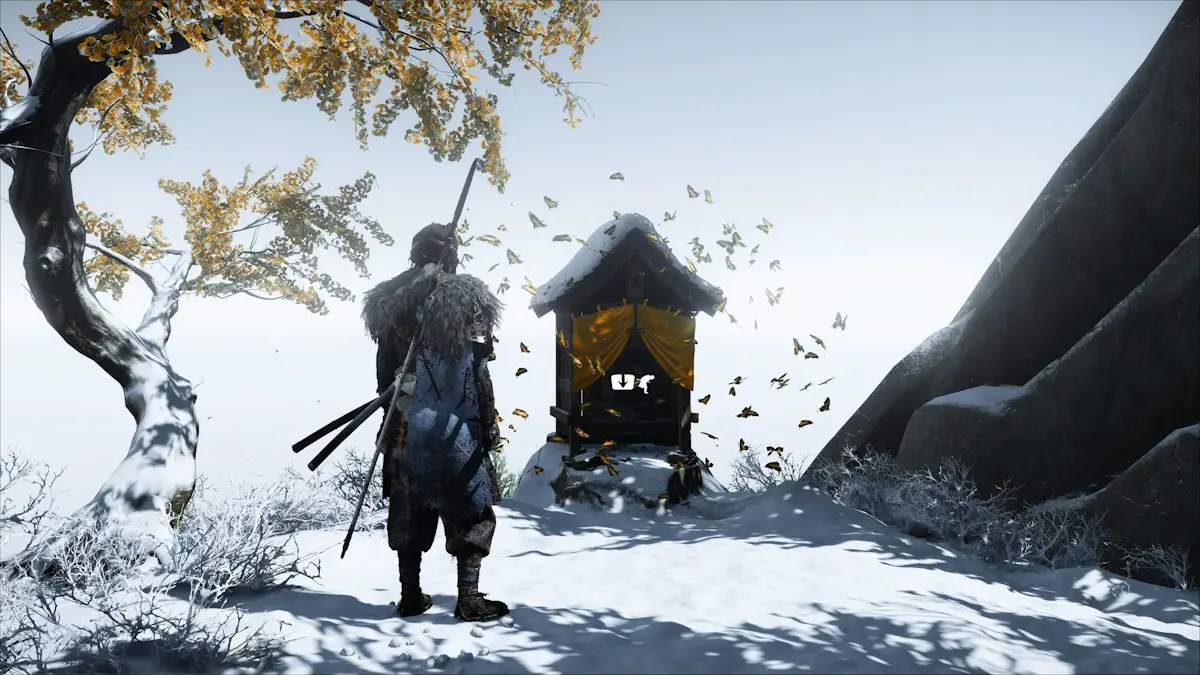
Ghost of Yotei Altar of Reflections — where and how to find them
Altars unlock new techniques; here’s how to locate them quickly across Ezo.
-
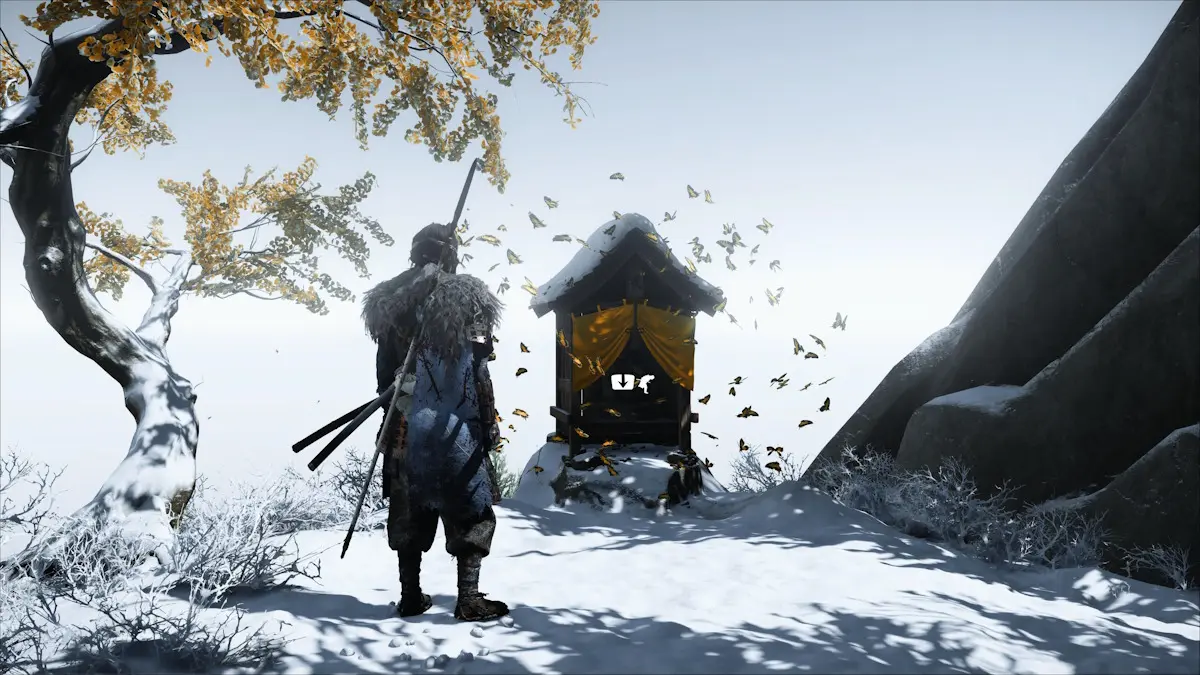
Ghost of Yotei skills — how to unlock and upgrade techniques
Use Altars of Reflection to expand Onryo, Melee, Revenge, and Wolf trees, plus smart first skills to target.
-

Call of Duty: Black Ops 7 beta rewards — full list and how to unlock
Every cosmetic you can earn in the BO7 beta and the exact levels you need, plus access windows and optional Twitch claims.
-
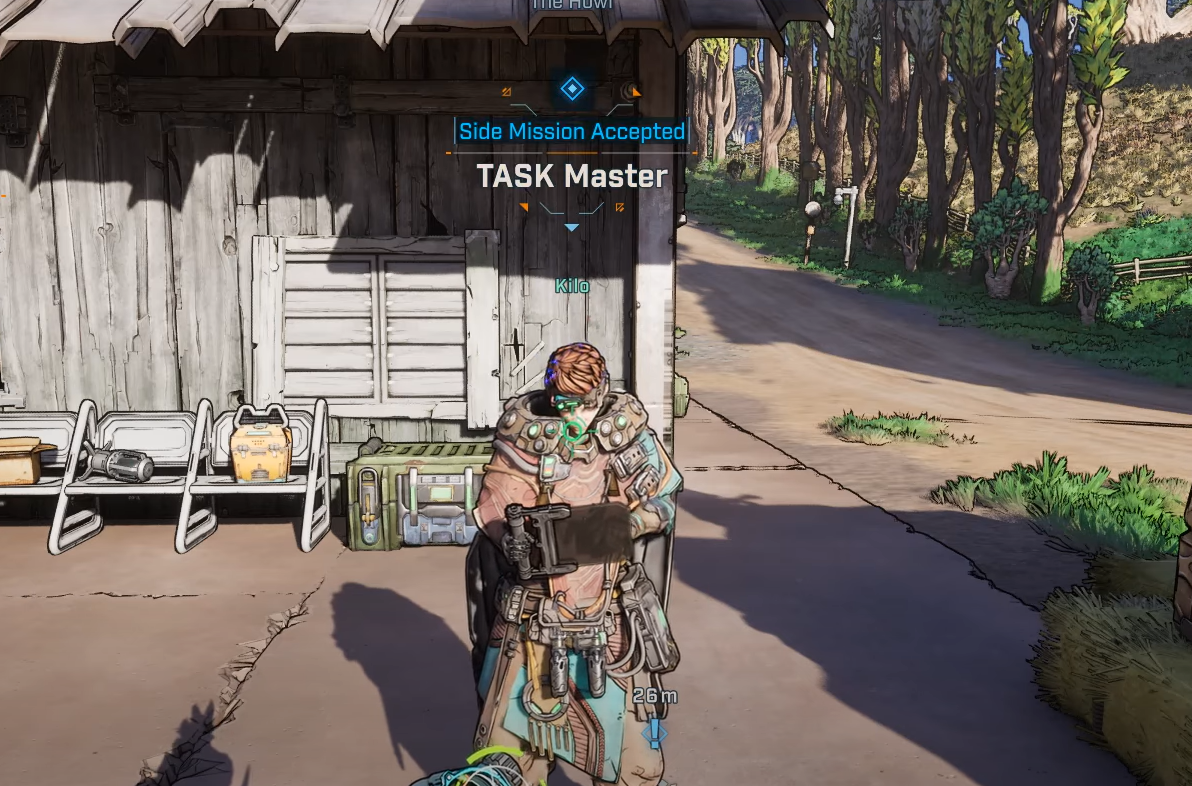
Borderlands 4 TASK Master — How to complete the tricky side mission
How to unlock the quest, find the Order pod, and replace the power core to open it.
-
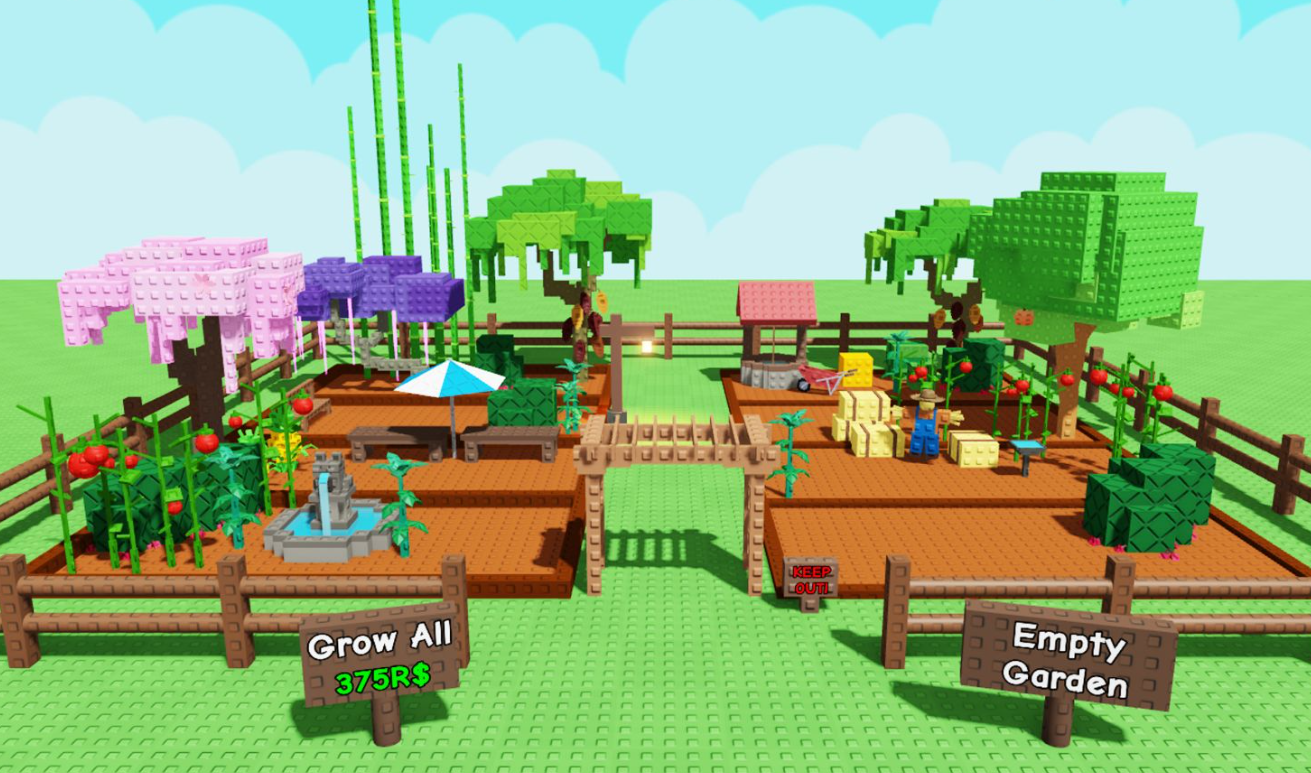
Grow a Garden’s Prime Seed Pack — all seeds and how to get it
Drop rates, Season Pass paths, and every plant inside the Prime Seed Pack.
-

Windows 11 25H2 ISO (64‑bit) — how to download from Microsoft
Where to get the official x64 image, plus Arm64, Insider, and Enterprise options.
-
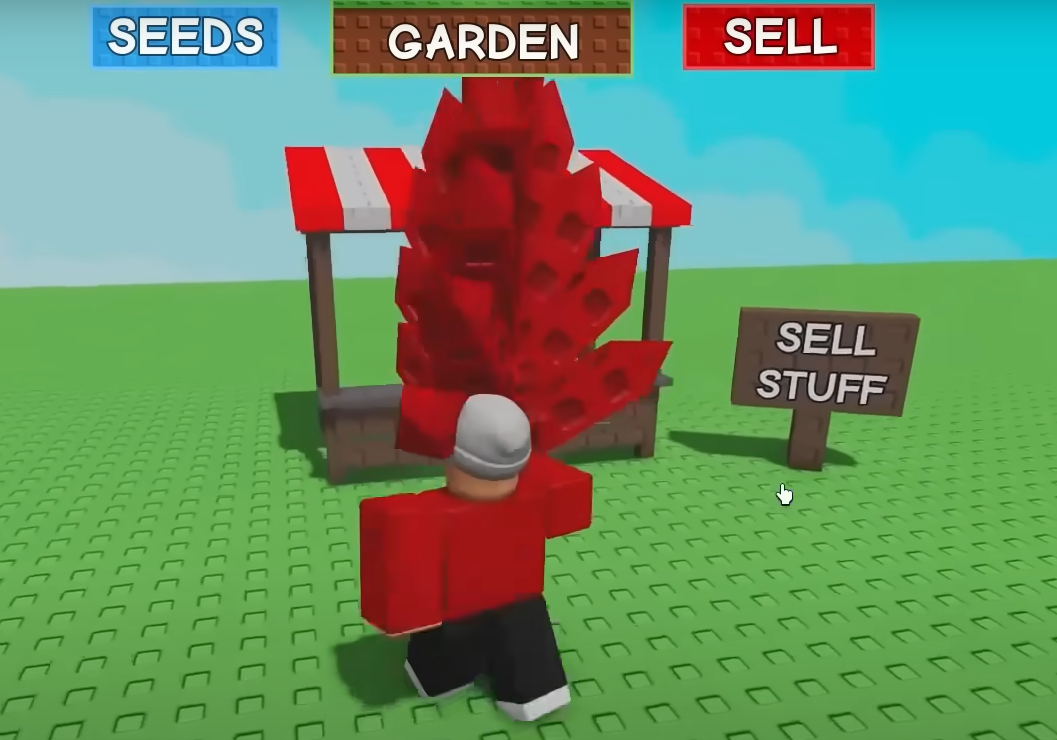
How to Get Crimson Thorn in Grow a Garden
Spawn rate, price, reliable ways to obtain it, and what the crop sells for.