
Instructional, step-by-step articles.
Content Type: How-To
-
How to Fix Outlook Unable to Deliver Email Even With Correct Address
Resolve Outlook delivery failures when emails bounce back or never reach recipients—even when addresses are accurate—by following targeted troubleshooting steps for both personal and…
-
How to Fix Microsoft Edge Not Showing History
Restore missing or incomplete browsing history in Microsoft Edge by adjusting privacy settings, checking sync, and troubleshooting profile issues.
-
How to Stop Windows 11 From Asking Microphone Access on Boot
Learn detailed methods to prevent Windows 11 from repeatedly requesting microphone access every time your computer starts.
-
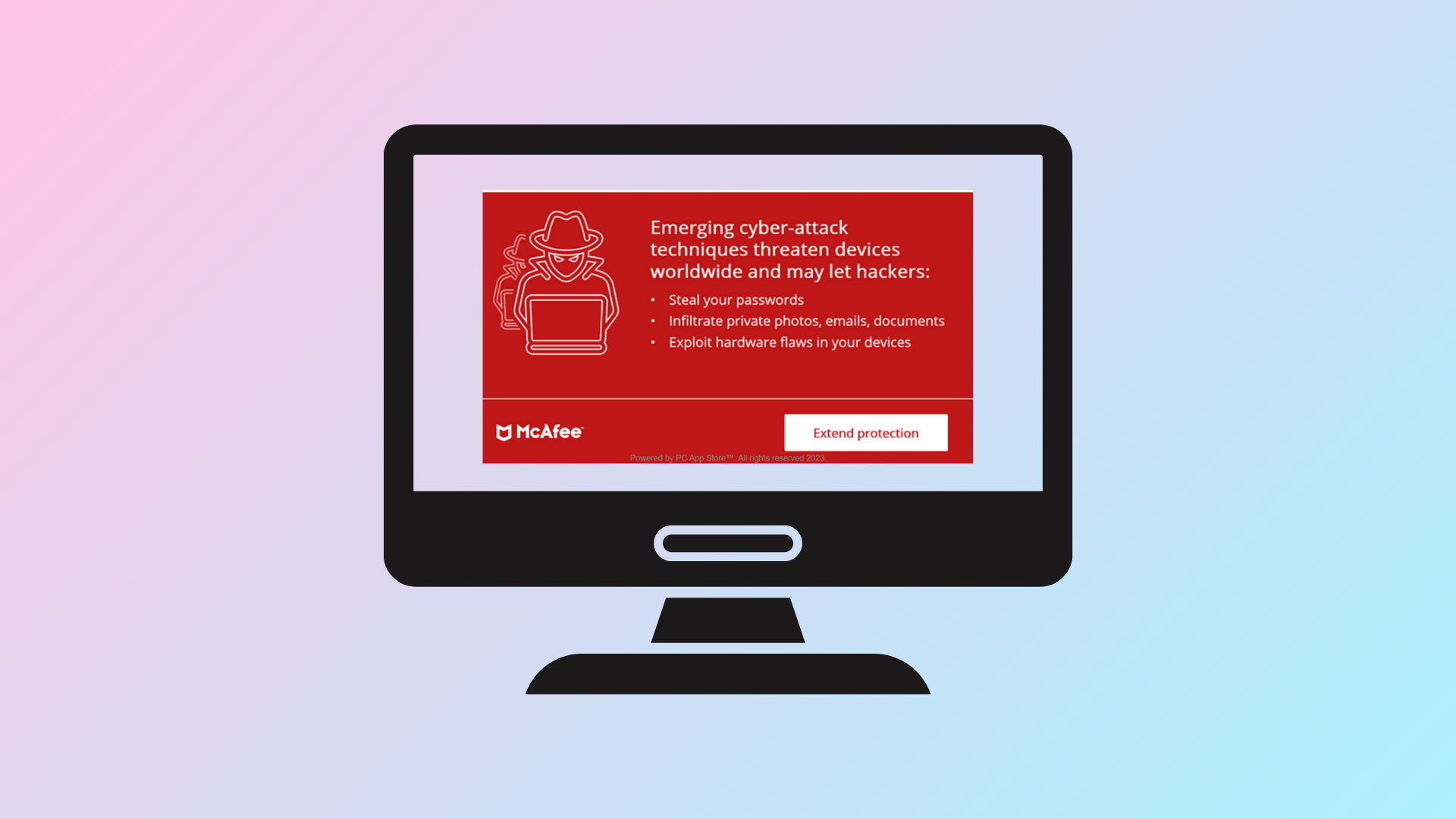
How to Stop McAfee Pop Ups in Windows 11
Learn proven methods to permanently block or remove McAfee pop-up notifications on Windows 11, whether they’re from installed software, browser ads, or hidden adware.
-
How to Un Repost a Reel on Instagram
Accidentally reposted a reel on Instagram? Learn the exact steps to remove it from your profile quickly and discreetly.
-
How to Close Battlefield 6 Console
Detailed steps to exit or disable the Battlefield 6 in-game console and avoid gameplay interruptions.
-
How to Use the Best Battlefield 6 Guns
Master the top-performing weapons and loadouts in Battlefield 6 to gain a competitive advantage in every match.
-
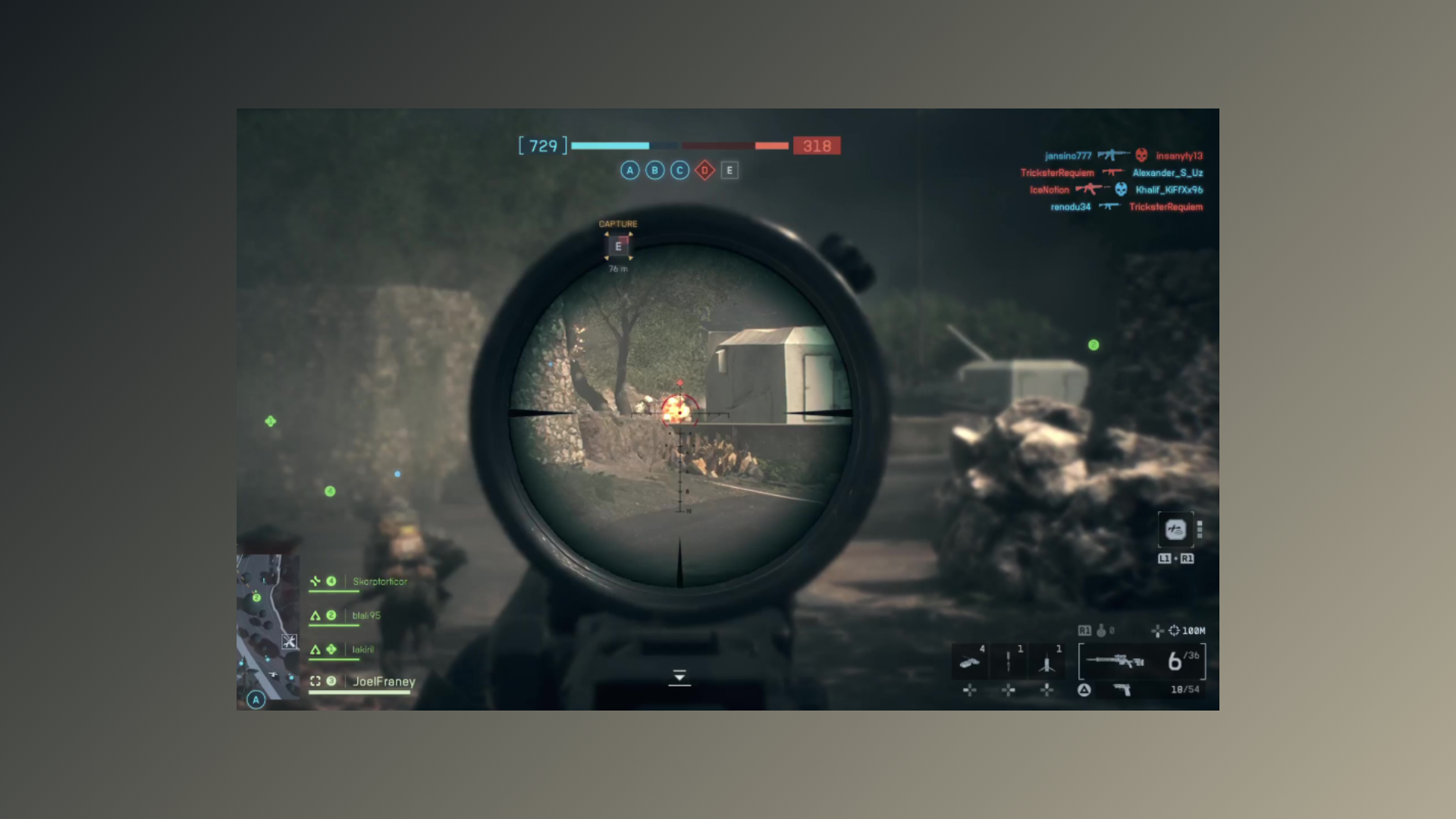
How to Use the Battlefield 6 Range Finder
Quickly zero your sniper rifle or DMR for precise shots in Battlefield 6 using the Range Finder attachment.
-
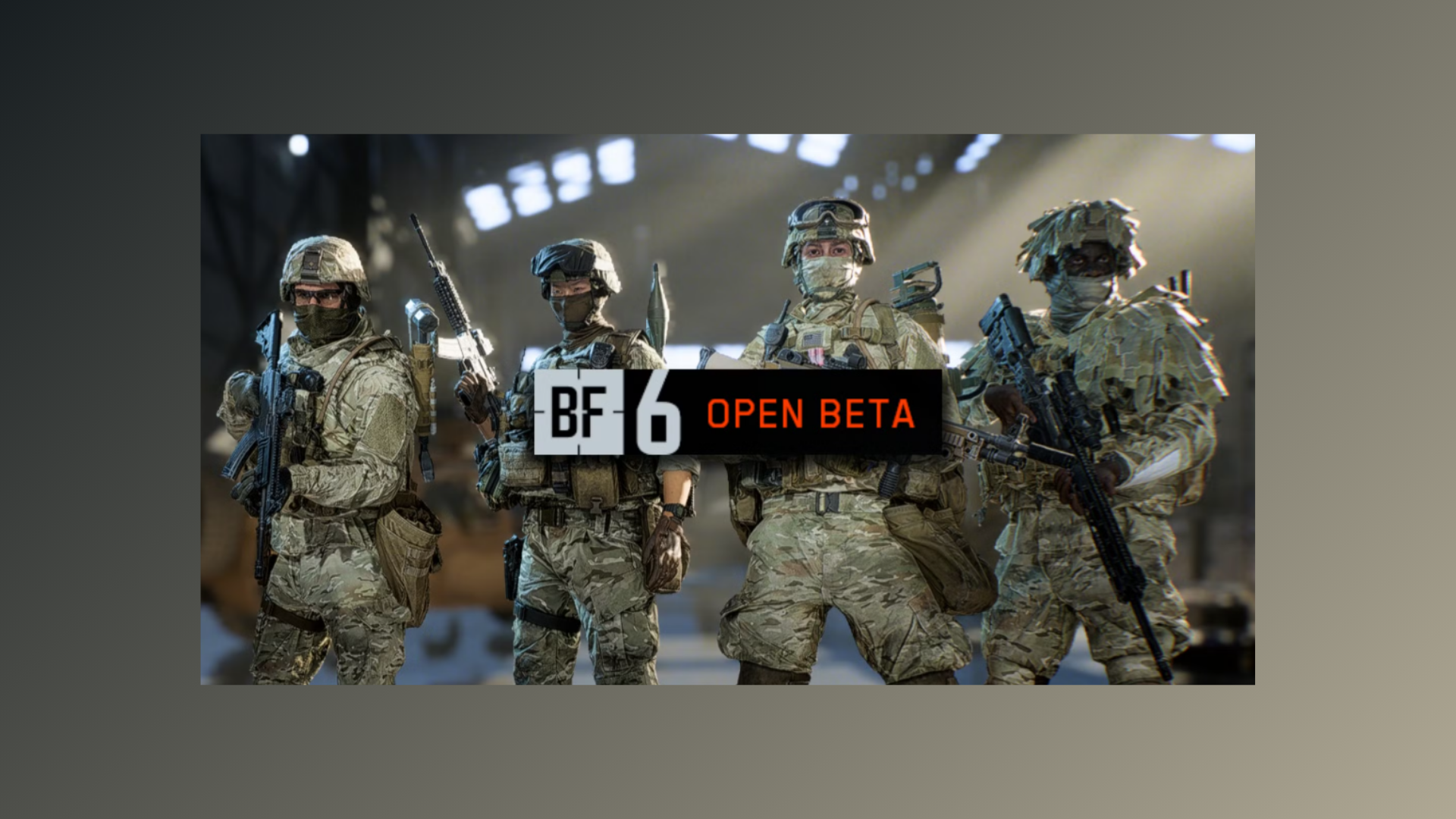
How to Use the Best Battlefield 6 Loadouts
Discover the top-performing Battlefield 6 loadouts for each class to maximize your impact in every match.
-
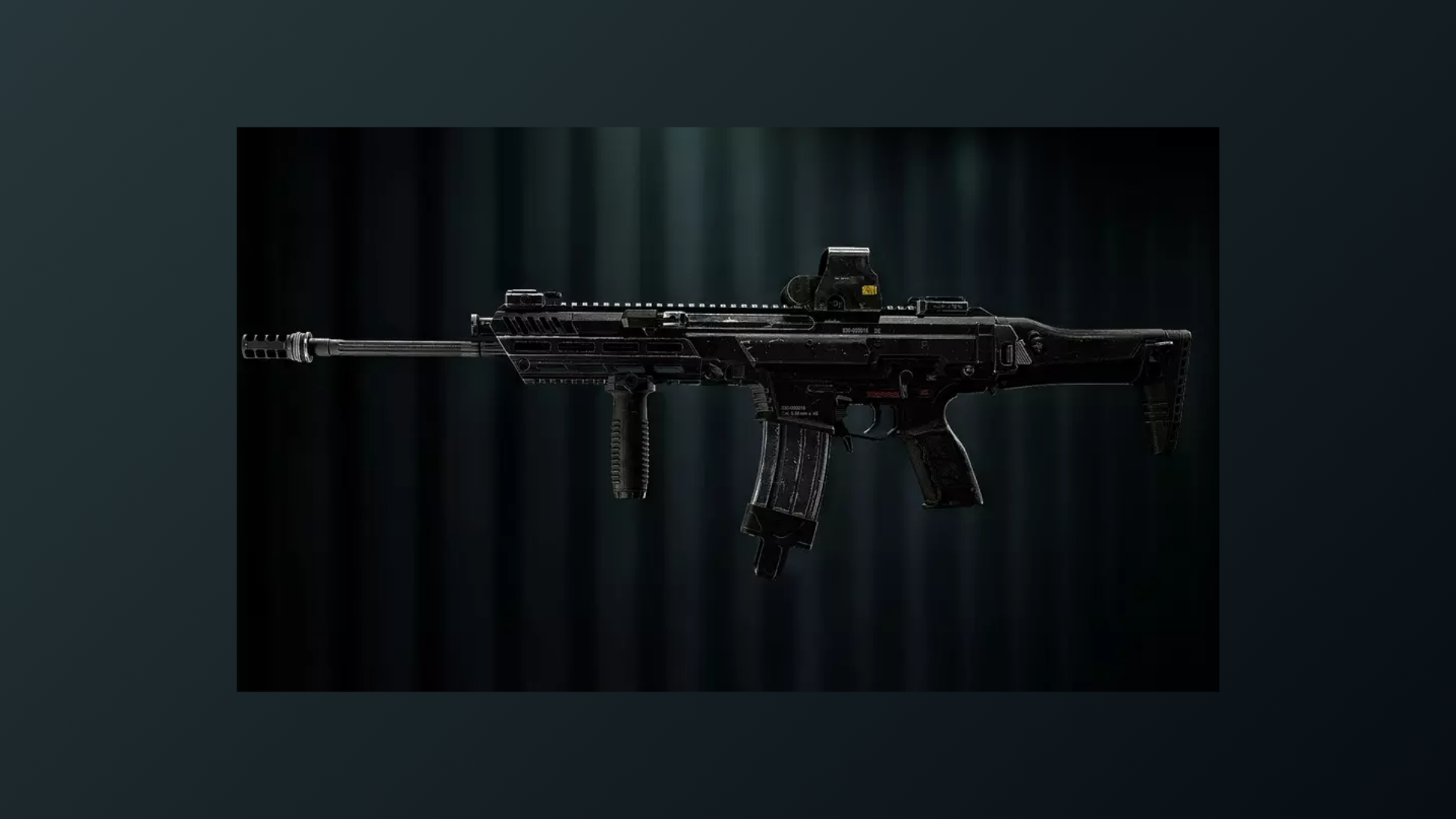
How to Unlock the Best Assault Rifles in Battlefield 6 and Customize Them
Mastering the top assault rifles in Battlefield 6 gives you a clear edge, but knowing how to unlock and equip them with optimal attachments…