
Instructional, step-by-step articles.
Content Type: How-To
-
How to Enter and Redeem a Battlefield 6 Beta Code
Practical instructions for obtaining, entering, and activating your Battlefield 6 beta code across all major platforms.
-
How to Change Sensitivity in Battlefield 6 Using a Sensitivity Converter
Learn effective methods to match your mouse sensitivity from other games to Battlefield 6 for consistent aiming and improved control.
-
How to Fix Cannot Access Battlefield 6 Beta
Resolve Battlefield 6 beta access issues, including early access errors, server queues, and common technical bugs with these comprehensive solutions.
-
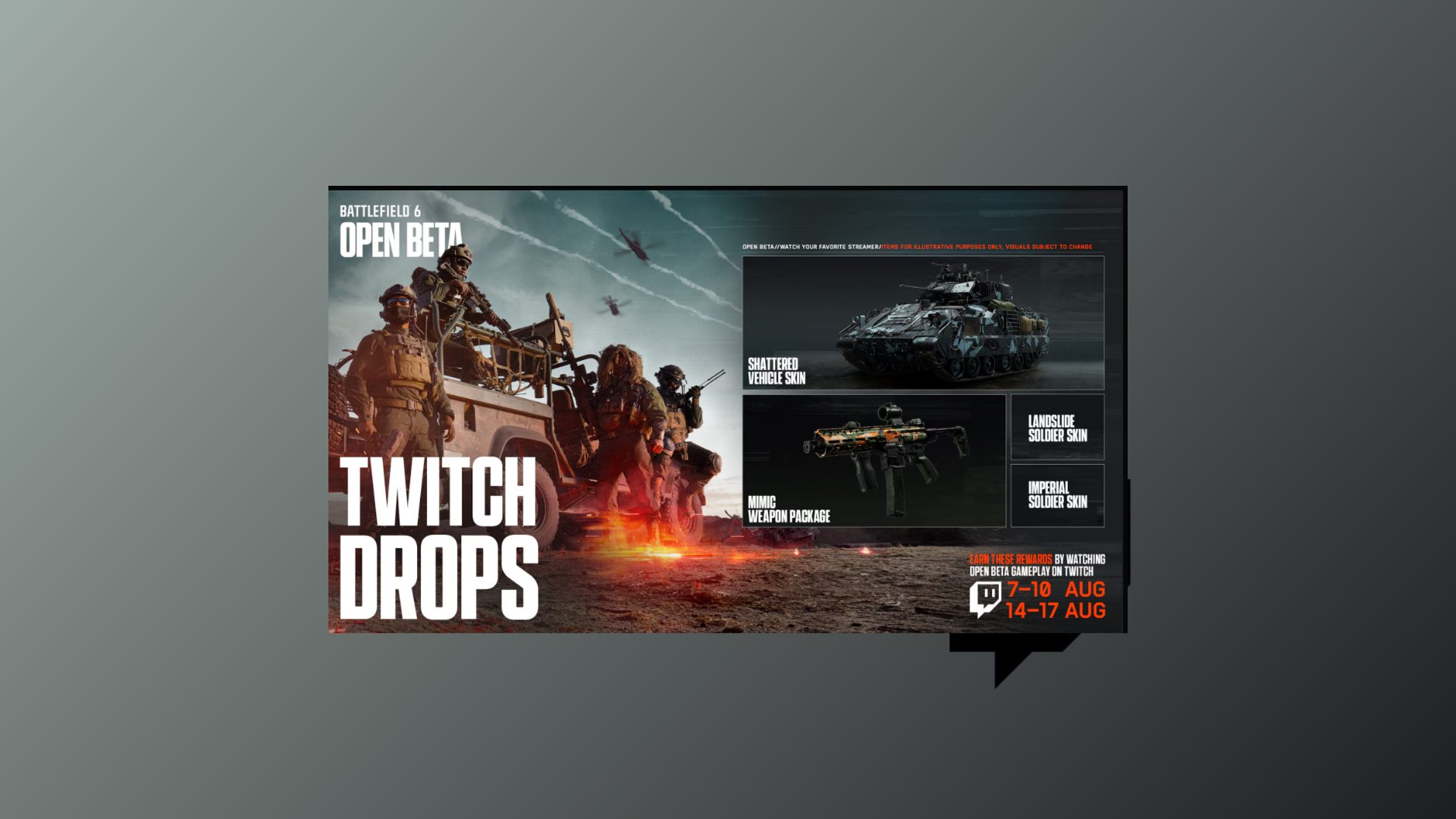
How to Fix Battlefield 6 Twitch Drops Not Working
Detailed steps to resolve Battlefield 6 Twitch Drops issues, including account linking, claiming rewards, and troubleshooting common problems.
-
How to Try Different Battlefield 6 Beta Game Modes
Detailed steps to access and play all available Battlefield 6 beta game modes, including troubleshooting common access issues.
-
How to Access Battlefield 6 Beta Maps
Clear instructions for unlocking and playing all available Battlefield 6 maps during the Open Beta period.
-
How to Turn Off Adaptive Triggers in Battlefield 6 on PC
Learn proven methods to disable adaptive triggers when using a PlayStation controller in Battlefield 6 on your PC.
-
How to Turn Off Instagram Map Feature
Learn how to disable Instagram’s new real-time location sharing map to keep your whereabouts private and control who can see your activity.
-
How to Enable or Disable Xbox App Starting Automatically in Windows 11
Learn proven methods to control whether the Xbox app launches at startup on Windows 11, including using app settings, Task Manager, and advanced system…
-
How to Enable Developer Mode in Discord on PC and the Web
Unlock developer features in Discord to access user, server, and message IDs, test bots, and try experimental options on both desktop and browser versions.