
Instructional, step-by-step articles.
Content Type: How-To
-
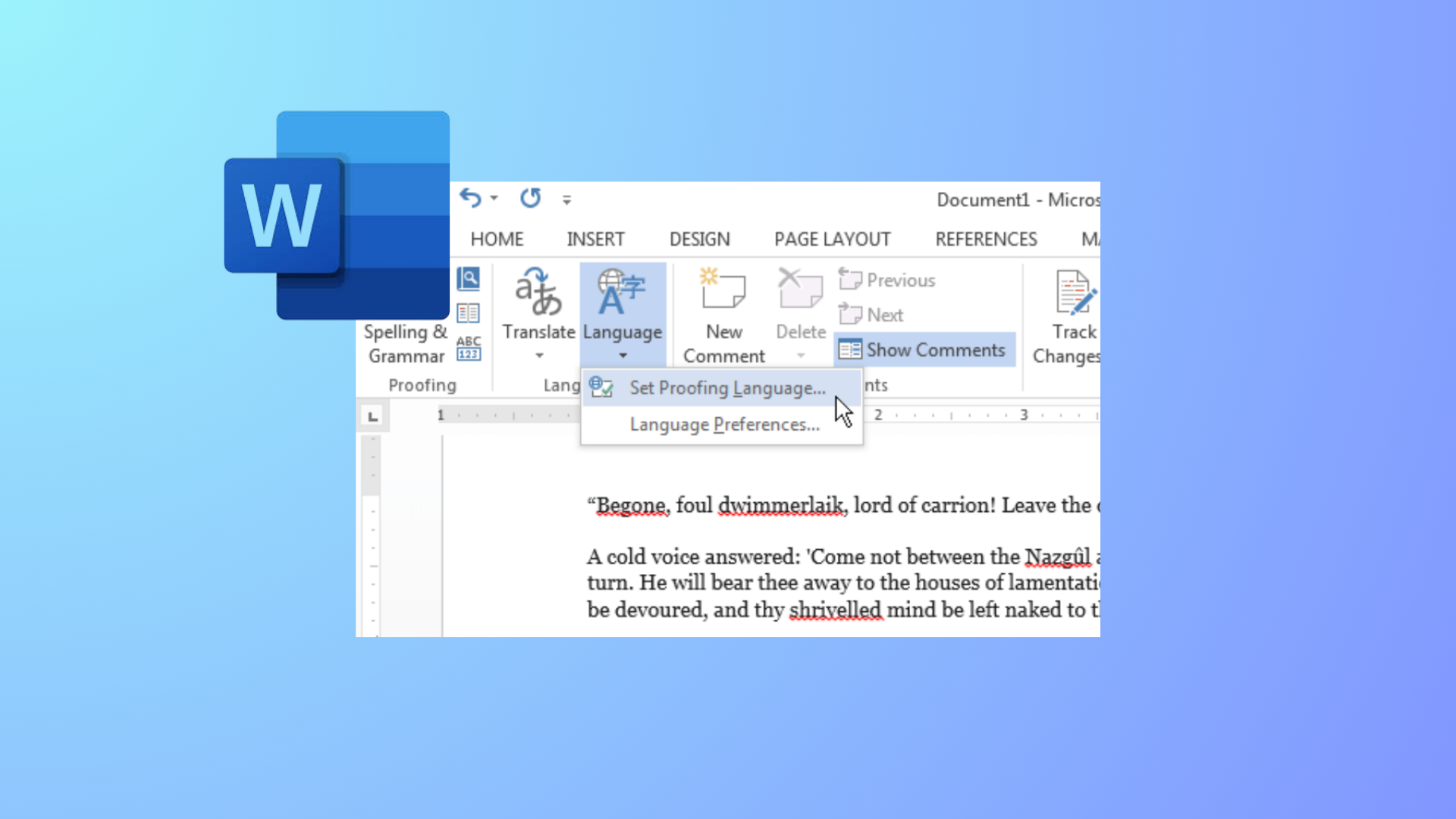
How to Change Colors of Grammar and Spelling Underlines in Microsoft Word
Modify the appearance of Word’s spelling and grammar underlines by editing the Windows Registry or adjusting system settings for better visibility and accessibility.
-

How to Remove Text Formatting in Notepad on Windows 11
Clear all formatting from text in Notepad for a plain text experience using built-in options or settings in Windows 11.
-

How to Fix Accidentally Uninstalled Default Speakers in Windows 11
Restore your missing default speakers and audio output in Windows 11 with these proven methods, from driver recovery to system restore.
-

How to Fix Slow WiFi Speed After Waking Windows 11 From Sleep
Restore normal WiFi speed in Windows 11 after sleep mode by adjusting adapter settings, resetting connections, and applying targeted fixes for common hardware and…
-

How to Fix Superscript Not Working in Google Docs
Resolve Google Docs superscript shortcut issues with clear solutions for Chrome, Mac, and Windows.
-
How to Create Progress Bars in Microsoft Excel
Learn comprehensive methods to visually track progress in Excel using conditional formatting, formulas, and chart techniques for tasks, projects, or goals.
-

How to Fix Too Many Requests Error When Signing Into Outlook
Concrete steps to resolve the “Too Many Requests” error when logging into your Outlook account, including proven workarounds and official troubleshooting methods.
-

How to Fix Microsoft Photos High Memory Usage in Windows 11
Resolve high RAM consumption by Microsoft.Photos.exe in Windows 11 and restore smoother system performance with these detailed solutions.
-
How to Fix Computer Crashing When Using Microsoft Teams
Resolve Microsoft Teams crashes on Windows by addressing graphics driver issues, disabling hardware acceleration, clearing cache, and applying targeted troubleshooting steps for stable meetings…
-

How to Stop, Resume, or Pause OneDrive Syncing on Windows 11
Learn effective methods to pause, resume, or completely stop OneDrive syncing on Windows 11, whether you need a temporary break or want to turn…