
Instructional, step-by-step articles.
Content Type: How-To
-
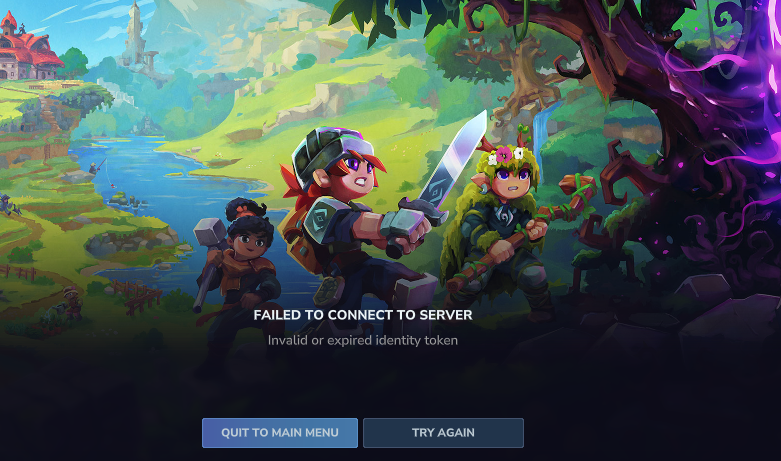
Fix Hytale Failed to Connect to Server Errors
Troubleshoot common causes of Hytale server connection failures for both players and server owners.
-
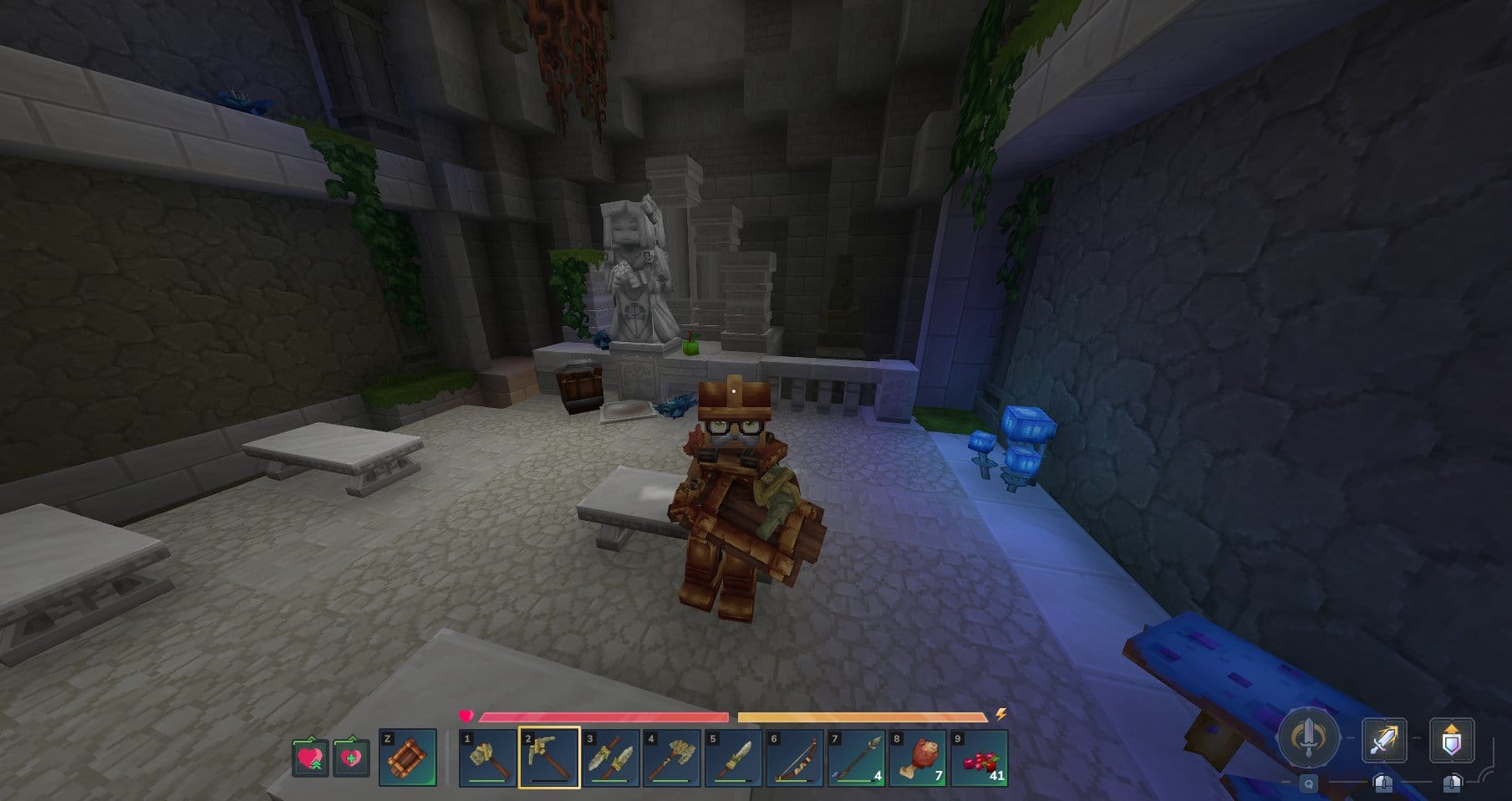
How to fix common Hytale launcher download and patch errors
Restarting the launcher, resetting it, and checking security tools will resolve most early access download failures.
-

How to Clear The Forge’s Iceberg Maze and Unlock the Heavenly Pickaxe
Learn how to reach Iceberg Island, read the shifting maze, find the Fungi merchant, and understand the daily reset that gates the Heavenly Pickaxe.
-
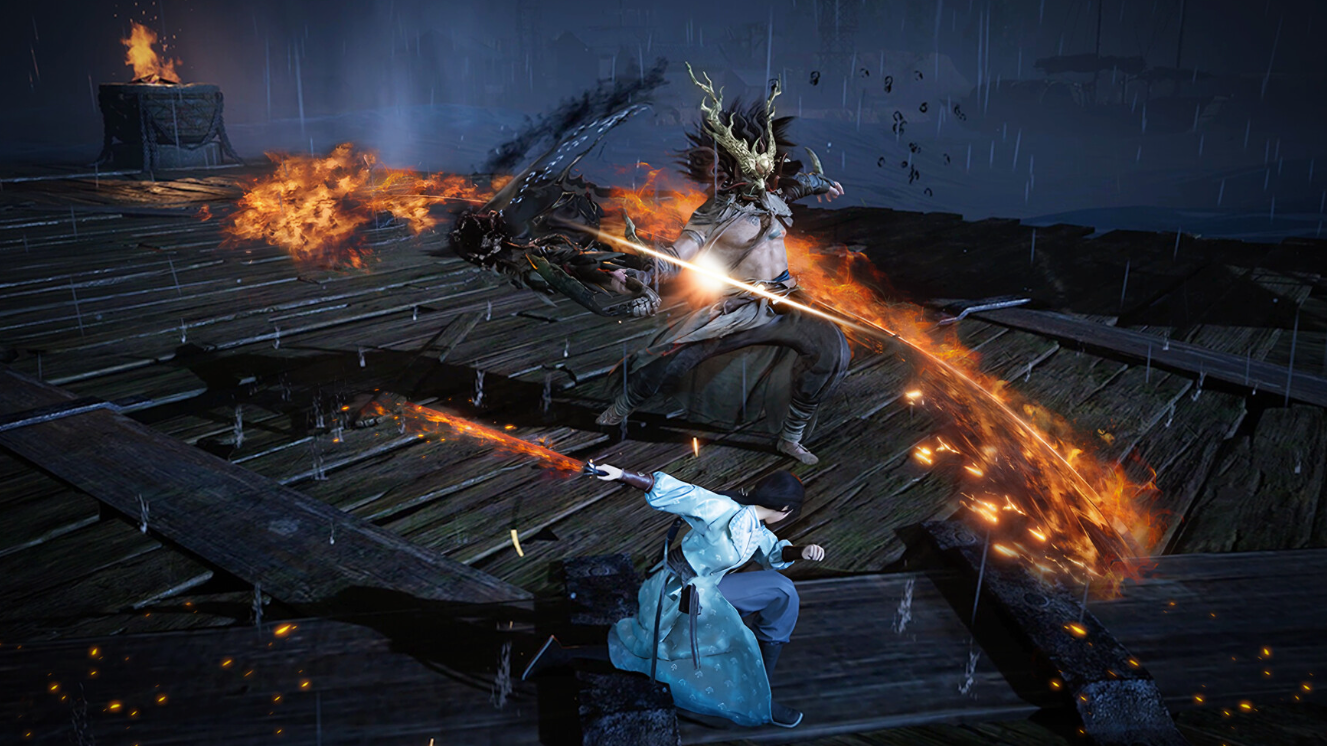
How to befriend Xu Lijun in Where Winds Meet’s AI chat
Learn how to talk with Xu Lijun at Revelry Hall, trigger the friendship outcome, and avoid common AI chat dead ends.
-
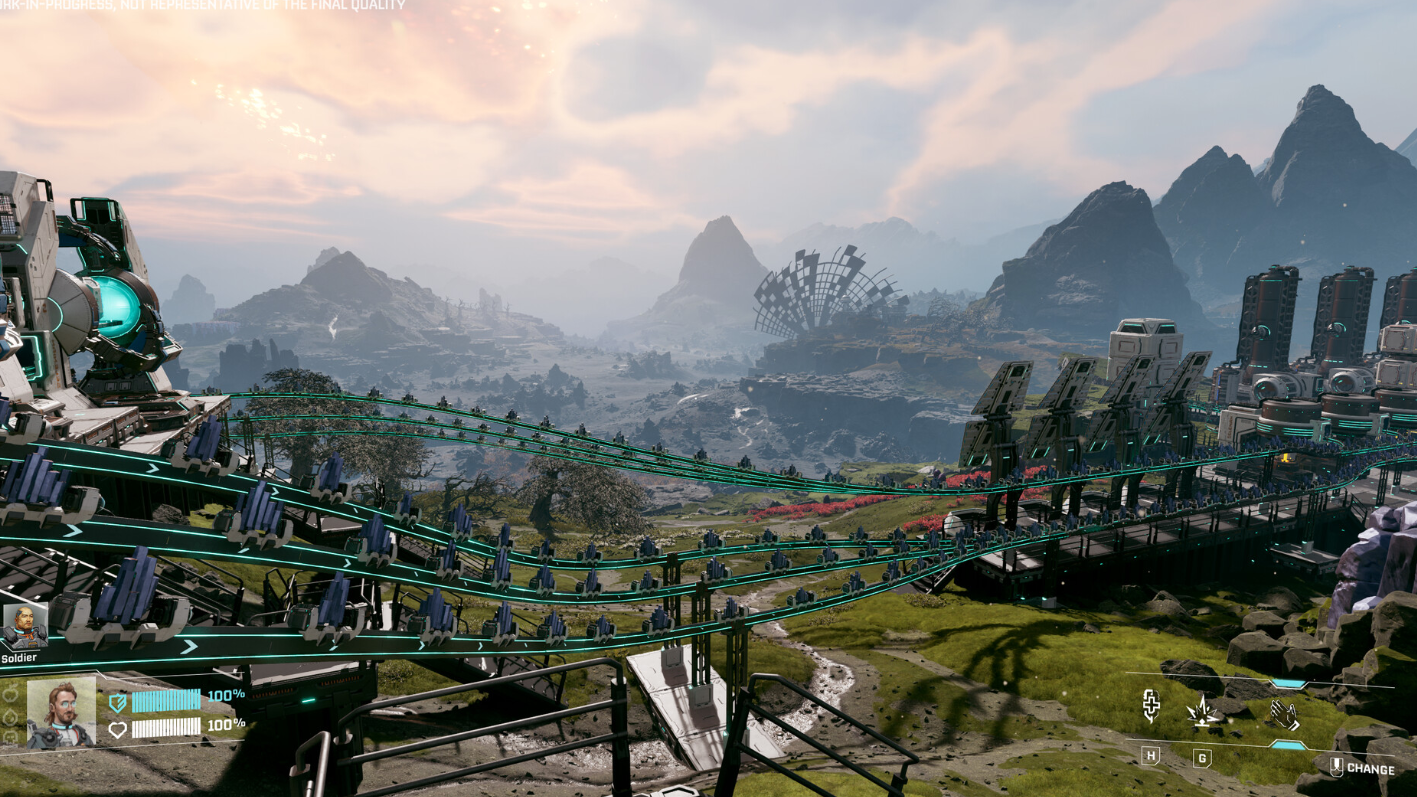
StarRupture Helium-3: How to Farm Ore Fast and Where to Find Deposits
Learn early-game Helium pickups, extractor unlock requirements, and the most efficient Helium-3 vent locations around the Orbital Lander.
-

Coinite in The Forge: How to Reach Crimson Depths, Farm It, and Cash In
Learn where Coinite spawns, what you need to mine it, how to boost its tiny drop rate, and the best ways to profit.
-
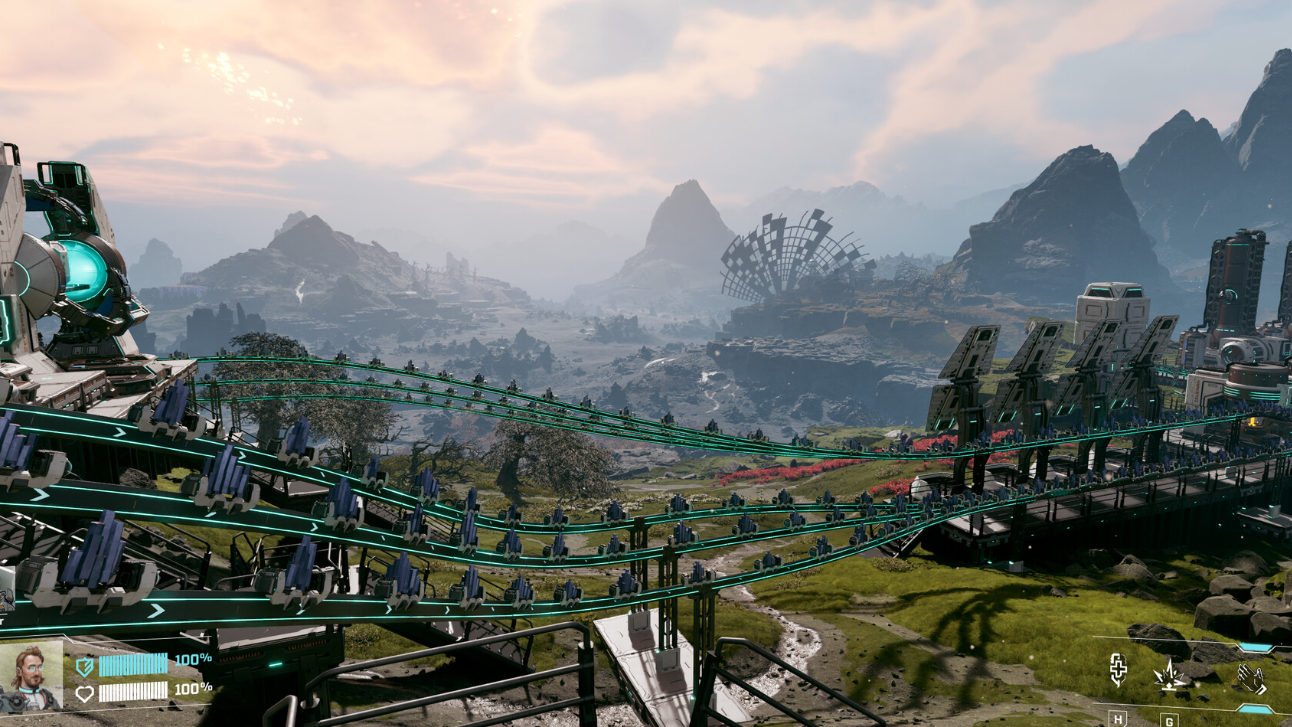
StarRupture Electronics Blueprint location and how to safely reach it
Find the Electronics blueprint at Selenian’s Mining Base and learn how to fight through waves, storms, and Goliaths to get it.
-

How to show seconds on the Windows 11 taskbar clock
Enable seconds on the taskbar clock in Windows 11 using Settings, the Registry, or PowerShell, and understand the trade-offs.
-

Feiko in Volleyball Legends: How the secret setter style works and how to unlock it
Learn Feiko’s unlock chances, limited-time availability, stats, and why its dump-and-set kit is shaking up Volleyball Legends.
-

Where Winds Meet: How to Trigger and Complete “Where the Soul Returns”
Unlock requirements, exact starting location, full quest flow, and rewards for the Where the Soul Returns Encounter in Qinghe.