
Instructional, step-by-step articles.
Content Type: How-To
-
How to prepare for Breakthrough 10 in Where Winds Meet
Level 70 players can set up gear, currencies, and activities now to hit Tier 71 content running when Breakthrough 10 goes live.
-
Where Winds Meet: How to Reach Aureate Pavilion in Mistveil Forest
Learn where Aureate Pavilion is, how to approach the outpost, and where to grab the Mistveil Forest Cure hidden inside.
-
How to Finish the Cult Quest in The Forge and Unlock Dragon Head
Learn where to find Auron, Mjelatkhan, and Morveth, how to farm their hearts, and what you gain for clearing the questline.
-
How to Finish Raven Quests and Unlock the Red Cave in The Forge
Learn every Raven quest, how to access the Red Cave, and what you gain from finishing this late‑game Frostspire Expanse line.
-

Raven Cave in The Forge: How to Reach It and Get the Red Cave Key
Reach Island 3, clear both Raven quests, and secure the Red Cave Key to enter this late‑game Frostspire Expanse area.
-

Stolen Heart in The Forge: How to Spawn It and Why It Matters
Learn where the Stolen Heart comes from, how to force Heart of the Island spawns, and why this ore gates Berserker armor.
-
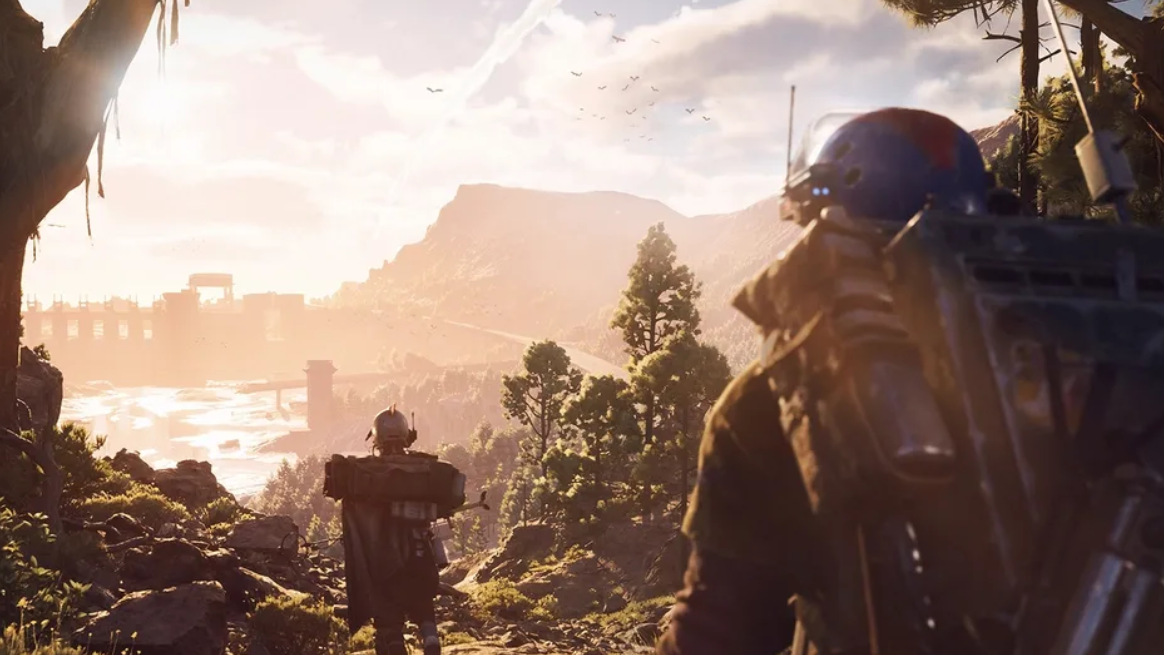
Alarm Clock locations in ARC Raiders and how to use them
Learn where Alarm Clock drops most often, how raid maps affect your odds, and why you should recycle it instead of selling.
-
How currency works in Universal Tower Defense (and how to farm it efficiently)
Gems, gold, tokens, and VR coins all matter in Roblox’s Universal Tower Defense—here’s how they fit together and how to earn them faster.
-
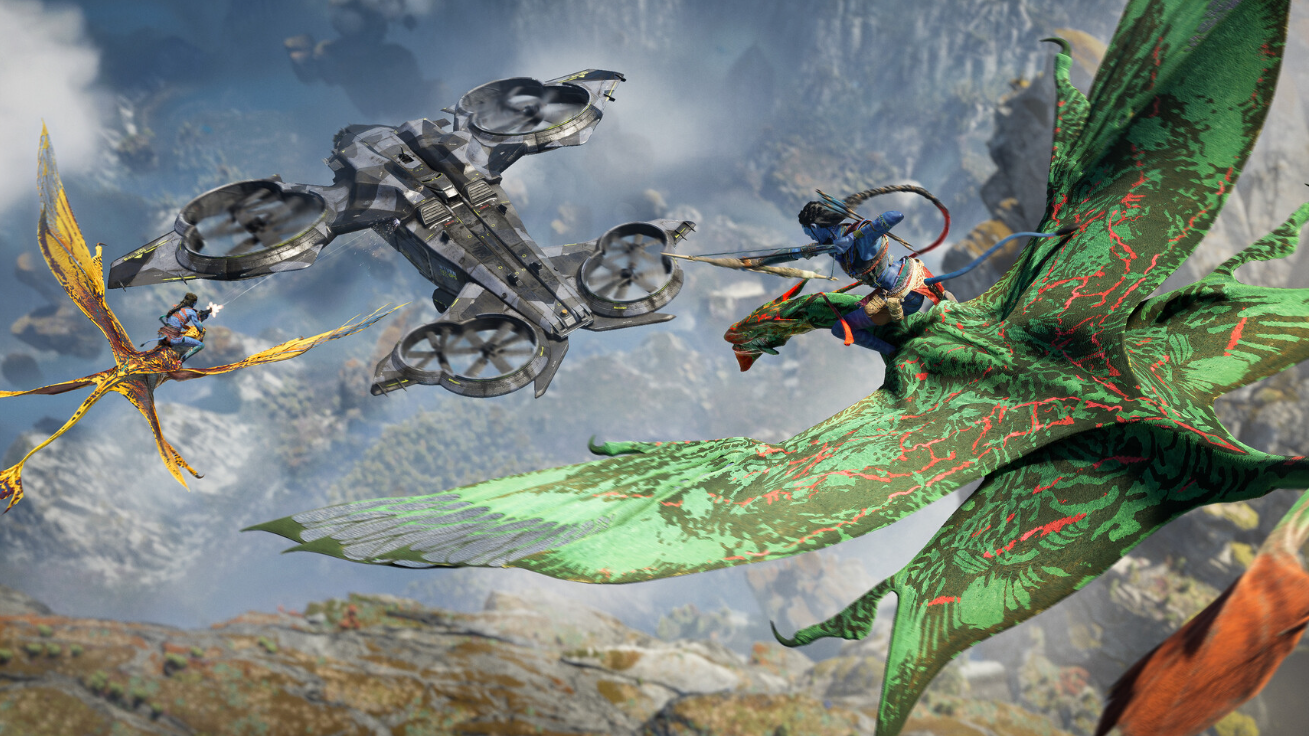
Avatar: Frontiers of Pandora – From the Ashes DLC achievements and how to earn them
All 11 From the Ashes achievements, what they track, and the in-game actions required to unlock each one.
-

How to get the Showstopper Blueprint in Arc Raiders
Learn how the Showstopper Blueprint drops, where players most often find it, and what you need to craft the grenade.