
Instructional, step-by-step articles.
Content Type: How-To
-
Building reliable water and power networks in Icarus
How to move from buckets and campfires to fully plumbed, electrified Tier 4 bases using pumps, turbines, generators, and batteries.
-
How to Use Tai Chi in Where Winds Meet
Learn how to unlock Tai Chi early, trigger it correctly, solve puzzles with it, and use it to handle shields and bears.
-
How to Get Venusaurite in Pokémon Legends: Z-A
Where Venusaur’s Mega Stone is hiding, when you can reach it in the story, and how Mega Venusaur works once you have it.
-
How to Reroll Your Race in The Forge on Roblox
Learn every current way to get Race Rerolls, where to use them, and how free‑to‑play grinding fits into the system.
-
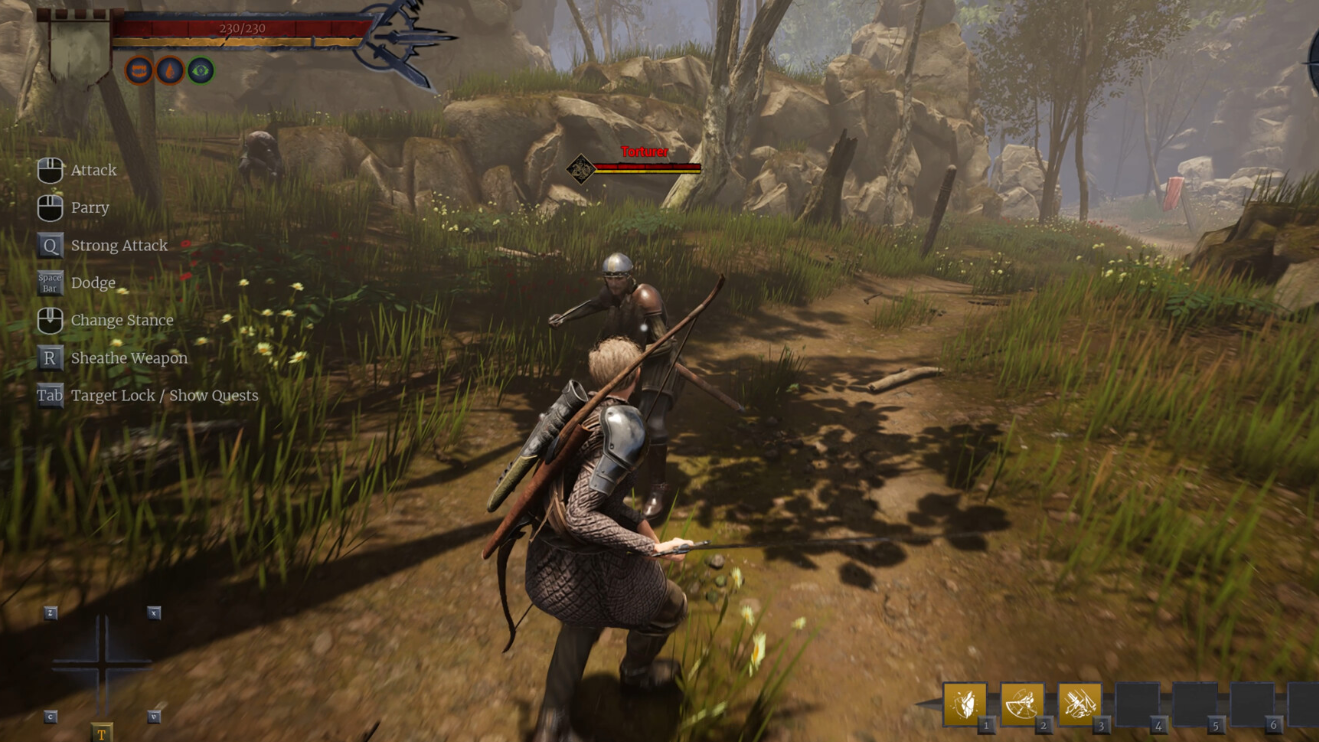
Of Ash and Steel: How to Finish The Hardships of Seafaring
Track down the physician, secure Brandy, help the crew, and claim your early stat boost on Grayshaft’s Starting Shores.
-

How to Change Idle Pose and Weapon Idle Animations in Where Winds Meet
Learn where the idle pose settings live, how to swap weapon stances, and what to do if animations get in the way.
-

How to Get the Sword Tassel for Granny Gray in Where Winds Meet
Track down Moqi Anshan’s tassel in Ghostlight Market, use disguises, and find Granny Gray’s final location to finish “Skeleton in the Closet.”
-
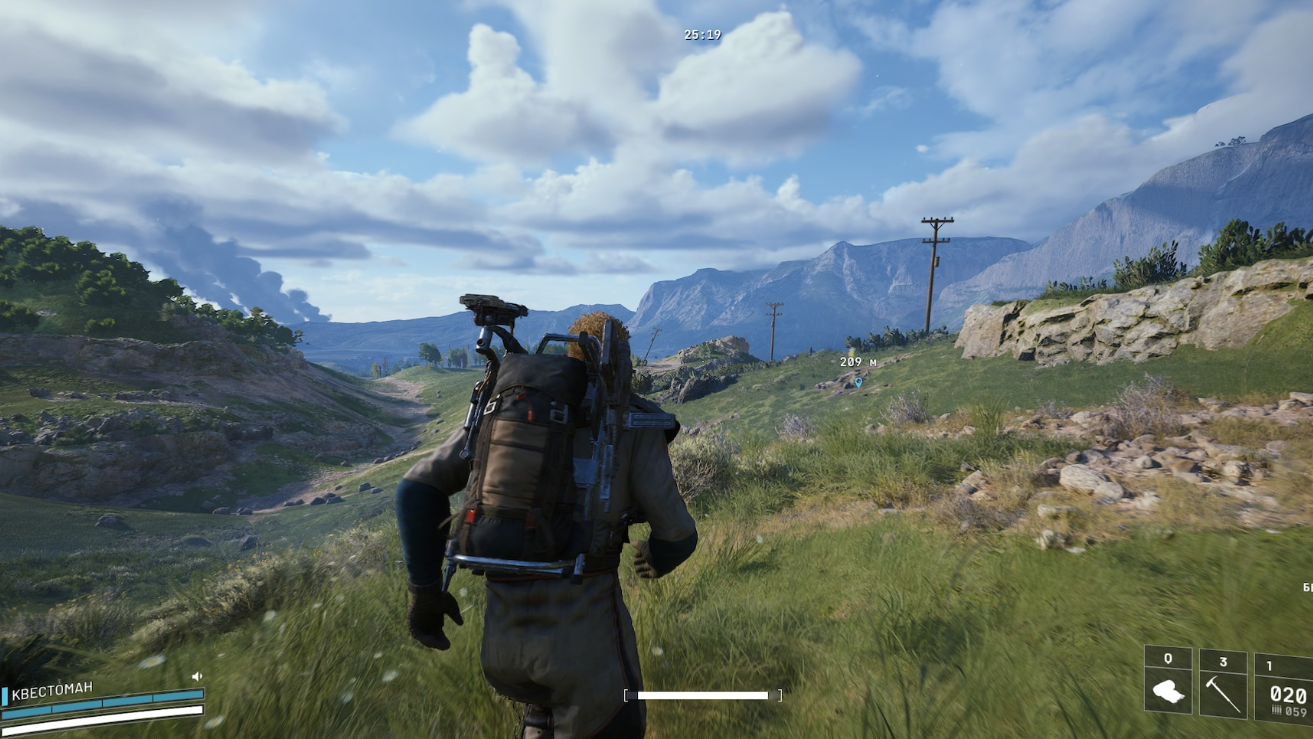
Arc Raiders A Warm Place To Rest quest: How to follow the red markers
Learn exactly where to get on the highway, how to track every red flag, and where the grave is hidden in the Buried City.
-

Shi Yimo and Wildfire Spark in Where Winds Meet — How to Trigger Deerforage’s Remedy
How to make Shi Yimo spawn, follow her encounter chain, and unlock the Wildfire Spark Inner Way.
-

How to farm Shredder Gyros in ARC Raiders without wasting runs
Where Shredder Gyros drop, how to kill Shredders efficiently, and what to do with the parts once you have them.