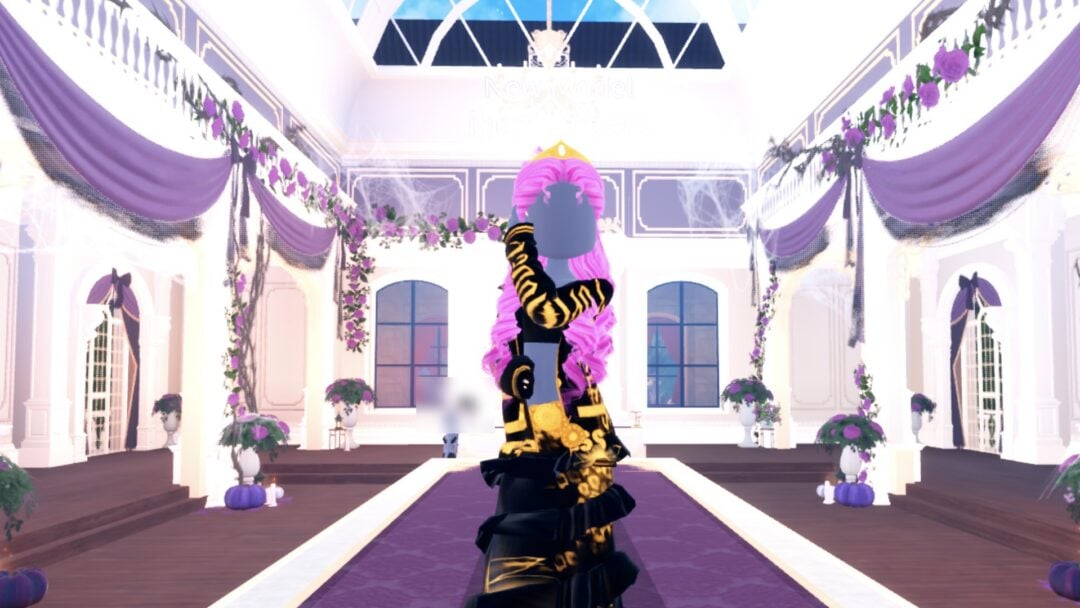
Award Show is one of the round themes in Dress To Impress on Roblox. The game gives only the theme’s name, so the reading here is ours: dress for a red carpet, either in a floor-length gown in one rich colour or in a sharp black-and-white look. Below are two complete looks we built in Freeplay Mode, a red Glitter gown and a tux-style shirt, skirt and jacket, with our own picture for each step. Every piece and material used is free. For the other themes, see every Dress To Impress theme we have built.
Quick answer: Go red carpet: a floor-length red Glitter gown with a gold Metallic belt, black curls and a gold crown, or a black-and-white tux-style look with a white Silk shirt, black neck ribbon, black skirt and jacket, and a silver tiara.
Award Show outfit ideas in Dress To Impress
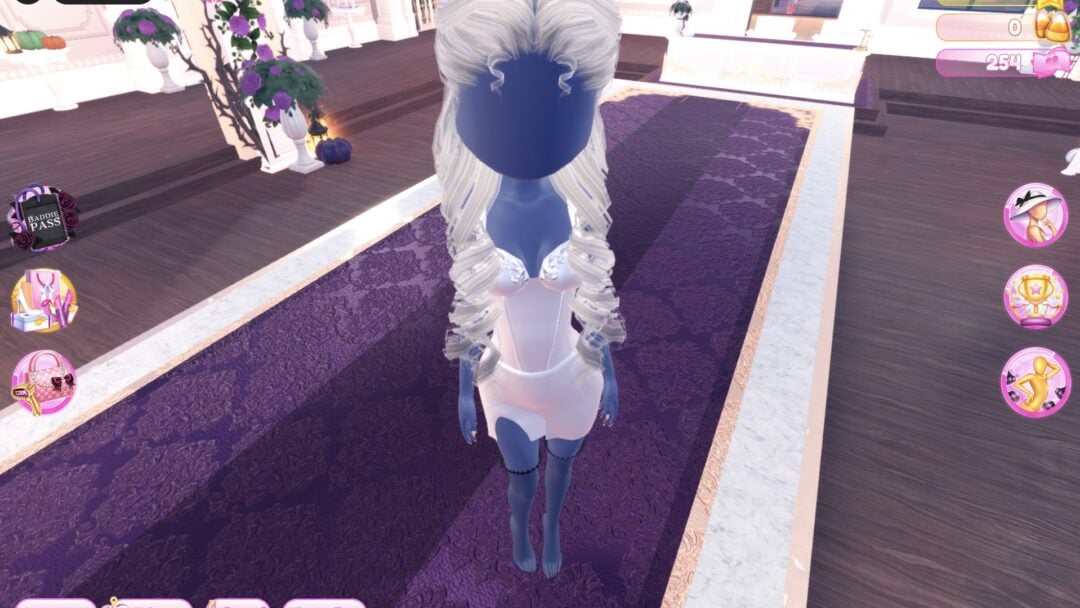
Dress To Impress shows no item names, so every piece here is described by where it sits in the Dressing Room, what it looks like and the exact palette spot we used on the Default palette. The hair in both looks is the long curls with a crown from Lana’s Salon, already on from an earlier build. Both looks are barefoot: we wore no shoes.
A new piece works the same way every time: click it once and it previews on your character with its colour panel open at part 1. Click the floating “Put On” label beside the piece when it shows. For the robe and the jacket no label showed for us, and closing the panel while the piece previewed kept it on. A piece you already wear is recoloured from the Wearing panel: click its picture, step through its parts with the arrows beside the part name, and set a colour on Palette and a material on the “+” tab for each part.
Look 1: Red carpet gown, red Glitter with a gold belt
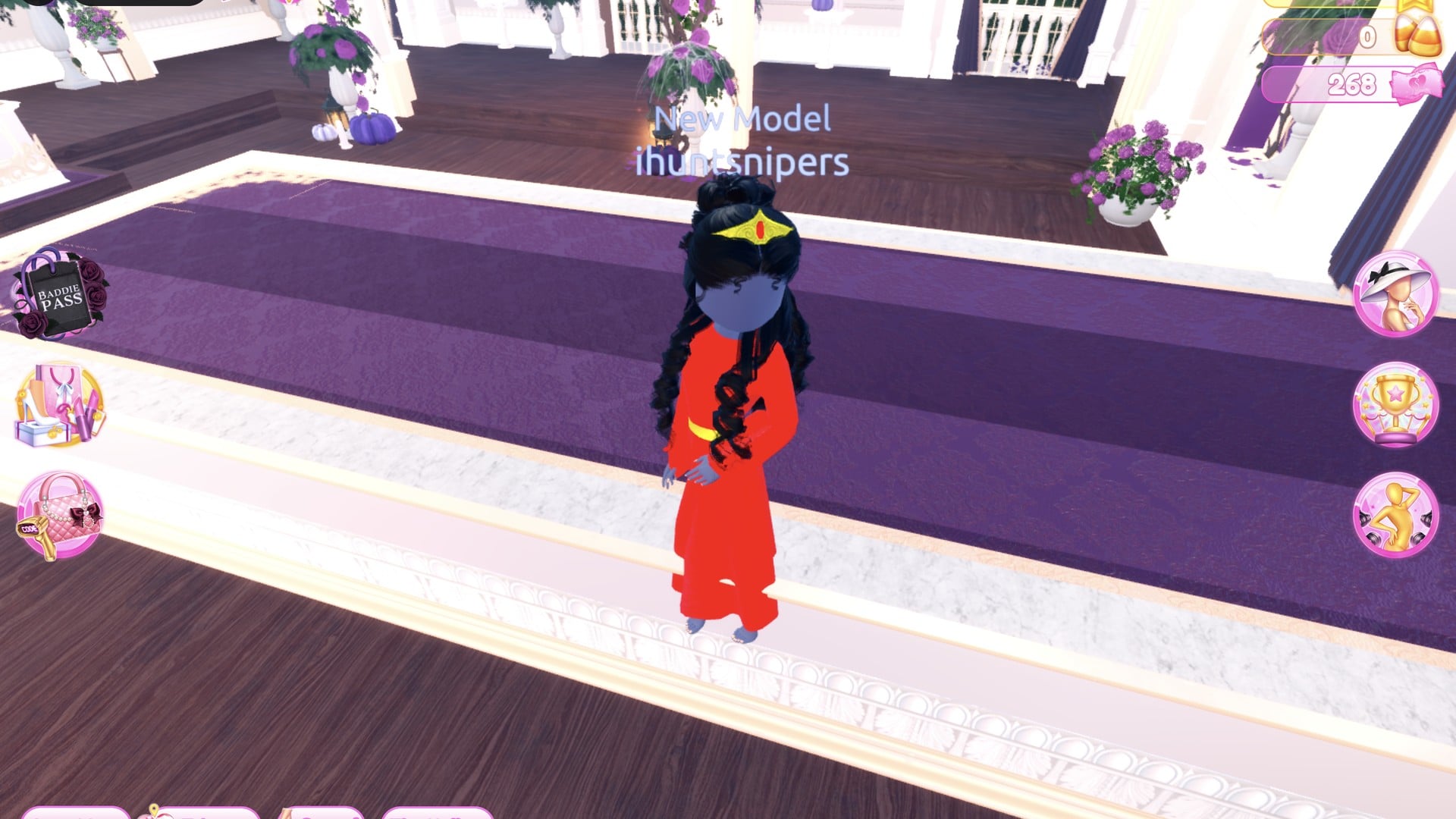
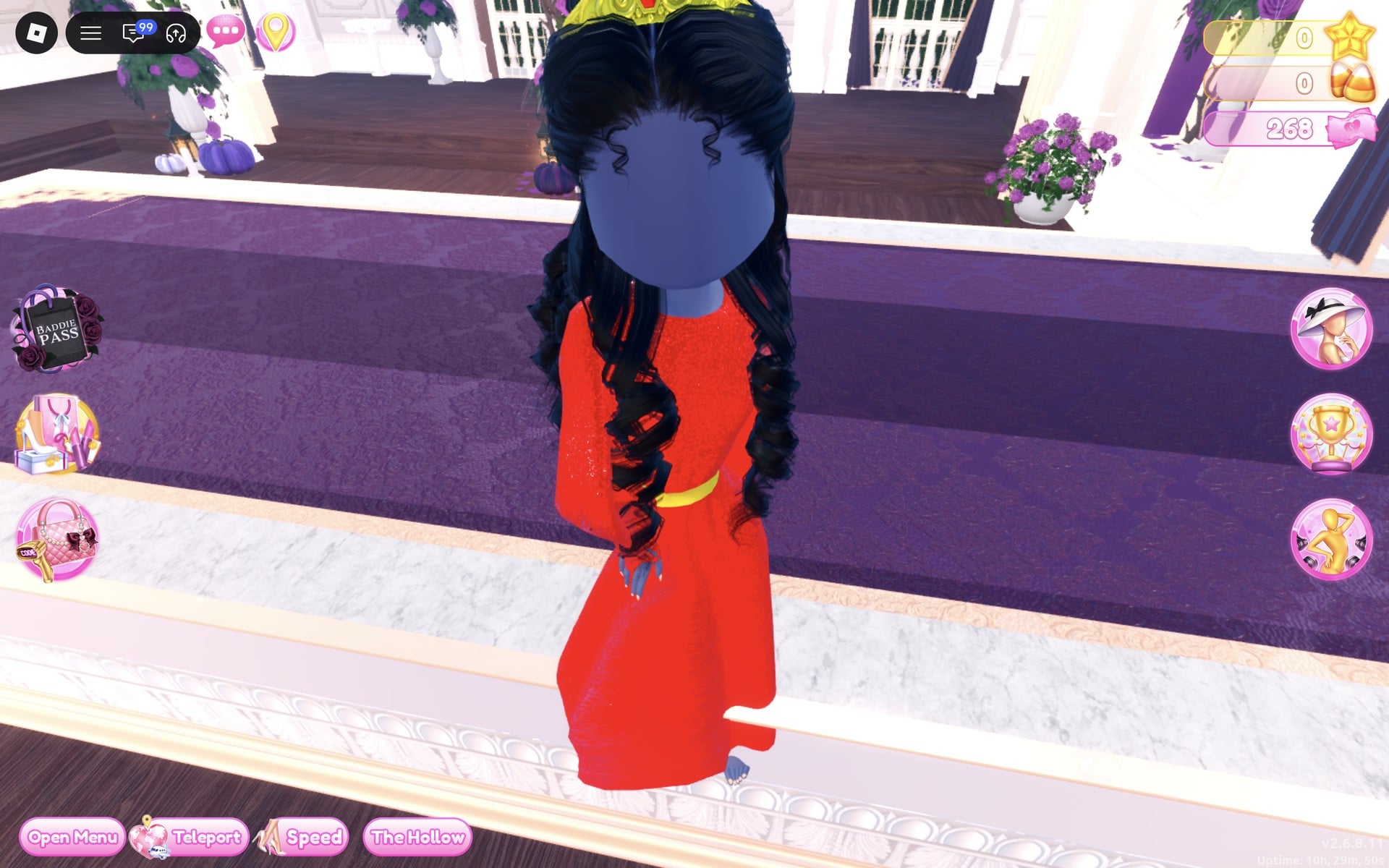
Our idea: one rich colour from neck to floor, a shimmering material and a single gold accent repeated in the belt and the crown. The gown is a long white hooded robe on its own mannequin just right of the short-dress shelf.
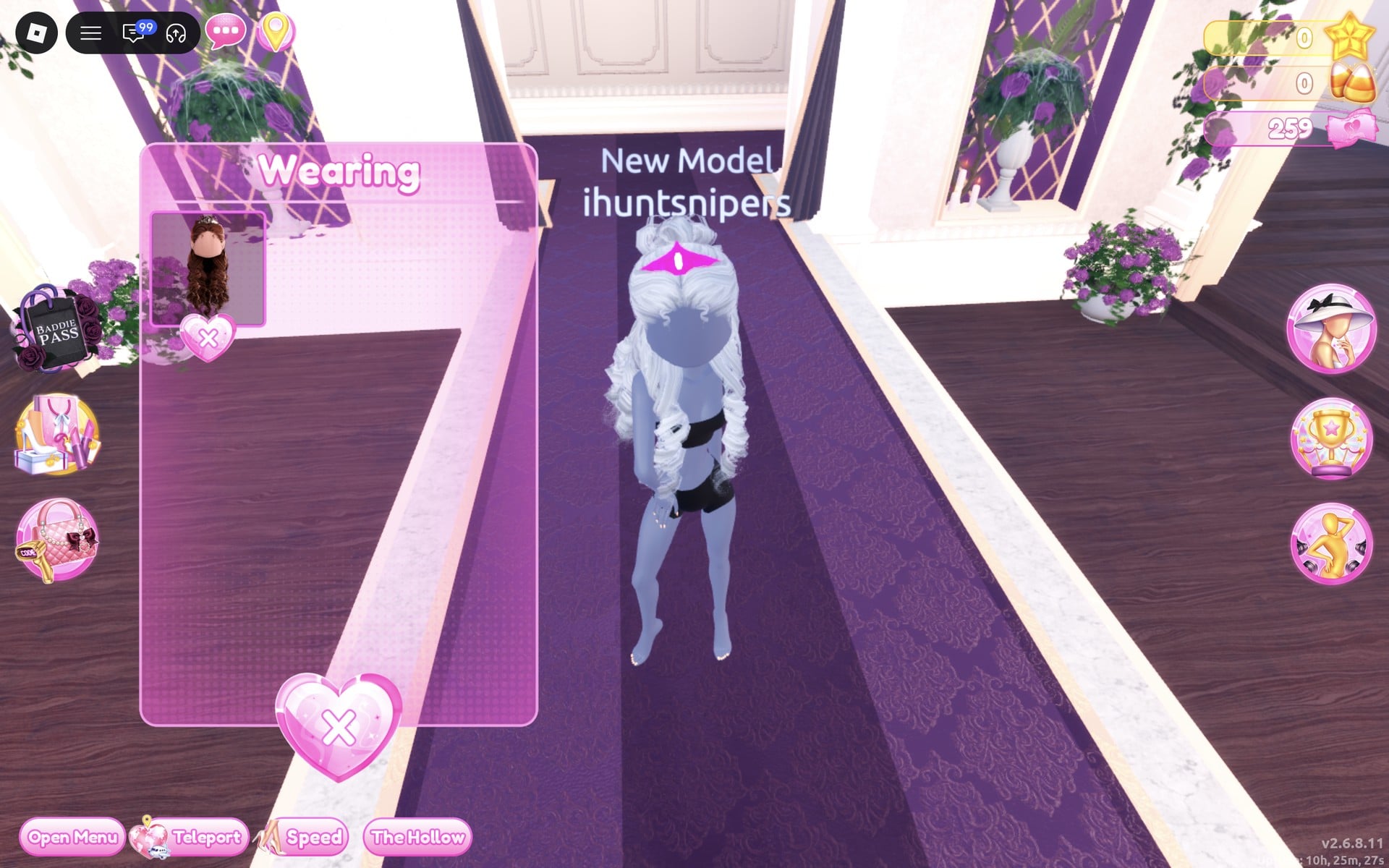
The black top and black shorts on the character are the base body, not a piece. They cannot be taken off, only covered, and the gown covers them.
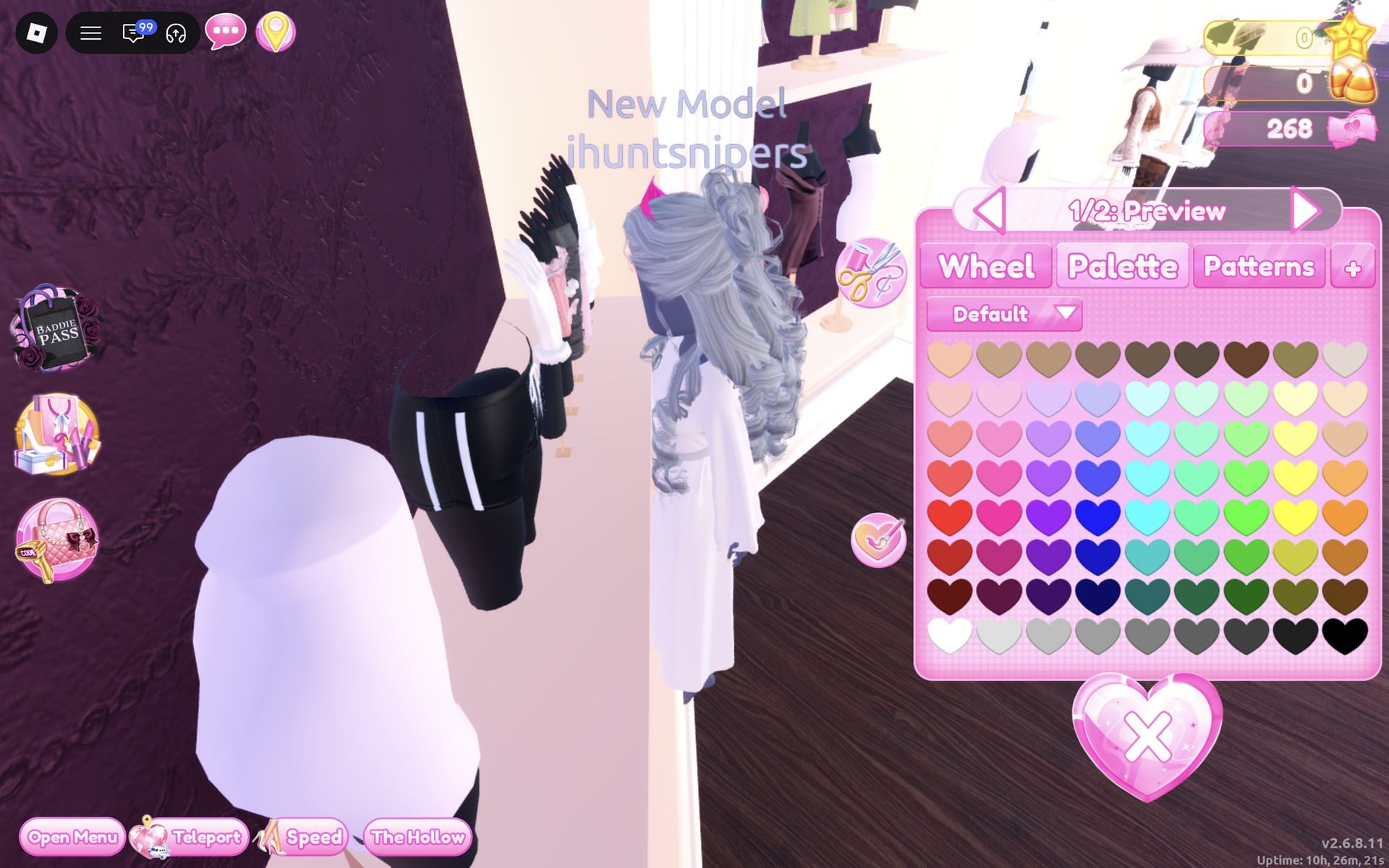
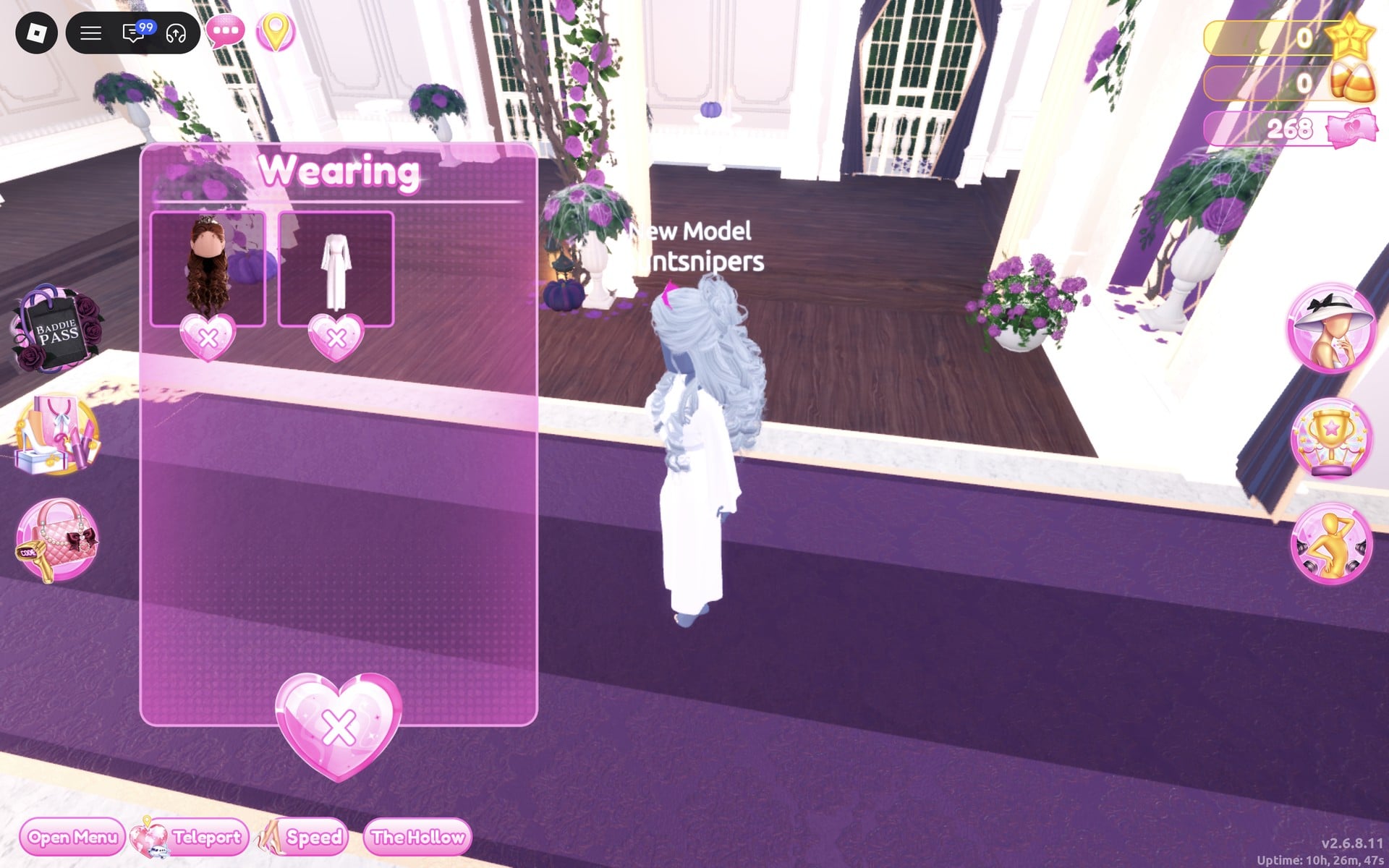
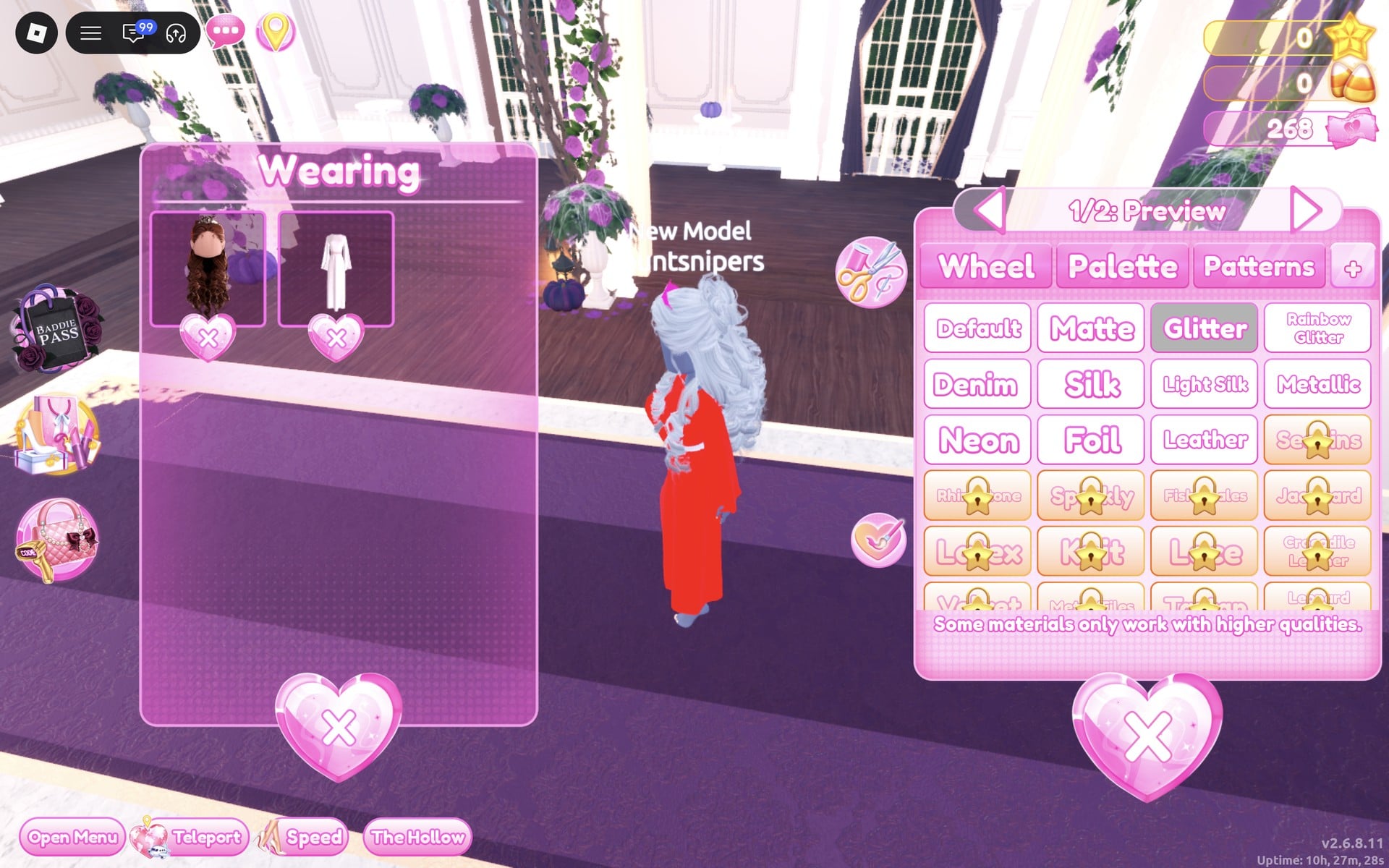
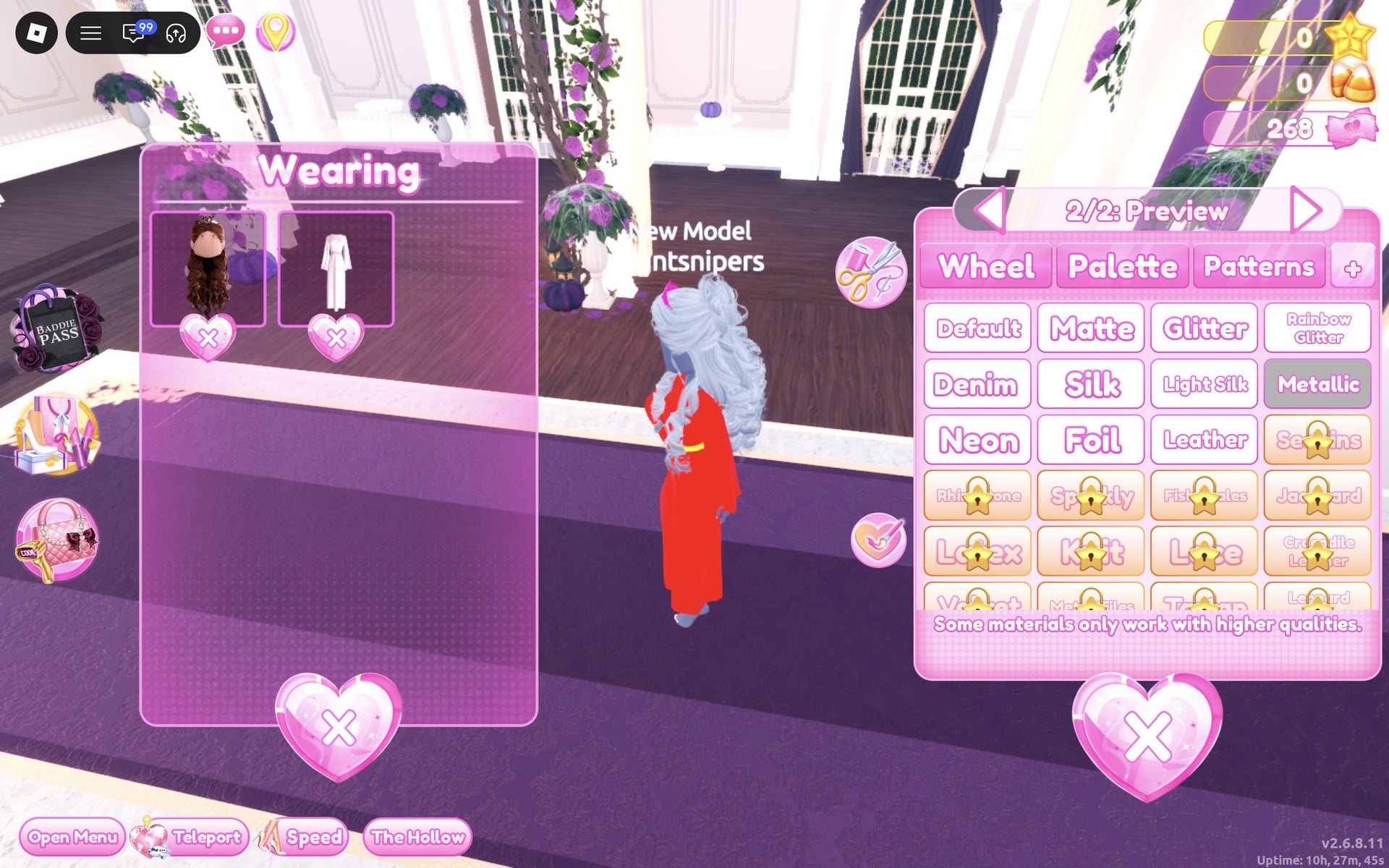
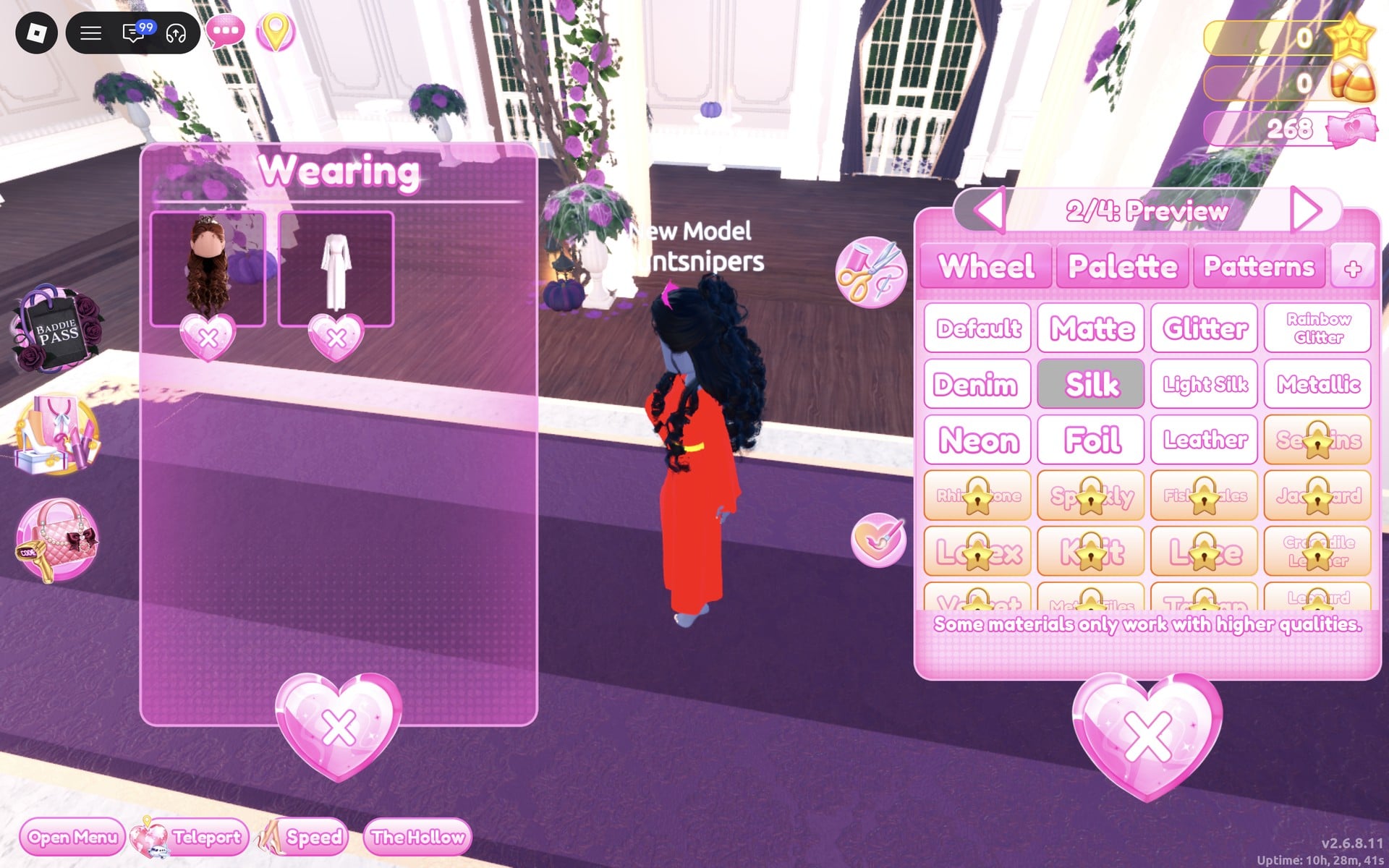
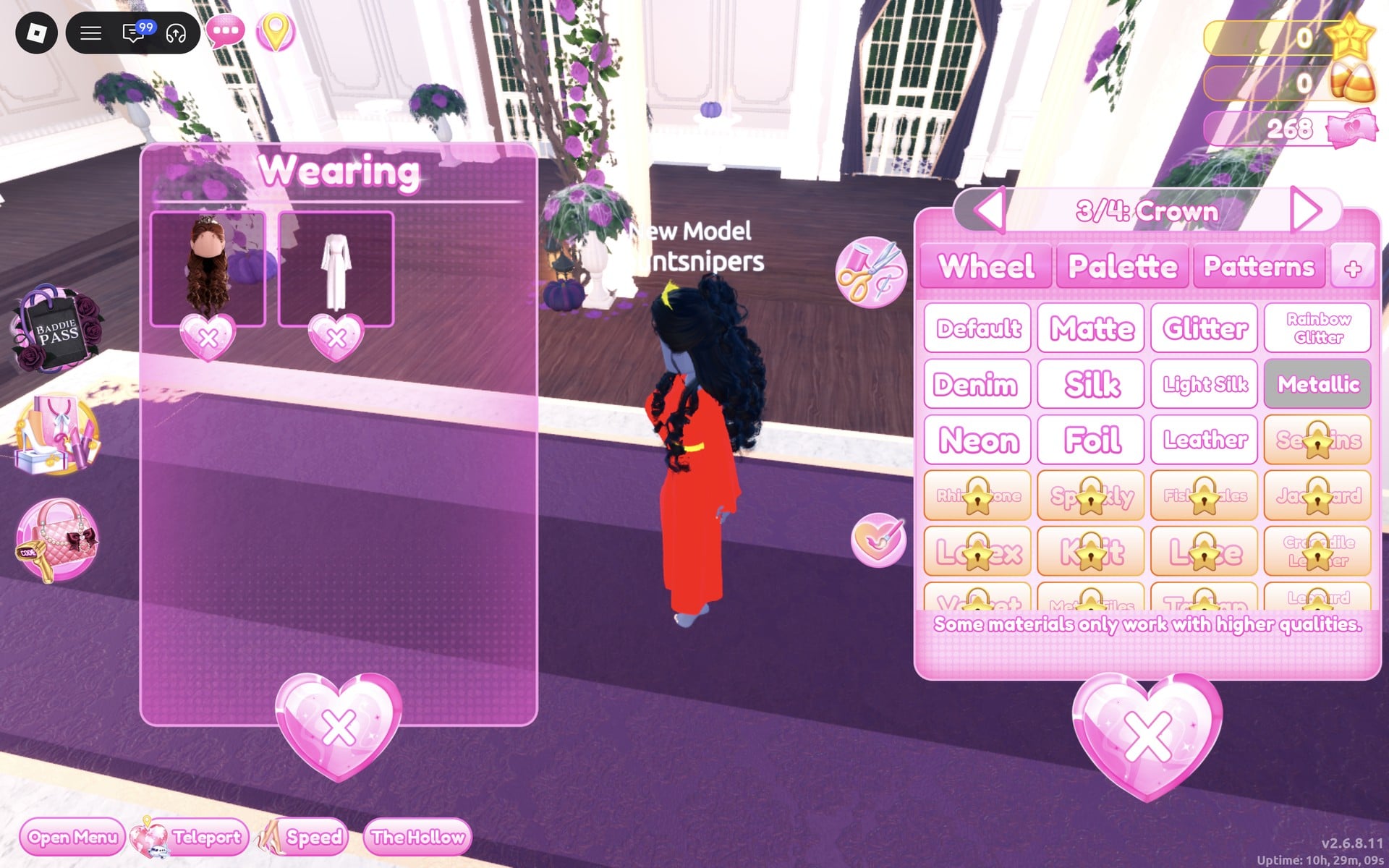
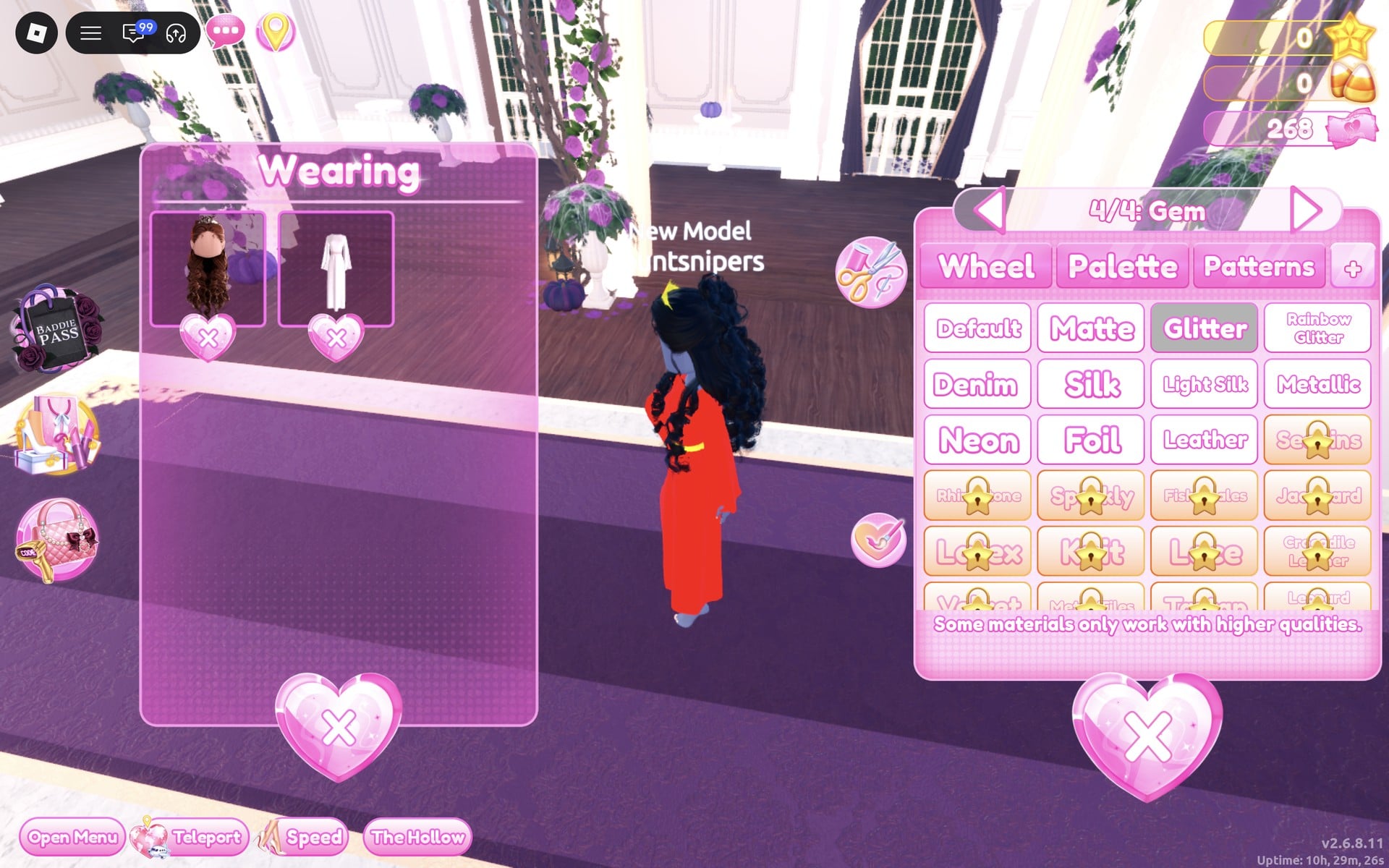
Dazzle is a small standing pose with one hand at the waist, which suits a long gown.
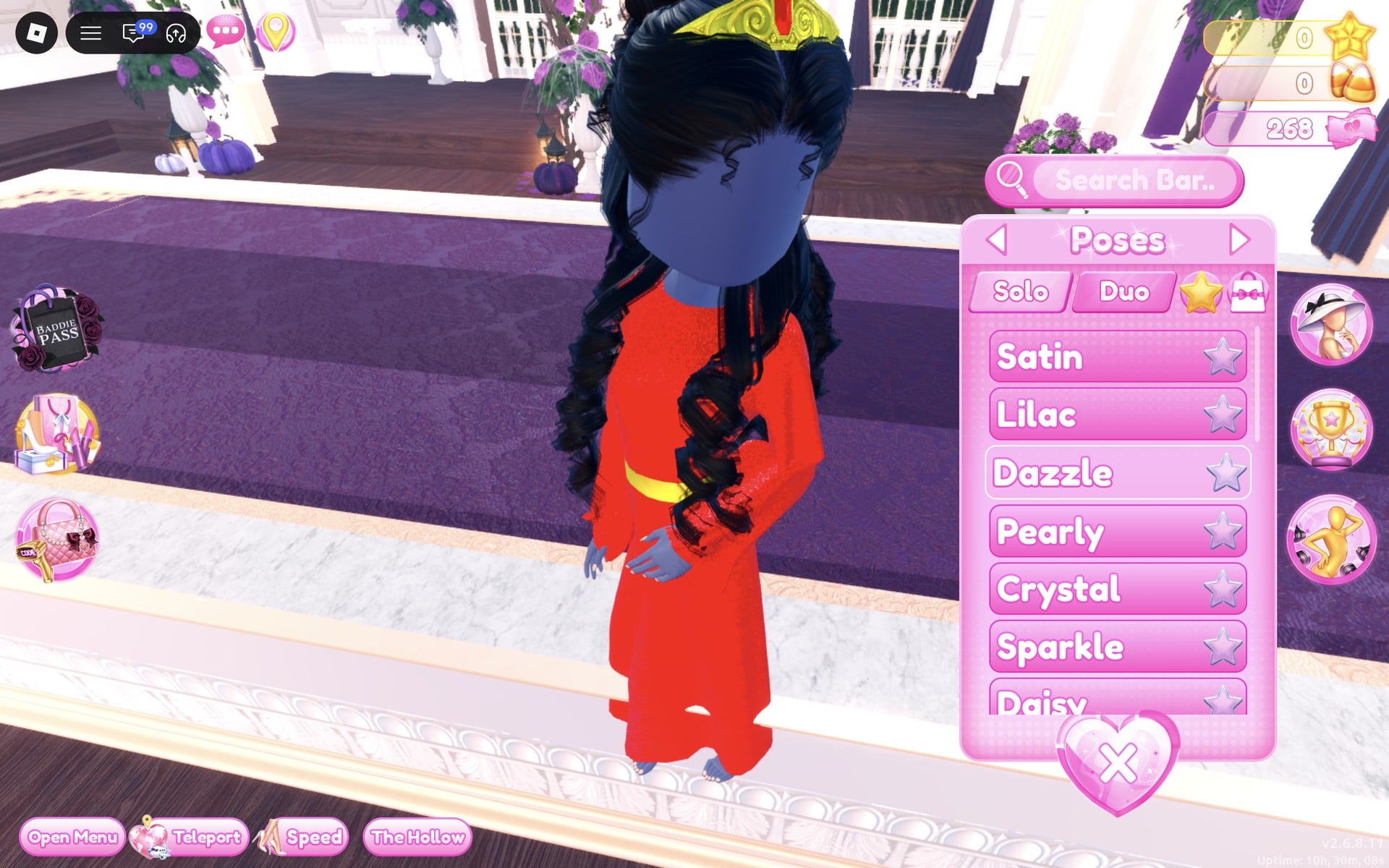
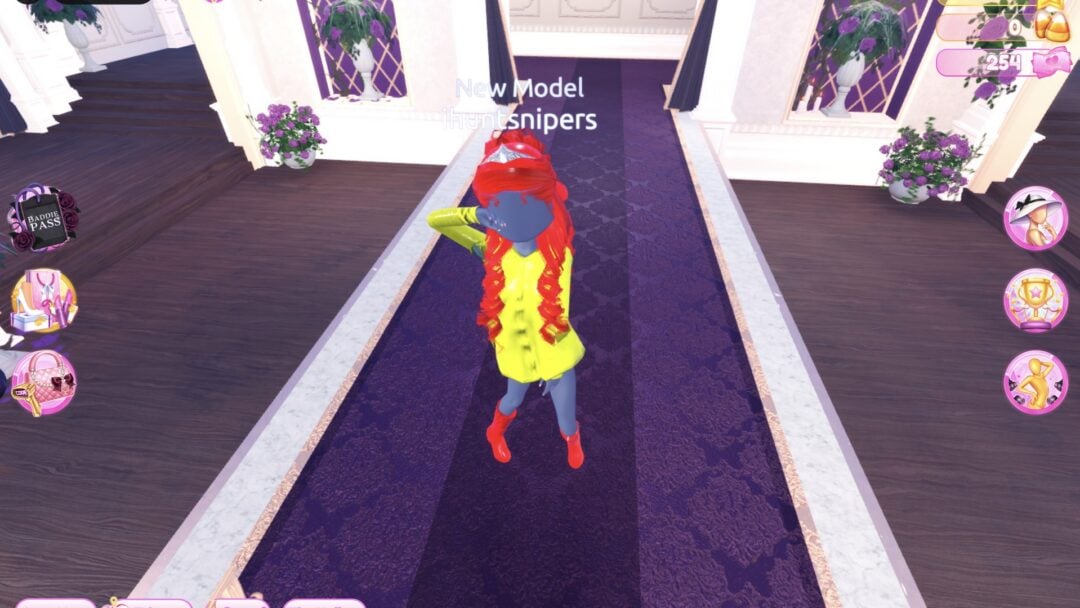
The finished look is a floor-length red Glitter gown with long sleeves and a thin gold belt, long black curls over the shoulders and a gold crown with a red gem.
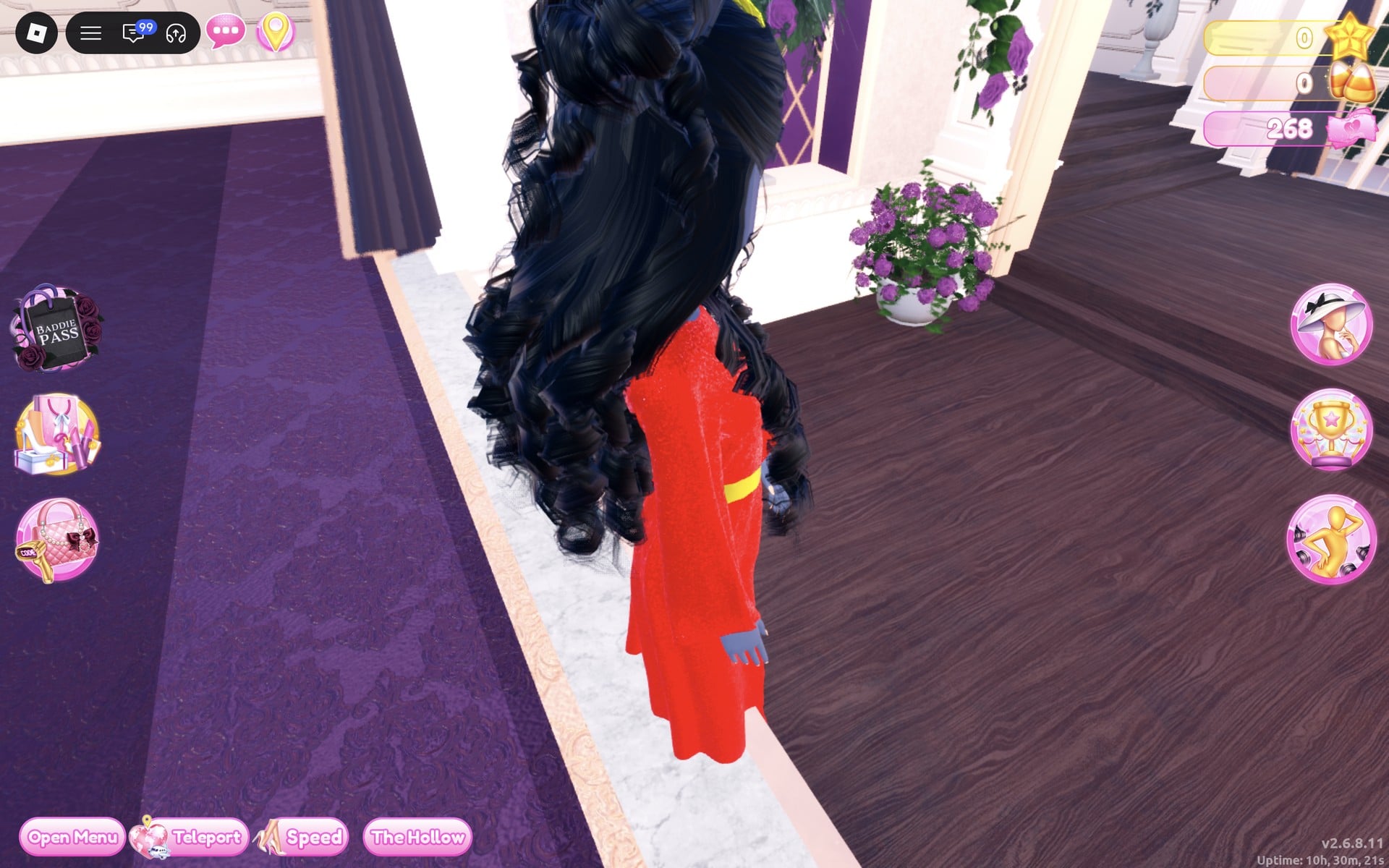
From the side and the back, the long black curls cover the back of the gown.
Look 2: Black-and-white tux-style look
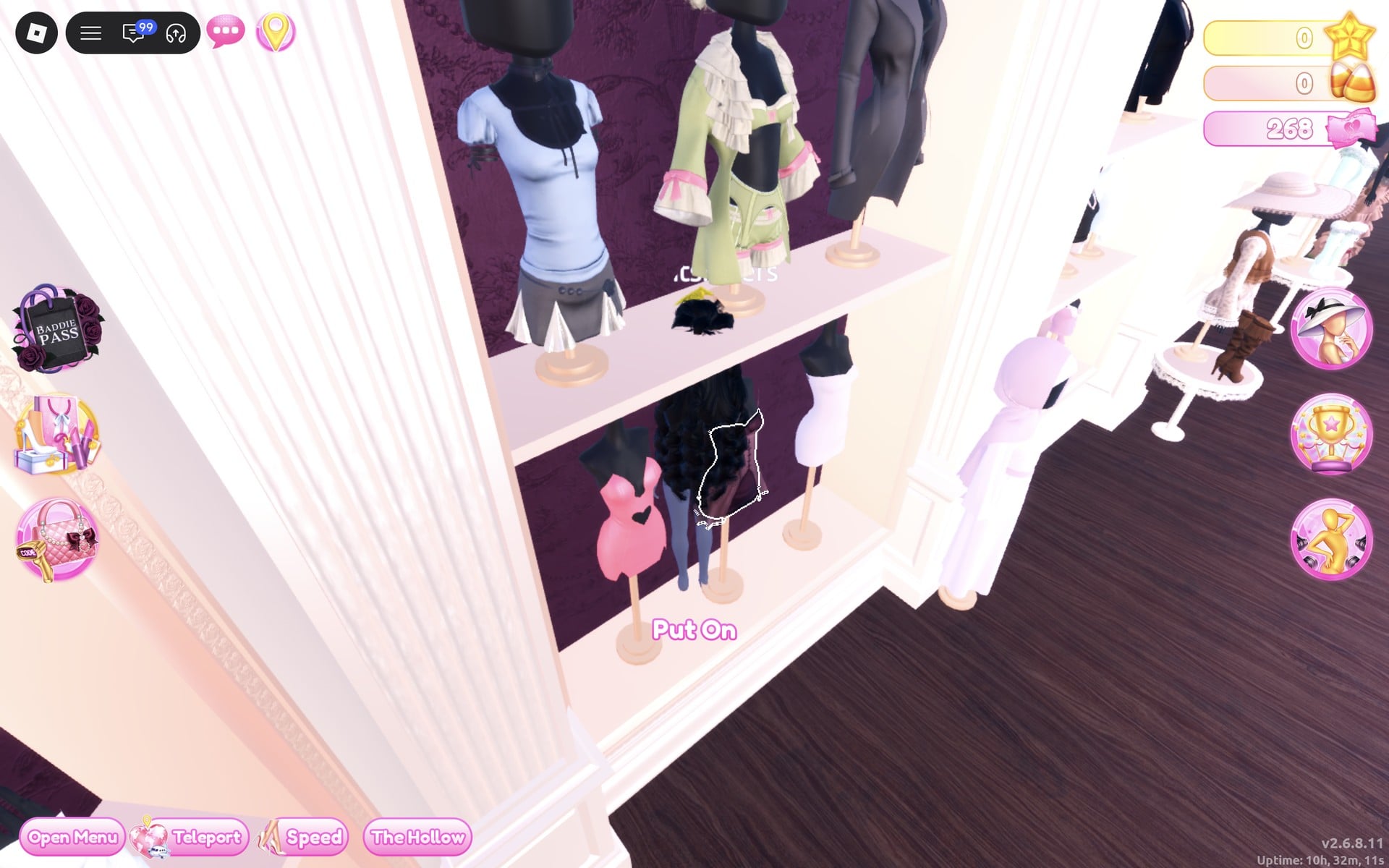
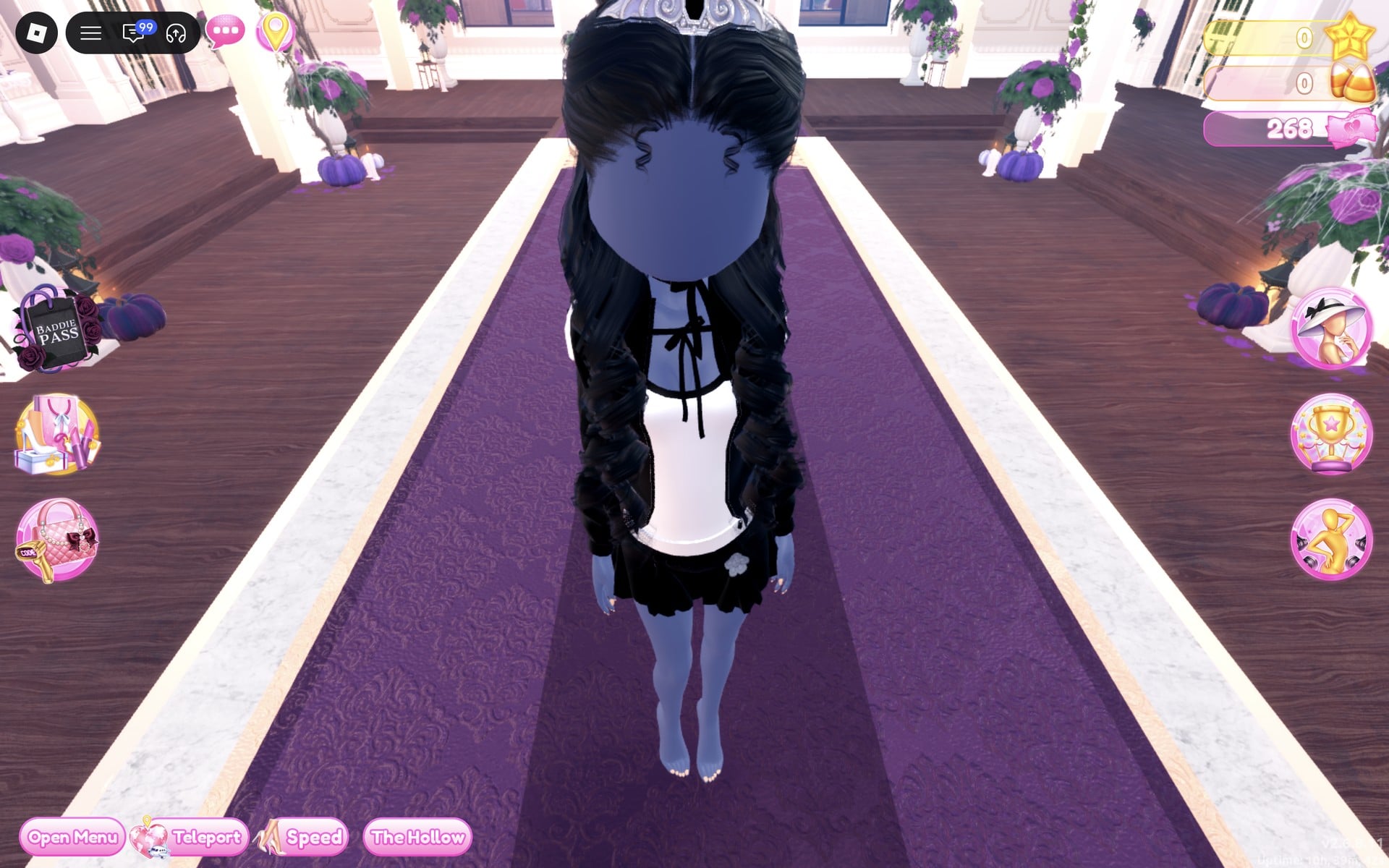
Our idea: the sharp black-and-white contrast of evening wear, with a white shirt, a black tie-like ribbon at the collar, a black jacket and a silver tiara. It is tux-style, not a real tuxedo: it uses a skirt, and we saw no trousers or bow tie piece on the shelves we used. The shirt and skirt come from the short-dress shelf, the jacket from the men’s-wear wall.
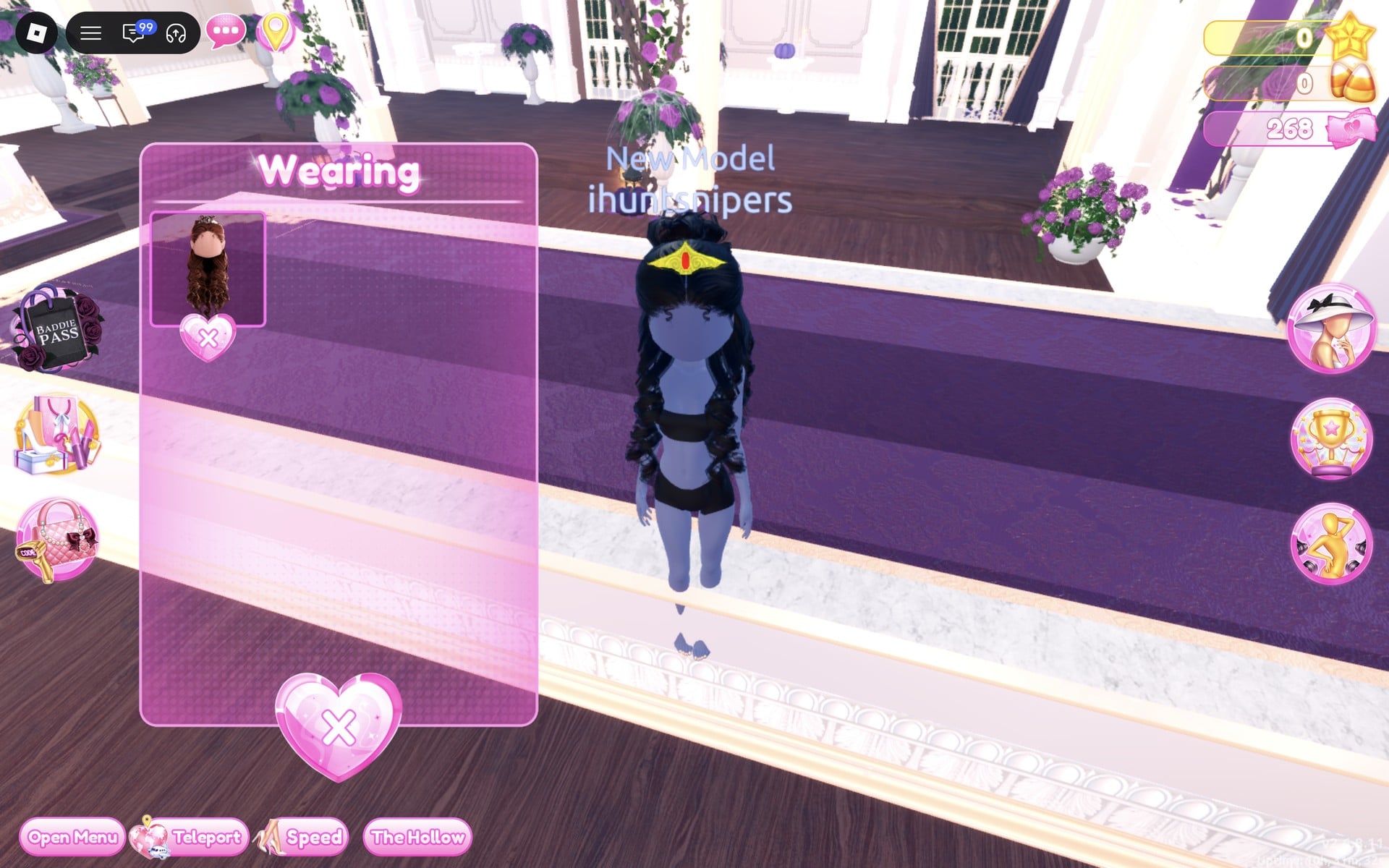
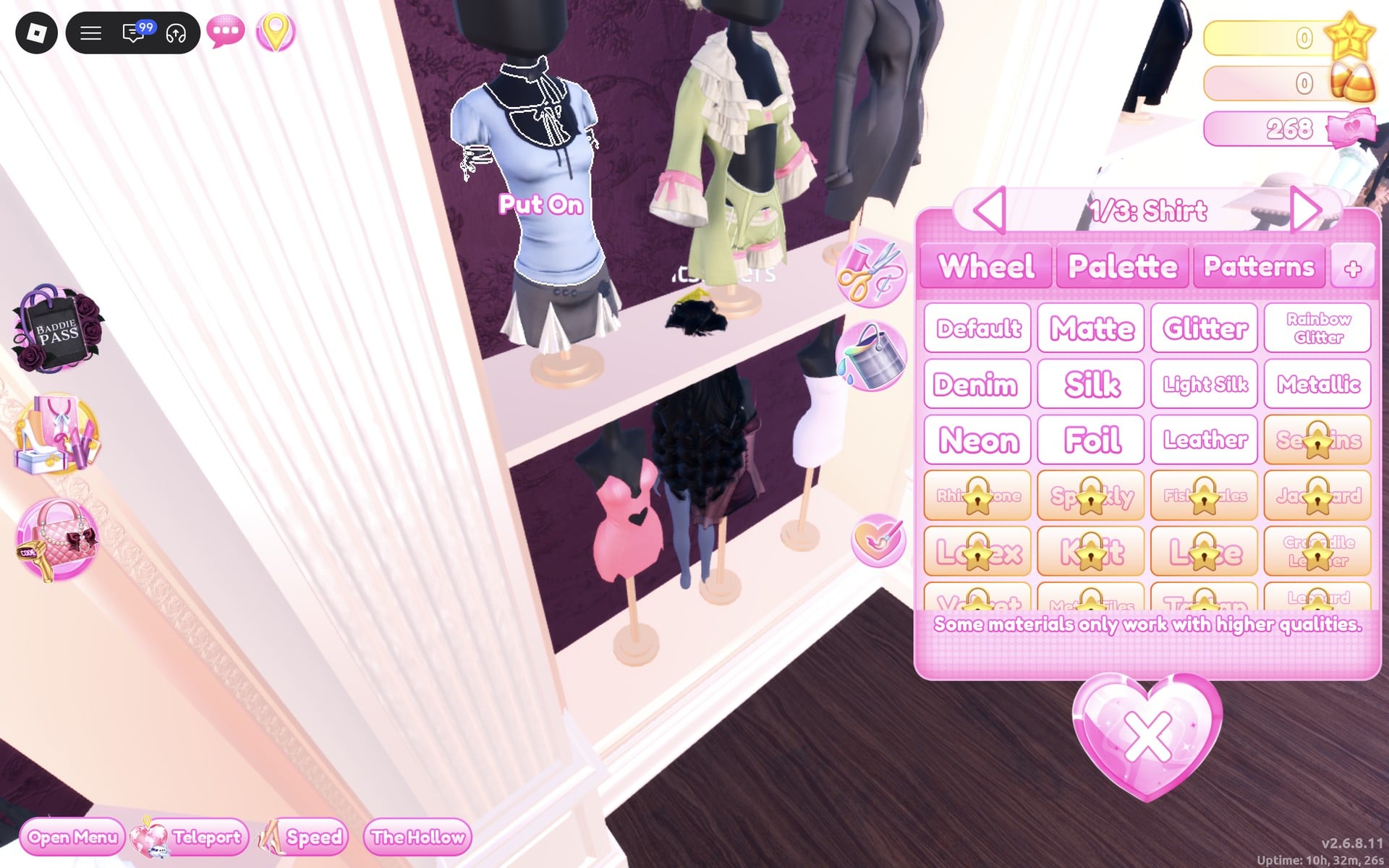
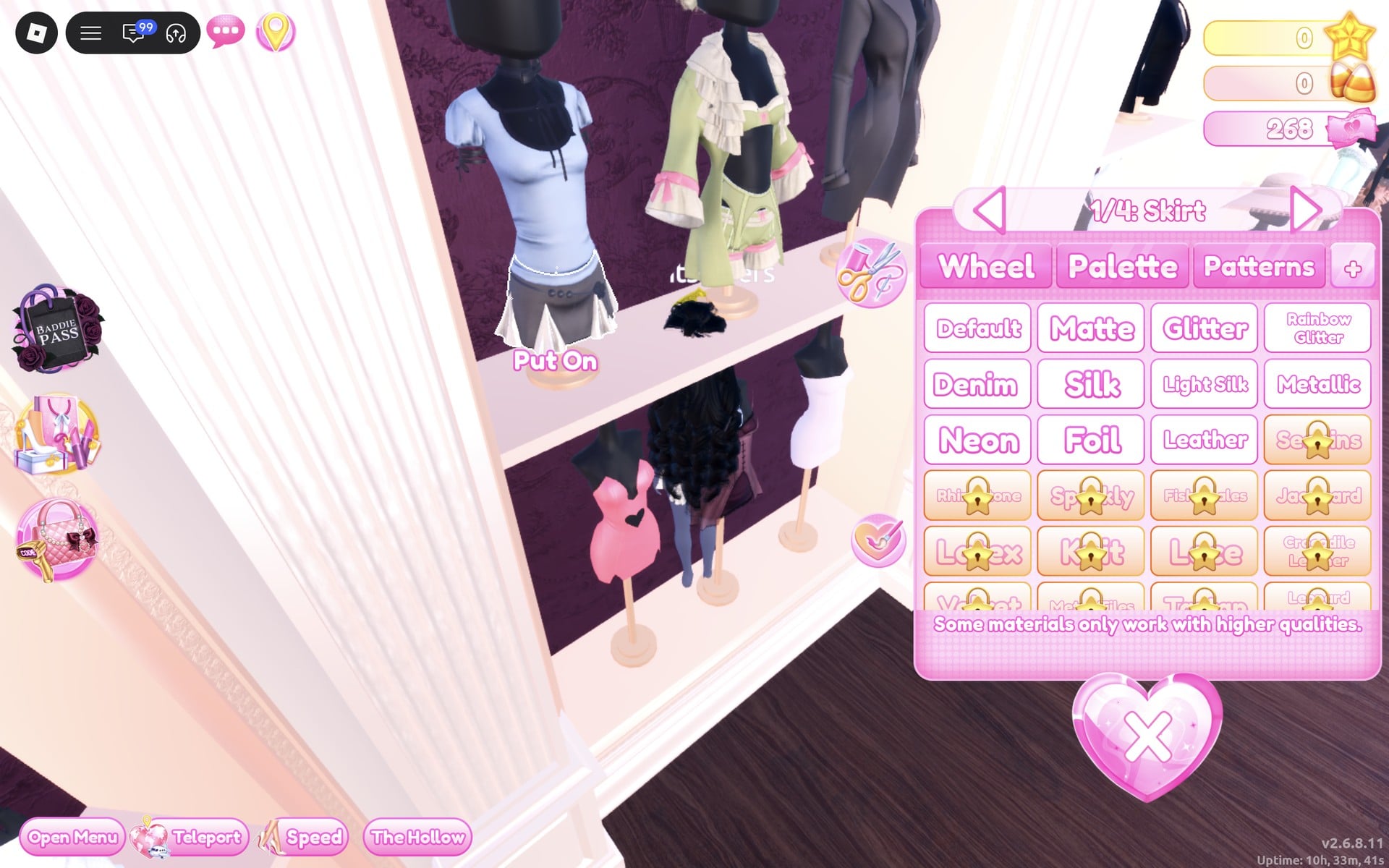
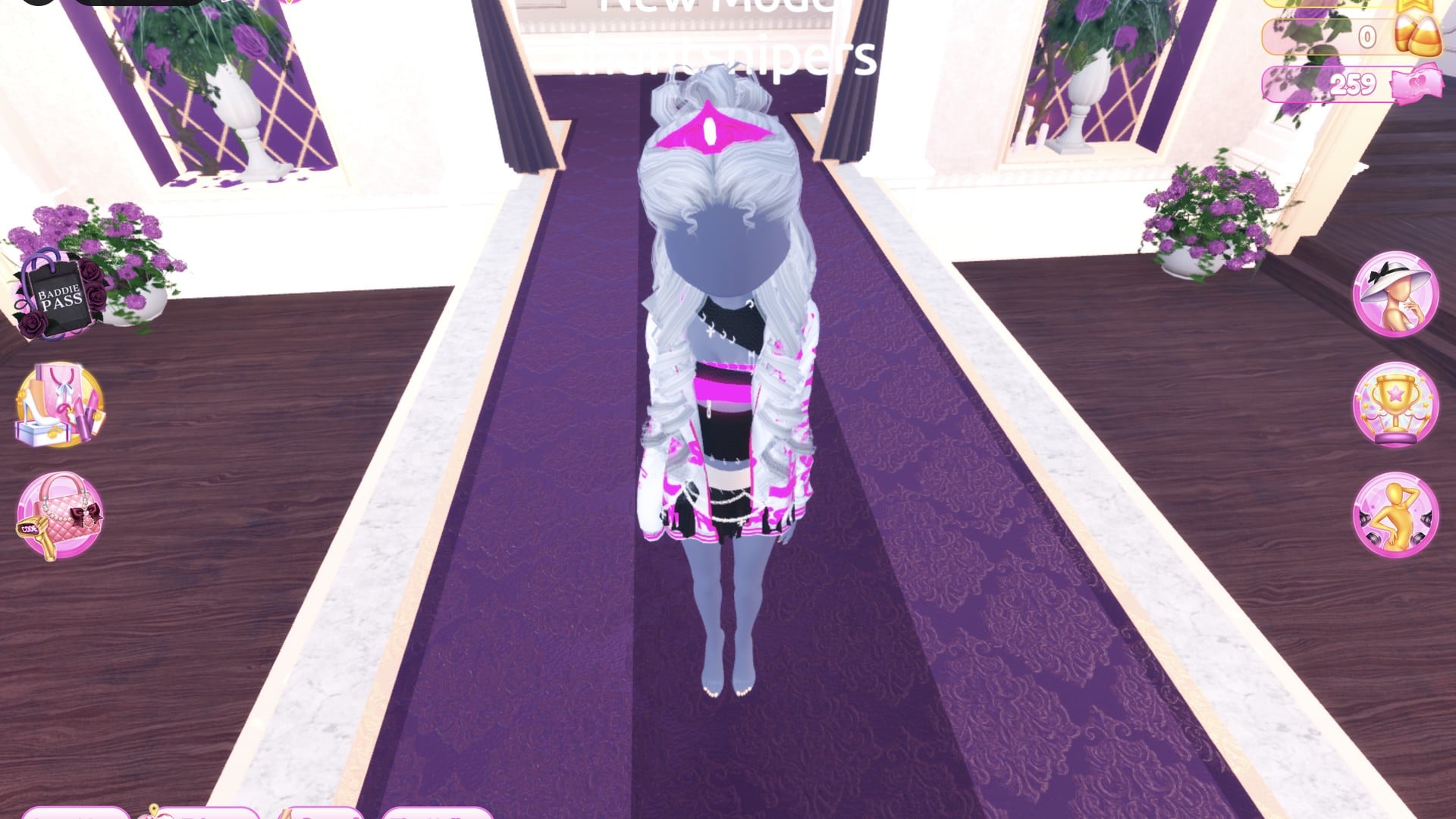
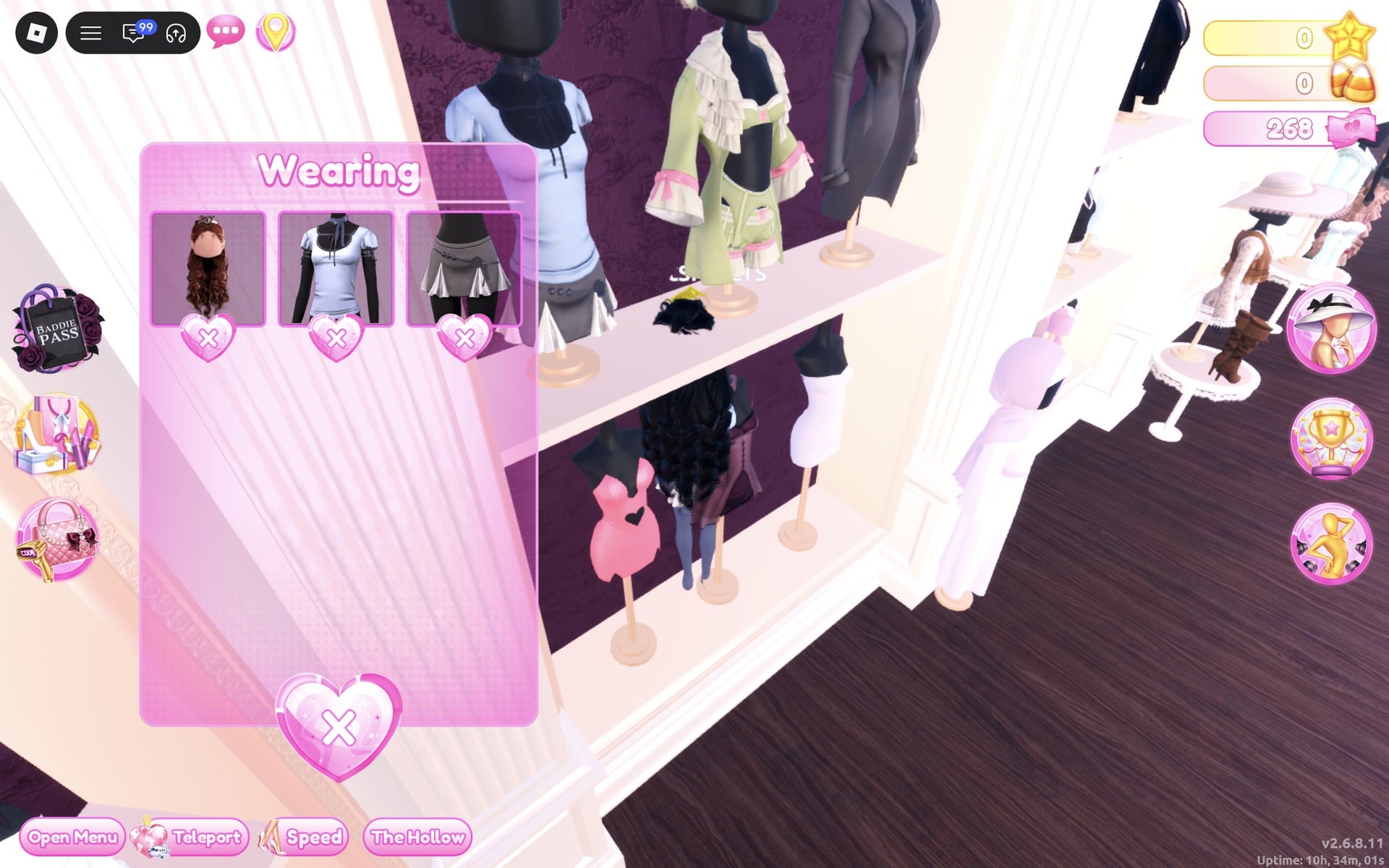
The Wearing panel now shows the hair, the shirt and the skirt. Its pictures keep each piece’s original colours after you recolour them, so go by the character, not the panel.
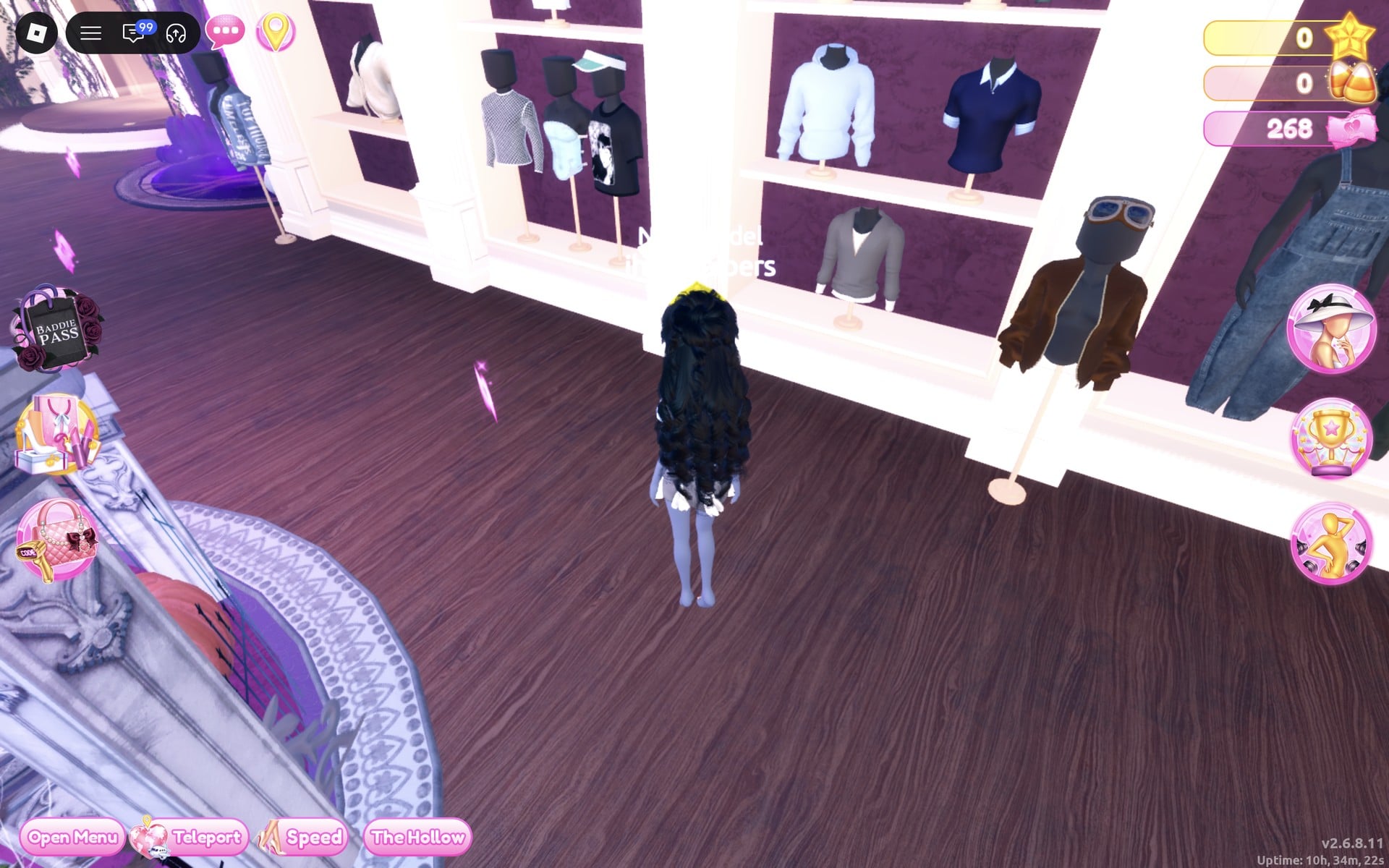
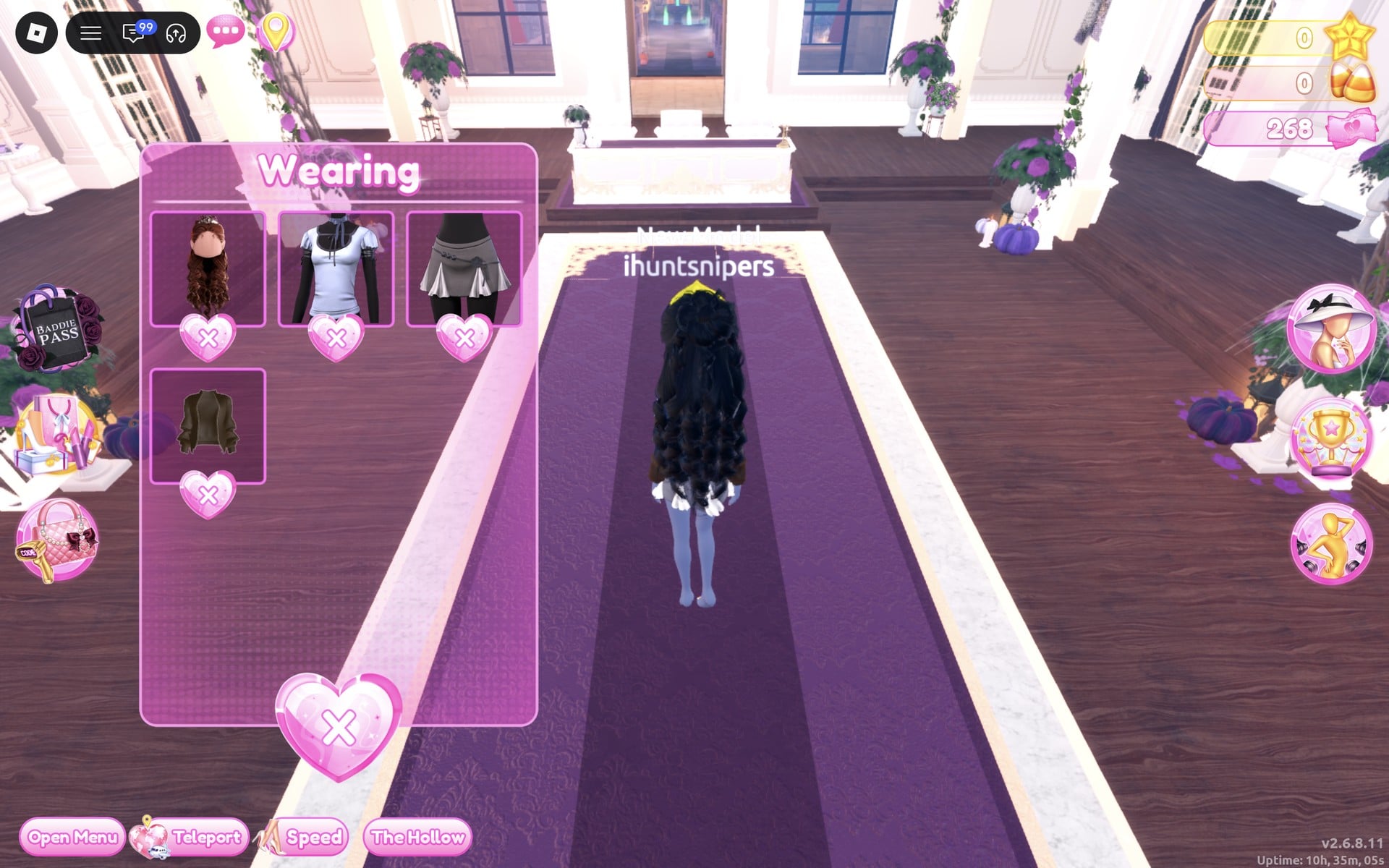
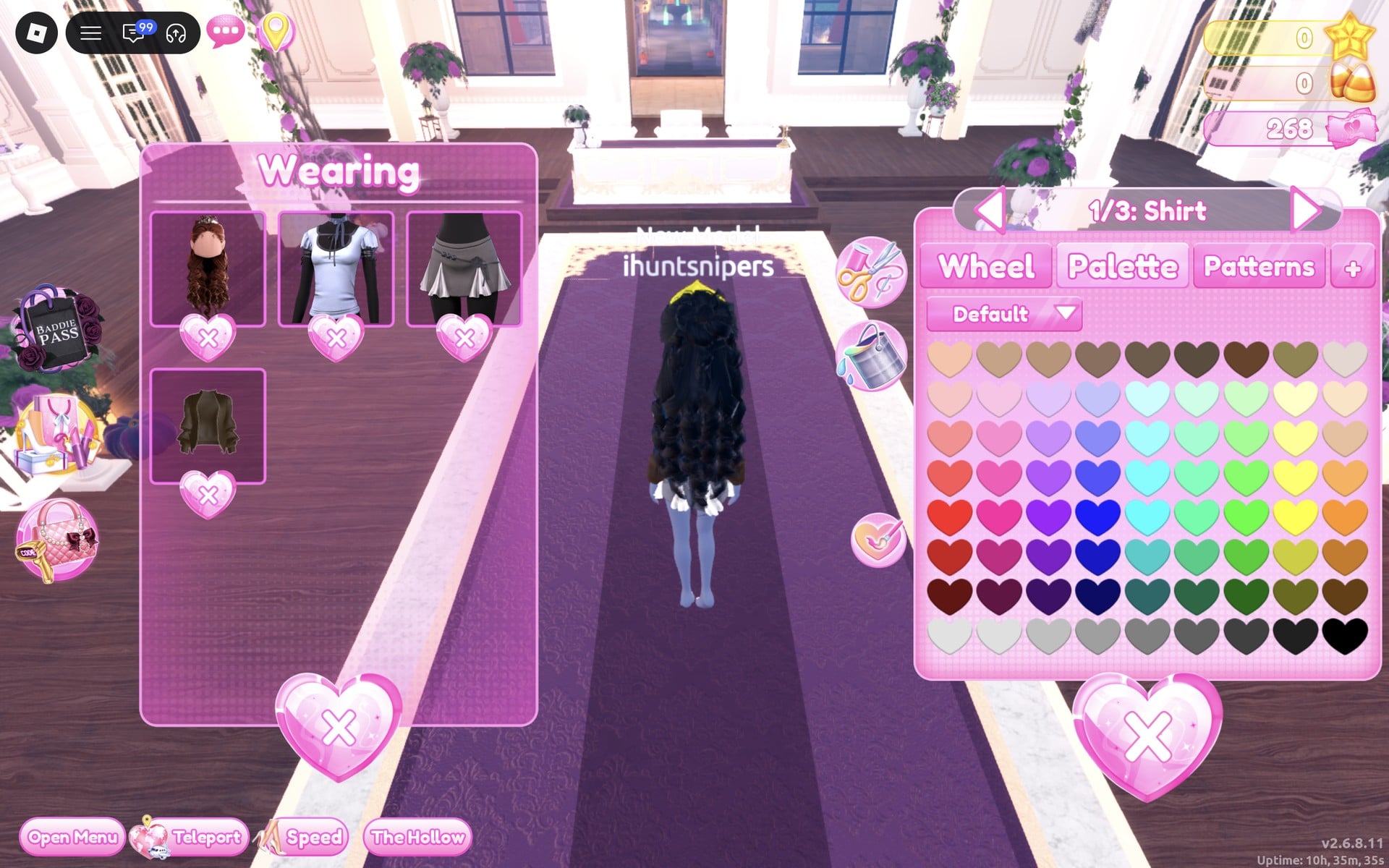
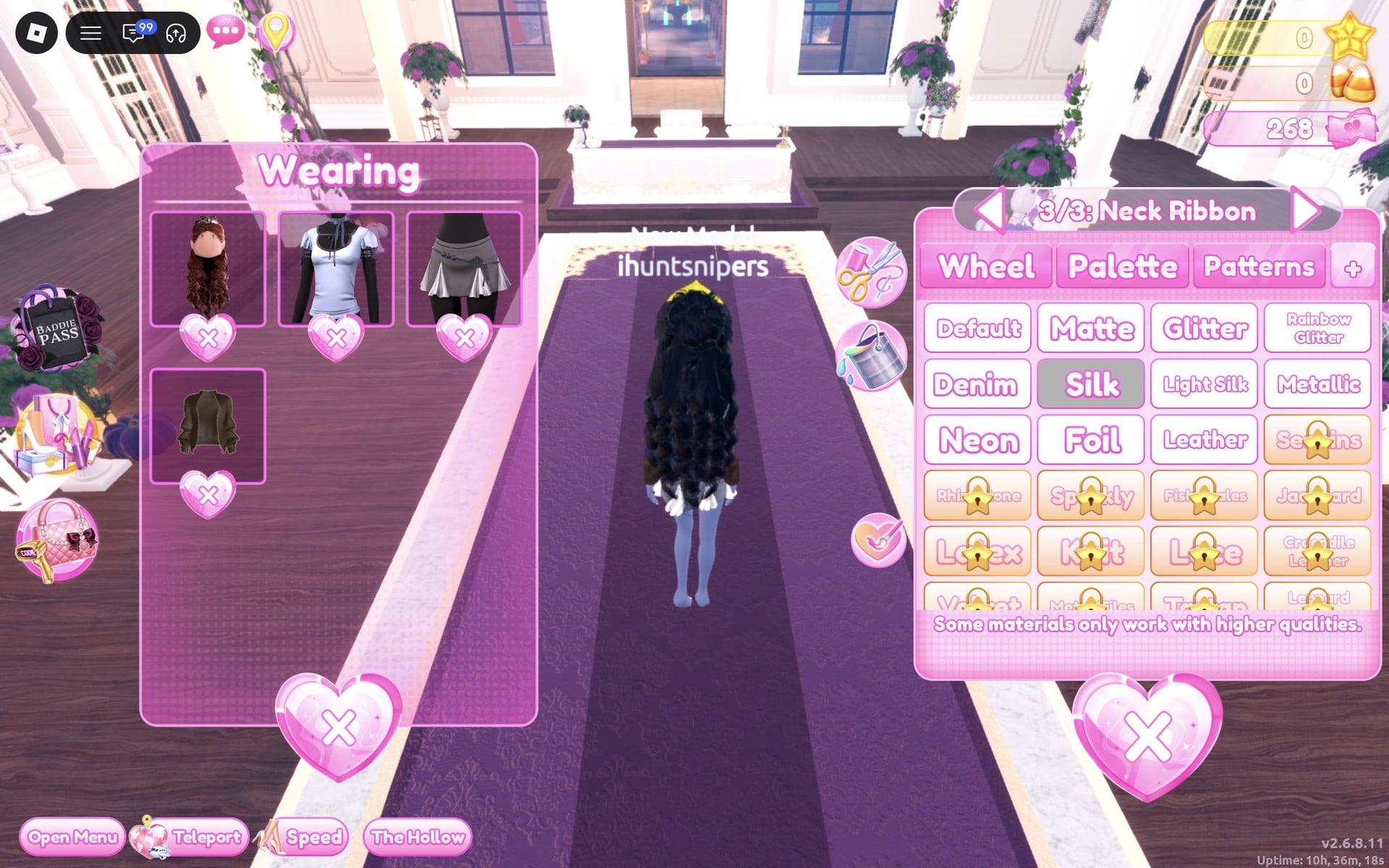
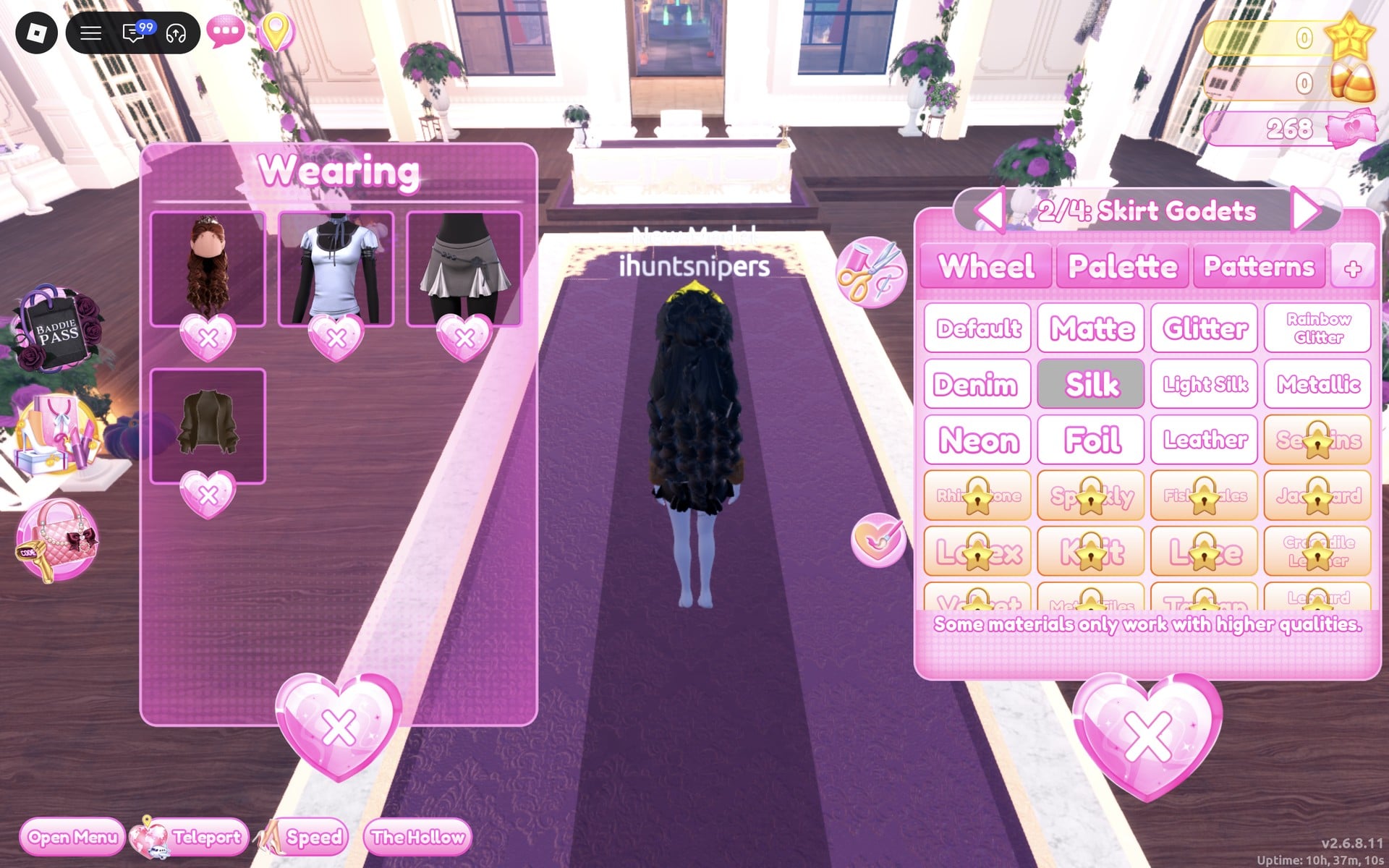
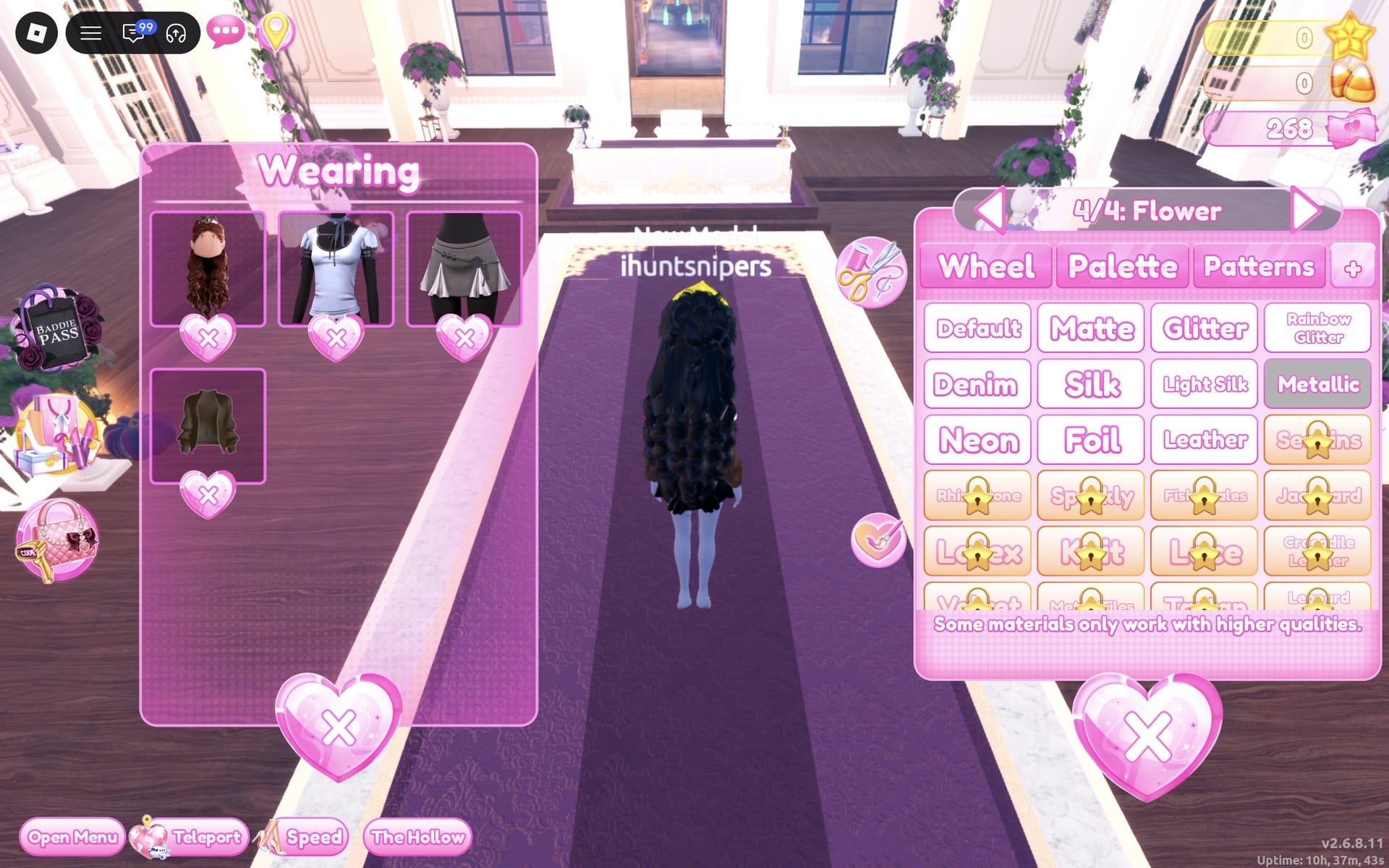
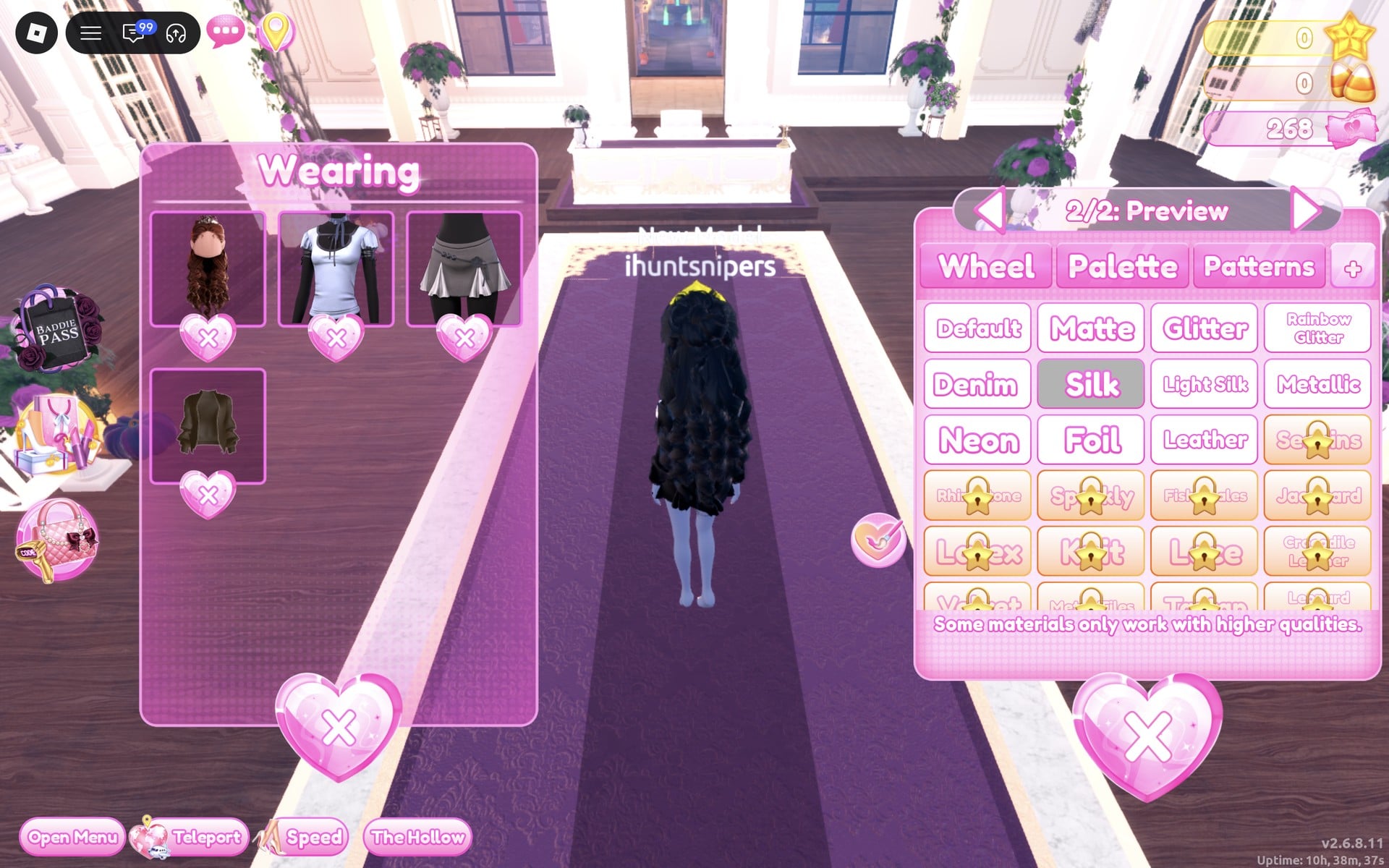
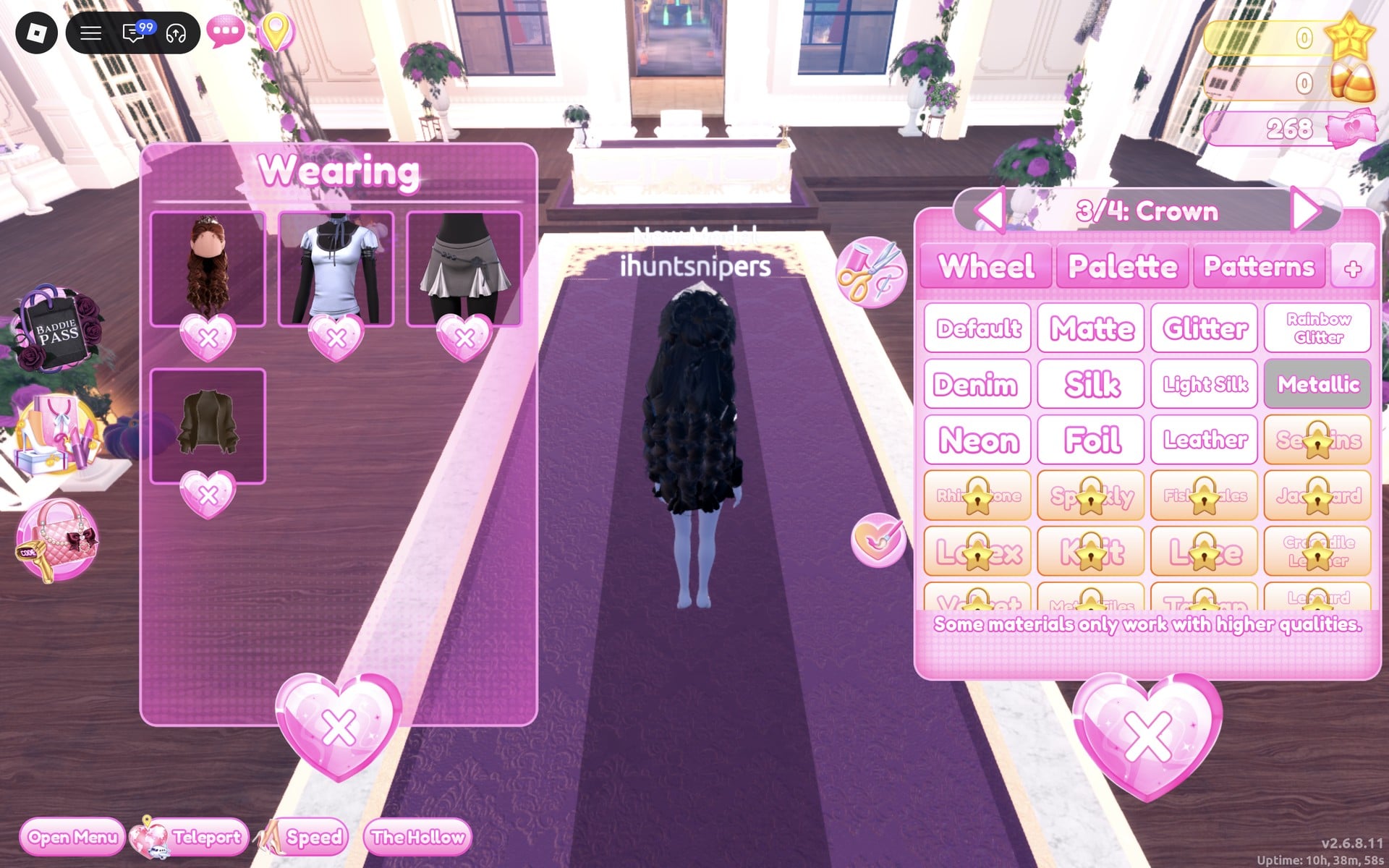
Confident stands on one leg with the other knee raised and one hand at the head, a livelier finish for a short look.
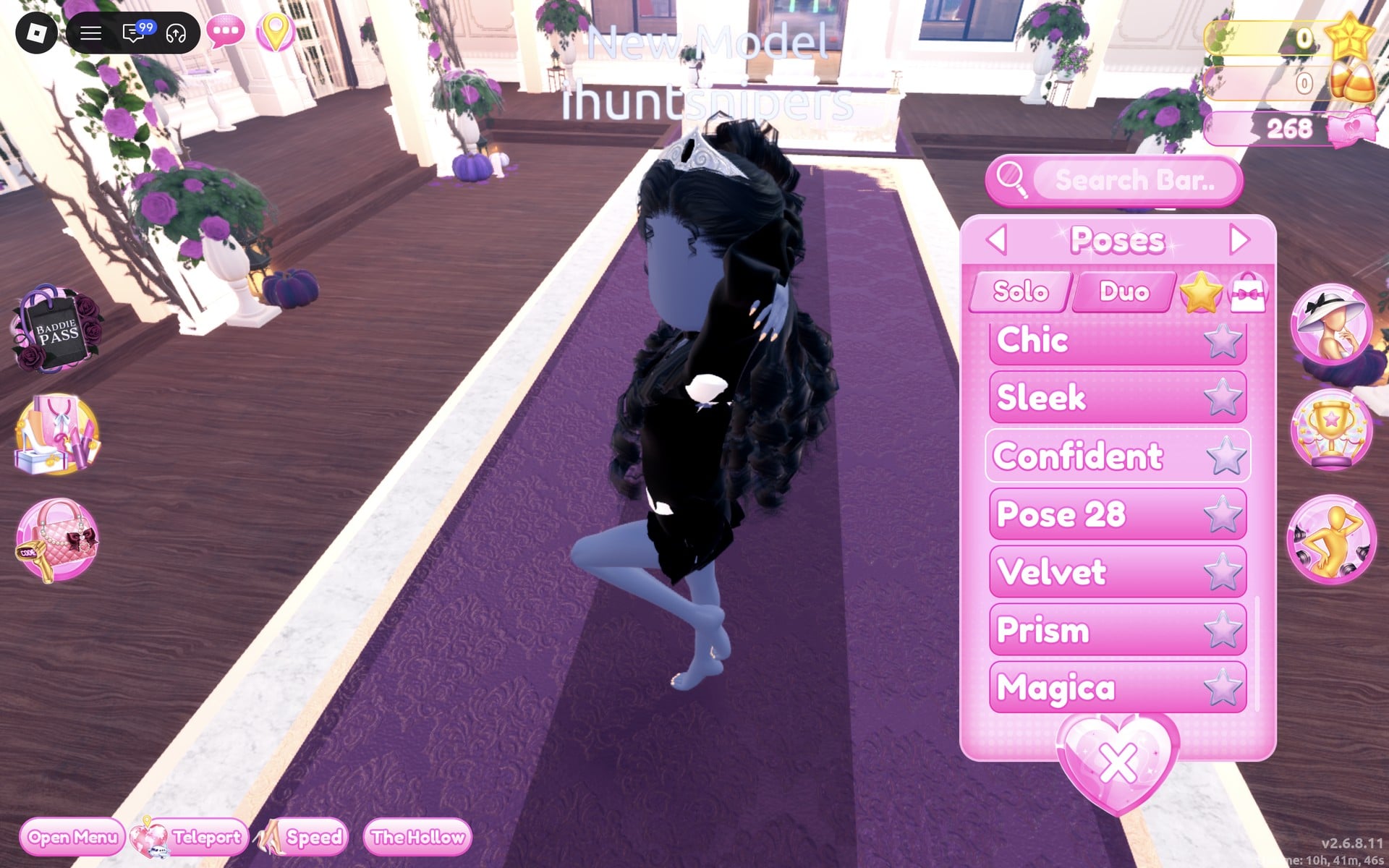
The finished look is a white Silk shirt with a black tie-like ribbon at the collar, a black jacket (its sleeves and sides show; the long curls cover most of it from the front), a black skirt with a small silver flower, long black curls and a silver tiara.
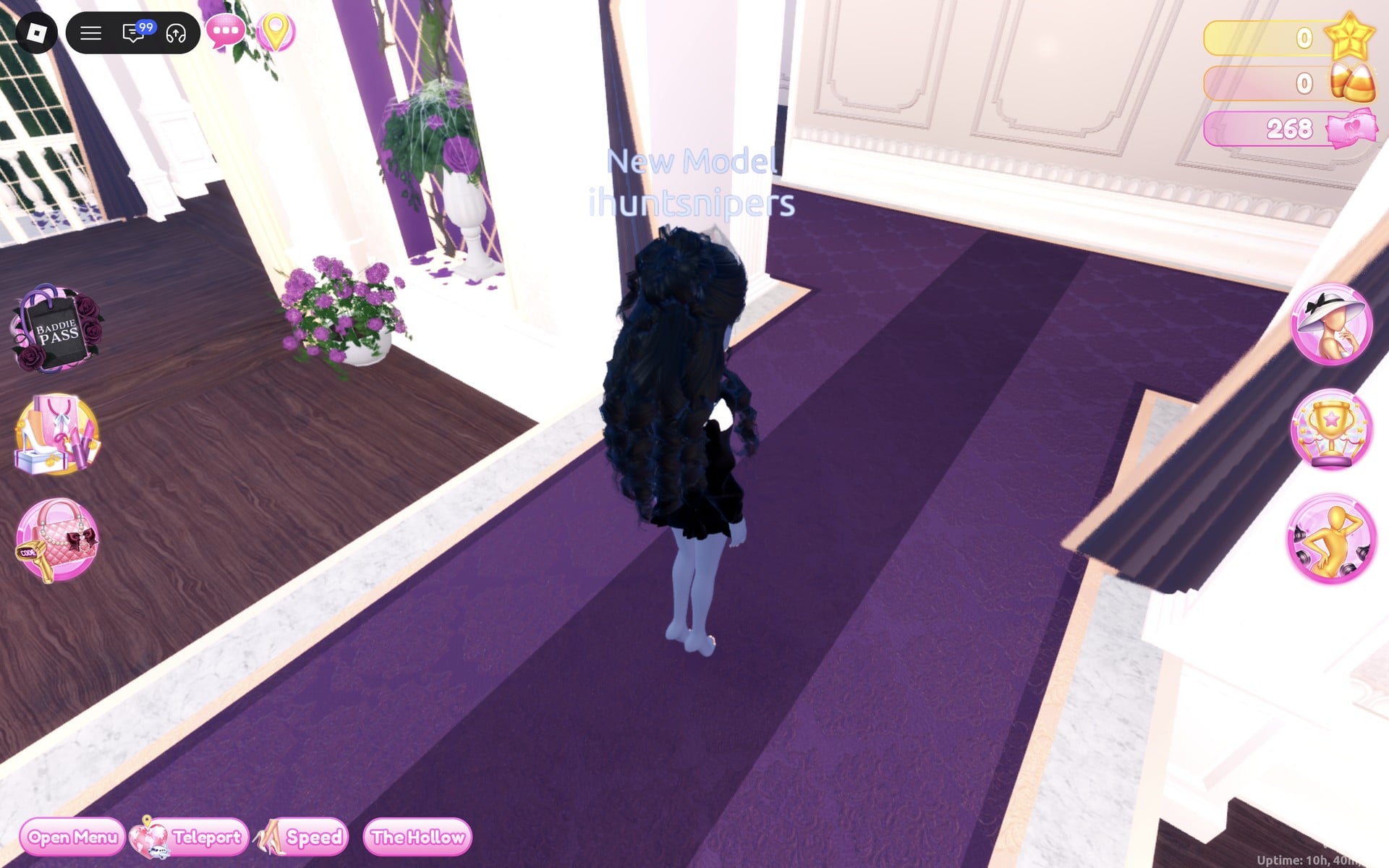
From the back, the long black curls cover the jacket, with the black skirt below them.
Why these looks read as Award Show
A red carpet look is about polish. Either go floor length in one rich colour, or go sharp with black against white. Shiny or smooth materials (Glitter, Silk, Metallic) carry that polish down the runway, and one metal accent, gold or silver, repeated in the belt and the crown ties the look together. A pose finishes it. This is plain styling advice; we have not seen how either look scores in a real round.
How to recolour a piece and set its material
- Click the piece on its shelf or stand, or its picture in the Wearing panel if you already wear it.
- Pick the part with the arrows beside the part name (“1/3: Shirt”, “3/3: Neck Ribbon” and so on).
- Choose its colour on the Palette tab (the Default palette; columns are hues, rows run light to dark, row 8 runs from white to black).
- Open the “+” tab and click the material, such as Glitter, Silk or Metallic.
- Repeat for every part, then click “Put On” for a new piece.
To take a piece off, click the heart X under its picture in the Wearing panel. Material tiles with a gold star are star-locked, so leave them alone if you have no stars. The material list carries the line “Some materials only work with higher qualities.” One more tip: a shirt and a skirt shown together on one stand are two pieces, and each needs its own “Put On”.
Award Show colours on the Default palette
| Colour | Column | Row | Used for |
|---|---|---|---|
| Deep red | 1 | 6 | Look 1 gown and the crown’s gem |
| Gold-yellow | 8 | 6 | Look 1 belt and crown |
| Black | 9 | 8 | Both looks’ curls; Look 2 ribbons, skirt, jacket and gem |
| White | 1 | 8 | Look 2 shirt |
| Light grey (reads silver with Metallic) | 3 | 8 | Look 2 skirt flower and crown |
Award Show pieces to look for
None of these pieces has a name in the game, so look for them by place and shape. All of them are free and worked on our account with no VIP and 0 stars.
| Piece | Where in the Dressing Room | Colours and materials we used |
|---|---|---|
 Long hooded robe, worn as a floor-length gown (two parts) Long hooded robe, worn as a floor-length gown (two parts) | On its own mannequin just right of the short-dress shelf; white before recolouring | “1/2: Preview” deep red (column 1, row 6) + Glitter; “2/2: Preview” (the belt) gold-yellow (column 8, row 6) + Metallic (Look 1) |
 Shirt with a neck ribbon (three parts) Shirt with a neck ribbon (three parts) | Top row of the short-dress shelf, a pale blue shirt worn over a grey skirt | “1/3: Shirt” white (column 1, row 8) + Silk; “2/3: Shirt & Sleeves Ribbon” and “3/3: Neck Ribbon” black (column 9, row 8) + Silk (Look 2) |
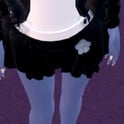 Skirt with godets and a flower (four parts) Skirt with godets and a flower (four parts) | The grey skirt under that shirt, a separate piece on the same stand | “1/4: Skirt”, “2/4: Skirt Godets” and “3/4: Belt” black + Silk; “4/4: Flower” light grey (column 3, row 8) + Metallic (Look 2) |
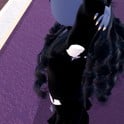 Bomber jacket (two parts) Bomber jacket (two parts) | On a floor stand at the right of the men’s-wear wall beside the Halloween display circle; brown before recolouring | “1/2: Preview” and “2/2: Preview” black + Silk (Look 2) |
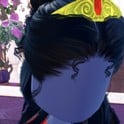 Long curls with a crown, Look 1 colours (four parts) Long curls with a crown, Look 1 colours (four parts) | Lana’s Salon | “1/4: Preview” and “2/4: Preview” black + Silk; “3/4: Crown” gold-yellow + Metallic; “4/4: Gem” deep red + Glitter |
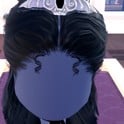 Long curls with a crown, Look 2 colours (four parts) Long curls with a crown, Look 2 colours (four parts) | Lana’s Salon | Curls kept black + Silk; “3/4: Crown” light grey + Metallic; “4/4: Gem” black + Glitter |
Poses for Award Show
We used Dazzle for the gown and Confident for the tux-style look, both free under Solo in the Poses menu. For the full list with a picture of each, see every free pose in Dress To Impress.
Building it in Freeplay Mode first
Freeplay Mode has no timer, so it is the place to try colours and materials calmly, walk the look down the Freeplay Runway and check how it reads. Once a look works, you know which shelf, which palette spots and which materials to go to when Award Show comes up in a real round. For more themes built the same way, see our Boho, Robot Takeover, Album Cover, Potion Maker, Monochrome Mood, Divine Beings, Drag, Sweet 16, Camouflage, Deserted Island, Summer Cruise, Favorite Show, Fairytale, Cotton Candy Couture, Cyberpunk, Birth Stones, Y2K Popstar, Video Game Character, Top Model, Fast Food Mascot and DJ outfit ideas.
How a theme round works
We have not had Award Show as a round yet; this is from ordinary server rounds on other themes (Plaid Fashion, Birds of Paradise and Patterned tights). On the main lobby, the theme shows in a banner at the top with a timer under it. After dressing, each player walks the runway in turn, about 7 seconds each, while the others vote with five stars along the bottom of the screen, with a “Voting complete!” banner between players. A “Results” card then ranks the players with the stars each earned, followed by an “Intermission” countdown of about a minute.
The “Pick Theme” button next to the intermission timer lets you choose the theme, but only with Theme Props. The panel reads “You have: 0 Theme Props” and offers a “Buy More” button priced at 75 Robux. We bought none and saw no free ones, so without Robux you wait for Award Show to roll.
What we have not checked
These looks have not walked a real Award Show round, so there is no score, star count or vote for them. We wore no shoes, bags, gloves or props, added no jewellery beyond the hair crown and changed no makeup. We saw no trousers, bow tie piece or blazer on the shelves we used, which is why the bomber jacket stands in for a suit jacket. Both looks were built with 0 stars, and nothing was bought.
FAQ
What does Award Show mean in Dress To Impress?
The game gives only the theme’s name in the round banner. We read it as red carpet: a floor-length gown in one rich colour, or a sharp black-and-white look, finished with shiny materials and a metal crown.
Can I do Award Show without VIP?
Yes. Both looks were built on an account with no VIP and 0 stars, and every piece, colour and material used here worked on it, with no lock or price on any of them. Glitter, Silk and Metallic are free materials; tiles with a gold star are star-locked.
Is there a tuxedo in Dress To Impress?
We did not see one, nor any trousers or bow tie piece, on the shelves we used. Our tux-style look is built from a shirt with a neck ribbon, a skirt and a bomber jacket, all recoloured black and white.
Which colours work for Award Show?
For the gown we used deep red (column 1, row 6), gold-yellow (column 8, row 6) and black (column 9, row 8). For the tux-style look, white (column 1, row 8), black (column 9, row 8) and light grey (column 3, row 8), which reads silver with Metallic.
Which pose fits Award Show?
Dazzle, a small standing pose with one hand at the waist, suits the long gown. Confident, on one leg with a knee raised, suits the shorter tux-style look. Both are free under Solo.