
Instructional, step-by-step articles.
Content Type: How-To
-
Fix Notification Sound Playing Randomly in Windows 11
Resolve persistent or random notification sounds in Windows 11 by identifying hardware, software, and system causes through targeted troubleshooting steps.
-
Fix Error 0x803FABB8 in Windows 11
Resolve Windows 11 activation issues caused by hardware changes or license problems with easy-to-follow troubleshooting and support options.
-
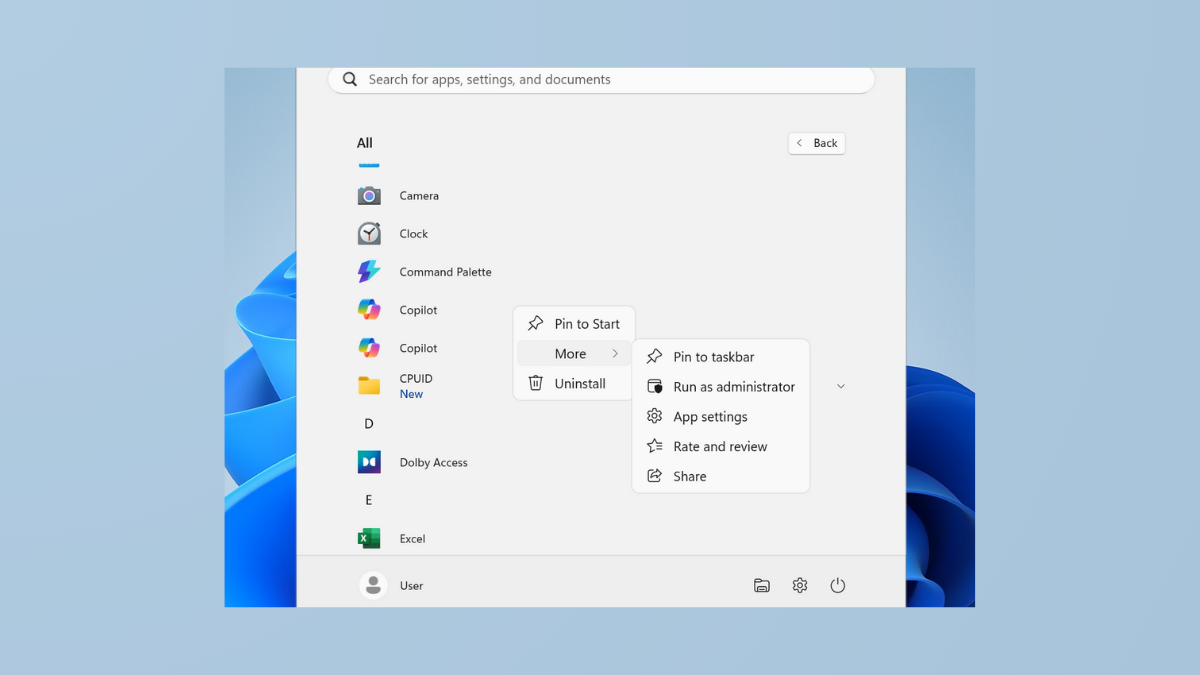
Fix Cannot Pin Apps to Taskbar in Windows 11
Resolve the issue where applications refuse to pin to the Windows 11 taskbar with clear solutions and troubleshooting methods.
-
Revert Back to macOS 25 After Trying macOS 26 Beta
Restore your Mac to a stable macOS 25 release after installing the macOS 26 beta, using proven methods to recover system reliability and data…
-
Use the Enhanced App Permissions in macOS 26 Tahoe
macOS 26 Tahoe introduces refined app permission controls, giving users more direct authority over app access, menu bar visibility, and privacy settings.
-
Manage Startup Apps in macOS 26 to Improve Boot Time
Reduce macOS 26 boot delays by controlling which apps and processes launch automatically at startup.
-

Use the New Control Center Features in macOS 26 Tahoe
Discover how macOS 26 Tahoe’s redesigned Control Center streamlines customization, boosts productivity, and brings iPhone-style controls to your Mac.
-
Fix Runtime Error R6034 in Windows 11
Resolve the “application has made an attempt to load the C runtime library incorrectly” error by repairing Visual C++ packages, adjusting permissions, and addressing…
-
Fix Microphone Volume Keeps Resetting to 0 or 100 in Windows 11
Resolve microphone input level issues in Windows 11 with effective solutions for volume resetting problems.
-
Change Screensaver Timeout Settings in Windows 11
Adjust the screensaver wait time and resolve common issues with screensaver and lock screen timeouts in Windows 11 using built-in settings, Group Policy, Registry…