
Instructional, step-by-step articles.
Content Type: How-To
-
Fix Error 0xc0000098 in Windows 11
Resolve Windows 11 boot issues caused by error code 0xc0000098 with effective solutions for repairing Boot Configuration Data and restoring system functionality.
-
Disable Sound for On-Screen Keyboard in Windows 11
Silence the click noise from the Windows 11 on-screen keyboard with instructions for a quieter typing experience.
-
Fix 0x8004FC12 Error on Windows 11
Resolve Windows 11 activation issues caused by error code 0x8004FC12 using practical troubleshooting steps and command-line fixes.
-
Fix IO1 Initialization Failed Blue Screen Error on Windows 11
Resolve the IO1_INITIALIZATION_FAILED stop code in Windows 11 by repairing boot records, updating drivers, and addressing hardware or configuration issues.
-
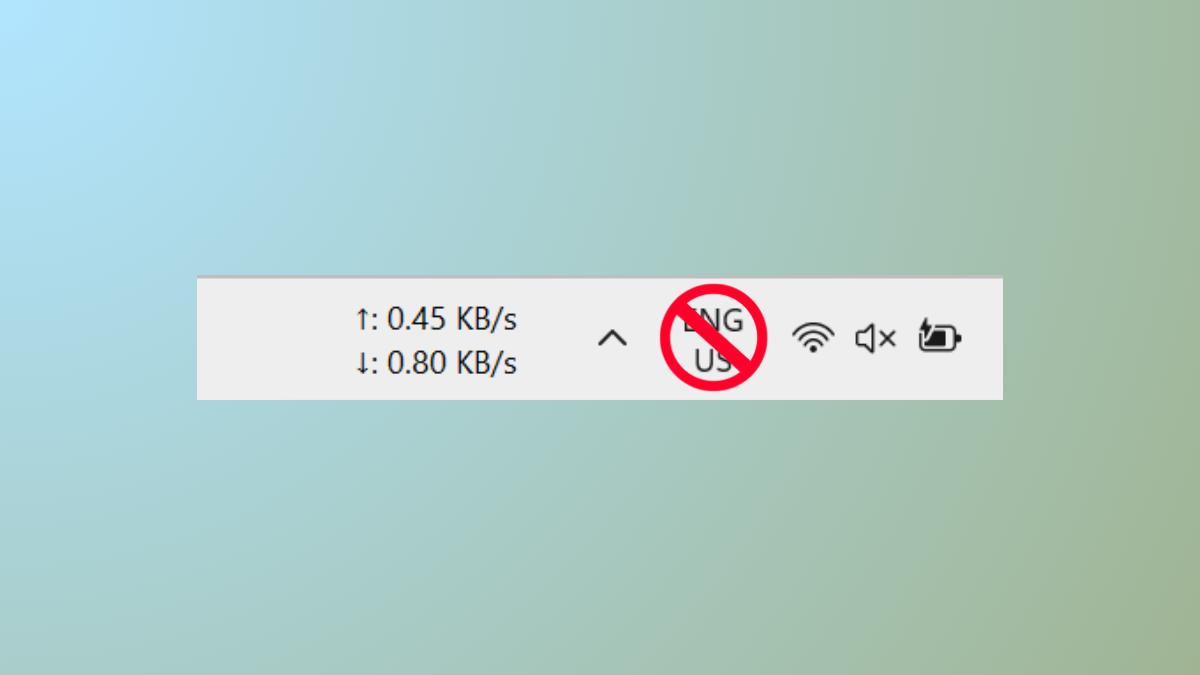
Disable Input Indicator or Language Bar in Windows 11
Remove the persistent language bar or input indicator from your Windows 11 taskbar and system tray using detailed methods.
-
Fix Notification Sound Playing Randomly in Windows 11
Resolve persistent or random notification sounds in Windows 11 by identifying hardware, software, and system causes through targeted troubleshooting steps.
-
Fix Error 0x803FABB8 in Windows 11
Resolve Windows 11 activation issues caused by hardware changes or license problems with easy-to-follow troubleshooting and support options.
-
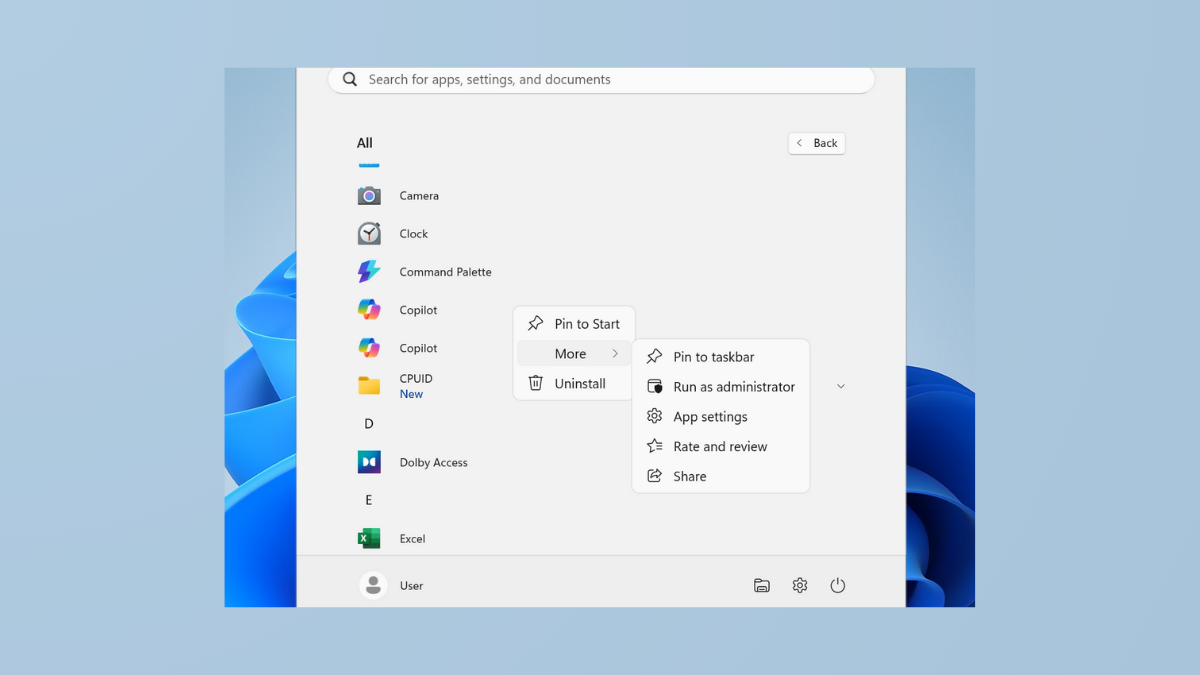
Fix Cannot Pin Apps to Taskbar in Windows 11
Resolve the issue where applications refuse to pin to the Windows 11 taskbar with clear solutions and troubleshooting methods.
-
Revert Back to macOS 25 After Trying macOS 26 Beta
Restore your Mac to a stable macOS 25 release after installing the macOS 26 beta, using proven methods to recover system reliability and data…
-
Use the Enhanced App Permissions in macOS 26 Tahoe
macOS 26 Tahoe introduces refined app permission controls, giving users more direct authority over app access, menu bar visibility, and privacy settings.