
Instructional, step-by-step articles.
Content Type: How-To
-
Create a System Snapshot Using Timeshift in Linux Mint
Safeguard your Linux Mint system by capturing reliable snapshots with Timeshift, allowing quick recovery from system failures, upgrades, or configuration errors.
-

Fix Error 0x80246007 on Windows 11
Resolve Windows 11 update failures and Microsoft Store download issues caused by error code 0x80246007 with detailed repair methods.
-

Enable Fractional Scaling for Better Display on HiDPI Screens in Linux
Adjust display scaling to improve readability and usability on high-resolution Linux desktops using fractional scaling options.
-
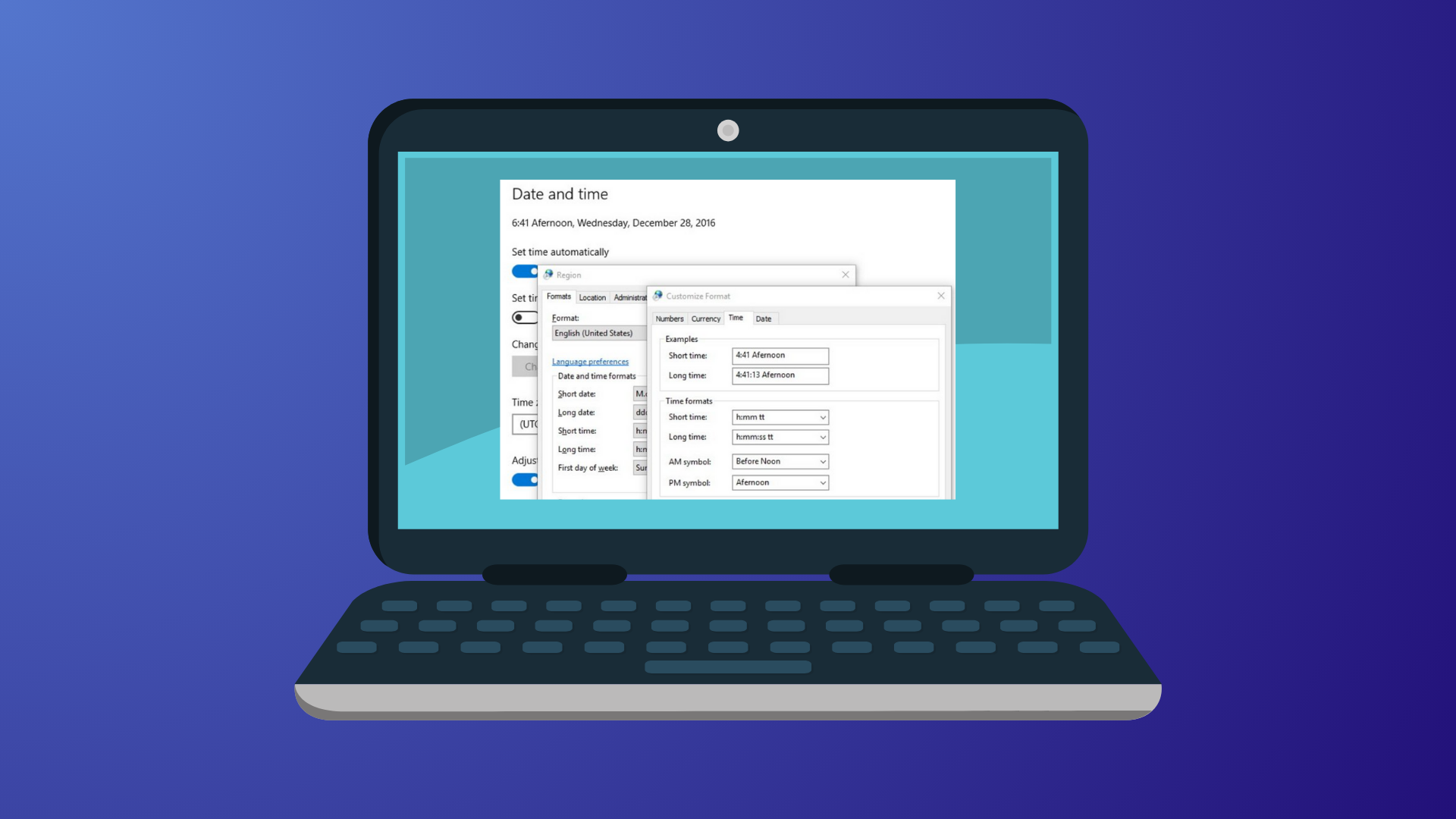
Change the Date Format on Windows 11
Switch your Windows 11 system to the date format that matches your regional preference or workflow needs using the Settings app or Control Panel.
-
Manage Files When Dual-Booting Windows and Linux
Practical methods for sharing and managing files across Windows and Linux in a dual-boot setup, including clear instructions and key compatibility tips.
-

Check Whether Monitoring Software Is Installed on Your PC
Learn the most effective methods to identify and confirm the presence of monitoring software on your Windows or Mac computer, protecting your privacy and…
-
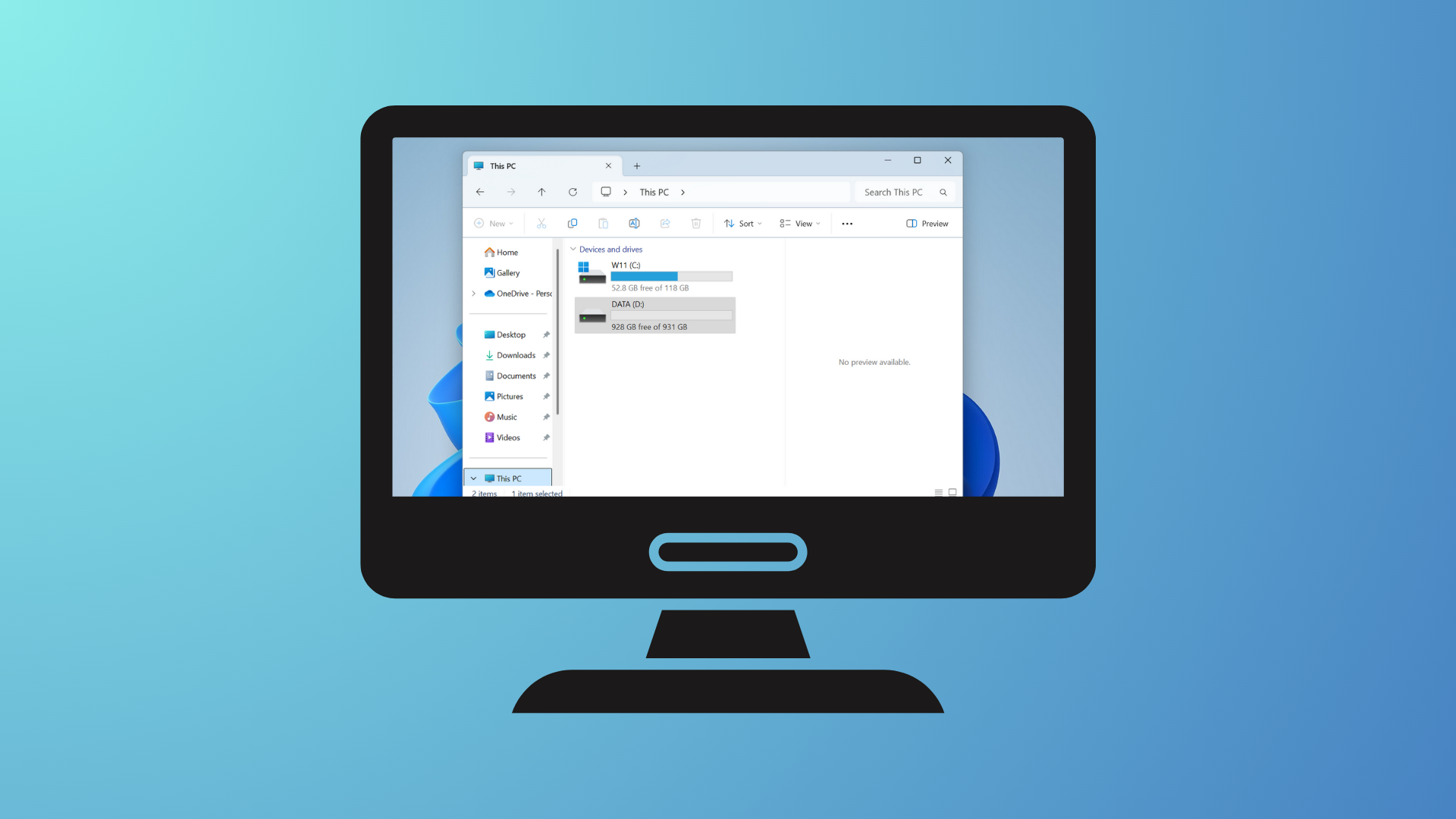
Move a Window Without Clicking the Title Bar on Windows 11
Learn several effective ways to reposition windows when the title bar is inaccessible or off-screen in Windows 11, using built-in keyboard shortcuts and system…
-

Fix Error 0x80070070 on Windows 11
Resolve Windows 11 update failures caused by insufficient disk space with detailed instructions for freeing storage, expanding partitions, and managing files.
-

Set Up Snap and Flatpak Packages in Mint 21.3
Detailed steps for installing, configuring, and managing Snap and Flatpak packages on Linux Mint 21.3, including troubleshooting and best practices.
-
Prevent BitLocker from Locking You Out of Your Windows 11 PC
Protect access to your Windows 11 device by controlling BitLocker encryption, managing recovery keys, and disabling automatic lockout triggers.