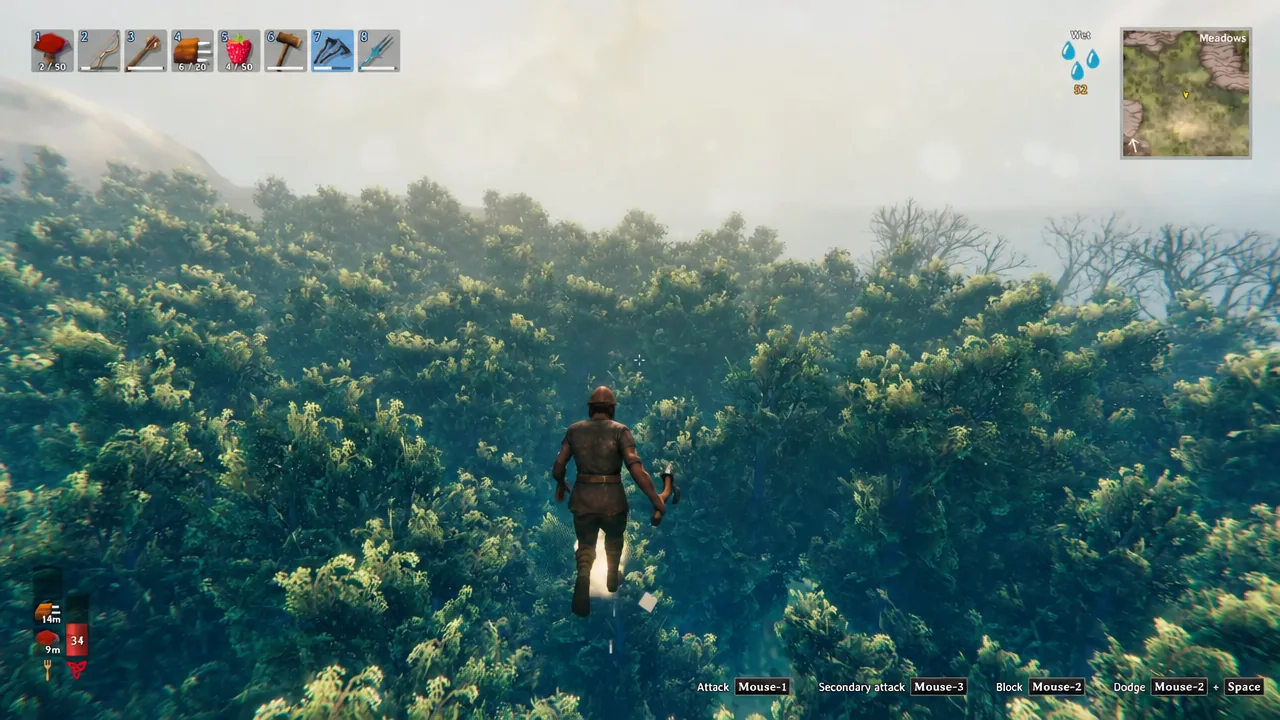
Valheim hides its world behind fog until you physically sail, walk, or fly through it. If you would rather skip the scouting and see the whole continent at once, the game’s developer console has a single command that strips the fog away instantly.
Quick answer: Add -console to Valheim’s launch options, press F5 in-game, type devcommands, then type exploremap and hit Enter.
Enable the Valheim console before exploremap will work
The console is switched off by default, so the command does nothing until you launch the game with the console argument. How you add that argument depends on where you bought Valheim.
| Platform | How to turn the console on |
|---|---|
| Steam | Right-click Valheim, open Properties, add -console to Launch Options |
| PC Game Pass | Make a shortcut to Valheim.exe and add -console to the Target field |
| Xbox Game Pass | Hold LB + RB + Menu in-game, then press A for the keyboard |
| macOS (App Store) | Run a shell script that launches the app with -console |
On GeForce Now the setting resets each time, so you have to apply the Steam method again at the start of every session.
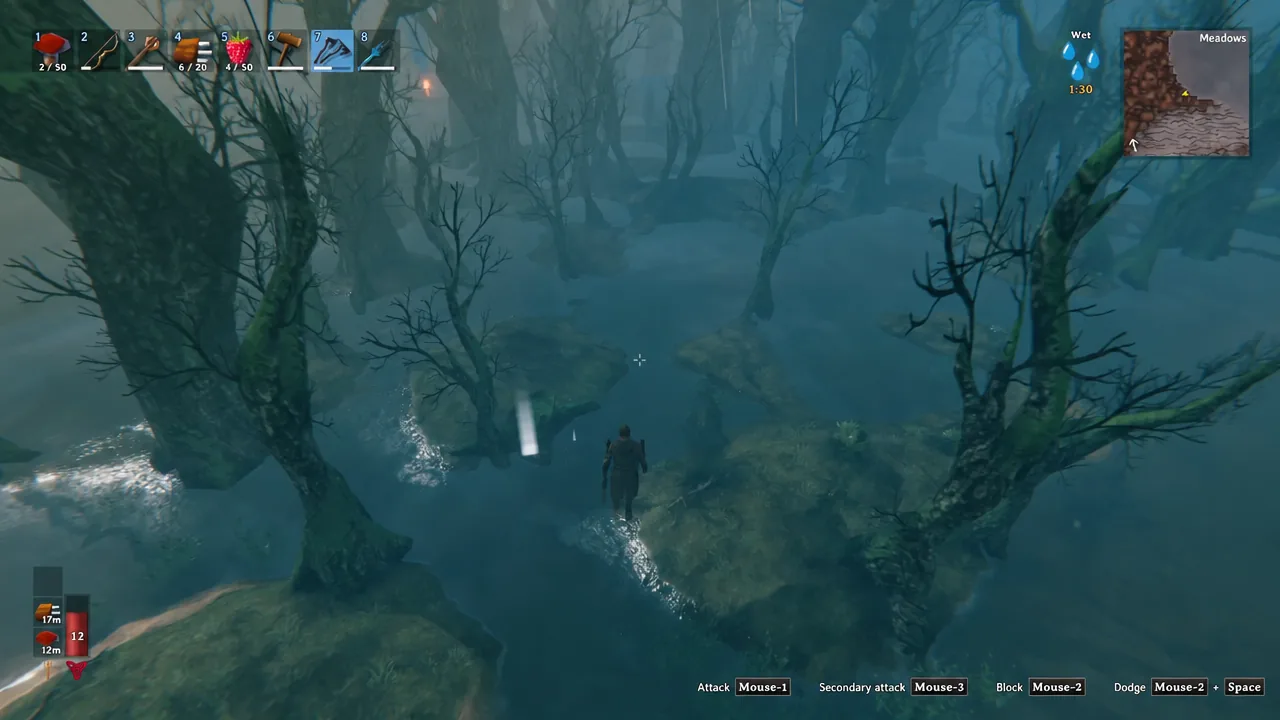
Run the exploremap command in Valheim
devcommands and press Enter. The console answers with Dev commands: True, followed by the line WARNING: using dev commands is not recommended and is done at your own risk. Typing the same word again turns cheats back off.exploremap and press Enter. There is no confirmation prompt for this one, and the fog is removed the moment the command is accepted.devcommands
exploremapOn a multiplayer server you need admin rights to use the console at all, and cheats must be enabled on that server.
How to confirm the map is fully revealed
Close the console and open the map. Instead of a small cleared patch around your base, you should see the entire circular world drawn out, edge to edge, with the coastline and every biome visible at once. That includes the far corners most players never reach, such as the Deep North and the Ashlands.
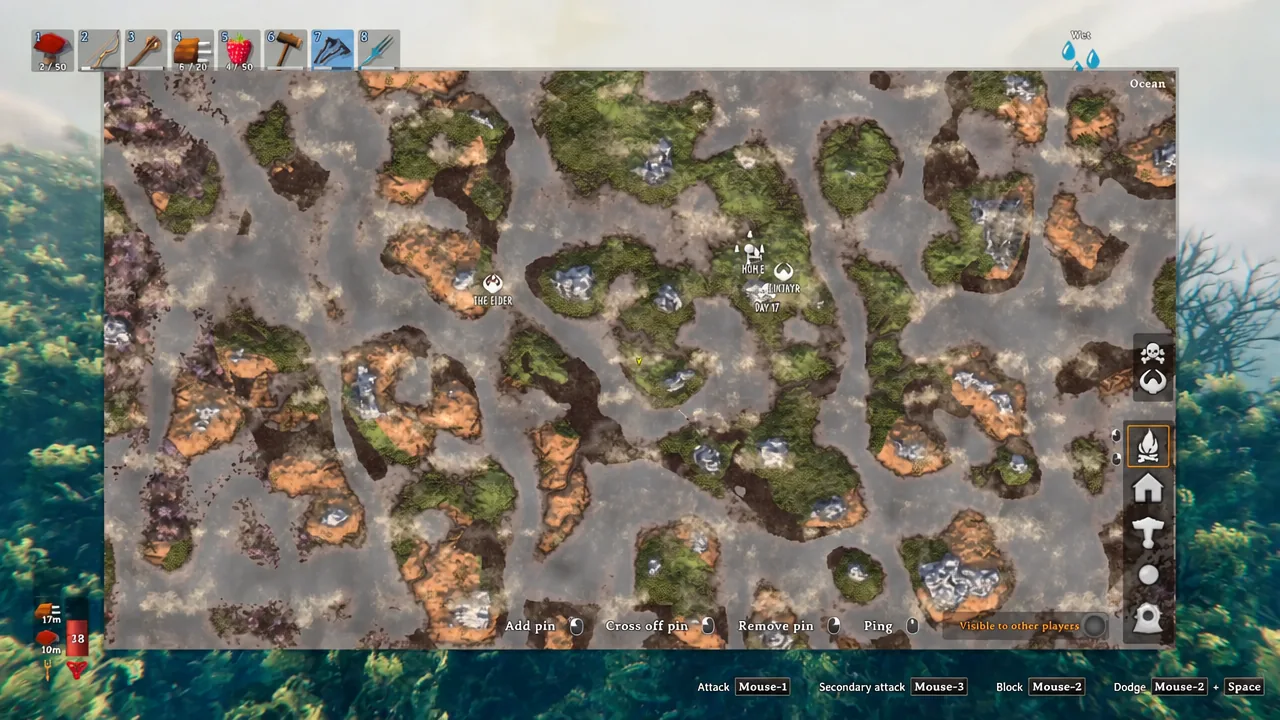
One thing the command does not do is mark anything for you. Boss locations stay hidden, so you still have to find a boss runestone and interact with it to get the nearest boss pinned, or work it out from your world seed. Your own pins, pings and the “Visible to other players” toggle all behave exactly as before.
Other Valheim map commands: resetmap, resetsharedmap and nomap
Three more console commands change what the map shows. All of them except resetsharedmap require cheats to be on first.
| Command | Effect |
|---|---|
exploremap | Removes all fog of war across the whole world |
resetmap | Wipes exploration, including areas you genuinely visited |
resetsharedmap | Clears map data shared through a Cartography Table |
nomap | Toggles the map and minimap off entirely |
resetmap cannot be undone selectively. It erases every discovered tile, not just the ones the command revealed.
A cheat-free alternative: the Cartography Table
If you want more of the map filled in without touching the console, the Cartography Table shares discoveries between players. Someone interacts with the box on the table to upload what they have explored, and everyone else reads the physical map on the table to pull that data in. Nothing transfers until a player uploads first, so the table only ever shows ground that someone on your server has actually covered.
Building it takes 10 Fine Wood, 10 Bone Fragments, 2 Bronze, 5 Leather Scraps and 4 Raspberries, and you need to have picked up each of those materials at least once to unlock the recipe. Bronze and Fine Wood both mean a trip to the Black Forest, which makes the table a mid-game option rather than something you can rush on day one.
Worth remembering either way: clearing the fog only reveals terrain and biomes. Buildings, canals and other changes you make to the world do not show up on the map, so a fully revealed Valheim still looks like untouched wilderness no matter how much you have built on it.