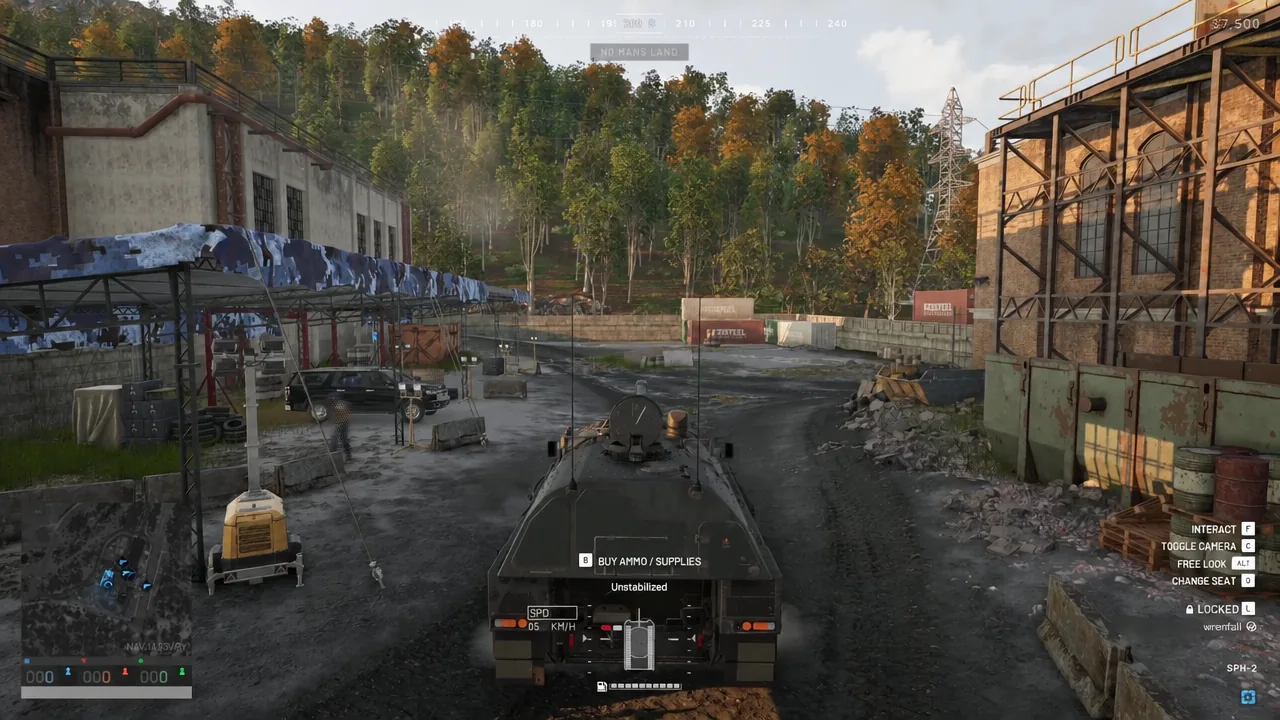
A tank in WARDOGS does not arrive loaded. Buying the vehicle and buying its shells are two separate transactions, and the second one only happens from inside the hull. The Garage Vendor handles it, and the whole process takes about fifteen seconds once you know which key opens it.
Quick answer: Sit in the tank as Driver or Gunner, press B to open the Garage Vendor, open the AMMO tab, buy the rounds you need, then click CONFIRM & EXIT.
What you need before buying tank ammo
The Garage Vendor is tied to the vehicle, not to your infantry loadout. You need to be occupying a crew seat for the menu to appear at all, so walking around the hull and pressing keys will not do anything useful.
- A vehicle you can crew, such as the SPH-2 tracked vehicle.
- A free Driver or Gunner seat. The SPH-2 lists two occupied seats maximum.
- Cash in your personal balance. Every player begins a round with at least $10,000.
- A garage or service area where the vendor prompt is available on the vehicle.
Load tank ammunition through the Garage Vendor
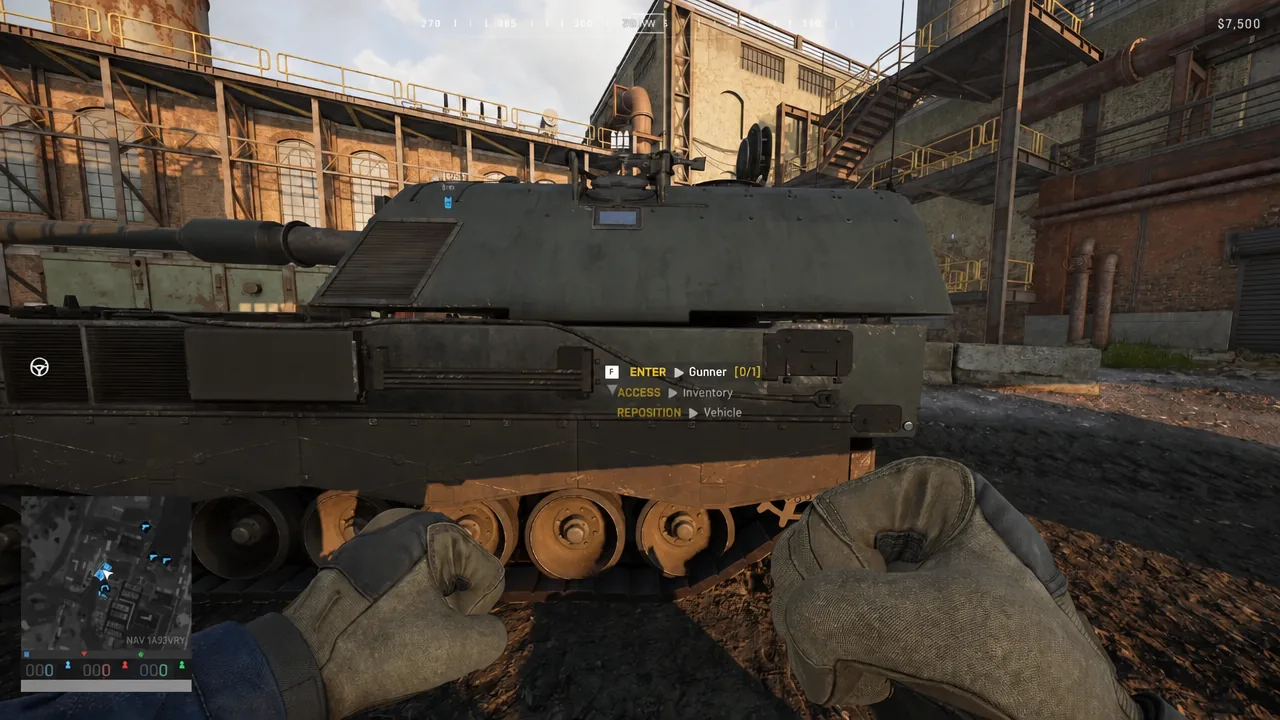
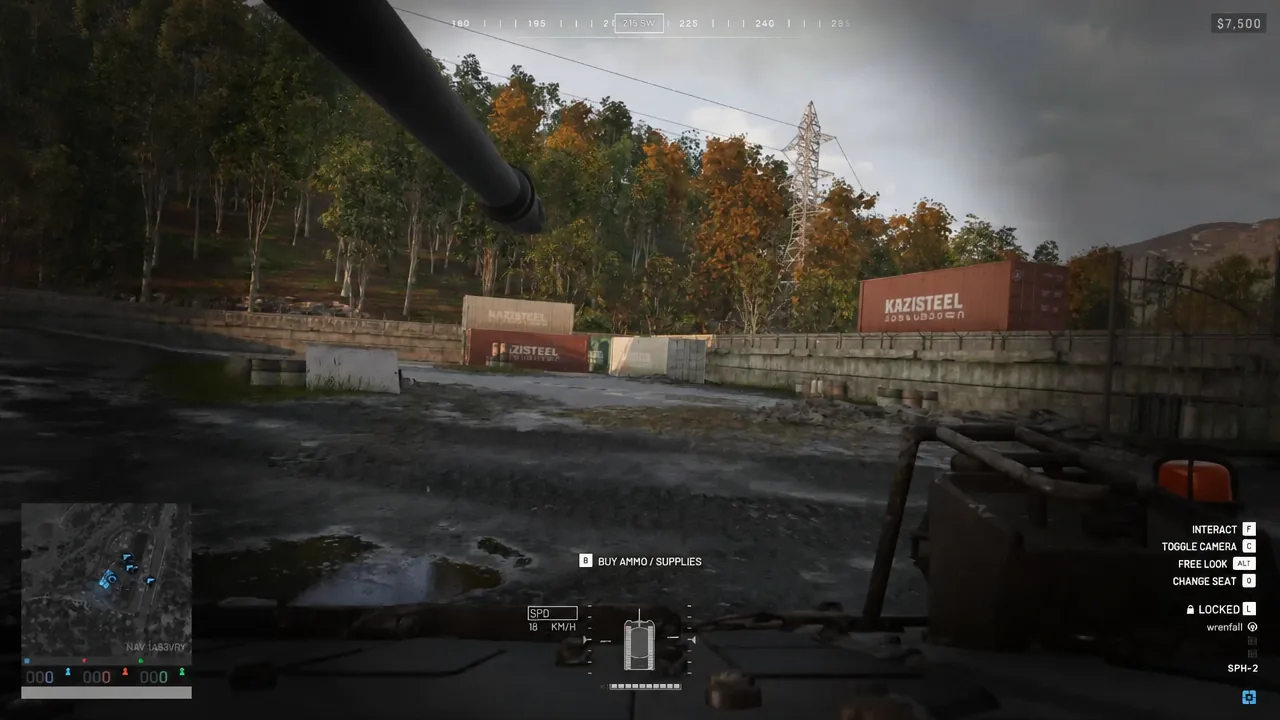
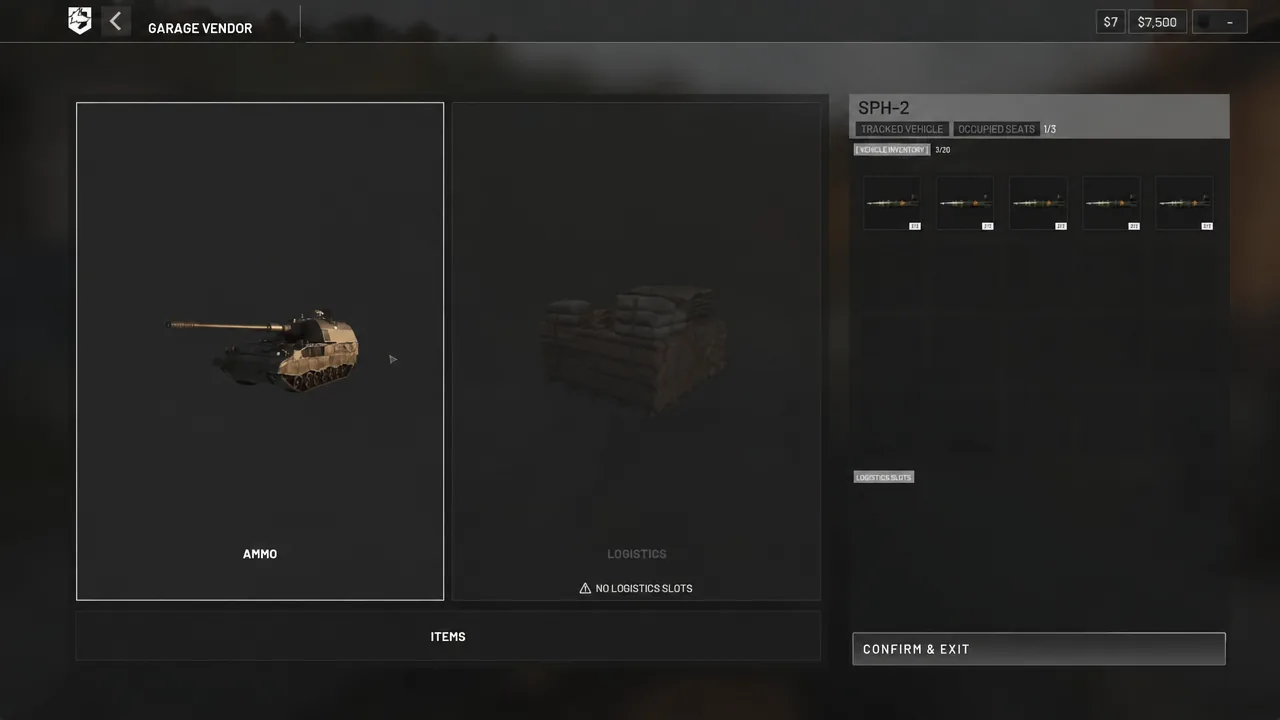
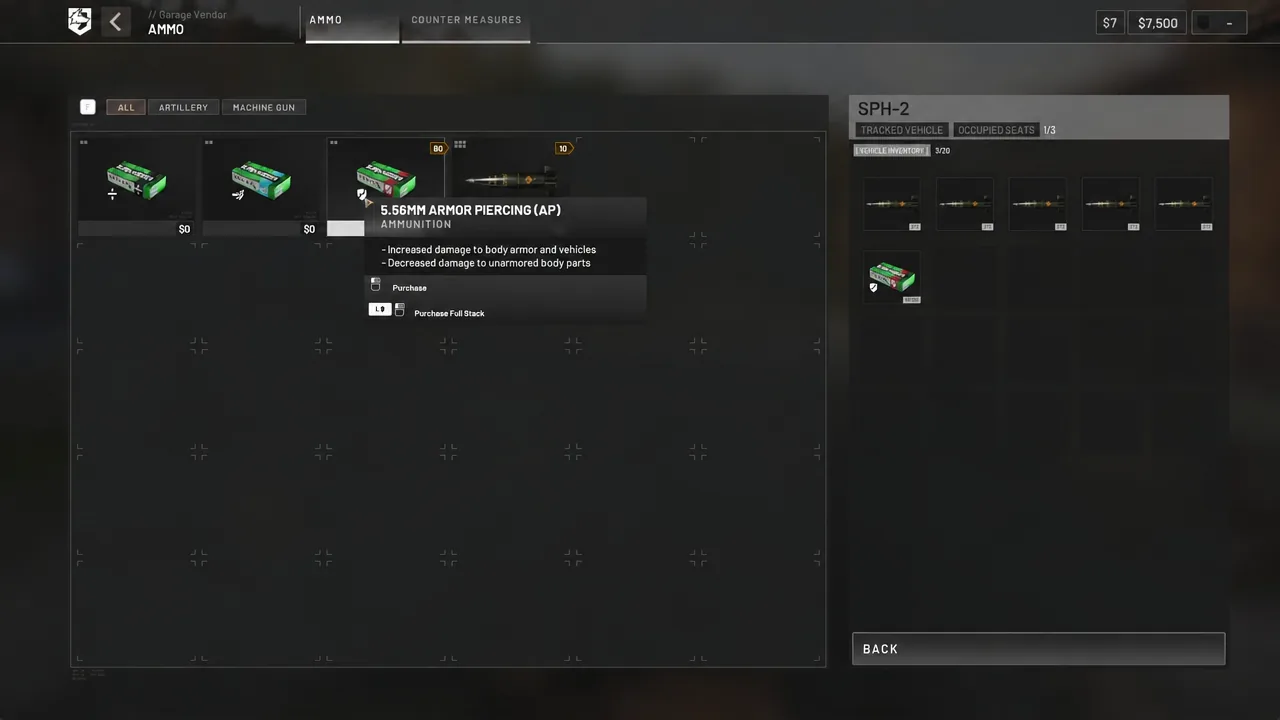
Ammunition types in the SPH-2 vendor list
The list you see depends on what the vehicle can actually fire, which is why the tabs are split by weapon role. On the SPH-2, the two headline entries cover its coaxial machine gun and its main artillery piece.
| Round | Category | Profile |
|---|---|---|
| 5.56MM Armor Piercing (AP) | Machine gun | More damage to body armor and vehicles, less to unarmored body parts |
| 155MM HE Shell | Artillery | High-explosive, very large area of effect, 50 per item |
The trade-off on AP is worth remembering when you are choosing what to fill the machine gun rows with. It hits harder through armor plates and light vehicle skin, and it does less against soft targets, so a belt of AP is a deliberate anti-vehicle choice rather than a general upgrade.
5.56mm AP also appears in the standard item catalogue at $40, so you can gauge its cost even when you are not sitting in a vehicle.
Confirming the tank is loaded
Verification happens in the same screen you bought from. Before you leave the vendor, look at the slot column on the right of the Garage Vendor panel. Every slot you filled shows the round and its quantity, and slots that are still empty are the ones you skipped.
Some vehicles will also report what they cannot take. The SPH-2 displays NO LOGISTICS SLOTS under the Logistics tab, which means crates cannot be mounted on it at all. That message is the vehicle telling you its capacity, not an error with your purchase.
After you press CONFIRM & EXIT, the purchase is saved to the vehicle. Drive it out of the garage area and the loadout travels with the tank.
Vehicles with logistics slots: crates and Ammo Supplies
The same B menu on a transport vehicle behaves differently, because those hulls have cargo space. On something like the Kodiak, the LOGISTICS tab lets you attach a crate first and then load resources into it.
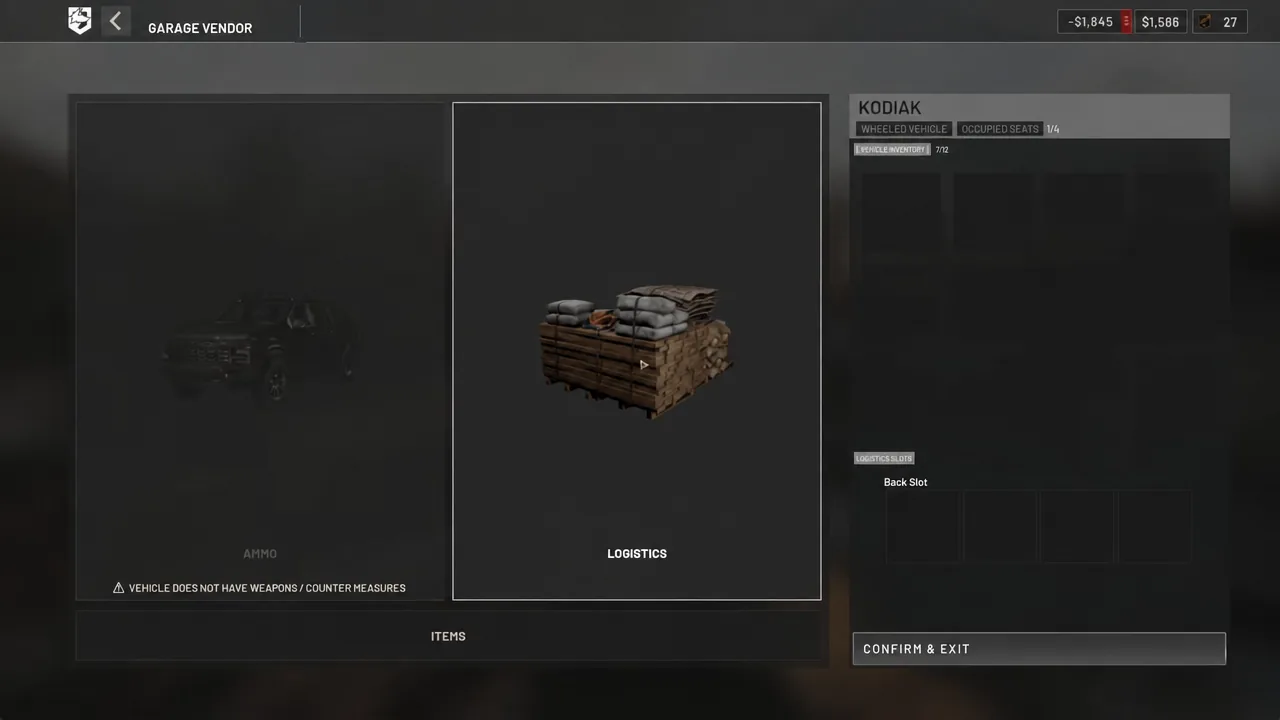
A Small Crate costs $150, gives 24 slots, and is unarmored. It will break on high-speed impacts, with roughly a 60m free-fall as the limit before it is destroyed, so it is not something to airdrop carelessly.
Once a crate is fitted, the Utility Building tab is where Ammo Supplies live. These are not shells for your tank and they will not fill a magazine. They are a logistics resource for reloading buildable weapons, and they only function inside a FOB radius.
| Resource | Price | Weight | Purpose |
|---|---|---|---|
| Ammo Supplies | $10 | 0.03 kg | Reloads buildable weapons, needs FOB radius |
| Fuel Supplies | $10 | 0.03 kg | Refuels vehicles, needs FOB radius |
| Build Supplies | $10 | 0.02 kg | Builds all buildables, needs a hammer |
Order matters on a destroyed position. Ammo Supplies cannot restore an emplacement that no longer exists, so the gun has to be rebuilt with a hammer and Build Supplies before a resupply crate does anything.
Why tank ammo and infantry ammo work differently
Vehicle ammunition is a single purchase into a slot. Your rifle is not. On foot, the weapon, the magazine and the rounds are three separate items, and you have to match caliber across all three before anything fires.
Pressing R on foot swaps magazines rather than refilling them. The partial magazine goes back into your inventory with whatever rounds were left in it, which is why a hurried reload sometimes hands you a near-empty mag. Loose rounds are what refill magazines, and that is done from the inventory screen behind cover.
Keeping those two systems separate in your head saves money. A tank crew buys shells from the seat and confirms out, while an infantry loadout needs compatible magazines and a loose stack bought before you leave the vendor. Filling one does not fill the other, and neither refills itself.