Supply requests are how a squad in WARDOGS tells the rest of the team that it is running dry. The request is not a voice line or a chat message — it is a menu action that puts a marker on the map at your feet, where any driver or pilot can see it. It takes about two seconds and costs nothing.
Quick answer: Hold the middle mouse button to open the radial menu, drag right to REQUESTS, then select SUPPLIES. A supply marker appears on the map at your current position.
Request supplies with the radial menu
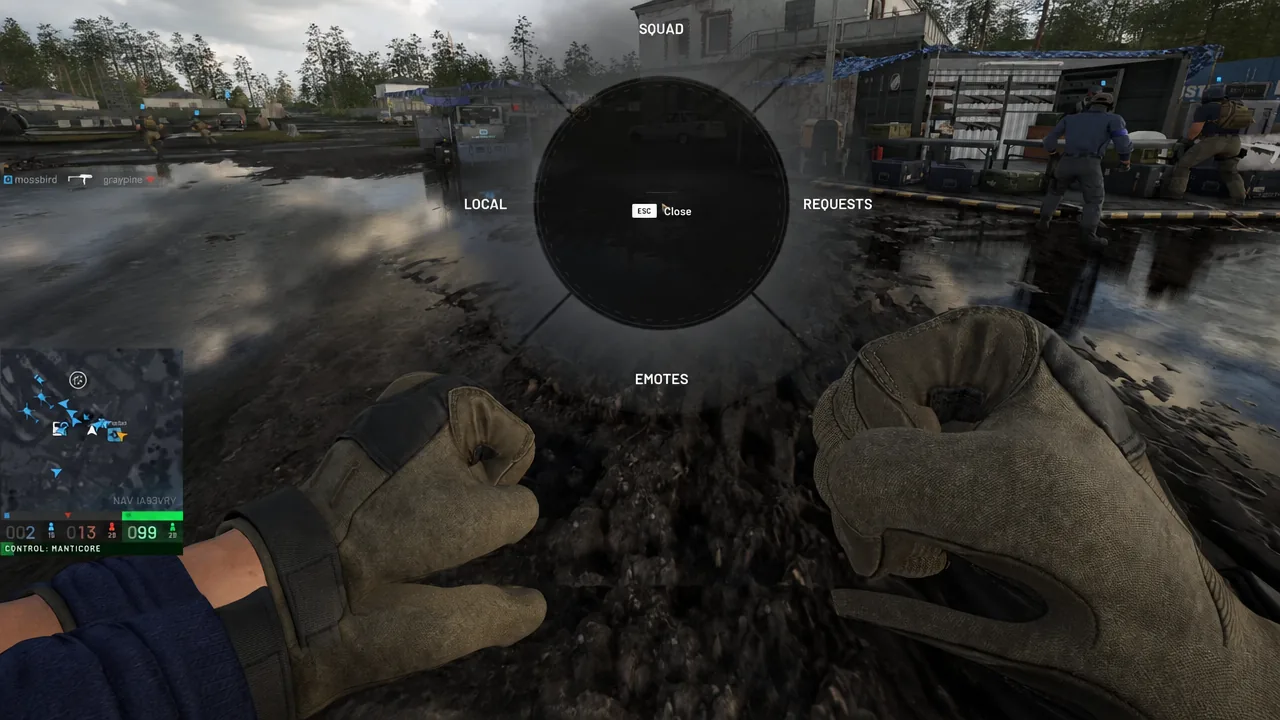
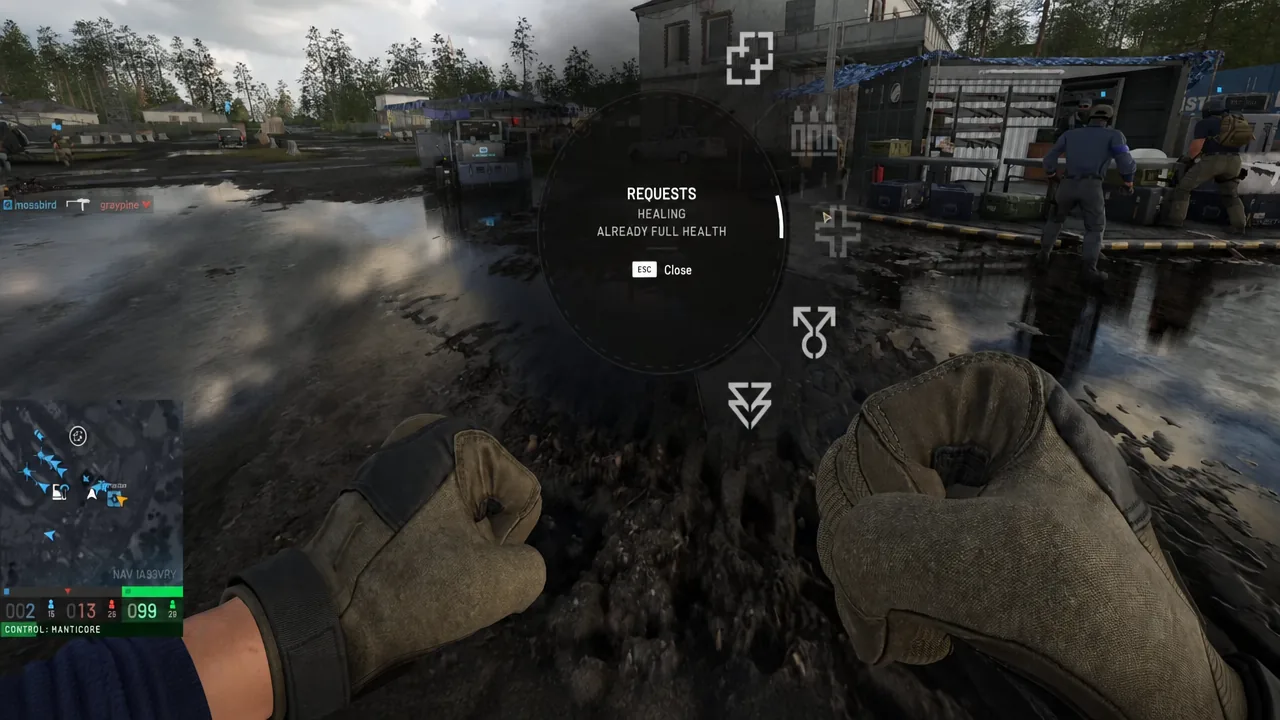
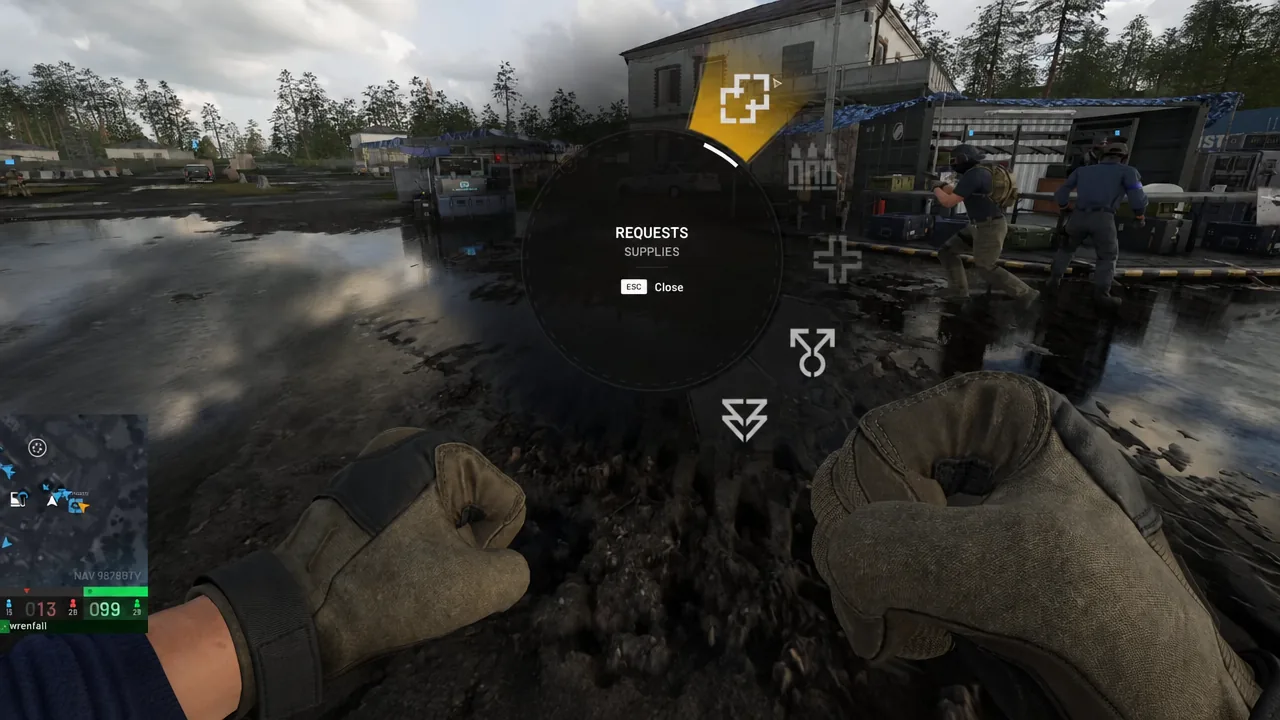
Stand where you want the delivery before you open the menu. The marker lands on your position at the moment you confirm, not on whatever you are looking at.
Requests menu options and when they are unavailable
The three request types sit in the same sub-menu, and two of them can be greyed out depending on your state. If an option will not take, the wedge itself tells you why.
| Request | What it signals | Blocked message |
|---|---|---|
| HEALING | You need a medic or medical item | ALREADY FULL HEALTH |
| AMMO | You need rounds for your current weapon | WEAPON REQUIRED |
| SUPPLIES | You need a resupply run to your position | — |
SUPPLIES is the general call. It is the one to use when your position needs build or mechanical resources brought forward rather than a single item handed over.
How to confirm the supply request registered
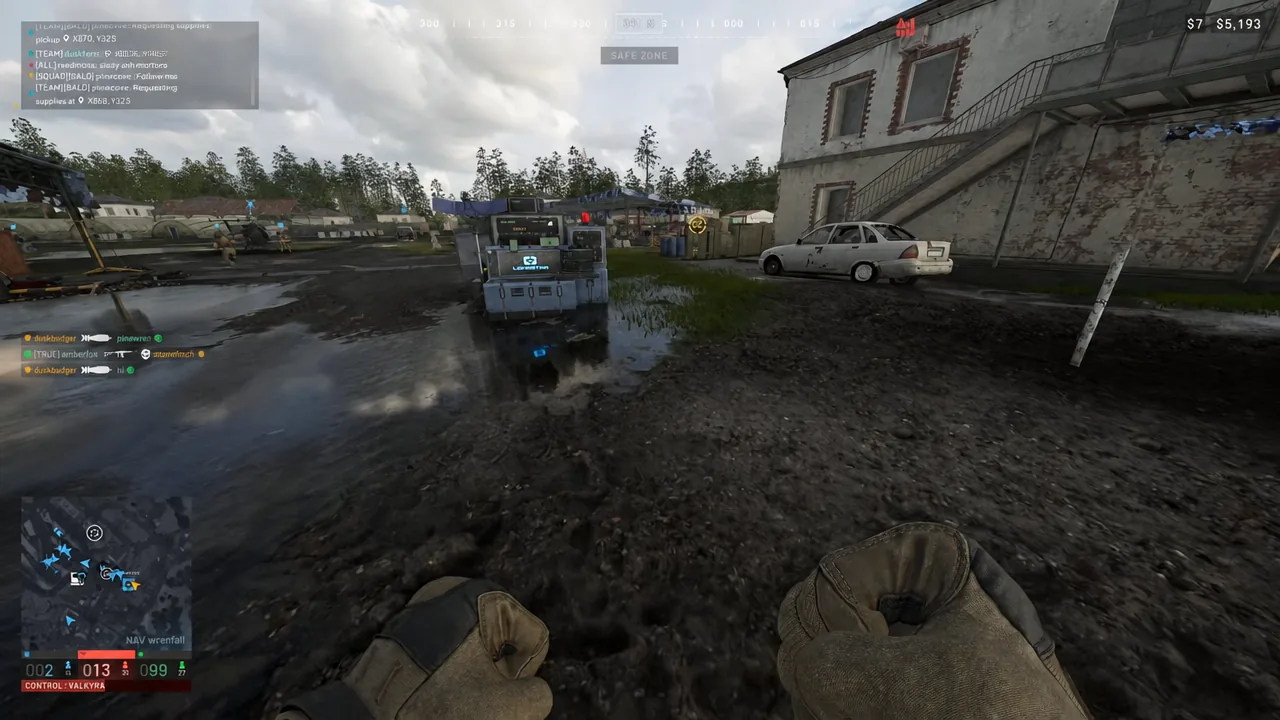
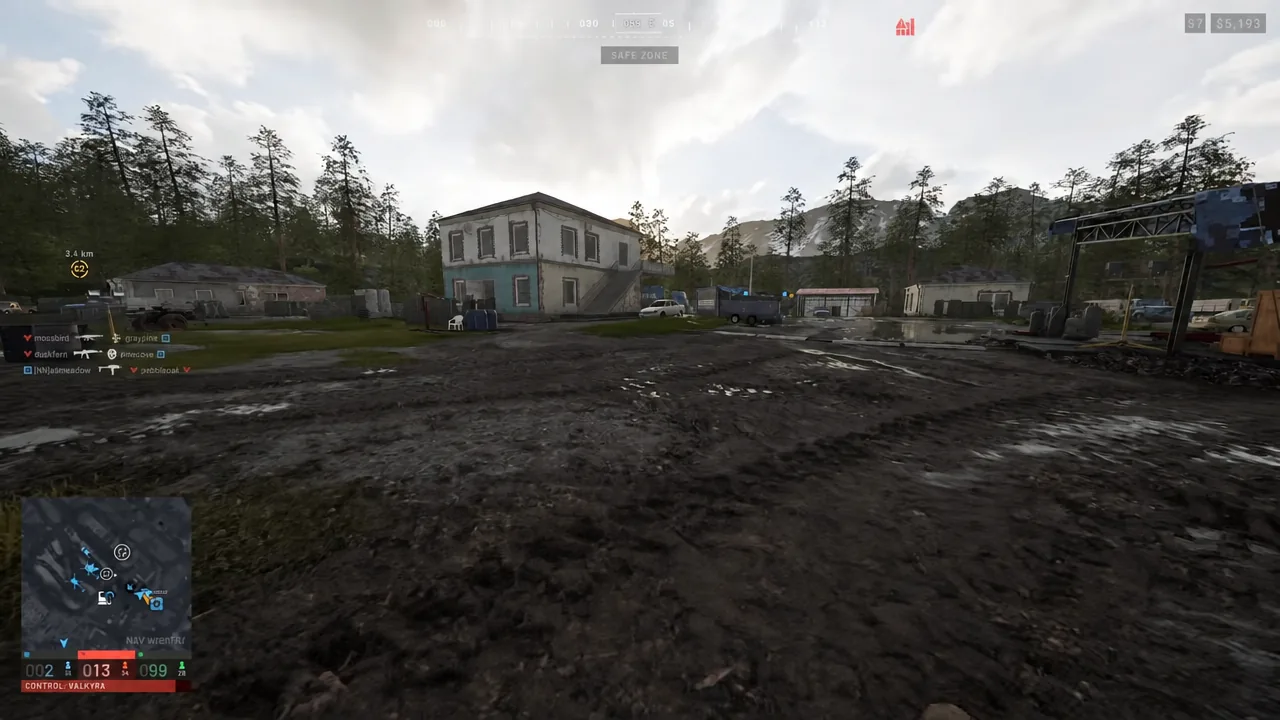
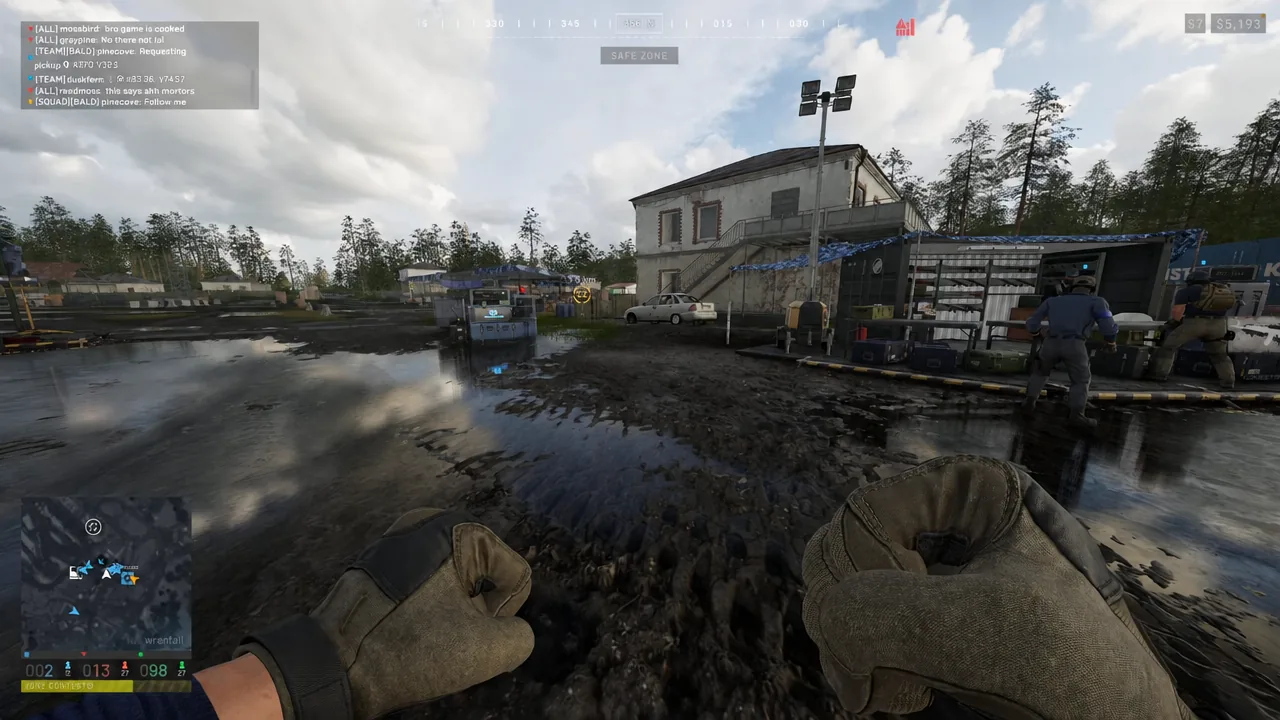
Open the map or check the minimap in the bottom-left corner. A supply request marker sits at the spot where you made the call, alongside the usual player positions, capture points, and vehicle icons. That marker is what pilots and drivers read when they decide which run to make next, so if it is not on the map, the request did not go through and you should repeat the three steps.
Supplies a teammate can actually bring you
Before you call, it helps to know what is coming. Supplies in WARDOGS are bought items, so whoever answers your marker is spending their own cash to fill it. Build and mechanical resources are the two everyday ones, and they do different jobs.
| Item | Price | Used for |
|---|---|---|
| Build Supplies | $10 | Every buildable; needs a hammer |
| Mechanical Supplies | $10 | Vehicle repair; needs FOB radius |
| Mechanical Supply Pallet | $400 | Bulk mechanical resource for a FOB |
Build Supplies weigh 0.02kg each and are the resource behind every structure, so a builder holding a hammer can turn a delivery straight into cover. Mechanical Supplies weigh 0.03kg and only work inside a FOB radius, which means asking for them out in open ground does nothing for you. Pallets are the bulk option and are meant to go to a FOB, and a Mechanical Supply Pallet will be destroyed by high-speed impacts — roughly a 90m free fall is the limit before it breaks.
Pallets transfer in one action at a FOB, while individual crates have to be carried across one at a time. If your position is a FOB, saying so in squad chat makes the pallet run worth the driver’s time.
Vehicles that answer supply requests
Every transport in the game is bought from the vehicle vendor at your faction’s safe zone — none of them are lying around the map mid-match. That matters for timing: whoever picks up your marker has to buy, load, and drive or fly out, so a request placed early in a push gets answered faster than one placed while you are pinned.
| Vehicle | Seats | Top speed | Price |
|---|---|---|---|
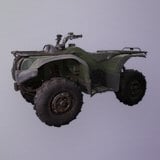 Bobcat Bobcat | 2 | 75.0 km/h | $500 |
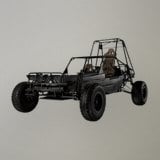 Dune Buggy Dune Buggy | 3 | 130.0 km/h | $1,500 |
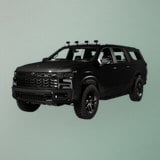 Kodiak Kodiak | 4 | 154.0 km/h | $2,500 |
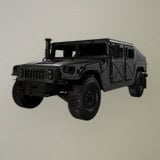 Humvee Humvee | 4 | 113.2 km/h | $3,000 |
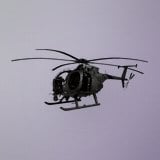 Z20 Lakota Z20 Lakota | 13 | 445.0 km/h | $7,400 |
Z20 Lakota
The Lakota is the helicopter that shows up on supply markers. It carries 13 and has room for logistics crates on top of that, with a 120.0 litre tank and 4.4 litres burned per kilometre. It unlocks at Pilot level 10 for a one-time $35,000 fee.
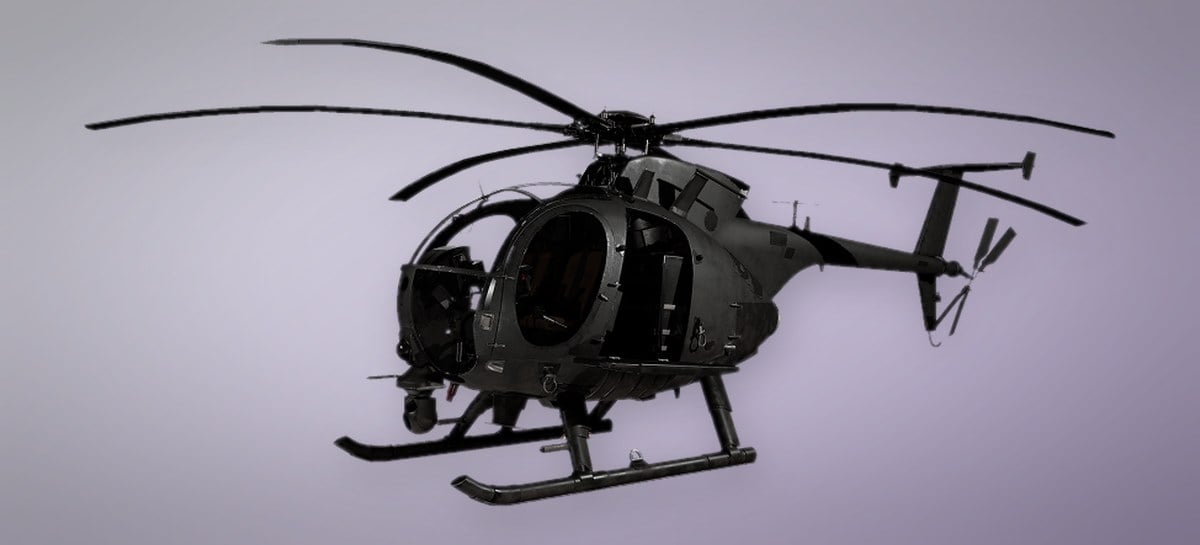
Humvee
A four-seat light-armored wheeled vehicle built for off-road travel, and one of the ground options with room for smaller logistics crates. It runs on a 65.0 litre tank at 3.3 litres per kilometre, and unlocks at Driver level 15 for $25,000. Enemies get $500 for destroying it.
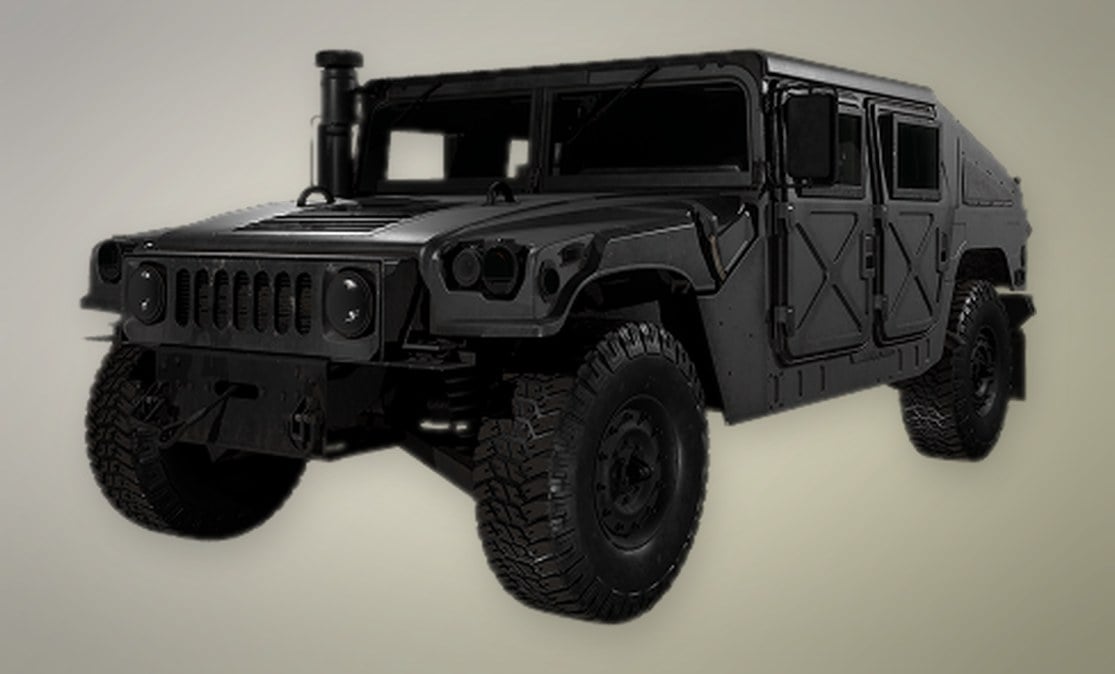
Kodiak
The fastest of the wheeled transports at 154.0 km/h, with four seats, a 50.0 litre tank, and the lowest fuel burn of the group at 2.9 litres per kilometre. It also takes smaller crates, which makes it the cheap answer to a request that is close to base.
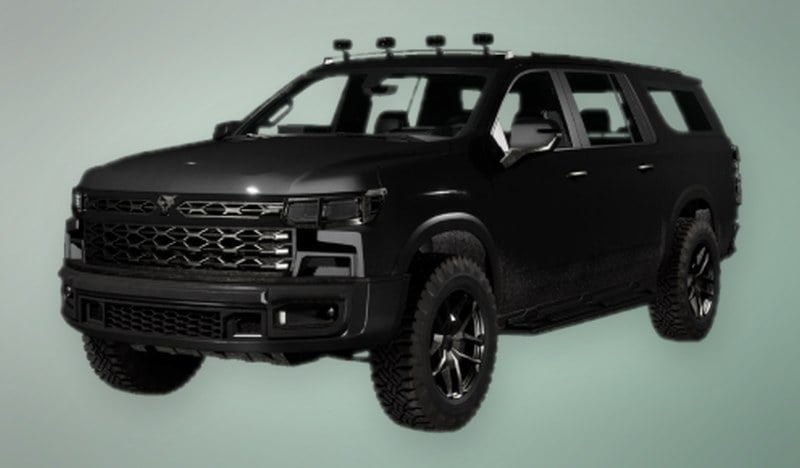
The Bobcat and Dune Buggy are passenger-only rides in practice, so do not expect a pallet to arrive in one.
Why teammates have a reason to answer
Answering a supply marker is not charity. Dropping a supply crate at a FOB, delivering pallets, and having teammates buy from your crate all award Support XP, and the run itself feeds the Driver or Pilot track depending on what you took. Role actions pay cash on top of XP, so a driver hauling crates to a marked position is earning on both ends of the trip.
The one thing a request cannot do is tell someone what to buy. The marker says where, not what, so pair it with a quick call for build or mechanical resources — that is the difference between a truck arriving with the right load and a pallet being dumped where nobody needs it.