Anime Dice is an incremental simulator from More & More Games where you roll dice, pull anime-inspired units, and park them on your plot so they generate cash — including while you are logged out. The whole game hangs on one decision loop, and new players lose hours by spending their first coins in the wrong order.
Quick answer: Fill every pedestal on your plot with units, then dump all early cash into the Money path in the Upgrades skill tree. Everything else — grading, traits, towers, rebirth — only pays off once your income per second is already climbing.
The core loop: roll, place, upgrade, repeat
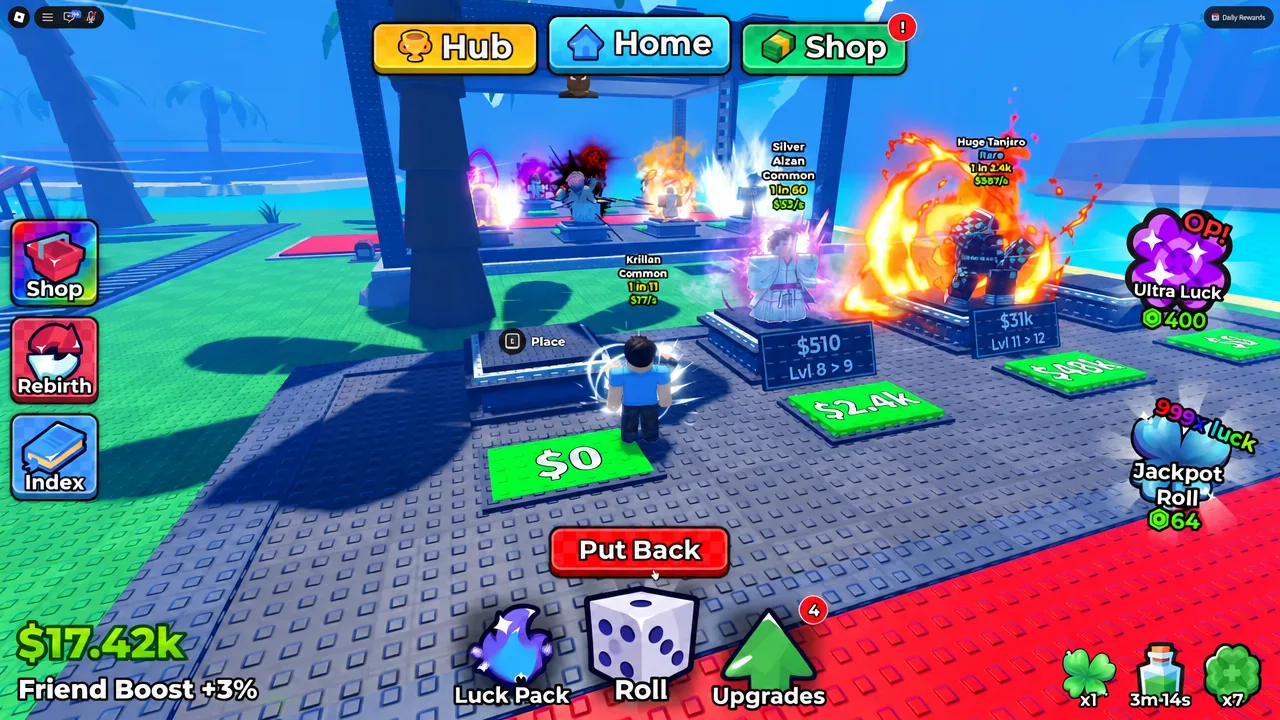
Rolling the dice reveals a character of a random rarity. Rare pulls generate far more money than commons, but a common unit sitting on a pedestal still earns more than an empty pad does. That is the single most important habit early on — no slot should ever be left open just because you are holding out for something better.
Once a unit is placed on a board, a green price tag button appears in front of it. Clicking that spends cash to level the unit up, raising what it earns. Income accumulates whether or not you are in the server, so your session usually starts with a pile of offline earnings waiting to be reinvested.
Note: roll animations cannot be turned off. There is no settings menu exposing that option, so every pull plays out in full.
Upgrade priority: put Money first
The Upgrades skill tree splits into several paths, and they are not equally useful at the start. The Money path raises what every placed unit earns, which funds every other purchase you will make. Luck is the other high-value branch, since it shifts the roll table toward better rarities. Damage and Health only matter for tower fights, not for your plot income.
| Upgrade path | Priority | What it does |
|---|---|---|
| Money | Highest | Increases income from every unit already on your plot |
| Luck | Highest | Improves the odds of rolling higher-rarity units |
| Roll Speed | Medium | More rolls per minute, so more chances at rares |
| Unit Storage | Medium | Fewer trips to sell, longer farming sessions |
| Damage / Health | Low | Only affects tower combat performance |
Letting cash pile up unspent is the classic early mistake. Coins that sit in your balance do nothing, and a rebirth will wipe them anyway.
Clearing your inventory at the Sell Units stand
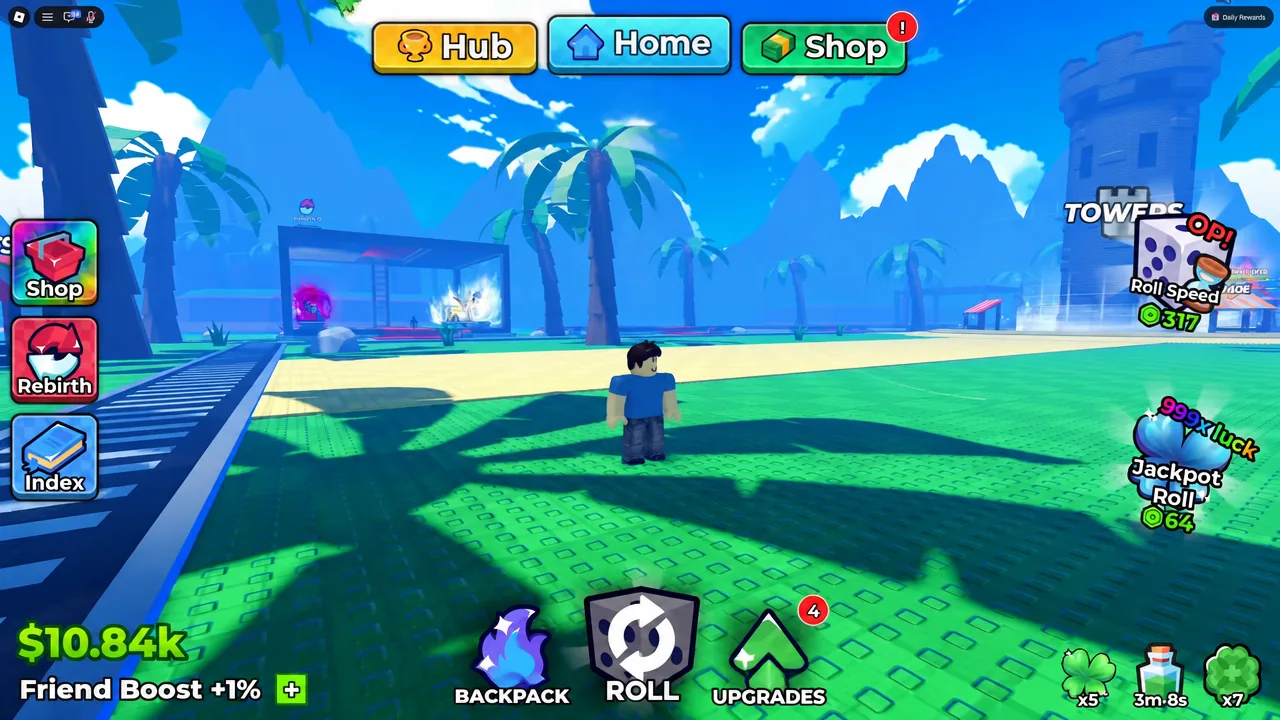
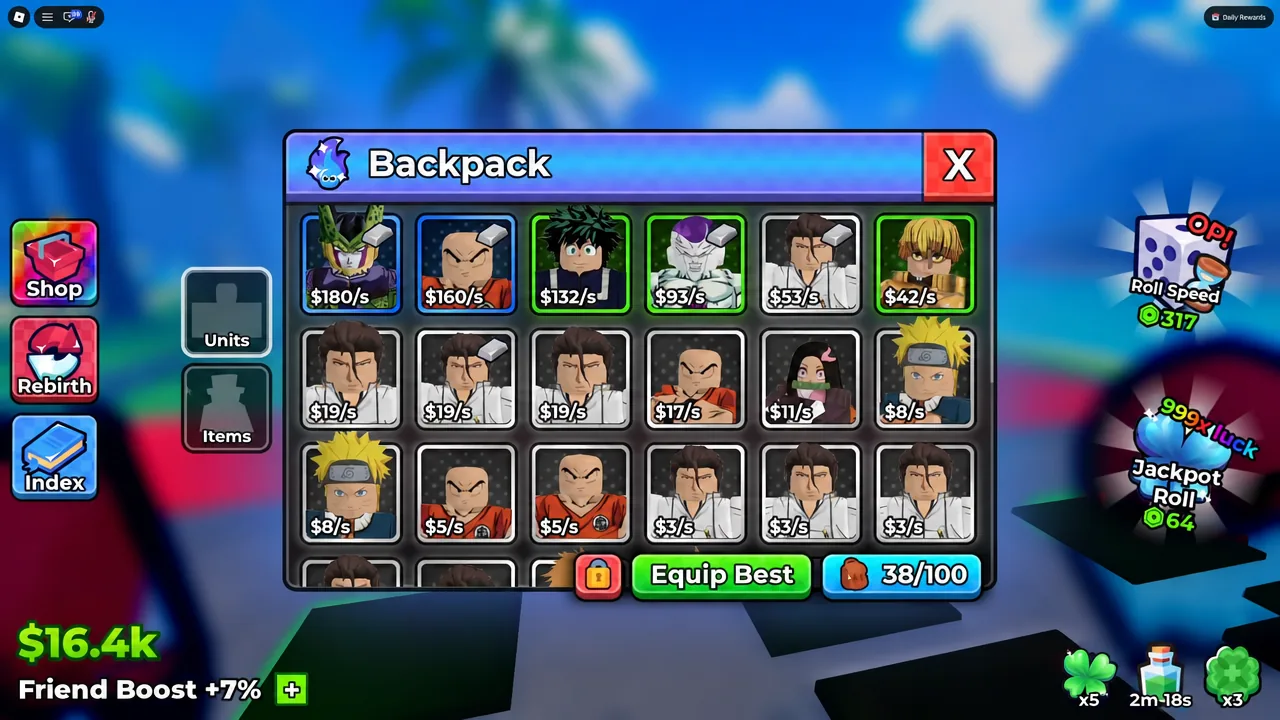
Your backpack fills quickly with duplicate commons. Walk to the stand labelled SELL UNITS in the main hub area and you get three options — sell a single unit, sell your whole inventory, or edit your auto sell settings so the junk clears itself in future.
Before you hit “I want to sell my inventory!”, confirm your strongest units are already placed on the plot. Anything still in the backpack goes with the sale, and losing a high-rarity pull to a careless bulk sell is painful. The Equip Best button in the Backpack menu is the fastest way to lock in your top team first.
Grades: the biggest single income multiplier
Grading is where a good unit becomes a great one. Walk to the GRADES stand, pick a character from your inventory, and spend gems to roll for a grade. The result is a flat multiplier on that unit’s income — an A+ grade, for example, multiplies earnings by 4.5x.
Because gems are limited, grade only units you intend to keep on the plot long term. Rolling grades on a common you will sell in ten minutes throws the currency away.
Traits and how the tiers rank
Traits are separate from grades and sit on the same unit as a stat multiplier. Each character can hold exactly one trait at a time, and rolling a new one at the Traits station overwrites whatever was there. Rolling requires a Trait Reroll, which you earn from tower challenges, daily rewards, and redemption rewards.
Thirteen traits exist. The top four are the only ones that buff all three stats at once, and each has under a 1% roll chance.
| Trait | Buff |
|---|---|
| Transcendent | 15x Income, Damage and Health |
| Monarch | 8x Income, Damage and Health |
| Shogun | 5x Income, Damage and Health |
| Samurai | 3x Income, Damage and Health |
| Money III / Damage III / Health III | 2x to that single stat |
| Money II / Damage II / Health II | 1.5x to that single stat |
| Money I / Damage I / Health I | 1.2x to that single stat |
Transcendent is the outright best roll available. Because a reroll destroys the current trait, never spend one on a common you are about to sell — bank rerolls until you have a high-rarity or mutated unit worth gambling on.
Running towers for gems and rerolls
Towers are the combat side of the game and the main way to farm the currencies that grading and traits consume. Head to the TOWERS portal in the hub and pick a floor set — Dragon Tower, Cursed Tower, and Pirate Tower are the options on offer.
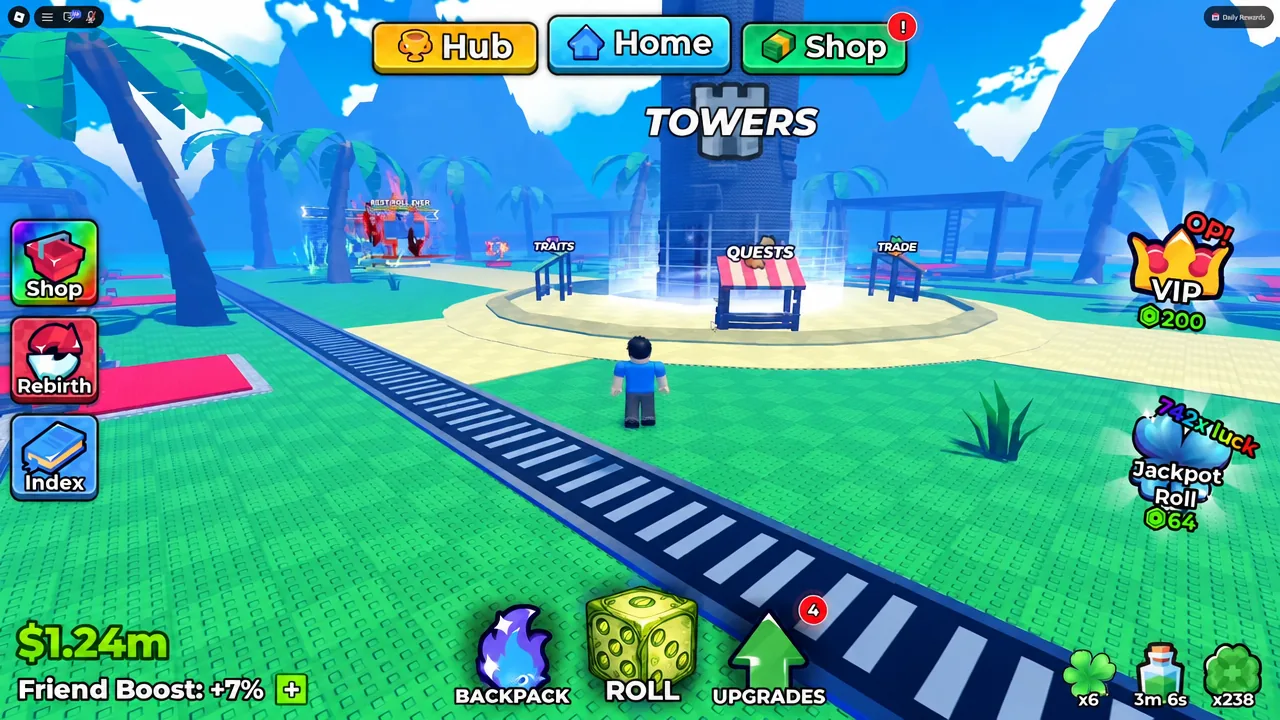
Treat towers as a side loop rather than your main activity. Farm your plot until upgrades start feeling expensive, take a tower run to test your team power, then push the rewards back into Money and Luck.
When to rebirth
Rebirth is the first real account milestone. Pressing the Rebirth button on the left-hand menu wipes your current cash balance and hands back permanent multipliers to Luck and cash generation. You will know it worked because the game confirms with a “Rebirth successful!” message on screen.
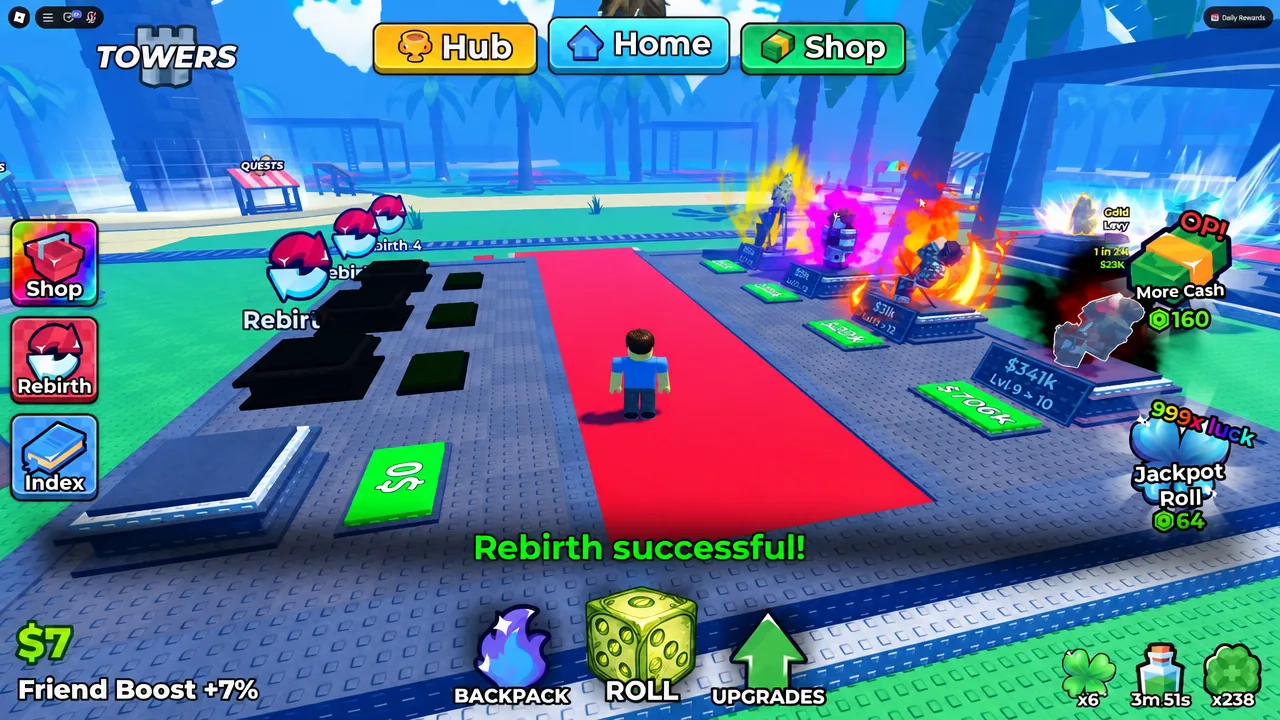
Time it so you are not sitting on a fortune when you press the button. Spend your balance on Money and Luck levels first, since those carry through the reset and make rebuilding much faster. The general signal to rebirth is when your plot is full of keepers and upgrade costs have outrun your income growth.
Codes
Free Lucky Spins, Trait Rerolls, and Gems are available to new accounts. Open the Shop button on the left of the screen, scroll to the bottom of the menu, type an entry exactly as written, and press Redeem. Entries are case-sensitive, and each one works once per account.

UPDATE420KCCU10KCCU5KCCU1KCCUUPDATE3UPDATE2UPDATE1RELEASE
The account that snowballs fastest is the one that never leaves a pedestal empty and never leaves cash idle. Get your plot filled, push Money and Luck until they feel expensive, spend gems only on units you plan to keep, and let offline earnings do the rest between sessions. You can launch Anime Dice on Roblox directly and start the loop from there.