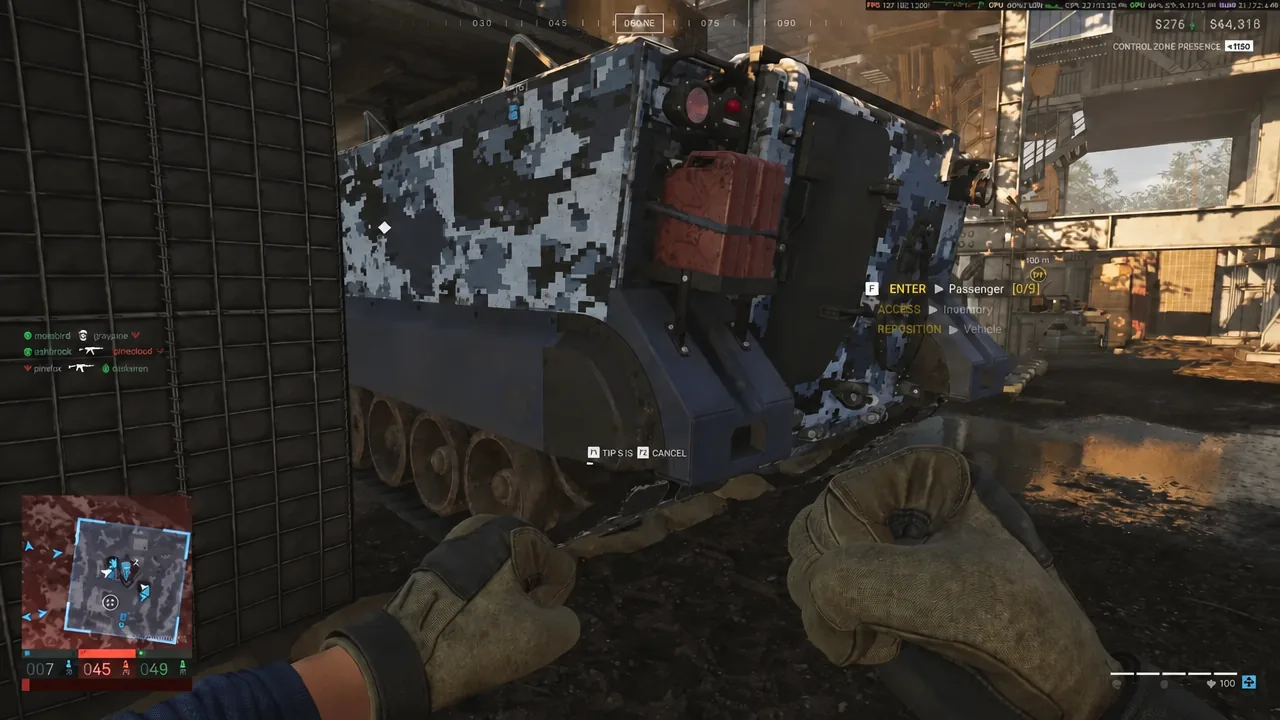
Headquarters in WARDOGS sits kilometers away from the fighting, and walking back after every death eats minutes of a match that can run over an hour. The Deployment Board at HQ is the shortcut. When your faction has an M113 APC SV parked near the Control Zone, the board lets you drop straight onto it instead of buying another vehicle or begging a pilot for a ride.
Quick answer: Open the Deployment Board at your HQ, select your team’s parked M113 APC SV on the map, press SPAWN, and wait out the 10-second countdown. Press F to exit the vehicle.
What has to be true before the teleport works
The Deployment Board is not a free teleport to anywhere on the map. It only sends you to an active spawn asset, and in the current build that asset is the M113 APC SV, an armored vehicle with a small radar dish on the roof. Everything below has to line up first.
- A team has reached 20 match points, which is when spawn vehicles appear back at headquarters. This usually happens a few minutes into a round.
- Someone on your faction has driven the M113 APC SV out of HQ and toward the Control Zone.
- The vehicle is stationary. A spawn vehicle that is still driving is not a valid deployment point.
- The radar on top is intact and the vehicle has not been destroyed or hacked by an enemy team.
- Your personal cooldown on that vehicle has expired. Each player can only use the same spawn asset once every several minutes.
- You have cash for the deployment, which costs a small amount compared to a vehicle purchase.
A Forward Operating Base is not a spawn point. FOBs handle supply, construction, and defenses. Forward deployment runs through the spawn vehicle only, so standing next to a friendly FOB on the deployment map does nothing for your respawn.
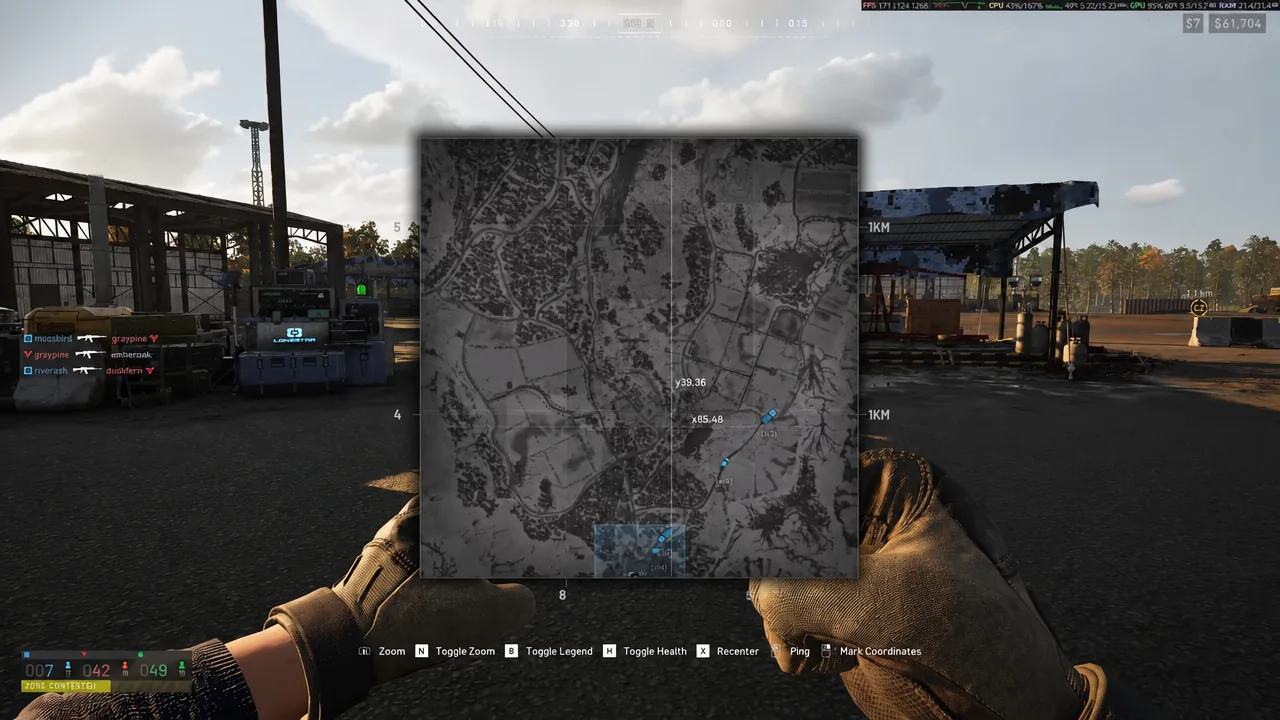
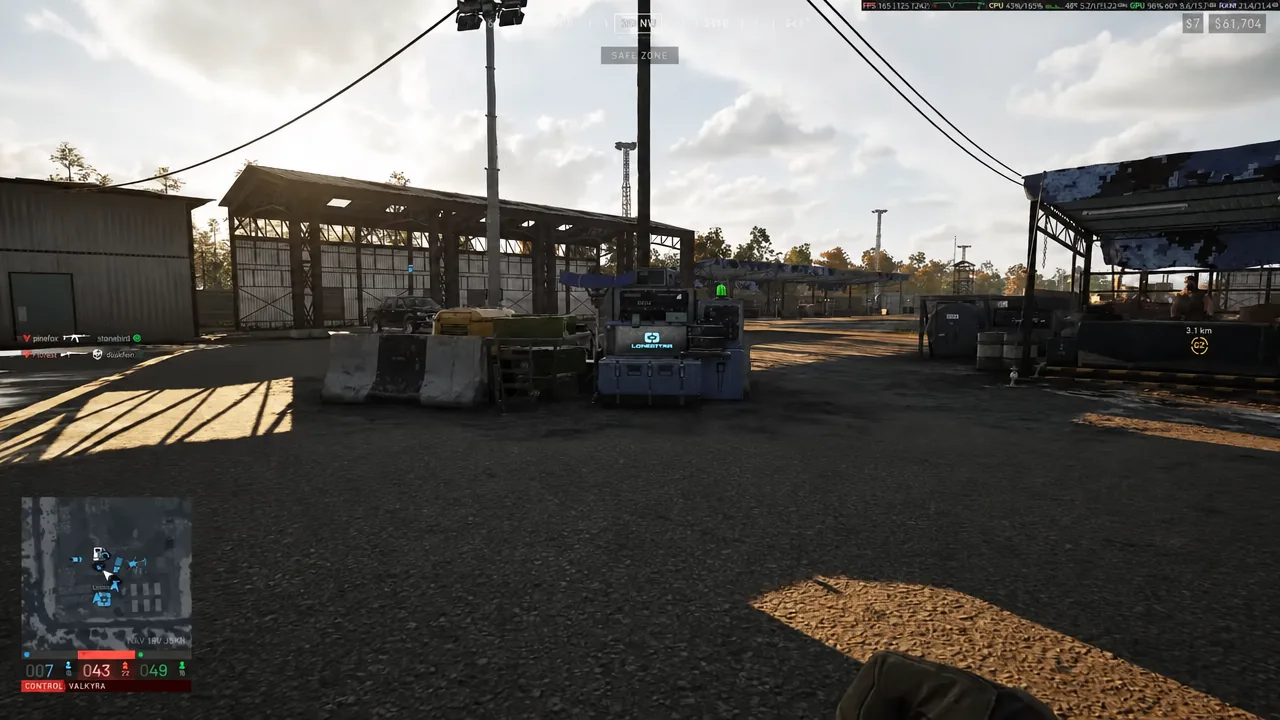
How to spawn at the frontline from the Deployment Board
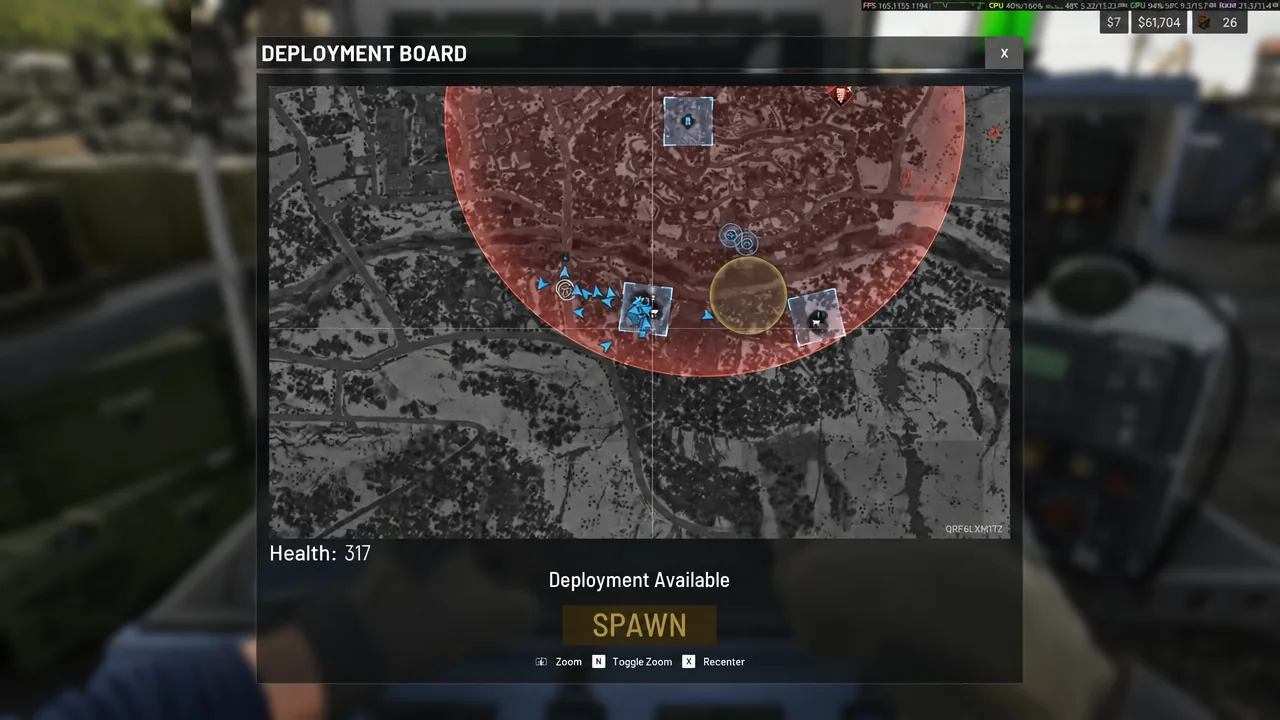
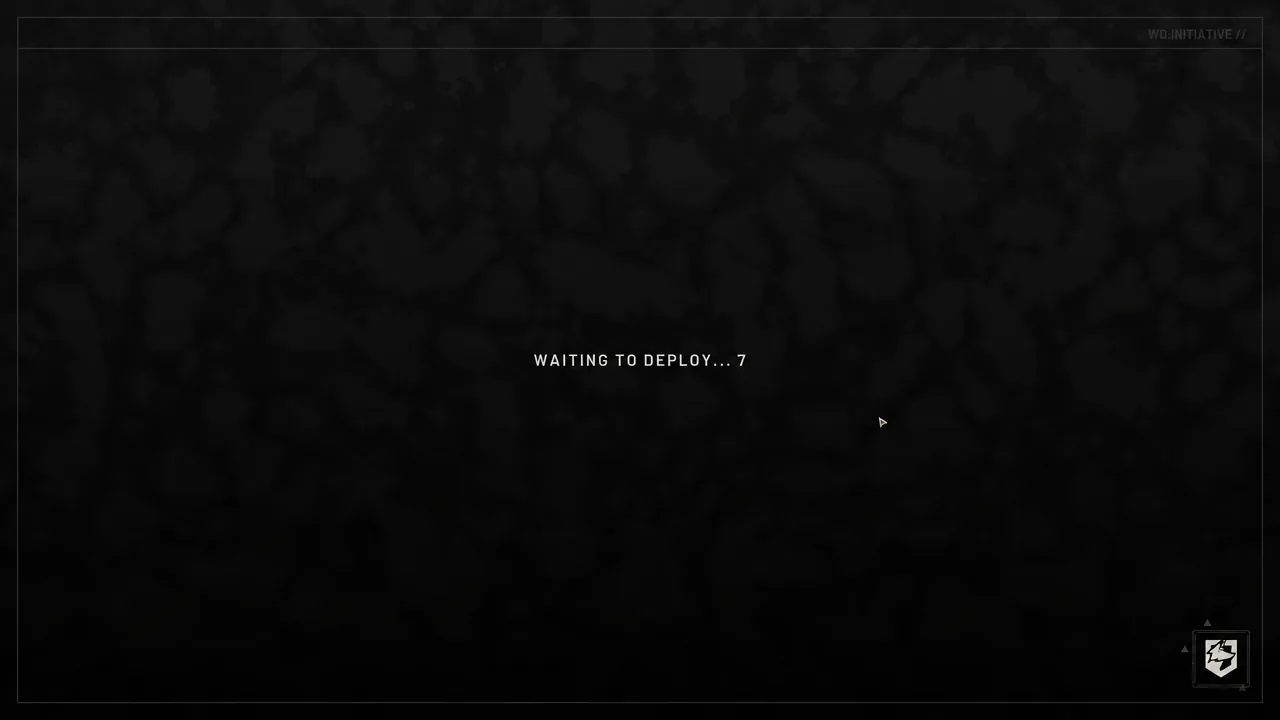
How to confirm the deployment worked
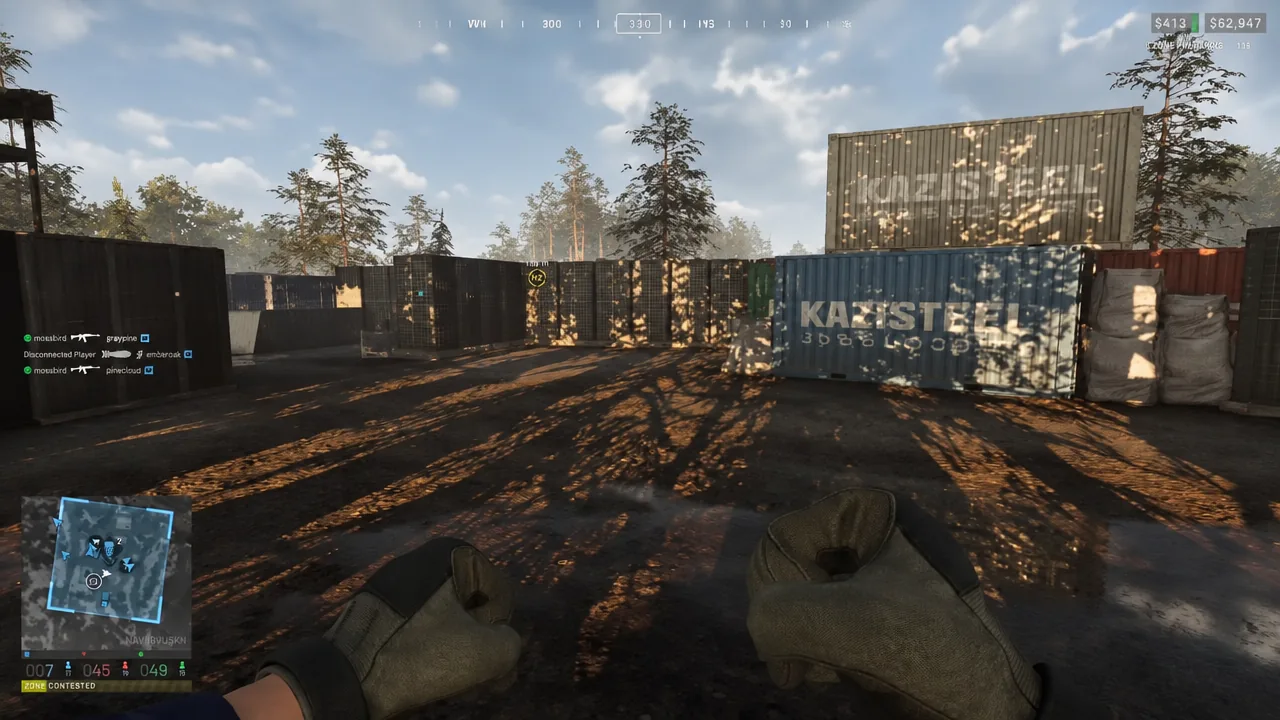
Two things tell you the teleport went through. The countdown screen is replaced by a first-person view from inside the APC, with the “F EXIT Vehicle” prompt and a passenger counter such as “ENTER [F] Passenger (0/8)” on screen. After you step out, your position marker on the map should now sit at or near the Control Zone rather than at HQ, with the objective marker close by.
Deployment Board locations on Bakurani and Ozeti
Each faction has its own board, and they are placed at the faction’s headquarters rather than inside the fighting. Here is where they sit on the two maps, along with the closest play area to each one.
| Map | Faction | Position | Nearest play area |
|---|---|---|---|
| Bakurani | Manticore | West of center | Default (2,713 m) |
| Bakurani | Manticore | West of center | Default (4,045 m) |
| Bakurani | Lonestar | North of center | Farmland (3,693 m) |
| Bakurani | Valkyra | East of center | Lumberyard (3,579 m) |
| Ozeti | Lonestar | North-west of center | Farmland (3,417 m) |
| Ozeti | Lonestar | North of center | River (2,283 m) |
| Ozeti | Manticore | South-west of center | Farmland (1,317 m) |
| Ozeti | Valkyra | North-east of center | Church (4,203 m) |
Every one of these boards sits outside the playable combat areas, which is exactly why the deployment shortcut matters. Even the closest board on Ozeti is more than a kilometer from the nearest play area, and most are three to four kilometers out.
Keeping the M113 APC SV alive (and getting paid to drive it)
The whole system depends on one fragile vehicle. The radar dish on the roof can be shot off by enemy players, which cuts the spawn function without destroying the APC itself, and the vehicle can be blown up outright. Once it is gone, your team is back to driving or flying from HQ until another one becomes available.
Park it behind cover with a clear route to the objective rather than directly on the capture point, and keep a couple of players watching it. Enemies can also interact with a spawn vehicle to hack it, turning your forward deployment into their advantage.
Driving the M113 APC SV from headquarters to the frontline pays the driver a substantial cash bonus, so volunteering for the run is one of the cheaper ways to top up your balance early in a match.
If nobody on your team has moved the APC out of HQ, the Deployment Board will have nothing useful to offer, and the fastest fix is to drive it yourself. One trip sets up forward spawns for the rest of your faction, pays for itself, and saves everyone the walk.