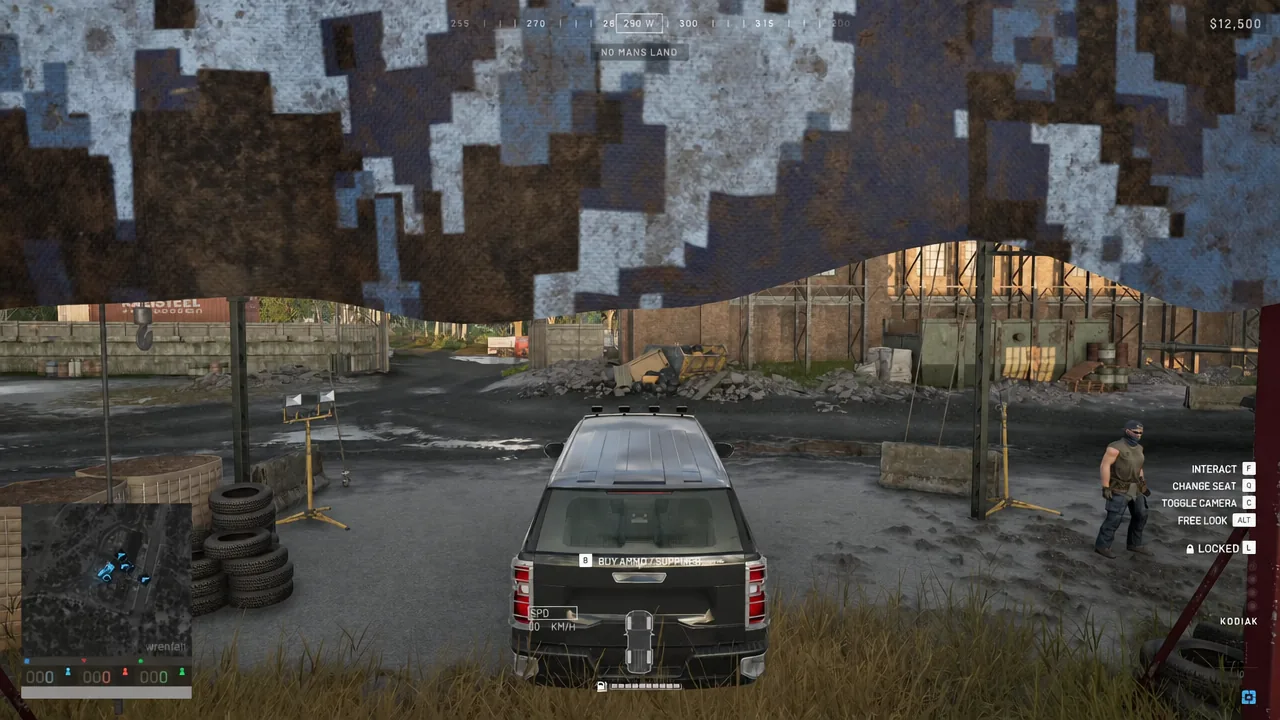
Fuel is a real constraint in Wardogs. A Kodiak [Pickup] carries a 50-litre tank and burns 2.9 litres per kilometre, so a transport run that looks short on the map can end with a dead hull in the open. Fuel Supplies are the fix, but they are not a pickup you find lying in a warehouse. You buy them, you haul them, and they only work in the right place.
Quick answer: Buy a vehicle with logistics slots from the Vehicle Vendor, press B inside it, fit a supply crate under Logistics → Crates, then buy Fuel Supplies under Utility → Building.
What Fuel Supplies do, and what they cost
Fuel Supplies are a logistics resource, not a tool. They cost $10, weigh 0.03 kg each, and come in batches of 50 per item. Their only job is refuelling vehicles, and the in-game text is blunt about the condition attached to that job: they require a FOB radius to use. Drop them in a field with no friendly base nearby and they do nothing at all.
They sit alongside three other supply resources that share the same price point and roughly the same weight, which is why logistics runs tend to carry all four rather than one.
| Supply | Cost | Weight | Job |
|---|---|---|---|
| Fuel Supplies | $10 | 0.03 kg | Refuel vehicles |
| Ammo Supplies | $10 | 0.03 kg | Reload buildable weapons |
| Mechanical Supplies | $10 | 0.03 kg | Repair vehicles |
| Build Supplies | $10 | 0.02 kg | Build all buildables |
Fuel, Ammo and Mechanical Supplies all need a FOB radius. Build Supplies are the exception, since they need a hammer instead — a Small Hammer costs $100 and handles small buildables only.
What you need before you can buy any
Fuel Supplies are sold through a vehicle’s own Garage Vendor menu, which means the purchase is gated behind owning the right vehicle and giving it somewhere to put the crate.
- A Vehicle Vendor, marked with its own icon on the map inside your faction’s safe zone.
- Cash for the vehicle itself, plus any one-time unlock fee for it.
- A vehicle that has logistics slots. Armoured combat vehicles do not.
- A supply crate equipped in a vehicle slot, since the resource fills crate slots.
- A friendly Forward Operating Base, priced at $7,500, if you want to actually use the fuel.
The SPH-2 artillery vehicle reports NO LOGISTICS SLOTS when you open its Garage Vendor menu. Buying a heavy armoured platform first is the most common way to waste money on this errand.
How to buy Fuel Supplies from the Garage Vendor
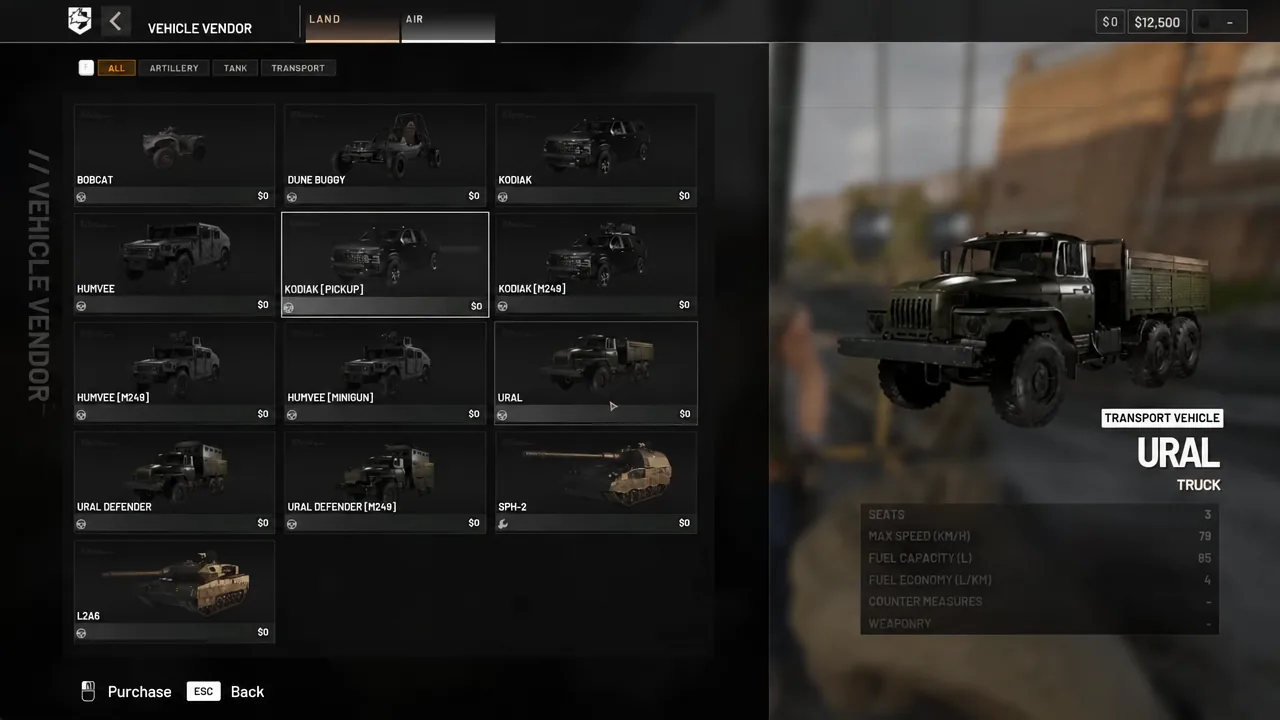
B to open the Garage Vendor. This is the in-vehicle buy menu for ammo and supplies, and it is the only route to the resource tabs.How to confirm it worked
The Fuel Supplies entry reads as a Logistics / Resource item at 0.03kg with 50 Per Item, and after purchase the crate slots in the vehicle show the filled stock rather than empty space. The item description on the card also spells out the rule you are buying into: refuel your vehicle adjacent to friendly built bases.
Vehicles that can carry supply crates
Most ground transport in Wardogs has room for logistics crates, which is why a taxi run and a resupply run are usually the same trip. The Kodiak and its variants, the Humvee and its variants, and the Ural and Ural Defender line all take crates. In the air, the Z20 Lakota is the one helicopter built for the job, since the MH-6, AH-6M, AH-6R and HAVOC have no crate space.
| Vehicle | Price | Fuel capacity | Unlock |
|---|---|---|---|
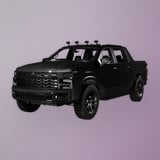 Kodiak [Pickup] Kodiak [Pickup] | $3,000 | 50 litres | Driver level 10, $35,000 |
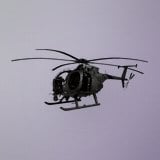 Z20 Lakota Z20 Lakota | $7,400 | 120 litres | Pilot level 10, $35,000 |
The Kodiak [Pickup] seats six, tops out at 154 km/h and burns 2.9 litres per kilometre. It is cheap enough to write off, though the enemy collects $500 for destroying one.
The Z20 Lakota is the air option, carrying 13 and moving at 445 km/h on a 120-litre tank with a 4.4 litre per kilometre burn. It is the fastest way to put crates somewhere a truck cannot reach, and the most expensive thing to lose doing it.
Using Fuel Supplies inside a FOB radius
A Forward Operating Base costs $7,500 and weighs 6.5 kg to carry. It creates the radius in which players can build, holds items and resources for others to use, and is required for larger structures. That radius is the switch that makes your fuel stock functional.
Drive the loaded vehicle to the base and park inside the build area, then press G to deploy a supply crate without leaving your seat. Drivers can then draw from the pile to refuel. A base with structures but no fuel stock is just a parking area for hulls that cannot leave.
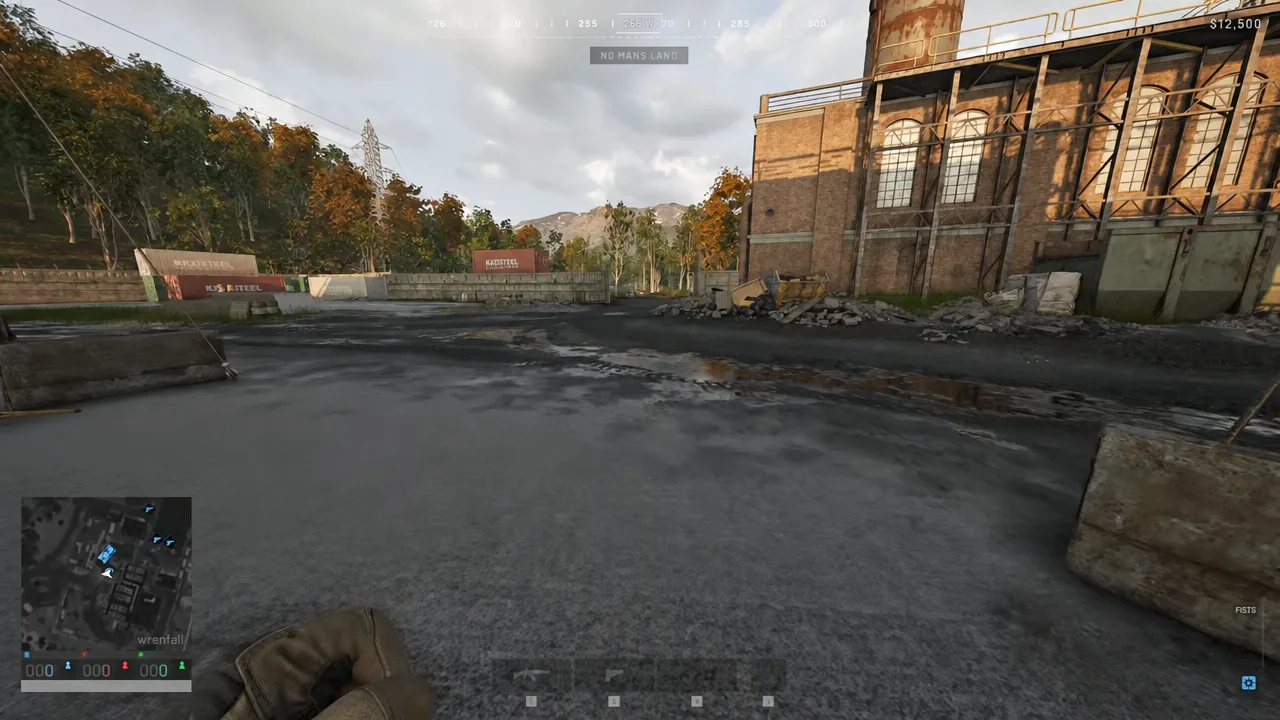
Keep the unload spot clear of the lane trucks use to enter and leave. A crate dropped in the gateway blocks the next delivery.
Fuel Supplies vs the Fuel Can
There is a second way to put fuel in a tank, and it solves the opposite problem. The Fuel Can is a portable container that pours manually into a vehicle, has limited capacity, and refills at Faction Deployment Zones. It takes the specialist slot, so it competes with wrenches, drills and the larger hammers for the same space.
| Item | Cost | Weight | Where it works |
|---|---|---|---|
| Fuel Supplies | $10 | 0.03 kg | Inside a FOB radius |
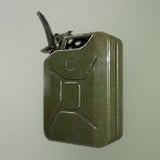 Fuel Can Fuel Can | $150 | 5 kg | Manual pour, refill at DZ |
The split is simple. If your team already holds a base and has a truck moving, the crate is the cheaper and lighter answer by a wide margin. If you are riding far from any friendly construction and one hull has to stay alive, the can is the only option that travels with you.
Either way, the purchase itself takes under a minute once you know the menu path. The part that actually decides whether the fuel gets used is where your team puts the FOB, and whether anyone remembers to fill the crate before driving out.