Nothing in WARDOGS punishes a bad assumption faster than stepping out of a helicopter door. Soldiers do not carry a parachute by default, the deploy input is manual, and a keybind quirk can quietly strip the deploy key from your controls without telling you. Get all three right and a jump is routine. Get one wrong and you pay for the kit, the loadout, and the walk back.
Quick answer: Equip a parachute in your Traversal slot before boarding, jump, then press Space to deploy before the altitude marker drops past the red line. Press C just above the ground to cut.
Buy a parachute first: it lives in the Traversal slot
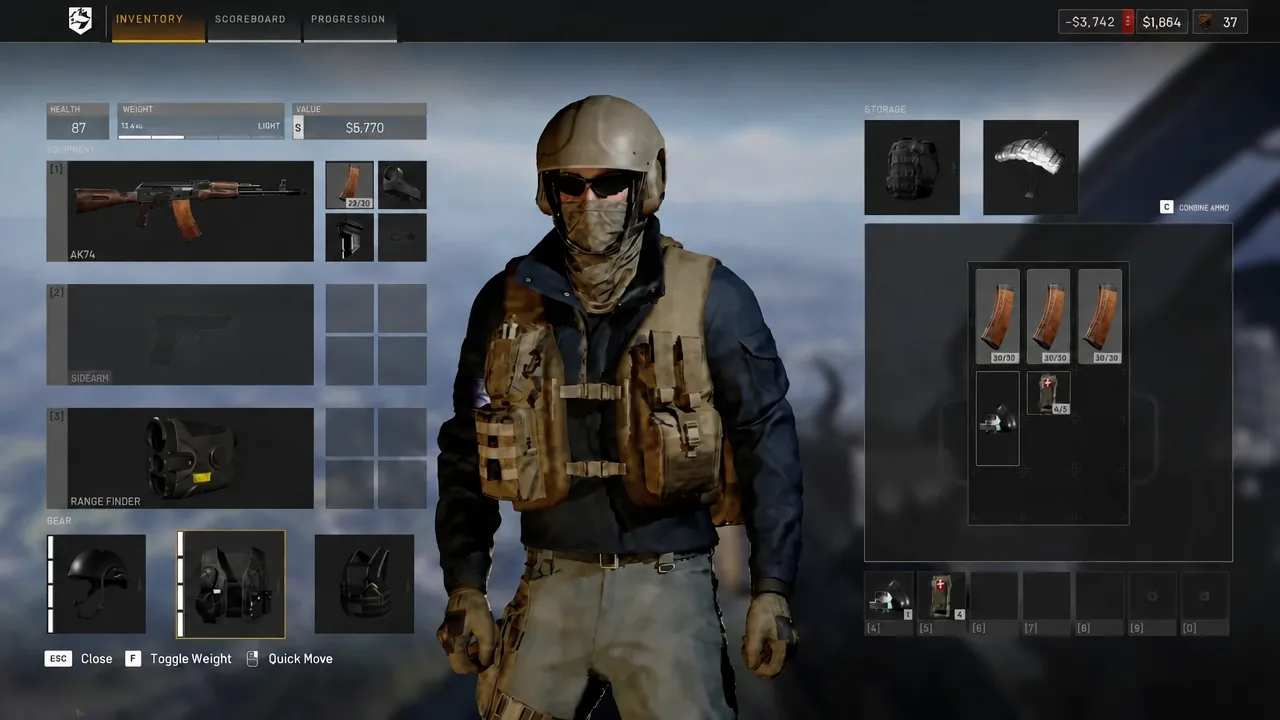
Parachutes are purchased gear, bought from the Equipment Vendor like any other item, and they occupy your Traversal slot. If that slot is empty when you jump, there is no prompt, no canopy, and no survivable landing. Buy one before you walk to the helipad, not after the rotors are spinning.
Open your inventory before the flight and confirm the parachute is actually equipped rather than sitting in storage. The item card lists its weight and its three defining traits, which are worth reading once so you know what the canopy will and will not do for you.
Basic Parachute vs Sport Parachute: price, weight, and steering
There are two parachutes, and the only difference that changes how you play is steering.
| Parachute | Price | Weight | Steering |
|---|---|---|---|
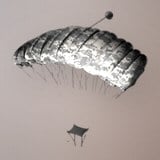 Basic Parachute Basic Parachute | $100 | 2.5 kg | No control |
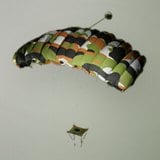 Sport Parachute Sport Parachute | $1,000 | 9.0 kg | Full control |
Basic Parachute
At $100, this is the one you keep in the kit permanently. It is single use, must be manually deployed, and cannot be controlled, which in practice means you drop almost straight down from wherever you opened it. Your landing spot is decided at the moment you press deploy, so pick your exit point over the helicopter’s flight path rather than expecting to glide somewhere better.
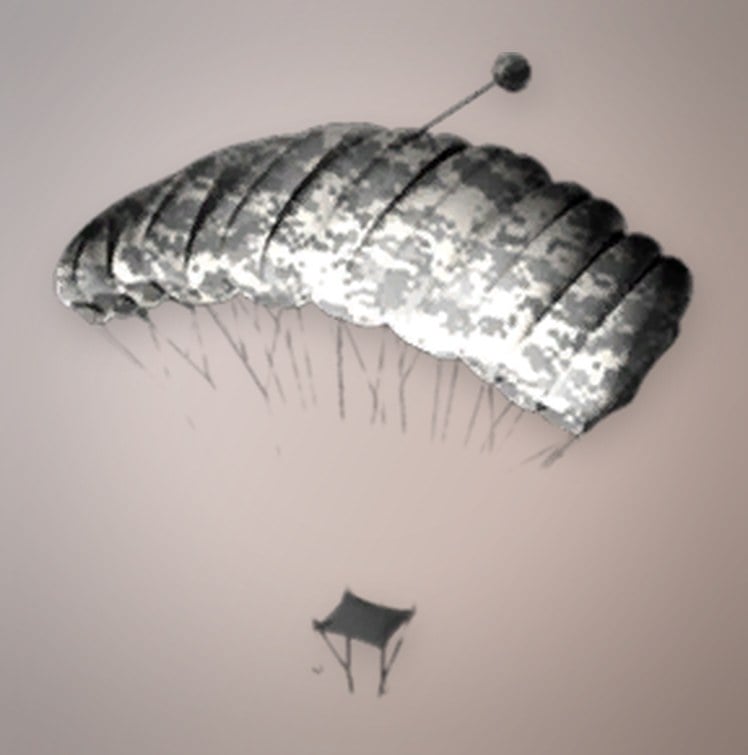
Sport Parachute
The Sport Parachute costs $1,000 per unit and weighs 9.0 kg, which is a real hit to your carry weight. It is also gated: you need Wardog level 35 and a one-time unlock fee of $25,000 before you can buy it at all. In exchange you can steer your descent, pick a roof or a treeline instead of whatever ground happens to be underneath you, and drift away from the angle a machine gunner is watching.
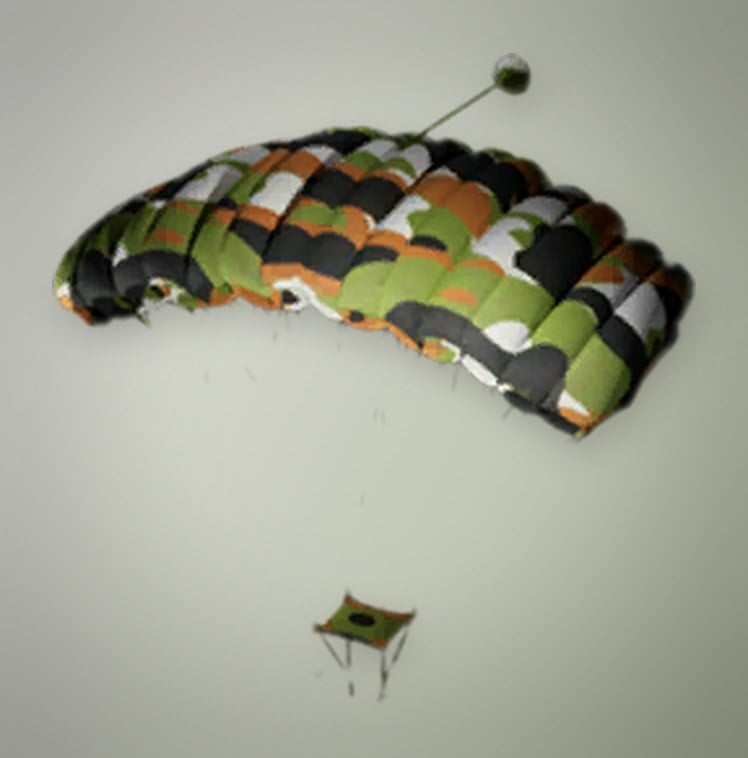
Both parachutes are single use. Every jump burns the item, so the running cost of riding helicopters is a line in your budget, not a one-off purchase.
How to parachute out of a helicopter in WARDOGS
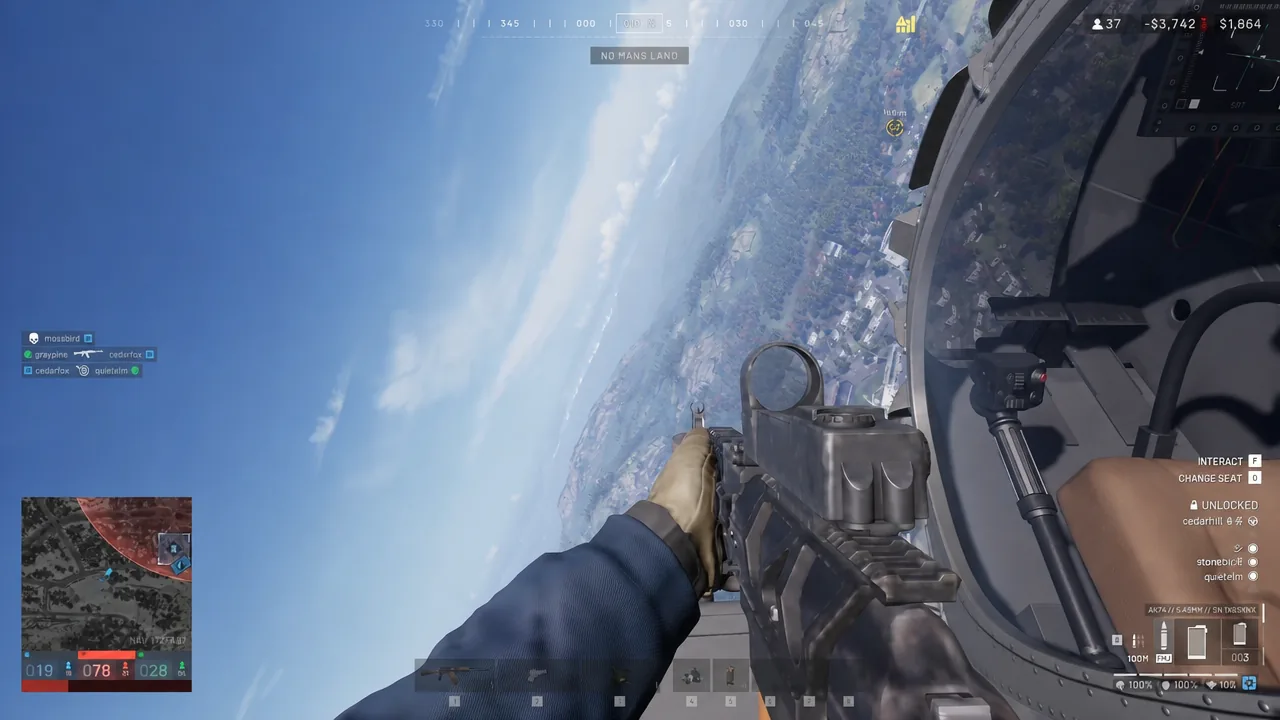
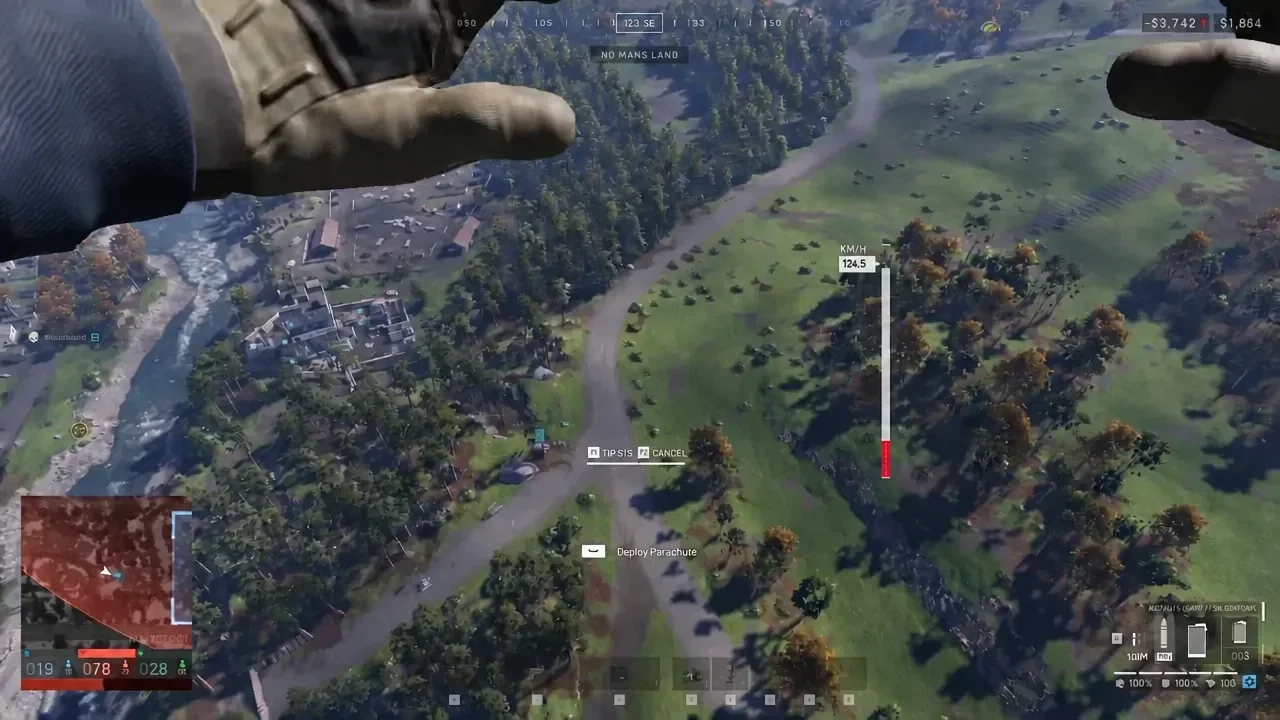
The deploy input is contextual. If no prompt appears while you are standing on a rooftop or sitting inside the helicopter, that is normal, not a broken control. Jump, start falling, then press Space.
Cut the parachute before you touch down
Floating gently to the ground is the part that gets people killed. A player hanging under an open canopy is slow, predictable, and extremely easy to shoot, especially with a Basic Parachute that cannot dodge. The fix is the Cut Parachute [C] input.
Press C shortly before you reach the ground to cut the lines and drop the last stretch quickly. Timed properly, you land safely and can draw your weapon straight away instead of drifting in the open for several more seconds. Cut too early and you are back to freefall speed with nothing left to open, so keep it to the final moments of the descent.
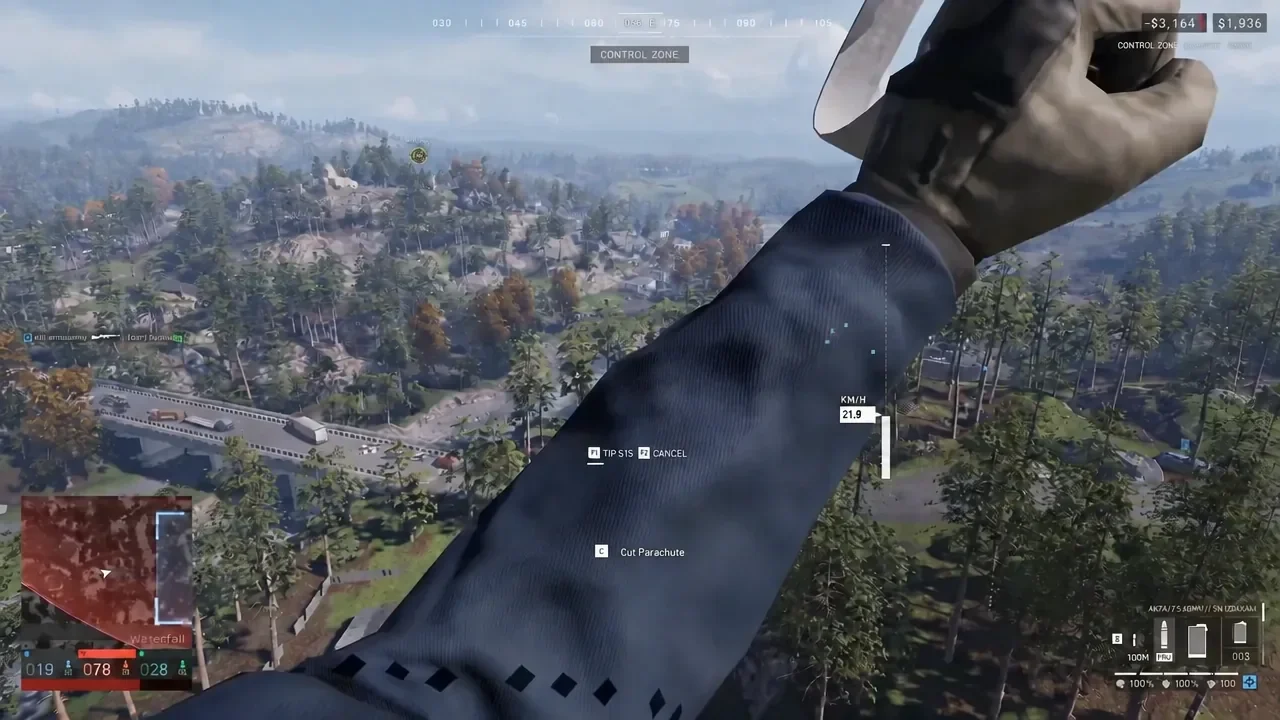
Aim for cover rather than the middle of the Control Zone. Landing next to a wall, a building edge, or a treeline gives you somewhere to be in the first two seconds after your boots hit dirt.
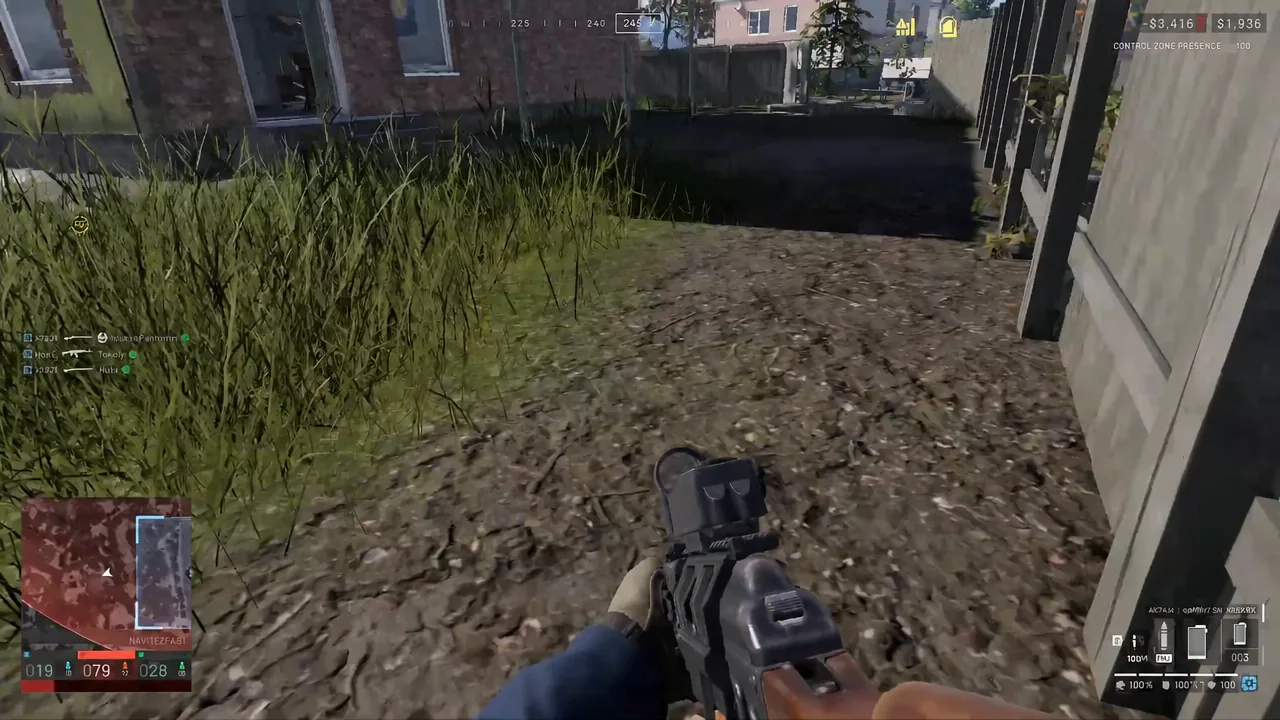
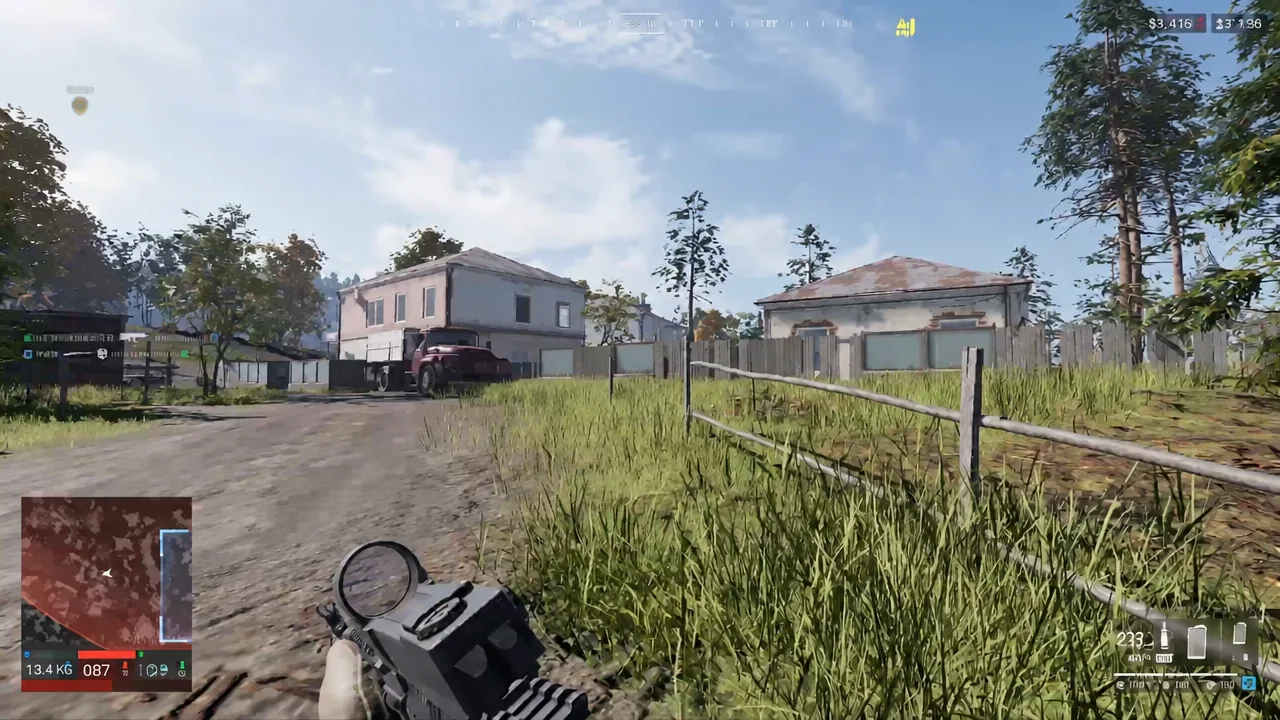
Once you are down, do not stand around watching the helicopter leave. Move a few steps into cover, check your spacing against the rest of the squad, and tell the pilot whether the approach route is still usable. A clean landing only solves the first half of the problem.
Deploy Parachute does nothing: fix the unbound Space keybind
If a parachute is equipped, you are in freefall, and Space still does nothing, you are almost certainly hitting the keybind bug. Space is the default Deploy Parachute key, but it is also the key many pilots rebind to helicopter collective up because it feels natural for climbing. Making that change can strip Space from Deploy Parachute and leave the action showing as unbound, with no reliable way to restore it through the in-game controls menu.
The workaround is a manual edit to the config file on Windows.
%LOCALAPPDATA%\Wardogs\Saved\Config\WindowsClientGameUserSettings.ini in Notepad and search for Input.NamedActions.Player.DeployParachute. It usually sits towards the bottom of the file. If its PrimaryKey is empty, the entry looks like this:((TagName="Input.NamedActions.Player.DeployParachute"), (PrimaryKey=(bIsCustom=True)))((TagName="Input.NamedActions.Player.DeployParachute"), (PrimaryKey=(Key=SpaceBar,bIsCustom=True))There is also a community workaround that deletes the empty DeployParachute override entirely so the game falls back to its default binding. Restoring Space directly is the simpler fix, so try that first.
How to confirm the parachute is working
You know the binding is restored when the Deploy Parachute [Space] prompt appears on screen once you are actually falling, and pressing Space opens the canopy with your descent speed dropping on the right-hand gauge. The Cut Parachute [C] prompt should replace it while the canopy is open.
Test it from a safe drop before you trust it over a contested Control Zone. A jump from a height that gives you a second or two of freefall is enough to see the prompt and confirm the input registers, and it costs you one cheap parachute instead of an entire loadout.
A fix for the unbound control was intended to land alongside the early access launch on September 10, and players continued reporting the issue afterwards. Until it is gone for good, the safest habit is simple: check the Deploy Parachute binding any time you touch your helicopter controls, and keep a $100 canopy in the Traversal slot before you take a seat on anything that flies.