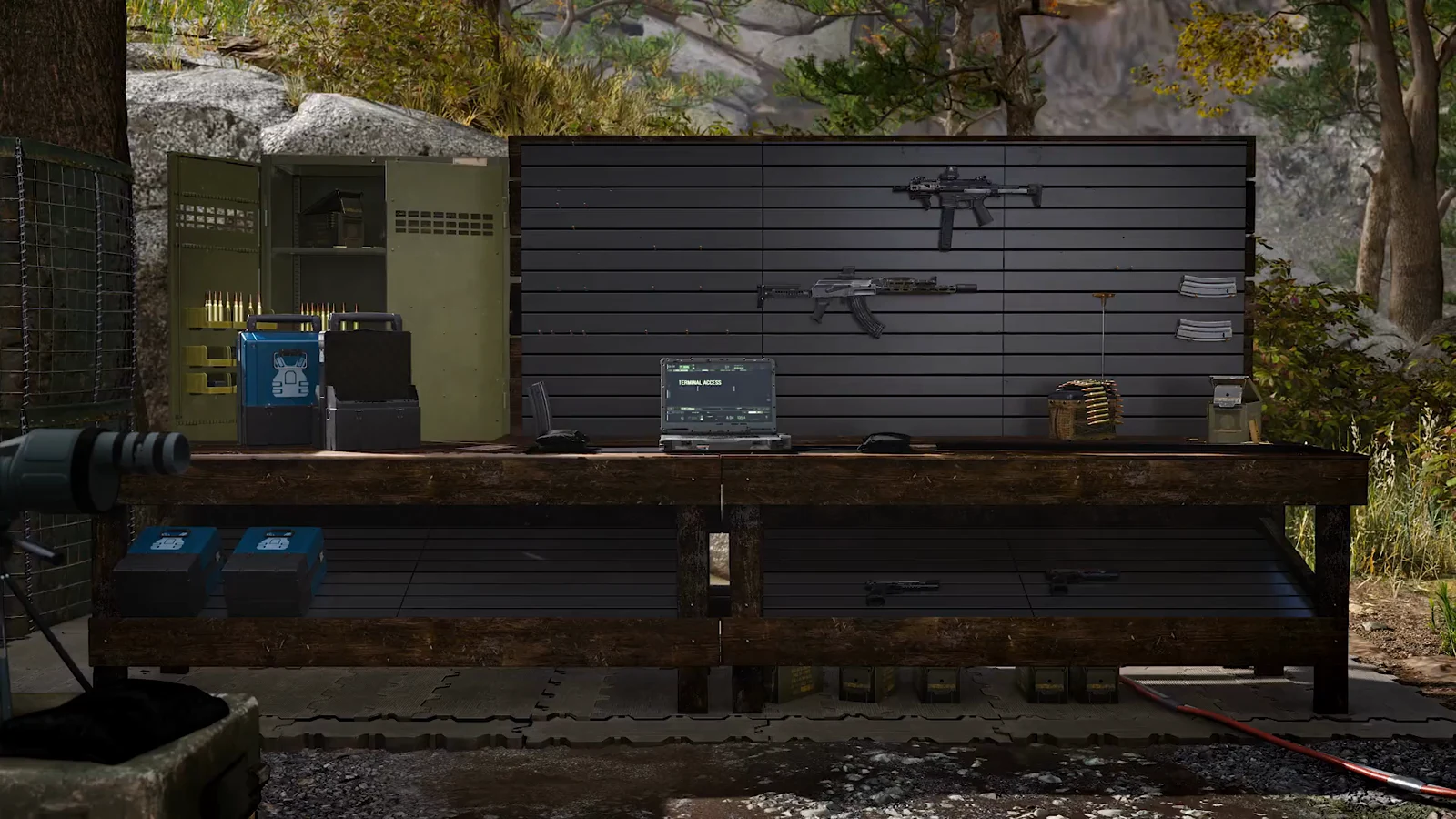
Your starting pack in Call of Duty: Modern Warfare 4 DMZ fills up fast. The Large Backpack has much more room, and it also gives you two slots that protect loot when an exfil goes wrong. You can buy one at your FOB once the Vendor opens, as long as it is in the current stock.
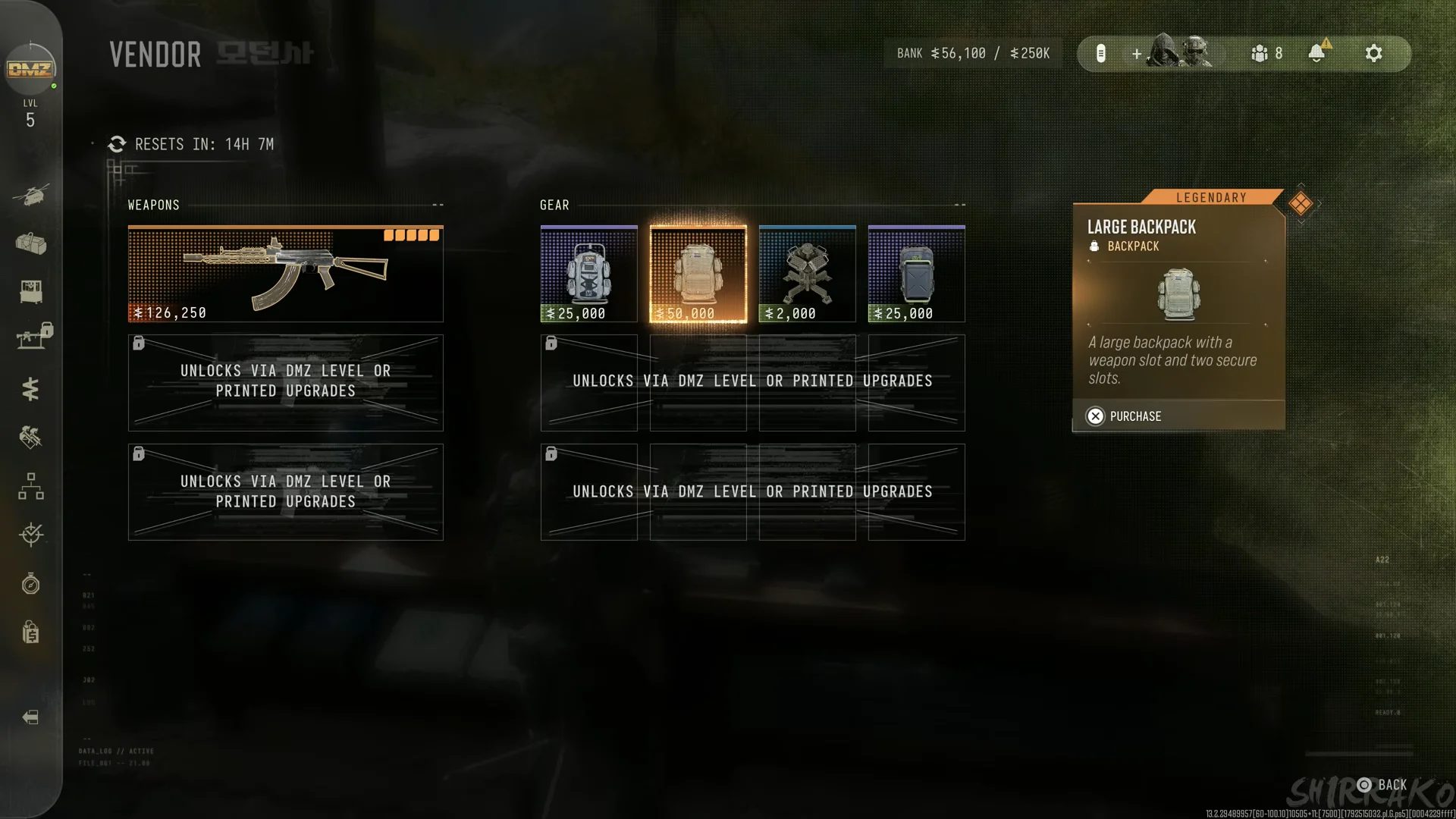
Quick answer: Open the VENDOR at your FOB. In the GEAR column, buy the LARGE BACKPACK for $50,000. Then equip it from STASH/LOADOUT. If it is not listed, wait for the RESETS IN timer to finish.
The backpacks below are the ones that show up at the Vendor and in survival kits during early access. Vendor stock rotates, so this is not a complete list of every backpack in the game.
Large Backpack stats and Vendor price
The Large Backpack is a Legendary item. Its in-game description reads “A large backpack with a weapon slot and two secure slots.” The real upgrade is space. With it equipped, the backpack panel shows MAX 200, compared with MAX 50 for the basic pack.
| Detail | Large Backpack |
|---|---|
| Rarity | Legendary |
| Vendor price | $50,000 |
| Sell value | $5000 |
| Capacity | MAX 200 (basic pack: MAX 50) |
| Extra slots | One weapon slot, two secure slots |
The Vendor becomes available early in DMZ progression: when you reach DMZ level 5, a “Vendor Unlocked” banner appears at the FOB.
How to buy the Large Backpack from the Vendor
Large Backpack secure slots and going Missing In Action
The two SECURE SLOTS matter most when a deployment goes wrong. If your squad doesn’t exfil, your operator becomes Missing In Action, and only items in secure slots come back. In the backpack panel, the Large Backpack’s two SECURE SLOTS appear below the main grid.
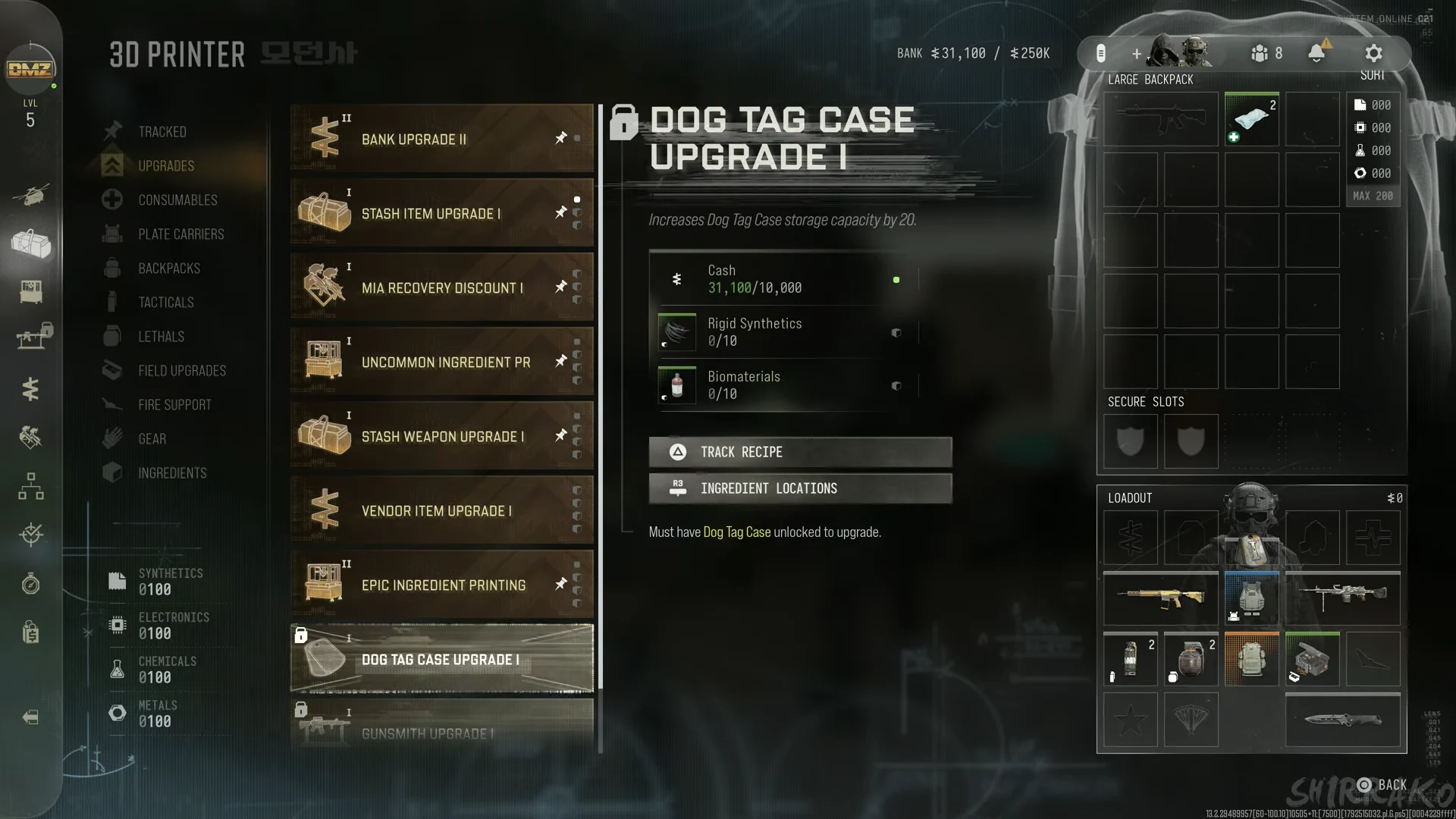
Put your most valuable find in a secure slot immediately after picking it up, before anything can go wrong.
Other backpacks at the Vendor
The Vendor rotation that included the Large Backpack also offered two Epic backpacks at half the price. The same reset also listed a KASTOV 762 assault rifle (LEGENDARY, $126,250) under WEAPONS and a $2,000 gear item.
| Backpack | Rarity | Price | Description |
|---|---|---|---|
| Large Backpack | Legendary | $50,000 | Weapon slot, two secure slots |
| Medium Scavenger Backpack | Epic | $25,000 | Two secure slots, more resource capacity |
| Small Secure Backpack | Epic | $25,000 | Three secure slots |
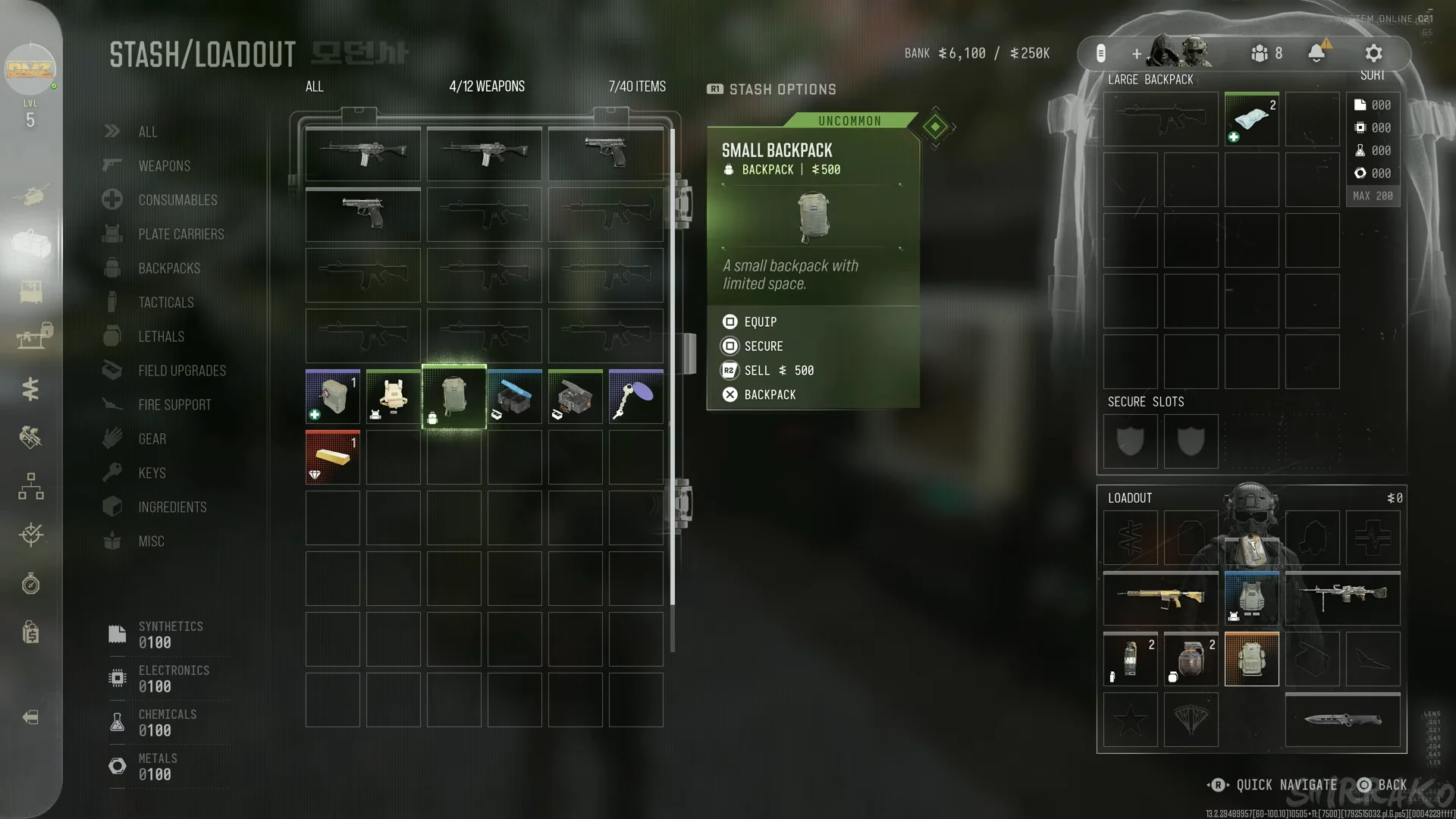
The descriptions are brief. For the Medium Scavenger Backpack, the text reads “A medium backpack with two secure slots and increased resource capacity.” The Small Secure Backpack’s description is “A small backpack with three secure slots.”
Pick the one that matches what you need. The Large Backpack gives you the most room plus a weapon slot. The Small Secure Backpack has the most secure slots. The Medium Scavenger Backpack holds more crafting resources.
Backpacks from survival kits and the 3D Printer
Backpacks are available through another route besides the Vendor. At the FOB, claim the BASIC RESTOCK KIT, an Uncommon survival kit, from the SURVIVAL KITS station. It adds two Medium Backpacks, an Armor Box, and an Ammo Box to your stash. You can also earn a Basic Restock Kit as a chapter reward in the CH. UNDERGROUND orders chapter. The FOB’s 3D PRINTER includes BACKPACKS in its left column.