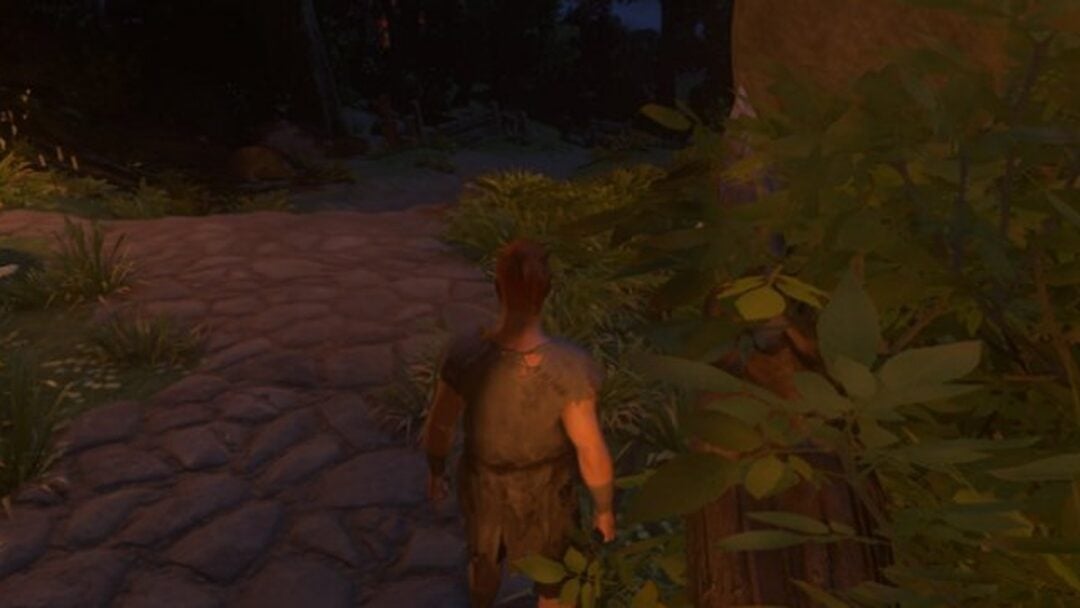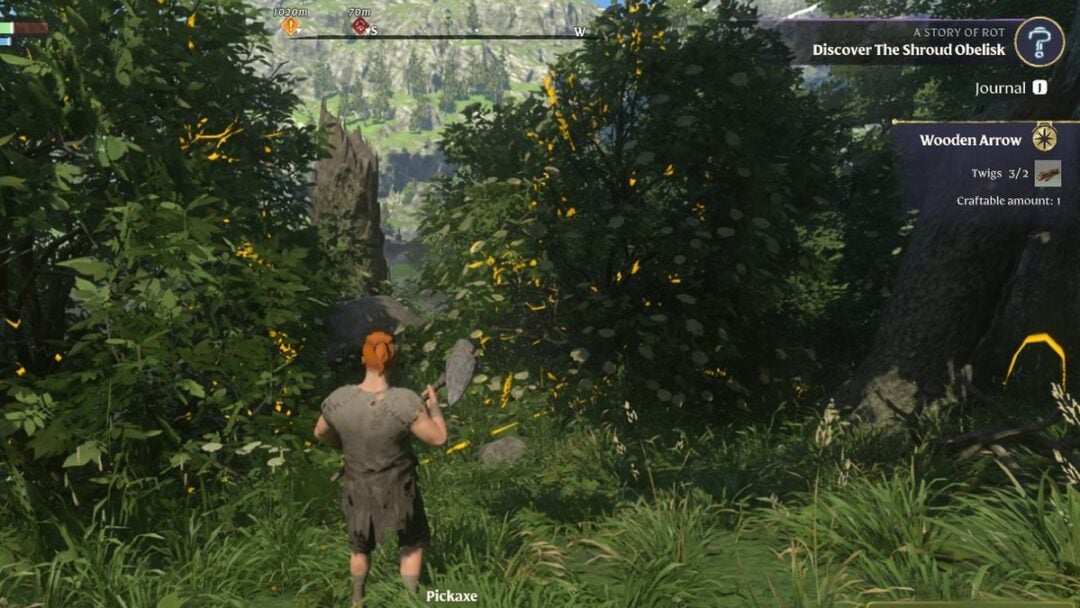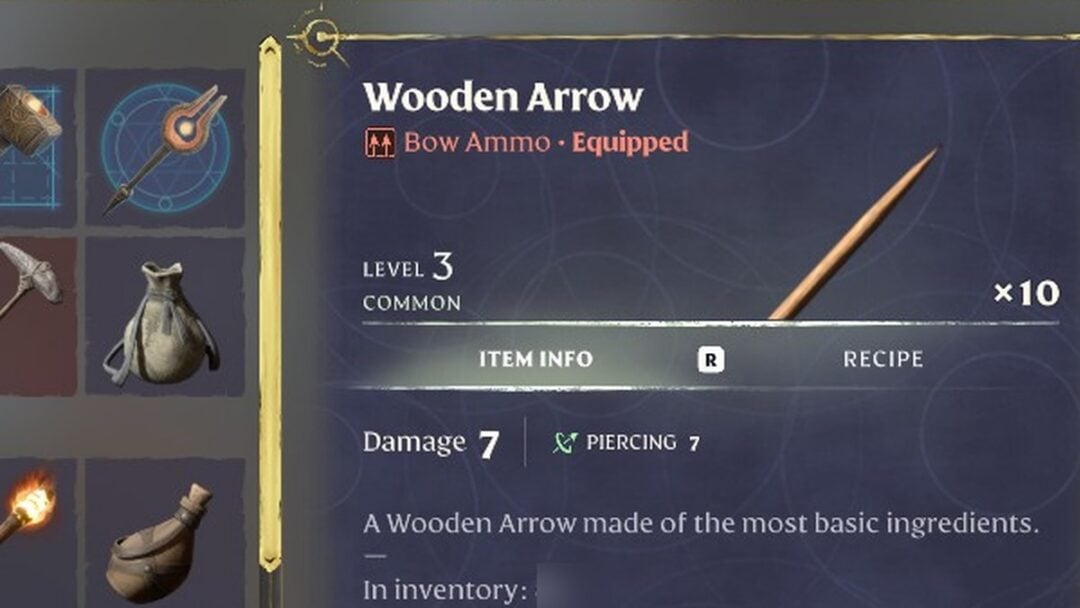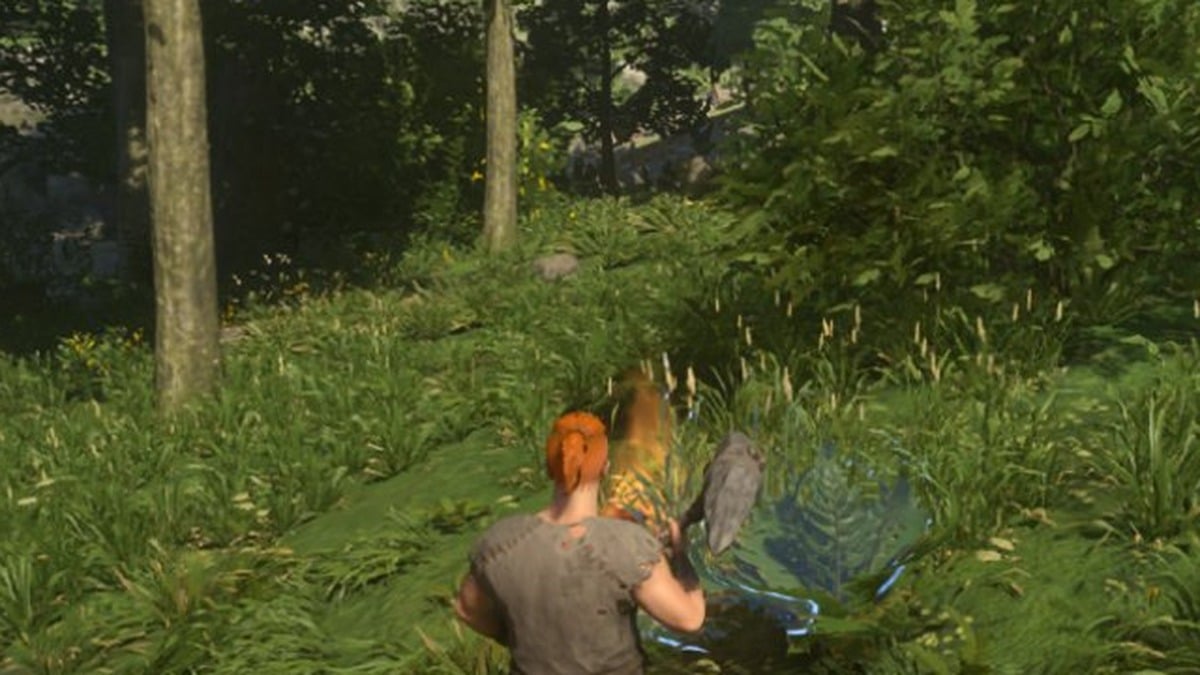
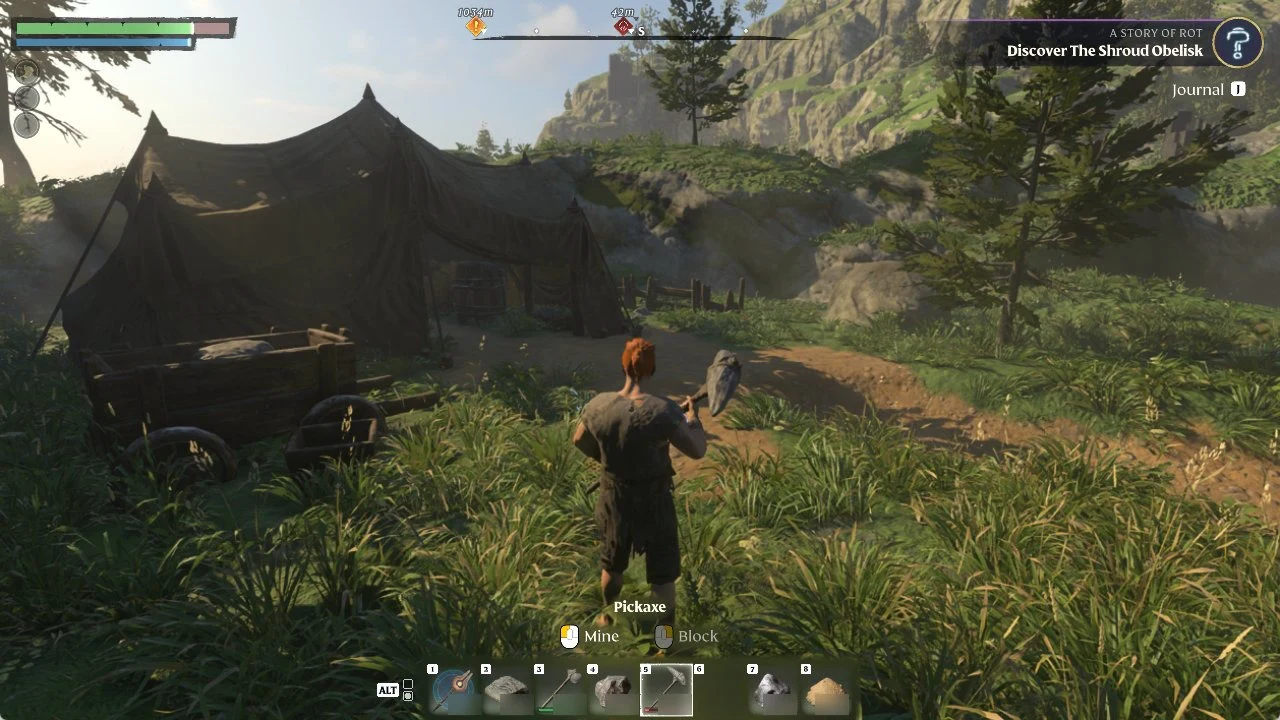
Press Z to switch to first person in Enshrouded. It only works inside a Flame protected area, the building area around a Flame Altar. The mode turns itself off as soon as you step outside that area.
Quick answer: Stand inside your Flame Altar’s area and press Z. Press Z again to return to third person. Outside the area, Z does nothing.
First Person Mode controls in the Flame protected area
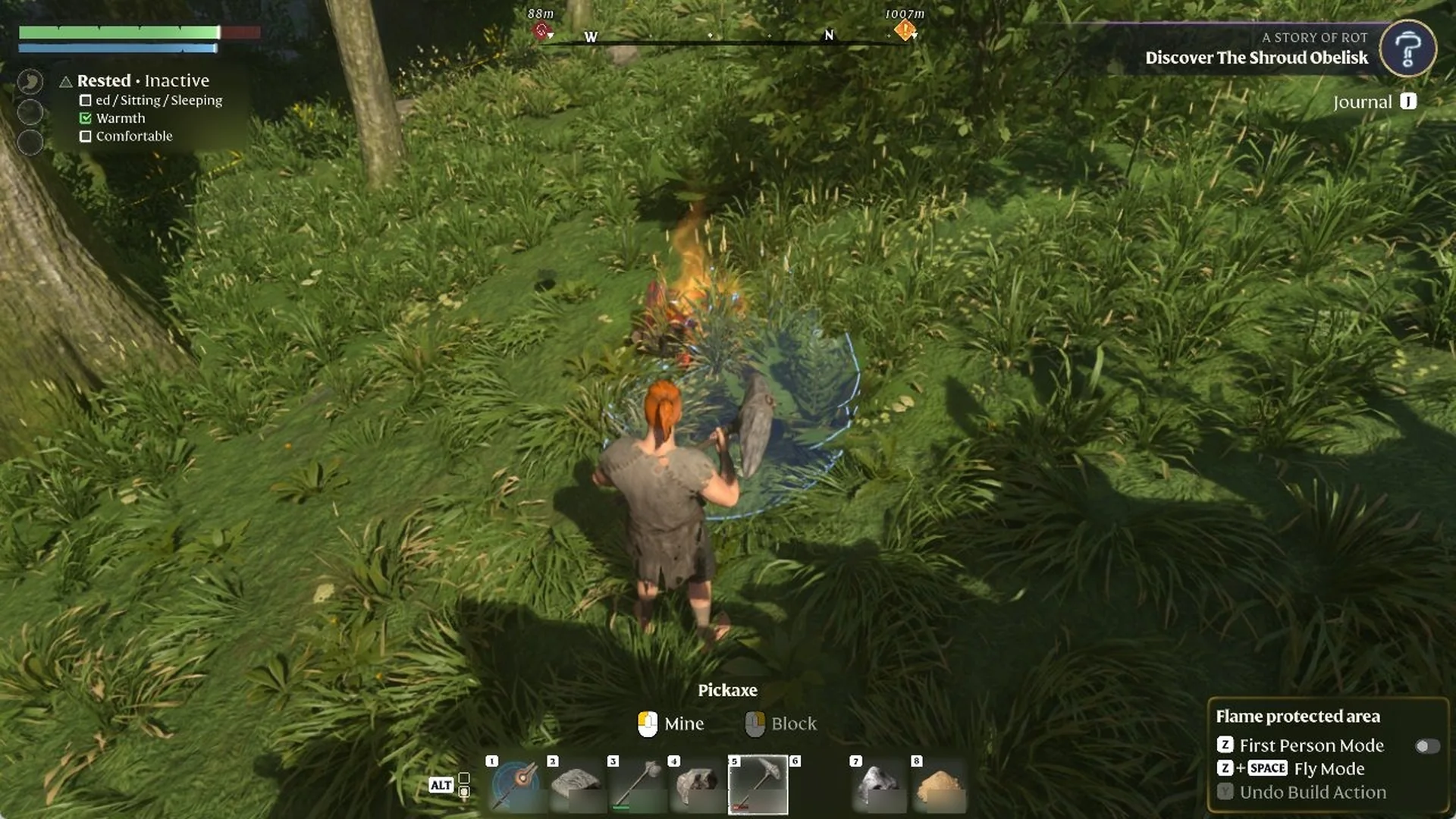
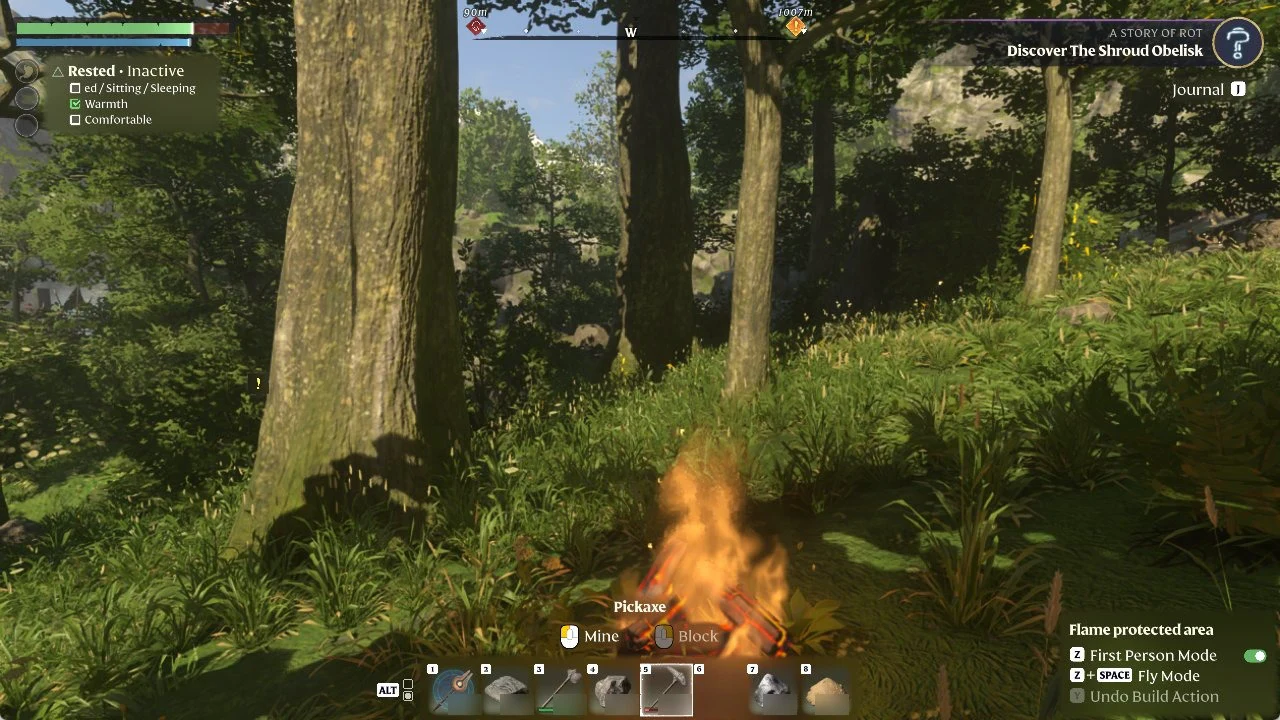
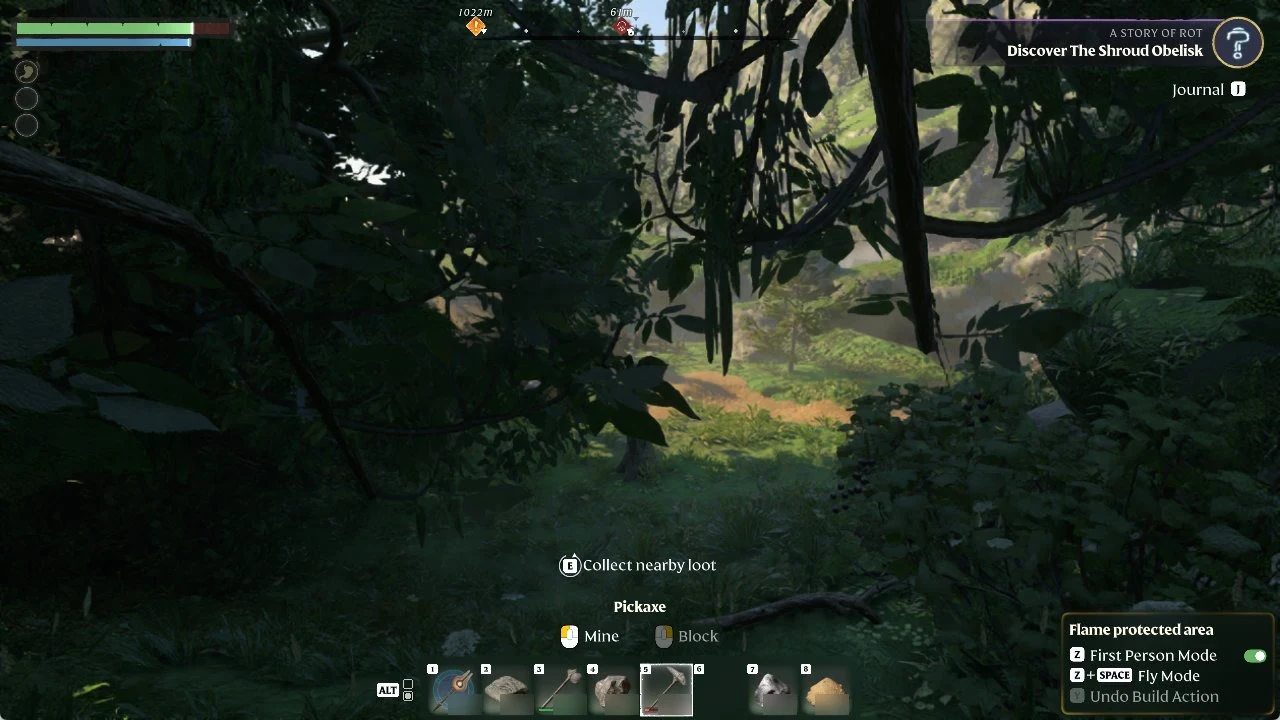
When you are inside a Flame Altar’s area, a box appears in the bottom right of the HUD under the label “Flame protected area”. It lists three controls:
- “Z First Person Mode”, with an on/off toggle beside it
- “Z + SPACE Fly Mode”
- “Y Undo Build Action”, shown greyed out
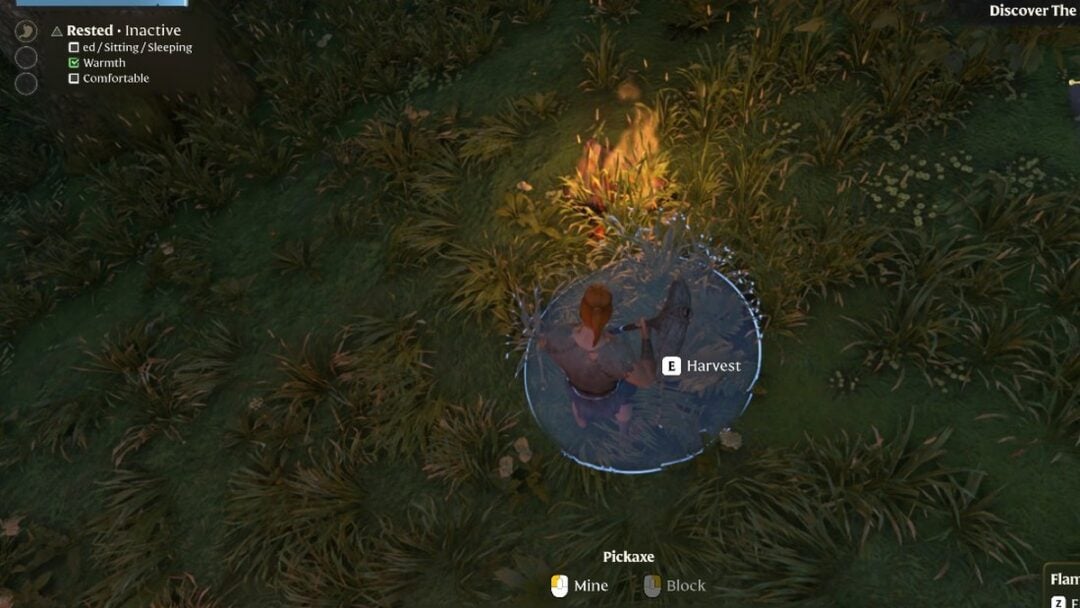
You don’t need the building tool out to use it. The box shows up and Z switches the camera even with the Pickaxe in your hands, when the hint at the bottom of the screen reads “Pickaxe” with “Mine” and “Block”.
How to turn on first person in Enshrouded
Z + SPACE Fly Mode
The same HUD box lists “Z + SPACE Fly Mode”. That control isn’t part of First Person Mode. Fly Mode comes from the Airborne Architect skill, so pressing Z by itself only switches the camera.
Our building controls guide also covers First Person Mode and Fly Mode while building. You can find every default key in our full controls list, and learn how to build and place your first Flame Altar.