Quick answer: On PC, Phantom Blade Zero offers solo play only. Steam identifies it as “Single-player,” while the menus provide no option for online play, co-op, or matchmaking.
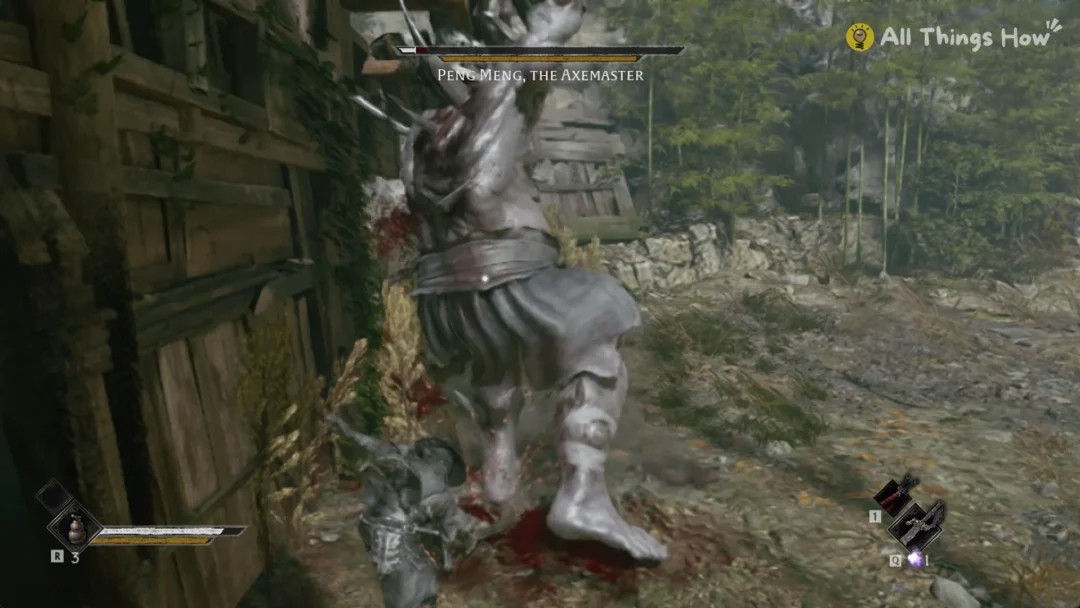
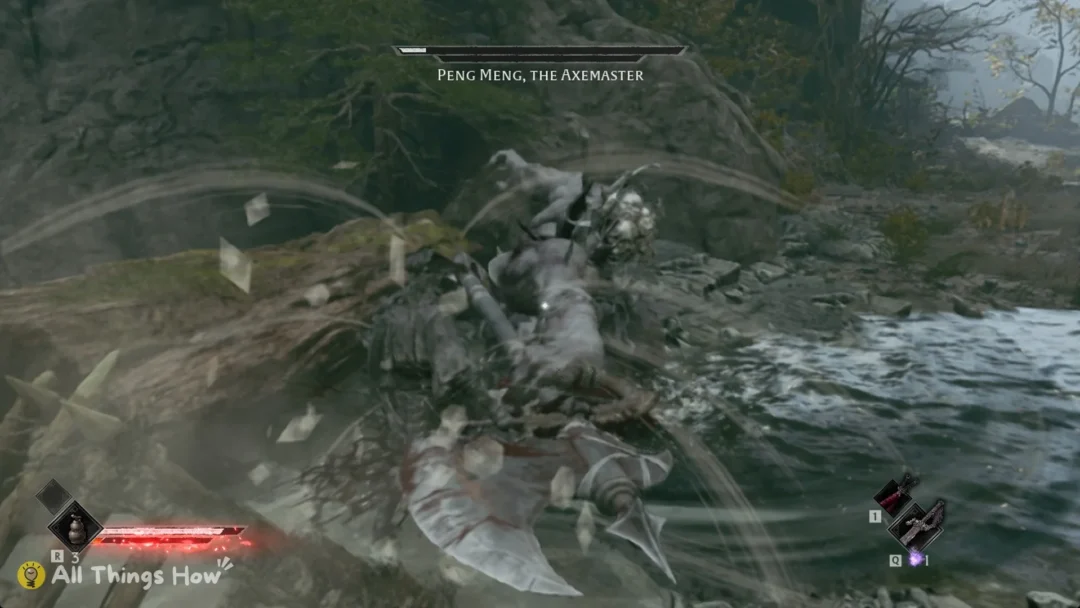
Developed by S-GAME, Phantom Blade Zero is an action RPG now available on Steam. Soul goes through the whole story alone. Boss encounters pit you against the boss by yourself or alongside the boss’s own allies; you cannot summon another player to help.
Phantom Blade Zero Steam page features (PC)
The Steam store page files the game under Action and RPG, and it runs on Windows only. The listed features are Single-player, Steam Achievements, Full controller support, Adjustable Text Size, Custom Volume Controls, Adjustable Difficulty, Gamepad Recommended, DualShock Controller Support, DualSense Controller Support, Steam Input API Support, Stereo Sound, Subtitle Options, Steam Cloud and Family Sharing.
Every Steam multiplayer tag is missing from that list:
- Online Co-op
- Online PvP
- LAN
- Shared/Split Screen
- Cross-Platform Multiplayer
Phantom Blade Zero menus have no online or co-op option
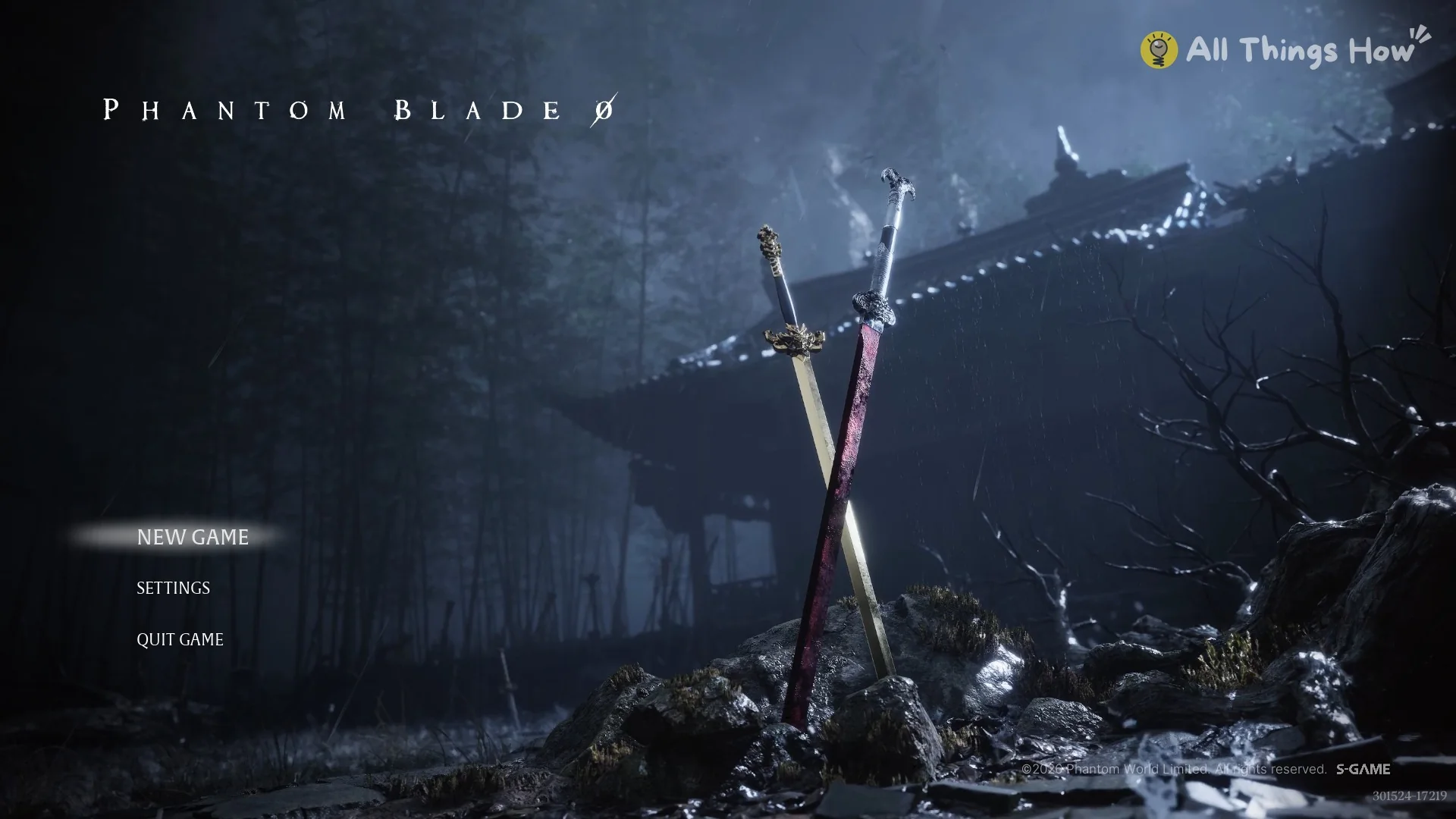
At first launch, the title screen presents exactly three options: NEW GAME, SETTINGS and QUIT GAME. It has no entry for online play, co-op or “join”.
After you enter the game, the menu presents MAP and QUESTS, followed by CHARACTER and ITEMS, then ARCHIVES and SYSTEM. The final tab, QUIT GAME, offers Load Game, the Return to Title Screen option, and Quit to Desktop. The menu offers no tab for network access, multiplayer, or friends.
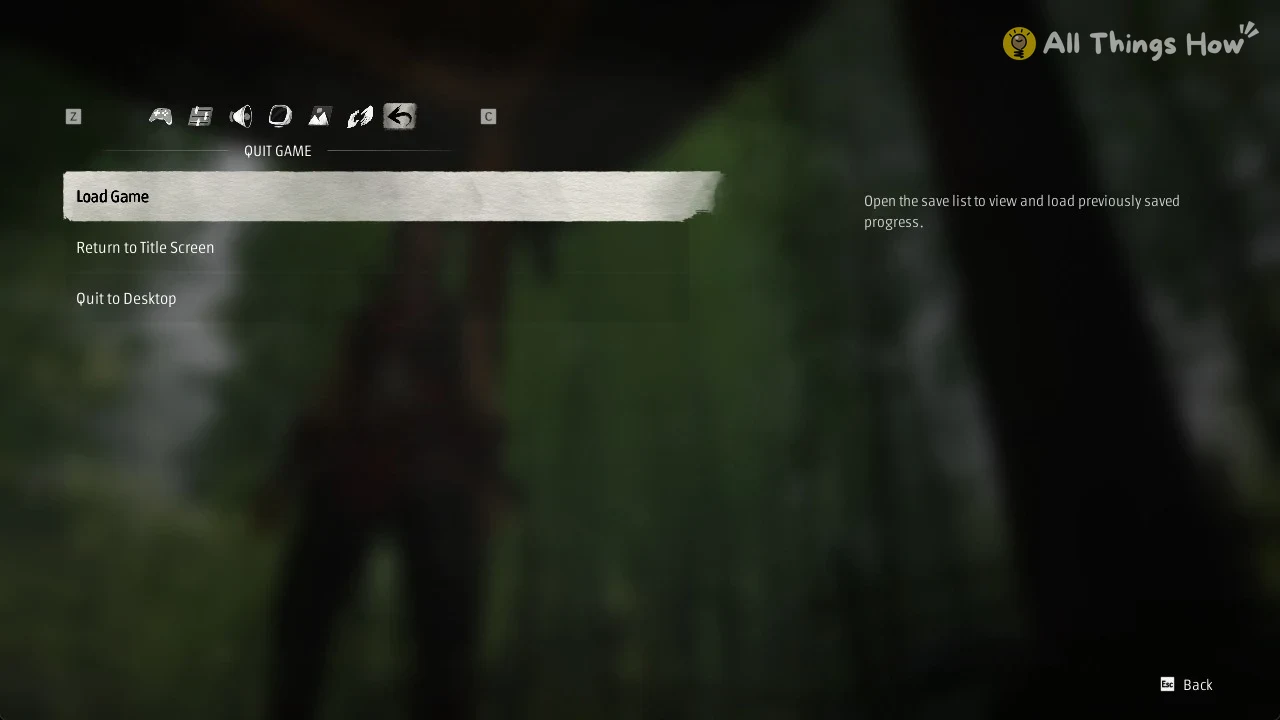
The Settings menu has 6 tabs: Game, followed by Controls; Audio comes next, then Display, with Graphics and Help completing the set. None includes an online or network option.
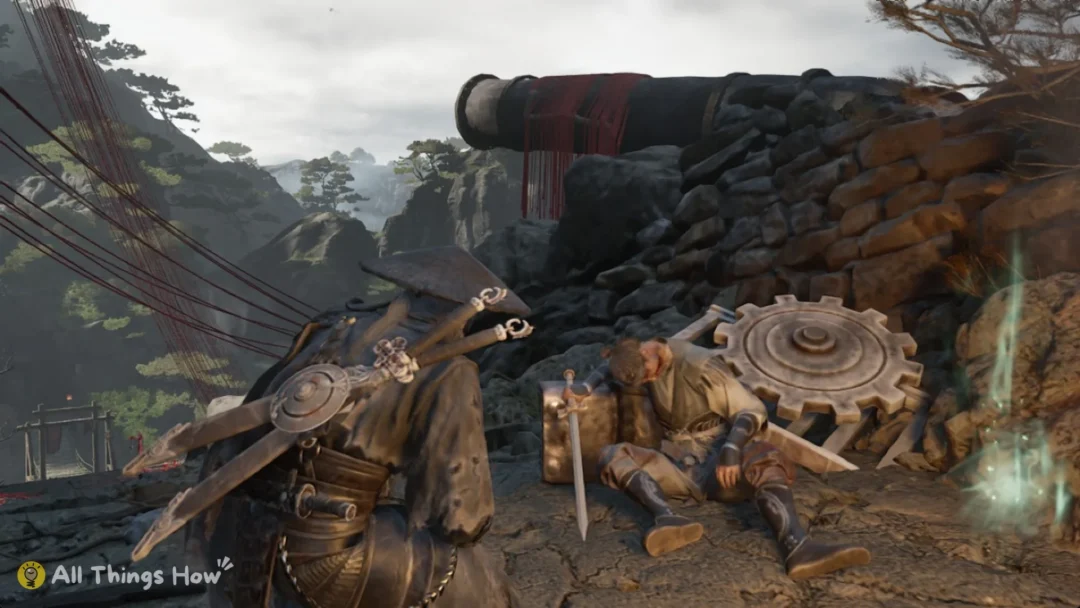
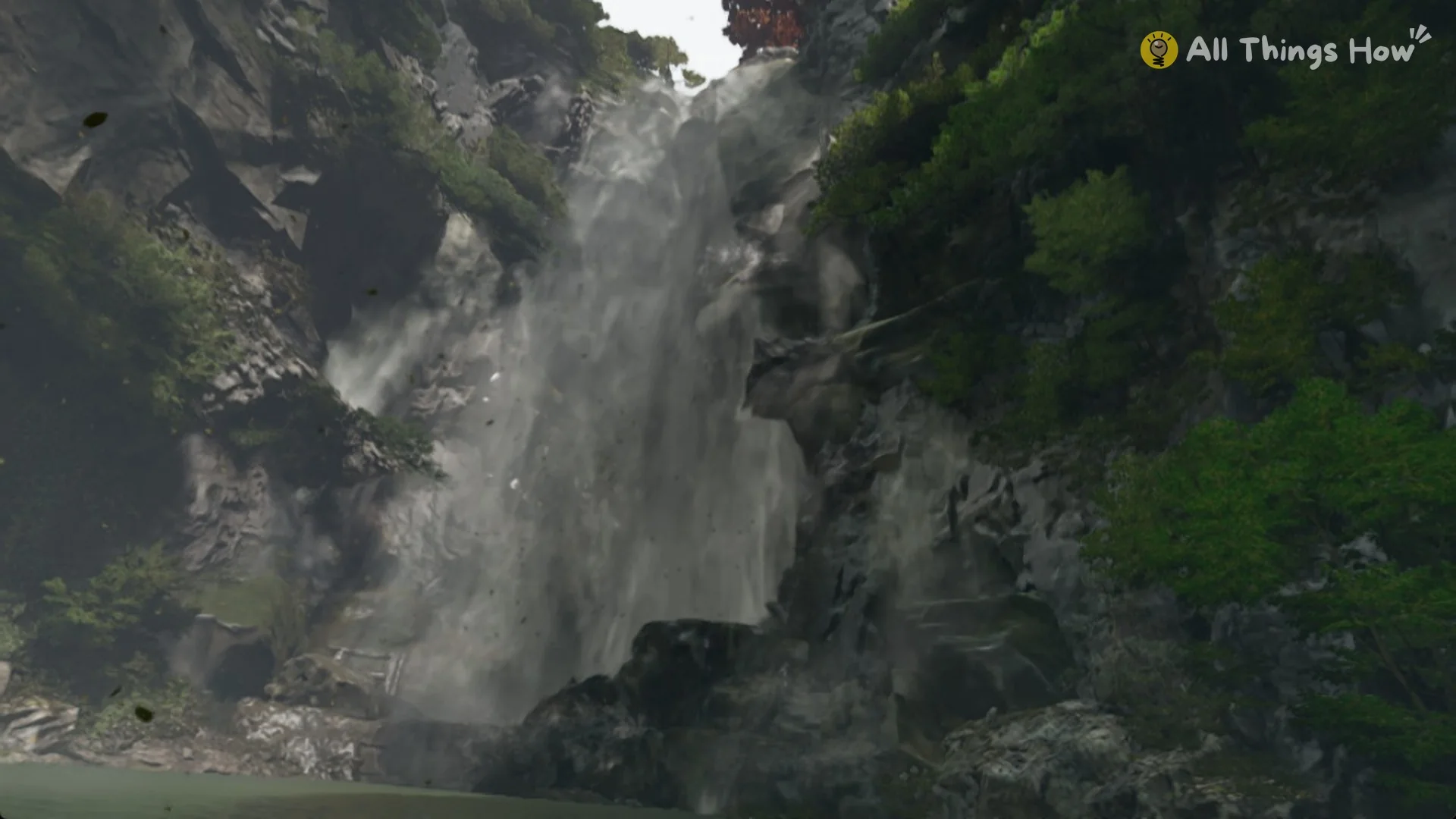
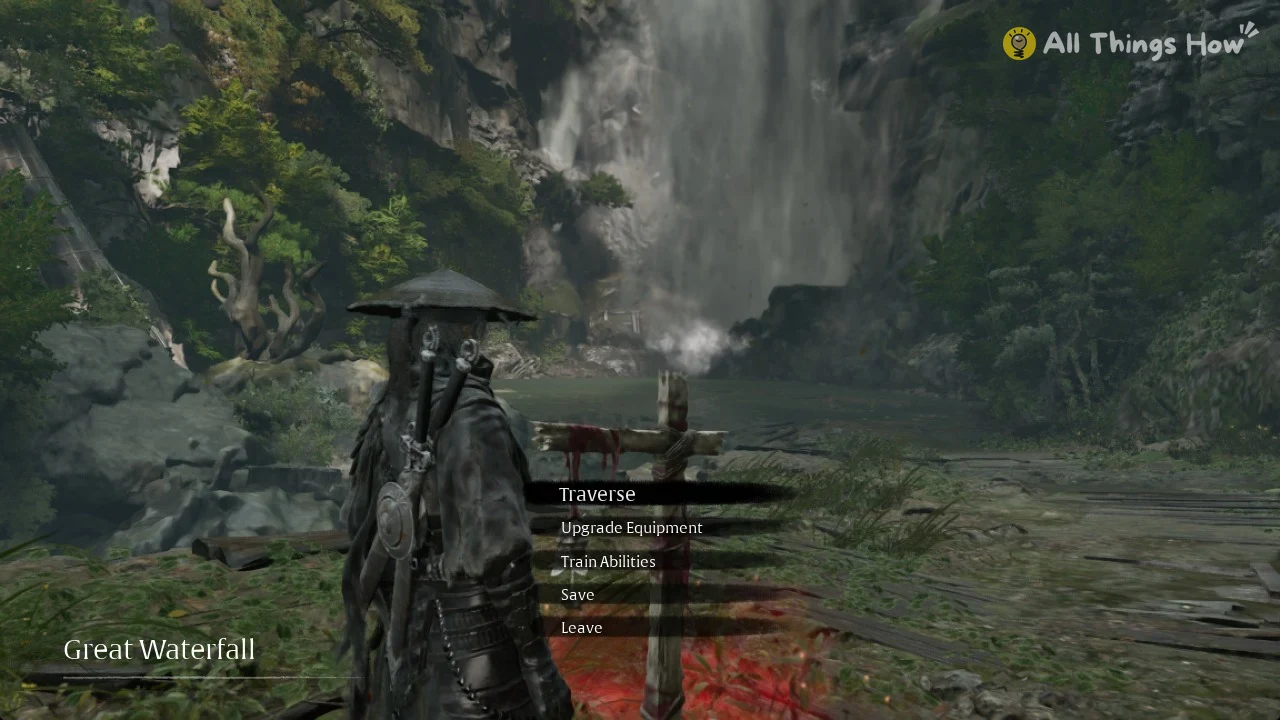
Bells are where you save and rest, and their menu is built for one player. At the Great Waterfall bell, for example, the options are Traverse, Upgrade Equipment, Train Abilities, Save and Leave. You won’t find a summon or co-op sign at any bell.
What Phantom Blade Zero offers instead of co-op
Because you can’t call in help, difficulty modes are how you tune the challenge. The options are WAYFARER, PATHBREAKER (the default), HELLWALKER and 66 DAYS. The last one unlocks after you finish the game on any difficulty.
You get 20 manual save slots plus autosaves, and the store page lists Steam Cloud. All 66 achievements are earned in single-player.