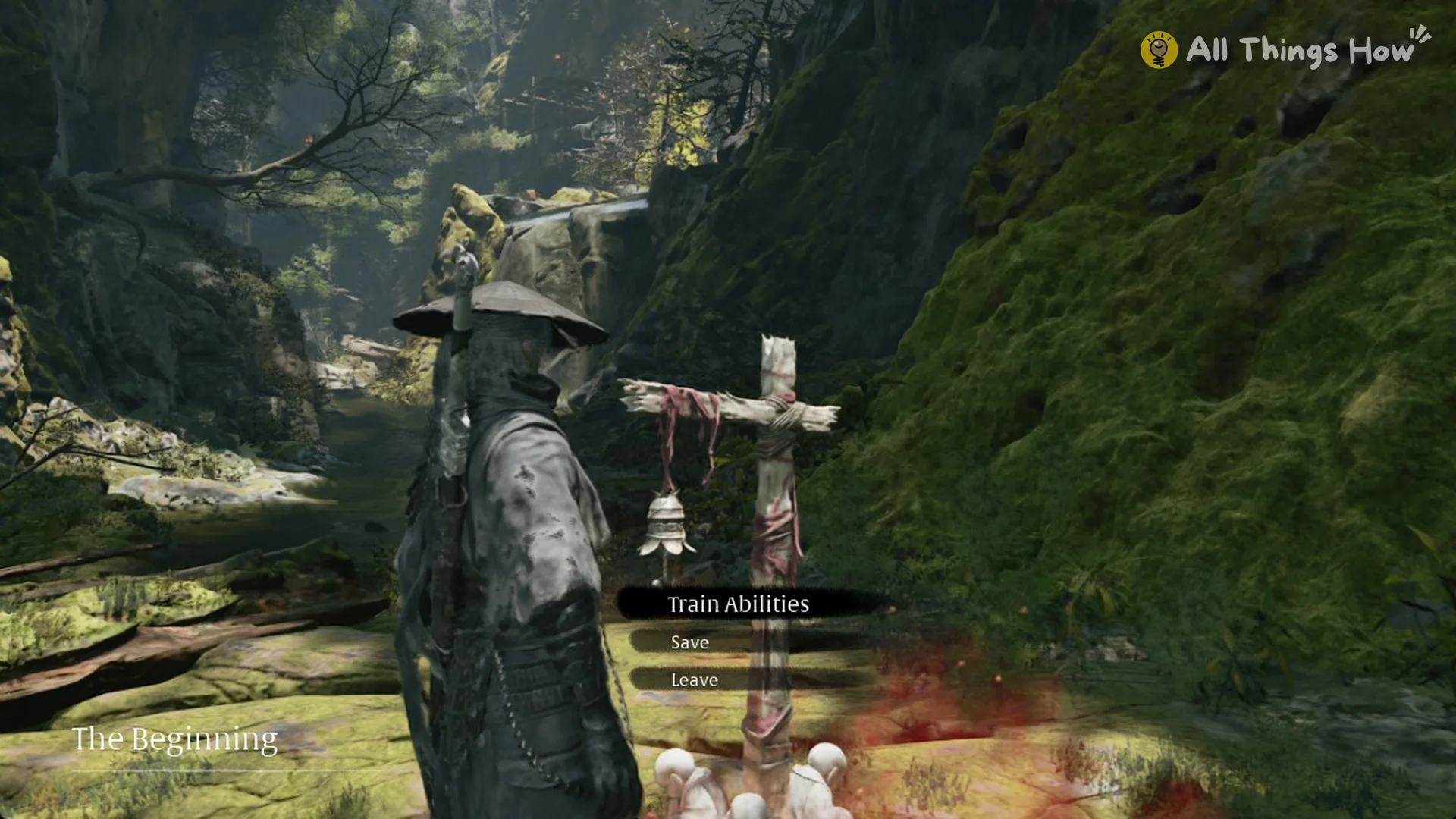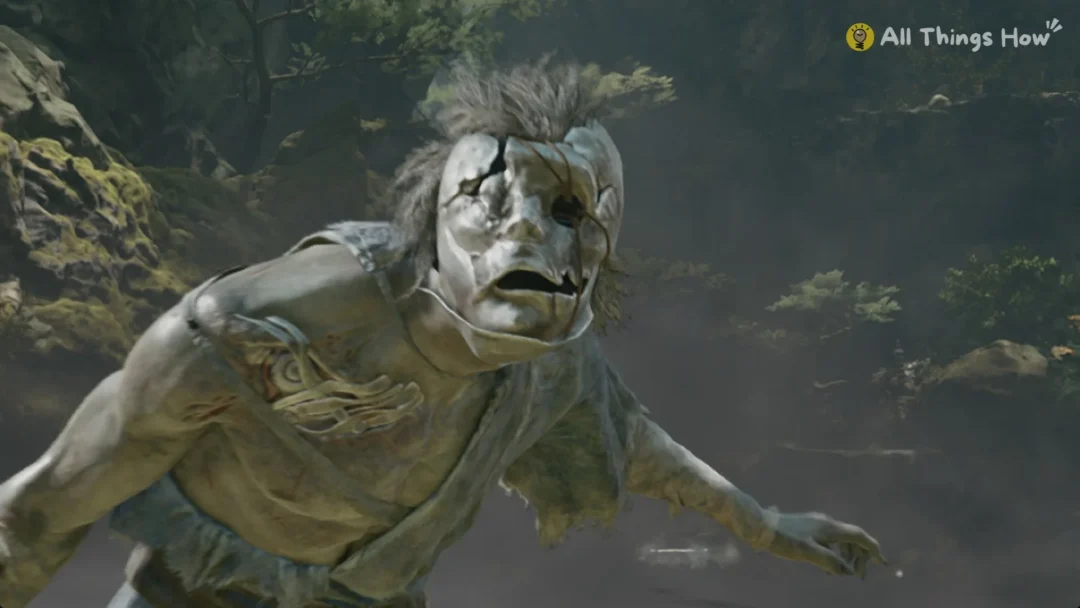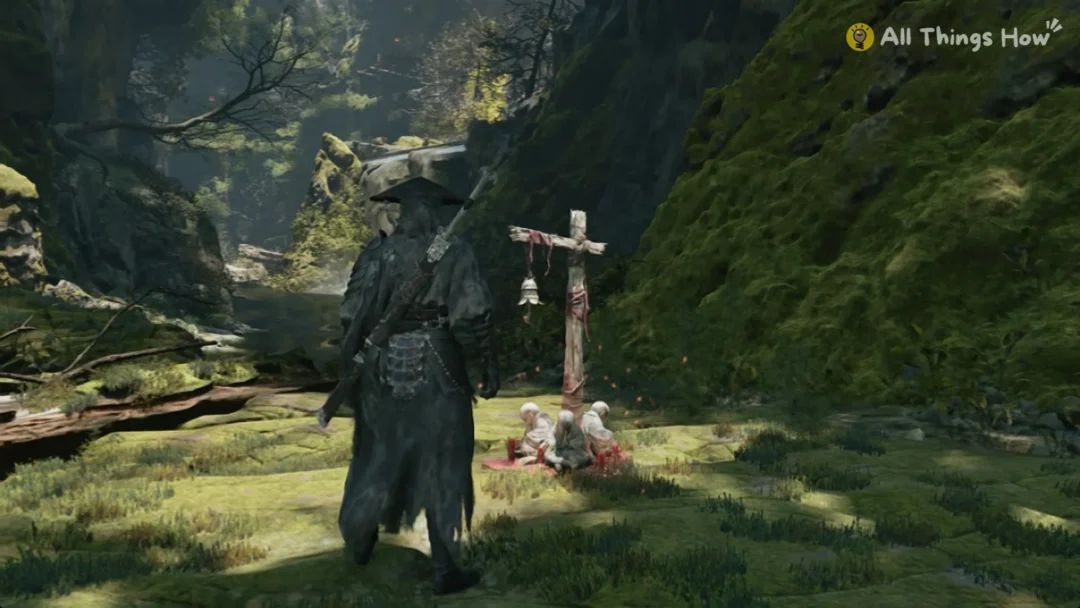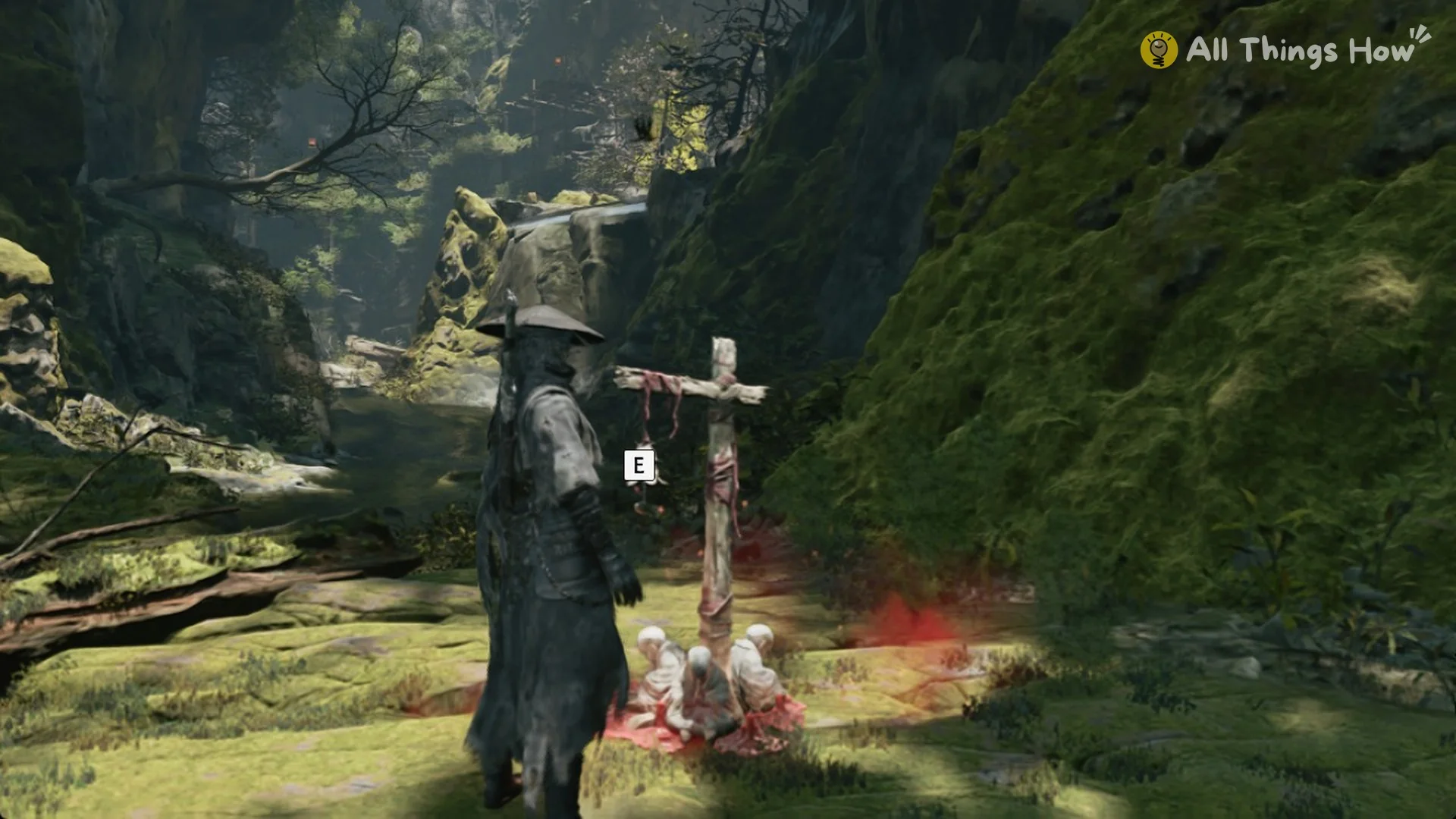
Phantom Blade Zero has no save option in its pause menu. Progress is saved at bells, the checkpoints scattered through the world, and the game adds its own autosaves alongside them. The first bell is called The Beginning. It sits in Weeping Creek Valley, early in Chapter 1, after the first climb and the masked brutes.
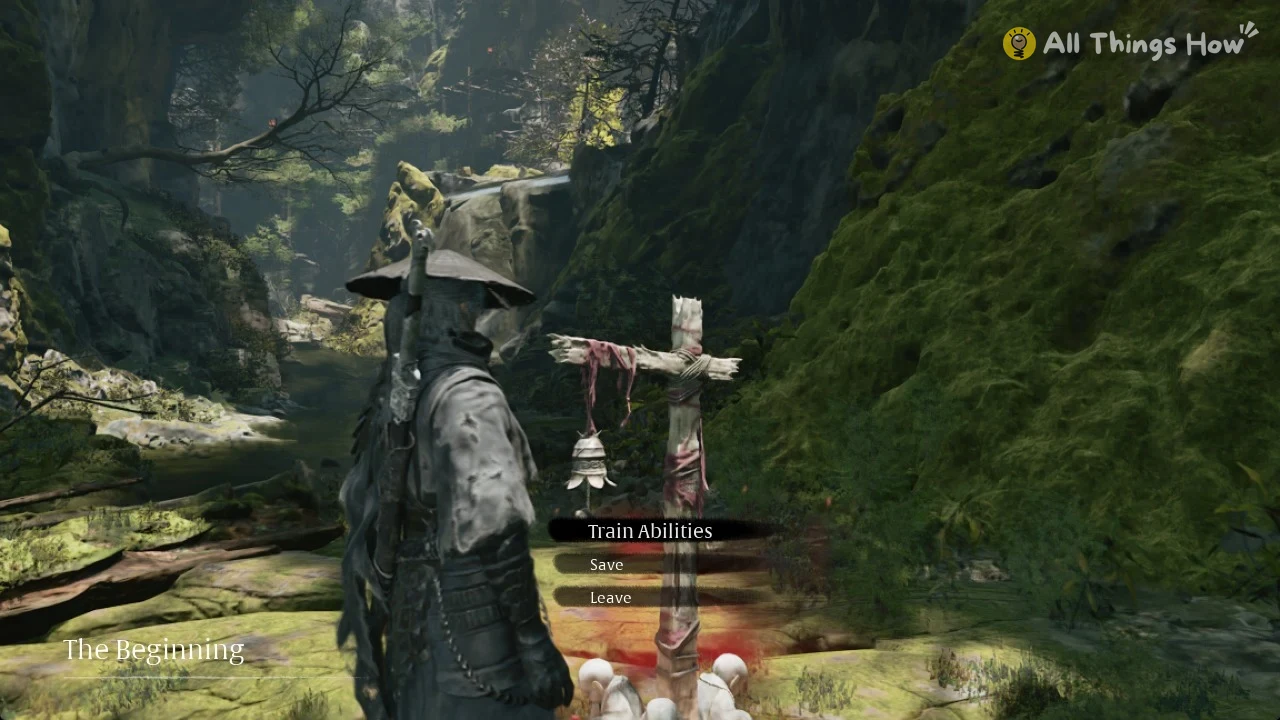
Quick answer: You save at a bell. Press E at the bell, choose Save, then pick “New Game Data” to make a manual save. There are 20 manual slots, and autosaves cannot be overwritten.
How to save at a bell
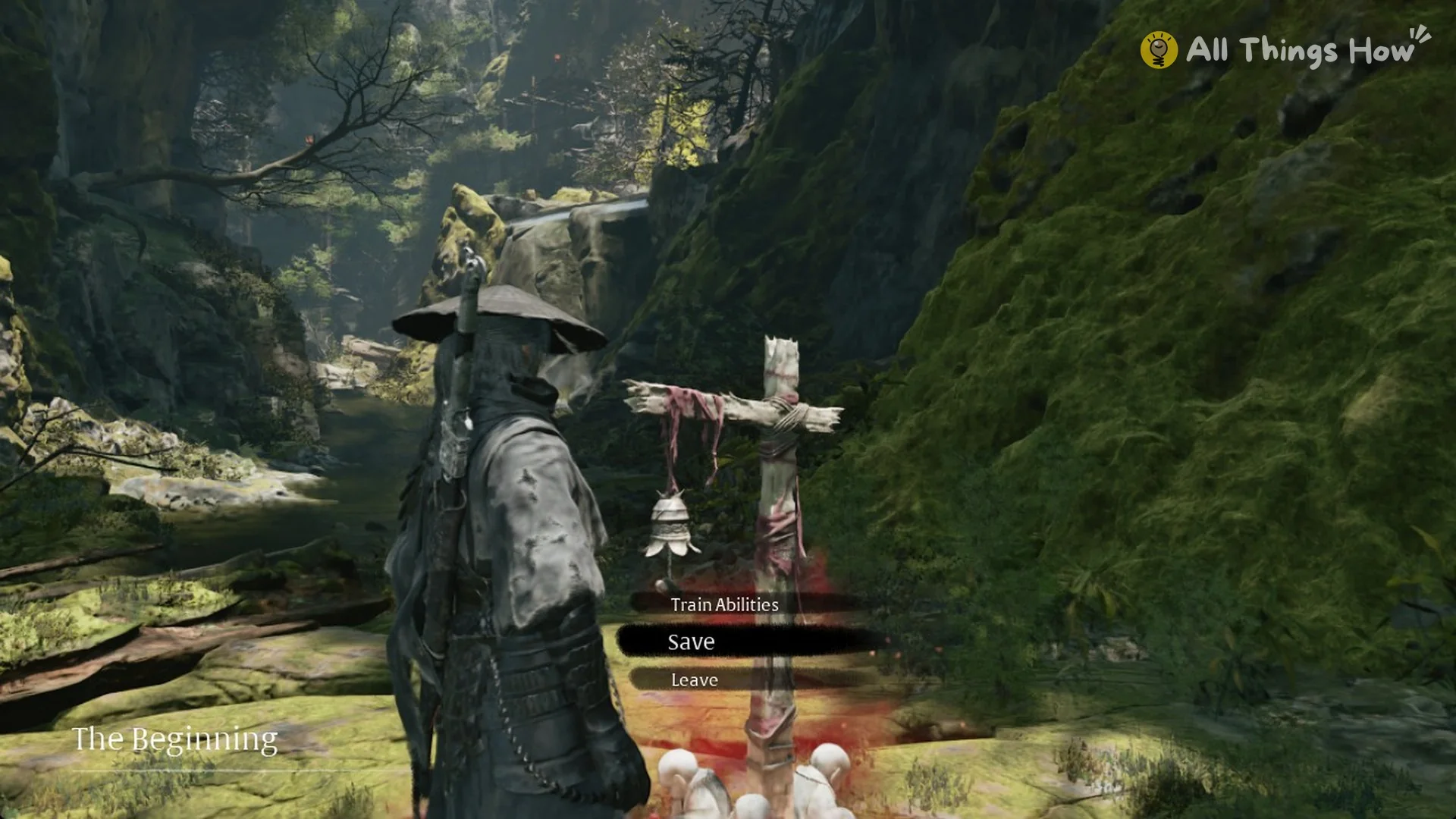
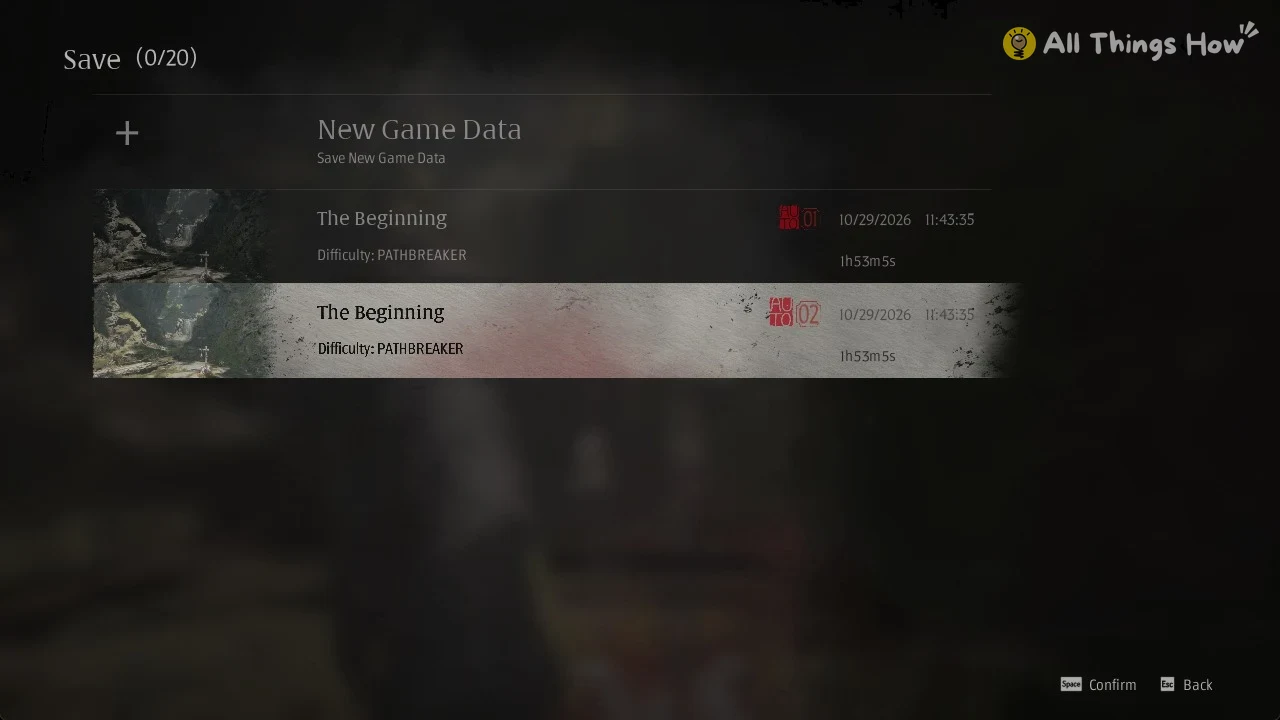
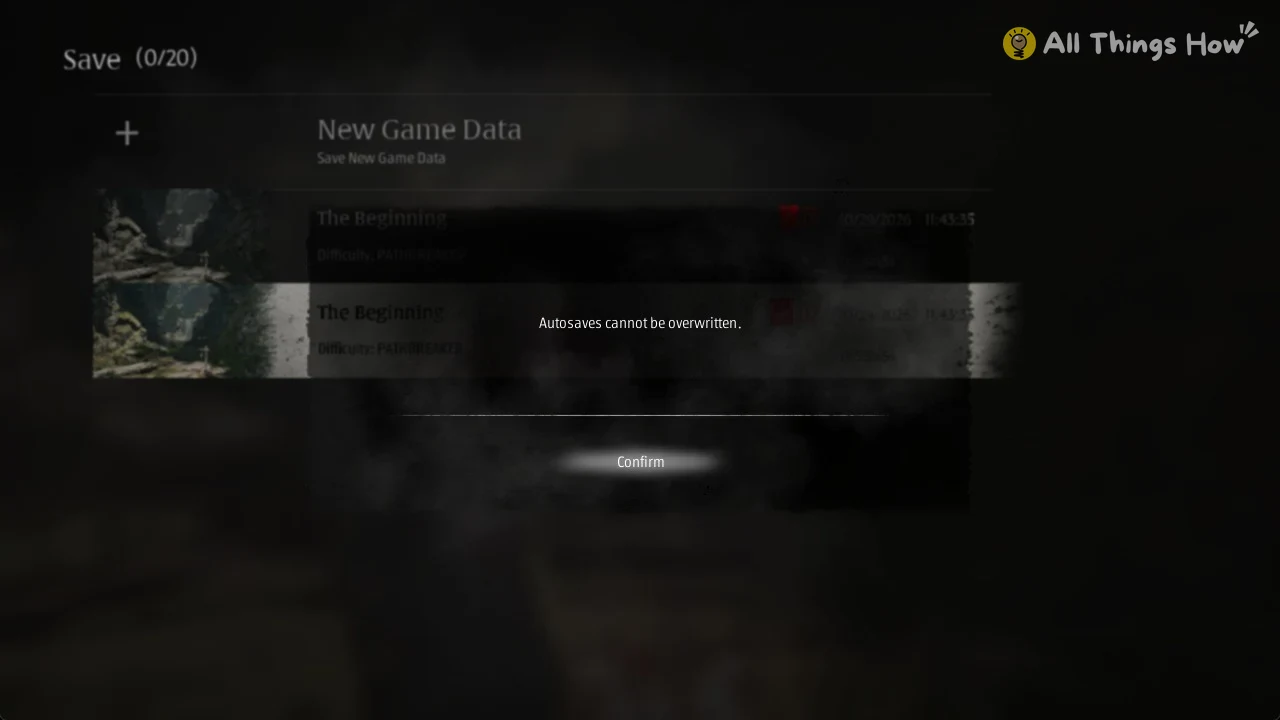
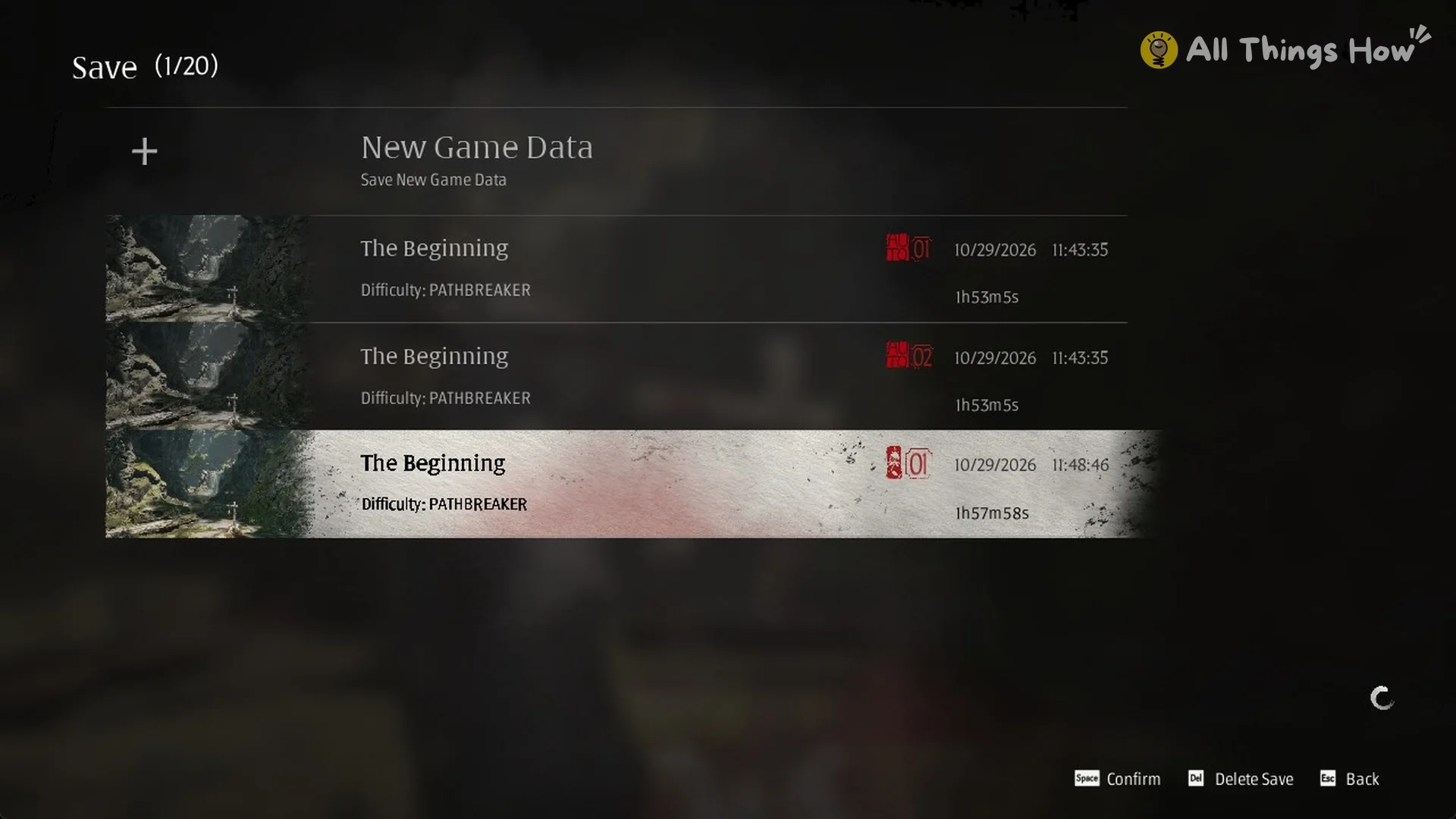
On PC, the arrow keys may not move the cursor in the save list. Hover over the row with your mouse, then press Enter or Space. The footer lists the screen’s keys as “Space Confirm”, “Del Delete Save” and “Esc Back”. Delete Save only shows up once at least one manual save exists. While the list holds only autosaves, the footer shows just Confirm and Back.
Save slots and autosaves
| Slot type | How many | Can you overwrite it | Stamp |
|---|---|---|---|
| Manual save | 20 | Made with “New Game Data”; Del deletes it | Numbered from 01 |
| Autosave | Made by the game | No | AUTO 01, AUTO 02 |
Both types use the same row layout. Each row shows a thumbnail, the bell or area name, the difficulty (for example, “Difficulty: PATHBREAKER”), a red stamp with the save type and number, the date and time of the save, and the play time on that save.
Can you save anywhere in Phantom Blade Zero?
Not from the pause menu, at least in Chapter 1. Manual saves come from the bell menu. Pressing Esc opens the pause menu, and its last tab, QUIT GAME, offers “Load Game”, “Return to Title Screen” and “Quit to Desktop”. None of those options saves your game. Outside of bells, the game handles saving on its own through autosaves.
The prologue has no bell at all. Until you reach The Beginning in Chapter 1, autosaves are the only saves you have.
Bells do more than save. Touching one restores HP and Medicine. The game’s tutorial card reads: “Touch the Bell to restore HP and Medicine. The first touch reveals new areas on the map.” The menu’s other row, Train Abilities, is where you spend Remnant Dust on abilities.
How to load a save in Phantom Blade Zero
Choose Continue from the title screen to load your most recent save.
Phantom Blade Zero save files on PC
On the Steam version, save files are stored in the game’s install folder. They also sync through Steam Cloud. The save file location guide has the full path and how to back them up.