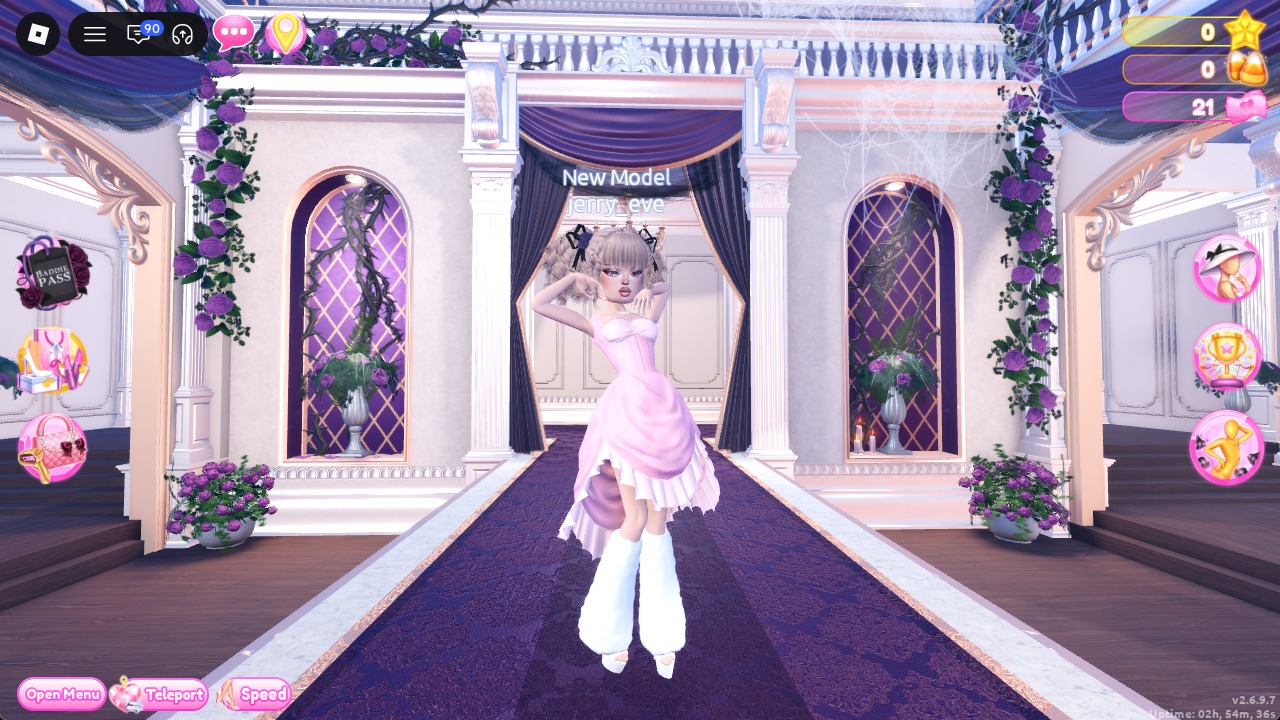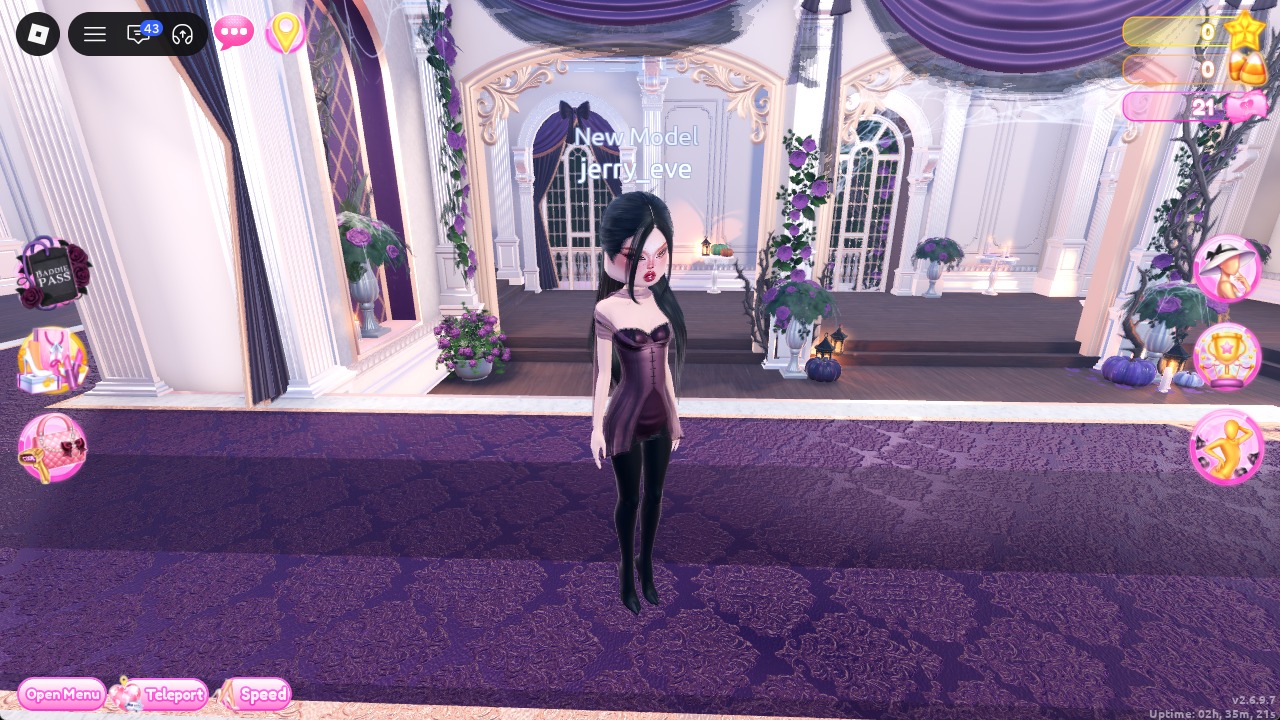
Corporate Goth in Dress To Impress, the Roblox fashion game, asks you to take office tailoring and push it into gothic black. You need a sharp silhouette, very little color, and a dark lip. Every piece used for corporate goth dti below is free in the Dressing Room, and the only recoloring comes from the Default palette. Both looks share the same hair, so you only need to find it once. More themes are in the Dress To Impress themes guide.
Quick answer: Style the dark-plum button-front satin mini with black tights and heeled black boots reaching the thighs, or pair a black blazer with flared black trousers and black stilettos. Finish with long, straight black hair and a deep red lip.
Where Corporate Goth pieces are in Dress To Impress
| Spot | Where it is | Used for |
|---|---|---|
| Short-dress shelf | Dressing Room, three mannequins | Plum satin mini |
| Legwear shelf | Next to the short-dress shelf | Tights |
| Tops wall | Beside the short-dress shelf | Black blazer |
| Shoe shelf | Dressing Room | Boots and stilettos |
| Trousers wall | Arrival hall, right of spawn | Flared trousers |
| Hair chairs | Lana’s Salon (press E) | Hair |
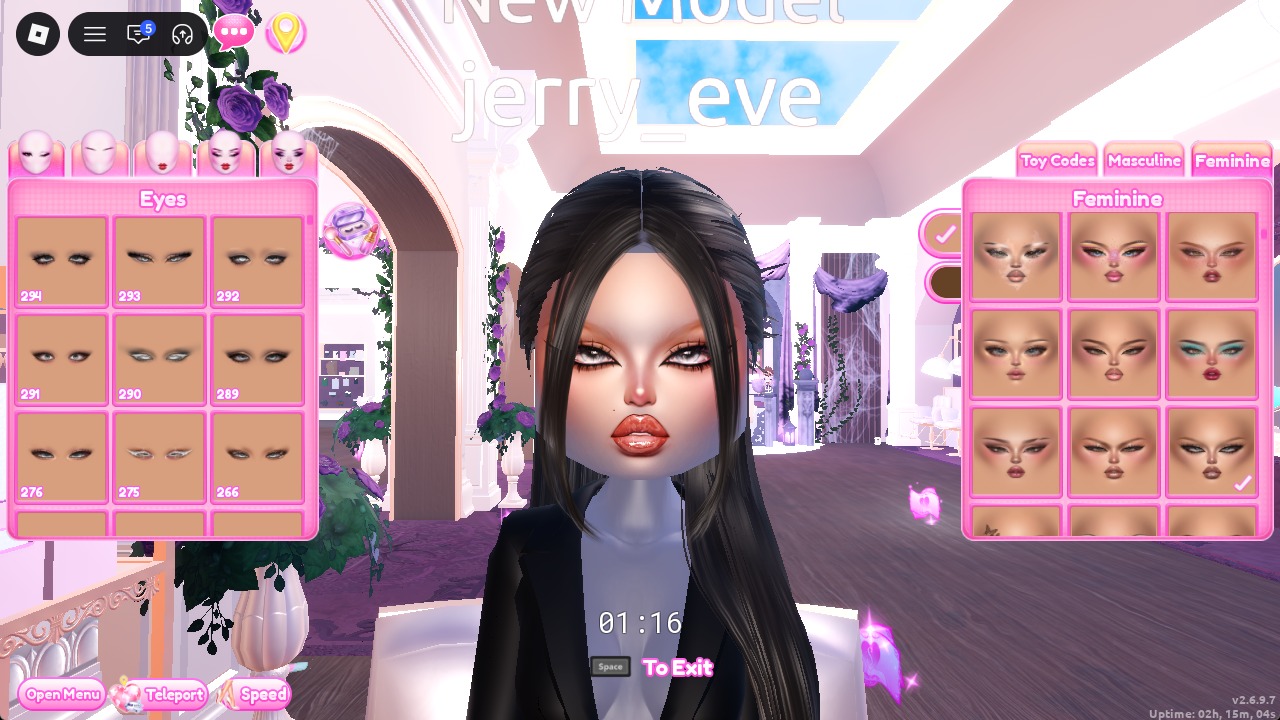
| Vanity mirrors | Lana’s Salon (press E) | Face card |
The short-dress shelf holds a pink mini, a dark plum dress, and a white strapless mini. The legwear shelf has brown tights, fishnet tights, and grey thigh-high socks on its bottom row, with shorts, leggings, and gloves on top. The trousers wall stands by the Skin Tones booth in the arrival hall, so it’s easy to miss if you head straight for the Dressing Room. When you’re dressed, the Teleport pin’s “Freeplay Runway” option takes you to the runway.
Set the skin tone for both outfits at the arrival hall’s Skin Tones booth: open the Skin tab and select row 2, column 2. This only needs to be done once.
How to make a piece black on the Palette tab
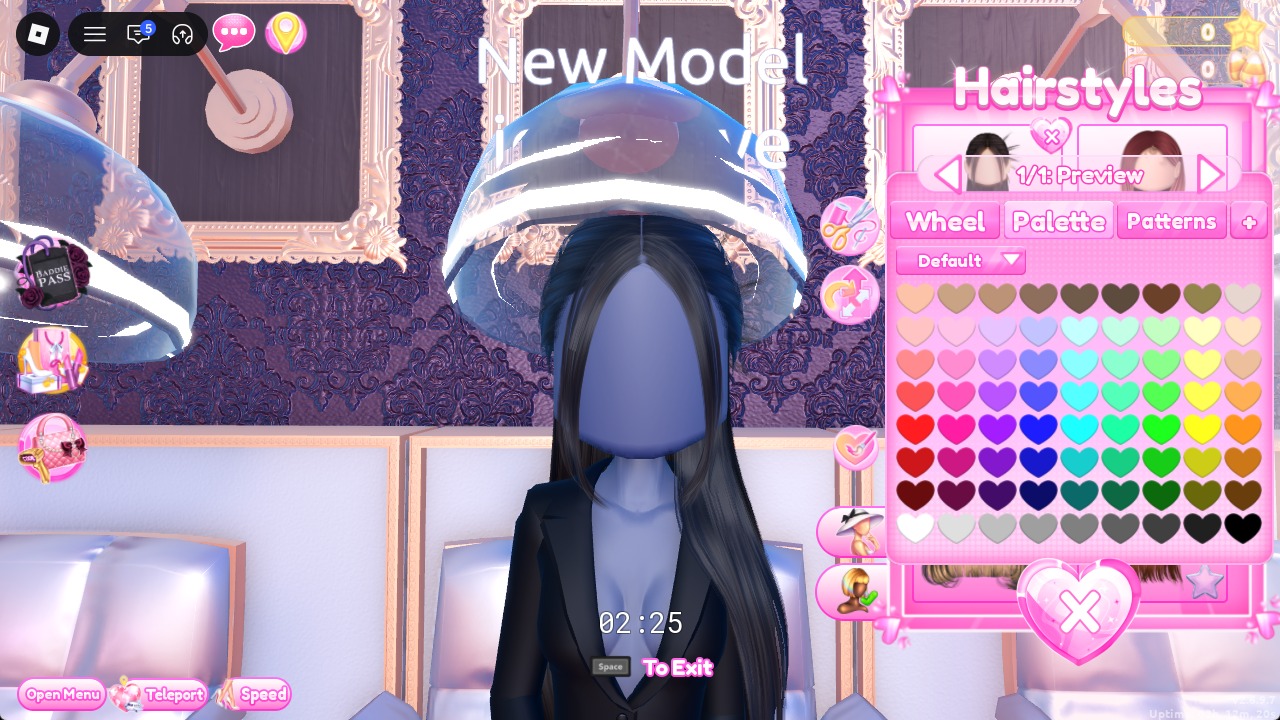
Select an item to bring up its panel. With the item in preview, switch to Palette and assign a shade to every part. Use the arrows above the panel to cycle through the parts, labeled “1/2” and “2/2”; each needs its own color. Select Put On when finished. Palette coordinates start at the left for columns and at the top for rows. In row 8, the colors progress from white to black, making column 9, row 8 the black option.
A panel only opens when your character stands right next to the piece and isn’t blocking it. If clicking does nothing, step closer.
Look 1: Plum satin button mini with black tights and thigh-high boots
Build this outfit around the plum dress found on the short-dress shelf.
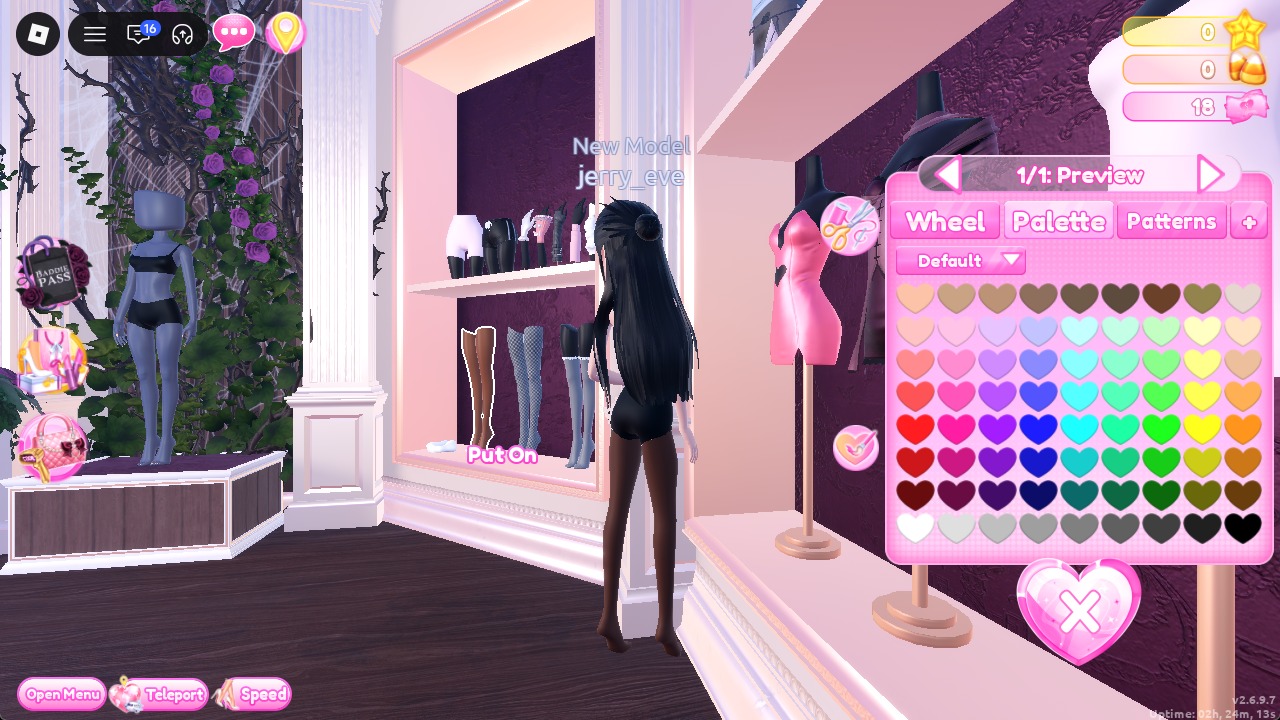
Set the color to Palette column 9, row 8 to turn them black, then Put On.
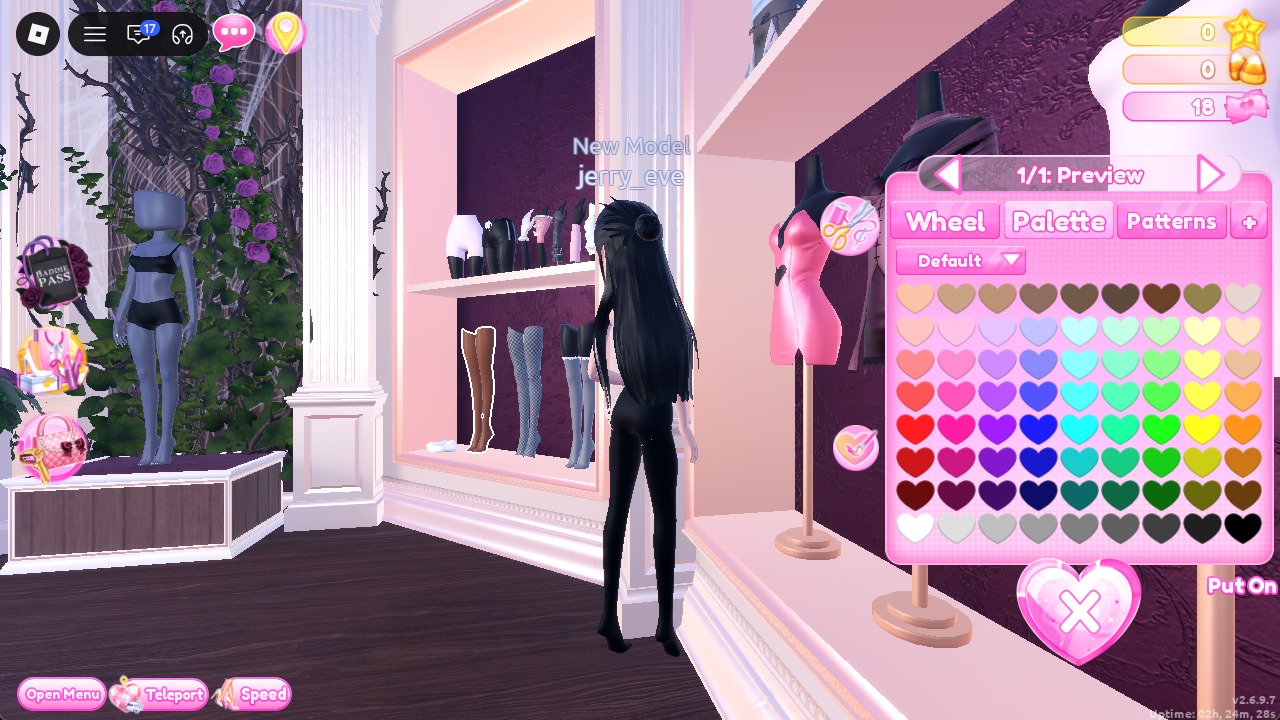
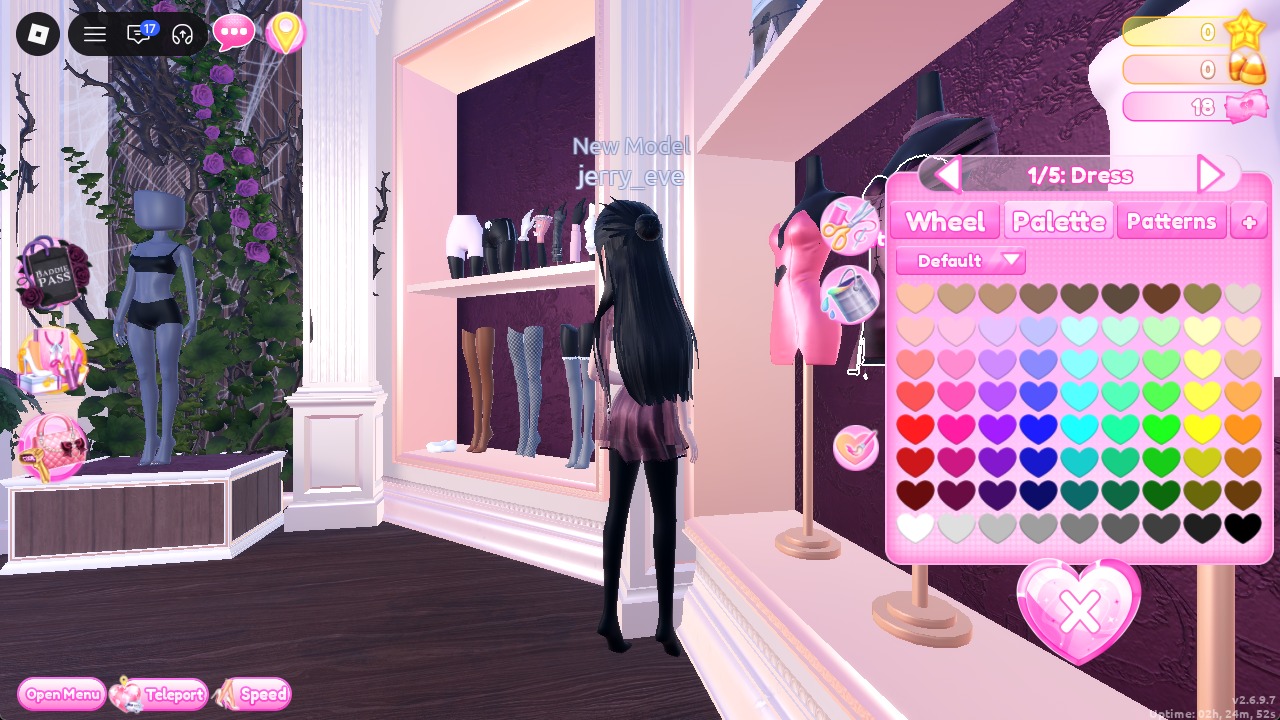
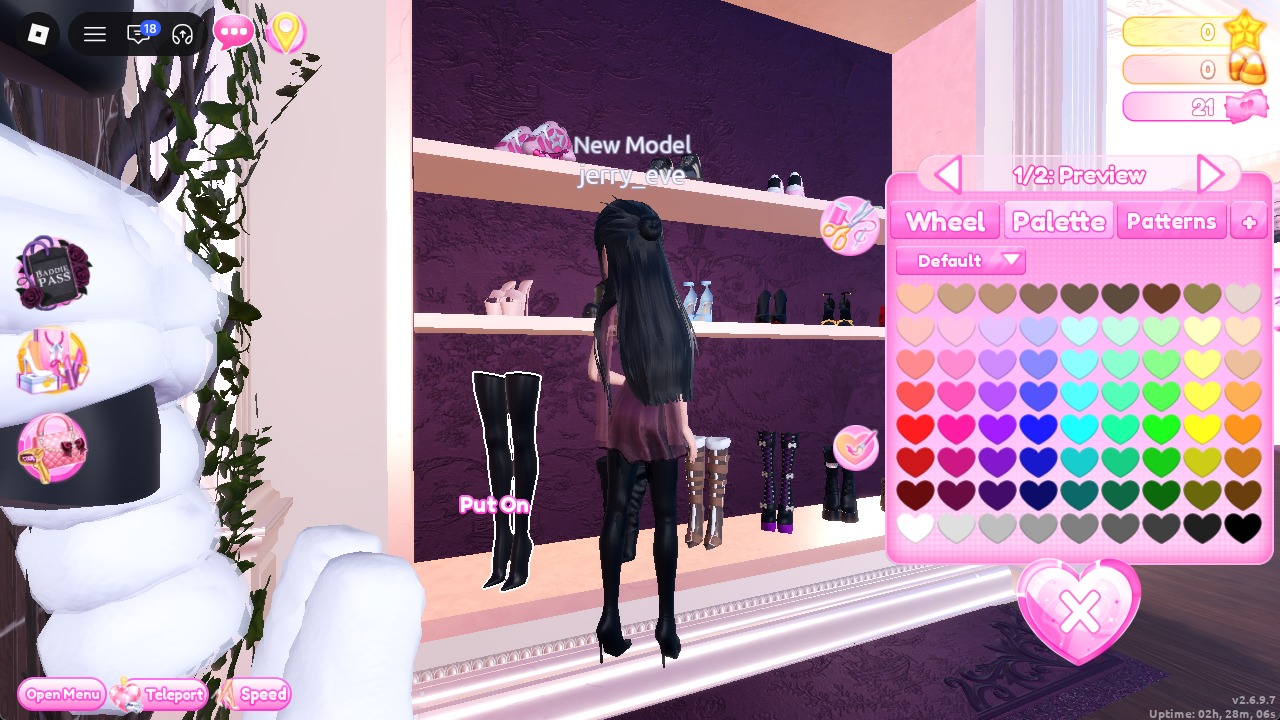
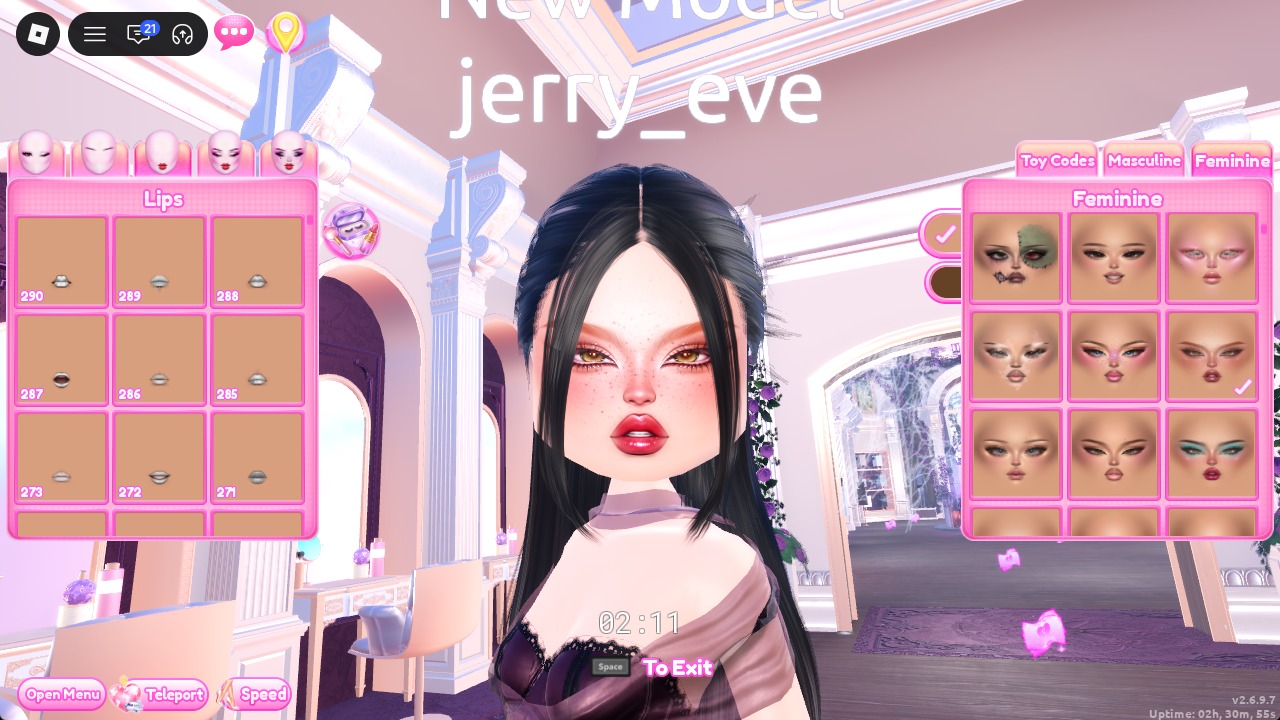
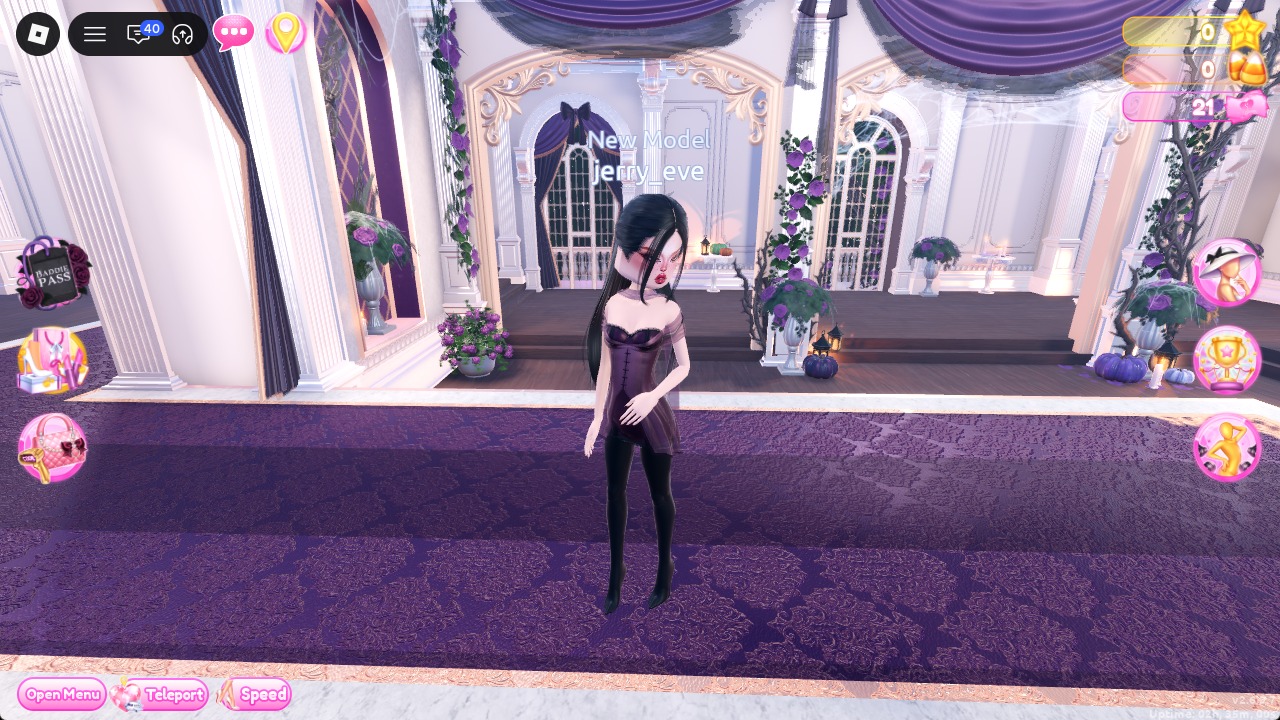
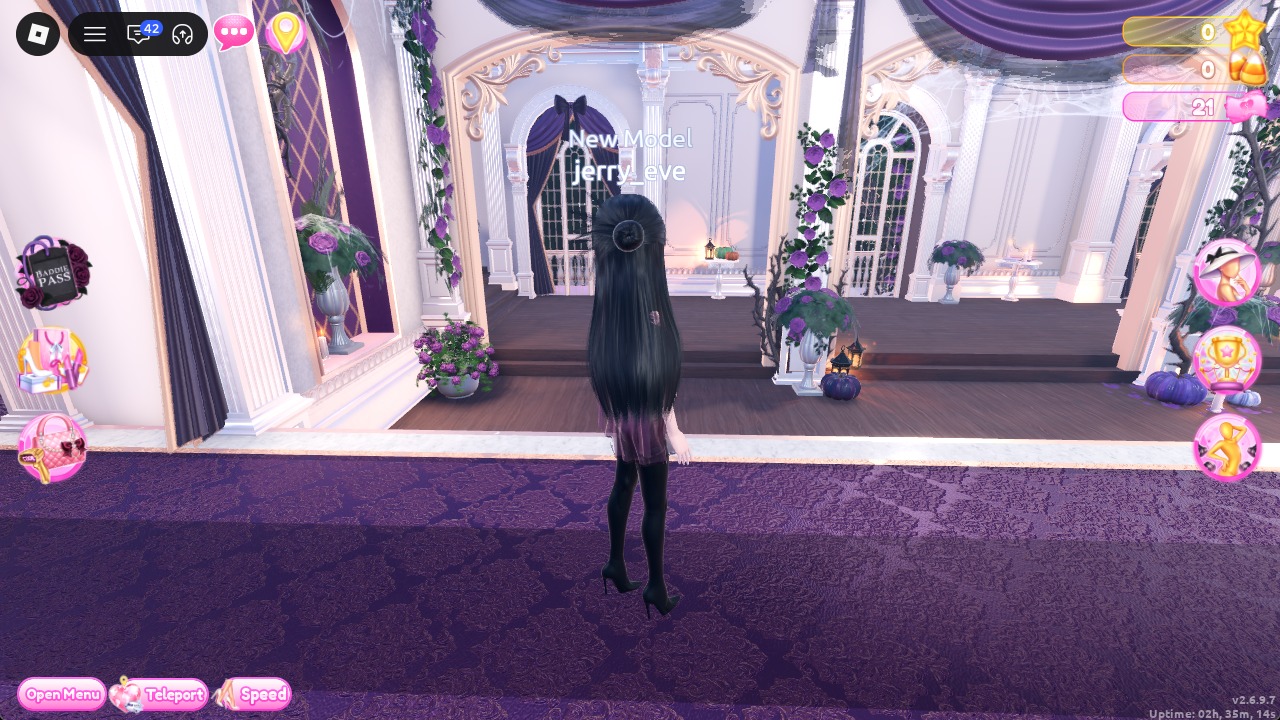
From behind, the long black hair falls over the dress, with the boots underneath.
Look 2: All-black suit with a black blazer and flared trousers
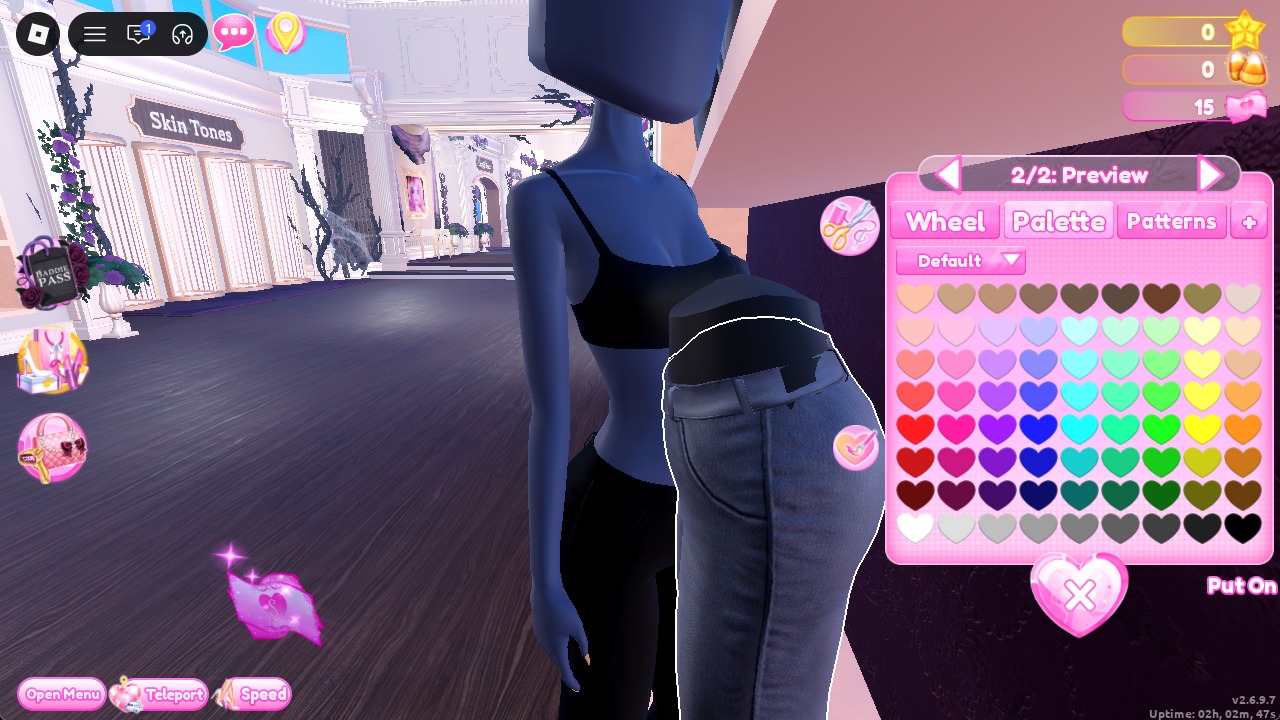
The suit starts at the trousers wall in the arrival hall, not in the Dressing Room. Grab the trousers before you teleport.
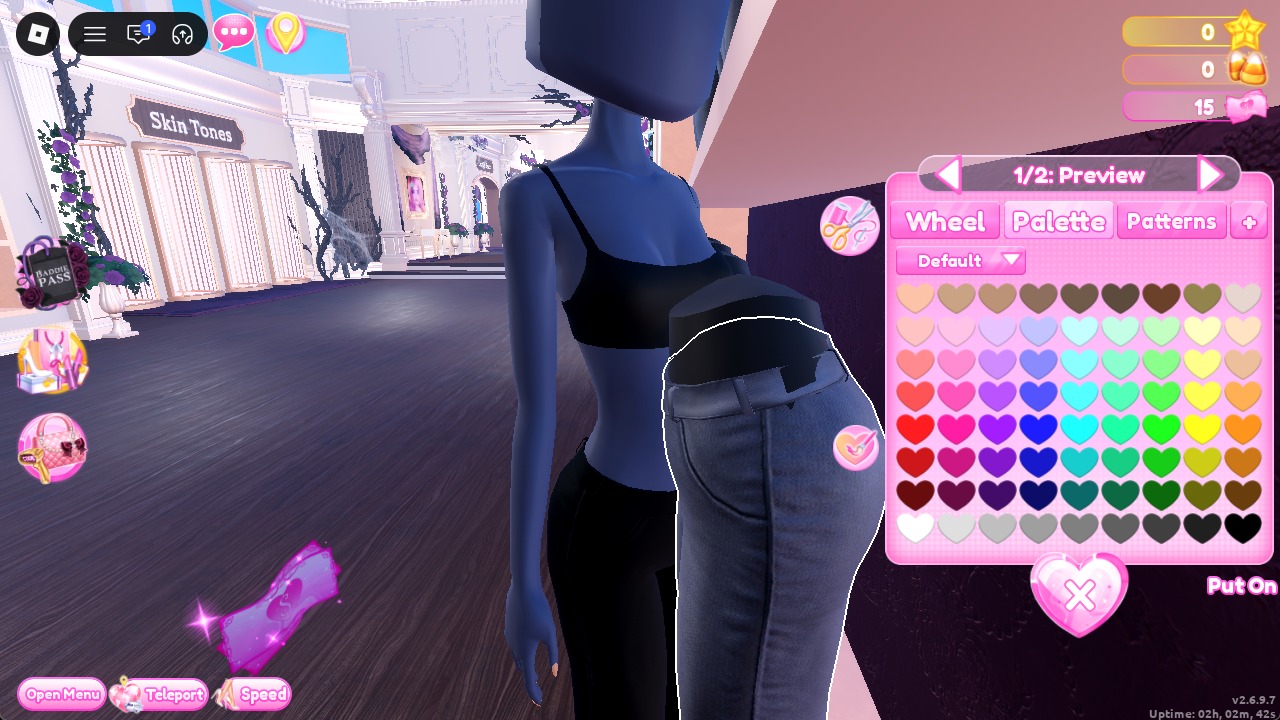
Step to “2/2: Preview” with the arrow. For each section, choose black using Palette column 9, row 8, then select Put On.
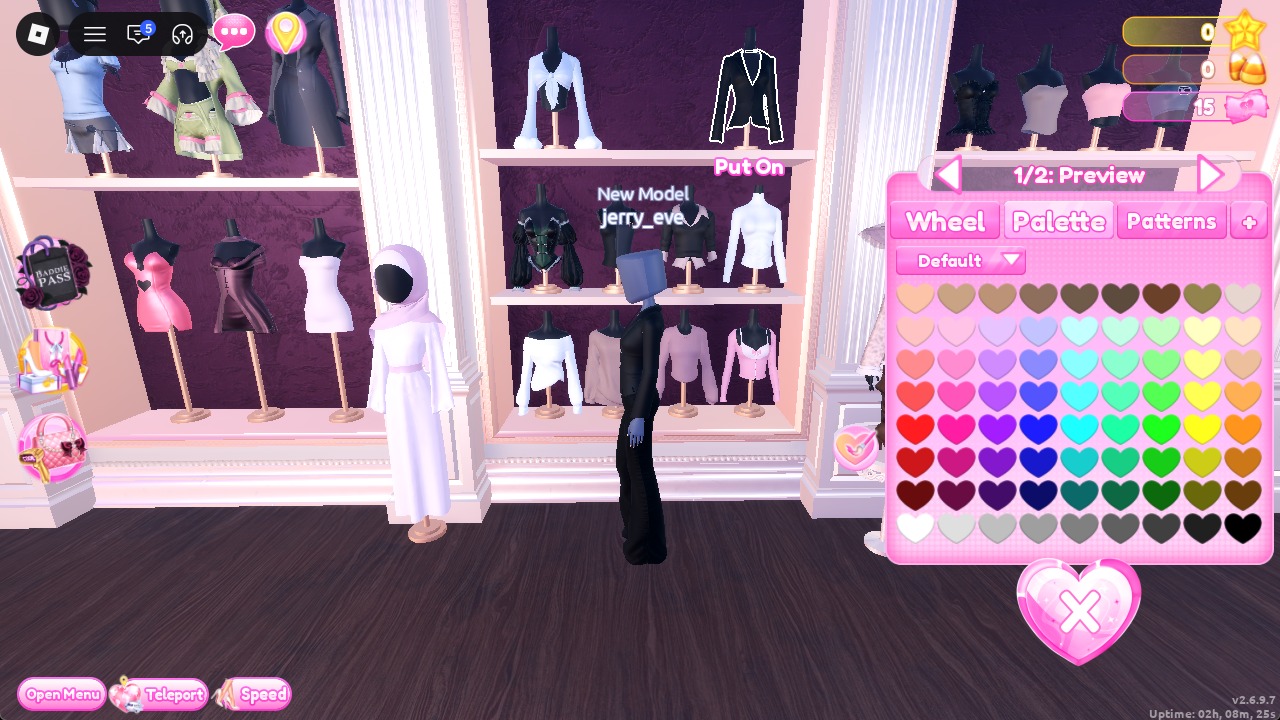
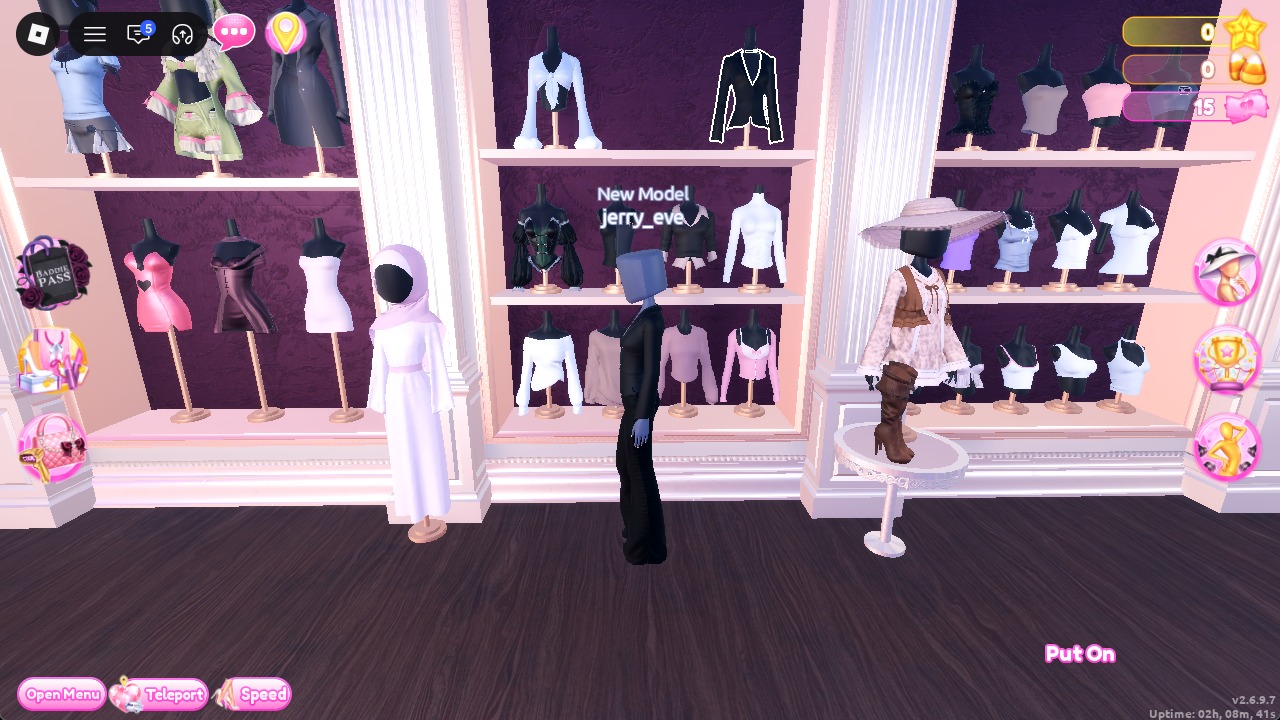
Put On, and it layers over the black trousers.
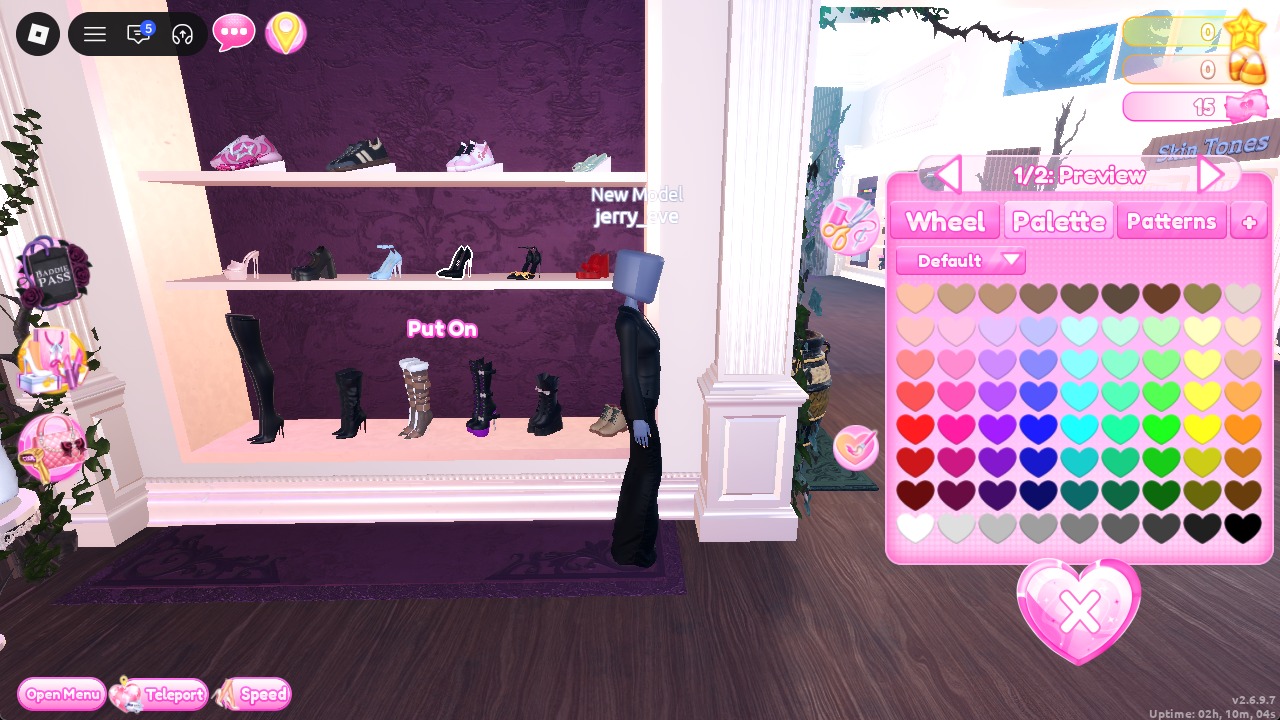
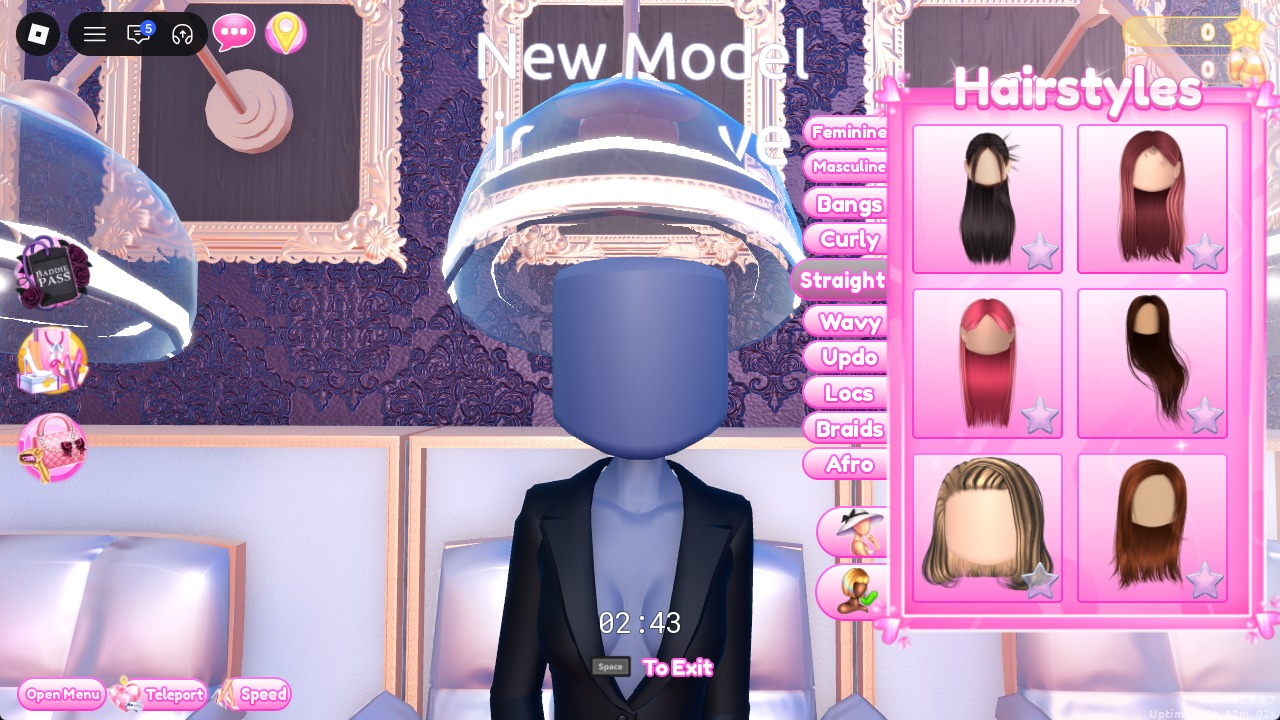
Take the first card on the left of the first row, the same long straight black hair as Look 1, at “1/1: Preview”. Put On.
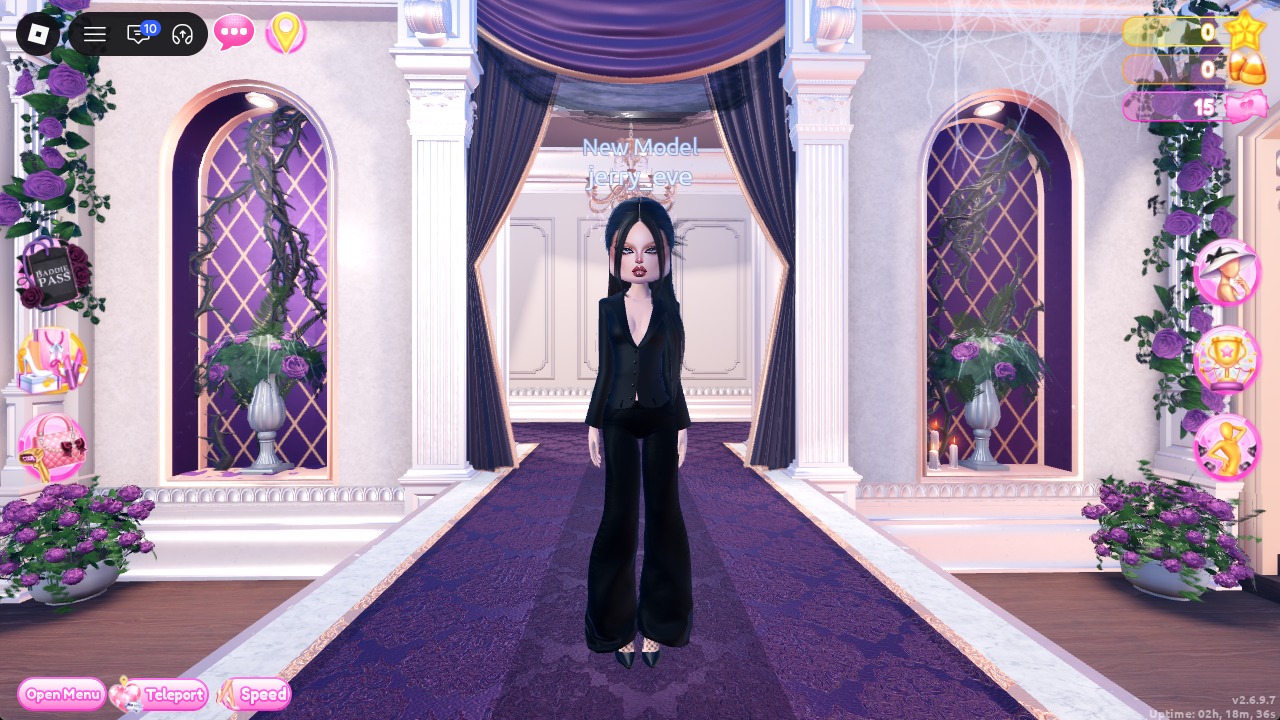
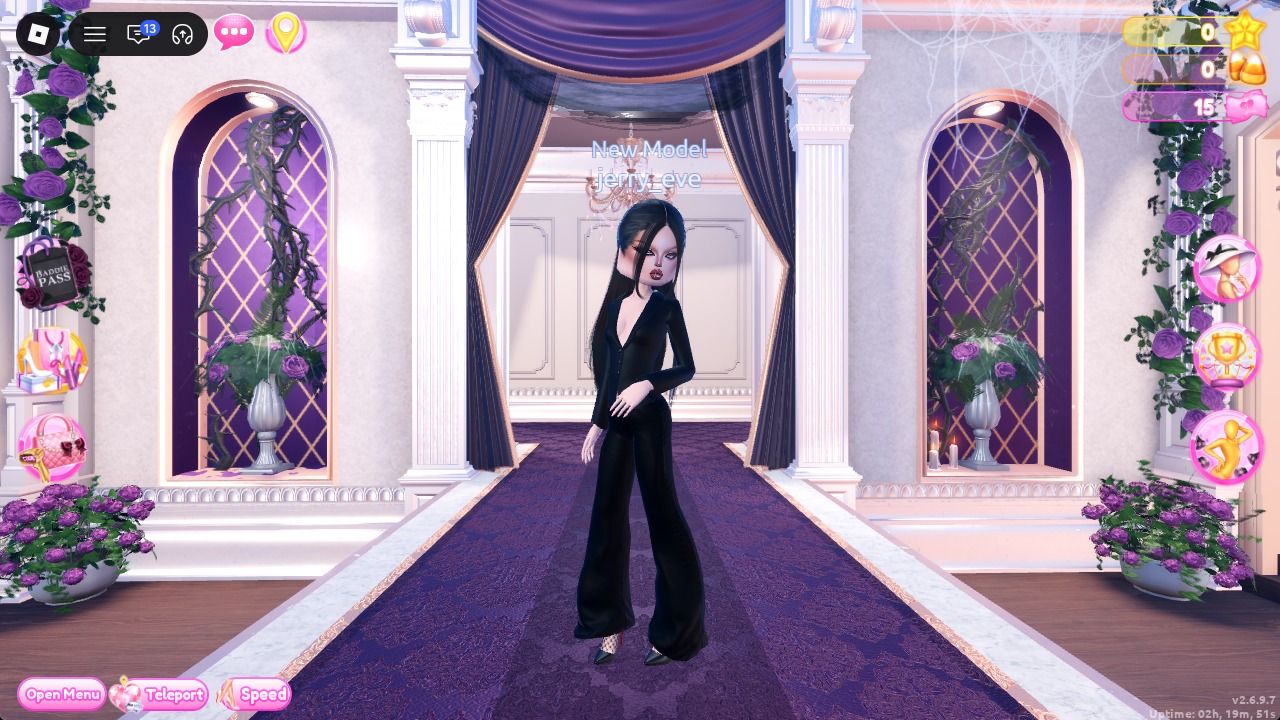
From behind, the red soles of the stilettos flash under the trousers.
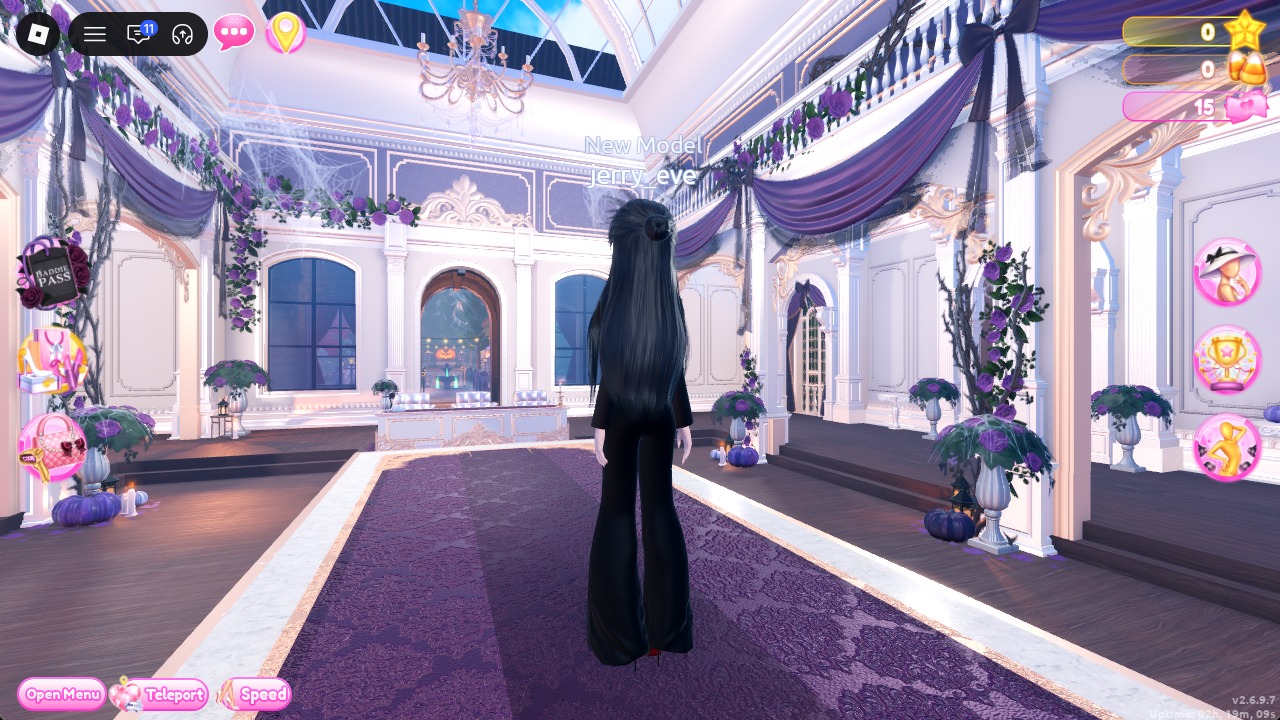
The Solo Dazzle pose works well for this look.
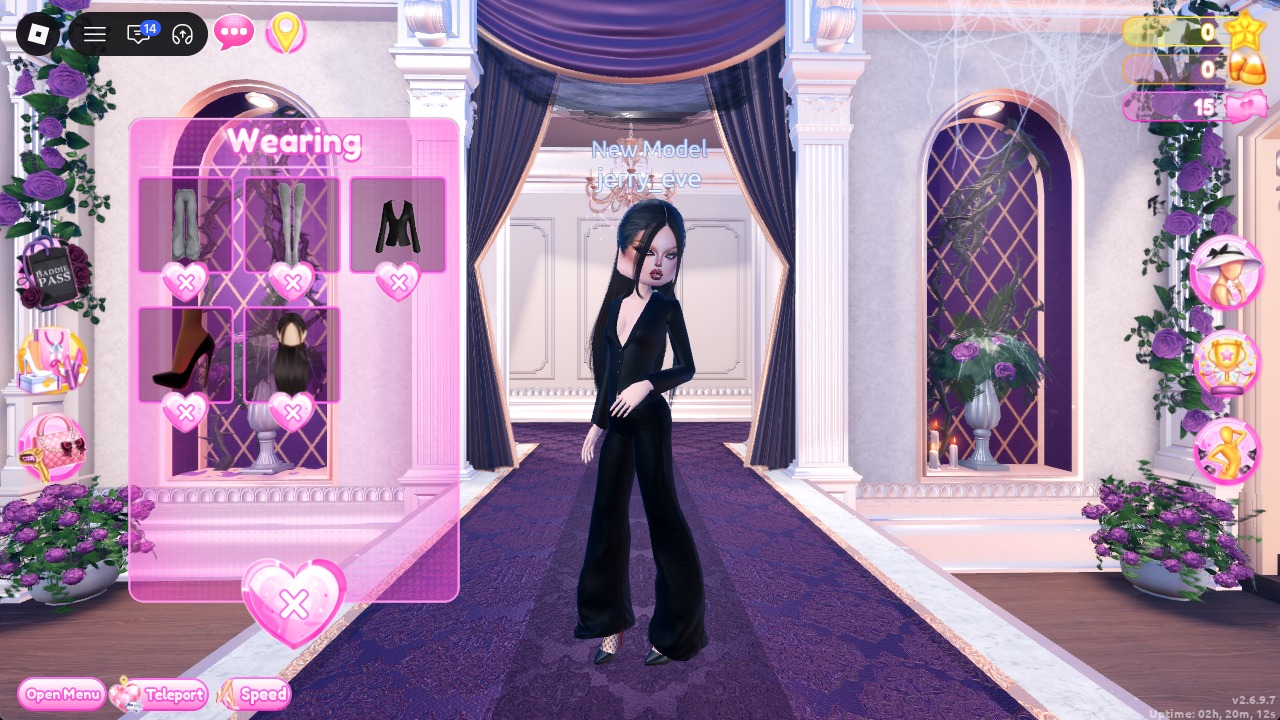
You can check the outfit in the Wearing panel, which should list the trousers, blazer, stilettos, and hair.
More gothic and all-black theme ideas
- Trad Goth
- Whimsigoth
- Black Lace
- Night Luxe
- Monochrome Mood
- Grunge
- Every Dress To Impress theme and every free pose
Corporate Goth DTI questions
Can you do Corporate Goth without VIP?
Yes. Every piece in both looks is a free Dressing Room piece, and the recolors all come from the Default palette.
What colors work for Corporate Goth?
Start with black and bring in dark plum as the one accent. A deep red lip finishes the look.
What is the Corporate Goth theme in DTI?
Corporate Goth is office wear turned gothic: black tailoring such as blazers and trousers or a sharp mini, dark plum accents, tights, pointed heels or tall boots, sleek dark hair and a deep red lip. In Dress To Impress, recolor pieces with the black heart in row 8 of the Default palette to get the look.
How do you make a piece black?
Before selecting Put On, set every part of the item to Palette column 9, row 8. Use the panel’s arrows to cycle through its parts.