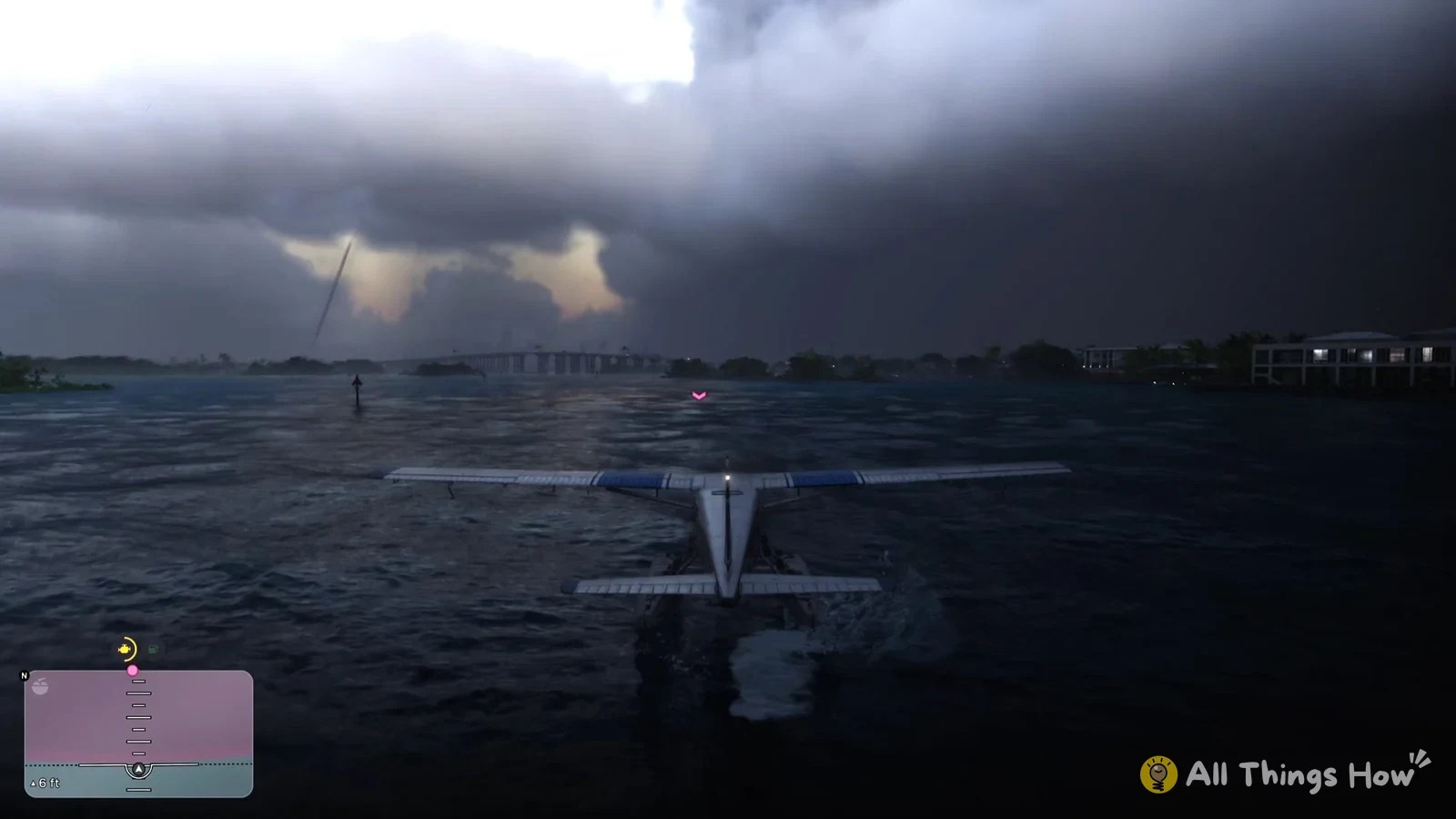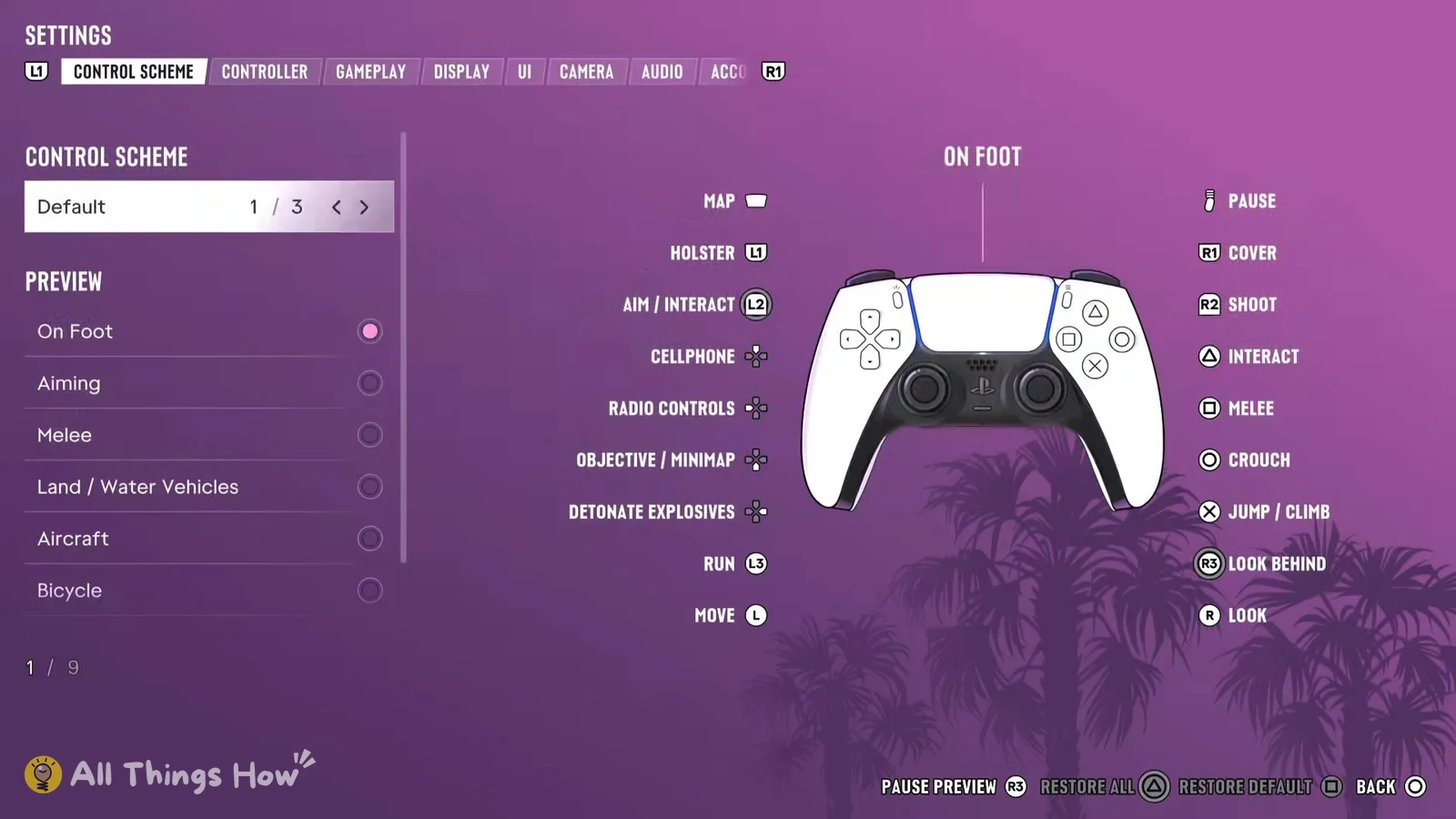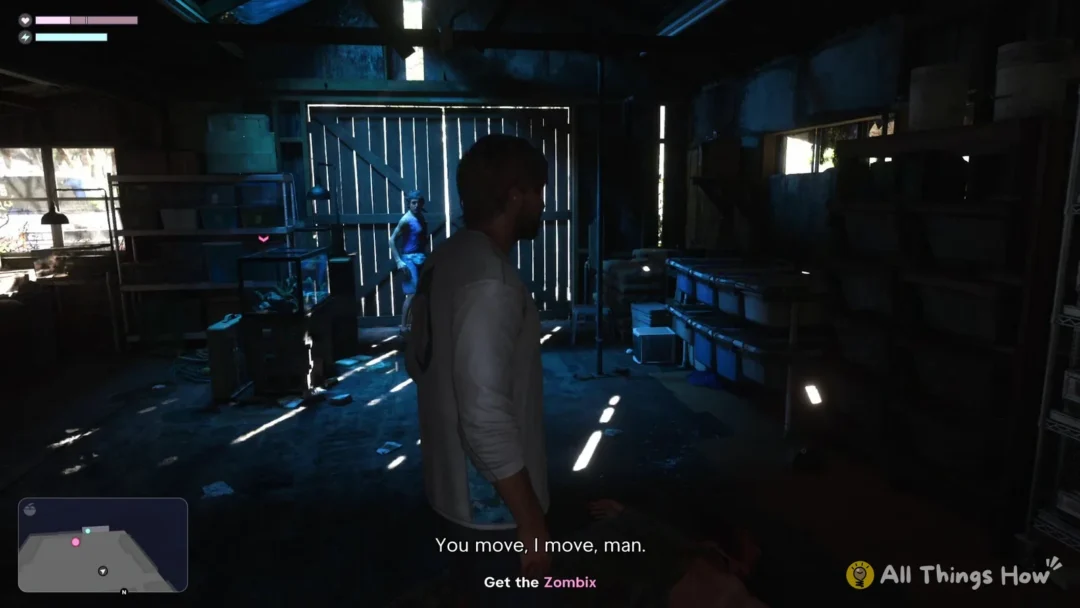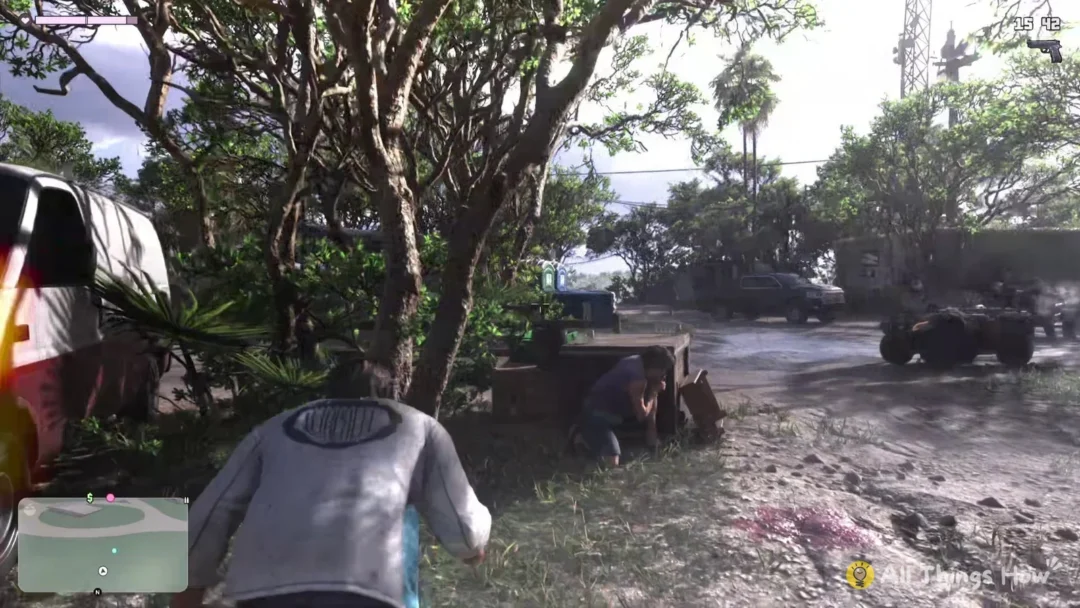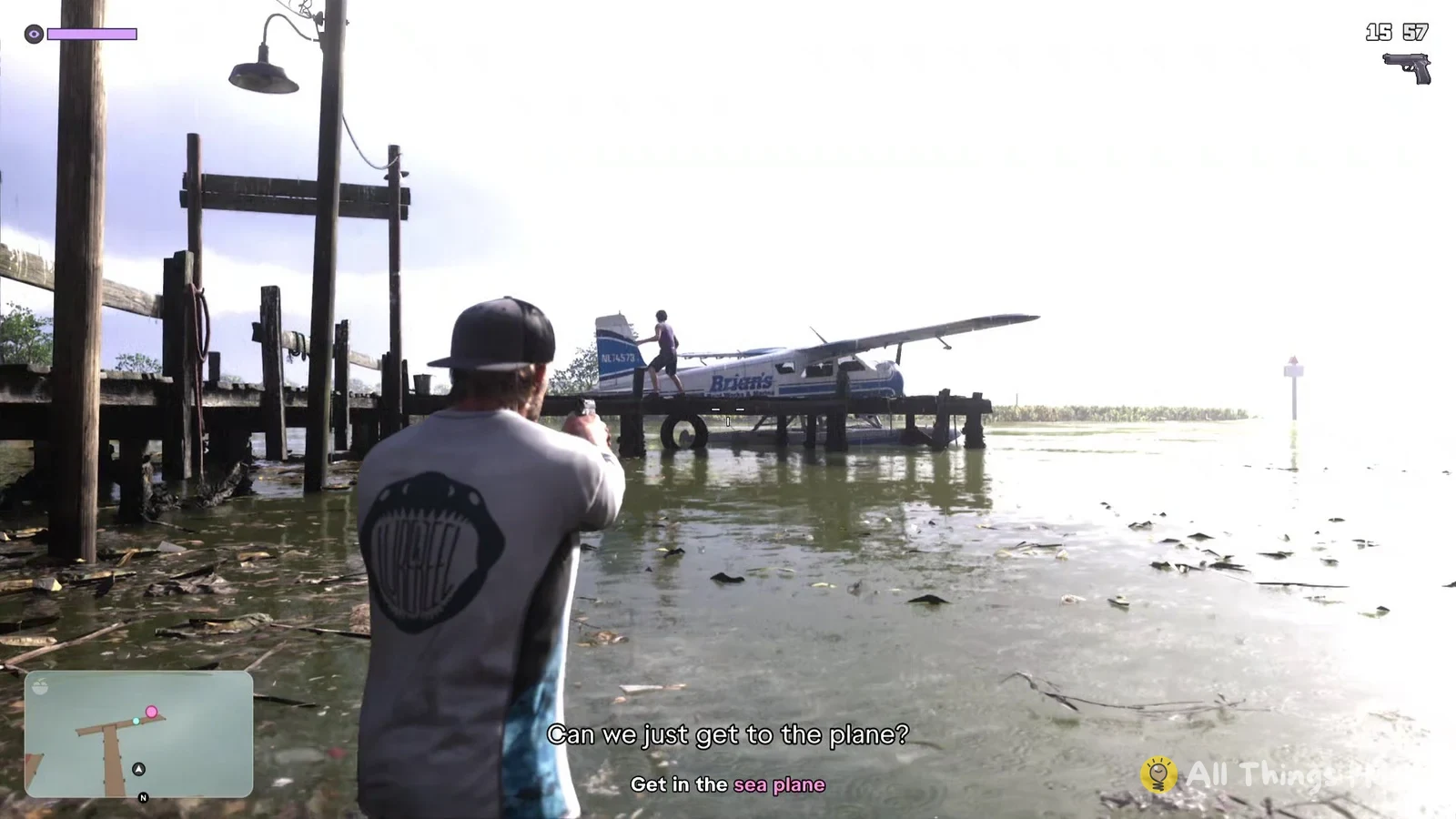
You first fly the sea plane in GTA 6 during “Gone Fishing”, a Chapter 1 mission where you play as Jason. It’s a white and blue float plane with “Brian’s” painted on the side, and you climb into it when the objective reads “Escape the camp”. The controls below are the PS5 default layout.
Quick answer: On PS5, hold R2 to accelerate and use the left stick to take off and turn, and hold Square or Circle for the rudder. To land, drop low over open water and let go of R2.
GTA 6 sea plane controls on PS5
Once you’re seated, check the screen’s top-left corner for the first control prompt: “R2 Accelerate” appears with a left-stick icon and “Take Off” beneath it. The next tip pops up right afterward and explains the rudder.
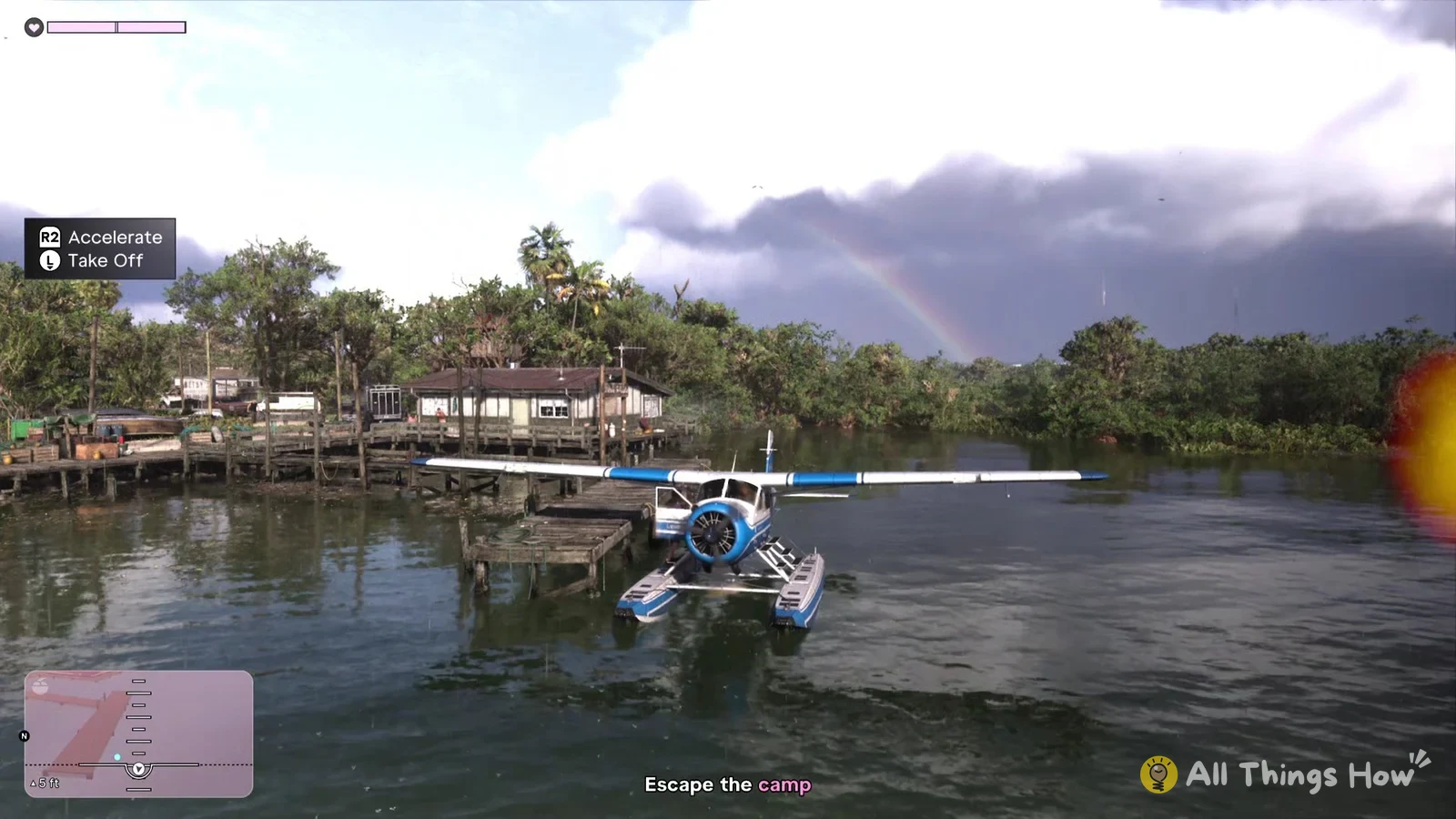
| Button | What it does |
|---|---|
| R2 | Accelerate |
| Left stick | Take off; turns the plane on the water |
| Hold Square or Circle | Rudder, in the air or on the water |
The rudder tip reads “Hold Square or Circle to use the plane rudder while flying or on the water.” That means the same two buttons work whether you’re taxiing across the water or already up in the air.
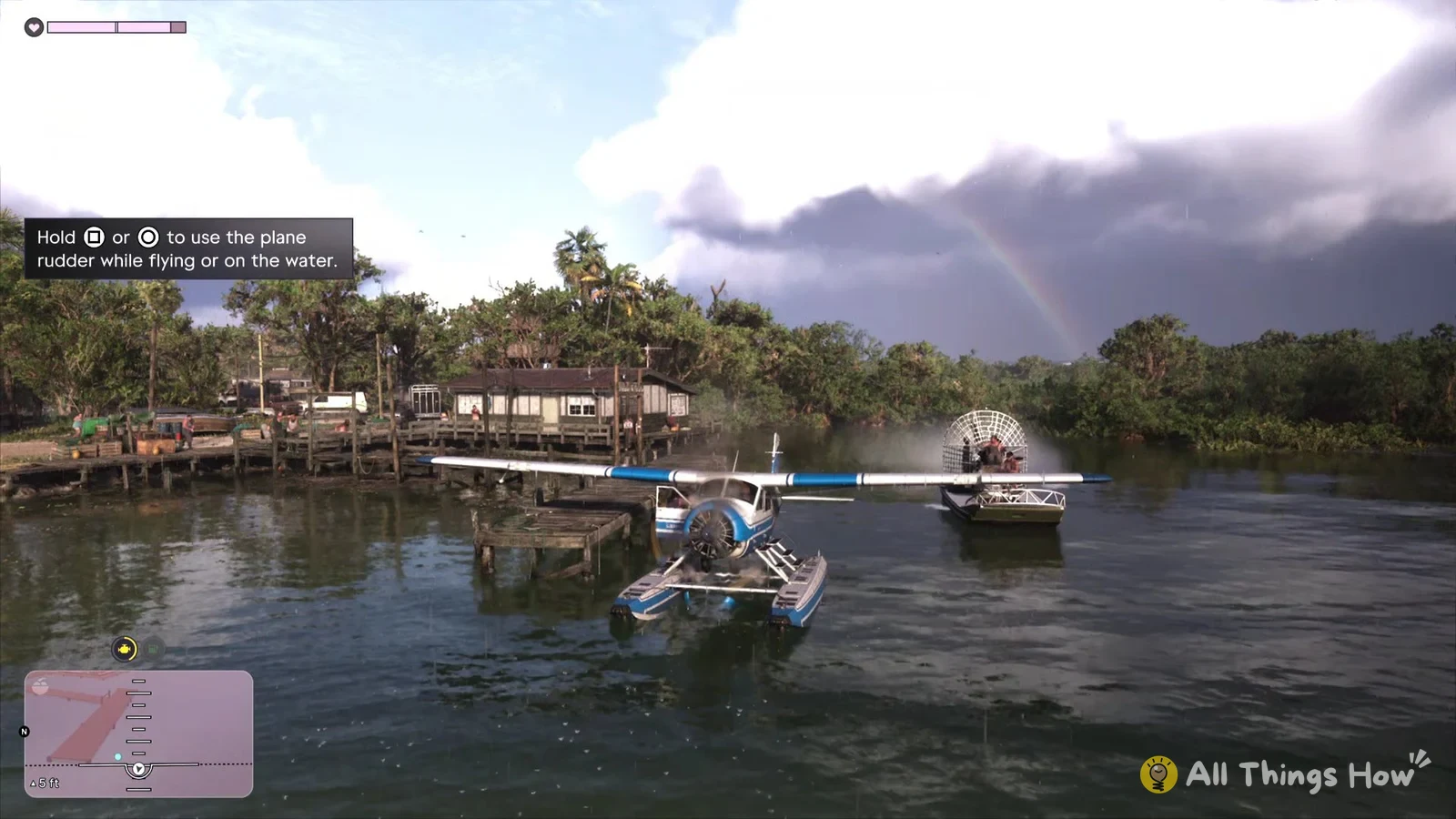
Taking off from the water
With R2 held, the plane rolls over the water and builds speed gradually. Leave yourself a long, clear stretch of water before using the left stick to take off. If you need to line up first, keep R2 down and push the left stick to either side to turn the plane on the water.
While you’re in the plane, the minimap changes too. An altitude ladder sits on top of it, and your height in feet shows in its bottom-left corner. It reads about 5 ft while you’re sitting on the water and climbs once you’re airborne, up to figures like 582 ft in flight, so it’s an easy way to check whether you’ve actually left the surface.
Hitting land or trees can destroy the plane and fail the mission with “THE PLANE WAS DESTROYED.” The mangroves around the camp are easy to clip; we lost the plane after running into them.
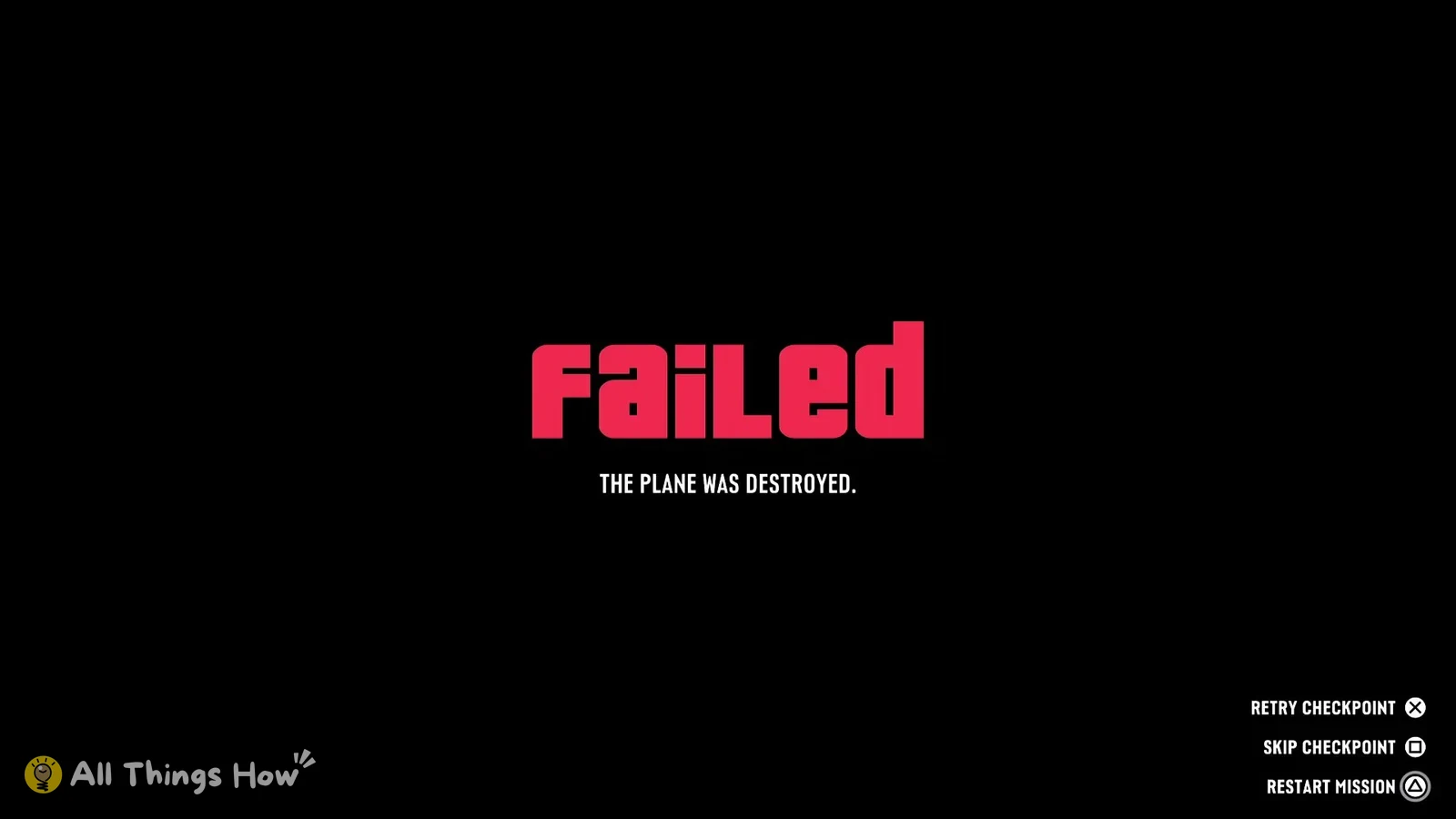
The fail screen gives you three choices. Retry Checkpoint (Cross) puts you back to try again, Restart Mission (Triangle) starts “Gone Fishing” over, and Skip Checkpoint (Square) drops you straight into the air with the plane already flying and the objective changed to “Land near the docks”. If the take-off keeps going wrong, Skip Checkpoint gets you past it.
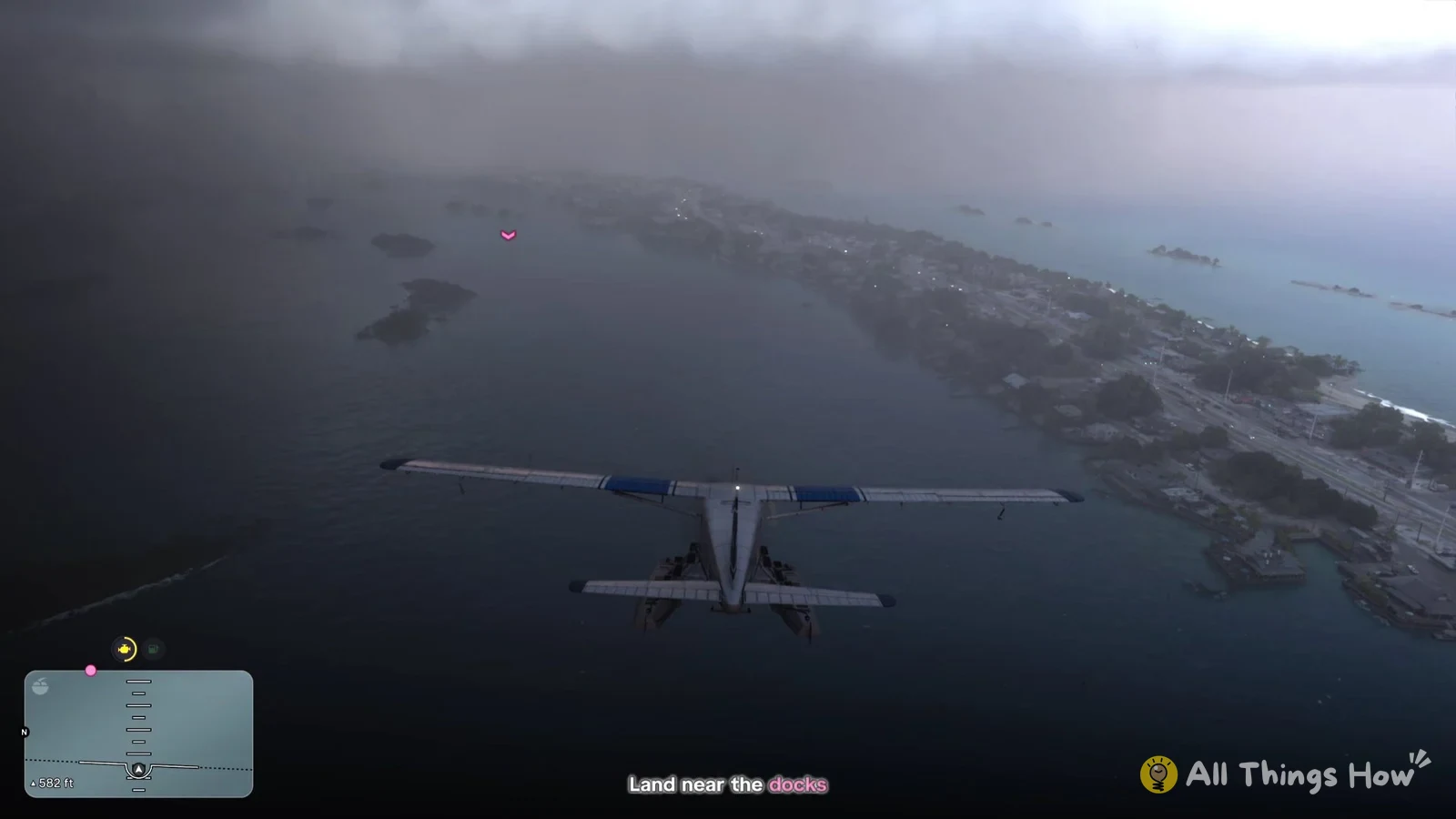
How to land the sea plane near the docks