Gaming How-To

How to Reverse in GTA 6 on PS5 (Hold L2)

Back out of a parking space in Jason's Ganado with L2, steer with the left stick, and drive off with R2.

Back out of a parking space in Jason’s Ganado with L2, steer with the left stick, and drive off with R2.

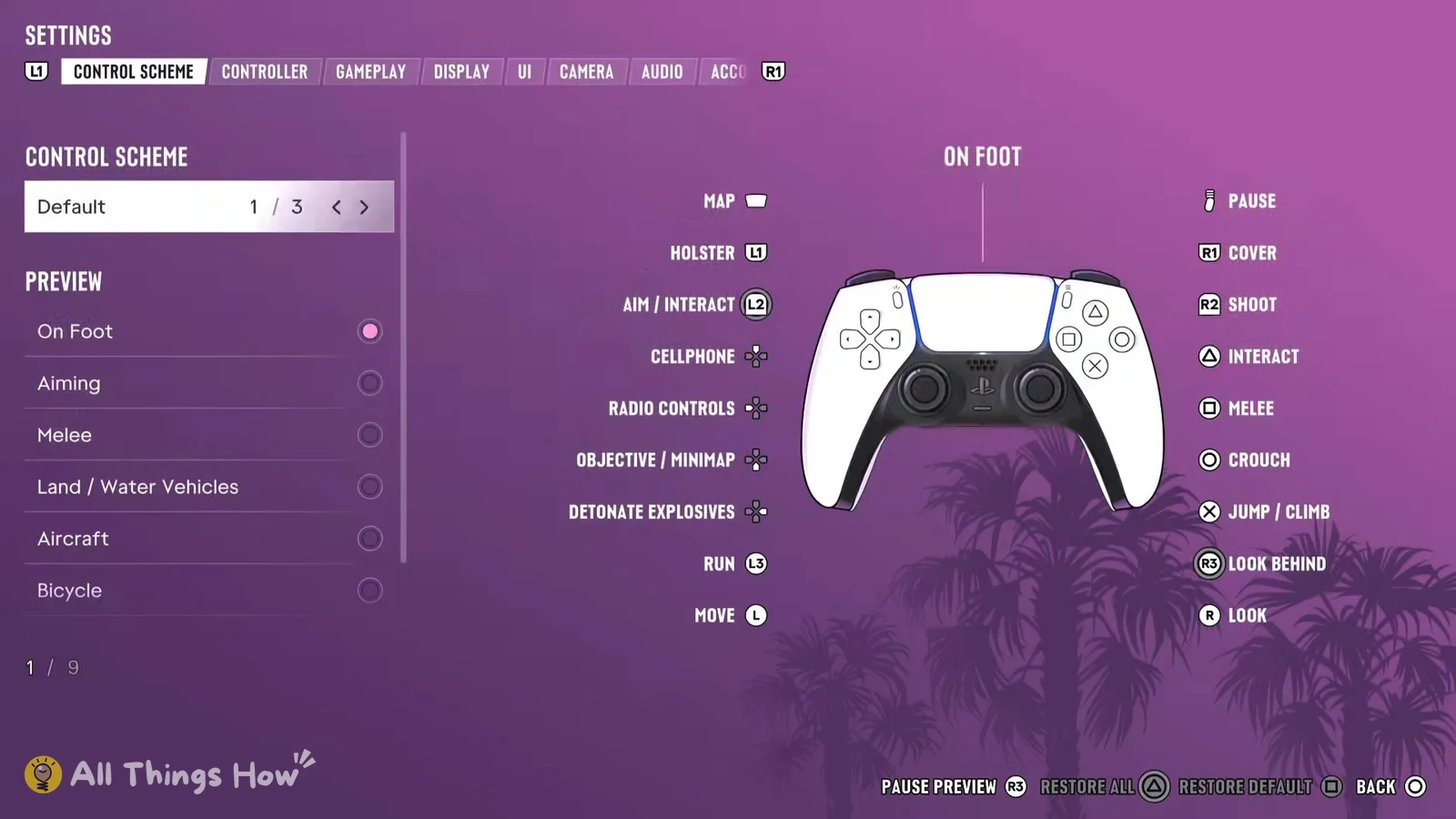
The first time GTA 6 hands you a car, it’s parked nose-in, so before you can drive anywhere you have to back it out. On PS5 with the Default controls, that’s done with the left trigger.

Quick answer: Hold L2 to brake and reverse, steer with the left stick, and press R2 to drive forward.


Reversing Jason’s Ganado out of the marina

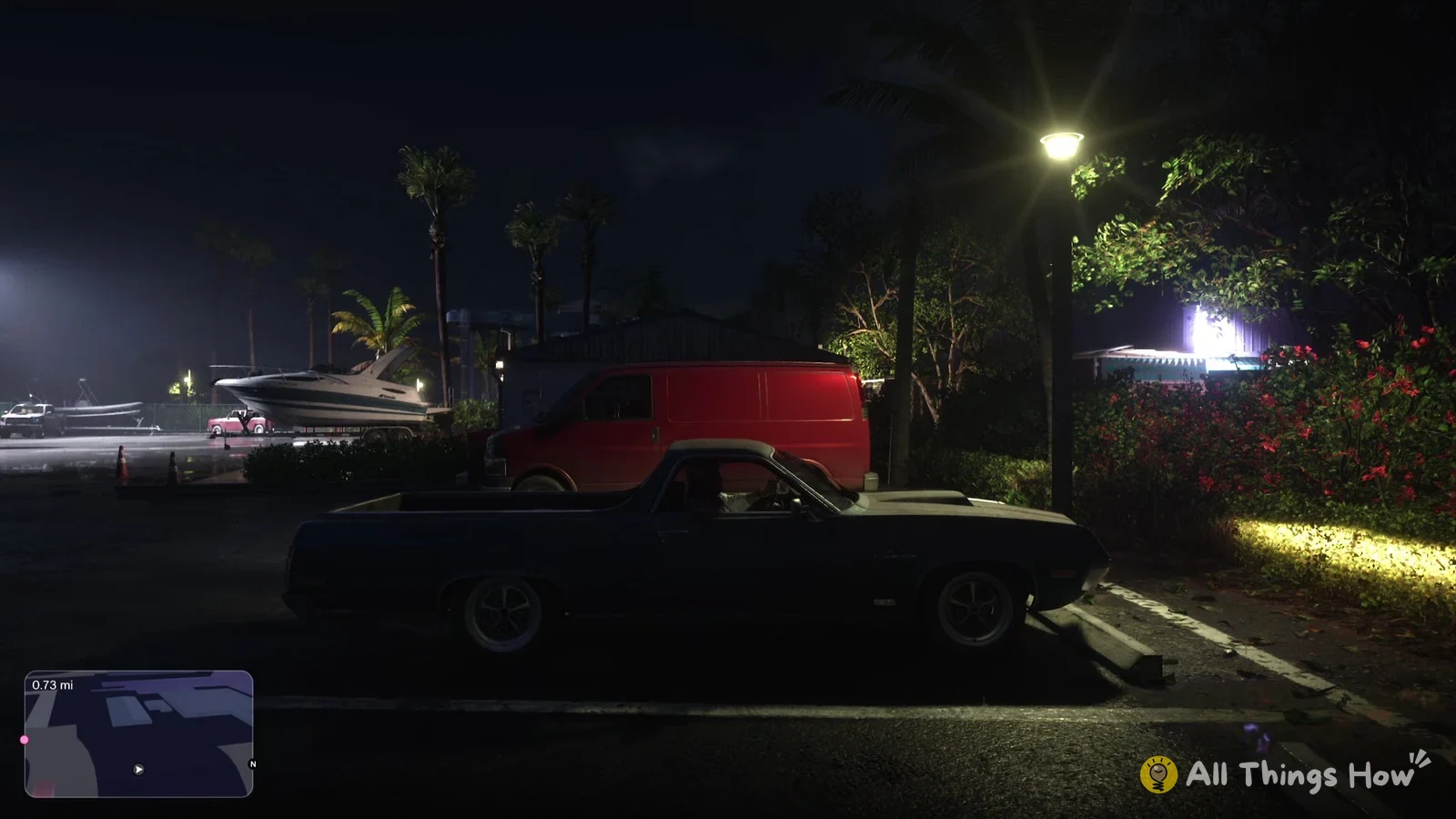
You first need to reverse at the end of the Chapter 1 mission “Gone Fishing”, playing as Jason. His own car, a rusty teal pick-up, is parked at Brian’s marina, facing into its space.
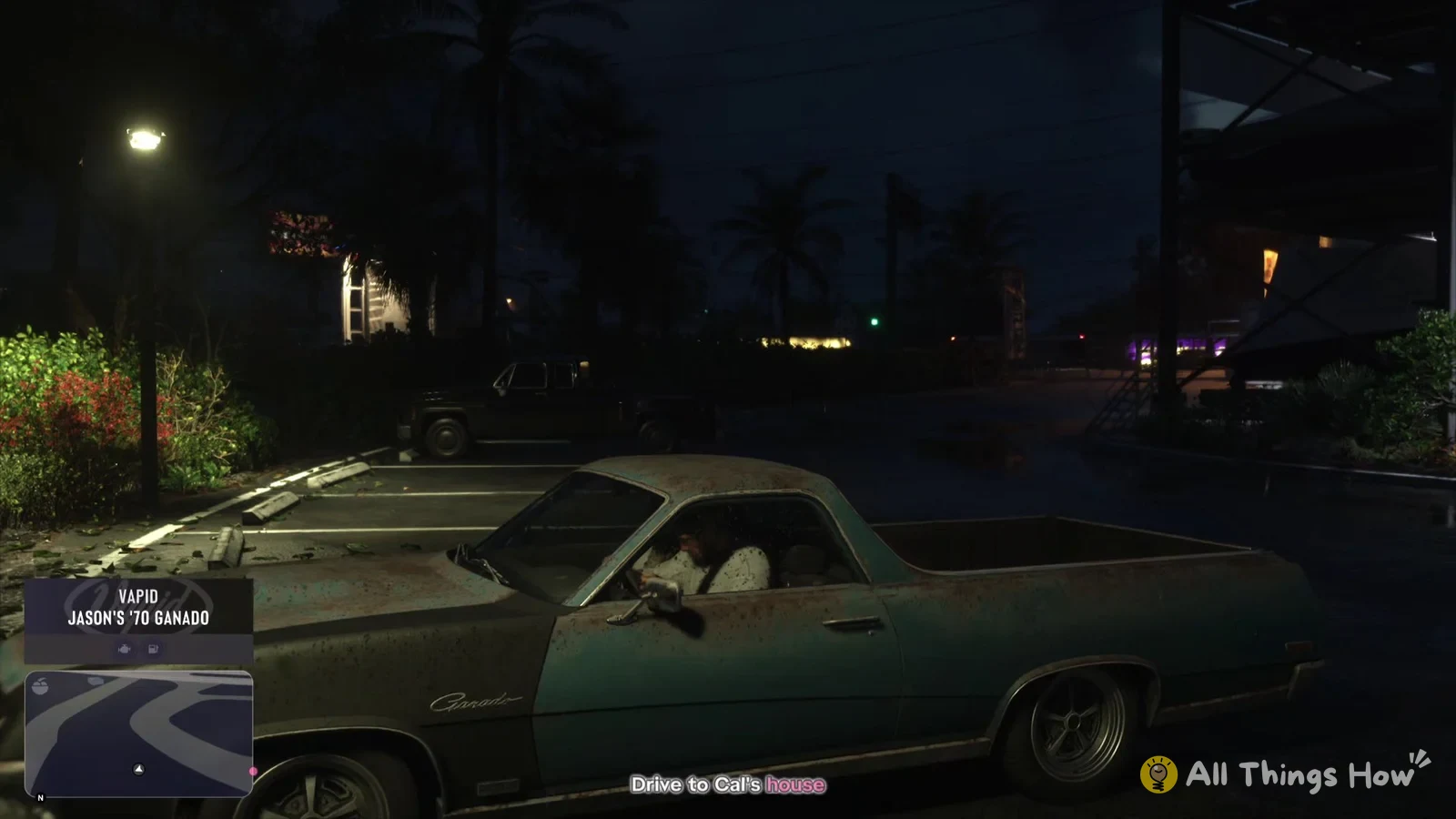
Walk up next to the driver’s door and press Triangle to get in. A card shows up in the bottom-left corner of the screen with “VAPID” and “JASON’S ’70 GANADO”, and your objective changes to “Drive to Cal’s house”.
GTA 6 Jason in his Vapid '70 Ganado with the objective Drive to Cal's house
Getting in shows "JASON'S '70 GANADO" bottom left.
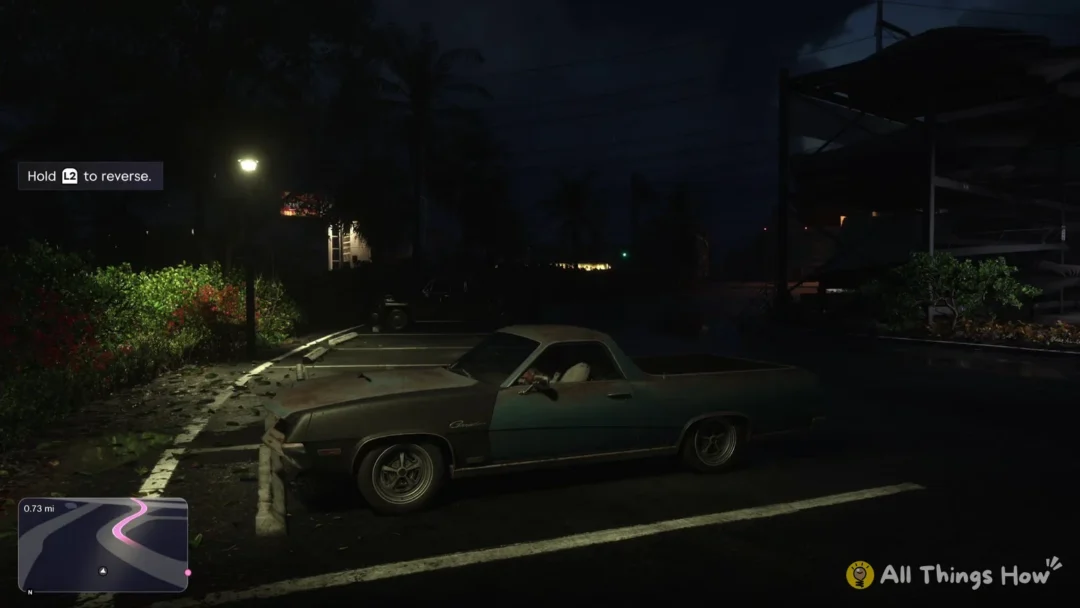
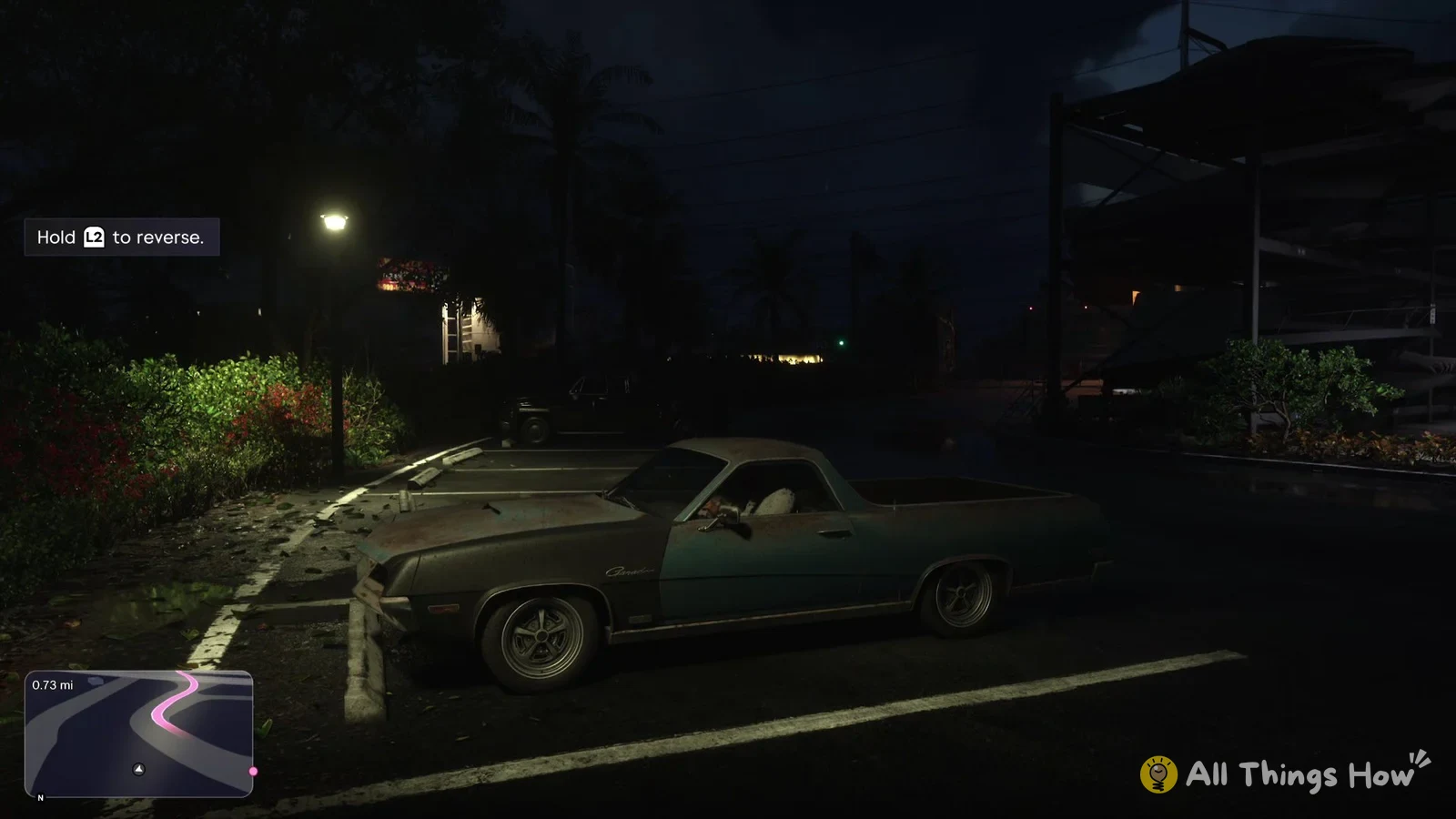
Hold L2 to back the truck out of the space. As soon as you’re in, a help box at the top left of the screen reads “Hold L2 to reverse.” While you’re holding L2, push the left stick to steer, and the back of the car swings toward whichever way the stick points, which is how you angle out of the space and line the nose up with the road.
GTA 6 help box Hold L2 to reverse next to Jason's Ganado
The tip at the top left: "Hold L2 to reverse."
Once you’re clear, let go of L2 and press R2 to drive forward. R2 is the accelerator, so you’ll be driving with R2 and the left stick from here, and reaching for L2 whenever you need to slow down or back up.

If you’ve driven the Ganado into a wall or another car and it’s stuck there, hold L2 for a second or two to back off before you set off again with R2.


What the camera does while you reverse

As the car rolls backward, the camera turns to look toward the back of the car. Press R2 to drive forward, and after a second or two the camera rotates to follow behind the car.