GTA 6 does give you turn-by-turn directions when a mission sends you somewhere by car. Everything sits on or near the minimap, so you can follow a route without opening the full map.
Quick answer: Yes. Drive toward a mission destination and the minimap shows a pink route line and the miles left at its top-left corner, and a box above it shows the next turn and how far away it is.
GTA 6 GPS parts on the minimap
Three pieces of the HUD work together while you drive to an objective. Here’s what each one tells you:
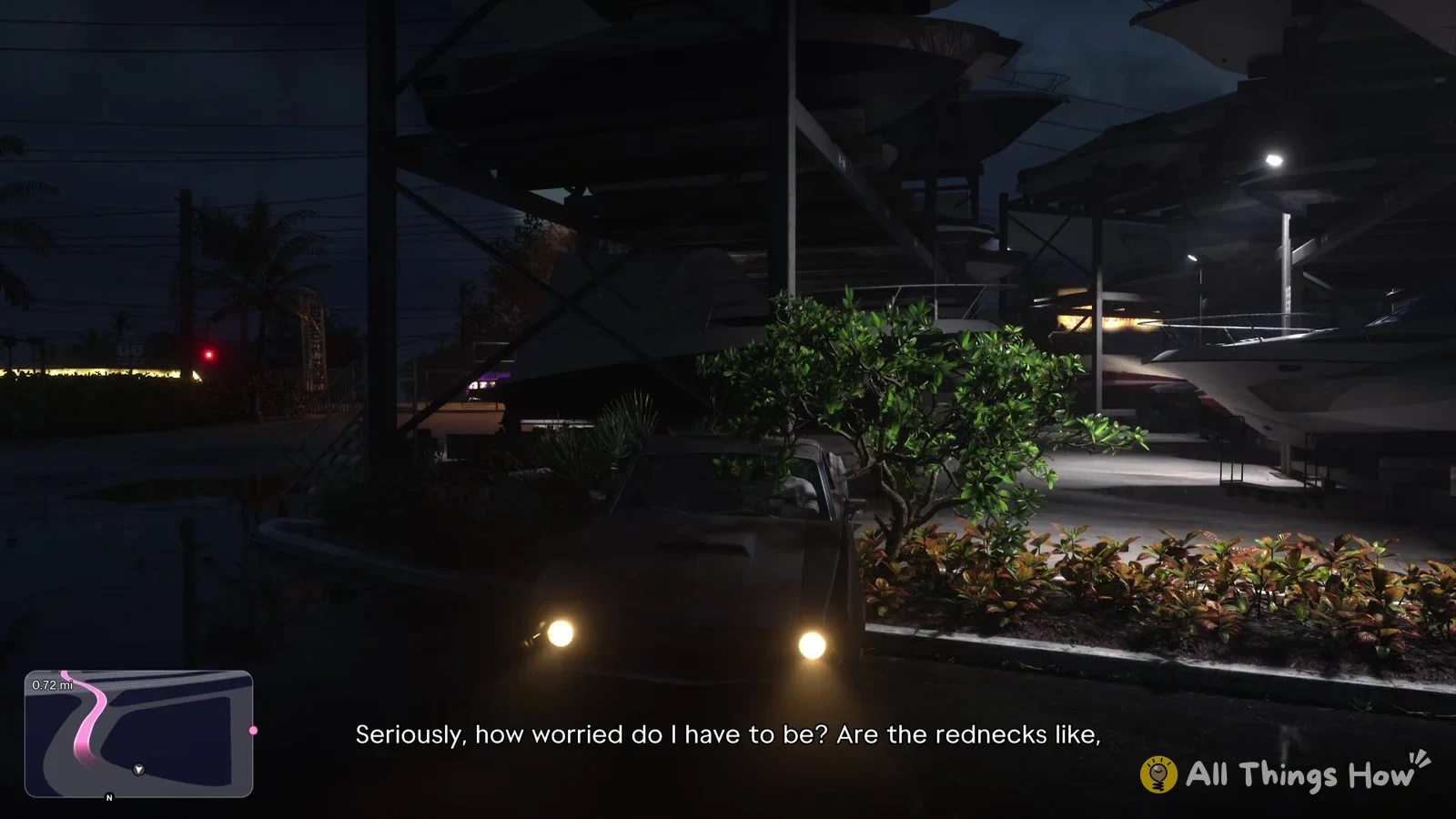
- Pink route line: a thick pink line on the minimap that traces the roads to your destination. It’s the same pink used to highlight the destination name in the objective text at the bottom of the screen.
- Distance left: the total distance to the destination, in the top-left corner of the minimap. It counts down as you get closer.
- Next-turn box: a box just above the minimap that shows up as you come up on a junction, with the instruction (“Turn Left” or “Turn Right”), the distance to that turn and a pink arrow icon on its right side.
Distances use miles for the full trip and feet for the next turn. The minimap rotates with the camera rather than with the car, so if you swing the camera around, the map turns with it while the car’s heading stays the same. When you aren’t sure which way the line bends, the next-turn box is the easier thing to read, since its “Turn Left” or “Turn Right” doesn’t depend on where the camera points.
Following the route to Cal’s house in Chapter 1
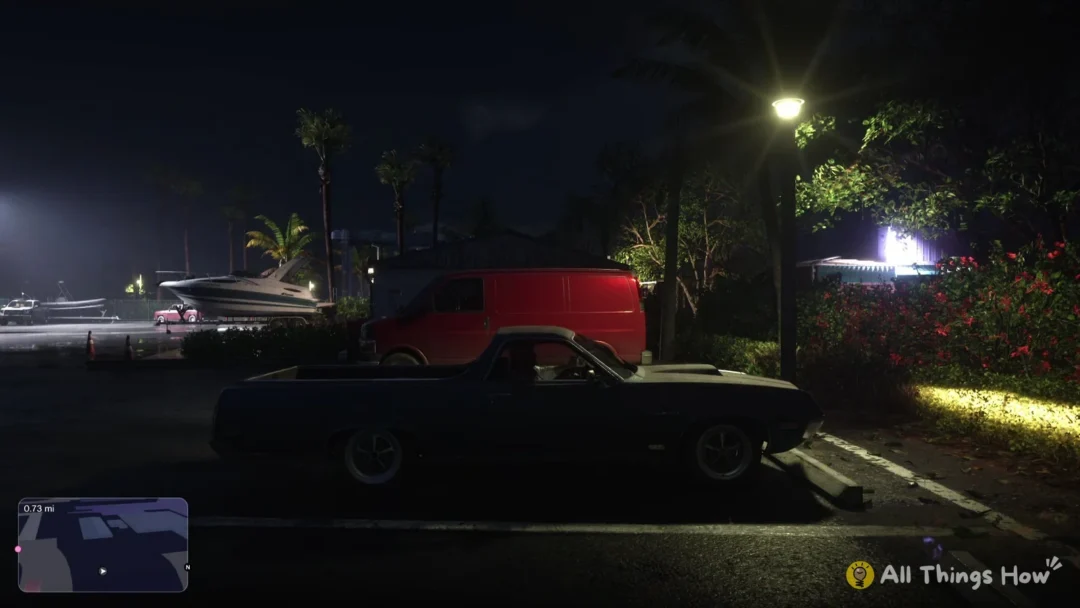
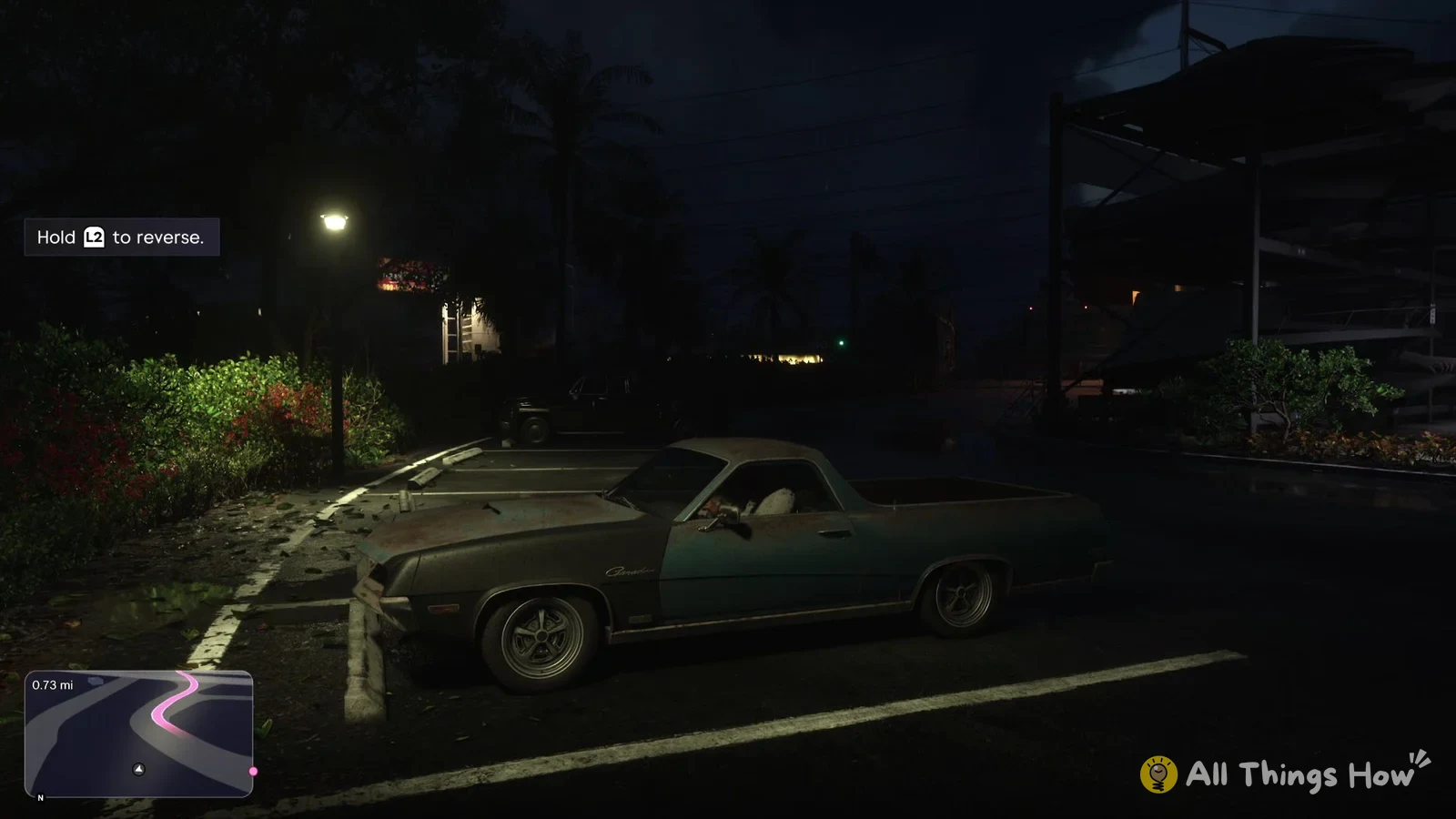
The first drive in Chapter 1 shows the whole system at work. Once you get into Jason’s car, the objective at the bottom of the screen changes to “Drive to Cal’s house”, with “Cal’s house” picked out in pink. The pink line shows up on the minimap right away, and the corner counter starts at “0.73 mi”.
Pull away and the counter starts dropping, down to 0.69 mi after the first short stretch of road. As the first junction gets close, the box above the minimap pops up with “Turn Left” and “46 ft”. Further along, the box switches to “Turn Right” at “464 ft”.
You can tell you’re still on course when the counter keeps going down and the pink line stays in front of your car on the minimap. Each new turn prompt shows up in the same box above the minimap as you reach the next junction along the line.