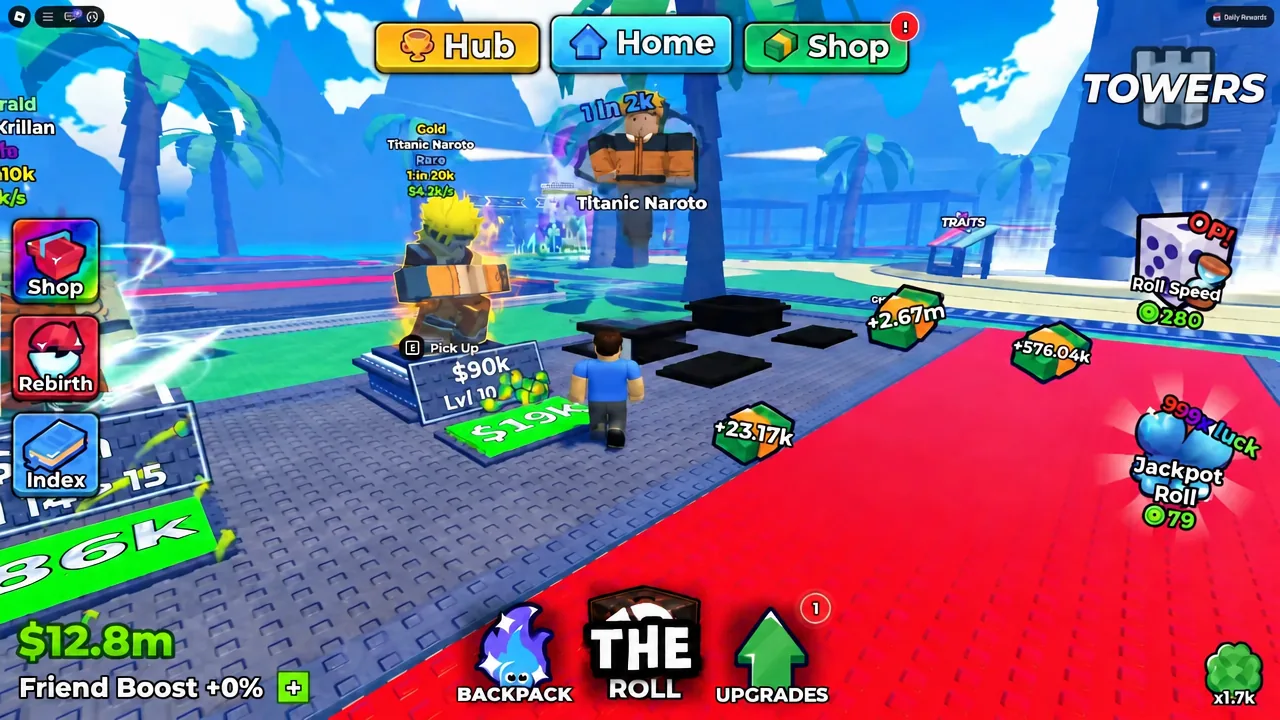
Anime Dice is a Roblox roller where almost everything you do can be left running in the background. You roll dice for anime units, park the best ones on your plot to print cash, sell the junk, and dump that cash into luck so the next batch of rolls is better. The players who move fast aren’t clicking more — they’ve set the loop to run itself and they’re only spending money where it compounds.
Quick answer: Set rolling to Auto and Hide, configure auto-sell to dump anything under a 1 in 50k chance, and spend every dollar on Money and Luck upgrades before anything else.
Set up auto roll and auto sell before anything else
Everything downstream depends on rolls happening constantly while you do other things. Both automations live behind two clicks each, and once they’re on you can walk around the plaza, run towers, or tab out without your income stalling. The game is free to launch from the Anime Dice experience page on Roblox.
Auto roll
Auto sell
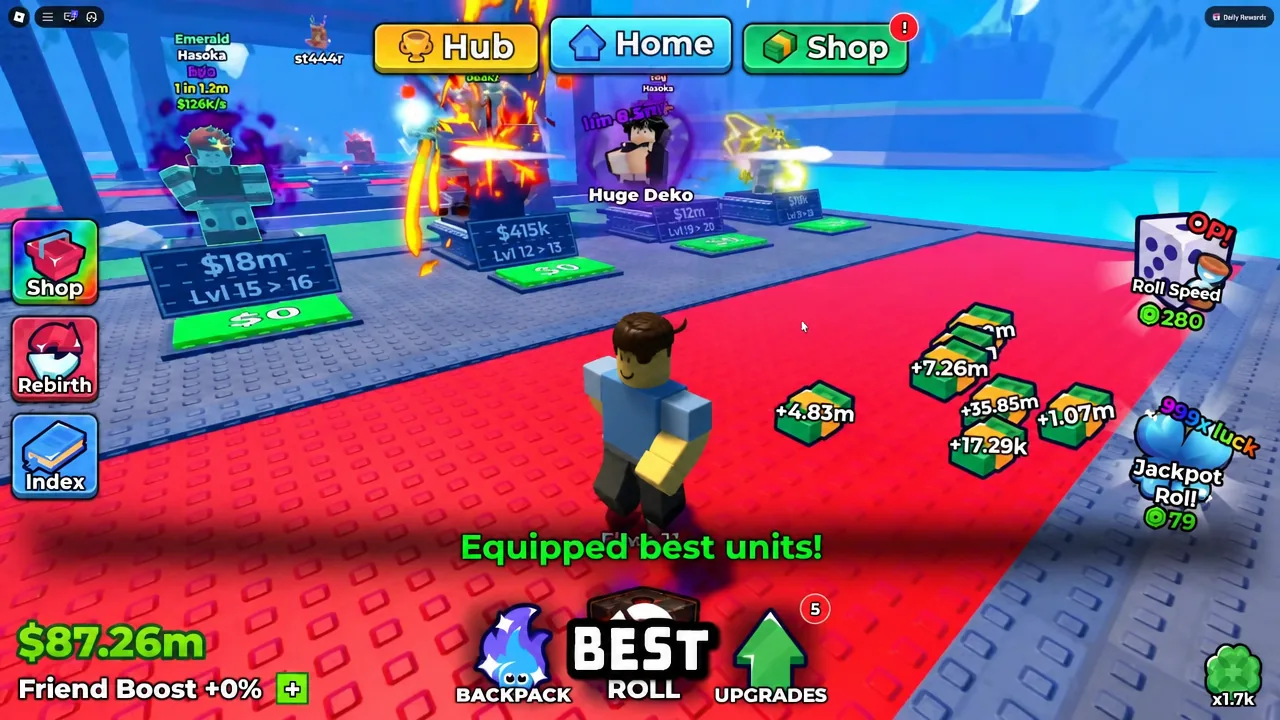
20000 or 50000. Anything rarer than that stays in your backpack; everything below it converts to cash the moment it’s rolled.Equip your best units before you ever mass sell. Use the Equip Best button in the backpack so your strongest team is locked in, then let the rest go.
Upgrade priority: money and luck first, unit storage later
The upgrade skill tree is where most new accounts stall, because it’s tempting to buy a level of everything. Money and Luck are the only two that feed each other — more income buys more luck, better luck pulls units that raise income again. Roll Speed is a reasonable third, and combat stats only matter once you’re pushing towers.
- Money — raises what every placed unit earns. Buy first, keep buying.
- Luck — shifts the roll table toward rarer units. Buy alongside Money.
- Roll Speed — more attempts per minute, useful once income is stable.
- Unit Storage — largely redundant once auto-sell is running. Skip it early.
- Damage, Health, Walk Speed — tower and convenience stats, not economy stats.
When a strong unit lands, level it up rather than spreading upgrade cash across a backpack of commons. A unit you’re about to replace is money burned.
Dice shop: the luck multipliers and what they cost
Dice are the single biggest lever on your base luck. Each tier multiplies your odds outright, so saving toward the next die is usually better than trickling cash into minor upgrades — especially the jump from Shadow onward, where the multiplier doubles.
| Dice | Rarity | Luck | Cost |
|---|---|---|---|
| Magma | Epic | 200x | $30M |
| Storm | Epic | 400x | $200M |
| Shadow | Epic | 750x | $1.5B |
| Light | Legendary | 1,500x | $12B |
| Blood Moon | Legendary | 3,000x | — |
If the next die is within reach, sit on your cash. A 200x-to-400x jump changes every roll you make afterwards; a single unit upgrade doesn’t.
Grades: how much each letter multiplies unit income
The Grades stand in the plaza rolls a letter grade onto a unit, and that grade is a flat income multiplier on top of everything else. The spread is enormous — a Z+ is worth roughly 23 times more income than a D on the same unit — so only grade the units you actually intend to keep.
| Grade | Income | Grade | Income |
|---|---|---|---|
| D | 1.1x | A+ | 4.5x |
| C | 1.3x | S | 7x |
| B | 1.6x | S+ | 10x |
| A | 3x | Z | 15x |
| Z+ | 25x | ||
You’ll see the result stamped directly on the unit’s card in your inventory, next to its trait. That card is your confirmation that the roll applied.
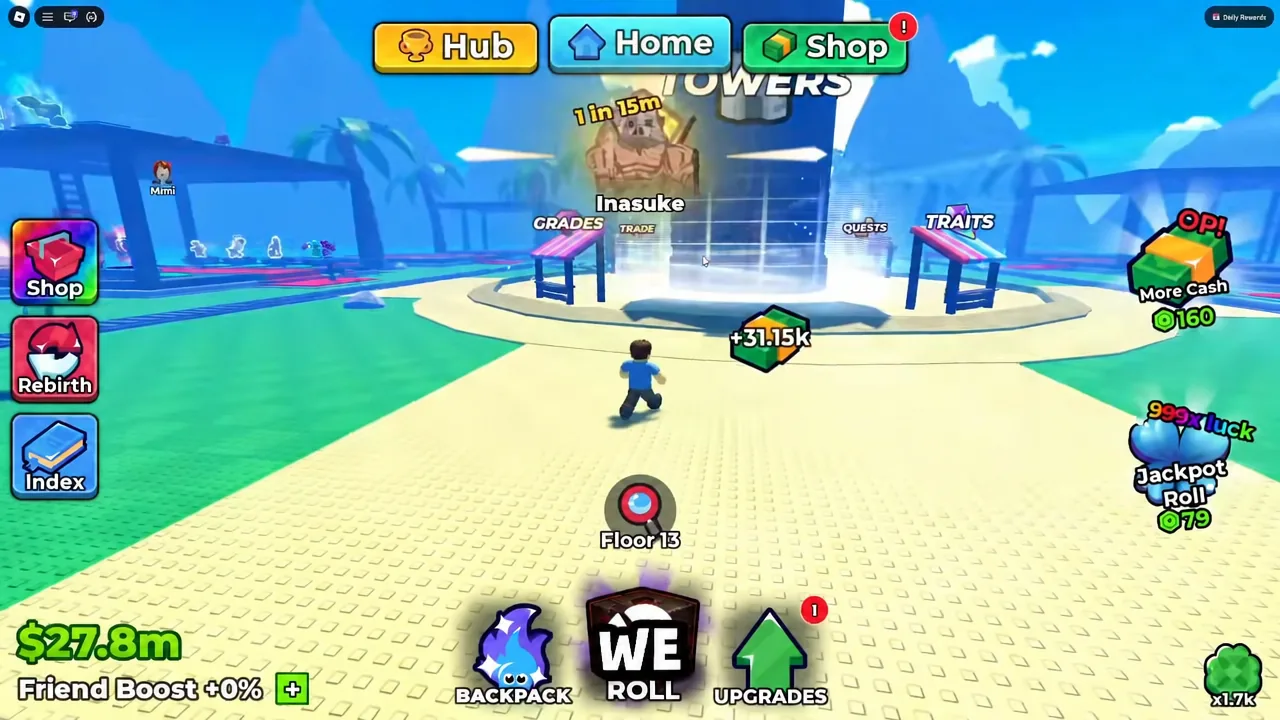
Traits: one per unit, and the good ones are rare
A unit can hold exactly one trait, and rerolling it consumes a Trait Reroll. Traits stack multiplicatively with grades, so a high grade paired with a top-tier trait is what turns a lucky pull into an economy. Head to the Traits stand, press the “+” button, pick the unit, and hit Roll.
| Trait | Effect | Roll chance |
|---|---|---|
| Eternal | 27x income, damage, health | — |
| Transcendent | 15x income, damage, health | 0.006% |
| Monarch | 8x income, damage, health | 0.025% |
| Shogun | 5x income, damage, health | 0.12% |
| Samurai | 3x income, damage, health | 0.5% |
| Money / Damage / Health III | 2x to that one stat | 1.2% |
| Money / Damage / Health II | 1.5x to that one stat | 6.3% |
| Money / Damage / Health I | 1.2x to that one stat | 25.4% |
Roughly three quarters of rolls land on a tier I or tier II trait, which is why burning rerolls on a starter unit is the most common early waste. Hold them until a unit is clearly staying on your team, then reroll aggressively. A Money trait on your top earner and a damage-focused trait on your tower carry is the usual split.
Towers: farm gems, potions, and rerolls on auto
Towers are the second income stream and the only renewable source of Trait Rerolls. The Easy, Medium and Hard towers can be run repeatedly, and once battles are set to Auto they clear floors while you’re off doing something else. Expect to hit a wall — stopping around floor seven simply means your team needs better grades, traits or a rarer unit before the next attempt.
Anything you pull from towers is worth using immediately, not hoarding. Luck potions and Dragon Income potions activate from your inventory and are strongest while auto roll is already running.
Rebirth: spend your cash before you reset
Rebirthing wipes your current cash in exchange for permanent progression, which makes any money left in your wallet at the moment you reset pure loss. Empty it first, preferably into Luck and Money levels or a dice upgrade you were close to affording, then pull the trigger.
Your equipped units, grades and traits carry through, so income rebuilds far faster than the first time around. If your balance looks alarming right after a reset, leave auto roll running for a few minutes and it’ll recover.
Free daily pickups worth claiming
Three sources hand out premium currency for essentially no effort, and skipping them costs you spins and rerolls you’d otherwise have to grind towers for.
- Group Chest — free spins, gems and trait rerolls for joining the game’s Roblox group.
- Quests menu — daily and weekly objectives that tick over while you’re already rolling.
- Offline earnings — your plot keeps paying while you’re away. Collect and reinvest on login.
Put together, the routine is short: automate the roll and the sell, keep Money and Luck climbing, buy the next die the moment you can afford it, and only spend grades and rerolls on units you’re keeping. Everything else in the game is decoration on top of that loop.
Codes
100KLIKES,40KCCU,30KCCU,20KCCU,10KCCU,5KCCU,1KCCUUPDATE4,UPDATE3,UPDATE2,UPDATE1,RELEASE
Open the Shop button at the top of the screen, scroll to the bottom of the menu, type each one exactly as written into the text box, and press Redeem.