
Category
Browsers
-
How to Fix Edge Browser Not Loading Amazon Prime
Clear instructions to resolve Amazon Prime Video and Amazon site loading issues in Microsoft Edge on Windows 11.
-
How to Fix Chrome.exe Bad Image Error Status 0xc000012f
Resolve Chrome launch failures and system errors caused by corrupted files or updates with these clear solutions.
-
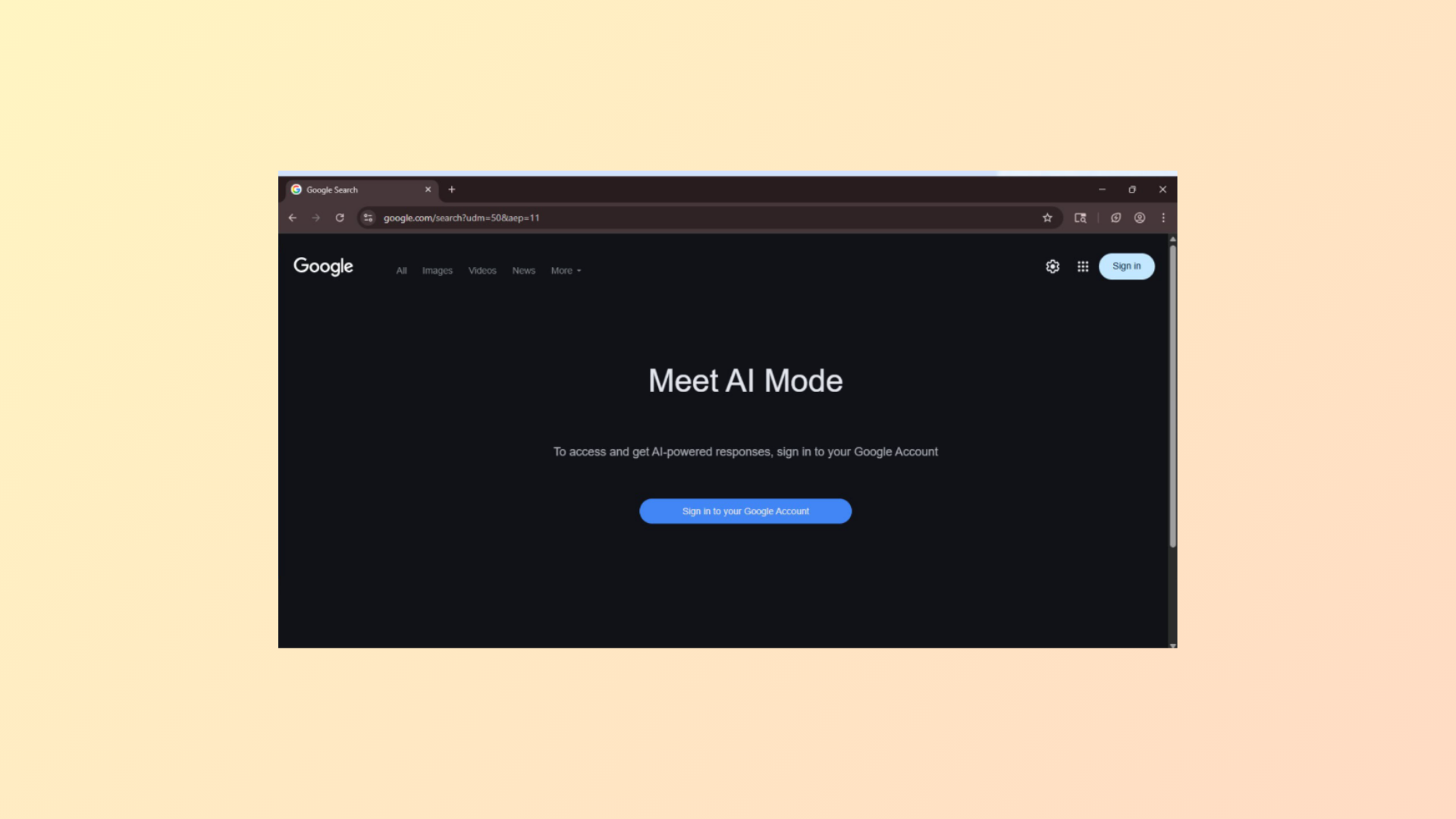
How to Turn Off AI Mode in Google Chrome
Learn multiple methods to remove or hide Google’s AI Mode and AI Overviews from Chrome search results, including browser settings, extensions, and alternative search…
-
Edge Browser Gets Copilot Mode
Microsoft Edge introduces Copilot Mode, bringing AI-powered tab management, voice navigation, and automated actions directly to Windows 11 browsing.
-
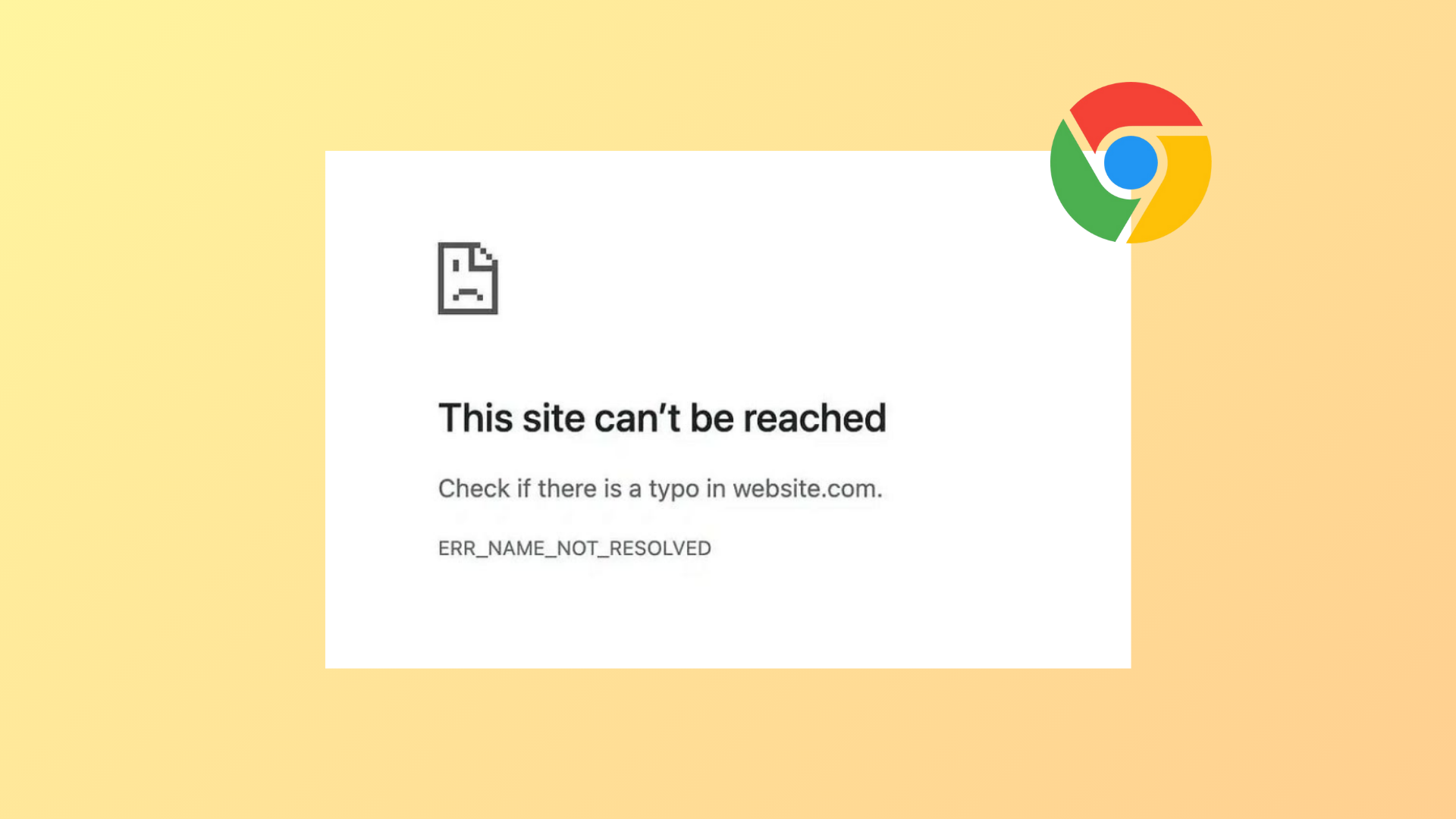
How to Fix Error Code 105 ERR_NAME_NOT_RESOLVED in Chrome
Resolve DNS errors in Google Chrome by following these proven troubleshooting steps to restore website access and stable browsing.
-
How to Fix Platform Is Not Compatible Error in Firefox
Resolve the “platform version is not compatible” error in Firefox on Windows 11 by reinstalling the browser and recovering your data.
-
How to Fix “This Site Can’t Be Reached” Error in Google Chrome
Resolve the “This Site Can’t Be Reached” error in Chrome by addressing DNS, network, browser, and system settings with clear troubleshooting methods.
-
How to Fix Microsoft Edge Installed but Not Appearing in Windows 11
Resolve the issue where Microsoft Edge shows as installed but is missing from the Start menu, apps list, or file system in Windows 11.
-
How to Fix Error Code 7: 0x3c When Installing or Updating Chrome
Resolve Chrome update failures caused by error code 7: 0x3c by closing conflicting processes, checking system settings, and following targeted troubleshooting steps.
-
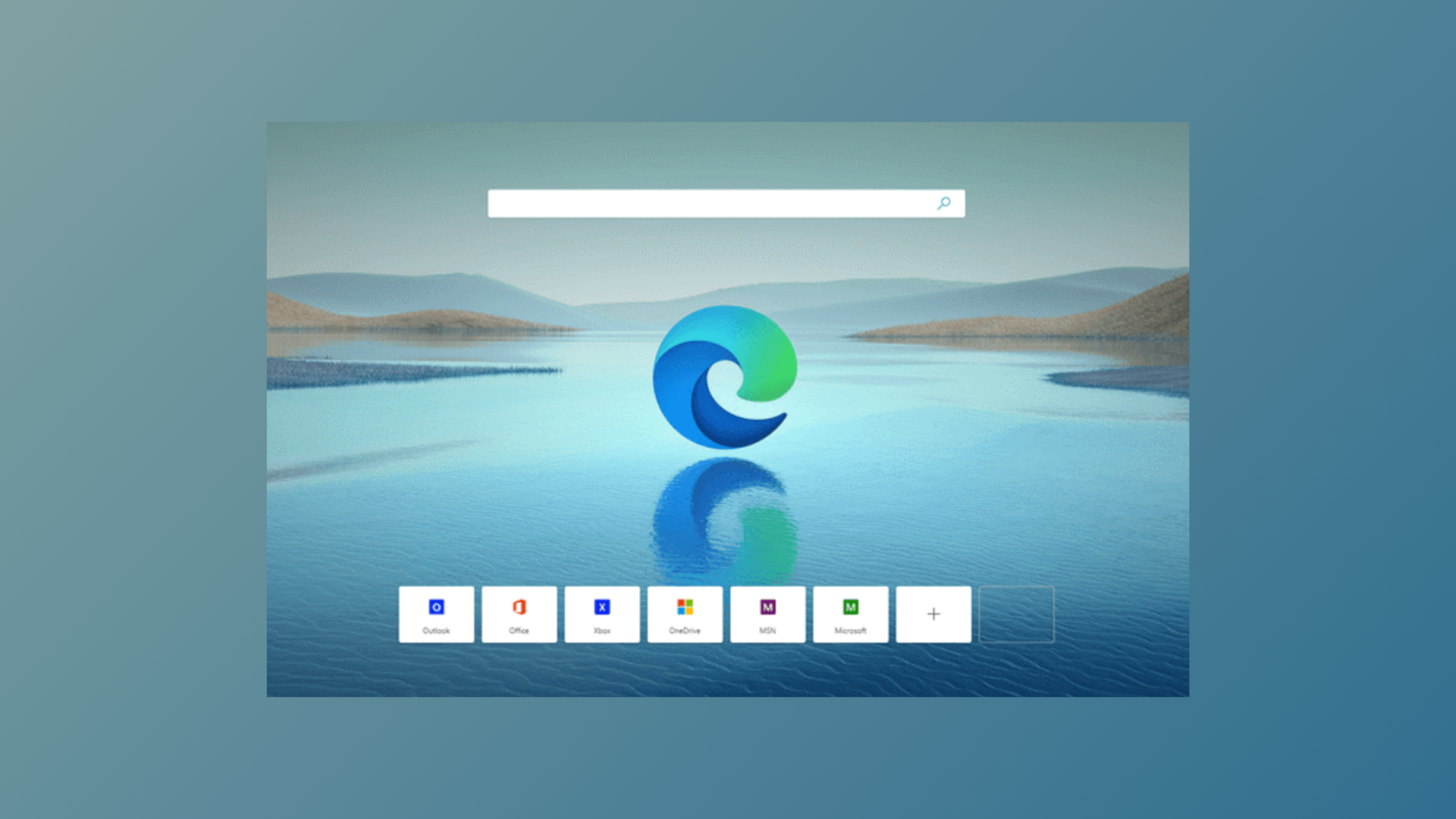
How to Enable Mica Effect in Edge Browser in 2025
Activate the Windows 11 Mica visual effect in Microsoft Edge to achieve a semi-transparent, modern interface—now available in Edge version 140 and newer.