
Category
Browsers
-
How to Add or Remove Words From Chrome Spelling Dictionary
Learn detailed methods to manage custom words in Google Chrome’s spelling dictionary for more accurate spell check results.
-
How to Fix Microsoft Edge Push Notifications Not Working
Resolve missing or unreliable push notifications in Microsoft Edge with these practical solutions for Windows 10 and Windows 11.
-
How to Disable Auto Update in Chrome, Edge, and Firefox Browsers
Learn effective methods to stop automatic updates in Google Chrome, Microsoft Edge, and Mozilla Firefox, using Group Policy, configuration files, and built-in settings.
-
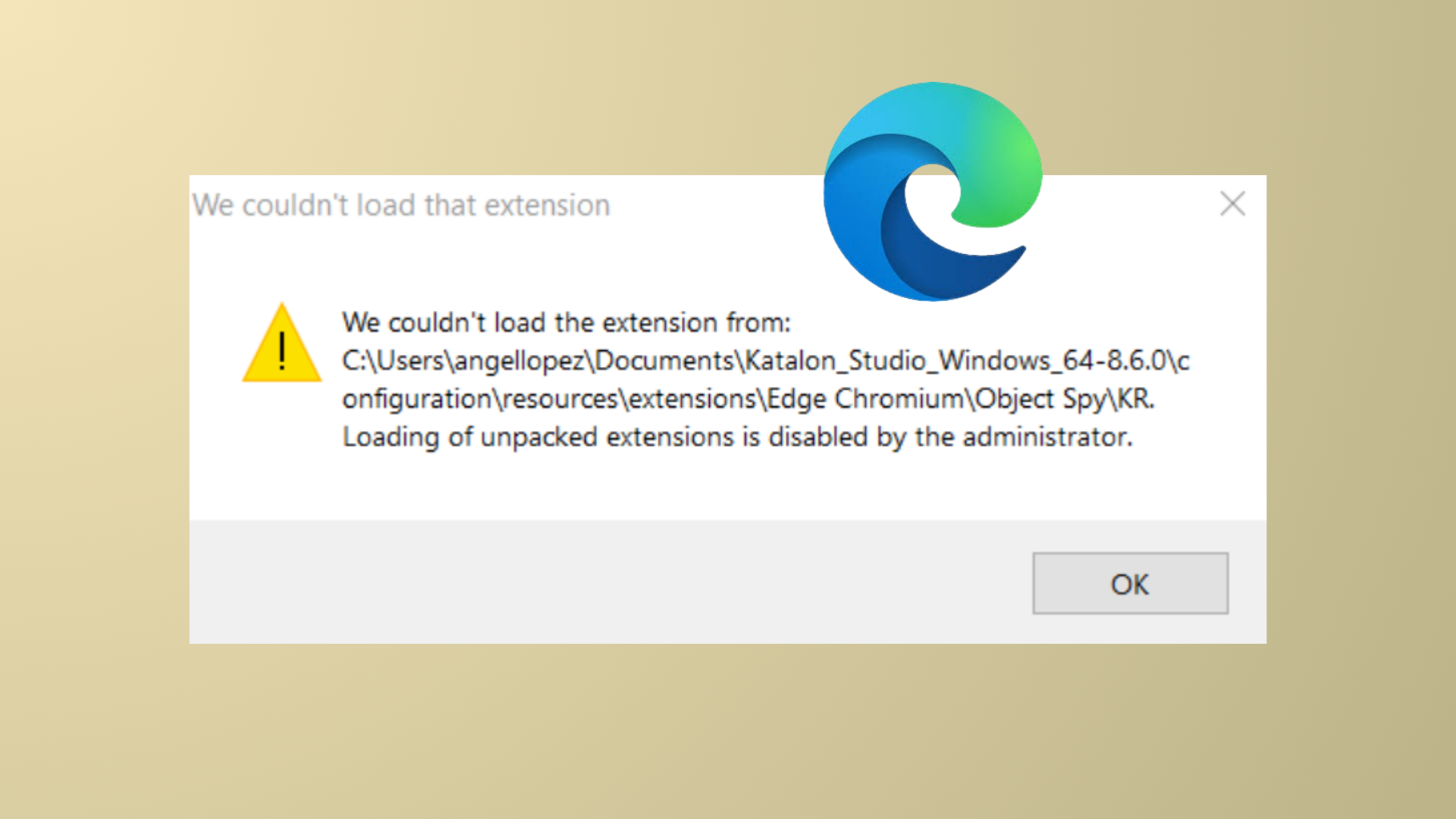
How to Fix “We Couldn’t Load This Extension” Error in Microsoft Edge
Solve Microsoft Edge extension installation errors with proven repair and troubleshooting methods.
-
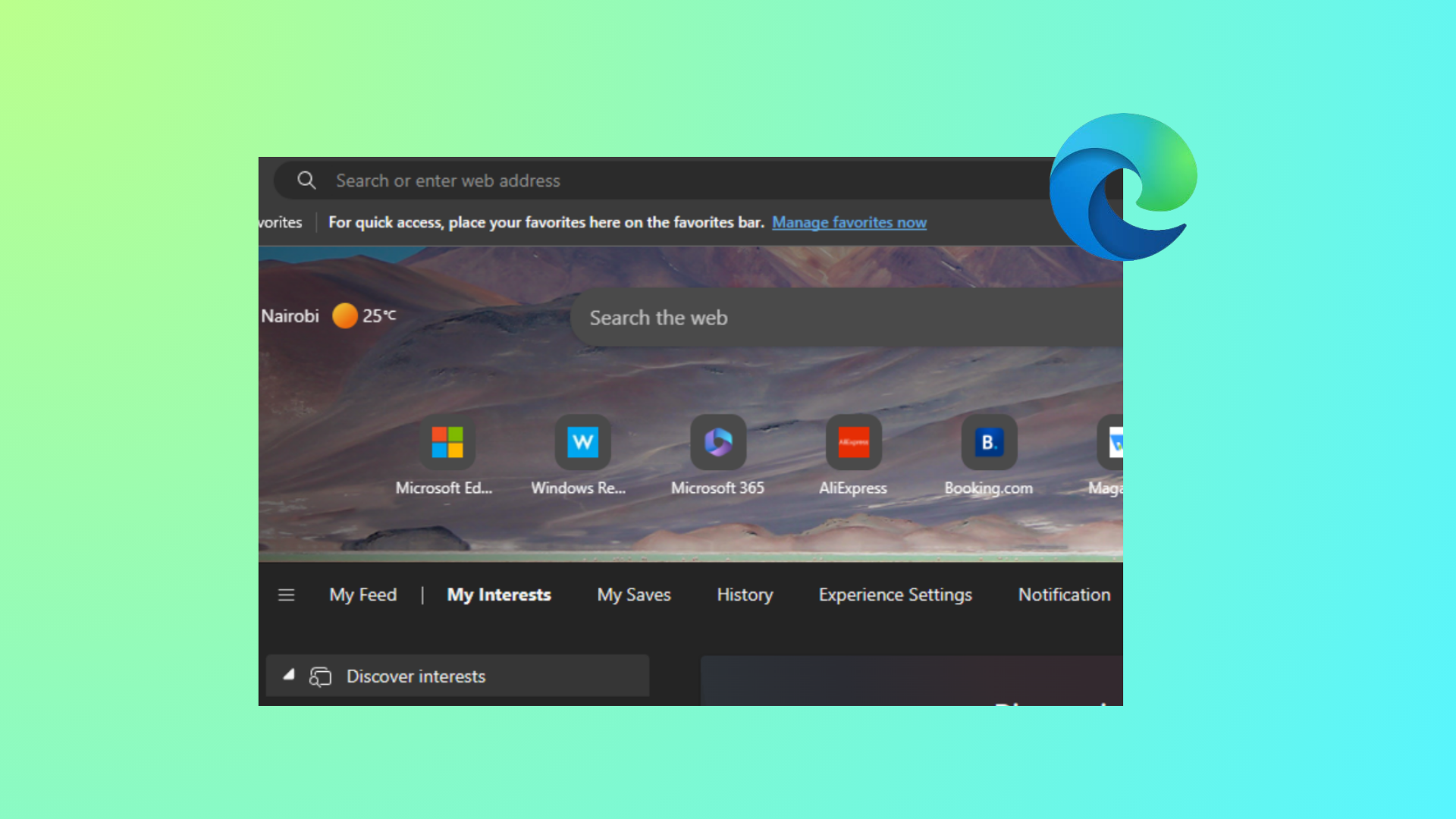
How to Hide Quick Links on New Tab Page in Microsoft Edge
Learn effective methods to remove or disable Quick Links from the Edge New Tab page for individual users and across all users using browser…
-
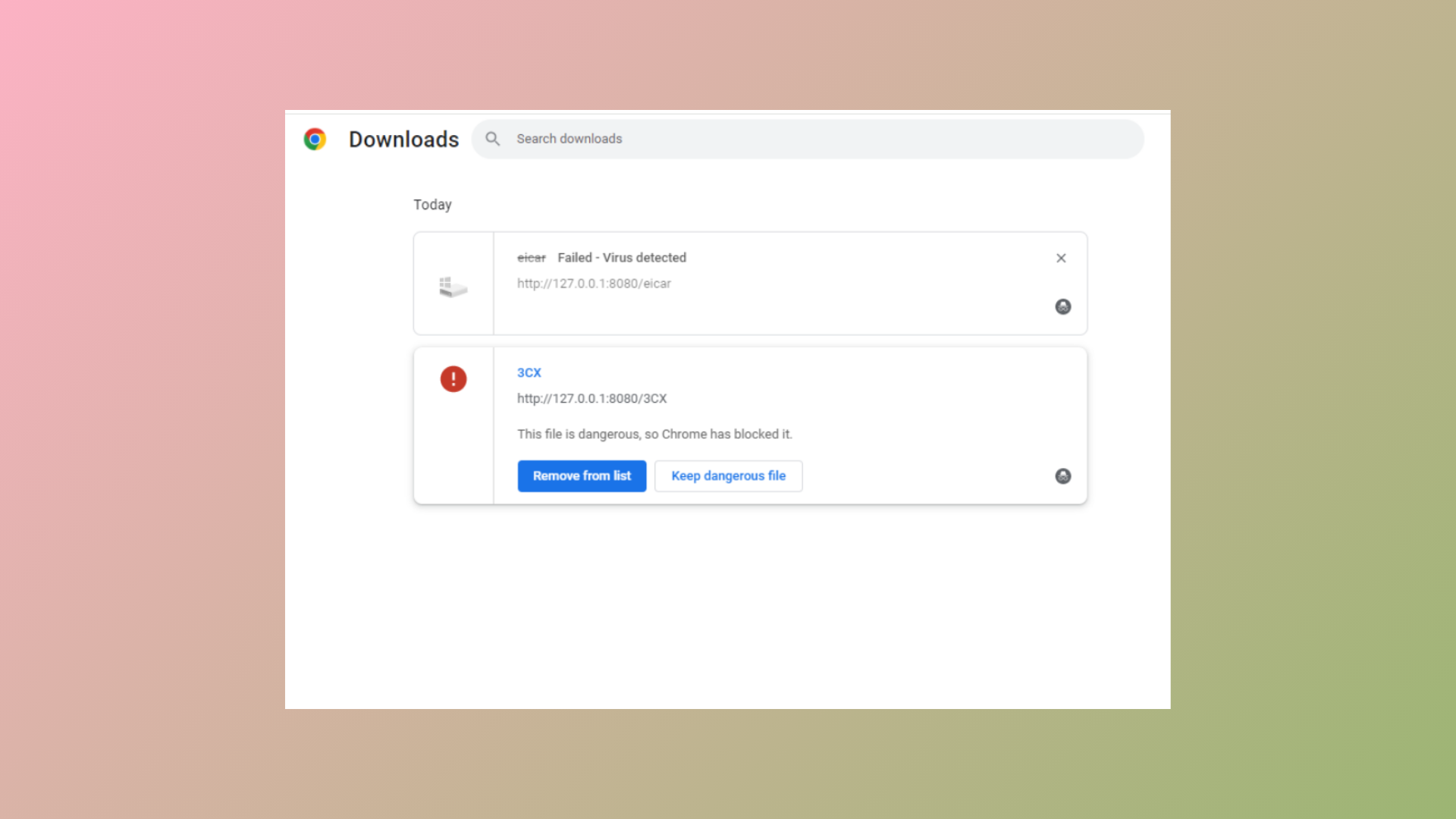
How to Fix “This EXE File Is Dangerous So Chrome Has Blocked It” Error
Learn multiple methods to resolve Chrome blocking EXE file downloads and regain control over your downloads safely.
-
How to View, Edit, and Manage Passwords in Google Chrome
Learn clear methods to access, update, and organize your saved passwords in Google Chrome across desktop and mobile devices.
-
How to Prevent Users from Exporting Passwords Saved in Microsoft Edge
Disable password export in Microsoft Edge to reduce data leakage risks and protect sensitive credentials in managed environments.
-
How to Disable Access to Profiles in Firefox
Prevent users from creating or switching Firefox profiles by applying system-level restrictions and configuration changes.
-

How to Save Webpage as PDF in Microsoft Edge
Convert any webpage to a PDF file in Microsoft Edge using built-in features and browser extensions for streamlined offline access or sharing.