
Category
Mac
macOS, MacBook, Apple Watch, iCloud — the Apple ecosystem outside iPhone.
-

Apple Watch Ultra 3 vs Ultra 2 — what’s new and who should upgrade
Satellite messaging, a larger display, 5G, and a modest battery bump differentiate the Ultra 3.
-
How to Cancel a Print Job on Brother, Epson, HP, and Other Printers
Clear instructions for stopping unwanted print jobs across major printer brands and operating systems.
-
How to Install macOS 26 Public Beta
Learn the safest and most effective way to install the macOS Tahoe 26 public beta, including preparation tips and detailed instructions.
-

Stop Screen Recording in macOS 26 with the New UI
Master the updated screen recording controls in macOS 26 and reliably end recordings using the latest menu bar and keyboard shortcut methods.
-
Use the Redesigned Password Autofill and Credential Prompts in macOS 26 Beta 2
Learn how the updated Passwords app in macOS 26 beta 2 streamlines password autofill, strengthens credential security, and simplifies login management across Apple devices.
-
How To Use the Updated Recovery Assistant in MacOS 26 Beta 2
Resolve Mac startup failures, disk issues, or system corruption using the built-in Recovery Assistant and Recovery utilities in macOS 26 Beta 2—no external tools…
-
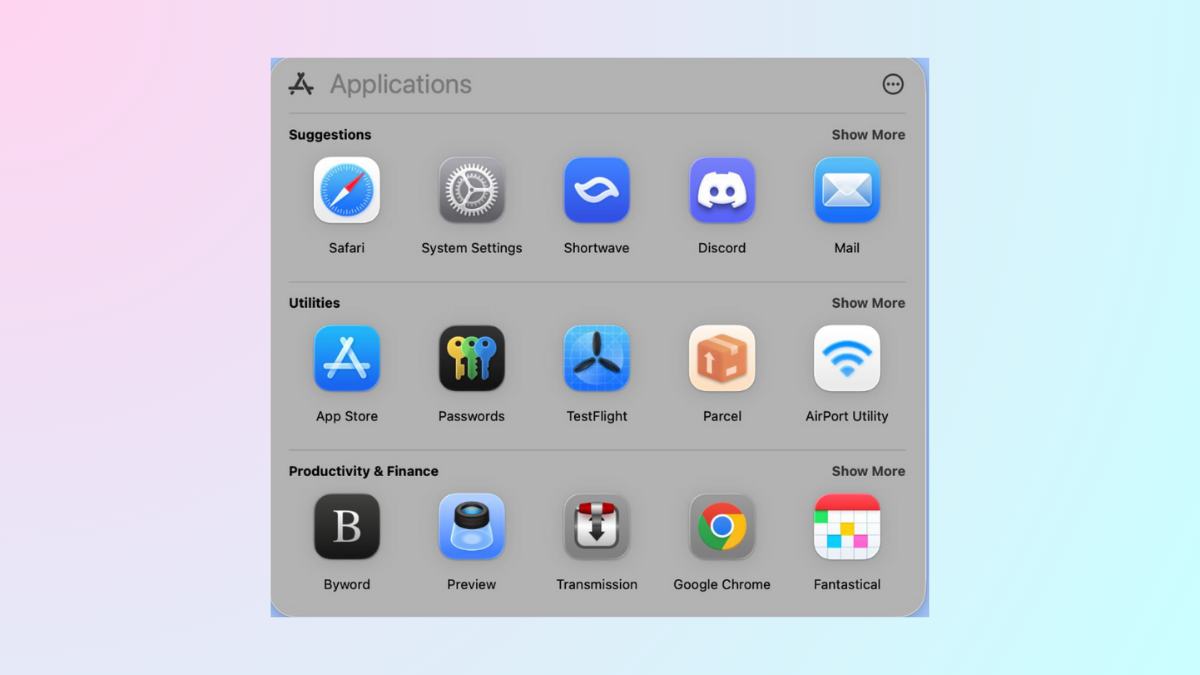
How To Use The New Applications Feature in macOS 26 Beta
Explore practical solutions and detailed steps for managing and launching apps after Launchpad’s removal in macOS 26 Beta, including Apple’s new Applications interface, third-party…
-
Access Saved Password History for Each Account in macOS 26 Beta
Retrieve, review, and manage previous password versions for individual accounts using the Passwords app in macOS 26 Beta.
-
Export Notes to Markdown Format in macOS 26 Beta
Apple introduces native Markdown import and export in Notes with macOS 26 Beta, streamlining cross-platform workflows and data portability.
-
Automate Workflows Using Triggers in macOS 26
Set up efficient, trigger-based automations in macOS 26 to streamline repetitive tasks and boost productivity with Shortcuts, Automator, and third-party tools.