
Category
Mac
macOS, MacBook, Apple Watch, iCloud — the Apple ecosystem outside iPhone.
-

Customize macOS 26 by Personalizing Folder Colors and Adding Emojis
Streamline file organization and make your Mac more visually intuitive by changing folder colors and applying emojis or symbols in macOS 26 Tahoe.
-
Revert Back to macOS 25 After Trying macOS 26 Beta
Restore your Mac to a stable macOS 25 release after installing the macOS 26 beta, using proven methods to recover system reliability and data…
-
Use the Enhanced App Permissions in macOS 26 Tahoe
macOS 26 Tahoe introduces refined app permission controls, giving users more direct authority over app access, menu bar visibility, and privacy settings.
-
Manage Startup Apps in macOS 26 to Improve Boot Time
Reduce macOS 26 boot delays by controlling which apps and processes launch automatically at startup.
-

Use the New Control Center Features in macOS 26 Tahoe
Discover how macOS 26 Tahoe’s redesigned Control Center streamlines customization, boosts productivity, and brings iPhone-style controls to your Mac.
-

Set Dynamic Wallpapers Based on Time of Day on macOS 15
Configure your Mac to automatically change desktop wallpapers according to the time of day, using built-in features and advanced customization options in macOS 15.
-
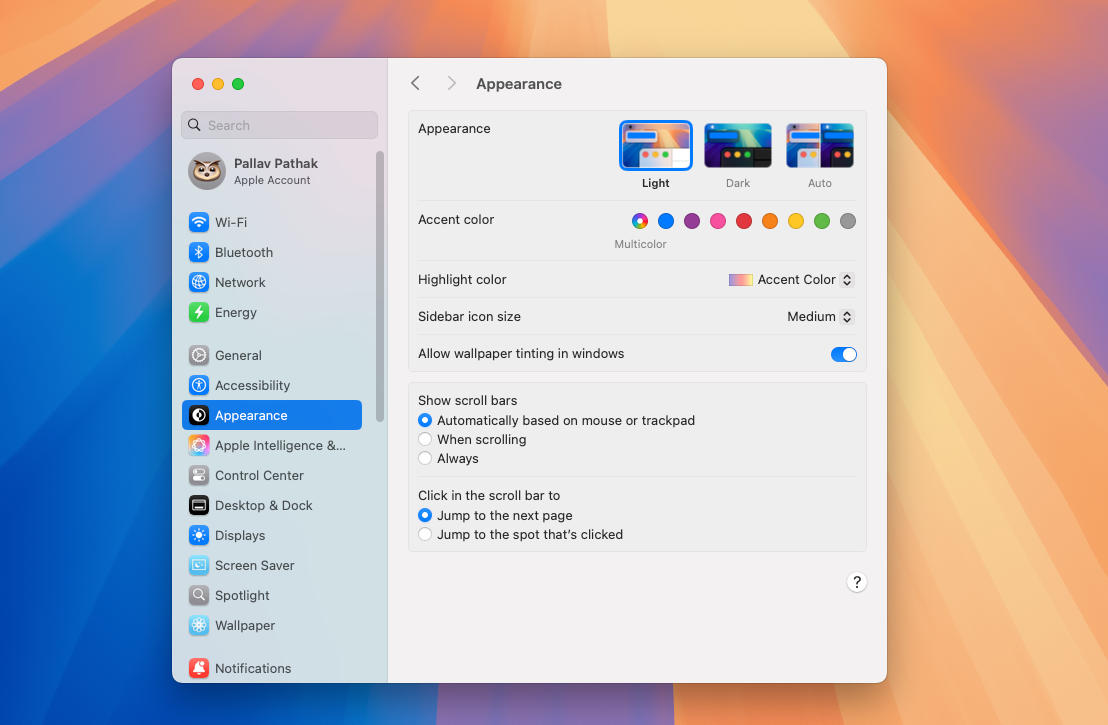
Change the System Font and Accent Colors in macOS 15
Adjust system font size and select custom accent colors in macOS 15 Sequoia to improve visibility and personalize your Mac’s appearance.
-

Customize the Menu Bar and Control Center Widgets on macOS 15
Streamline your workflow and access essential controls faster by adjusting menu bar icons and configuring Control Center widgets on your Mac running macOS 15.
-
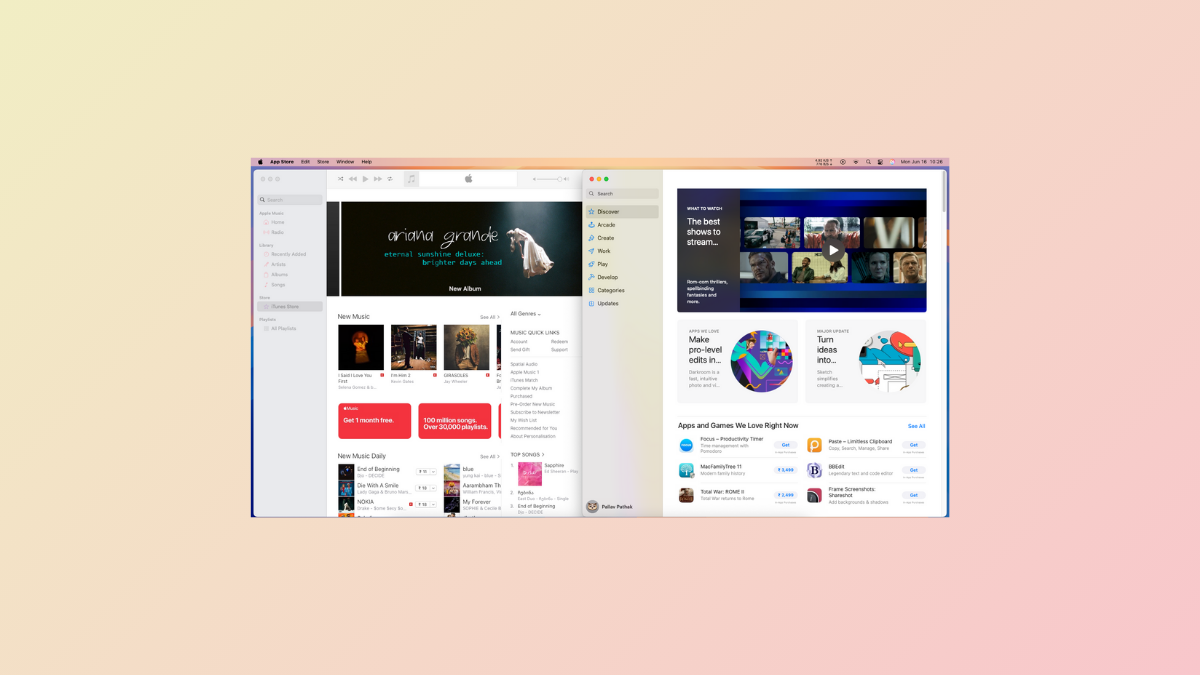
Use Split View and Stage Manager for Efficient Multitasking in macOS 15
Streamline your workflow by organizing windows with Split View and Stage Manager, optimizing how you manage multiple apps and tasks on your Mac.
-

Create and Use Smart Folders on MacOS 15
Organize files automatically by setting up Smart Folders in macOS 15 to save time and streamline your workflow.