
Category
Mac
macOS, MacBook, Apple Watch, iCloud — the Apple ecosystem outside iPhone.
-
Enable Developer Mode for Hidden AI Previews on macOS 26
Access hidden AI features and developer tools in macOS 26 by enabling Developer Mode, unlocking advanced previews and app development capabilities.
-
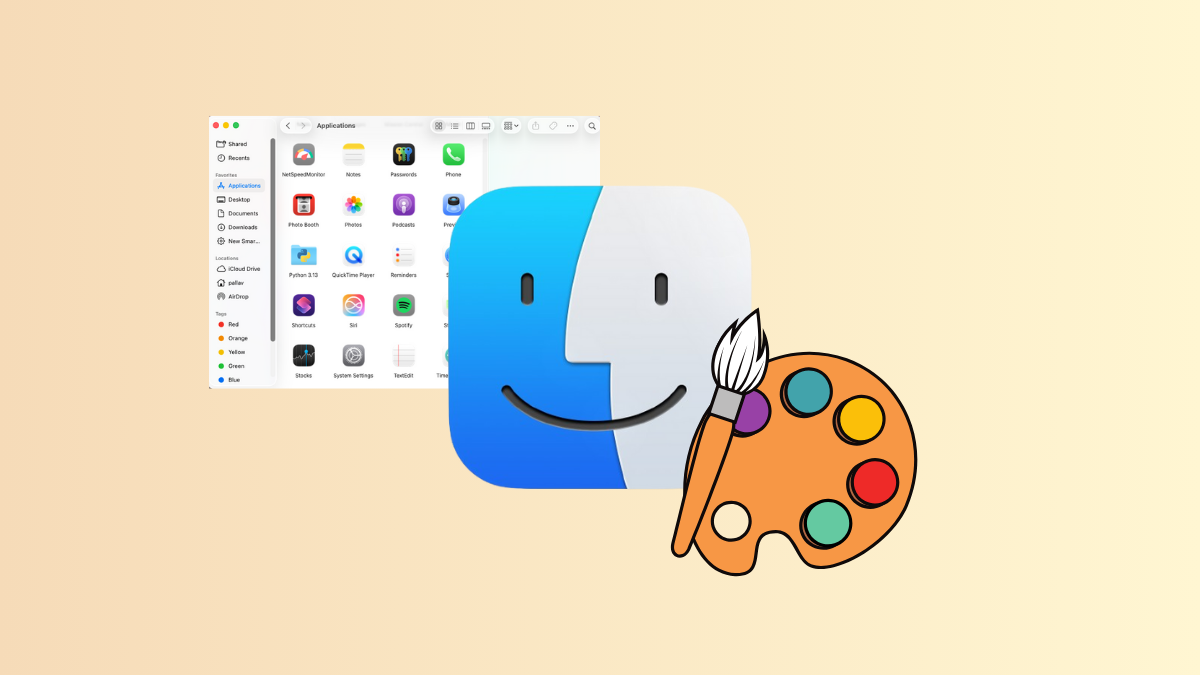
Adjust Finder’s Look and Settings on macOS 26
Streamline Finder’s appearance, window behavior, and folder views for a more consistent and efficient experience in macOS 26.
-
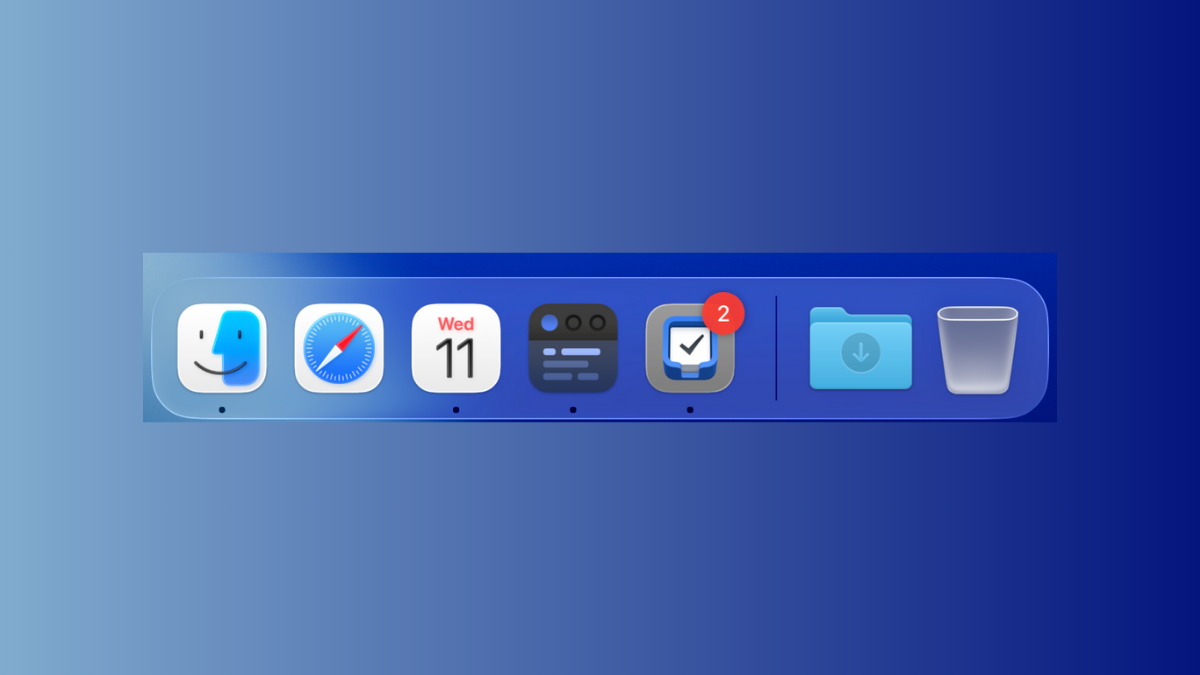
Adjust Recent Apps Display in the Dock on macOS 26 Tahoe
Control how many recent applications appear in the Dock on macOS 26 Tahoe, and discover alternative ways to access your most-used apps following recent…
-

Create AI-Powered Shortcuts to Summarize Text and Generate Images, and Trigger via Spotlight or Automations in macOS 26 Tahoe
Streamline text summarization and image generation workflows in macOS 26 Tahoe using Apple Intelligence, Genmoji, and Image Playground—all accessible through Spotlight and automated Shortcuts.
-
Create Quick Keys to Launch Actions on macOS 26
Quick Keys in macOS 26 allow you to launch system and app actions instantly from Spotlight, streamlining workflows with custom keyboard shortcuts or character…
-
Use the New Filters in Spotlight for Better Search Results on macOS 26
Spotlight in macOS 26 introduces advanced filters and direct actions, making it easier to find and manage files, launch apps, and complete tasks without…
-
Activate Real-Time Text and Voice Translation on macOS 26
Enable live, on-device translation across Messages, FaceTime, and Phone calls in macOS 26 for seamless multilingual communication.
-
Explore the New Games App and Manage Your Game Library on macOS 26
Discover how the new Games app on macOS 26 centralizes your gaming library, streamlines social play, and simplifies game discovery and management across platforms.
-
Take Notes Easily and Efficiently With the Journal App on macOS 26
Learn how to streamline your note-taking and journaling workflow using the Journal app on macOS 26, including practical steps and new features for iPad…
-
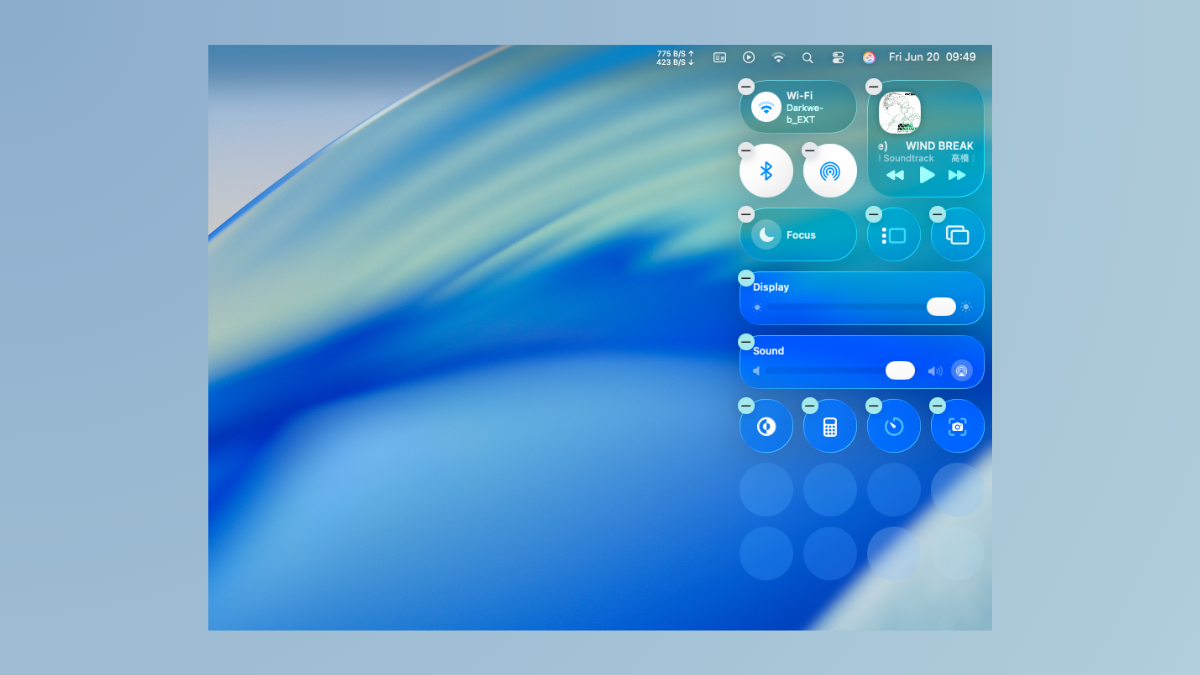
Improve Readability by Adjusting Transparency on macOS 26 Tahoe
Reduce visual clutter and make on-screen elements easier to distinguish by customizing transparency settings in macOS Tahoe’s Liquid Glass interface.