
Category
Microsoft Office
-
How to Count Words in Microsoft Excel
Discover multiple methods to calculate word counts in Excel cells, ranges, and for specific words, using built-in functions and custom formulas.
-
How to Enable Print Preview Edit Mode in Word
Accessing Print Preview Edit Mode in Word allows you to quickly make last-minute text and formatting changes before printing, saving time and reducing repetitive…
-

How to Fix “This File Cannot Be Previewed Because There Is No Previewer Installed” Error in Outlook
Resolve Outlook’s missing previewer error for PDFs, Word, and Excel files in Windows 11 by addressing PowerToys conflicts, application mismatches, and Trust Center settings.
-

How to Fix PowerPoint Audio or Screen Recording Not Working
Comprehensive instructions to resolve PowerPoint’s audio and screen recording failures in Windows 11, including permissions, driver updates, and alternative solutions.
-

How to Fix “This File Cannot Be Previewed Because of an Error with the Word Previewer” Error in Windows 11
Resolve the Microsoft Word previewer error in Windows 11 File Explorer and Outlook by adjusting Protected View settings and troubleshooting preview handler issues.
-
How to Fix Excel Not Saving Formatting
Learn multiple methods to resolve issues where Microsoft Excel fails to retain your formatting changes, including solutions for file types, compatibility, and file corruption.
-
How to Fix Outlook Cannot Copy or Move Folders Error
Resolve Outlook folder movement and copy errors by adjusting permissions, repairing profiles, and using alternative transfer methods.
-

How to Fix OneDrive Stuck on Preparing to Upload
Resolve the persistent “Preparing to upload” status in OneDrive with detailed methods that address common causes and restore smooth file syncing.
-
How to Fix PowerPoint Freezing or Hanging
Clear solutions to resolve PowerPoint not responding, freezing, or hanging issues and prevent future disruptions during your presentations.
-
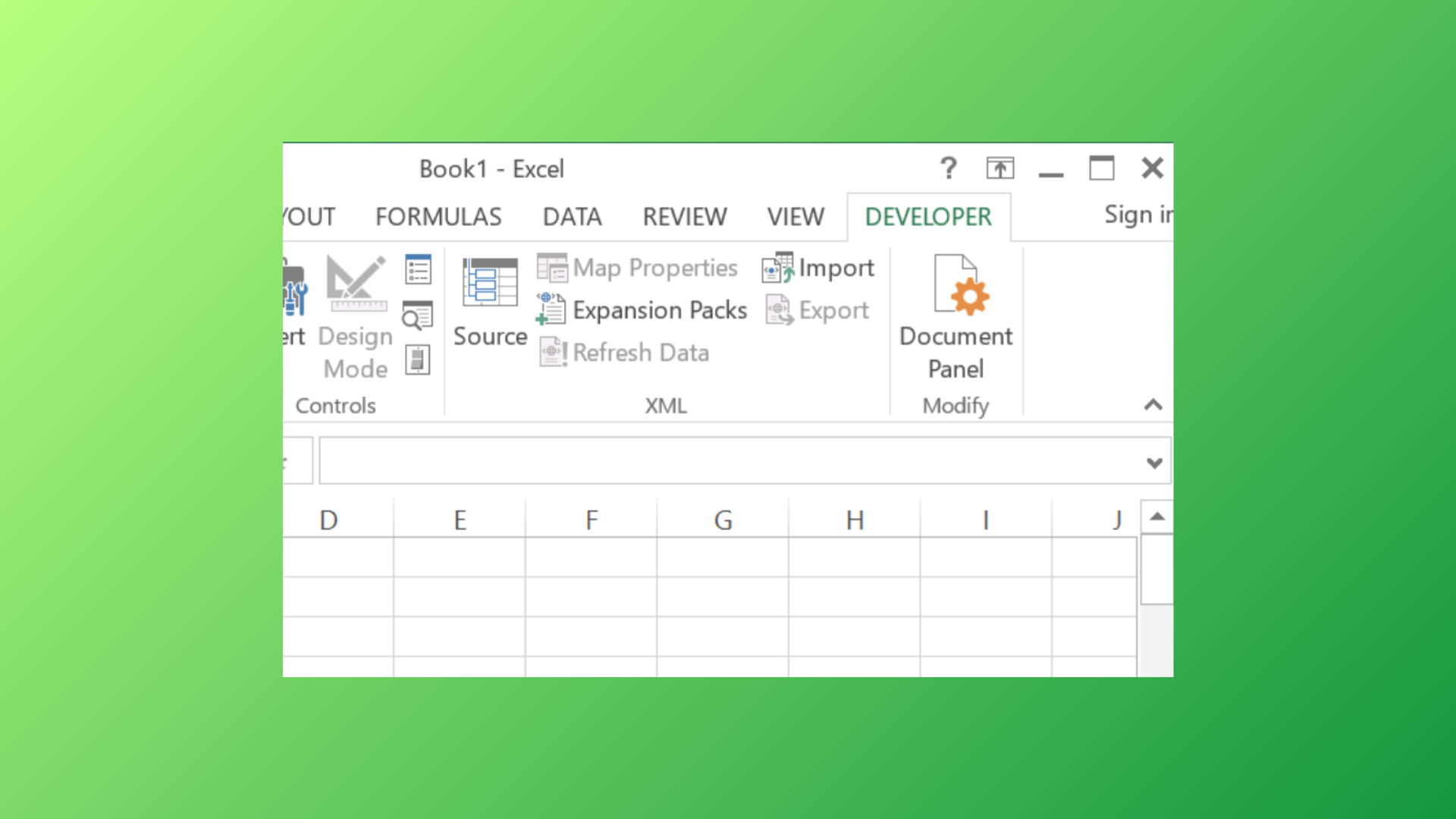
How to Enable, Use, or Remove the Developer Tab in Microsoft Excel
Access advanced Excel features by showing or hiding the Developer tab, and learn how to manage developer controls for streamlined workbook functionality.