
Category
Microsoft Office
-

How to See Everyone on Microsoft Teams in a Gallery View
Microsoft Teams in Office 365 is a meeting tool-of-choice for many organizations and remote teams. It doesn’t matter if you are working remotely. As…
-
How to Share and Delete Files in Microsoft Teams
Microsoft Teams provides an intuitive platform for sharing files with your colleagues, whether you wish to distribute documents team-wide or privately to specific individuals.…
-
How to Blur Background in Microsoft Teams
Video conferencing from home can sometimes reveal more of our surroundings than we’d like. To help maintain privacy and minimize distractions during meetings, Microsoft…
-
How to Leave a Team or an Organization in Microsoft Teams
There may come a time when you need to remove yourself from a team or organization in Microsoft Teams. Whether you’ve completed a project…
-
How to Set Up and Use Microsoft Teams Free
Microsoft Teams offers a versatile platform for teams to collaborate and communicate seamlessly, whether they are working remotely or in different parts of the…
-
How to Share Screen in a Microsoft Teams Meeting
Sharing your screen during a Microsoft Teams meeting enhances collaboration by allowing you to present documents, demonstrate software, or guide participants through a presentation…
-
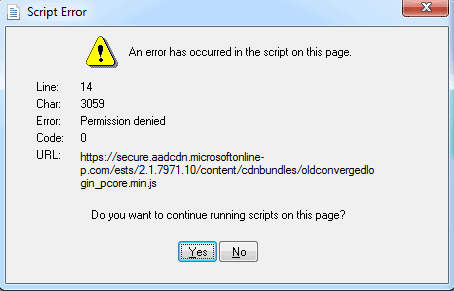
Microsoft Outlook users getting Script Error “Permission Denied” with Line 14
A lot of Microsoft Outlook users are getting a Script Error in the Outlook app on Windows. The error details are as follows: *…
-
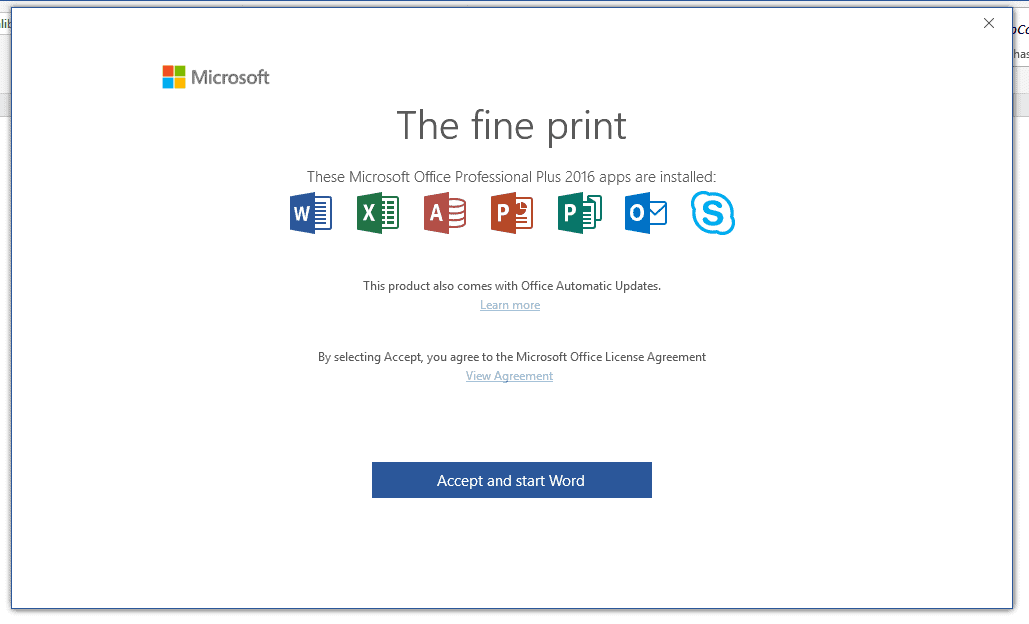
Microsoft Office Apps show “The Fine Print” pop-up message? Here’s what it means
Several Microsoft Office 2016 apps users have been getting the “The Fine Print” pop-up message lately. Some of you even wondered if it’s legitimate…