
Category
Apps
Productivity tools, Microsoft Office, communication apps, and browsers.
-
How to Create a Table of Contents in Microsoft Word
Everything you need to know about creating a Table of Contents in Microsoft Word for easy navigation and readability of your documents.
-

7 Ways to Get Character Count in Microsoft Word
Learn the 7 different ways to get the count of characters/words in your Word document.
-

What Does ‘Clap Back’ Mean and How to Use it?
Clapping back, to the uninformed, may sound like clapping back for someone who clapped for you. But, it’s a lot nastier than you may…
-

How to Change Image Color in Word, Excel, and PowerPoint
Change the color of an image by customizing color saturation, tone, recolor, and transparent color options in Microsoft Office apps.
-

How to Fix Arrow Keys Not Working In Excel Problem
If your arrow keys are not functioning within Excel, you can use the tips in this troubleshooting guide to solve the issue.
-

How to Download a Picture or Design from Canva
Enjoy the fruits of your labor and share your Canva designs anywhere after downloading them with these simple instructions.
-
How to Print from Canva Using Your Personal Printer
From designing to printing, Canva makes it extremely easy.
-

How to Fix Microsoft Word Spell Check Not Working Issue
If spell check (Spelling and Grammar tool) isn’t working in Microsoft Word, there are several ways to troubleshoot the issue.
-
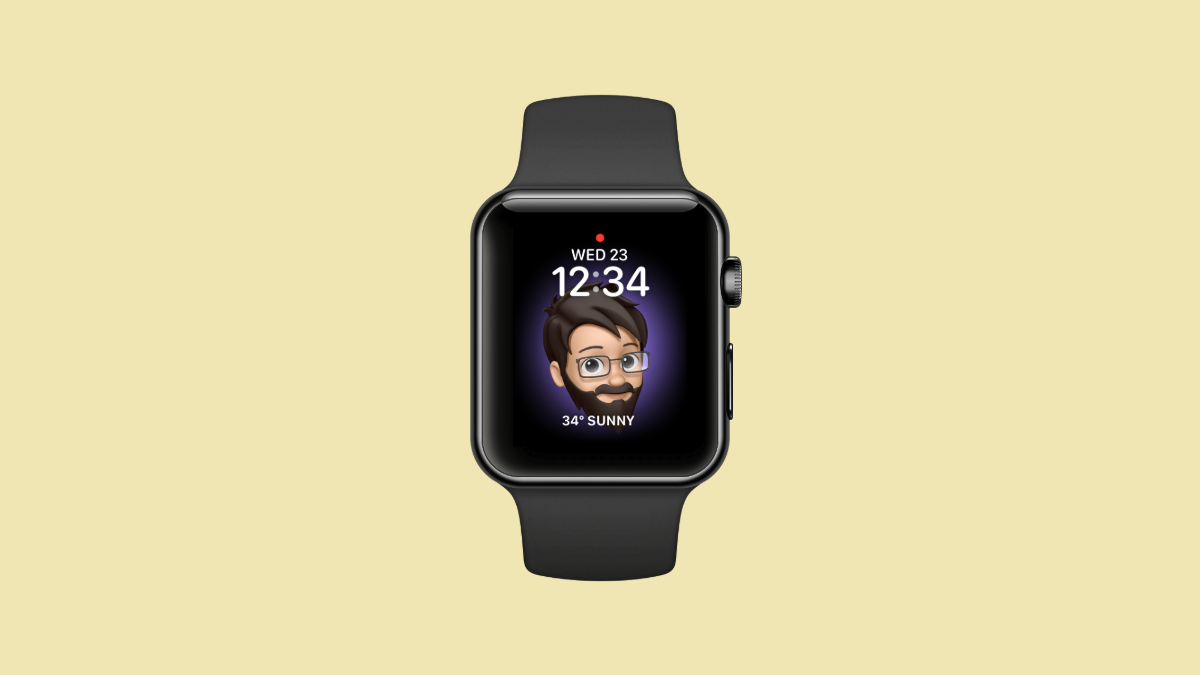
How to Make your Memoji an Apple Watch Face
Love your Memoji? Make it your Apple Watch face and wear it on your wrist.
-

What Does ‘TW’ Mean and How to Use it?
A TW here, a TW there, a TW everywhere. This emoji is not just popular. There’s a substantial reason why. Read on to find…